
Journey to the West Battle Scene Generation
A detailed, multi-shot prompt sequence for generating an action-packed battle scene from Journey to the West using Seedance 2.0.
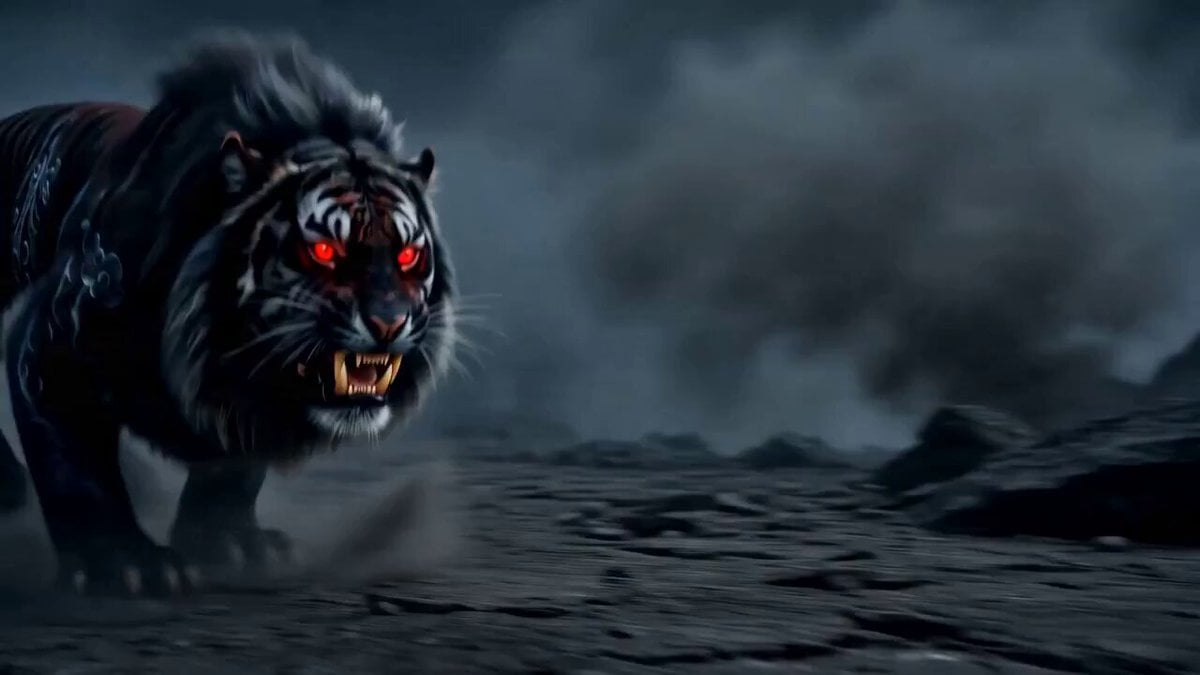
- Prompt included
- Model and format preset
- Premium template
The prompt behind this video
Copy the exact prompt behind Journey to the West Battle Scene Generation, or open it in the studio and make it yours.
Medium shot. The colossal Tiger King lunges forward unexpectedly, its mouth opening wide. From close-up, a powerful stream of intense orange and red fire erupts from its mouth, completely engulfing Sun Wukong in a roaring conflagration. The fire reflects on the rocky environment. Extreme close-up on Sun Wukong's eyes. As the fire dissipates, he stands unscathed, emerging from the smoke. His expression is calm but fierce. Suddenly, an explosive aura of blue lightning bursts from his body, crackling and dancing around him. High contrast lighting, sparks of blue energy. Dynamic action shot. Sun Wukong is instantly right in front of the Tiger King. The tiger's eyes widen in fear. Wukong delivers a devastating, full-power body blow with his blue-energy-charged fist directly into the tiger's abdomen. A massive circular shockwave of blue light and energy explodes at the point of impact. Cinematic motion blur. Camera work: Add handheld camera-like movement to enhance the sense of immediacy and tension on the battlefield. For Shot 3, imagine a "speed ramp" effect that accelerates from slow motion. Lighting: High contrast. Use the aura (blue lightning, red fire) itself as the light source (rim light) to sharply outline the character's silhouette. Maximize the contrast with the dark, smoky battlefield to create a mythological atmosphere.
How to use Journey to the West Battle Scene Generation in 3 steps
- 1
Open
The prompt is already in the box next to the preview, with the template's model and format selected.
- 2…a portrait of your subject in softgolden-hour light, 85mm…
Personalize
Edit the subject and creative details for your destination.
- 3Generate
Generate
Press Generate — your video is created in PicX Studio, so you can compare it with the original and refine one variable at a time.
More like this
Templates with the same subject, style or setup. Open one to see its prompt.
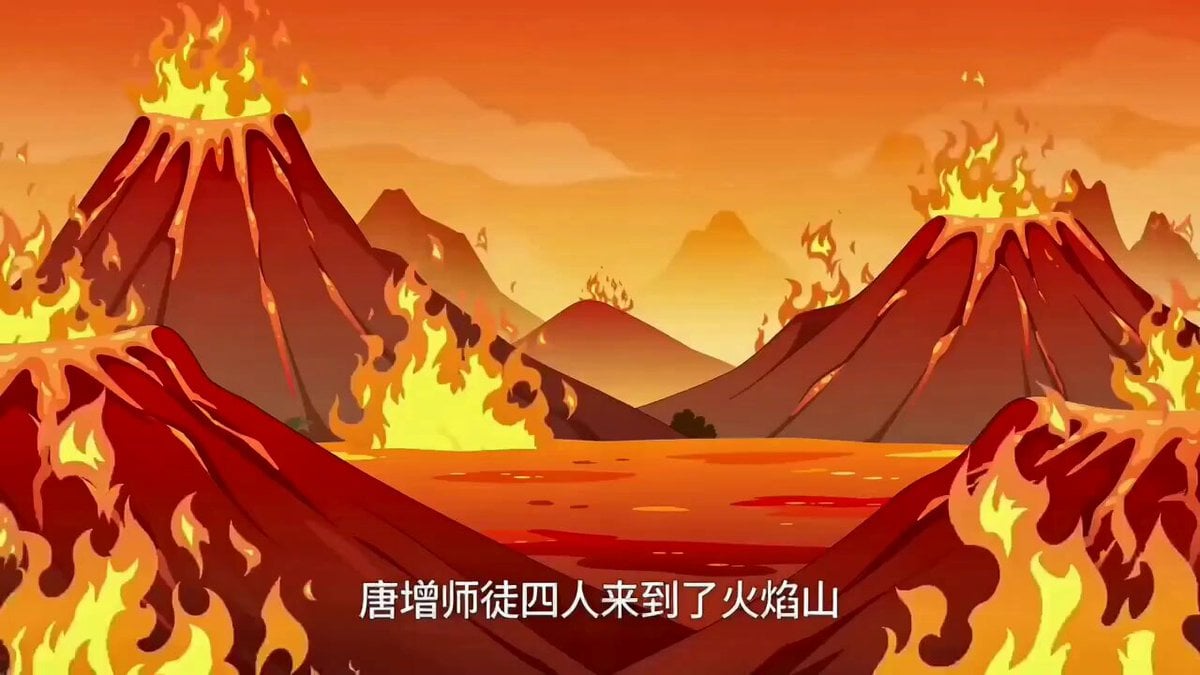
Comic to Video Explanation Prompt (Journey to the West)
Comic to Video Adaptation Prompt (Journey to the West)
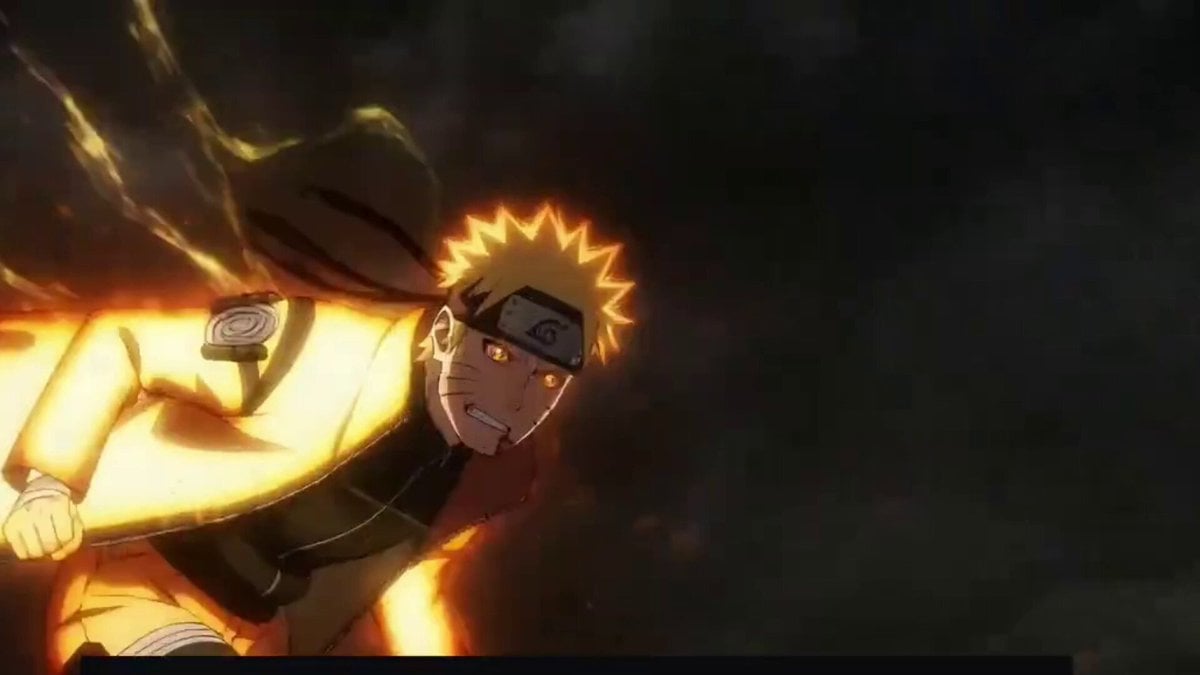
Anime character battle generation examples
Swordsman vs Shadow Monster — Bamboo Forest Battle
Tiger vs Gorilla — Jungle Canyon Clash
Mecha Transformation vs Kaiju — 4-Scene Epic
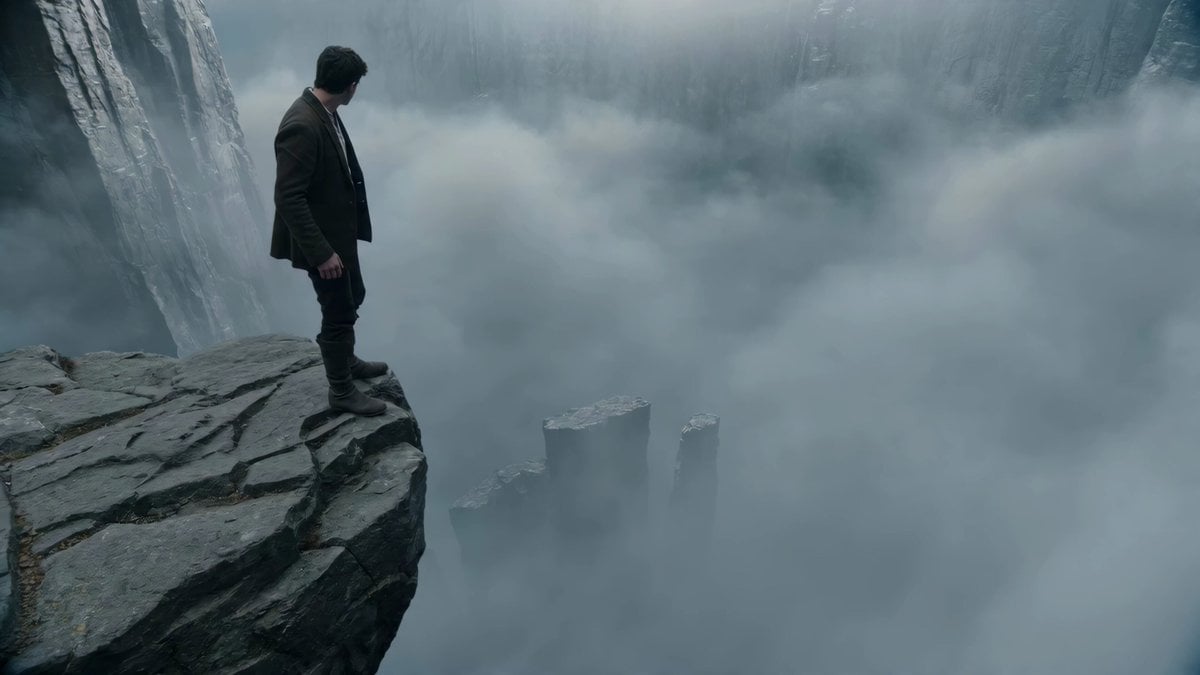
Adventurer Path Creator - Seedance 2

Rural Japanese Slice of Life Journey
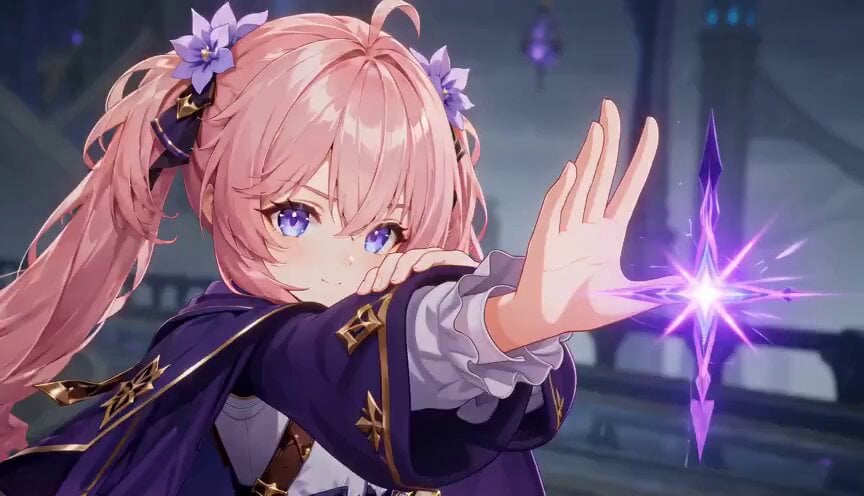
Magic City Fantasy Battle Animation
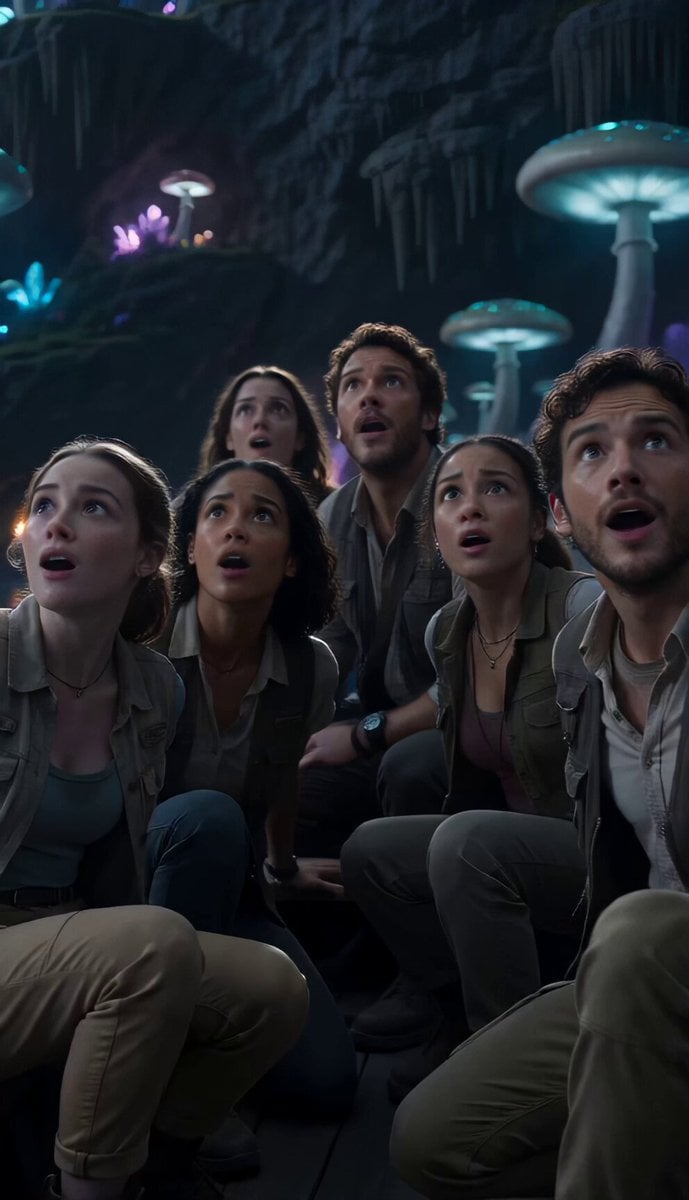
Underground Ocean Fantasy Journey
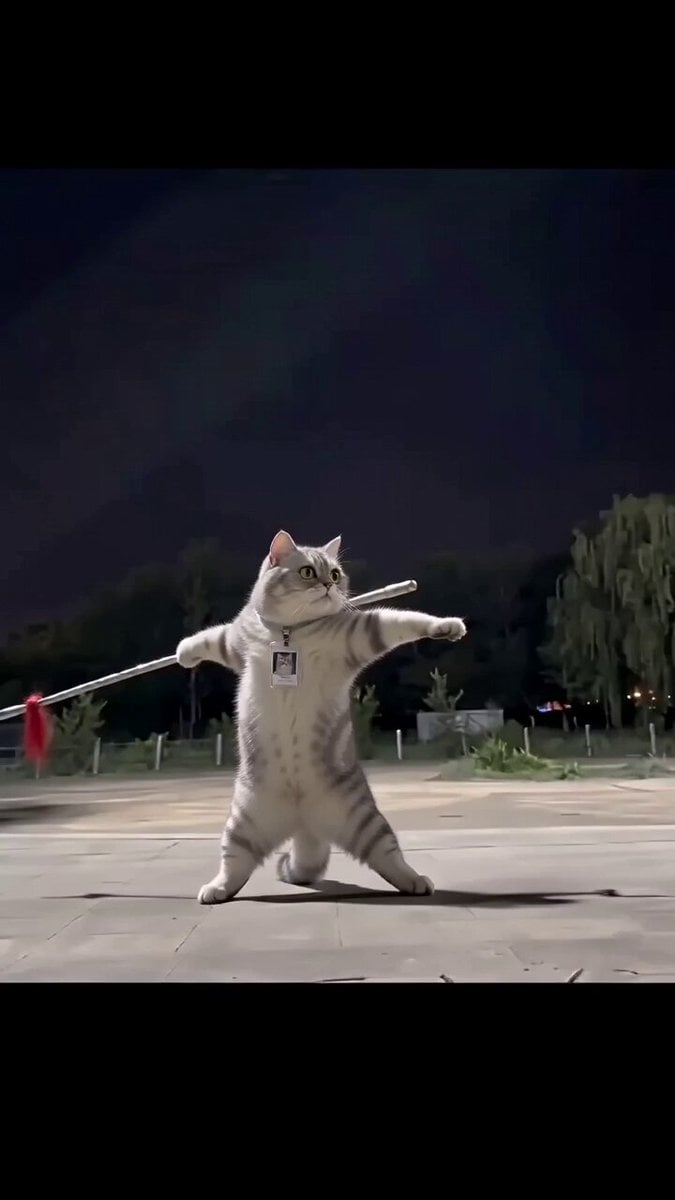
Real Animal Spear Dance Video Generation
Magical Glowing Forest Portal Journey
Make it yours
Journey to the West Battle Scene Generation works as-is. These are the safest ways to change it without losing the look.
Change one field
Copy a single group, rewrite it, and generate again so you can see what that field is doing.
Keep the frame, change the subject
Hold the composition and light of Journey to the West Battle Scene Generation, then swap wardrobe, props or the person for a new take.
| If the result… | Why | Fix |
|---|---|---|
| The result drifts from the preview | Too many fields changed at once. | Reuse Journey to the West Battle Scene Generation as-is first, then change one group — subject, light, or setting. |
| The model over-stylizes the scene | The prose prompt leaves finish and camera underspecified. | Add one camera or lighting sentence and stay on Seedance 2.0. |
More Seedance 2.0 templates
Other prompts made for Seedance 2.0.

Comical Martial Arts Punch Scene

Maglev Train Action Sequence

Martial Arts Fight Sequence

Wuxia Protection and Trust Script

Vintage Korean Arcade MiniDV Vlog

Mercedes 190 SL Luxury Ad

Rainy Night Supernatural Reverse Comedy Video Script

Amazon Civilization Discovery

Futuristic South Asian City Transformation

Cozy Luxury Cafe Commercial
More video prompts
Fresh picks from across the catalog.
Complex Toroid/Warp Alignment Video Prompt
Slow cinematic push-in with leaves passing across the frame
Raft Journey to Futuristic Utopia
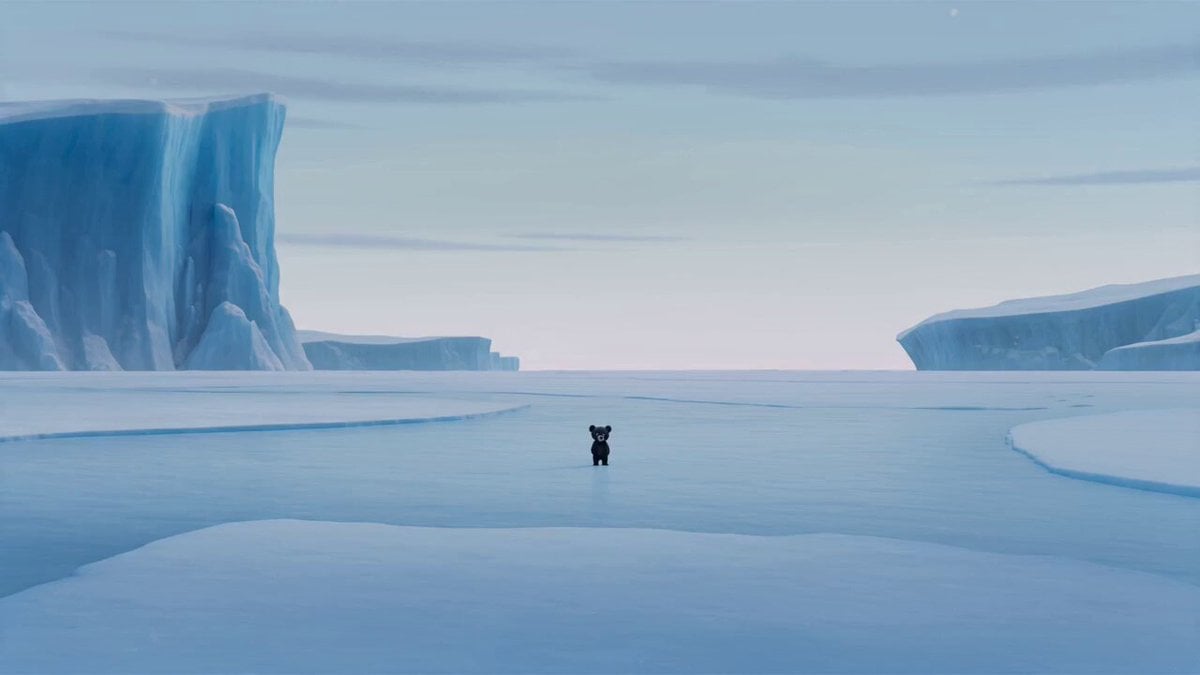
Arctic Dark Comedy Animation
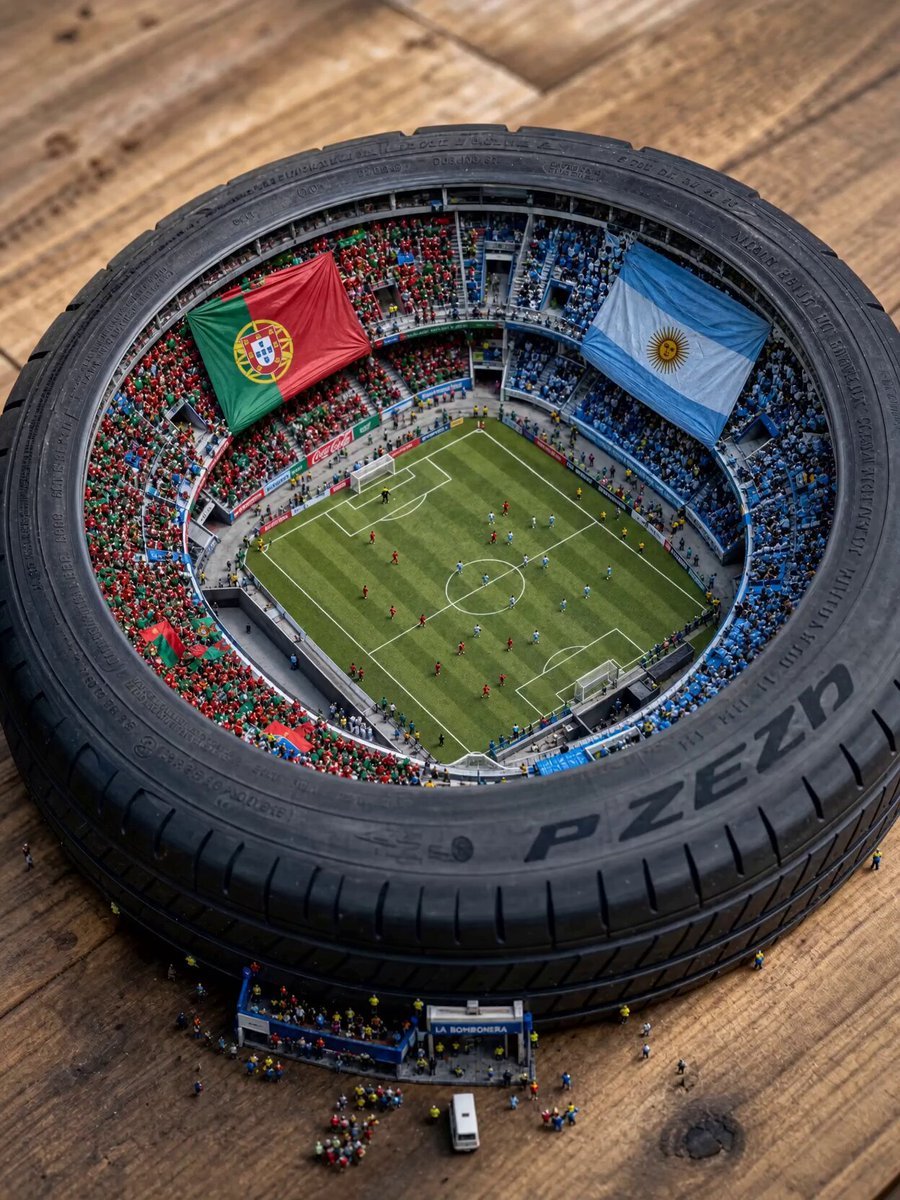
Miniature World Cup Tire Stadium
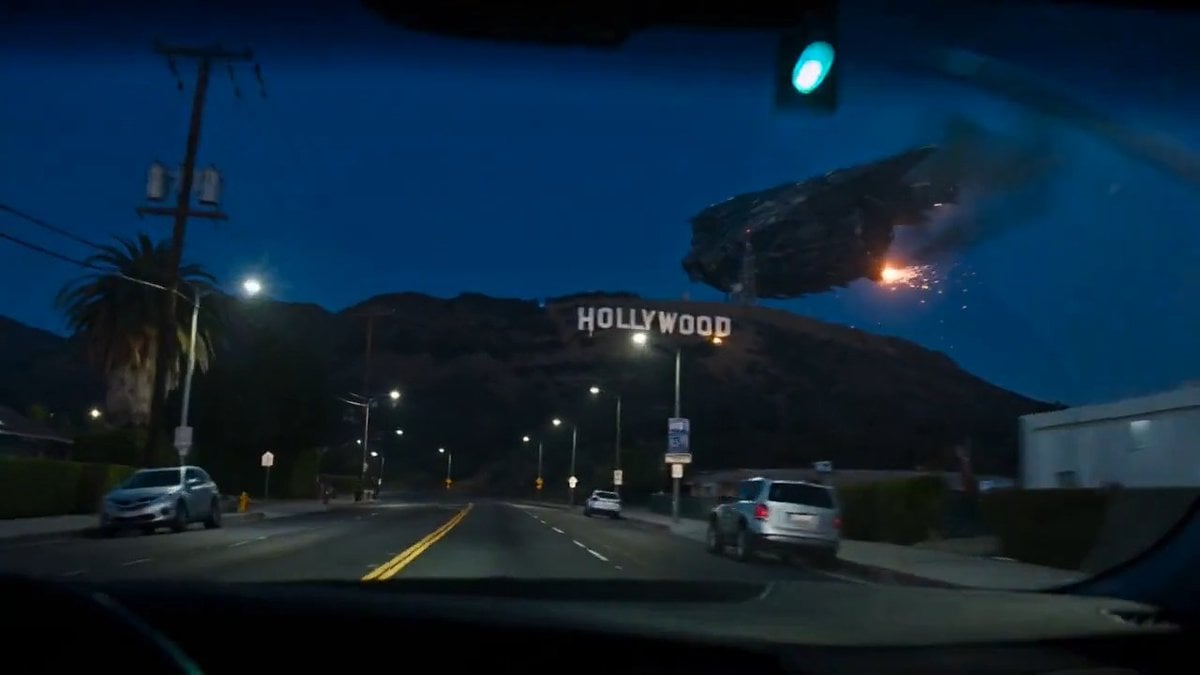
Spaceship Hollywood Sign Crash Sequence
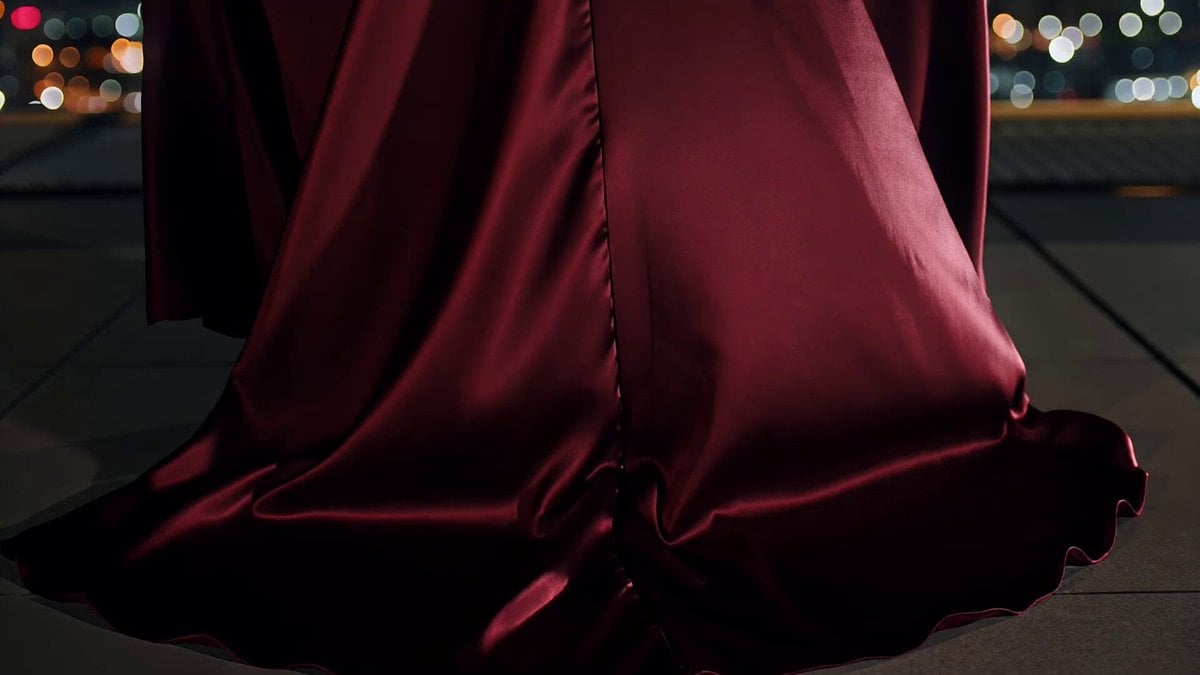
City Skyline Fashion Motion
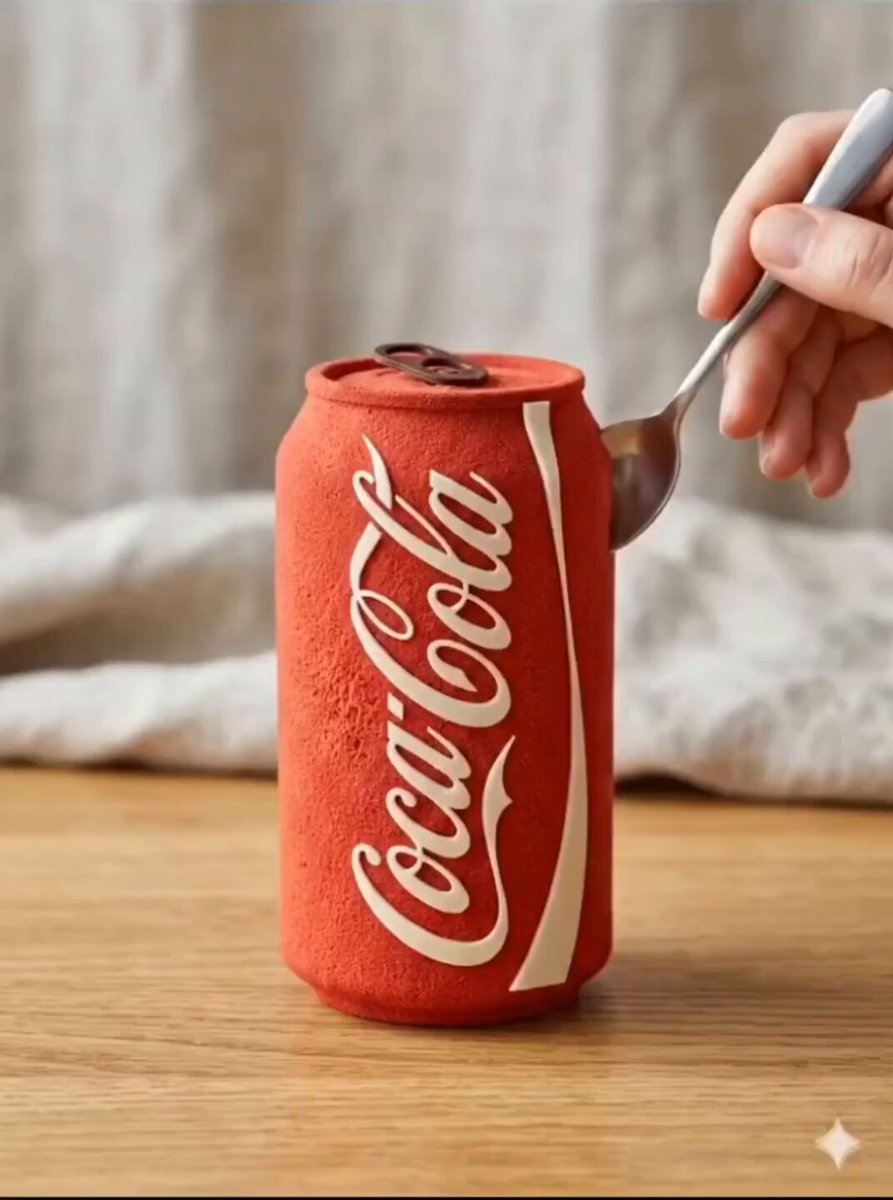
Edible Cake Product Transformation
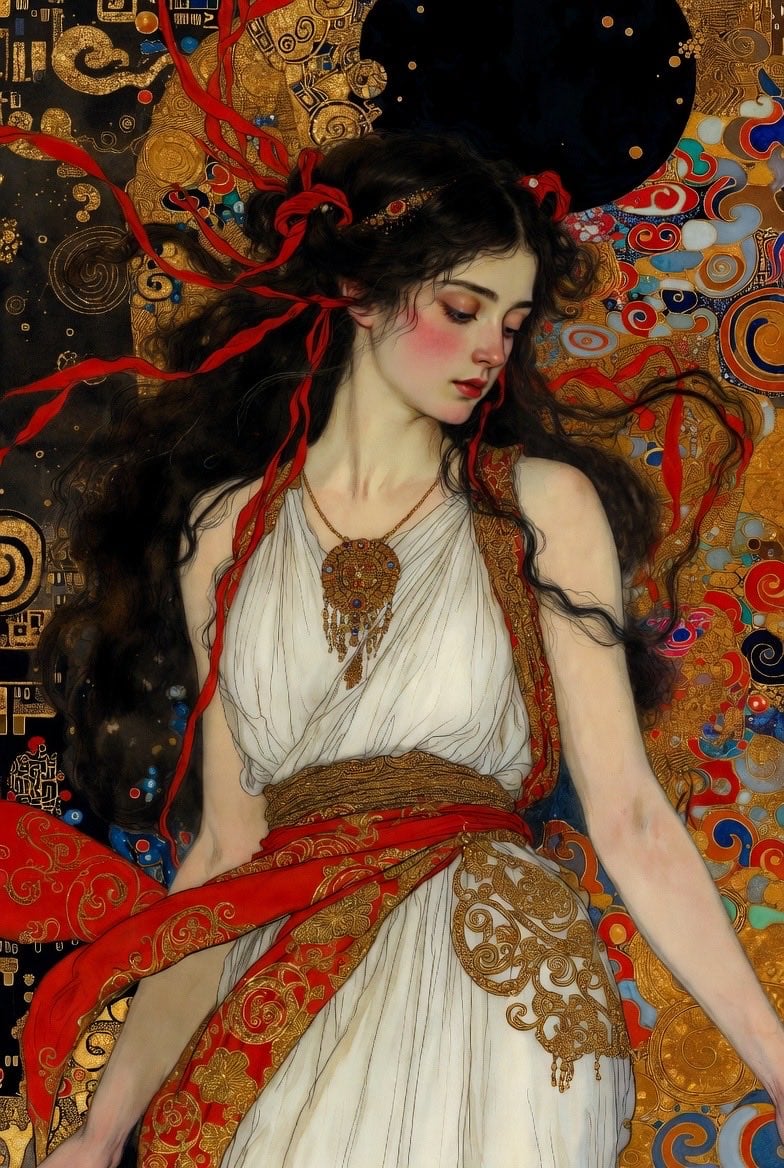
Klimt-Style Art Nouveau Video Prompt
Surreal Storyboard Transition Sequence
Browse template categories
Journey to the West Battle Scene Generation questions
How do I use the Journey to the West Battle Scene Generation template?
Add your photo if the template asks for one, edit the prompt if you like — the template's model and format are already selected — and press Generate. Your version opens in PicX Studio.
Can I customize the Journey to the West Battle Scene Generation template?
Yes. You can change the subject, setting, lighting, mood, format, and available model controls before creating your video.
Is the Journey to the West Battle Scene Generation template free?
Opening and editing this template is free. Generating uses credits, shown on the Generate button when you are signed in.
Which AI model should I use?
Start with Seedance 2.0, which is the model associated with this template. You can compare another compatible model for a different finish.
Looking for something else? Browse all templates.

Your photo, any look
Thousands of ready templates for every top image and video model, from one credit balance.