
Adventurer Path Creator - Seedance 2
Adventurer Path Creator - Seedance 2 is a ready video look.
- Prompt included
- Model and format preset
- Premium template
The prompt behind this video
Copy the exact prompt behind Adventurer Path Creator - Seedance 2, or open it in the studio and make it yours.
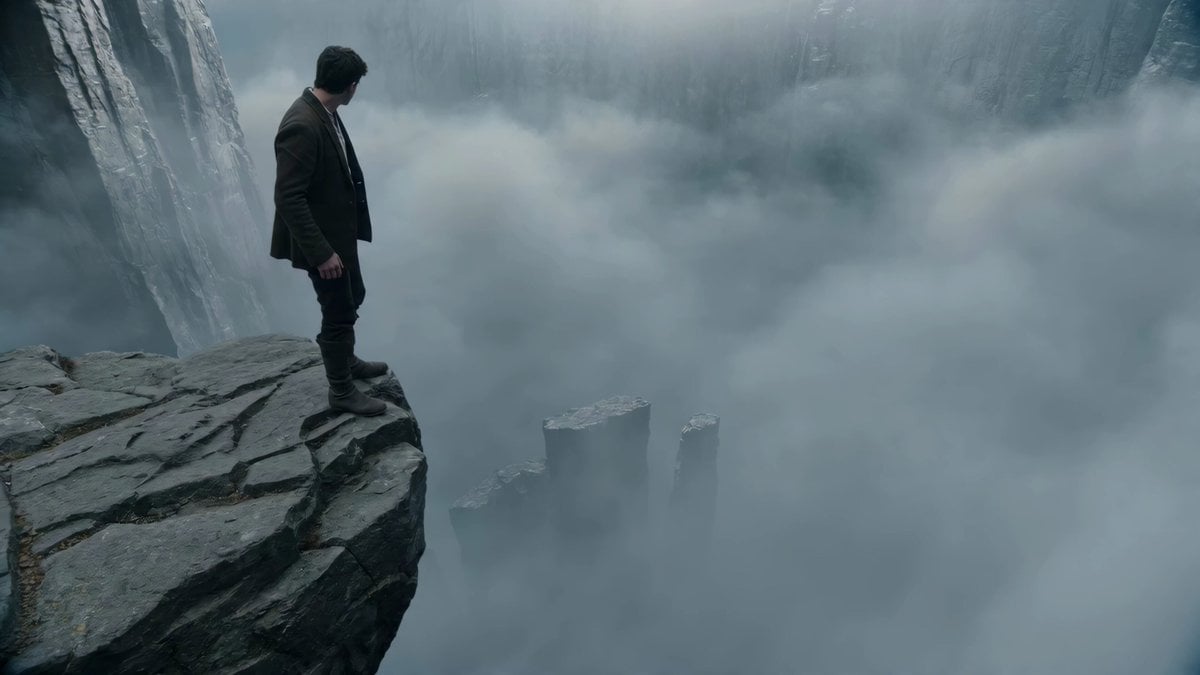
An adventurer descends from one towering cliff edge to another far below, forging a path downward where none exists, each step creating the way. He stands at the brink, boots inches from the drop, staring down at a distant ledge barely visible through the swirling mist. Without hesitation, he steps forward into the void. As his foot lowers, a stone tile coils into existence from the air below, locking into place just in time. He descends. Another step, another tile, appears beneath him with a faint swirl of mist and light. The camera hovers beside and slightly above him, then slowly spirals around, revealing the full vertical drop. The cliff he departed from looms above; the one he's heading toward waits below, still shrouded in fog. With each footfall, a narrow staircase forms downward in midair, impossibly suspended, leading him deeper into the abyss. The mist shifts with his movement, catching glimpses of the descending path as it assembles, silent and surreal.
How to use Adventurer Path Creator - Seedance 2 in 3 steps
- 1
Open
The prompt is already in the box next to the preview, with the template's model and format selected.
- 2…a portrait of your subject in softgolden-hour light, 85mm…
Personalize
Edit the subject and creative details for your destination.
- 3
 Generate
Press Generate — your video is created in PicX Studio, so you can compare it with the original and refine one variable at a time.
More like this
Templates with the same subject, style or setup. Open one to see its prompt.
Chibi Cave Adventure — He Doesn't Know What's Coming

Seedance 2.5 - @Diplomeme - 446818
Seedance 2.5 - @AIwithkhan - 901550

Seedance 2.5 - @AIwithkhan - 801709
Ice Queen — Frozen Battlefield Time Control (Seedance)
Cinematic Symbolic Light Point Journey

Daft Punk Tesla Spacesuit Arctic Adventure

Pterodactyl Transformation Journey
Misty Howling Morning Scene
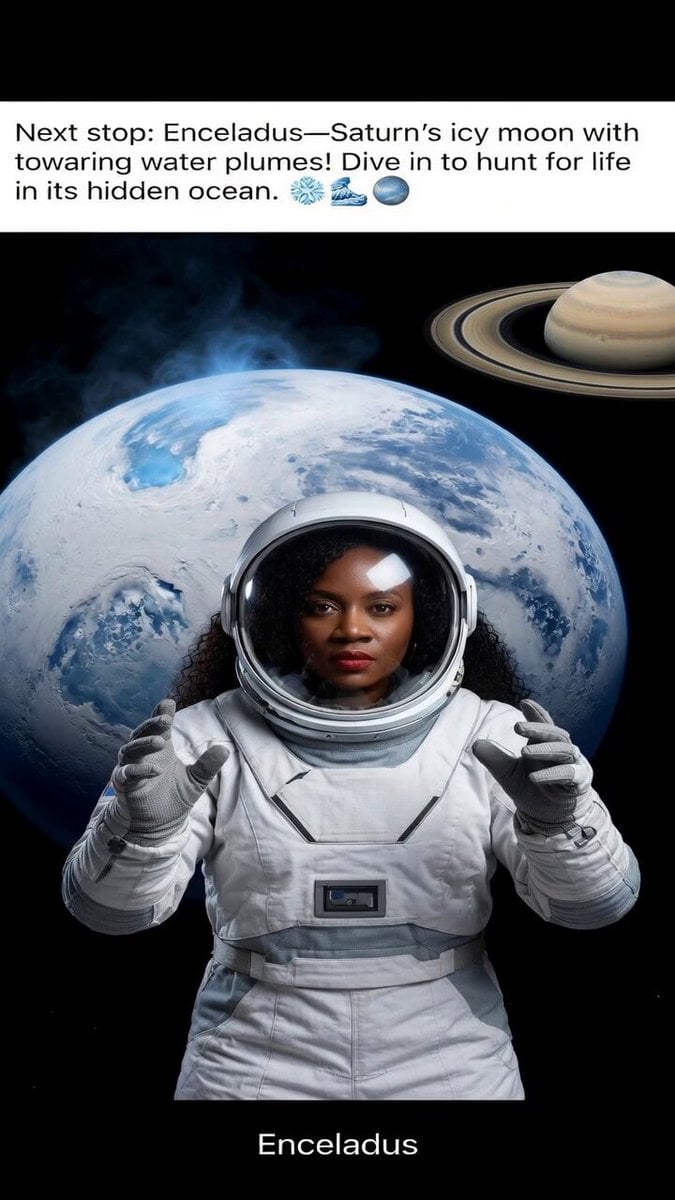
Journey to Enceladus
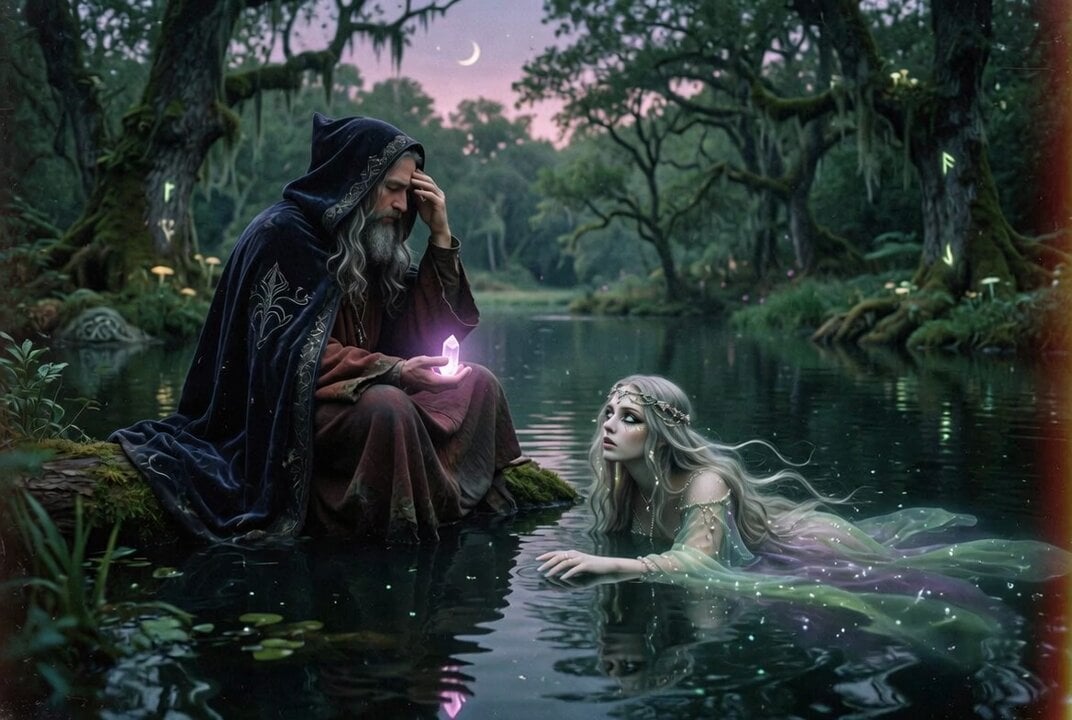
80s Fantasy Wizard and Lady
AI Tools Content Creator Growth Journey
Make it yours
Adventurer Path Creator - Seedance 2 works as-is. These are the safest ways to change it without losing the look.
Change one field
Copy a single group, rewrite it, and generate again so you can see what that field is doing.
Keep the frame, change the subject
Hold the composition and light of Adventurer Path Creator - Seedance 2, then swap wardrobe, props or the person for a new take.
| If the result… | Why | Fix |
|---|---|---|
| The result drifts from the preview | Too many fields changed at once. | Reuse Adventurer Path Creator - Seedance 2 as-is first, then change one group — subject, light, or setting. |
| The model over-stylizes the scene | The prose prompt leaves finish and camera underspecified. | Add one camera or lighting sentence and stay on PicX Studio. |
More video prompts
Fresh picks from across the catalog.
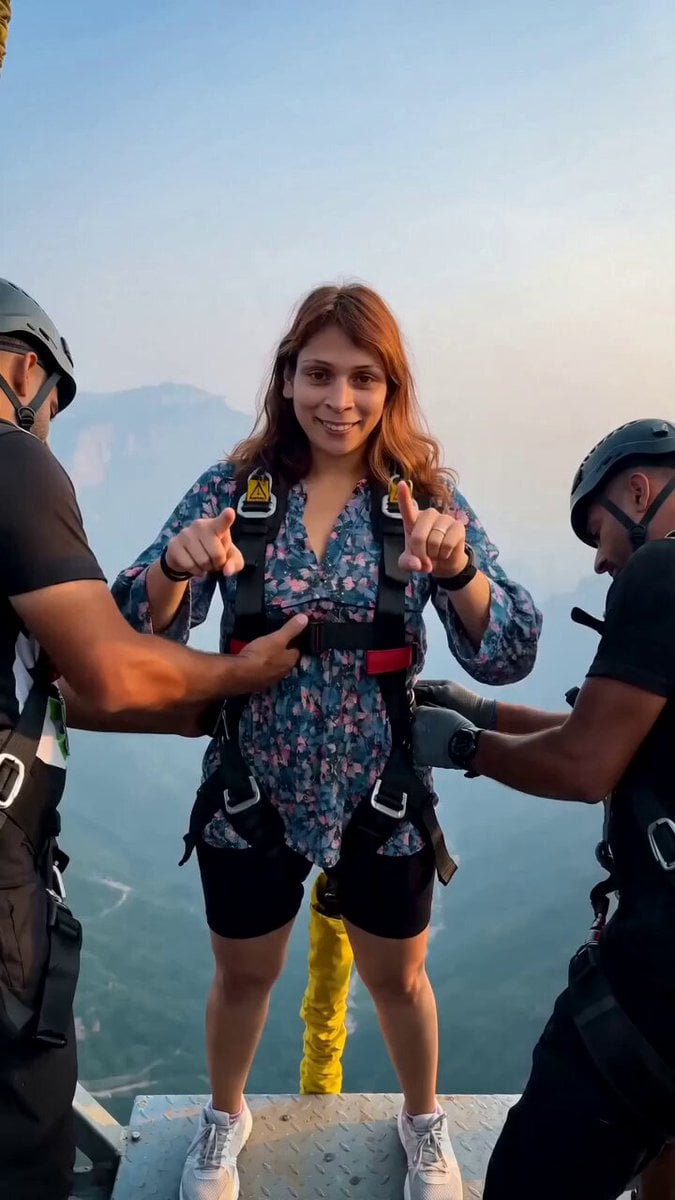
Cinematic Bungee Jump Action Video

Kaiju Train Attack
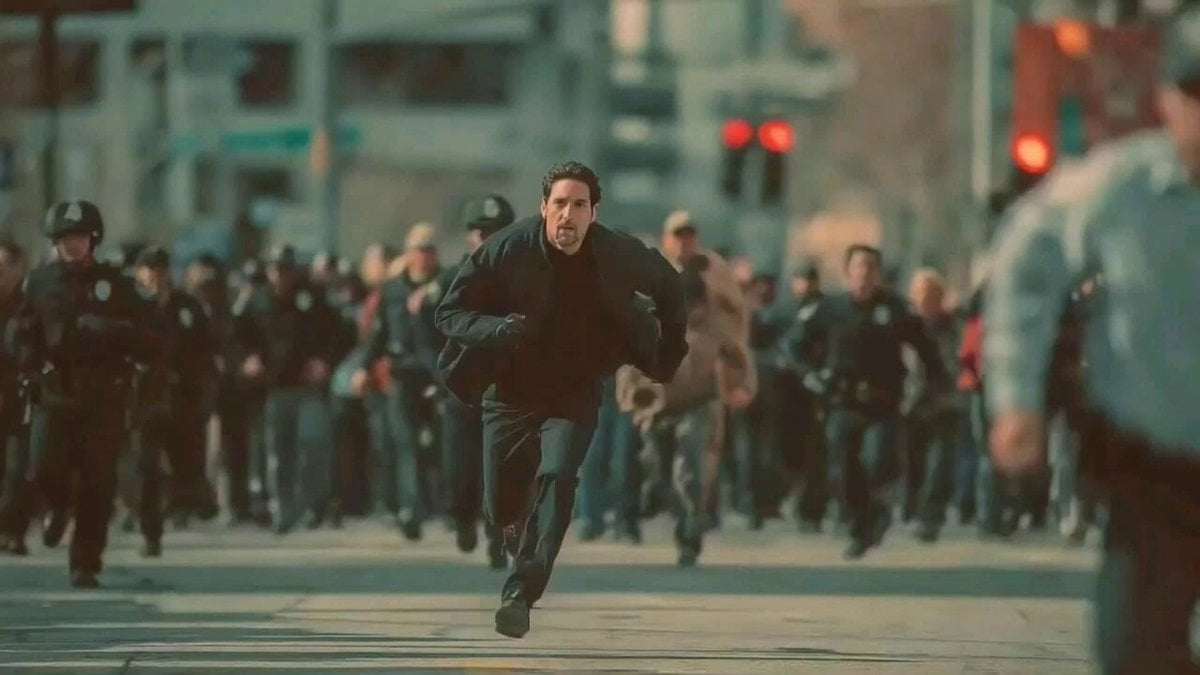
Man Fleeing Police in Urban Chase Scene
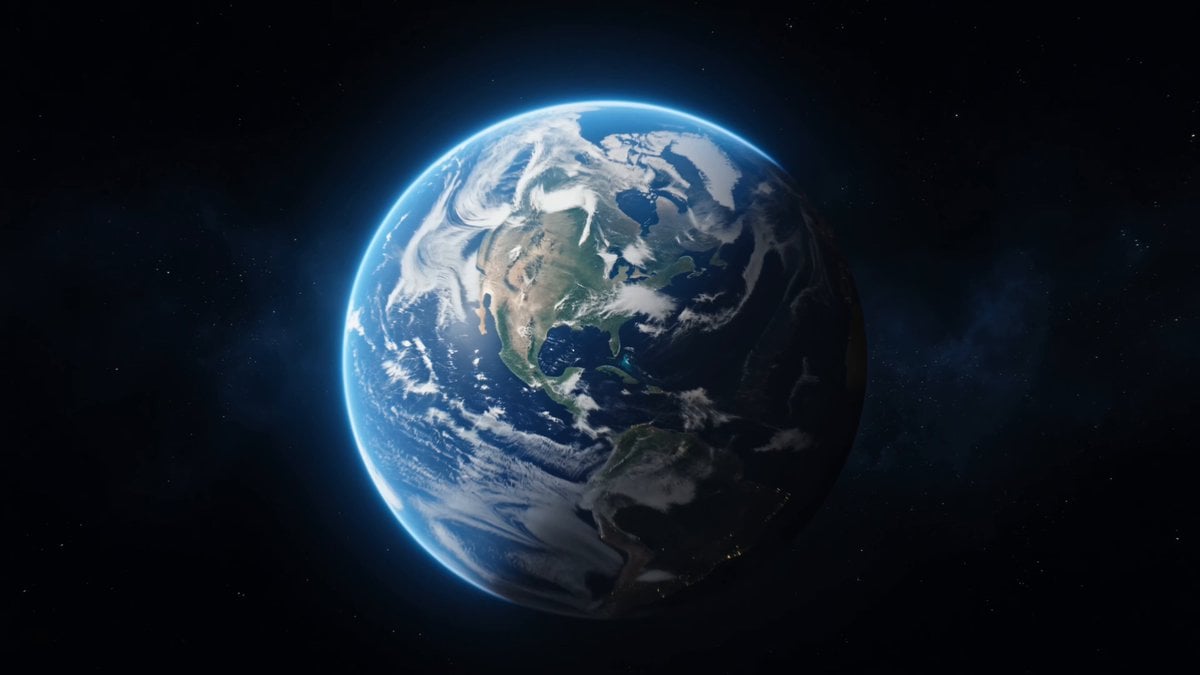
Cosmic Zoom to Café One-Take
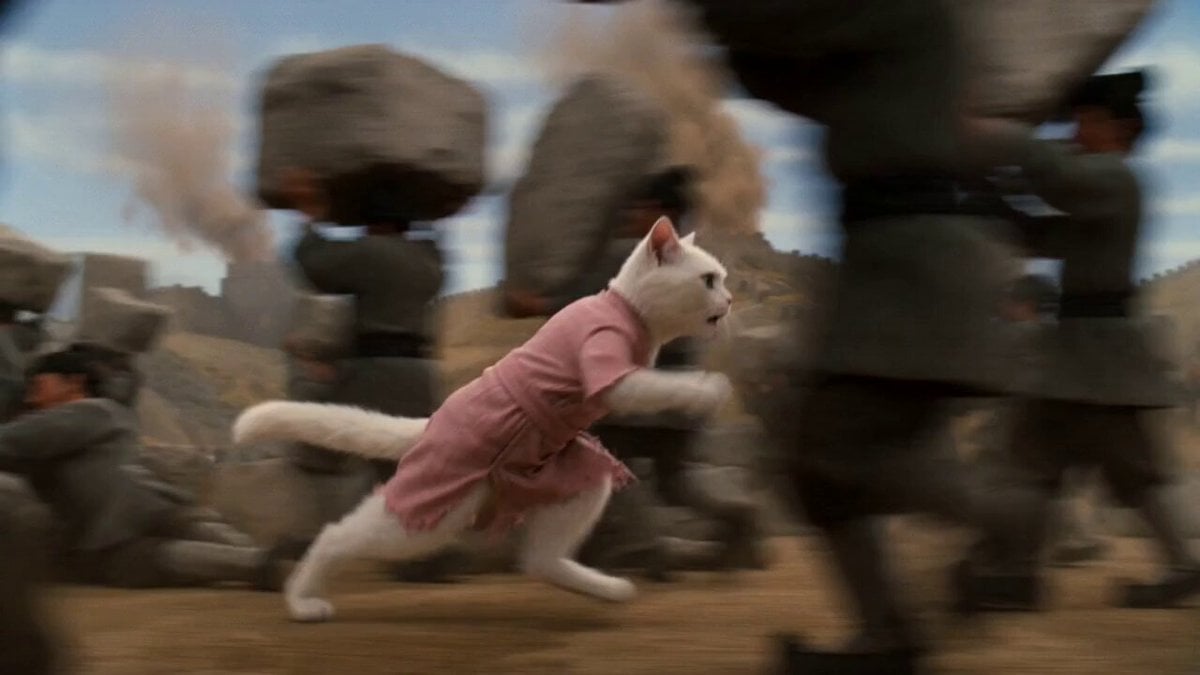
The Great Wall Qin Dynasty Comedy Prompt
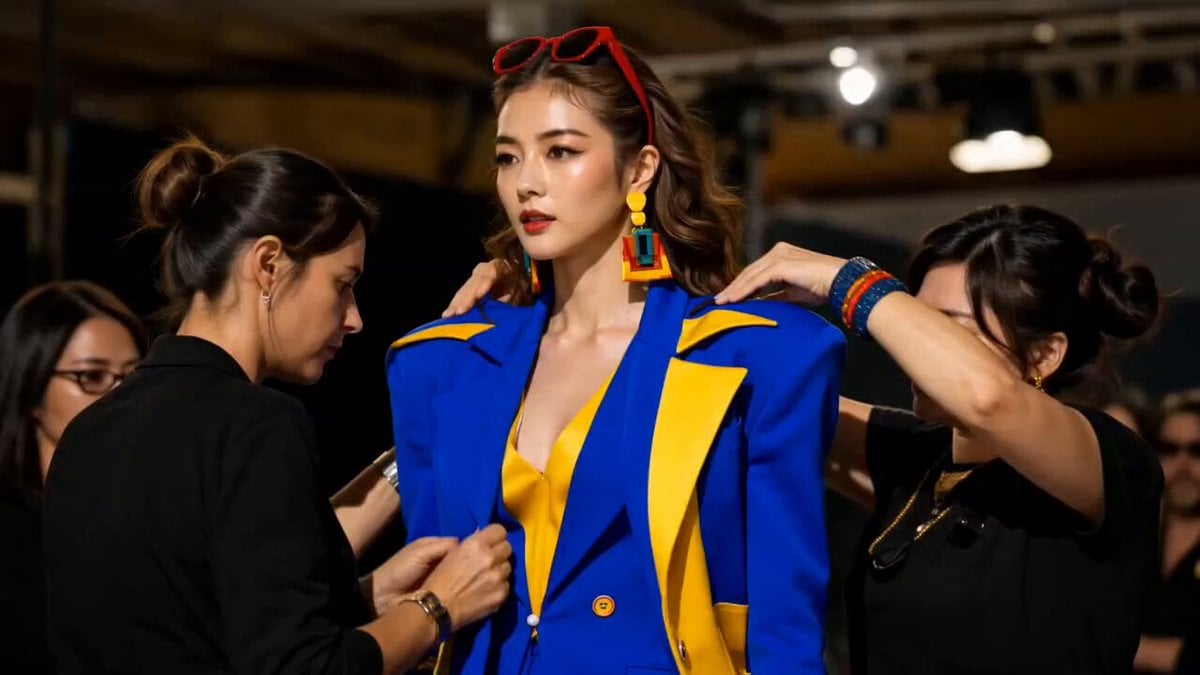
Fashion Runway Stumble Recovery
Creative Confession with AR Magic Effects
Photorealistic Serum Commercial Setup
Cinematic Penthouse Cat Introduction Scene
Seedance 2.0 Transformation Prompt: 10 World Female Armors
Browse template categories
Adventurer Path Creator - Seedance 2 questions
How do I use the Adventurer Path Creator - Seedance 2 template?
Add your photo if the template asks for one, edit the prompt if you like — the template's model and format are already selected — and press Generate. Your version opens in PicX Studio.
Can I customize the Adventurer Path Creator - Seedance 2 template?
Yes. You can change the subject, setting, lighting, mood, format, and available model controls before creating your video.
Is the Adventurer Path Creator - Seedance 2 template free?
Opening and editing this template is free. Generating uses credits, shown on the Generate button when you are signed in.
Which AI model should I use?
Choose a compatible model in PicX Studio based on the style, speed, and output controls your project needs.
Looking for something else? Browse all templates.

Your photo, any look
Thousands of ready templates for every top image and video model, from one credit balance.