
Kaiju Train Attack
A high-speed kinetic video prompt involving a bullet train caught in a battle between two massive Kaiju during a rainstorm.
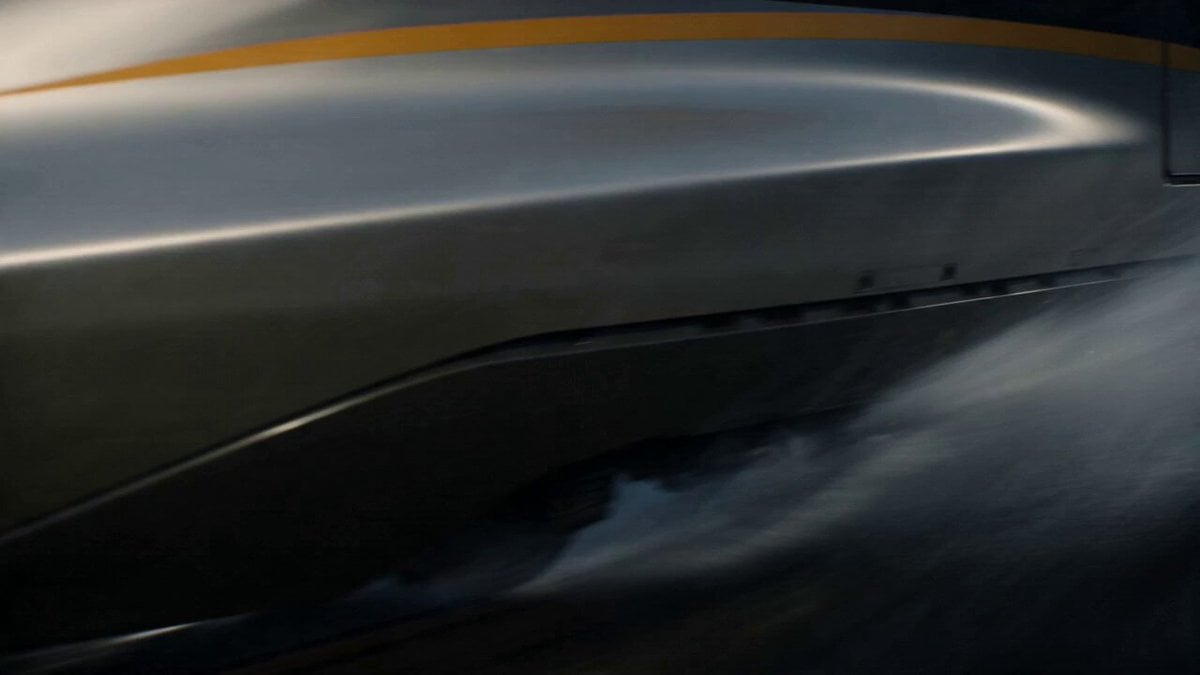
- Prompt included
- Model and format preset
- Premium template
The prompt behind this video
Copy the exact prompt behind Kaiju Train Attack, or open it in the studio and make it yours.
A high-speed bullet train becomes trapped between two battling Kaiju in the middle of a rainstorm. Sparks, collapsing bridges, giant tails smashing through tunnels, and passengers flying through the cabin while the train keeps moving at full speed. ⸻ Shot 1 (0s–2s) — THE HOOK A bullet train blasts through heavy rain. Suddenly a gigantic Kaiju tail SMASHES through the tracks ahead. The train barely avoids derailing. ⸻ Shot 2 (2s–5s) Inside the violently shaking train. Passengers thrown everywhere. Windows crack as another Kaiju roars outside beside the moving train. ⸻ Shot 3 (5s–8s) Wide shot: two massive Kaiju fight directly around the speeding train while it races across a collapsing bridge. ⸻ Shot 4 (8s–11s) A giant claw nearly crushes the train as sparks and debris rain across the cars. The train enters a tunnel — —and the Kaiju SMASH through the tunnel walls beside it. ⸻ Shot 5 (11s–15s) — PAYOFF The train launches off collapsing tracks across a broken bridge gap while the Kaiju battle explodes behind it.
How to use Kaiju Train Attack in 3 steps
- 1
Open
The prompt is already in the box next to the preview, with the template's model and format selected.
- 2…a portrait of your subject in softgolden-hour light, 85mm…
Personalize
Edit the subject and creative details for your destination.
- 3Generate
Generate
Press Generate — your video is created in PicX Studio, so you can compare it with the original and refine one variable at a time.
More like this
Templates with the same subject, style or setup. Open one to see its prompt.
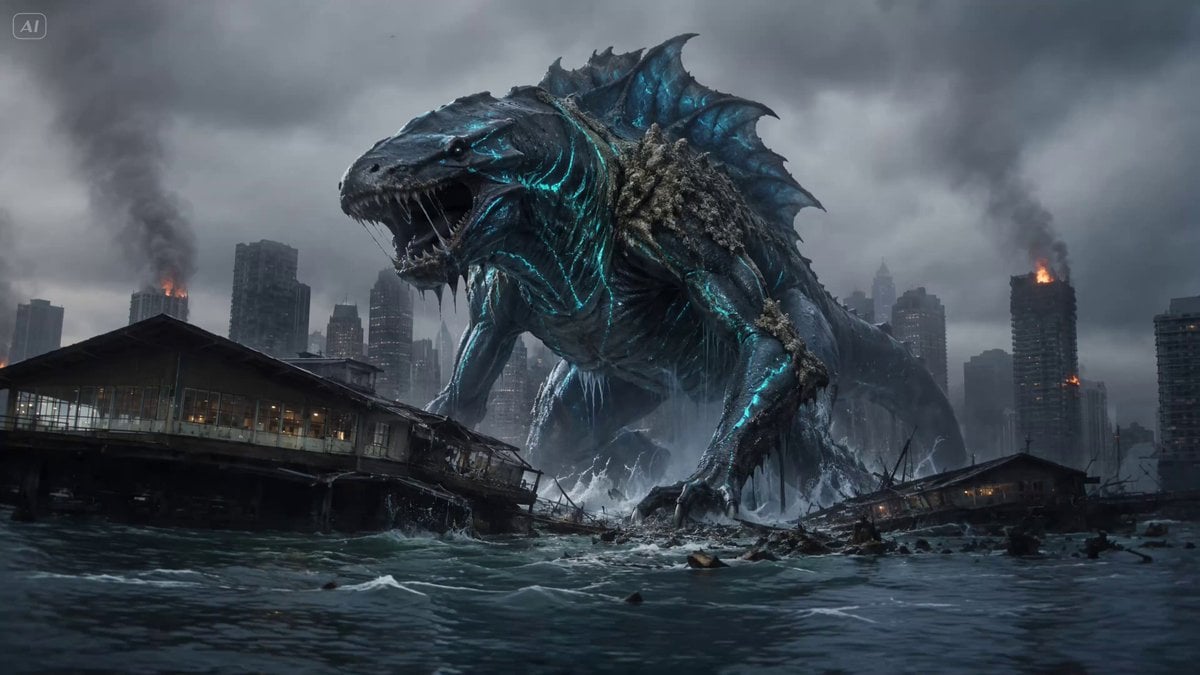
Cinematic Kaiju Monster Attack Sequence

Giant Seahorse City Destruction — Flova AI
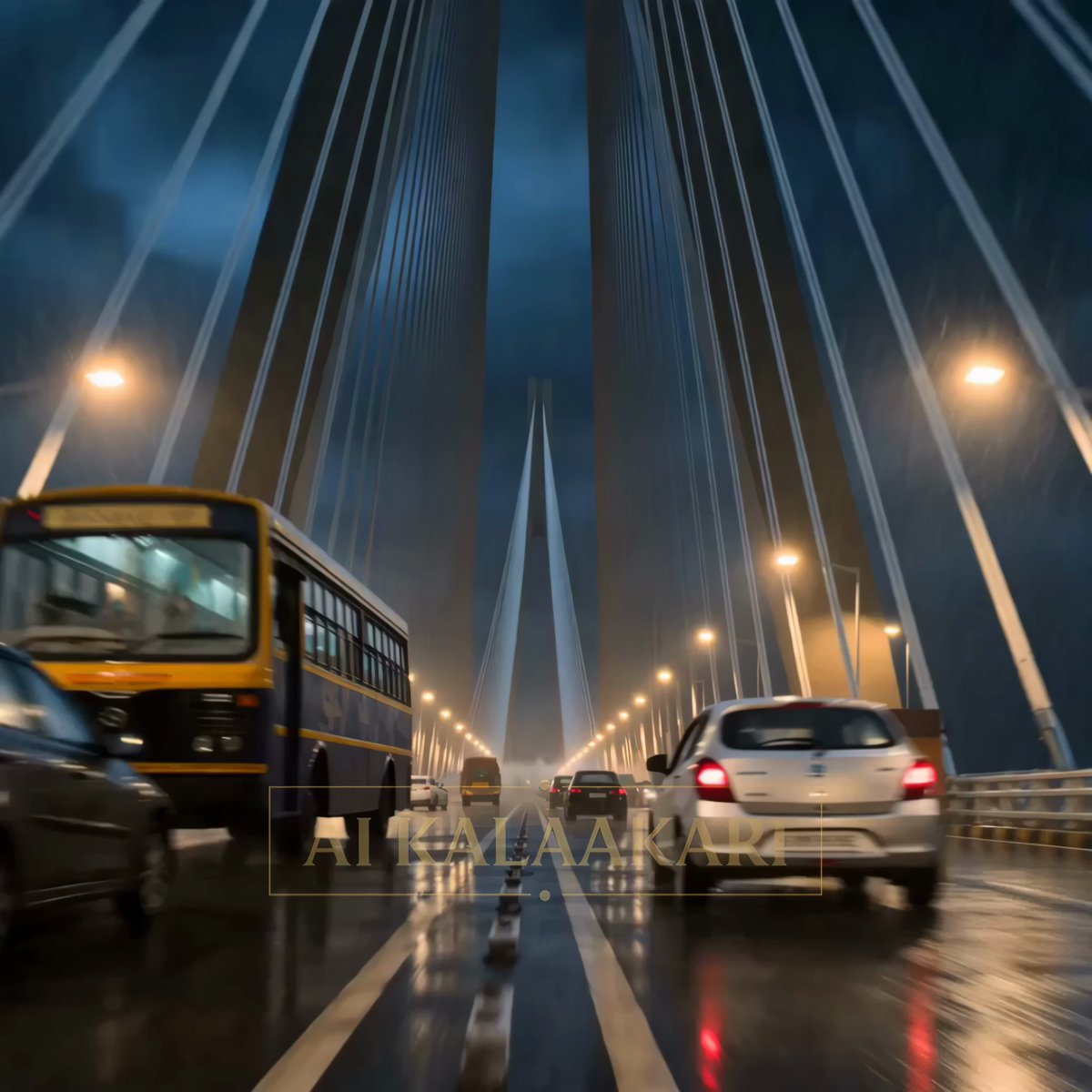
Kaiju Attack on Mumbai Sea Link
Subway Flood — Epic Tunnel Chaos
Mecha Transformation vs Kaiju — 4-Scene Epic
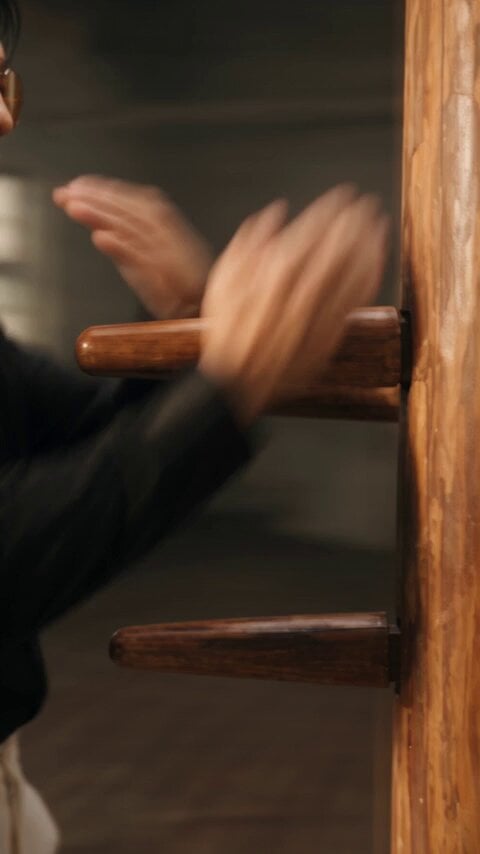
Realistic Wing Chun Kung Fu Training Video

Maglev Train Action Sequence
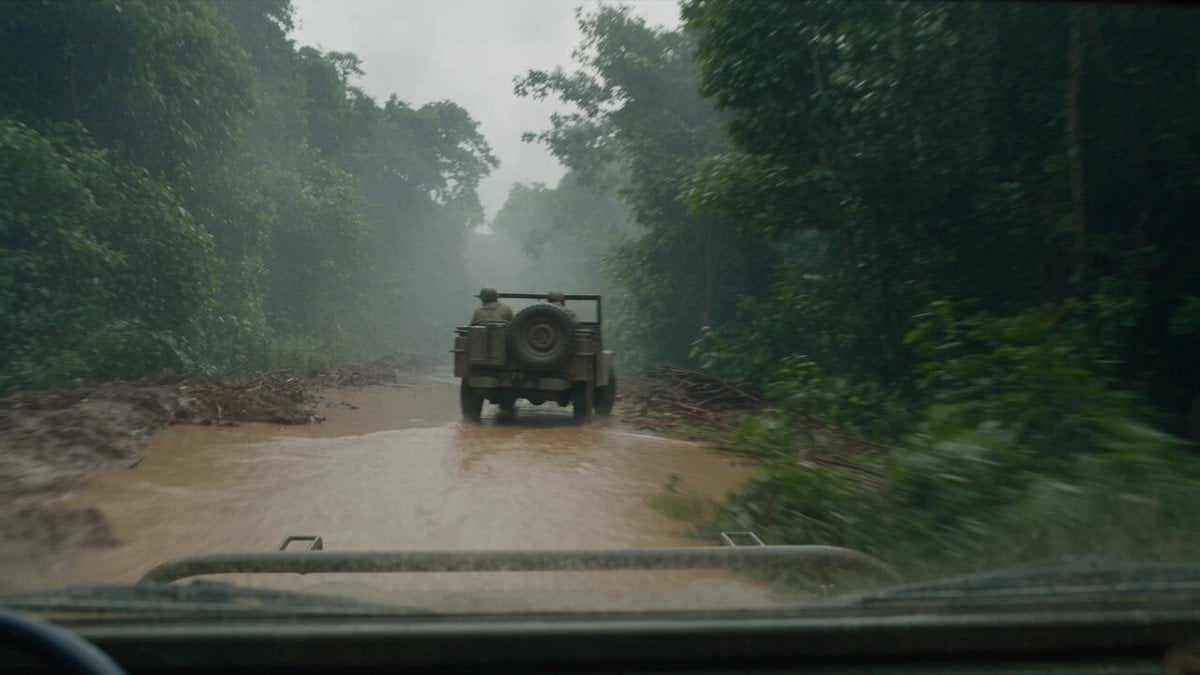
T-Rex Dashcam Jungle Attack
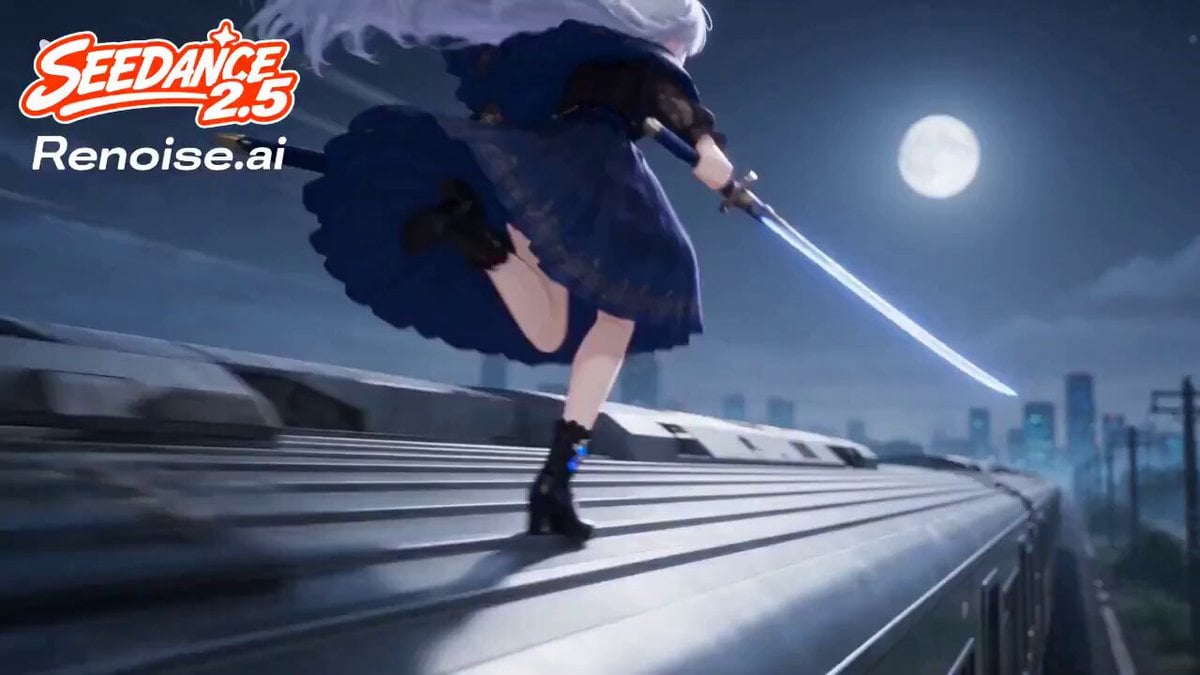
Silver Train Chase Anime Action
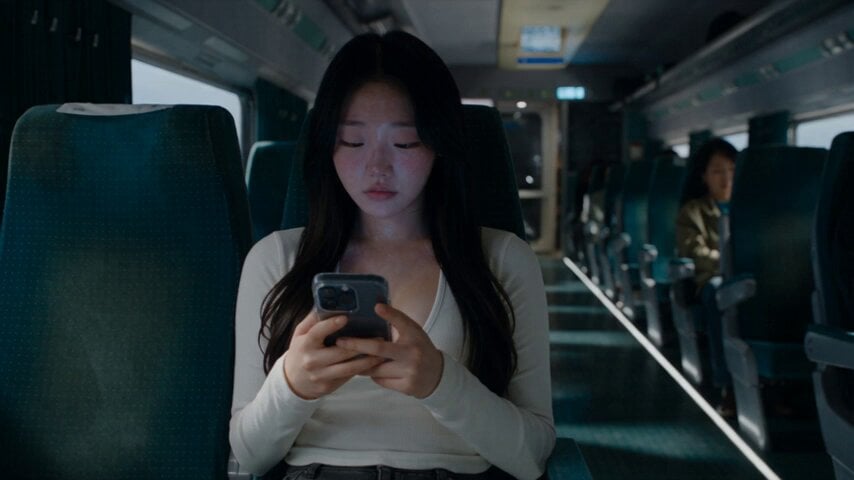
Last Ride Train Outbreak Horror
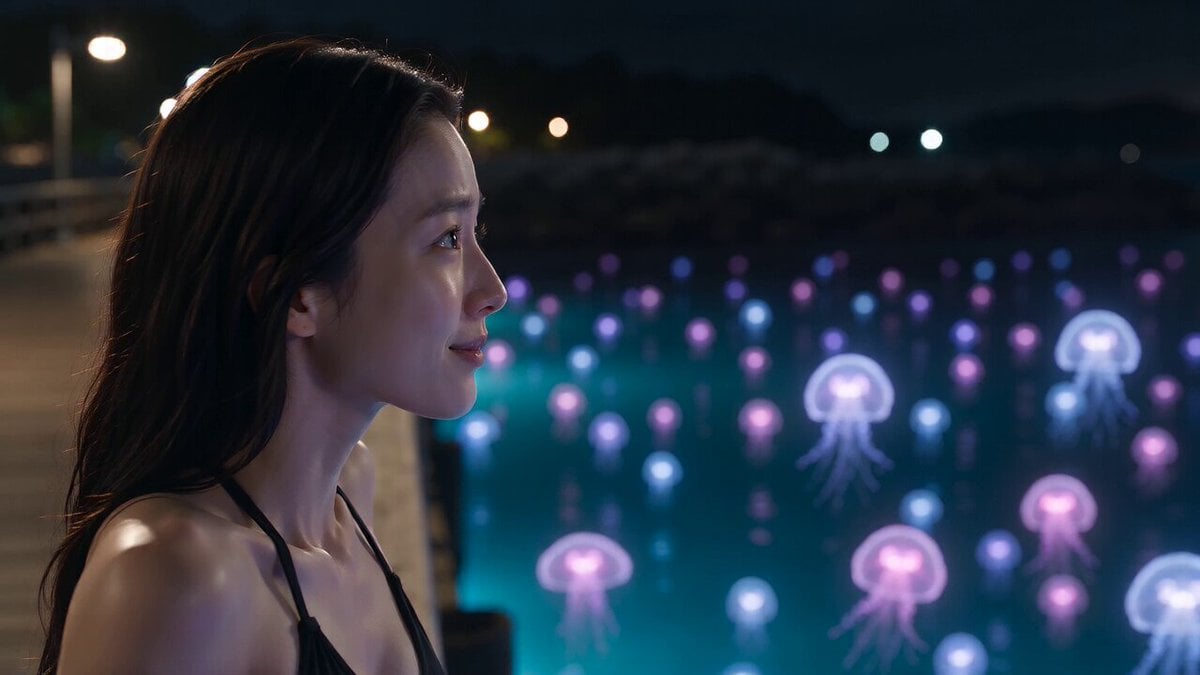
Bioluminescent Jellyfish and Prehistoric Monster Attack
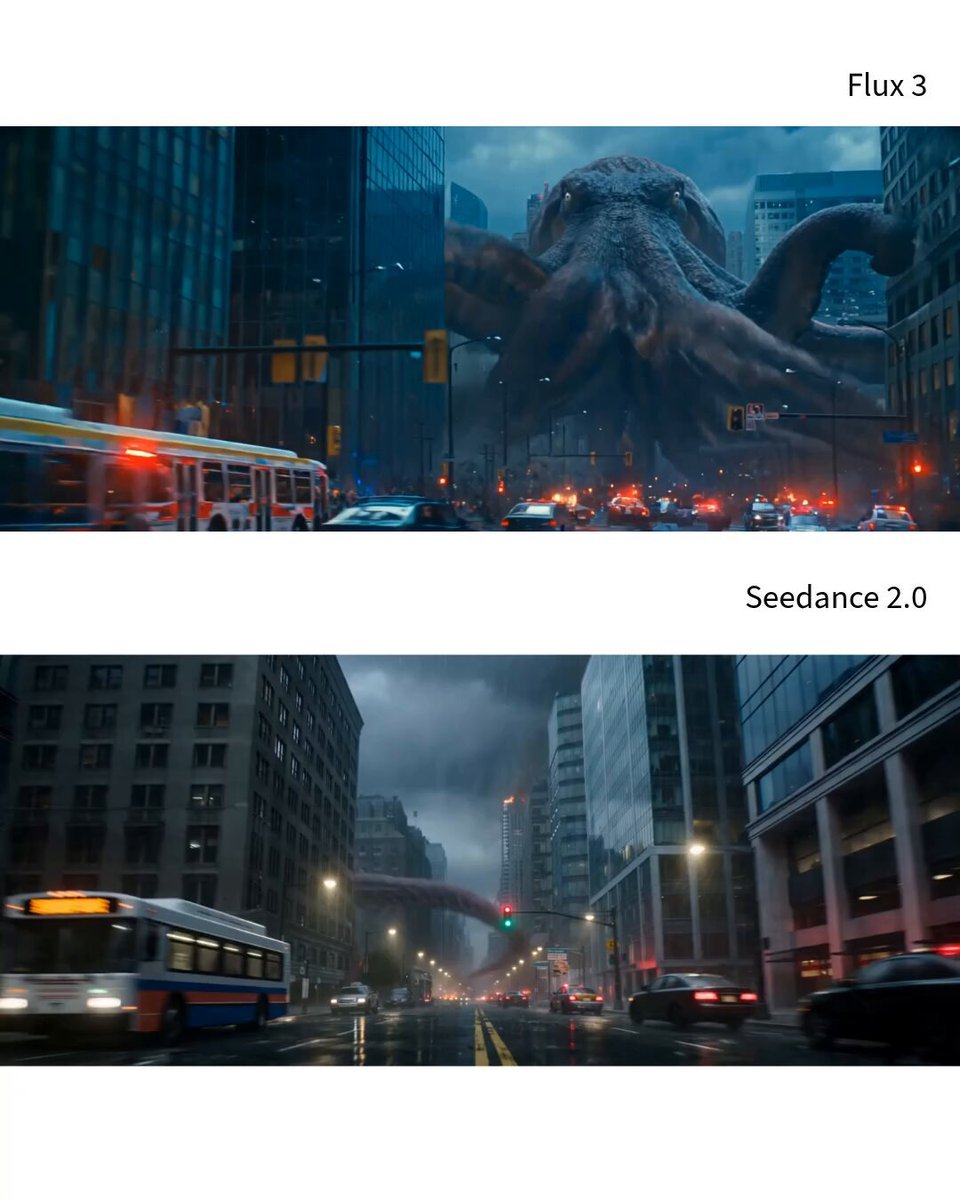
Photorealistic Kaiju Disaster Film
Make it yours
Kaiju Train Attack works as-is. These are the safest ways to change it without losing the look.
Change one field
Copy a single group, rewrite it, and generate again so you can see what that field is doing.
Keep the frame, change the subject
Hold the composition and light of Kaiju Train Attack, then swap wardrobe, props or the person for a new take.
| If the result… | Why | Fix |
|---|---|---|
| The result drifts from the preview | Too many fields changed at once. | Reuse Kaiju Train Attack as-is first, then change one group — subject, light, or setting. |
| The model over-stylizes the scene | The prose prompt leaves finish and camera underspecified. | Add one camera or lighting sentence and stay on Seedance 2.0. |
More Seedance 2.0 templates
Other prompts made for Seedance 2.0.

Comical Martial Arts Punch Scene

Martial Arts Fight Sequence

Wuxia Protection and Trust Script

Vintage Korean Arcade MiniDV Vlog

Mercedes 190 SL Luxury Ad

Rainy Night Supernatural Reverse Comedy Video Script

Amazon Civilization Discovery

Futuristic South Asian City Transformation

Cozy Luxury Cafe Commercial

Cyber Ronin Nanotech Transformation Video
More video prompts
Fresh picks from across the catalog.
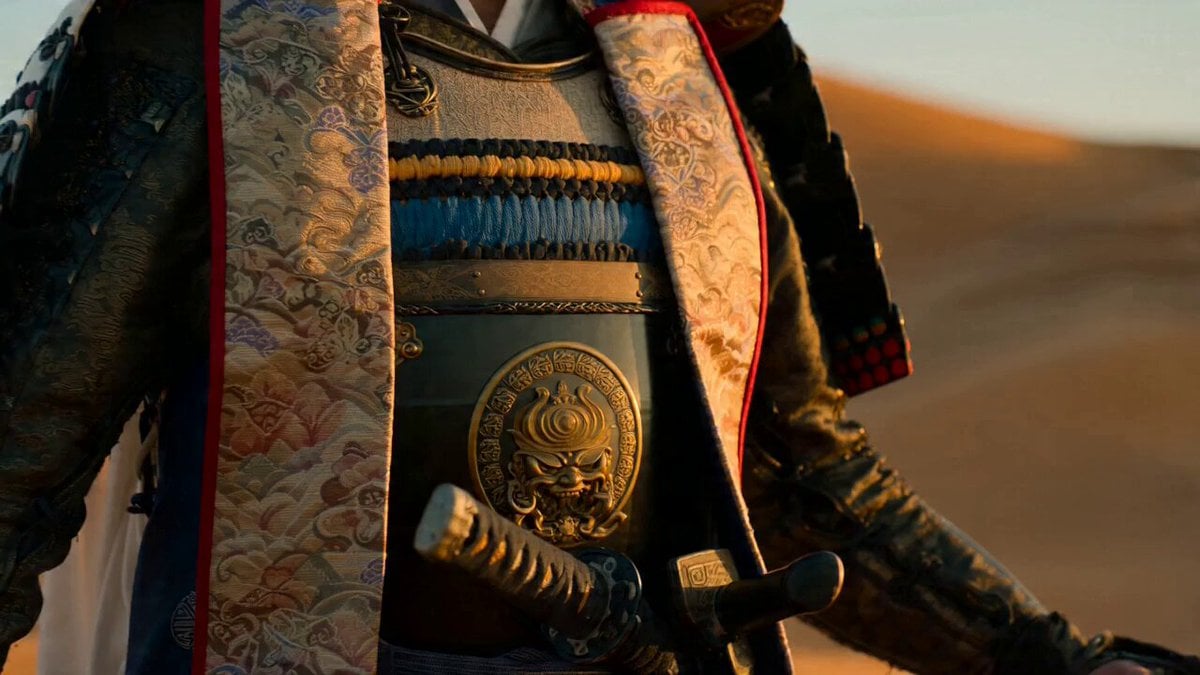
Samurai Desert Action Sequence Prompt
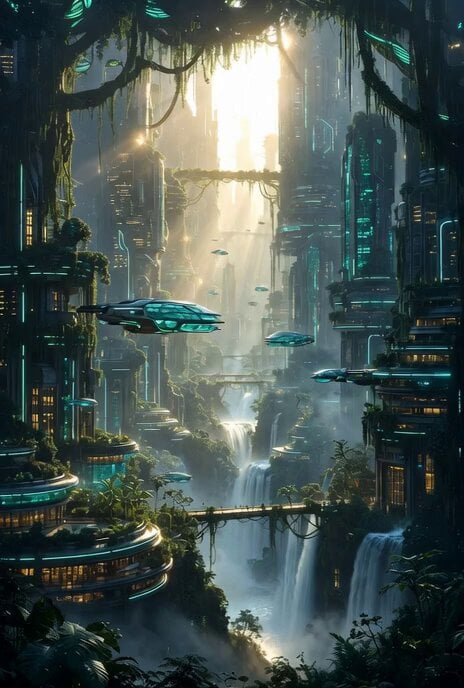
Futuristic Forest City World
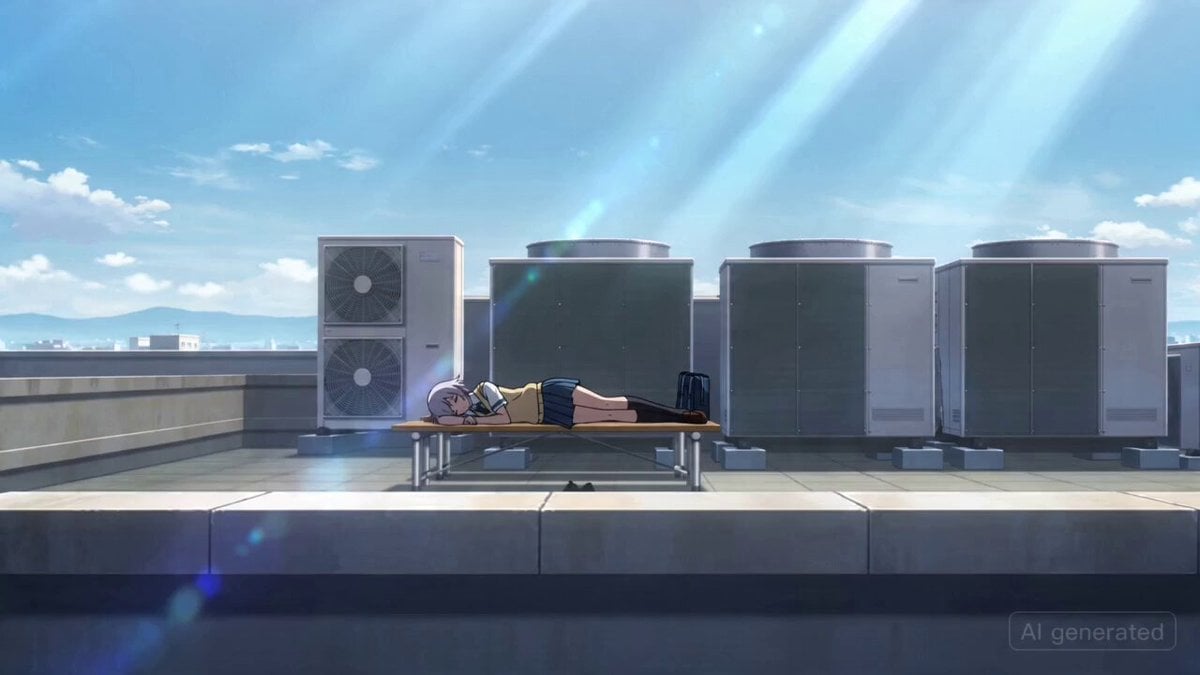
Japanese High School Girl Mecha Transformation

GTA 6 never came out in 1 million years

Heartwarming Kitchen Baking Scene

Anime Cooking Scene Animation Prompt
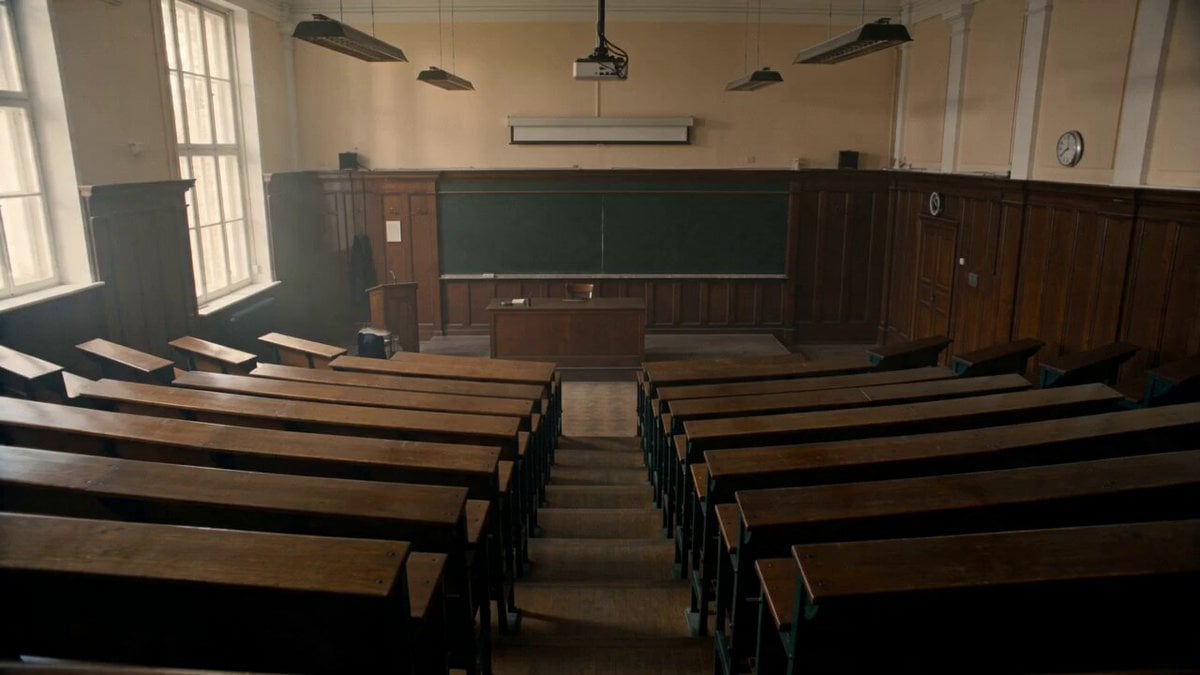
1970s Academic Drama Lecture Hall
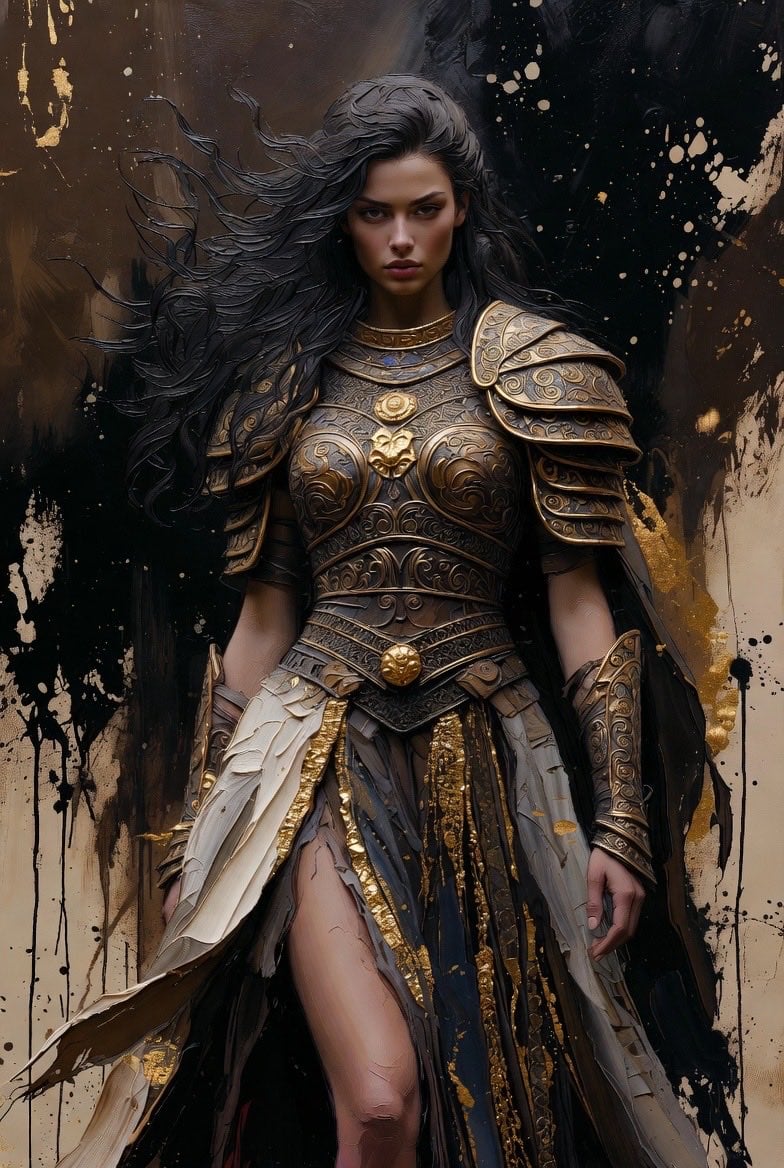
Detailed Dark Fantasy Warrior Woman Video Prompt
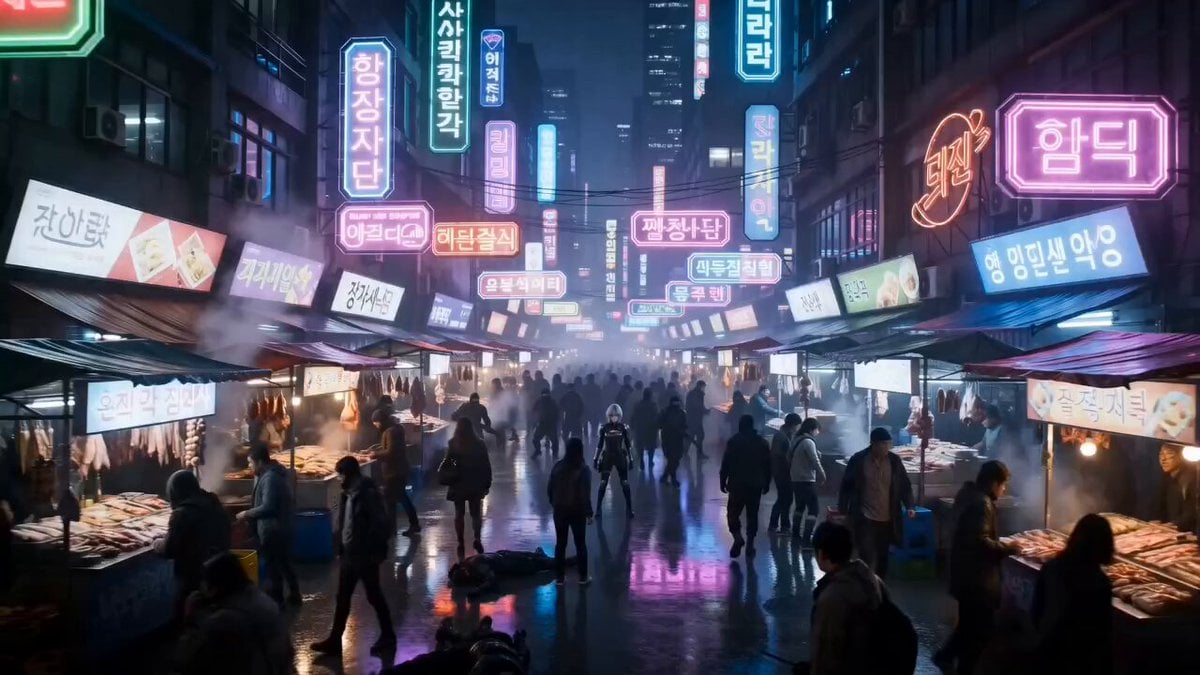
Cyberpunk Neon Market Fight

Butterflies on Heart Flower
Browse template categories
Kaiju Train Attack questions
How do I use the Kaiju Train Attack template?
Add your photo if the template asks for one, edit the prompt if you like — the template's model and format are already selected — and press Generate. Your version opens in PicX Studio.
Can I customize the Kaiju Train Attack template?
Yes. You can change the subject, setting, lighting, mood, format, and available model controls before creating your video.
Is the Kaiju Train Attack template free?
Opening and editing this template is free. Generating uses credits, shown on the Generate button when you are signed in.
Which AI model should I use?
Start with Seedance 2.0, which is the model associated with this template. You can compare another compatible model for a different finish.
Looking for something else? Browse all templates.

Your photo, any look
Thousands of ready templates for every top image and video model, from one credit balance.