
Photorealistic Kaiju Disaster Film
A comprehensive cinematic prompt for a kaiju disaster film featuring a colossal deep-sea octopus destroying a coastal city with detailed tentacle action and storm lighting.
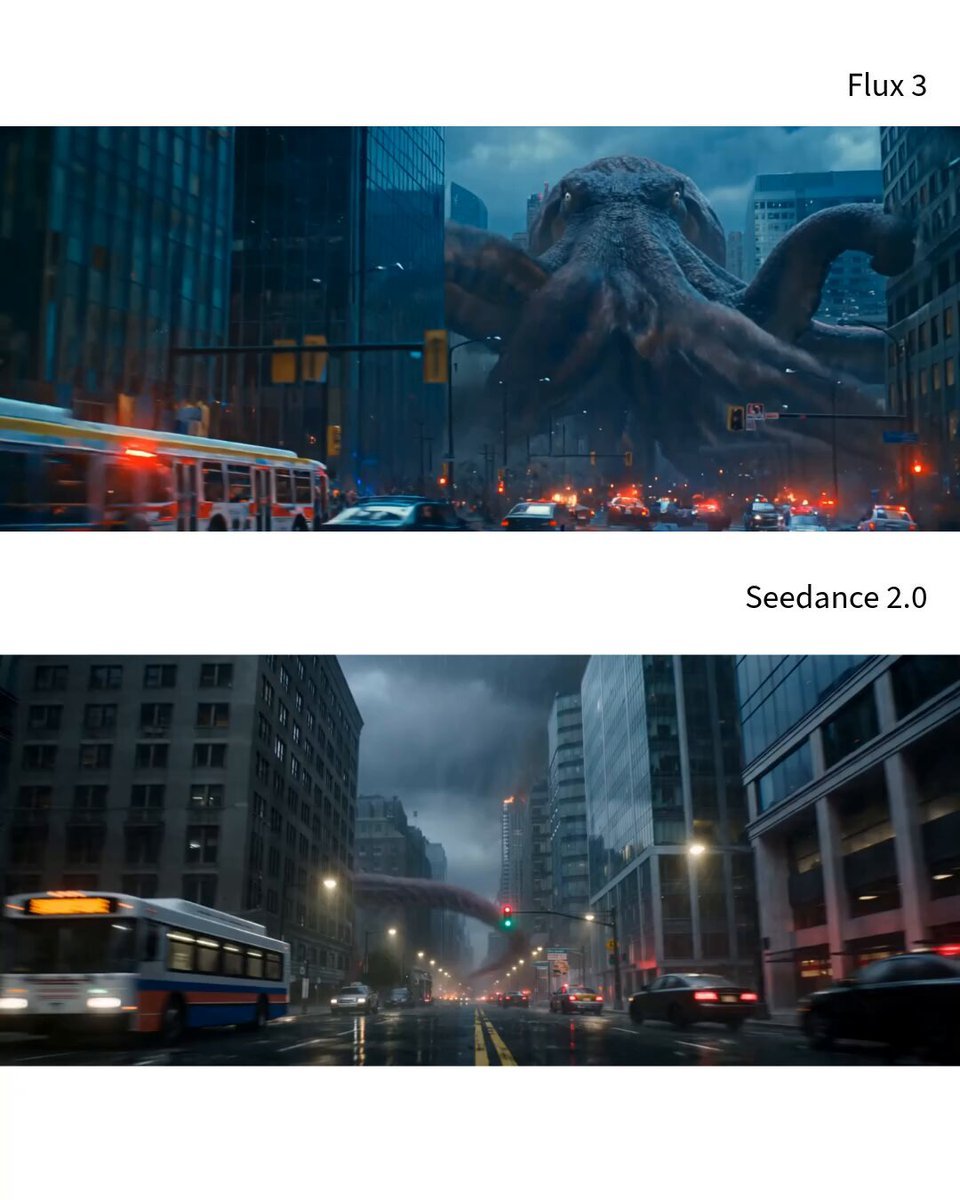
- Prompt included
- Model and format preset
- Free template
The prompt behind this video
Copy the exact prompt behind Photorealistic Kaiju Disaster Film, or open it in the studio and make it yours.
Build the monster, city, scale, and destruction entirely from text." style: "Photorealistic kaiju disaster film, stormy coastal metropolis, grounded structural destruction." visual_feel: "Rapid creature movement, controlled camera, heavy impacts, rain, spray, dust, readable tentacle action." duration: "15 seconds" character_modeling: octopus_monster: base: "A colossal deep-sea octopus taller than nearby skyscrapers." features: "Dark crimson-purple wet skin, pale eyes, rough suction cups, scarred mantle, eight massive muscular tentacles." movement_in_this_scene: "It never stops or poses. Four tentacles pull its body rapidly forward while the others destroy obstacles." cinematic_storyboard: 00_02_street_attack: camera: "Low street tracking backward, steady." action: "The monster crashes in immediately. One tentacle crushes buses and streetlights while another grips a glass tower." lighting: "Cold storm daylight, red siren reflections." vfx: "Water spray, glass, asphalt debris." 02_05_tower_pull: camera: "Wide rooftop side tracking." action: "Still advancing, it yanks the tower sideways. Lower floors shear apart and the structure collapses behind it." lighting: "Lightning through dark clouds." vfx: "Concrete dust, sparks, falling glass." 05_08_city_run: camera: "High aerial follow, controlled." action: "It races through several intersections. Each tentacle strike cracks roads and throws vehicles aside." lighting: "Steel-blue rain light." vfx: "Puddle bursts, fractured pavement, smoke." 08_12_block_vault: camera: "Wide frontal pull-back." action: "The monster plants two tentacles on opposite buildings, compresses, then vaults across a full city block, tearing signs and balconies free." lighting: "Storm backlight and orange fire glow." vfx: "Debris wake, rain trails, displaced smoke." 12_15_final_charge: camera: "Extreme wide slow pull-out." action: "It lands near the waterfront, sweeps through cranes and warehouses, then surges toward downtown as towers collapse behind it." lighting: "Lightning silhouette over burning streets." vfx: "Water plume, collapsing cranes, dust waves, embers." production_notes: audio_design: "Deep creature roars, rain, sirens, metal tearing, heavy impact bass." critical_constraint: "Destruction begins on frame one. Keep all eight tentacles connected, distinct, and readable. Fast creature action with controlled camera." avoid: "Slow opening, idle posing, extra limbs, tangled tentacles, anatomy drift, temporal flicker, weightless debris, chaotic camera."
How to use Photorealistic Kaiju Disaster Film in 3 steps
- 1
Open
The prompt is already in the box next to the preview, with the template's model and format selected.
- 2…a portrait of your subject in softgolden-hour light, 85mm…
Personalize
Edit the subject and creative details for your destination.
- 3Generate
Generate
Press Generate — your video is created in PicX Studio, so you can compare it with the original and refine one variable at a time.
More like this
Templates with the same subject, style or setup. Open one to see its prompt.
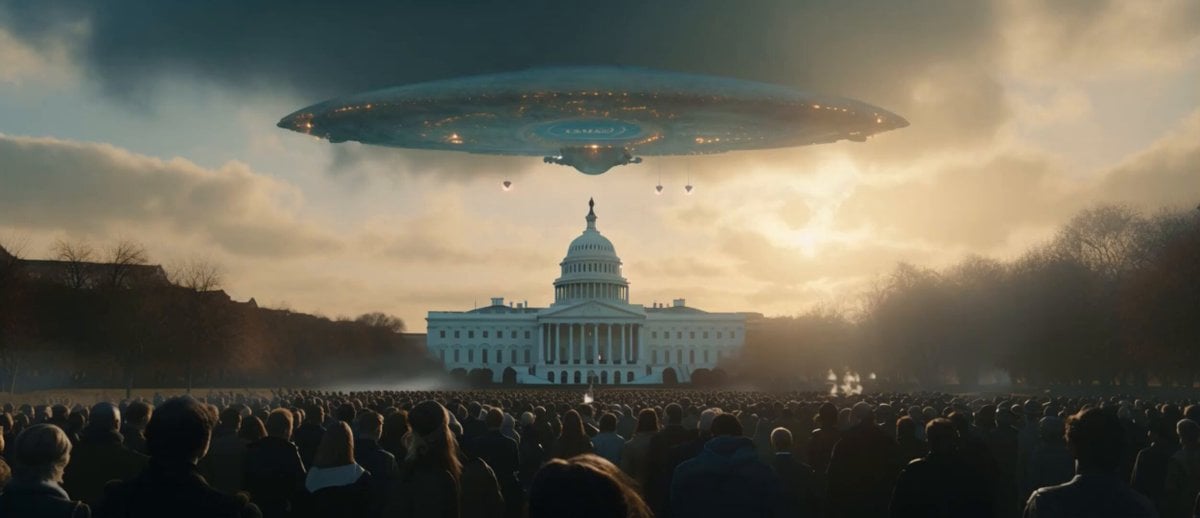
Sci-Fi Disaster Movie Scene - Seedance 2.5
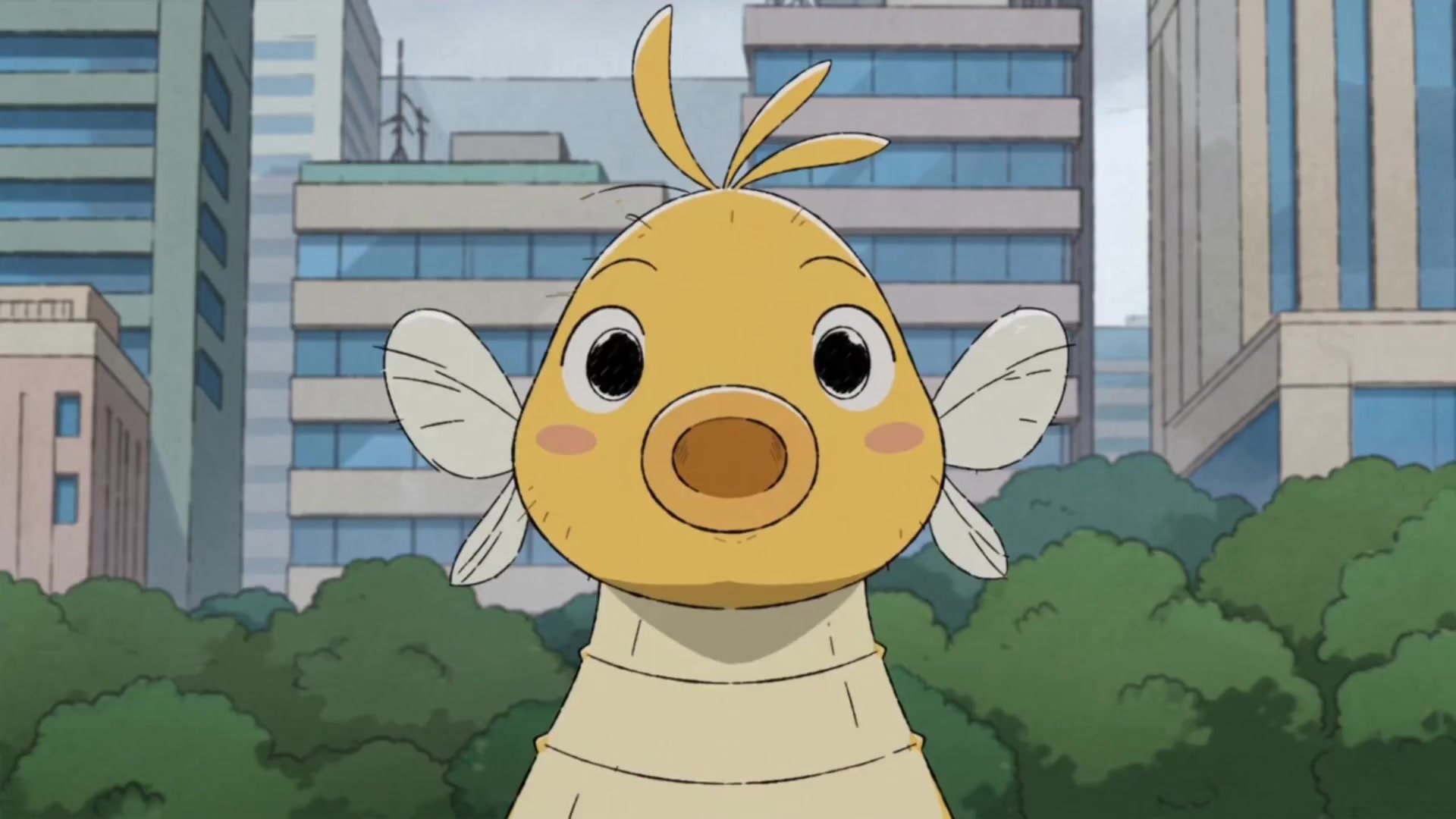
Giant Seahorse City Destruction — Flova AI
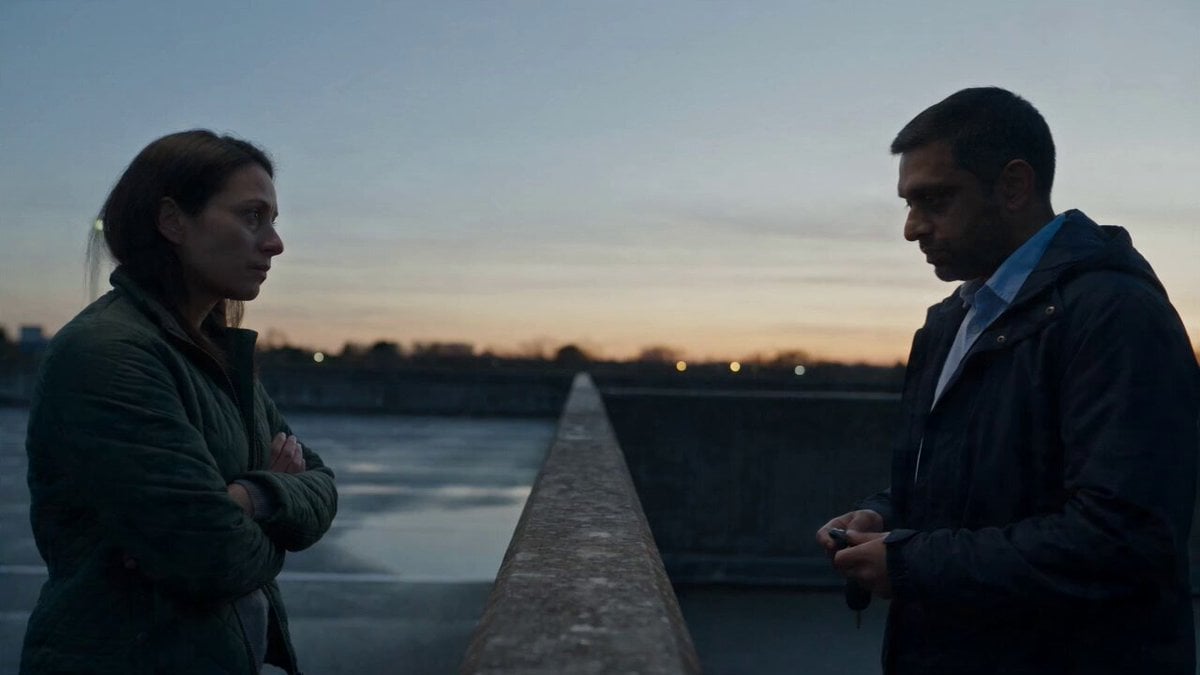
Hospital Car Park Dialogue Lip Sync

Global Flower Thank-You Film

Youth Racing Short Film
Mechanical Flower Bloom Brand Film
Oceanic Civilization Epic Sci-Fi Film
Floating Desert Museum Cinematic Film

Haute Couture Dream Bokeh Film
Window-to-Eye Concept Film
Crystal Ball Match-Cut Brand Film
Luxury Skincare Serum Commercial
Make it yours
Photorealistic Kaiju Disaster Film works as-is. These are the safest ways to change it without losing the look.
Change one field
Copy a single group, rewrite it, and generate again so you can see what that field is doing.
Keep the frame, change the subject
Hold the composition and light of Photorealistic Kaiju Disaster Film, then swap wardrobe, props or the person for a new take.
| If the result… | Why | Fix |
|---|---|---|
| The result drifts from the preview | Too many fields changed at once. | Reuse Photorealistic Kaiju Disaster Film as-is first, then change one group — subject, light, or setting. |
| The model over-stylizes the scene | The prose prompt leaves finish and camera underspecified. | Add one camera or lighting sentence and stay on Seedance 2.0. |
More Seedance 2.0 templates
Other prompts made for Seedance 2.0.

Comical Martial Arts Punch Scene

Maglev Train Action Sequence

Martial Arts Fight Sequence

Wuxia Protection and Trust Script

Vintage Korean Arcade MiniDV Vlog

Mercedes 190 SL Luxury Ad

Rainy Night Supernatural Reverse Comedy Video Script

Amazon Civilization Discovery

Futuristic South Asian City Transformation

Cozy Luxury Cafe Commercial
More video prompts
Fresh picks from across the catalog.
Flying Witch Departure
Recursive Horror Jump-Scare Prompt
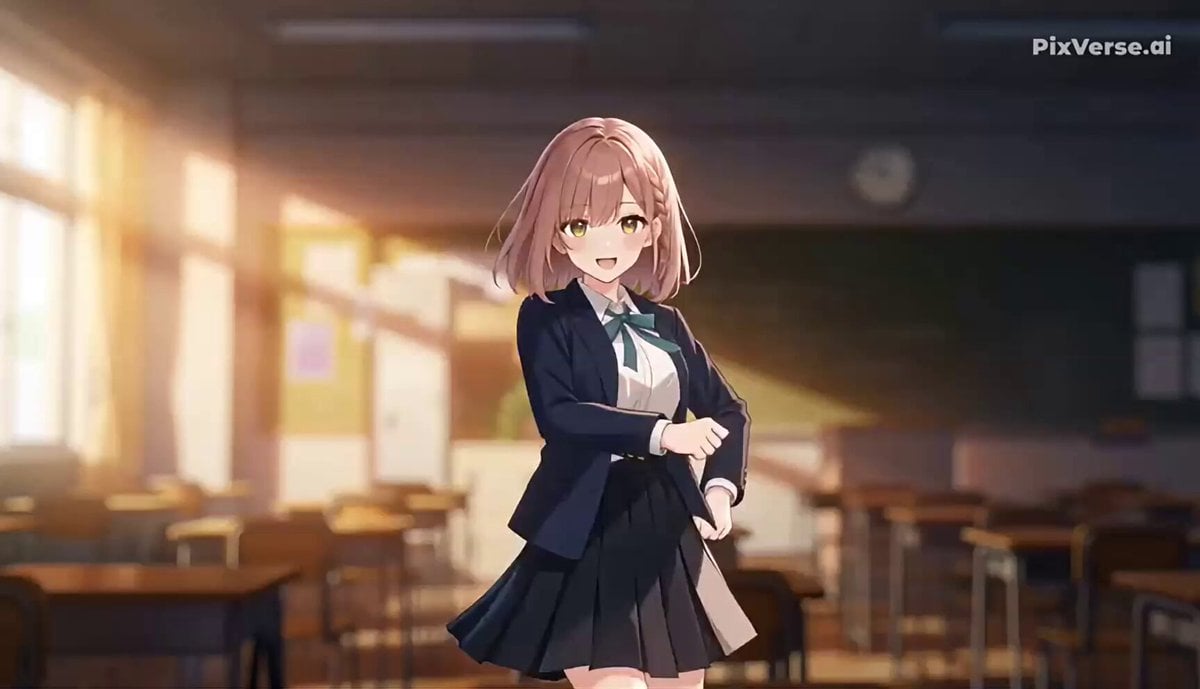
J-Pop Idol Classroom Dance Sequence
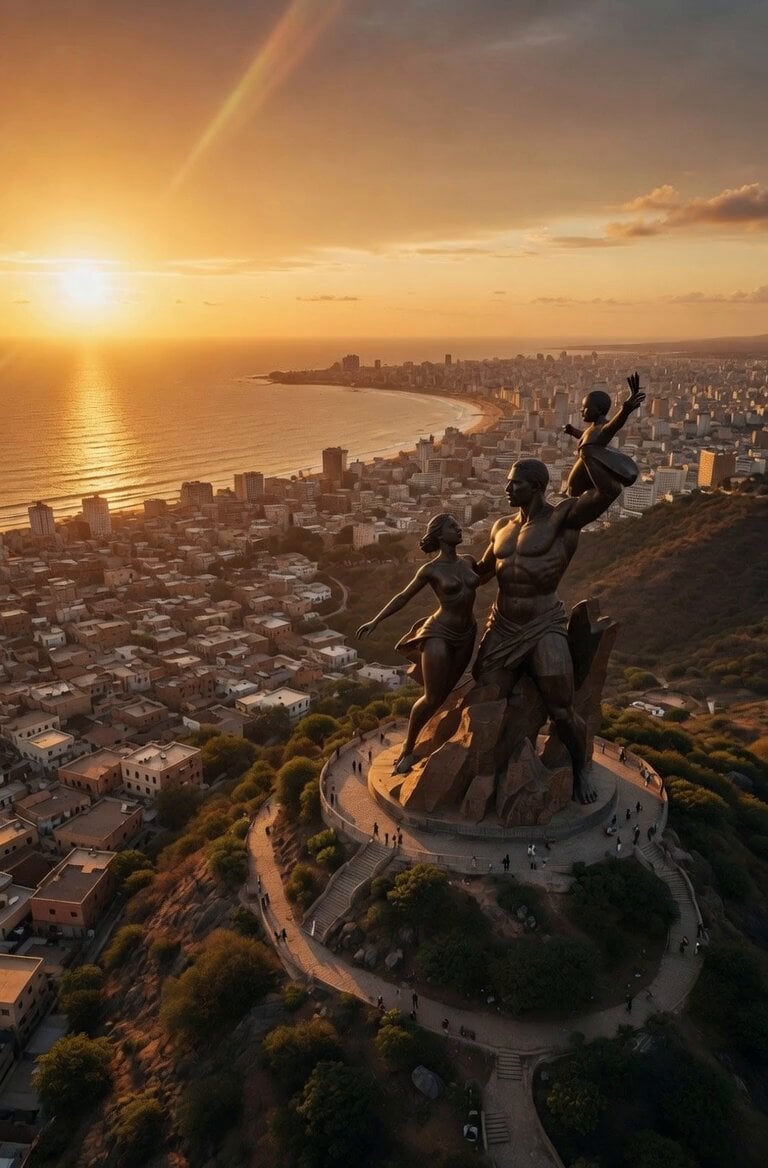
Cinematic 8K FPV Drone Tour of Senegal
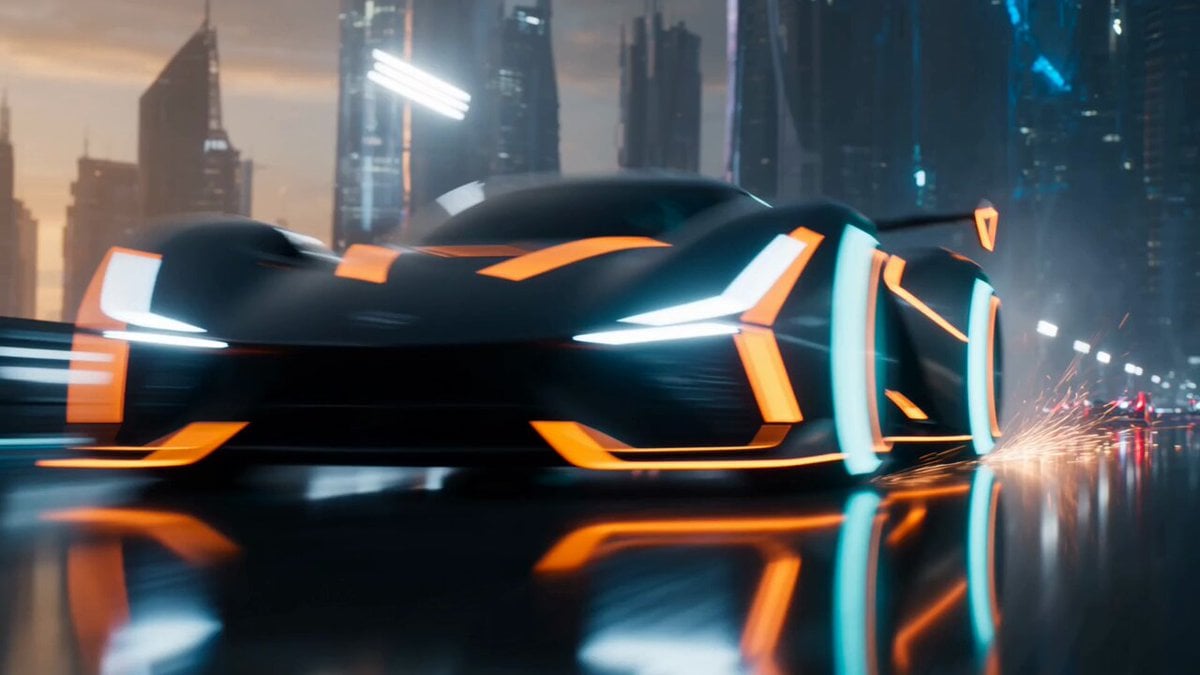
Futuristic Racing Finale Scene
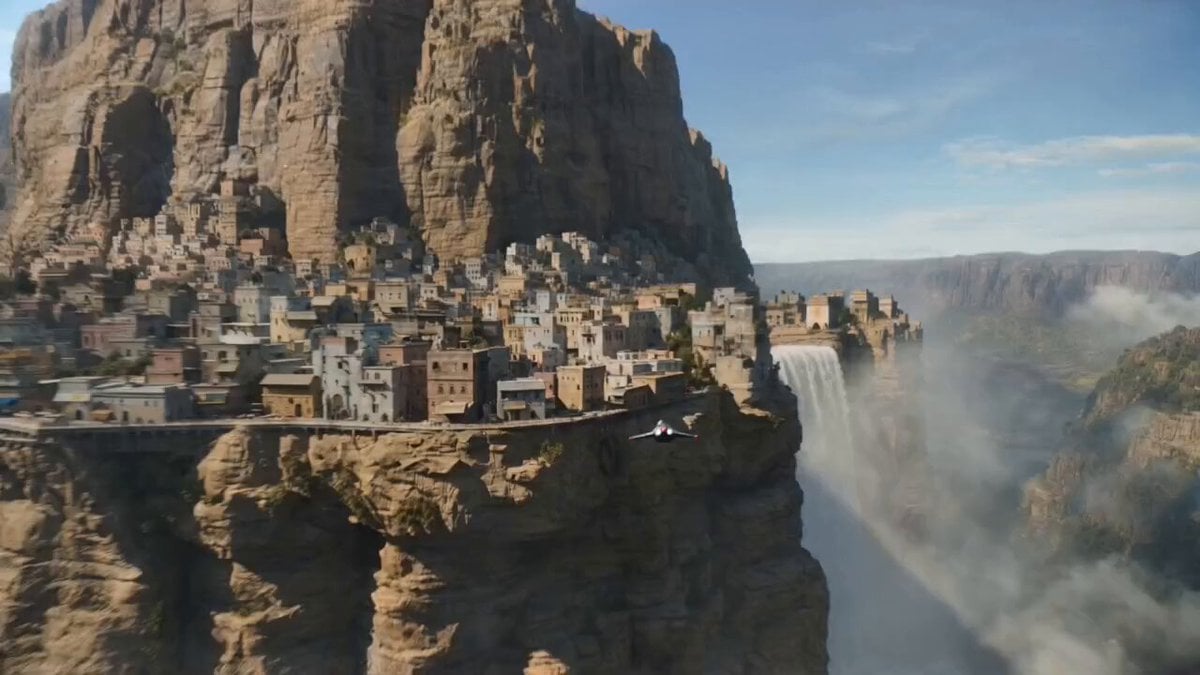
Speeder Chase Cliffside City Action
Surreal Skater Dachshund
Ultra-realistic Cinematic Soda Commercial
Dragons in Moonlit Forest
Watercolor and Ink Nautical City Video
Browse template categories
Photorealistic Kaiju Disaster Film questions
How do I use the Photorealistic Kaiju Disaster Film template?
Add your photo if the template asks for one, edit the prompt if you like — the template's model and format are already selected — and press Generate. Your version opens in PicX Studio.
Can I customize the Photorealistic Kaiju Disaster Film template?
Yes. You can change the subject, setting, lighting, mood, format, and available model controls before creating your video.
Is the Photorealistic Kaiju Disaster Film template free?
Opening and editing this template is free. Generating uses credits, shown on the Generate button when you are signed in.
Which AI model should I use?
Start with Seedance 2.0, which is the model associated with this template. You can compare another compatible model for a different finish.
Looking for something else? Browse all templates.

Your photo, any look
Thousands of ready templates for every top image and video model, from one credit balance.