
Flying Witch Departure
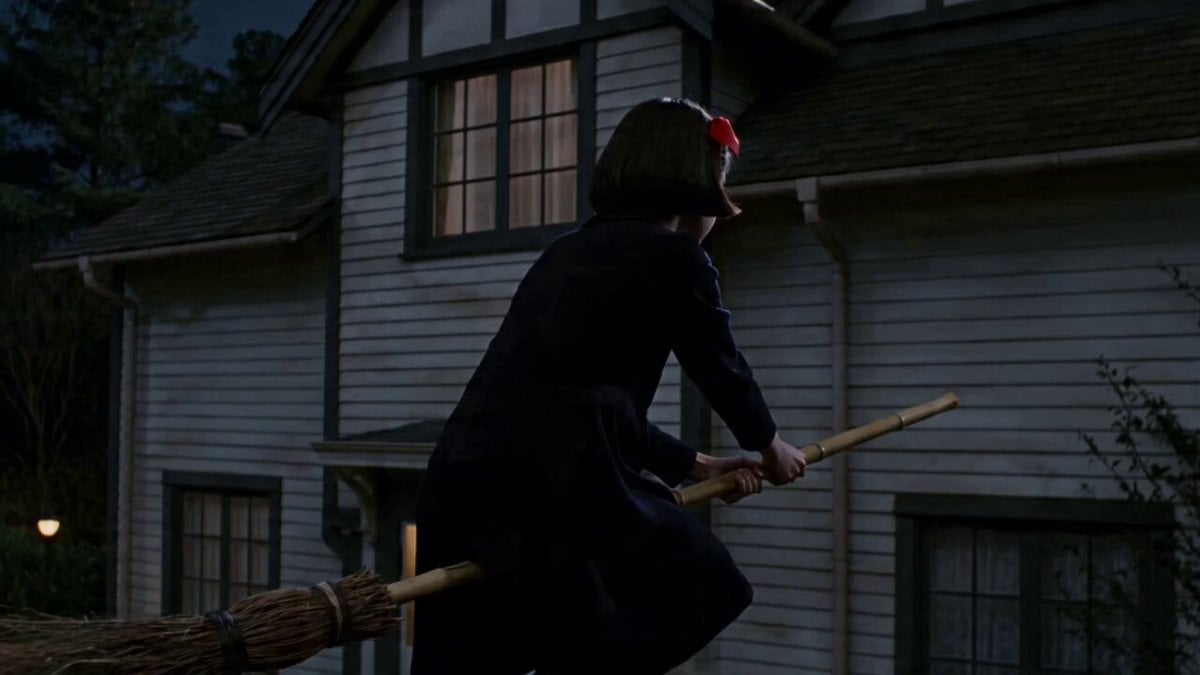
A detailed character and scene prompt for a 13-year-old girl with a red ribbon flying on a broomstick, inspired by classic anime aesthetics.
- Prompt included
- Model and format preset
- Free template
The prompt behind this video
Copy the exact prompt behind Flying Witch Departure, or open it in the studio and make it yours.
A Japanese girl around 13 years old. Short black hair, with the delicate sensitivity of adolescence and an expression mixing anxiety and anticipation. She wears a simple black one-piece dress: a knee-length A-line with long sleeves that puff out slightly, with almost no decoration. Black tights and simple flat shoes. She has a large red ribbon on her head. The girl straddles a bamboo broom, sitting with it held firmly between both legs. She leans forward, gripping the handle with both hands, balancing herself as she controls it. Rather than just riding it, her posture clearly shows she is piloting the broom in flight. The setting is a quiet residential area at night. A European-style house atop a hill surrounded by greenery. White exterior walls, wood textures, a triangular roof, and a chimney. The house stands normally on the ground rather than on a rocky cliff. It is surrounded by a garden and plants, blending naturally into its surroundings. A full moon hangs in the sky, its soft moonlight illuminating everything. The girl slowly rises up from the eaves of the house and continues ascending into the night sky. The wind naturally flutters her ribbon and skirt. The camera smoothly follows from behind, capturing the whole motion from floating to ascending in one continuous shot. A tone that leans realistic and cinematic, nostalgic and slightly fantastical.
How to use Flying Witch Departure in 3 steps
- 1
Open
The prompt is already in the box next to the preview, with the template's model and format selected.
- 2…a portrait of your subject in softgolden-hour light, 85mm…
Personalize
Edit the subject and creative details for your destination.
- 3Generate
Generate
Press Generate — your video is created in PicX Studio, so you can compare it with the original and refine one variable at a time.
More like this
Templates with the same subject, style or setup. Open one to see its prompt.
Witch Library Spellbook Summoning
Kindergarten Morning Departure Pose
Starship fleet space departure cinematic
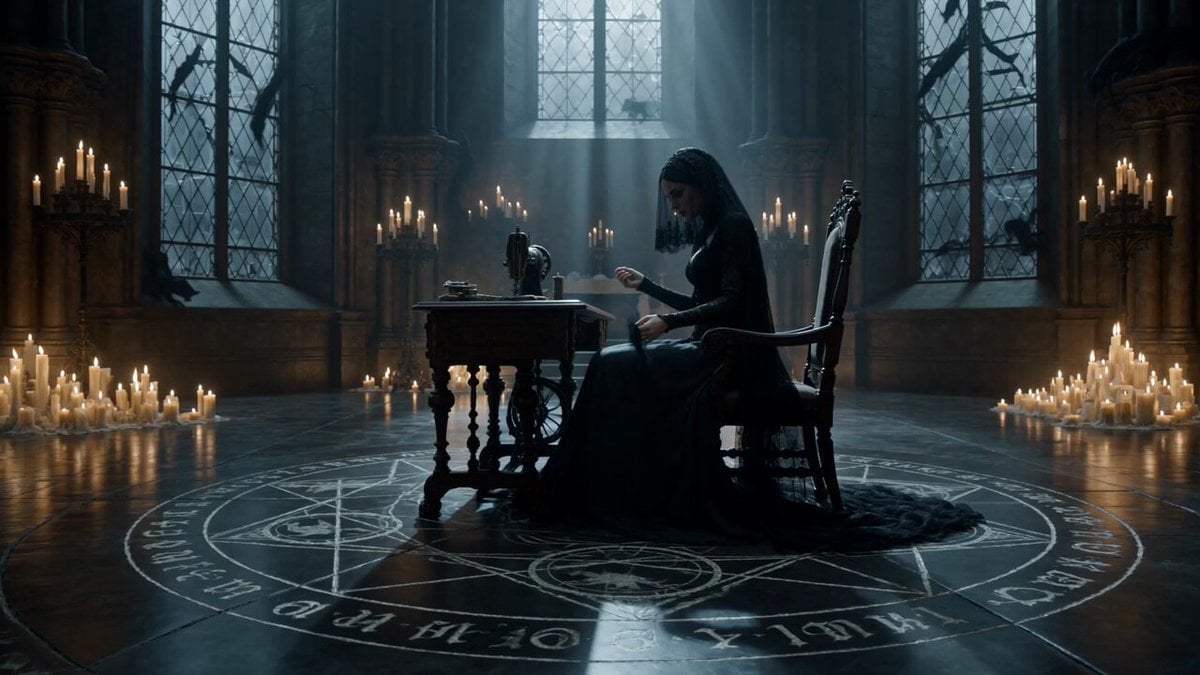
Dark Fantasy Witch Sequence
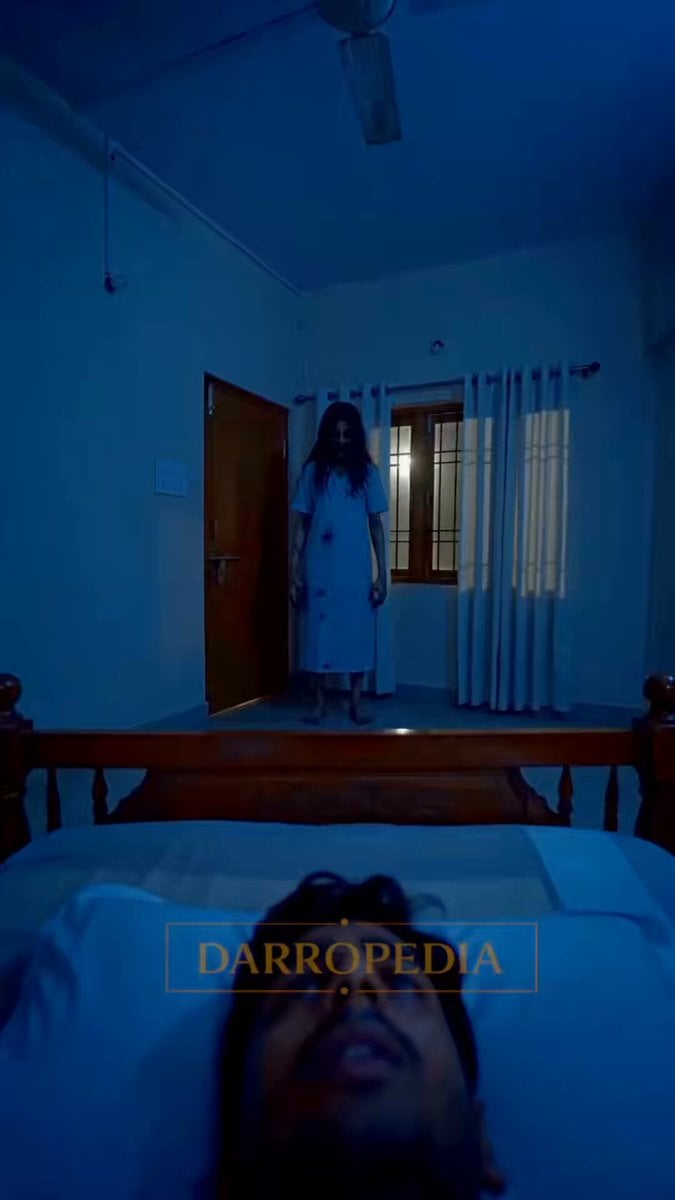
Sleep Paralysis Witch Horror Sequence
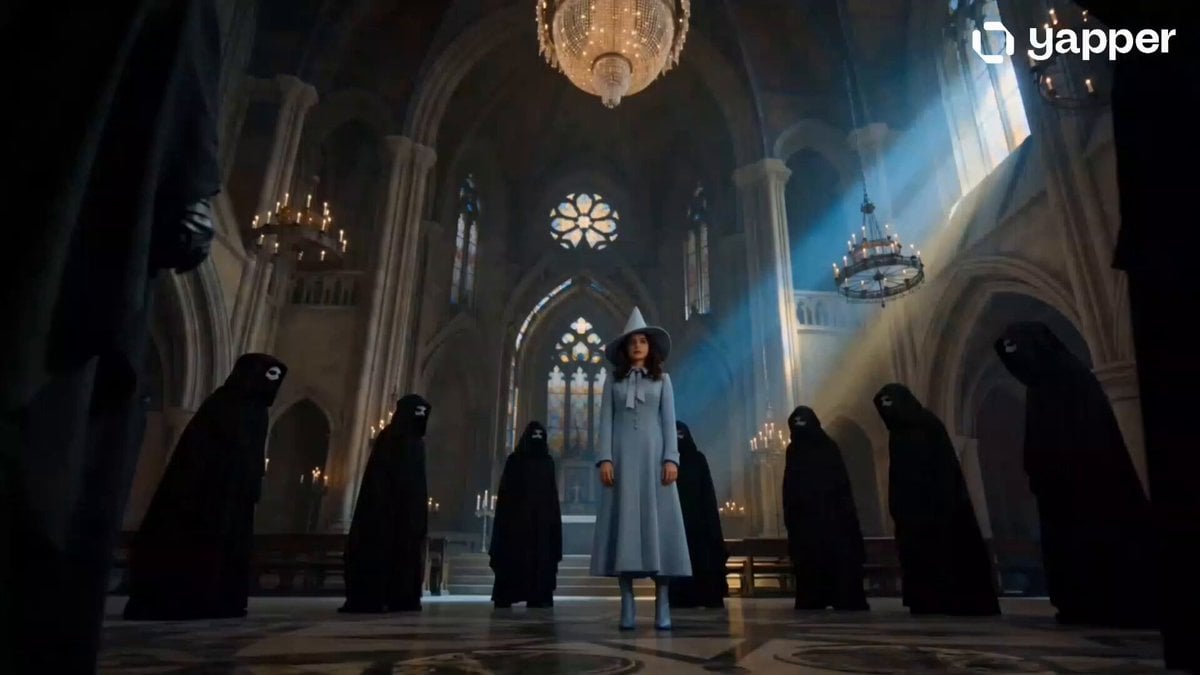
Beauxbatons Witch Magic Vortex Animation
Spaceship Landing and Alien Departure
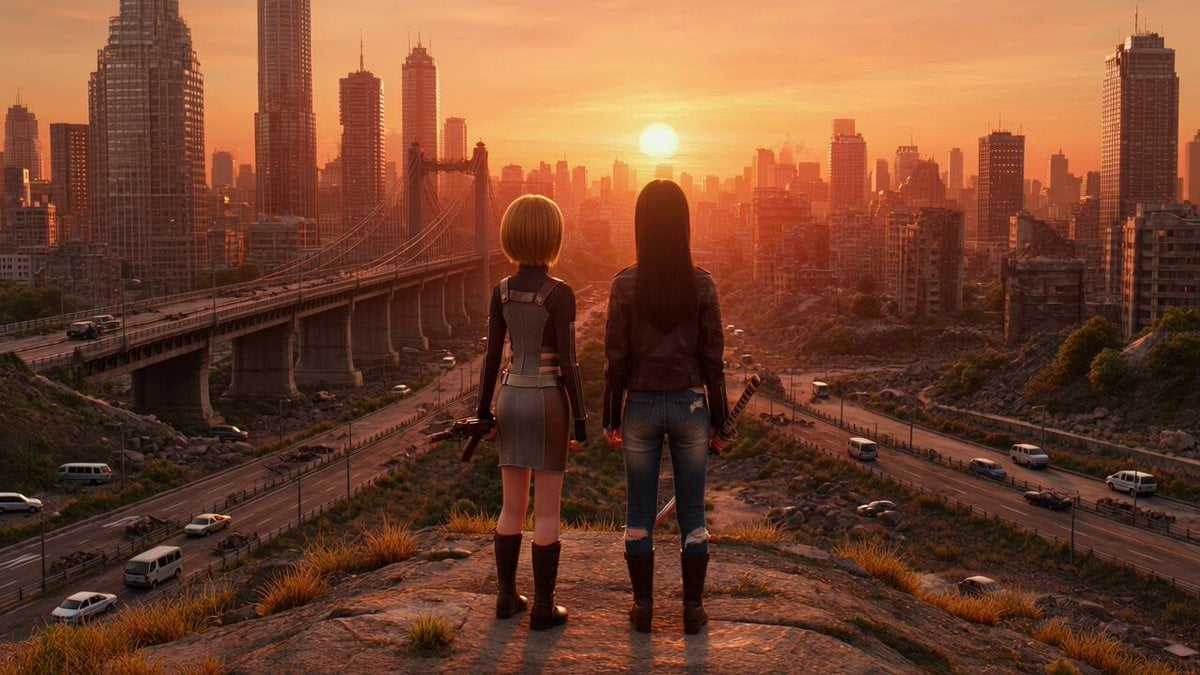
Anime/Live-Action Remake: 'Departure in the Sunset' Full Scene
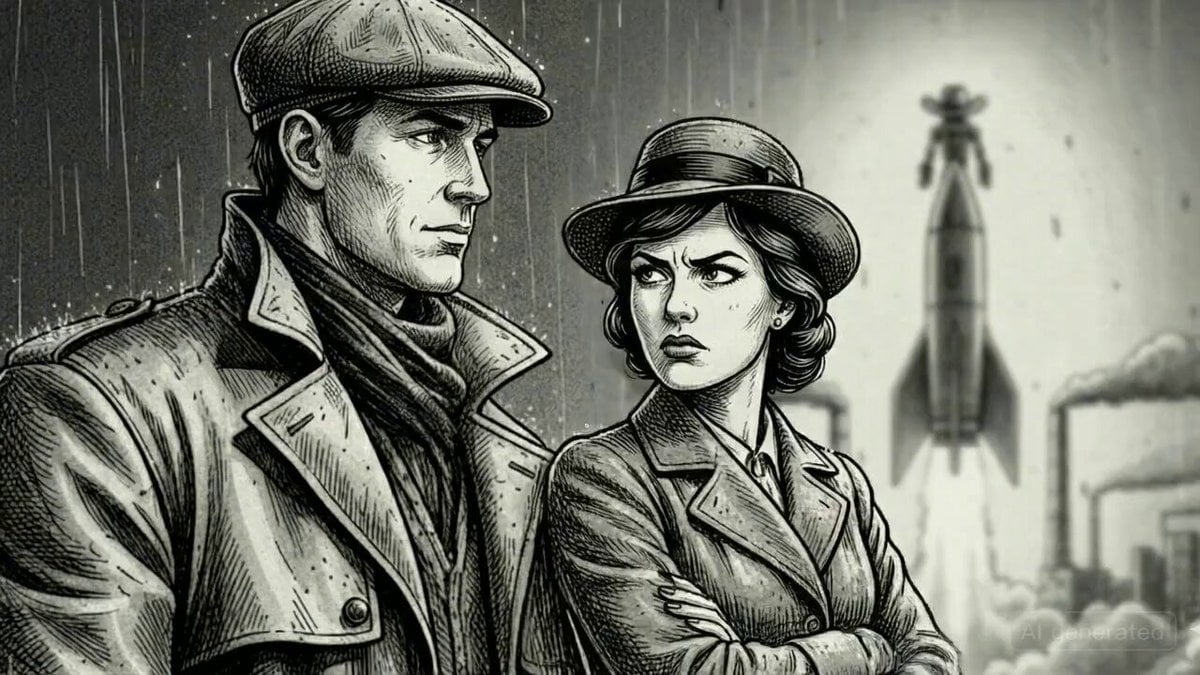
Argument and Departure Scene Prompt
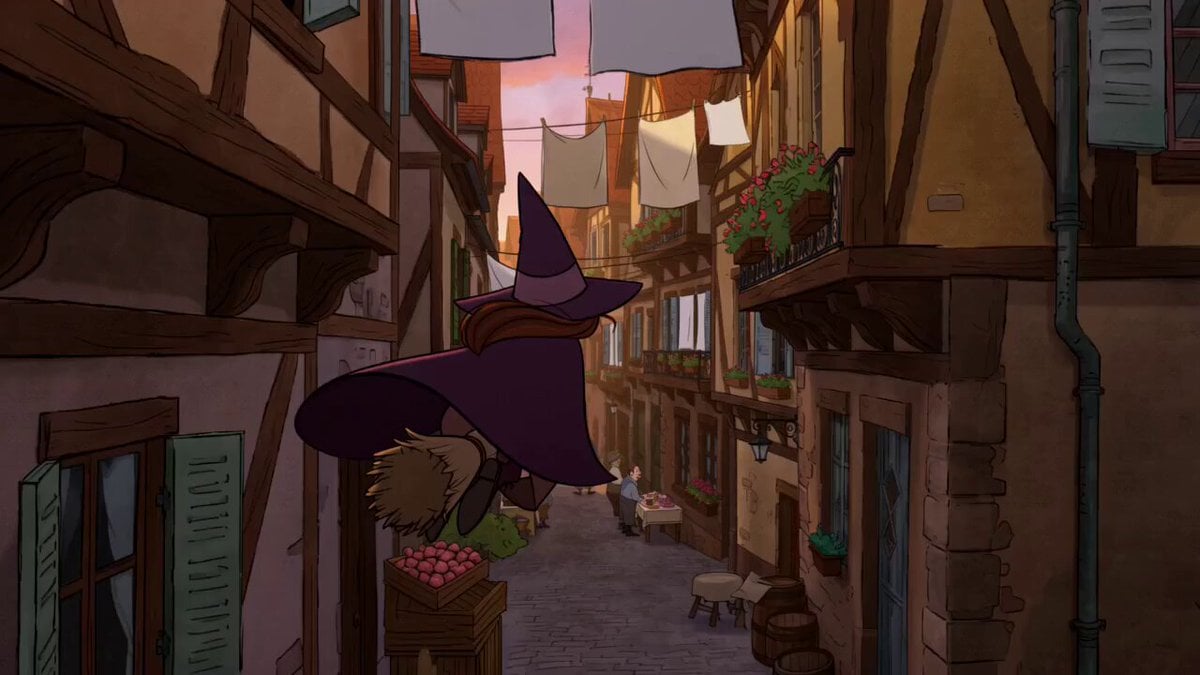
Pure Hand-Drawn 2D Cartoon Witch Flight Prompt for Seedance 2.0
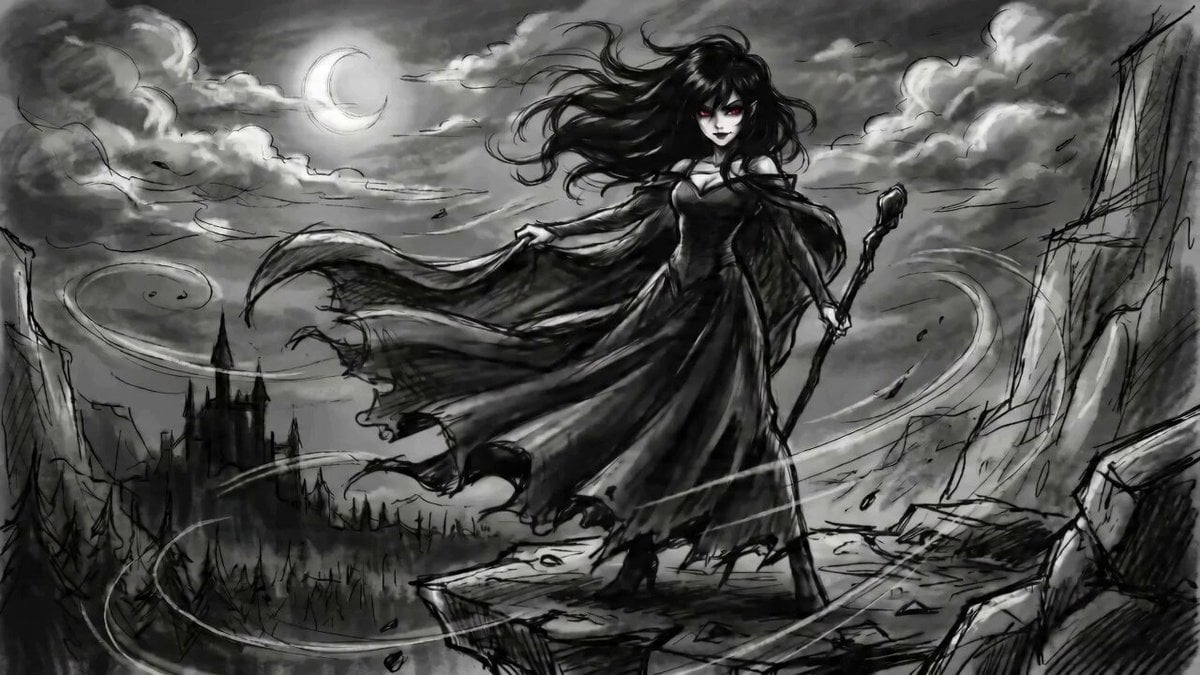
Anime Witch Transformation with Bat Wings
The Departure Sci-Fi Ad Script
Make it yours
Flying Witch Departure works as-is. These are the safest ways to change it without losing the look.
Change one field
Copy a single group, rewrite it, and generate again so you can see what that field is doing.
Keep the frame, change the subject
Hold the composition and light of Flying Witch Departure, then swap wardrobe, props or the person for a new take.
| If the result… | Why | Fix |
|---|---|---|
| The result drifts from the preview | Too many fields changed at once. | Reuse Flying Witch Departure as-is first, then change one group — subject, light, or setting. |
| The model over-stylizes the scene | The prose prompt leaves finish and camera underspecified. | Add one camera or lighting sentence and stay on Seedance 2.0. |
More Seedance 2.0 templates
Other prompts made for Seedance 2.0.

Comical Martial Arts Punch Scene

Maglev Train Action Sequence

Martial Arts Fight Sequence

Wuxia Protection and Trust Script

Vintage Korean Arcade MiniDV Vlog

Mercedes 190 SL Luxury Ad

Rainy Night Supernatural Reverse Comedy Video Script

Amazon Civilization Discovery

Futuristic South Asian City Transformation

Cozy Luxury Cafe Commercial
More video prompts
Fresh picks from across the catalog.
Spider-Man vs Custom Hero Rooftop Battle
Elevator Horror Mystery Scene
Futuristic Space Station Transformation Video

Static Exhibit Light Rotation
Futuristic Yacht Hull Close-up
Fantasy Broom Flight Cinematic
Sunflower Field Character Consistency Video Prompt
Seedance 2.0 Ancient Style Transformation Video Prompt
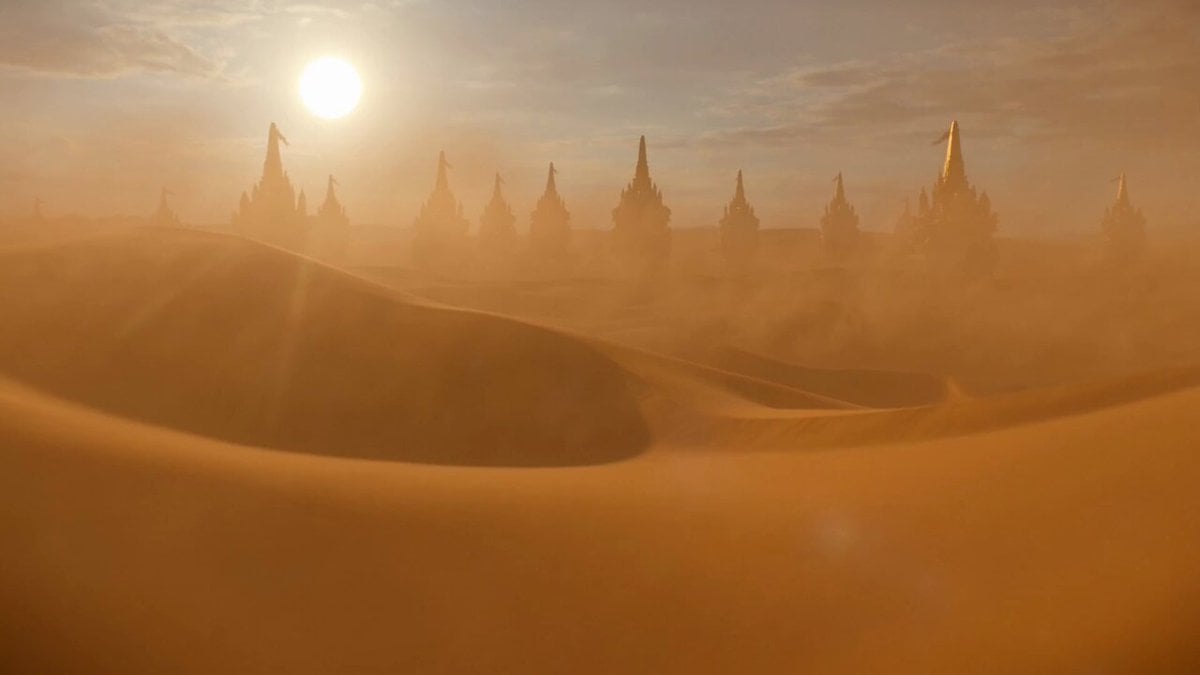
Giant Walking Nomadic Kingdom
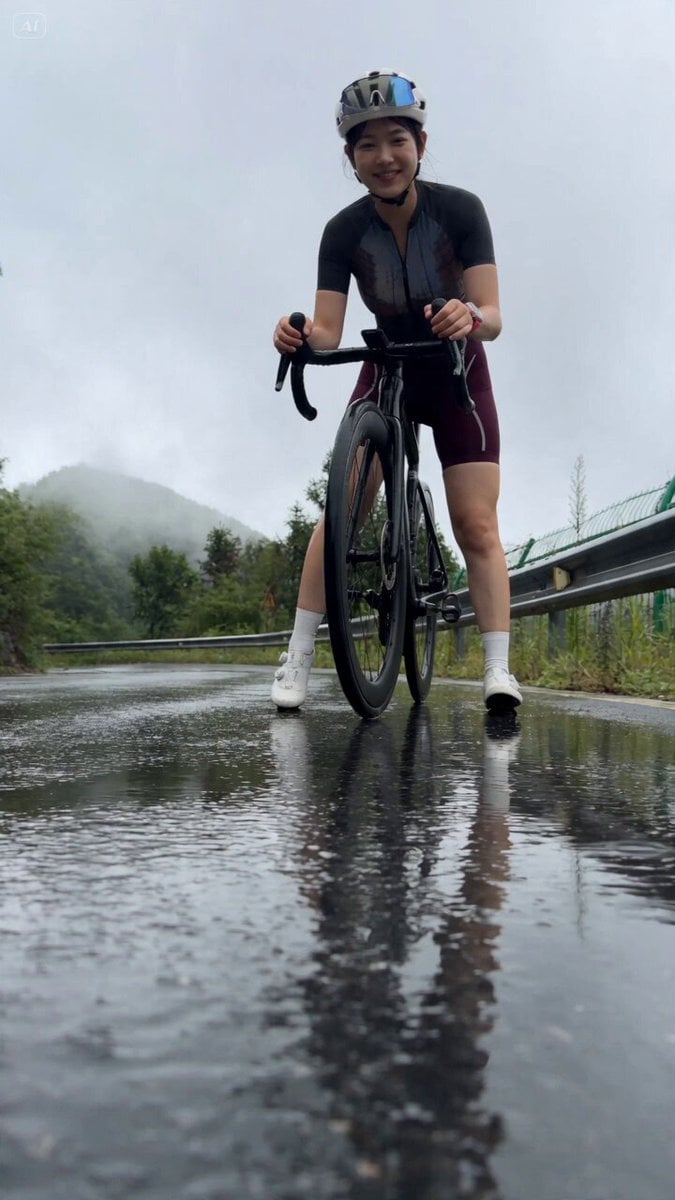
Authentic Mountain Cycling Vlog
Browse template categories
Flying Witch Departure questions
How do I use the Flying Witch Departure template?
Add your photo if the template asks for one, edit the prompt if you like — the template's model and format are already selected — and press Generate. Your version opens in PicX Studio.
Can I customize the Flying Witch Departure template?
Yes. You can change the subject, setting, lighting, mood, format, and available model controls before creating your video.
Is the Flying Witch Departure template free?
Opening and editing this template is free. Generating uses credits, shown on the Generate button when you are signed in.
Which AI model should I use?
Start with Seedance 2.0, which is the model associated with this template. You can compare another compatible model for a different finish.
Looking for something else? Browse all templates.

Your photo, any look
Thousands of ready templates for every top image and video model, from one credit balance.