
Beauxbatons Witch Magic Vortex Animation
A detailed cinematic prompt for Seedance 2.0 generating a 15-second tracking shot of a witch performing magic in a gothic cathedral.
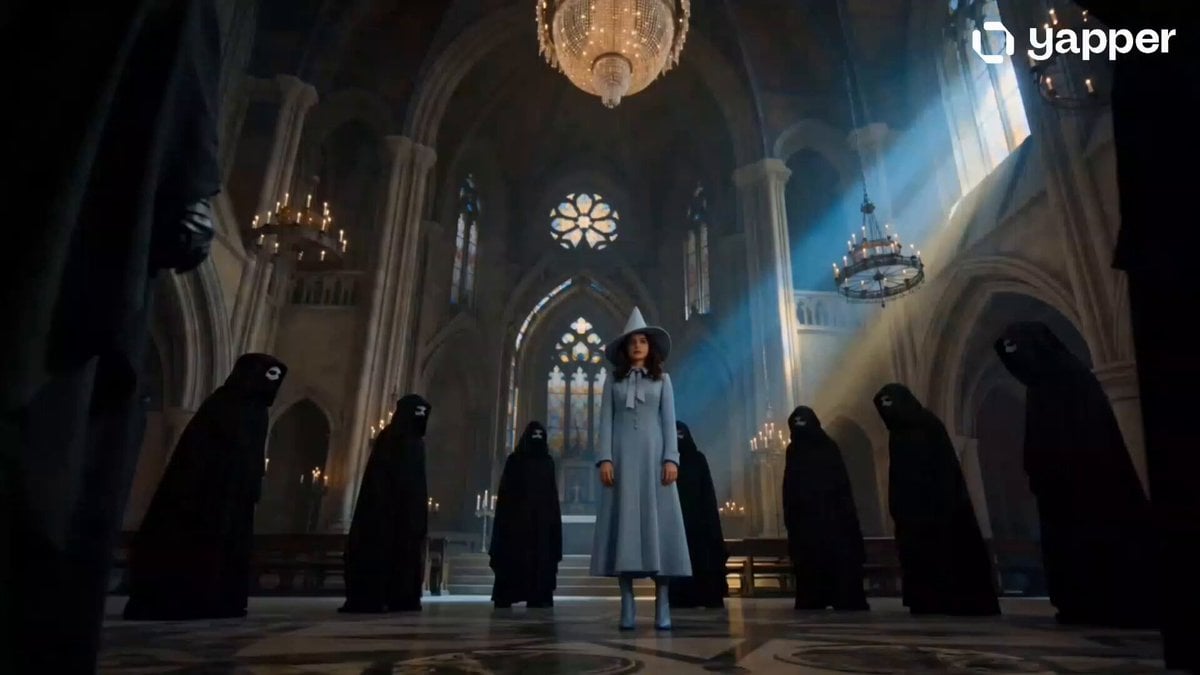
- Prompt included
- Model and format preset
- Premium template
The prompt behind this video
Copy the exact prompt behind Beauxbatons Witch Magic Vortex Animation, or open it in the studio and make it yours.
A cinematic 15-second tracking shot inside a grand gothic cathedral hall. A beautiful young witch from Beauxbatons Academy stands at the center, wearing an elegant powder-blue tailored coat, matching wide-brimmed pointed hat, and silk necktie. Dark masked figures in flowing black cloaks surround her in a threatening circle. The camera smoothly orbits around her as she performs a graceful balletic spin, unleashing a powerful vortex of glowing ethereal blue magic. Hundreds of luminous white butterflies emerge from the magical energy, swirling around her and pushing the dark figures backward. Crystal chandeliers shimmer overhead, arched windows cast moody blue and gold light, and magical particles fill the air. The camera transitions from a dramatic wide-angle view to an intimate close-up as a glowing white butterfly gently lands on her fingertips. Intense motion, dramatic low-angle perspectives, volumetric lighting, photorealistic fantasy film aesthetic, ultra-detailed textures, shallow depth of field, anamorphic cinematic composition, PBR materials, subsurface scattering, hyper-realistic, 8K, 24fps.
How to use Beauxbatons Witch Magic Vortex Animation in 3 steps
- 1
Open
The prompt is already in the box next to the preview, with the template's model and format selected.
- 2…a portrait of your subject in softgolden-hour light, 85mm…
Personalize
Edit the subject and creative details for your destination.
- 3Generate
Generate
Press Generate — your video is created in PicX Studio, so you can compare it with the original and refine one variable at a time.
More like this
Templates with the same subject, style or setup. Open one to see its prompt.

3D Glossy Fairy Animation - Seedance 2.5
Magic City Fantasy Battle Animation

Silk Road Pomegranate Folk Animation

Multilingual Creative Typography Loop

Forest Fantasy Girl Short Film

High-Speed Magic Battle Animation
Fantasy Magic Attack Animation
Soul-Switching Mirror Magic Sequence

London Street Magic Vortex
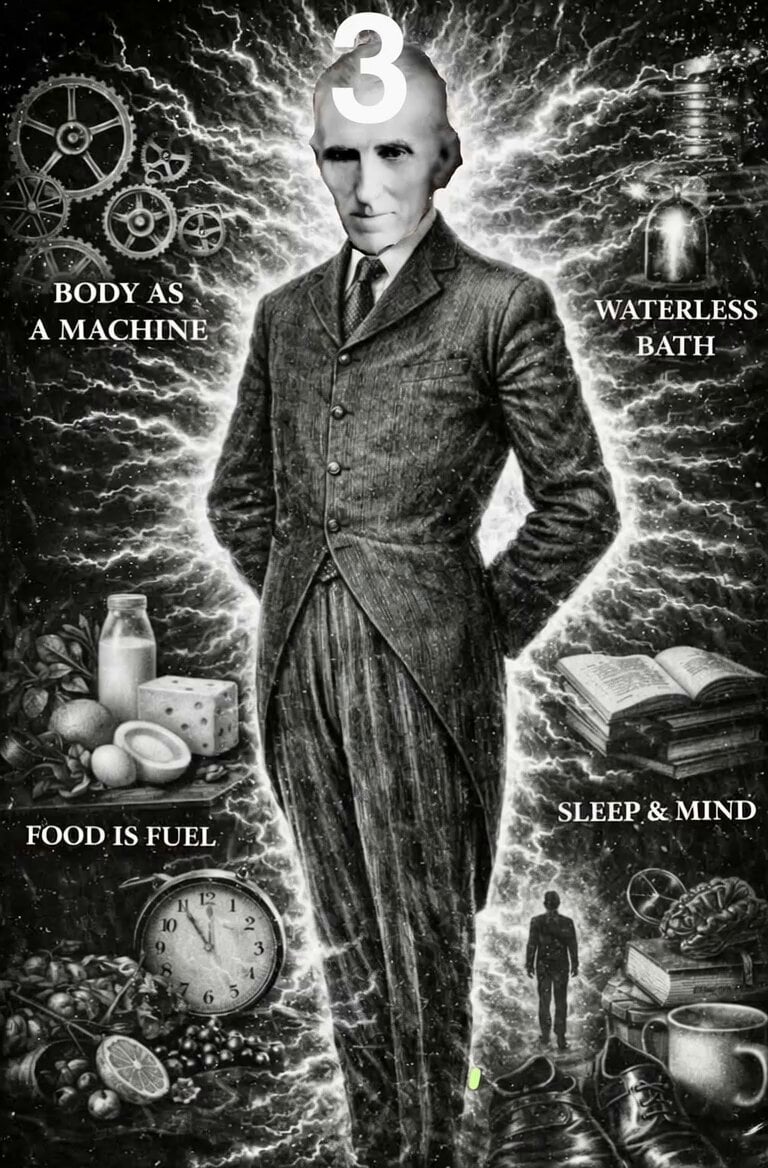
Nikola Tesla Magical Animation

Walking Factory with Rebel on Hoverbike - Wasteland
Cartoon Bullfight Arena — Girl vs Bull (Seedance)
Make it yours
Beauxbatons Witch Magic Vortex Animation works as-is. These are the safest ways to change it without losing the look.
Change one field
Copy a single group, rewrite it, and generate again so you can see what that field is doing.
Keep the frame, change the subject
Hold the composition and light of Beauxbatons Witch Magic Vortex Animation, then swap wardrobe, props or the person for a new take.
| If the result… | Why | Fix |
|---|---|---|
| The result drifts from the preview | Too many fields changed at once. | Reuse Beauxbatons Witch Magic Vortex Animation as-is first, then change one group — subject, light, or setting. |
| The model over-stylizes the scene | The prose prompt leaves finish and camera underspecified. | Add one camera or lighting sentence and stay on Seedance 2.0. |
More Seedance 2.0 templates
Other prompts made for Seedance 2.0.

Comical Martial Arts Punch Scene

Maglev Train Action Sequence

Martial Arts Fight Sequence

Wuxia Protection and Trust Script

Vintage Korean Arcade MiniDV Vlog

Mercedes 190 SL Luxury Ad

Rainy Night Supernatural Reverse Comedy Video Script

Amazon Civilization Discovery

Futuristic South Asian City Transformation

Cozy Luxury Cafe Commercial
More video prompts
Fresh picks from across the catalog.
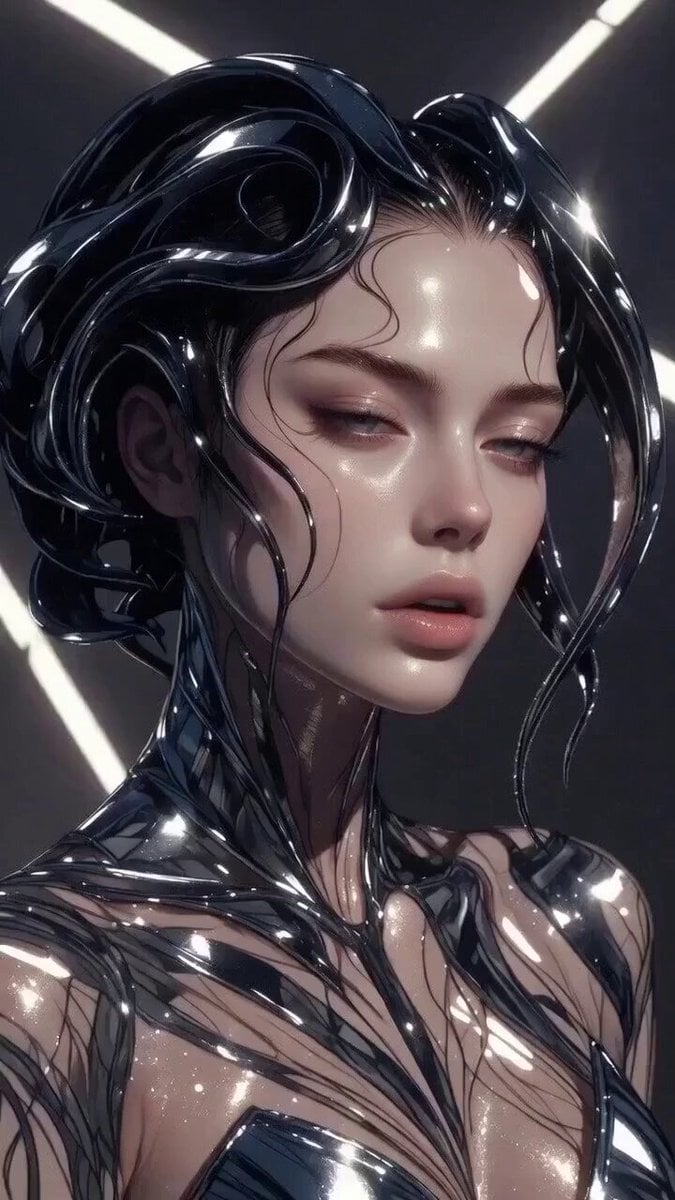
Multi-stage video generation prompt with camera movements
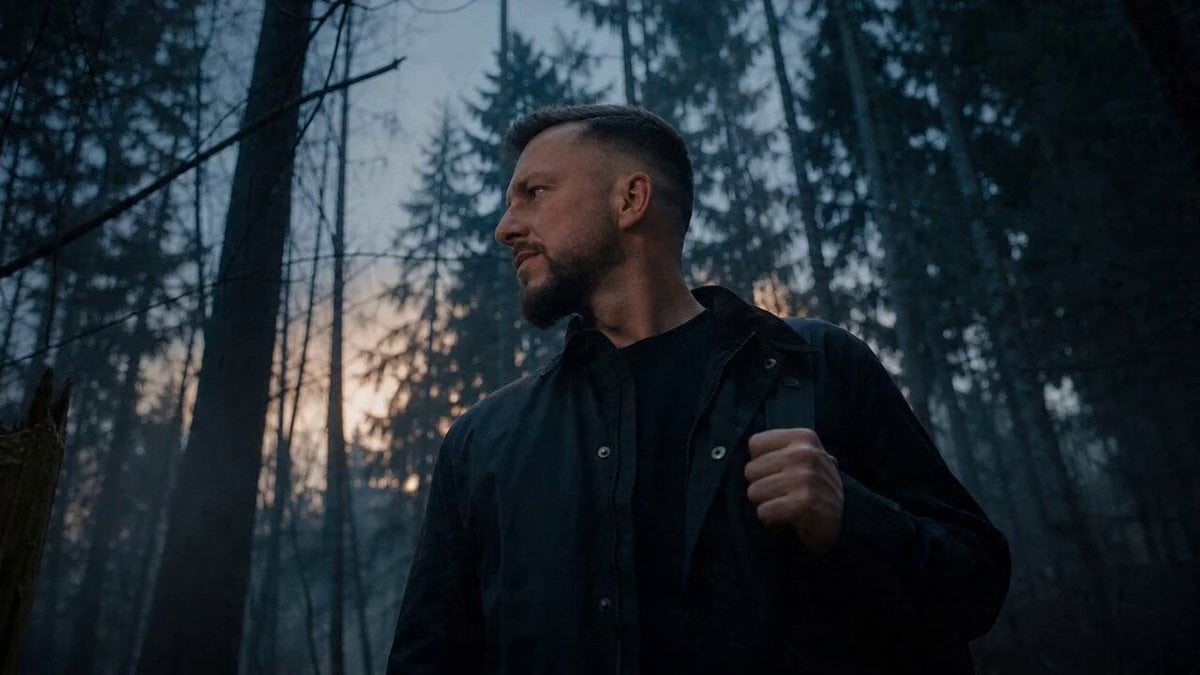
Werewolf Transformation VFX Shot
80s OVA Skate Run Storyboard
Out of Control — Seedance 2.0

Animated Ramen Chef Sequence
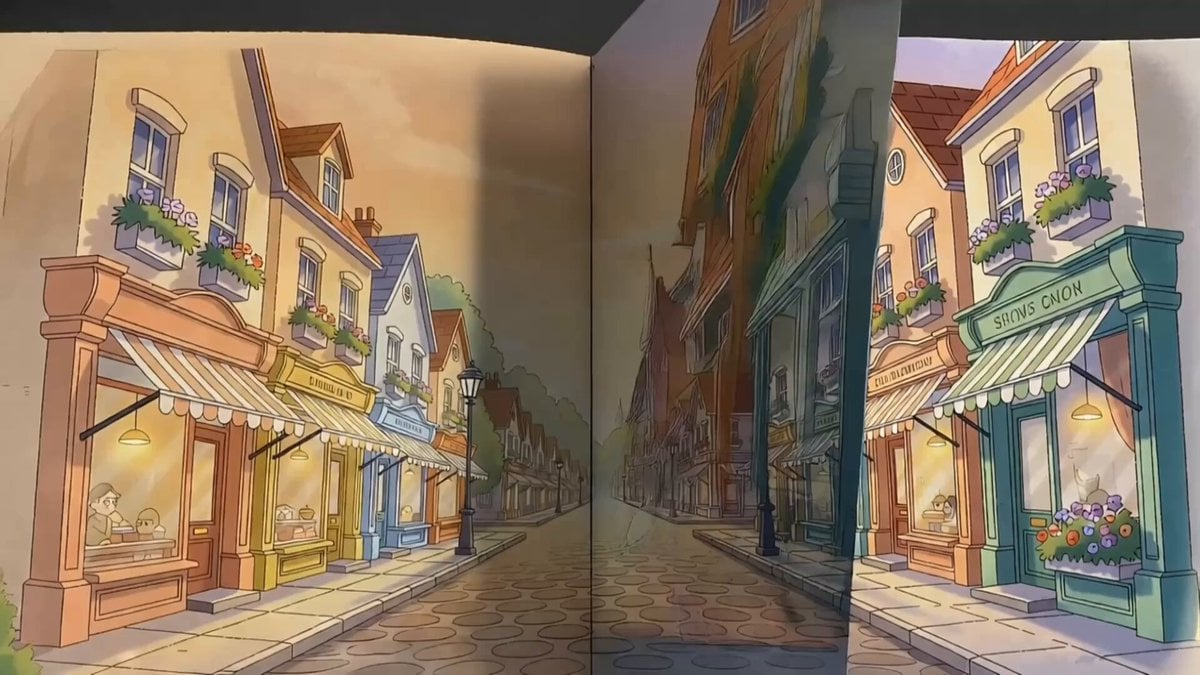
Storybook Superhero Animation
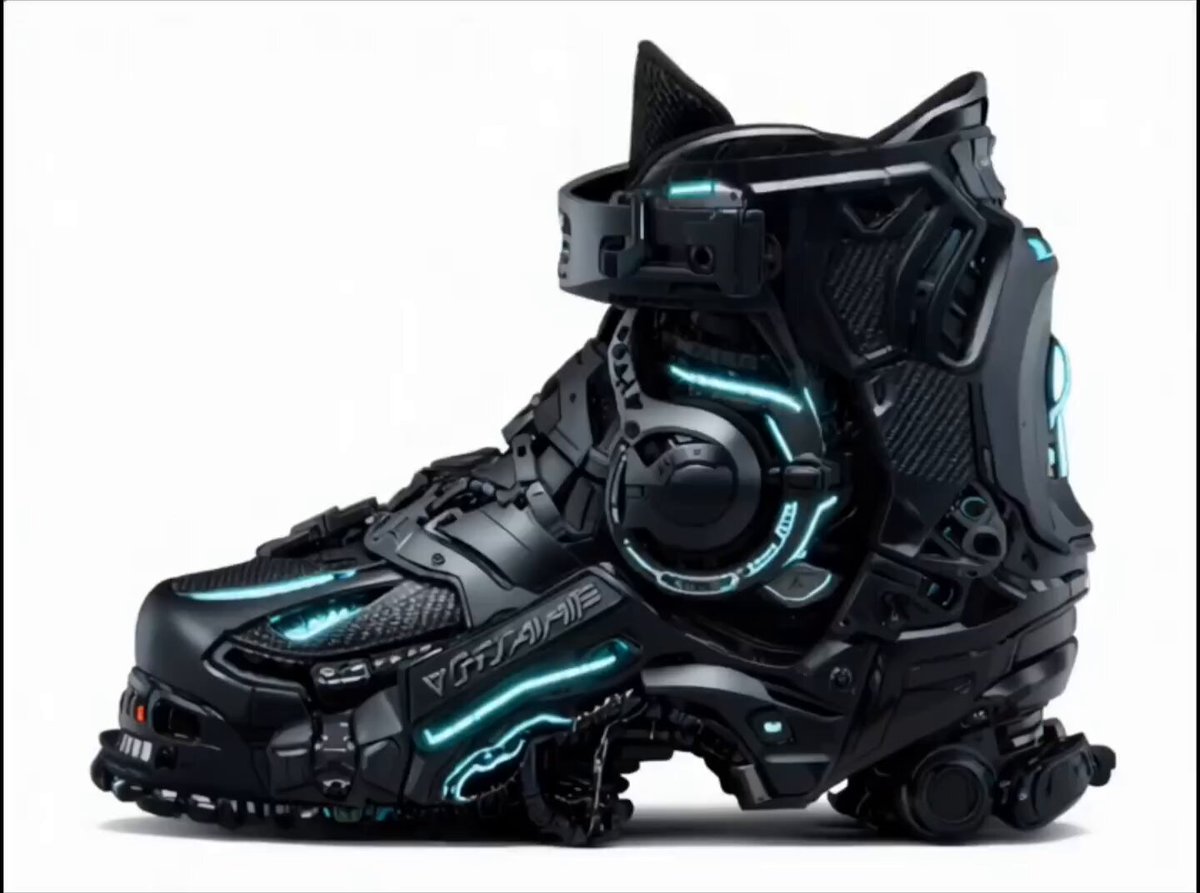
Futuristic Cyberpunk Boot Morphing Video

Post-Apocalyptic Cinematic Warrior Sequence
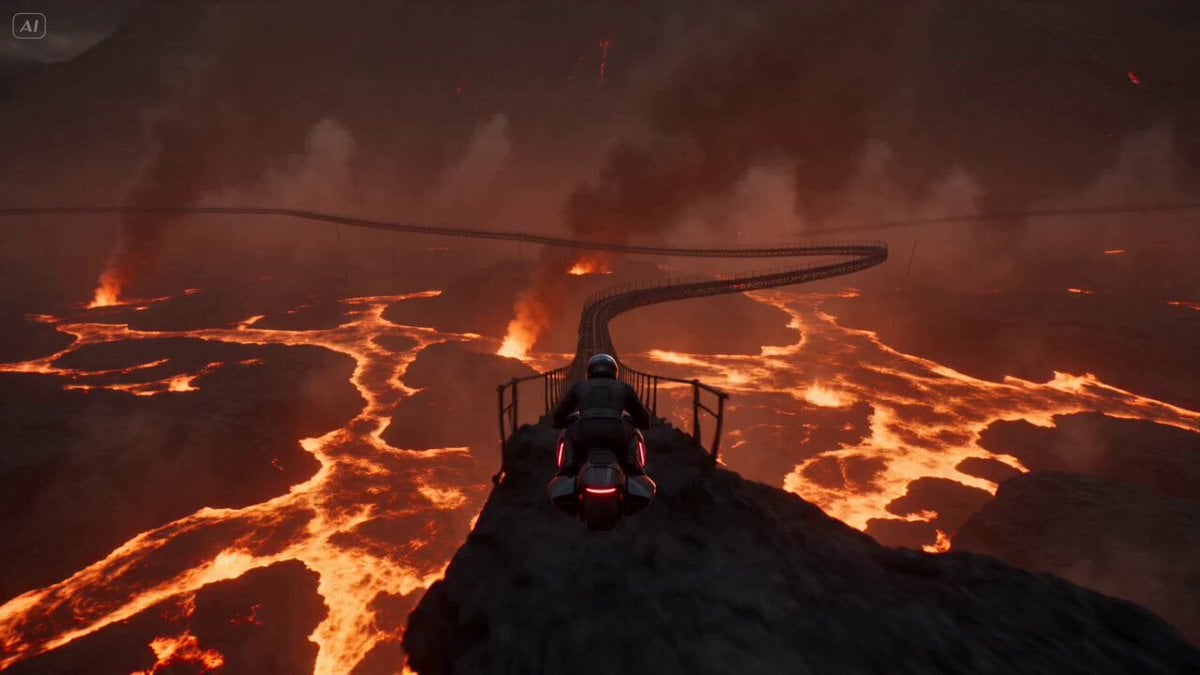
Volcanic Rail Rider Action Sequence
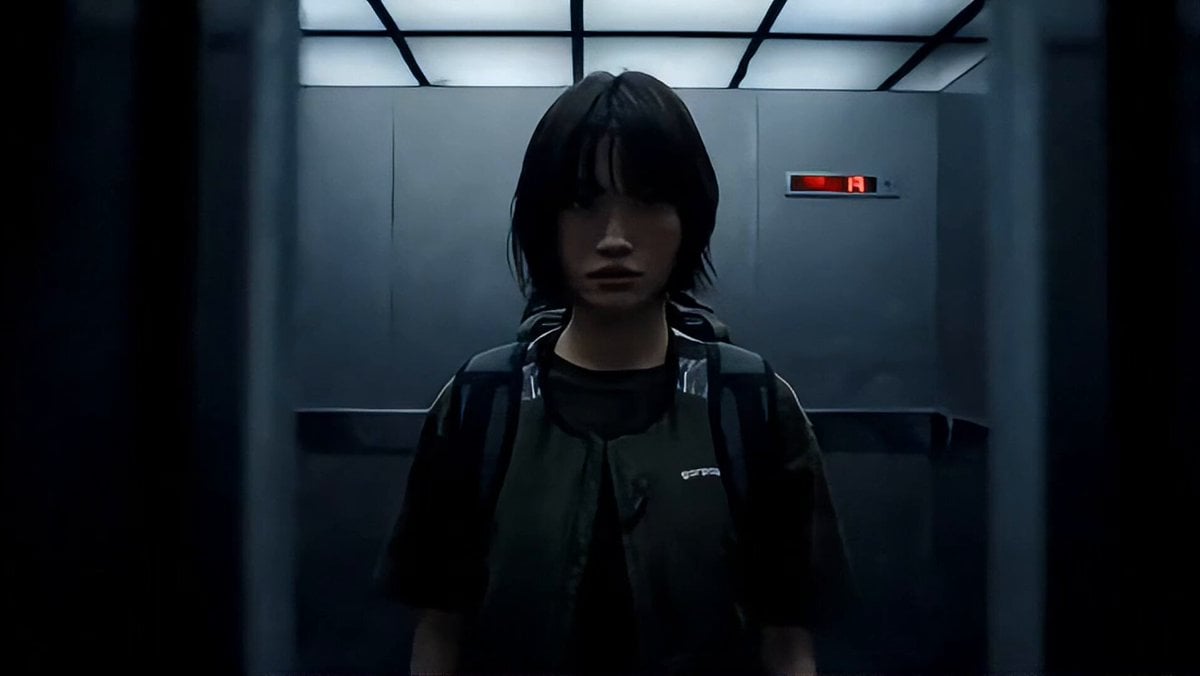
Industrial Elevator Combat Scene
Browse template categories
Beauxbatons Witch Magic Vortex Animation questions
How do I use the Beauxbatons Witch Magic Vortex Animation template?
Add your photo if the template asks for one, edit the prompt if you like — the template's model and format are already selected — and press Generate. Your version opens in PicX Studio.
Can I customize the Beauxbatons Witch Magic Vortex Animation template?
Yes. You can change the subject, setting, lighting, mood, format, and available model controls before creating your video.
Is the Beauxbatons Witch Magic Vortex Animation template free?
Opening and editing this template is free. Generating uses credits, shown on the Generate button when you are signed in.
Which AI model should I use?
Start with Seedance 2.0, which is the model associated with this template. You can compare another compatible model for a different finish.
Looking for something else? Browse all templates.

Your photo, any look
Thousands of ready templates for every top image and video model, from one credit balance.