
Multilingual Creative Typography Loop
multilingual text animation, timing, and visual transitions.
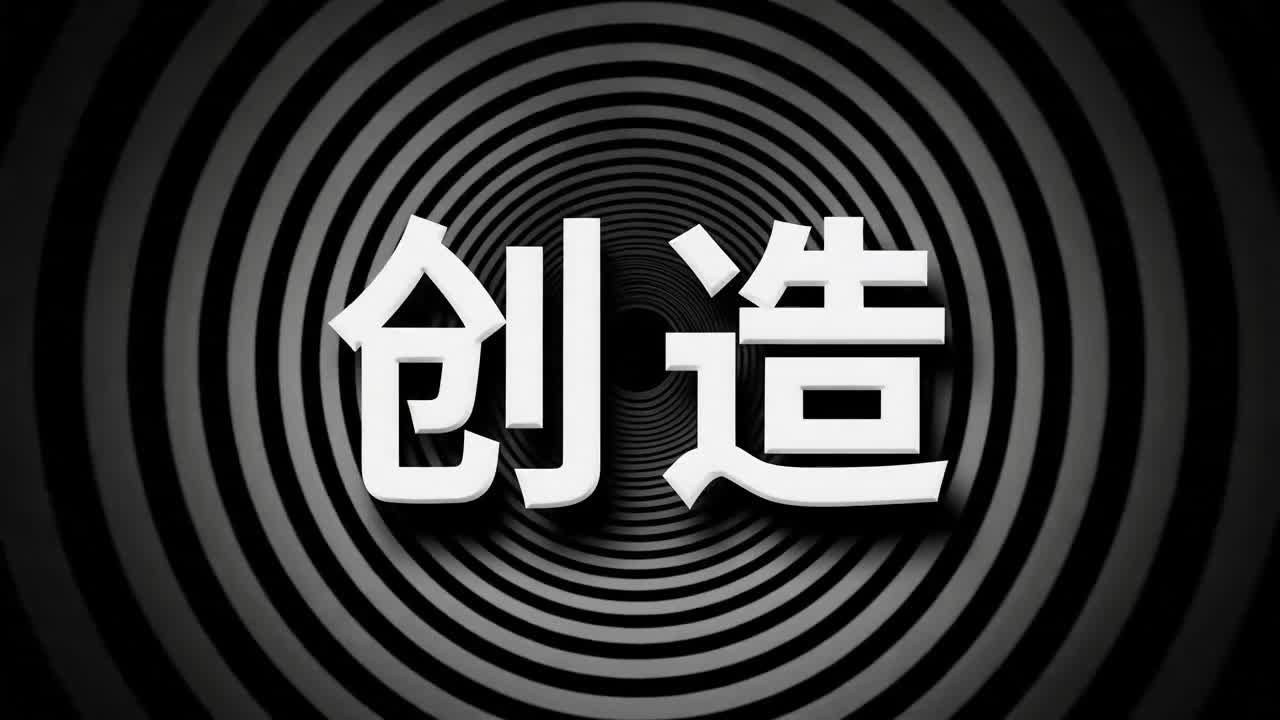
- Prompt included
- Model and format preset
- Free template
The prompt behind this video
Copy the exact prompt behind Multilingual Creative Typography Loop, or open it in the studio and make it yours.
A 15-second seamless looping creative typography animation video, 4K, 30 fps. Each language lasts about 1.2 seconds. Transitions are created through text dissolving, morphing, or drifting into particles, with no hard cuts. The background music has a clear rhythm and strong beat hits. 0-1.2s Chinese "创造" (Create): Op-art pure black background. Black-and-white concentric circles expand outward from the center to form a visual tunnel. The white 3D Chinese characters "创造" slowly protrude from the center toward the camera in bold sans-serif form, with subtle edge shadows. The circles ripple and distort like water as the text advances. 1.2-2.4s English "Create": The Chinese characters dissolve into ink-like particles and reassemble into "Create". Neon cyan and magenta gradients flow across the letters. The background becomes a dark grid with scanning light beams. The word stretches slightly with elastic motion on the beat. 2.4-3.6s Japanese "創造": The English letters shatter into paper-like fragments and fold into Japanese kanji. The background becomes warm washi paper texture with soft gold dust. The characters appear as brush ink, then gain a glossy lacquer edge. 3.6-4.8s Korean "창조": Ink strokes curve into Hangul. The background shifts to a clean white design space with floating geometric blocks. The text is pearl white with a fine blue rim light. 4.8-6.0s French "Créer": Letters bloom like perfume vapor over a deep burgundy background. The accent mark appears as a small sparkling stroke, landing precisely on the beat. 6.0-7.2s Spanish "Crear": Warm orange and deep blue mosaic tiles rotate into place. The text becomes sunlit, thick, and sculptural, with long shadows sliding across it. 7.2-8.4s Arabic "إبداع": Particles sweep from right to left and become elegant Arabic calligraphy. The background turns midnight blue with gold star-like specks. The strokes glow softly and flow like liquid metal. 8.4-9.6s Hindi "सृजन": The letters emerge from colorful powder and festival-like particles. The background carries saffron, teal, and pink gradients, with soft cloth texture. 9.6-10.8s Thai "สร้างสรรค์": The typography forms from water ripples and glass reflections. The background is a luminous tropical green with highlights like sunlight through leaves. 10.8-12.0s Russian "Создавать": The text appears as frosted crystal on a cold blue background. Fine ice particles fly outward as the letters lock into place. 12.0-13.2s Portuguese "Criar": The letters swing in with a playful tiled-wave motion, using bright green and yellow accents. The background feels clean, sunny, and energetic. 13.2-15.0s Finale: All words from different languages orbit inward as particles and assemble around the central Chinese "创造" and English "Create". The background becomes a deep black stage with a radiant circular light ring. The final frame holds briefly, then the light ring collapses back into the first concentric-circle tunnel, creating a perfect loop.
How to use Multilingual Creative Typography Loop in 3 steps
- 1
Open
The prompt is already in the box next to the preview, with the template's model and format selected.
- 2…a portrait of your subject in softgolden-hour light, 85mm…
Personalize
Edit the subject and creative details for your destination.
- 3Generate
Generate
Press Generate — your video is created in PicX Studio, so you can compare it with the original and refine one variable at a time.
More like this
Templates with the same subject, style or setup. Open one to see its prompt.
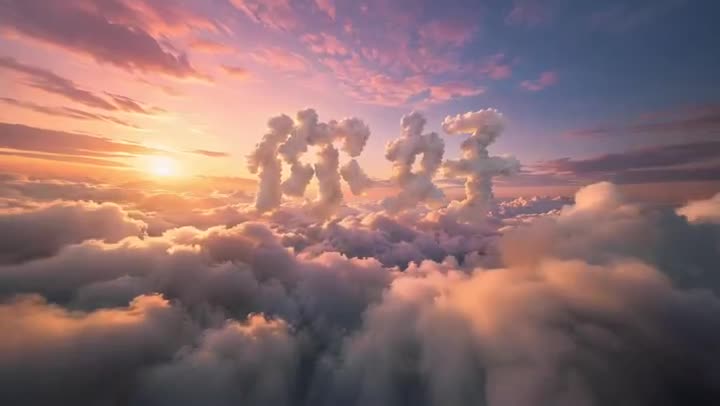
FPV Multilingual Landscape Flight

Voice Controlled Water Animation
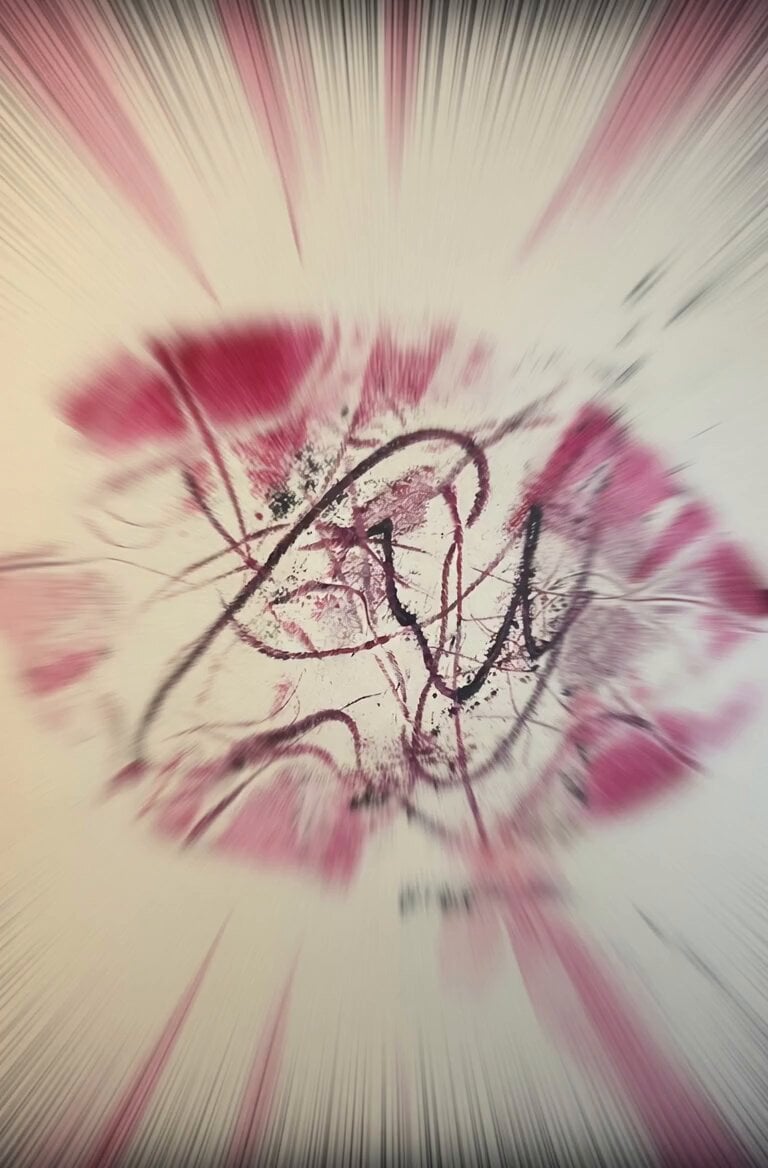
Magenta Organic Zoom Loop
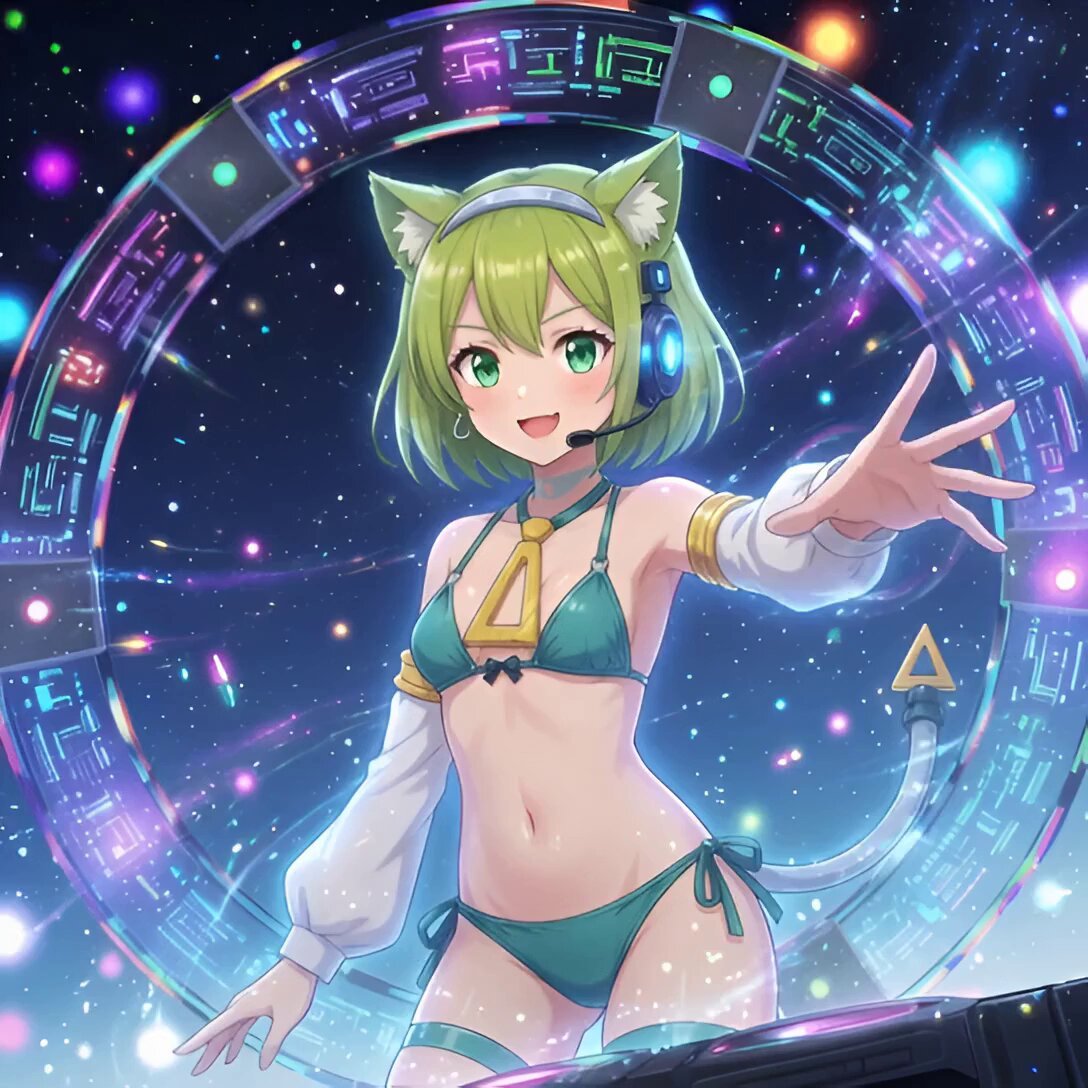
Android Deltamon Anime DJ Loop
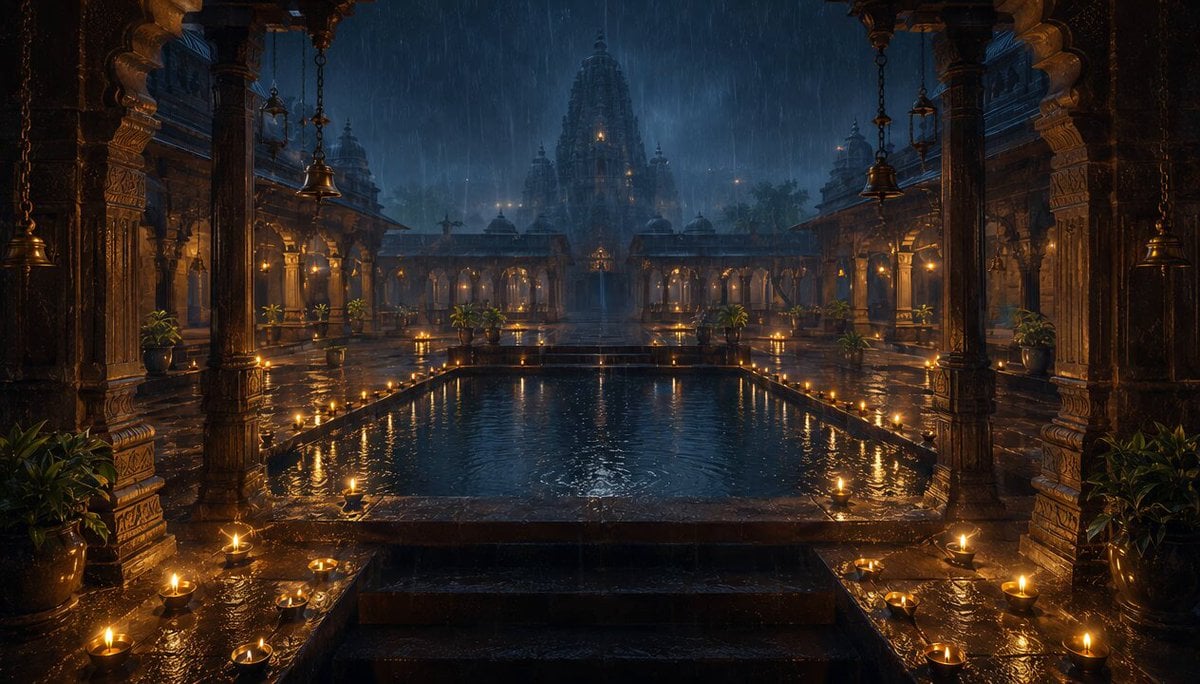
Seamless Monsoon Rain Loop
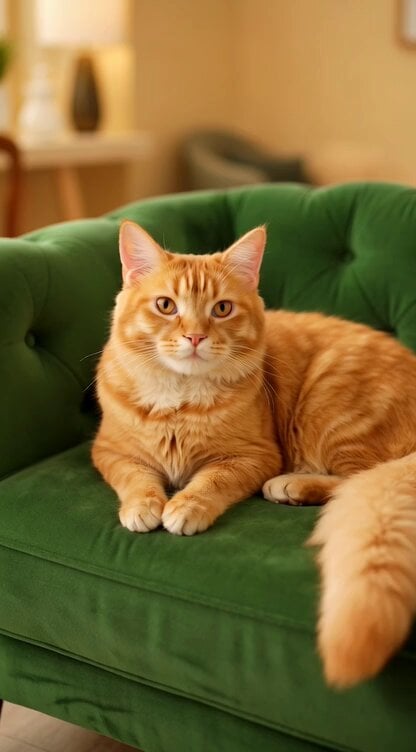
Regal Cat Perfect Loop Video
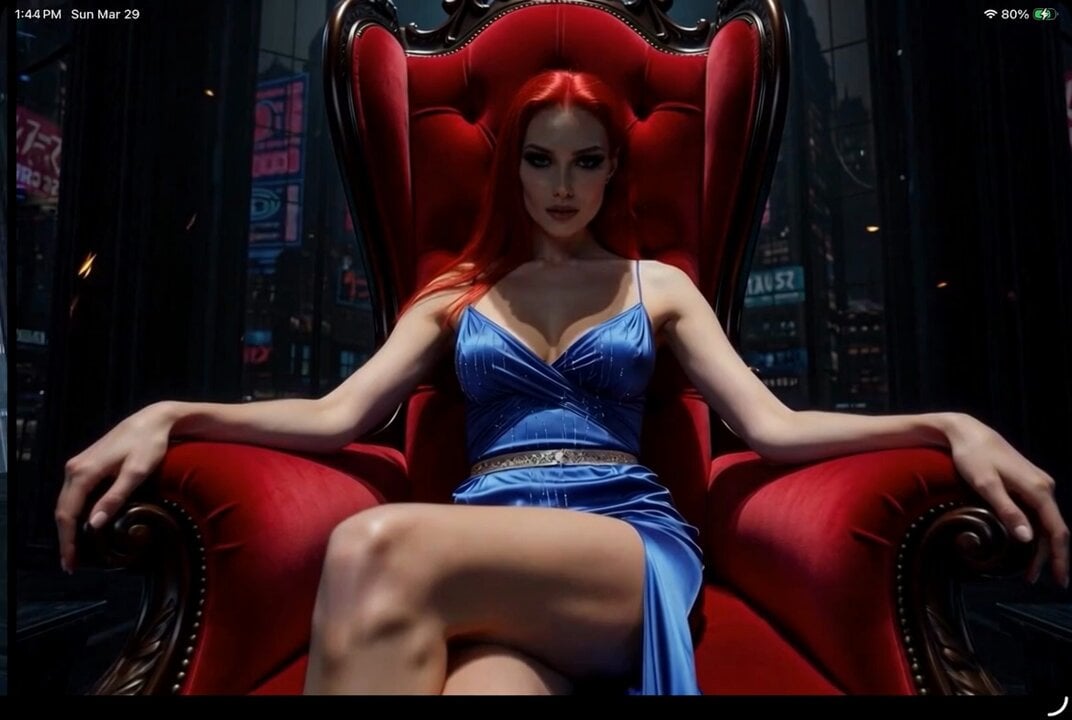
Digital Goddess Breaking the Loop
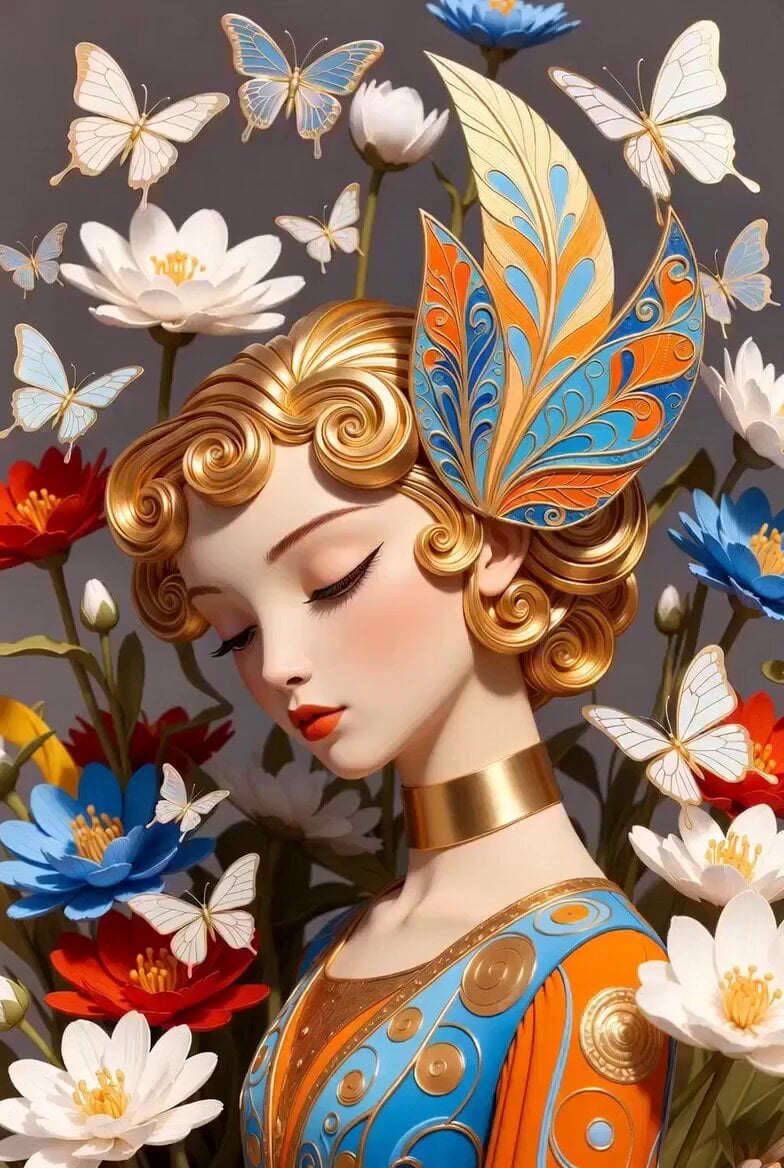
Golden Winged Muse Animation
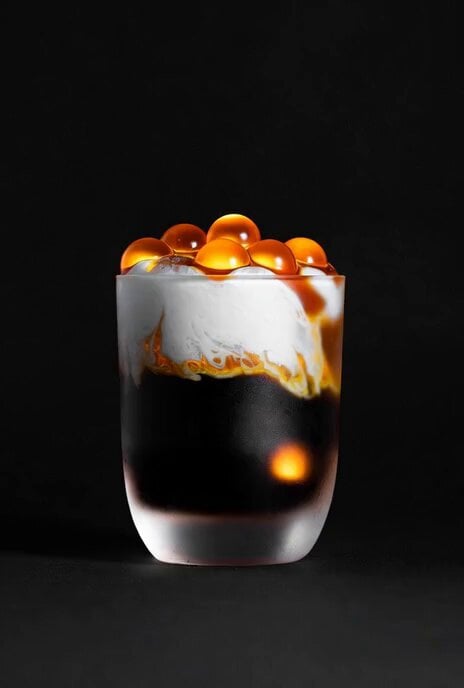
Rotating Coffee Cups Loop

Kaleidoscopic Cosmic Dolphin Video

Horror Daffy Duck Video Transition

America 250th Anniversary Celebration
Make it yours
Multilingual Creative Typography Loop works as-is. These are the safest ways to change it without losing the look.
Change one field
Copy a single group, rewrite it, and generate again so you can see what that field is doing.
Keep the frame, change the subject
Hold the composition and light of Multilingual Creative Typography Loop, then swap wardrobe, props or the person for a new take.
| If the result… | Why | Fix |
|---|---|---|
| The result drifts from the preview | Too many fields changed at once. | Reuse Multilingual Creative Typography Loop as-is first, then change one group — subject, light, or setting. |
| The model over-stylizes the scene | The prose prompt leaves finish and camera underspecified. | Add one camera or lighting sentence and stay on Seedance 2.5. |
More Seedance 2.5 templates
Other prompts made for Seedance 2.5.

Wholesome Puppy and Kitten Story - Seedance 2.5
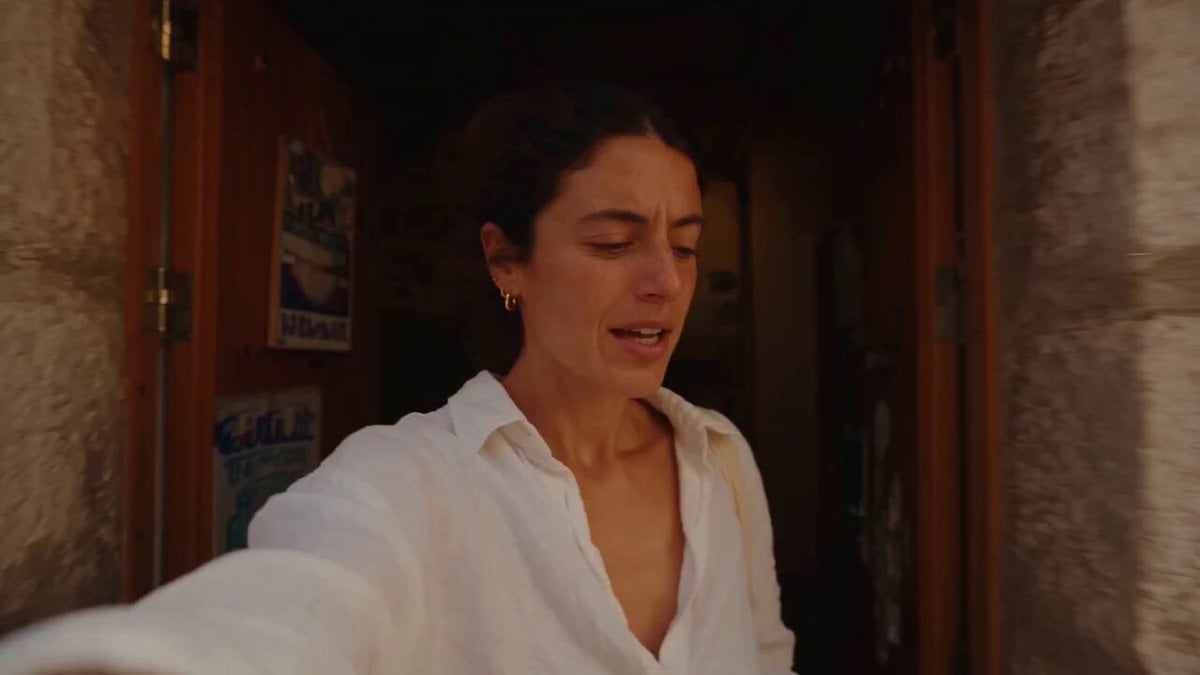
Mediterranean Coffee Run Vlog - Seedance 2.5
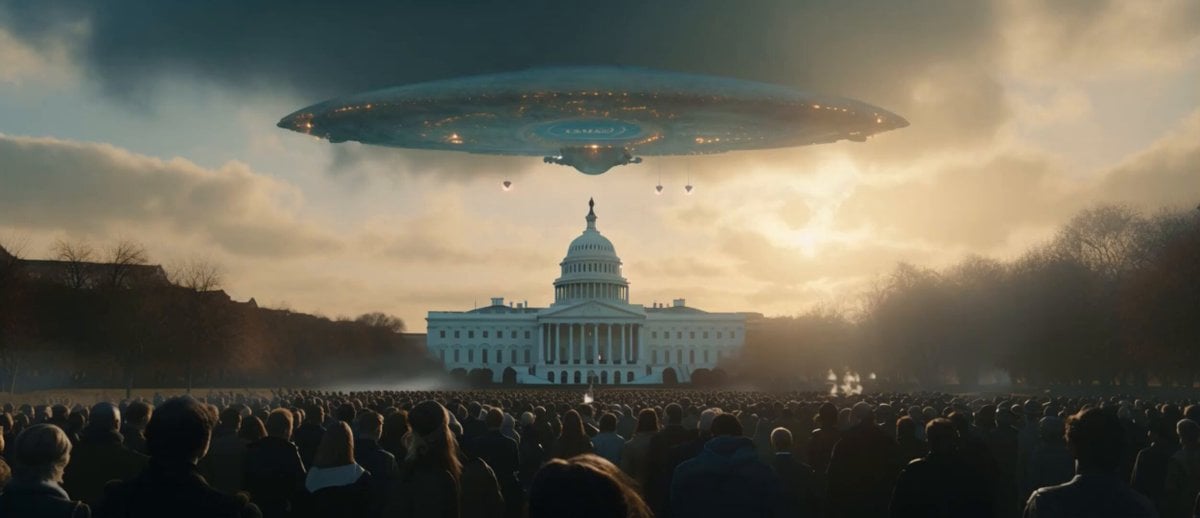
Sci-Fi Disaster Movie Scene - Seedance 2.5

Mysterious Home Exploration Vlog - Seedance 2.5
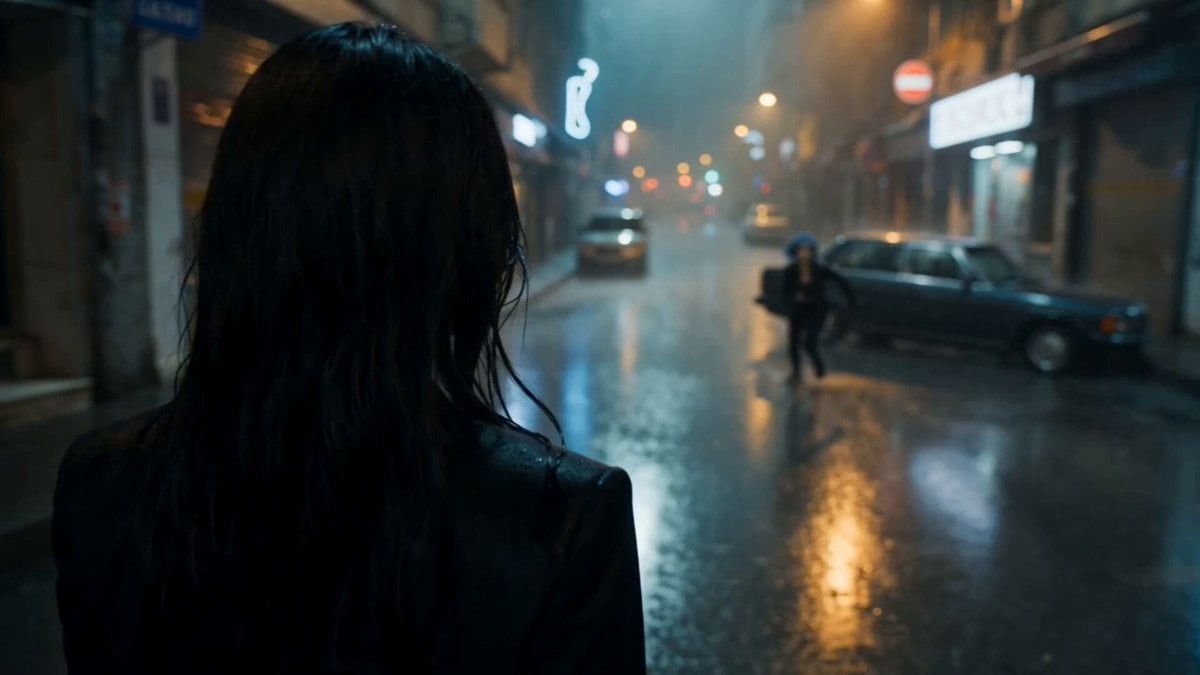
Cinematic Istanbul Night Fight - Seedance 2.5

Magical Room Transformation - Seedance 2.5

Dark Tokusatsu Transformation - Seedance 2.5

Realistic UGC Cleanser Review - Seedance 2.5
Viking in Modern America Comedy - Seedance 2.5
3D Animated Newspaper Delivery Short - Seedance 2.5
More video prompts
Fresh picks from across the catalog.

Funny Cartoon Cat with High-Tech Toy
Martial Arts Fight Scene Generation Prompt
Strawberry Energy Drink 3D Commercial
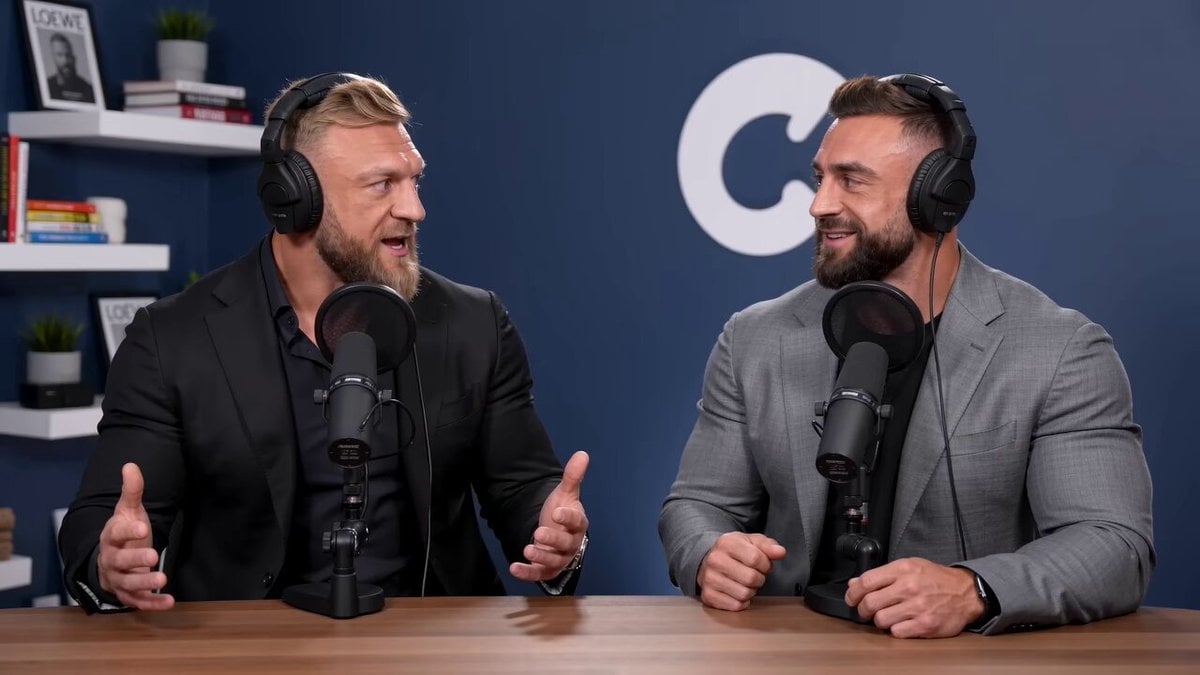
Podcast Bros App Development Discussion
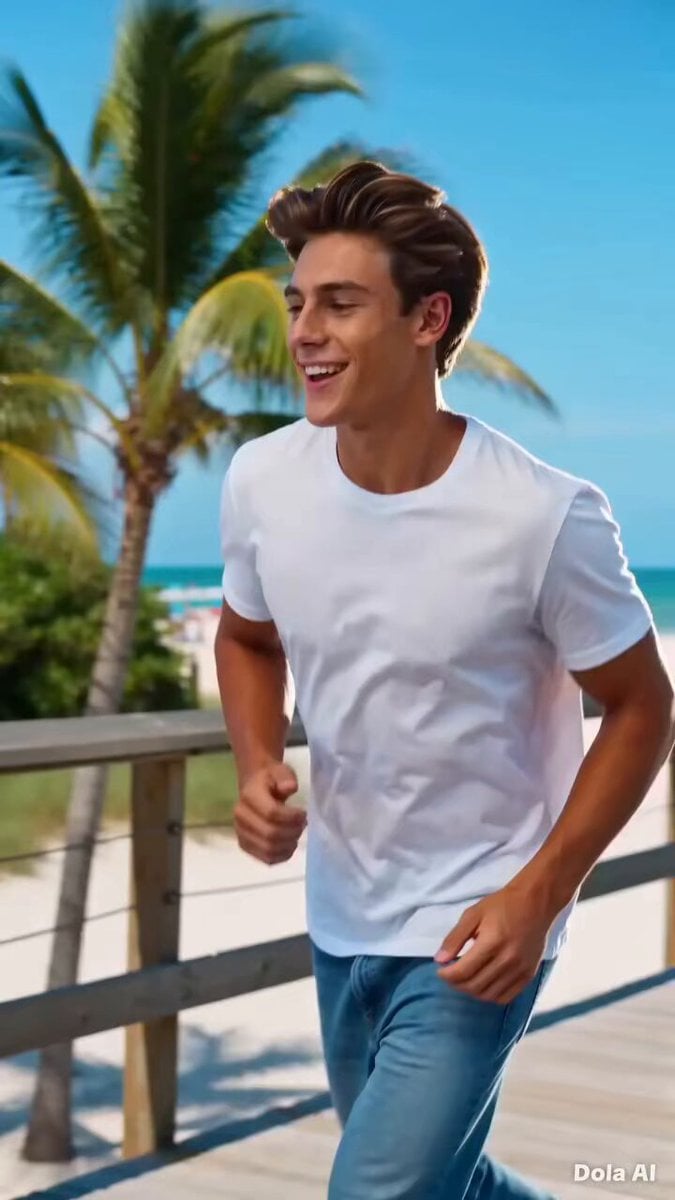
Fizzo Soft Drink Commercial
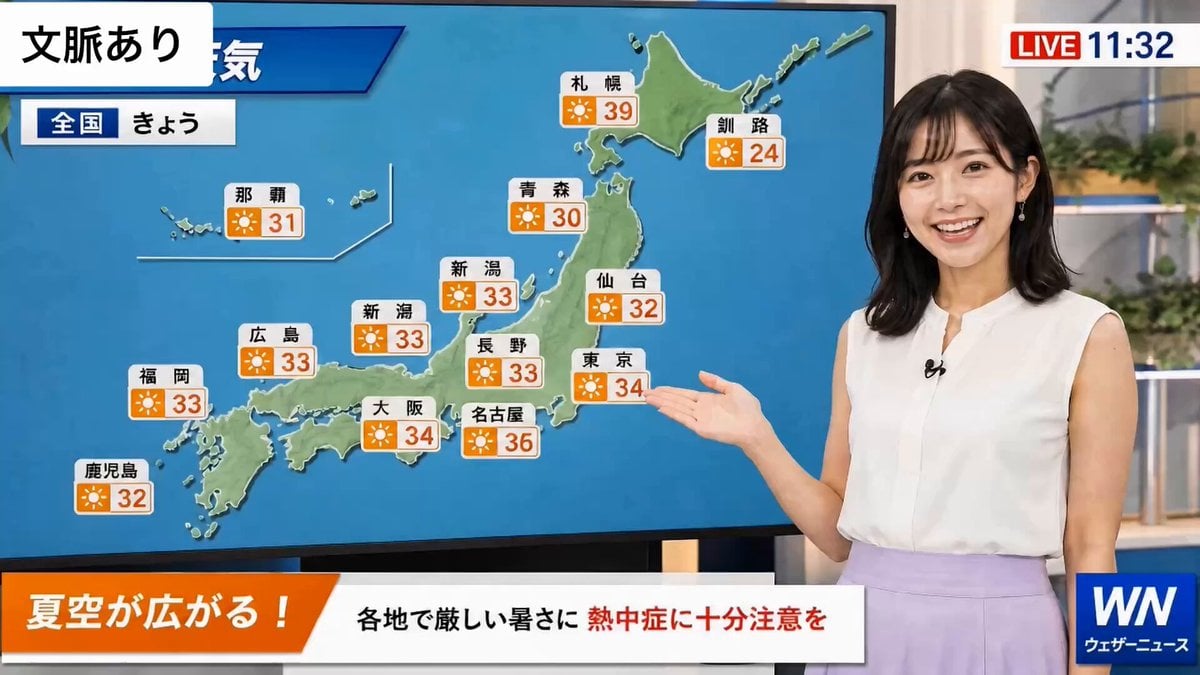
Weather Announcer Lip Sync
Ankitpatel Time Freeze Viral
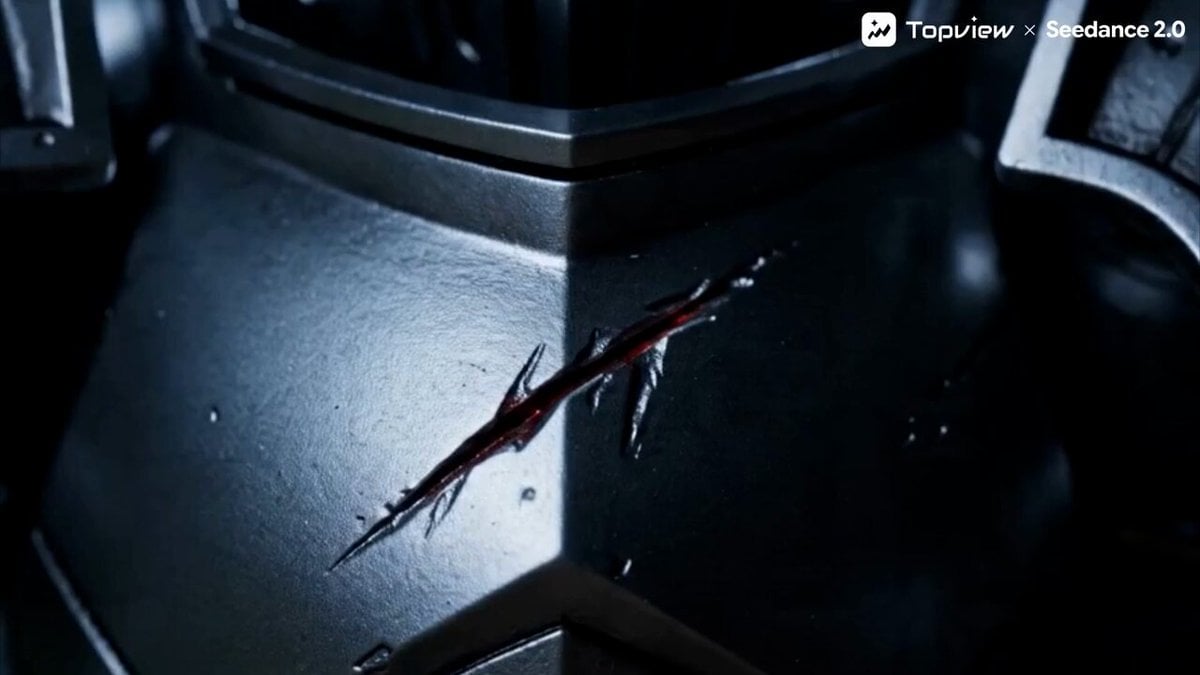
Toy Battle Macro Cinematography
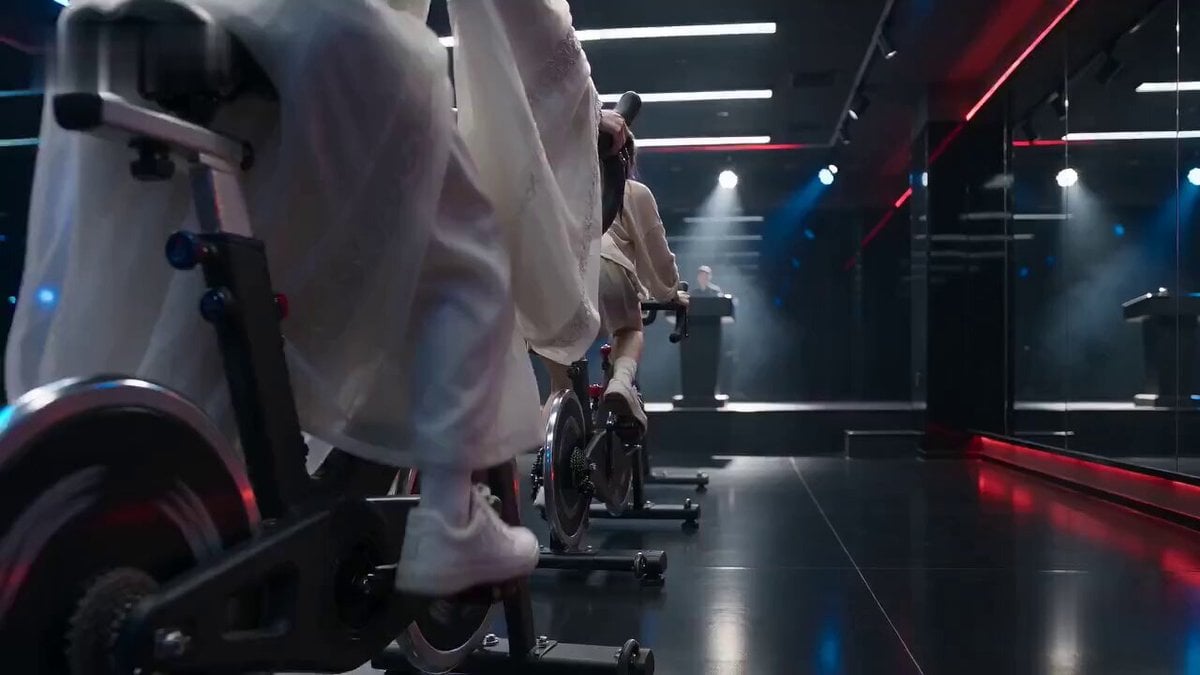
Cinematic Exercise Bike Cavalry Charge Misdirection
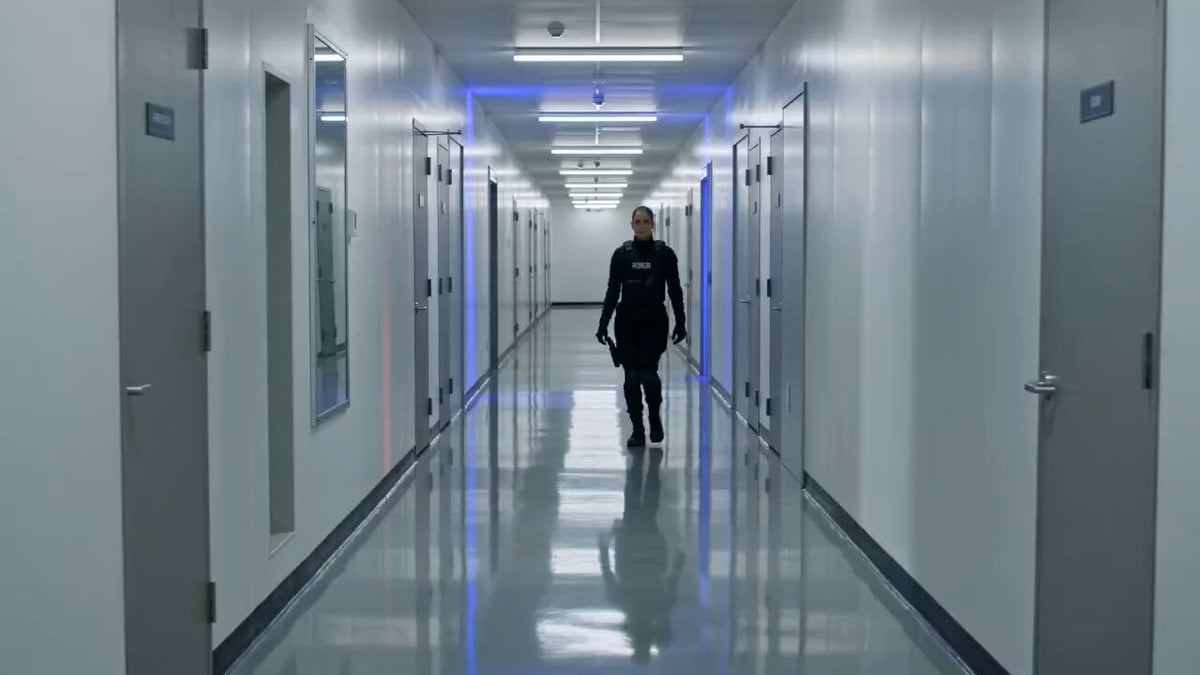
Tactical Gun-Fu Combat Sequence
Browse template categories
Multilingual Creative Typography Loop questions
How do I use the Multilingual Creative Typography Loop template?
Add your photo if the template asks for one, edit the prompt if you like — the template's model and format are already selected — and press Generate. Your version opens in PicX Studio.
Can I customize the Multilingual Creative Typography Loop template?
Yes. You can change the subject, setting, lighting, mood, format, and available model controls before creating your video.
Is the Multilingual Creative Typography Loop template free?
Opening and editing this template is free. Generating uses credits, shown on the Generate button when you are signed in.
Which AI model should I use?
Start with Seedance 2.5, which is the model associated with this template. You can compare another compatible model for a different finish.
Looking for something else? Browse all templates.

Your photo, any look
Thousands of ready templates for every top image and video model, from one credit balance.