
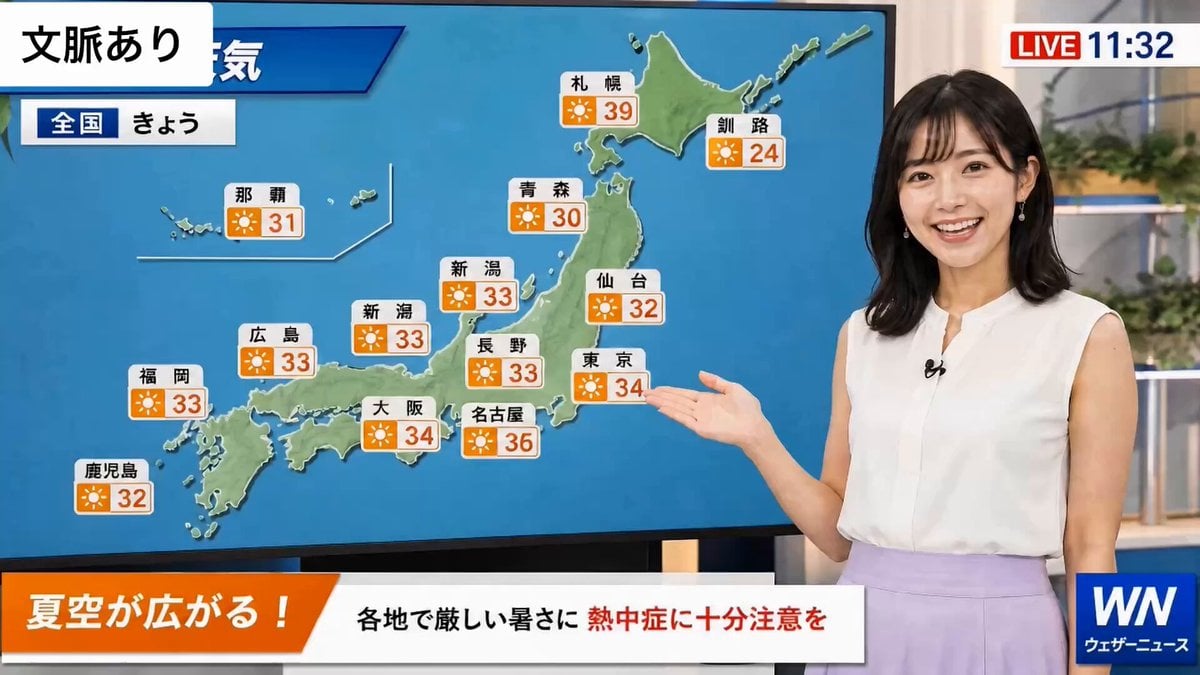
Weather Announcer Lip Sync
A professional broadcast-style prompt for an announcer delivering a weather report with natural pauses and studio ambience.
- Prompt included
- Model and format preset
- Free template
The prompt behind this video
Copy the exact prompt behind Weather Announcer Lip Sync, or open it in the studio and make it yours.
Clean broadcast audio. Soft studio ambience. Dialogue is clear and prominent. Background music is very low. She smiles warmly, briefly glances toward the weather map, then looks back into the camera and speaks in a cheerful, calm, professional voice: "みなさん、こんにちは。今日も全国的によく晴れて、夏らしい青空が広がります。最高気温は三十五度前後まで上がるところもありますので、水分補給をこまめにして、熱中症には十分お気をつけください。" Natural conversational pacing with small pauses between sentences. Slight smile throughout. Authentic Japanese TV announcer delivery. 女性はカメラに向かって喋りかける。"みなさん、こんにちは。今日も全国的によく晴れて、夏らしい青空が広がります。最高気温は三十五度前後まで上がるところもありますので、水分補給をこまめにして、熱中症には十分お気をつけください。"
How to use Weather Announcer Lip Sync in 3 steps
- 1
Open
The prompt is already in the box next to the preview, with the template's model and format selected.
- 2…a portrait of your subject in softgolden-hour light, 85mm…
Personalize
Edit the subject and creative details for your destination.
- 3Generate
Generate
Press Generate — your video is created in PicX Studio, so you can compare it with the original and refine one variable at a time.
More like this
Templates with the same subject, style or setup. Open one to see its prompt.
Weather Change Timelapse Video Prompt
Japanese Slice-of-Life Conversation with Lip Sync
Excited Japanese Announcement Lip-Sync
Hospital Car Park Dialogue Lip Sync
Sarcastic Lip Sync Reaction
Cinematic Car Conversation Lip Sync
AI Video Lip-Sync Timing

Lip Sync Narrative Interaction
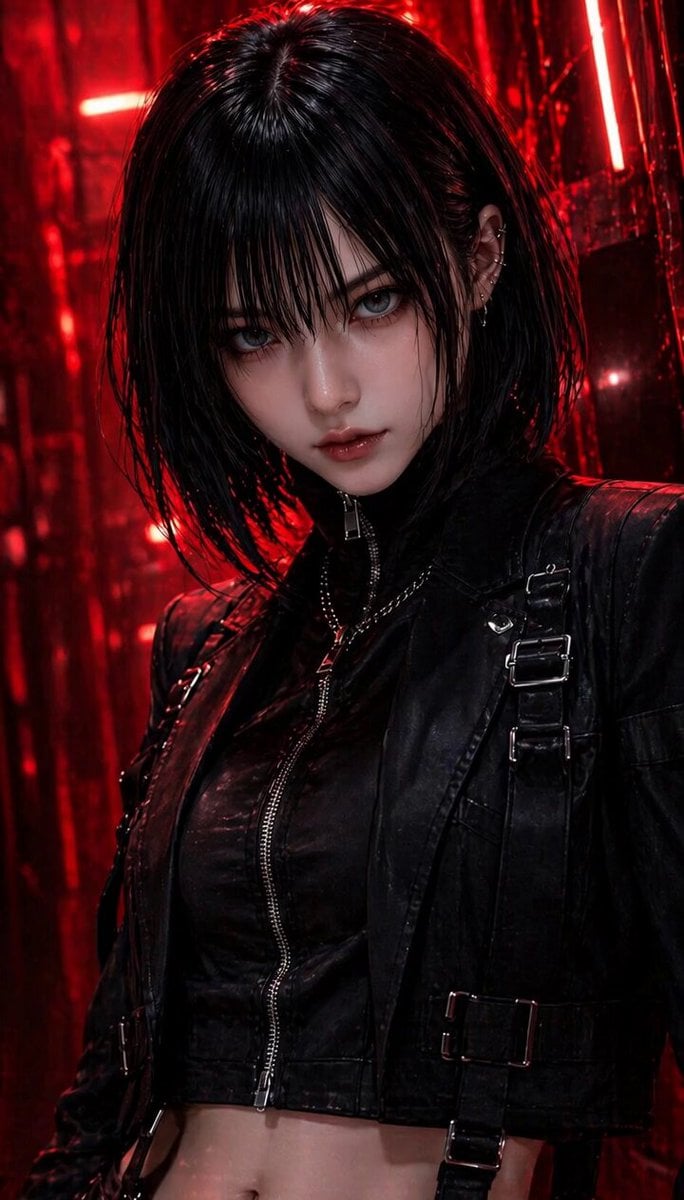
NERA Lip-Sync Agent Prompt

Character Lip-Sync Request
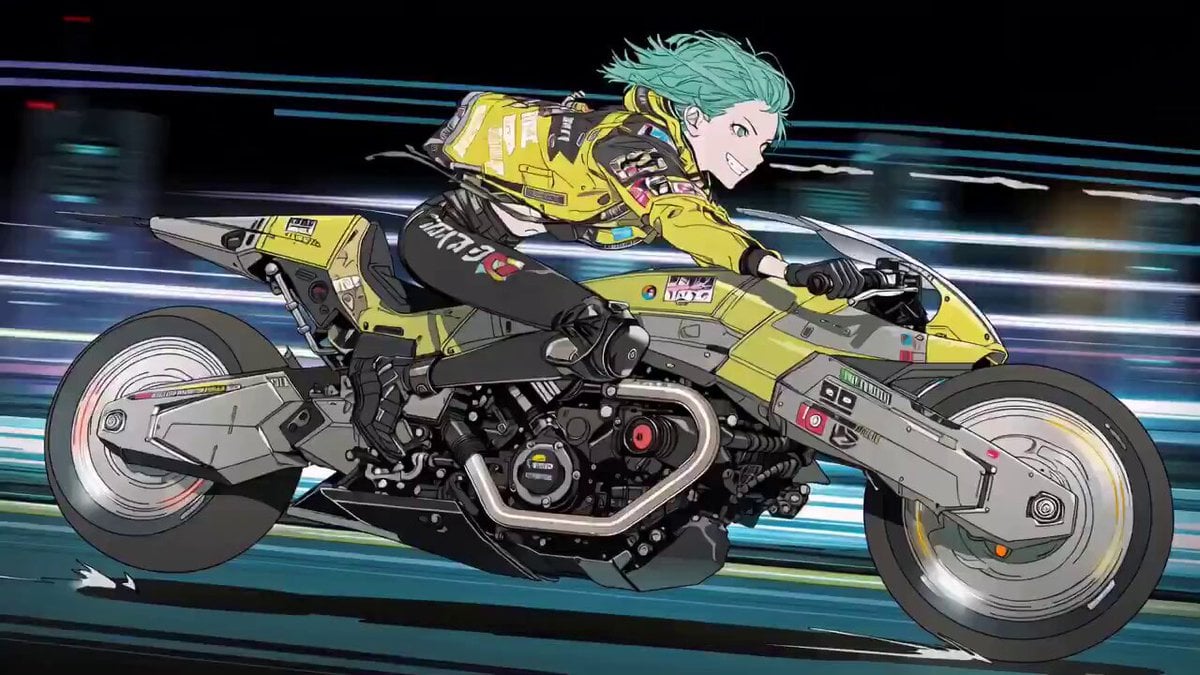
Cyberpunk Anime Trailer Test Prompt with Lip Sync
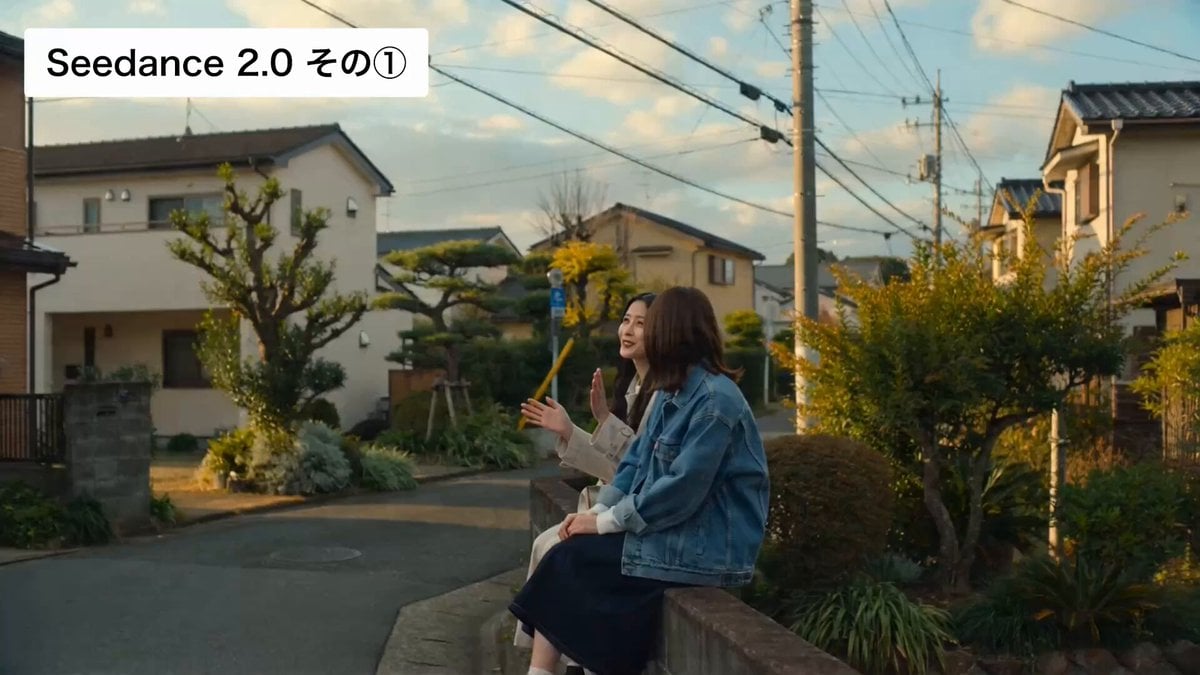
Cinematic Japanese Slice-of-Life Scene with Lip-Synced Dialogue
Make it yours
Weather Announcer Lip Sync works as-is. These are the safest ways to change it without losing the look.
Change one field
Copy a single group, rewrite it, and generate again so you can see what that field is doing.
Keep the frame, change the subject
Hold the composition and light of Weather Announcer Lip Sync, then swap wardrobe, props or the person for a new take.
| If the result… | Why | Fix |
|---|---|---|
| The result drifts from the preview | Too many fields changed at once. | Reuse Weather Announcer Lip Sync as-is first, then change one group — subject, light, or setting. |
| The model over-stylizes the scene | The prose prompt leaves finish and camera underspecified. | Add one camera or lighting sentence and stay on Seedance 2.0. |
More Seedance 2.0 templates
Other prompts made for Seedance 2.0.

Comical Martial Arts Punch Scene

Maglev Train Action Sequence

Martial Arts Fight Sequence

Wuxia Protection and Trust Script

Vintage Korean Arcade MiniDV Vlog

Mercedes 190 SL Luxury Ad

Rainy Night Supernatural Reverse Comedy Video Script

Amazon Civilization Discovery

Futuristic South Asian City Transformation

Cozy Luxury Cafe Commercial
More video prompts
Fresh picks from across the catalog.
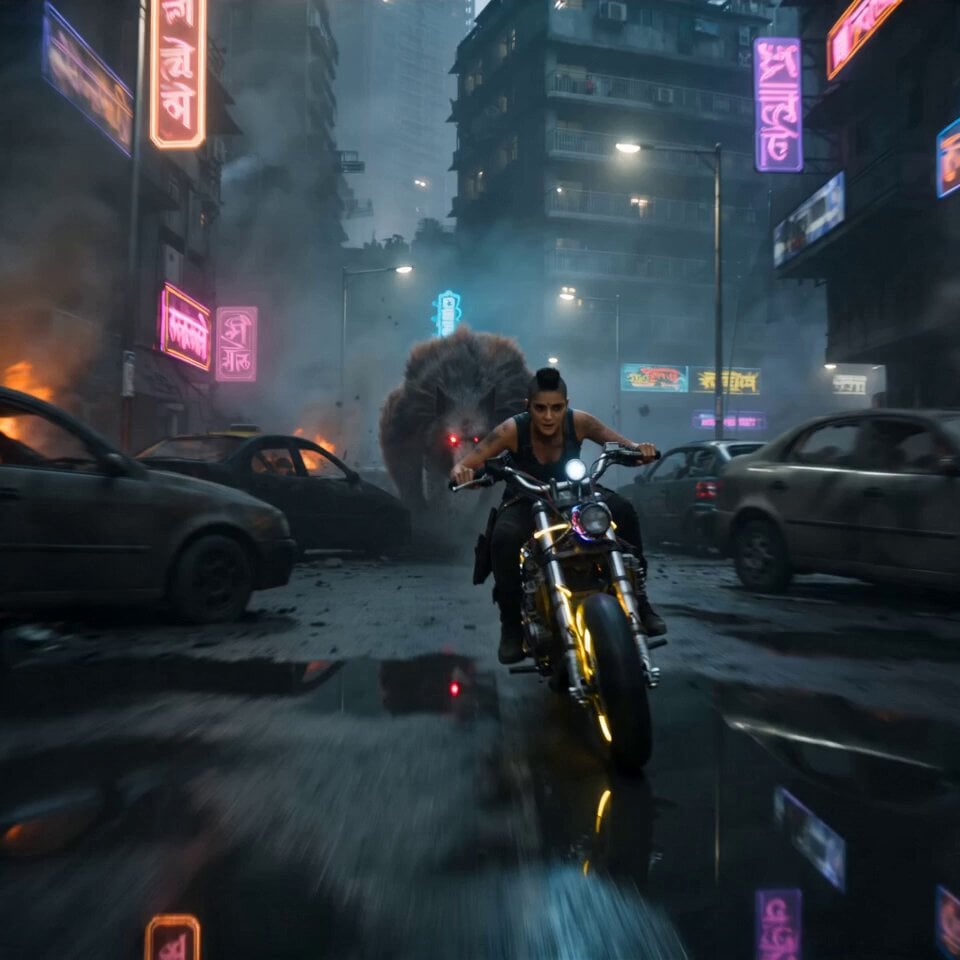
Cyberpunk Mumbai Werewolf Pursuit

Realistic 4K Cinematic Upscale Prompt
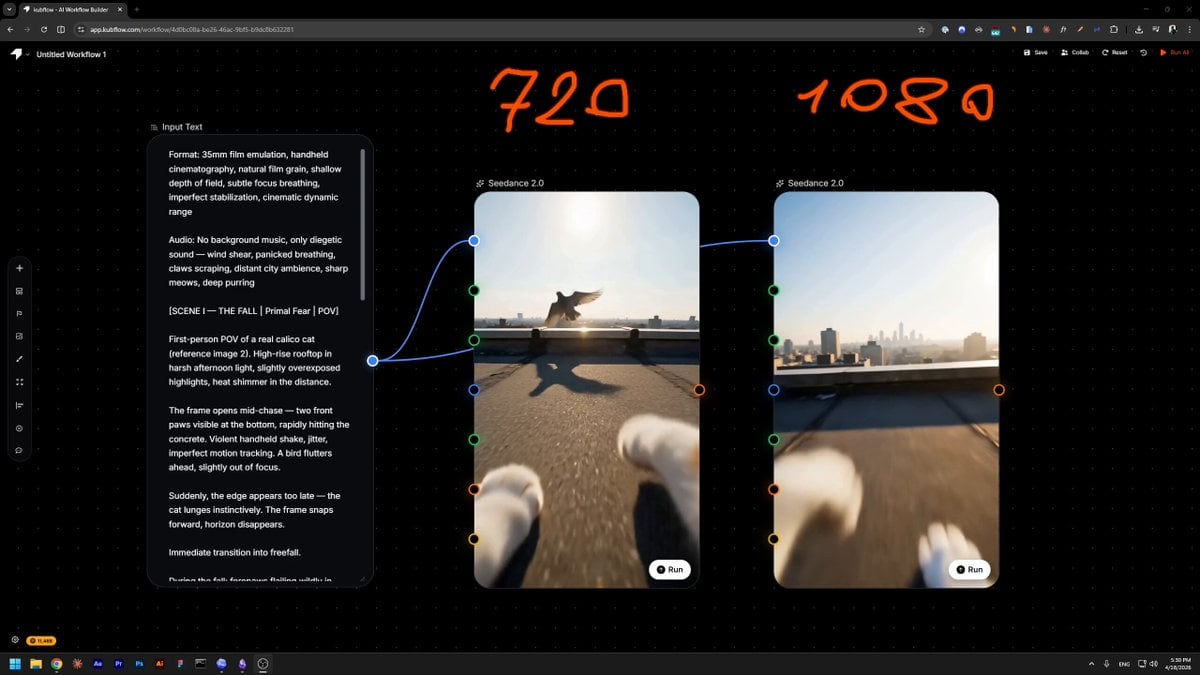
Handheld 35mm Film Aesthetic Prompt

Red Hartebeest running in Kalahari summer

Luxury Skincare Product Commercial
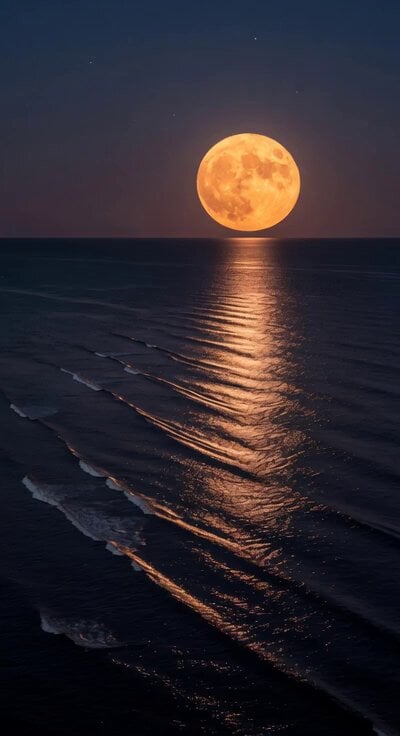
Super Moon Ocean Ripples
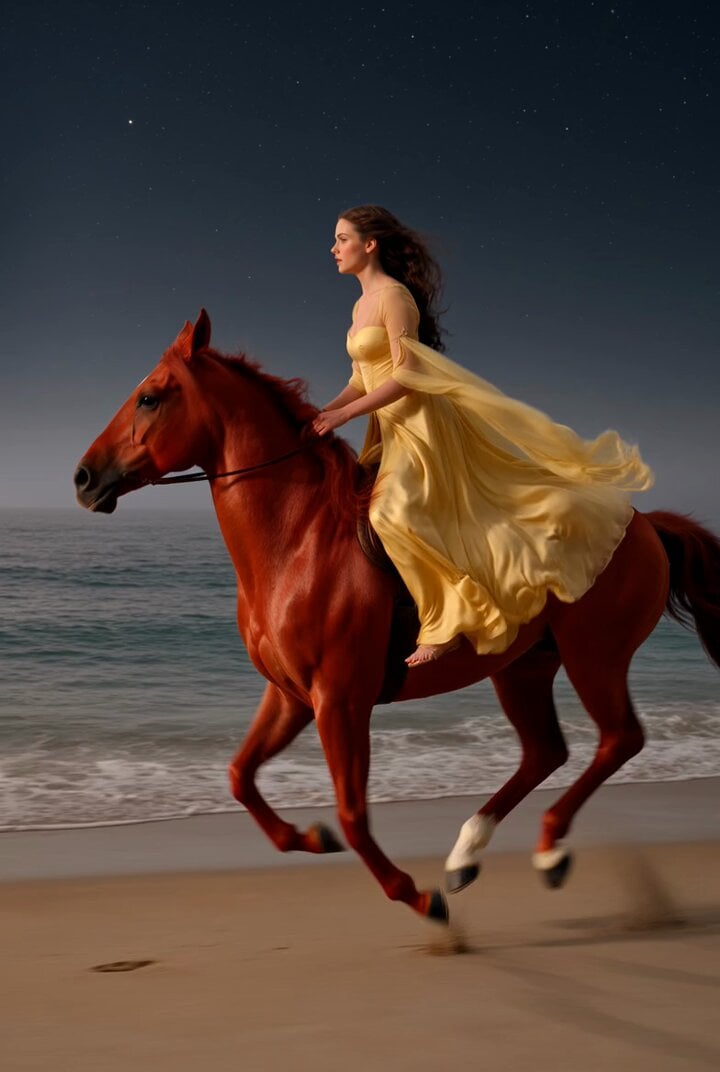
Video prompt of a lady riding a flying horse on the seashore
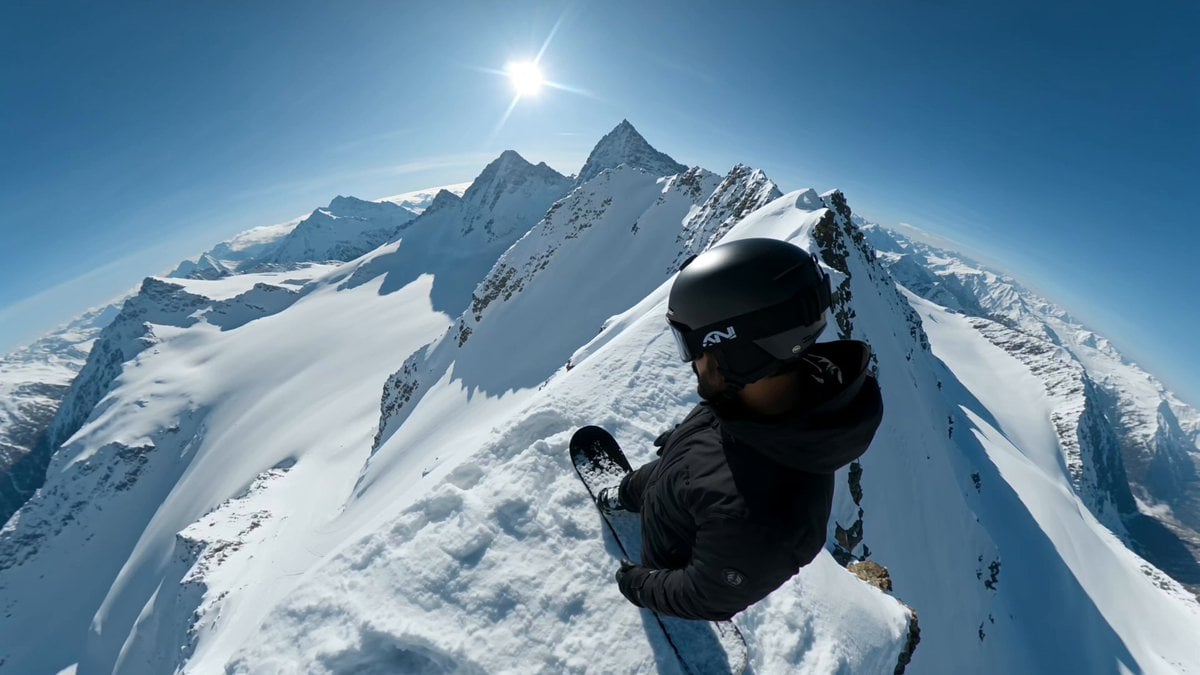
Extreme Snowboarder FPV Avalanche Chase

3D Anime Character Scenario Template
Seedance 2.0 Test: Butterfly Fairy Story
Browse template categories
Weather Announcer Lip Sync questions
How do I use the Weather Announcer Lip Sync template?
Add your photo if the template asks for one, edit the prompt if you like — the template's model and format are already selected — and press Generate. Your version opens in PicX Studio.
Can I customize the Weather Announcer Lip Sync template?
Yes. You can change the subject, setting, lighting, mood, format, and available model controls before creating your video.
Is the Weather Announcer Lip Sync template free?
Opening and editing this template is free. Generating uses credits, shown on the Generate button when you are signed in.
Which AI model should I use?
Start with Seedance 2.0, which is the model associated with this template. You can compare another compatible model for a different finish.
Looking for something else? Browse all templates.

Your photo, any look
Thousands of ready templates for every top image and video model, from one credit balance.