
Sarcastic Lip Sync Reaction
A character interaction prompt focused on subtle facial expressions and a sarcastic tone for lip-sync video generation.
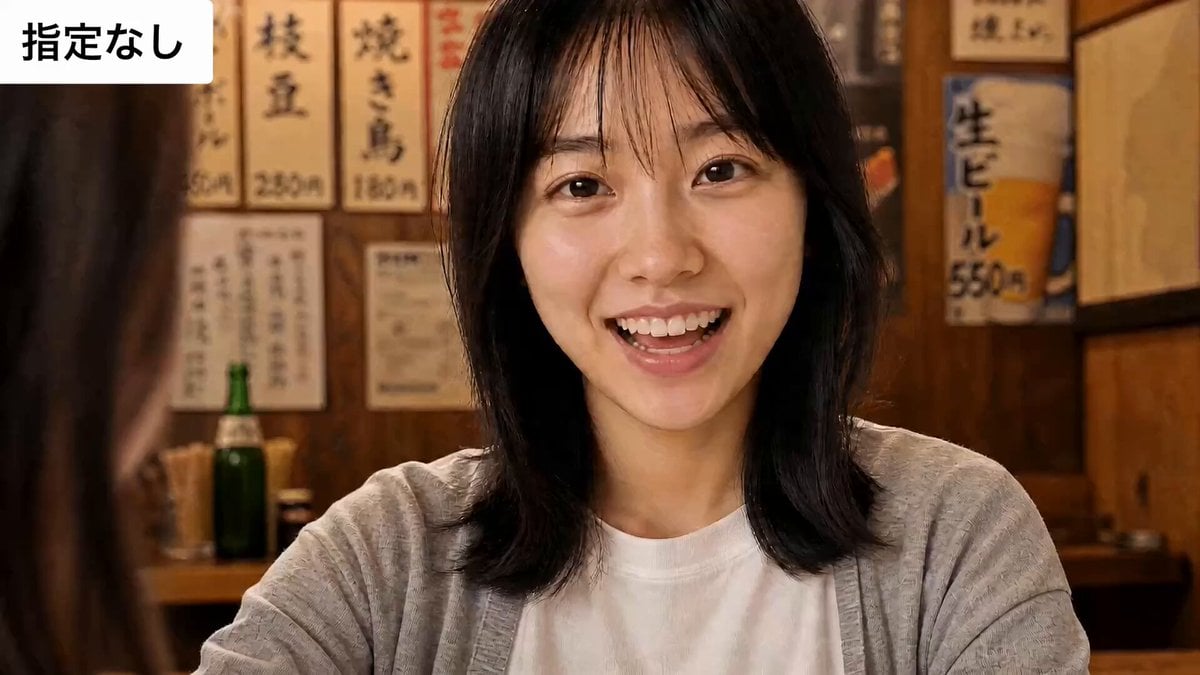
- Prompt included
- Model and format preset
- Free template
The prompt behind this video
Copy the exact prompt behind Sarcastic Lip Sync Reaction, or open it in the studio and make it yours.
①芝居の指定なしバージョン カメラ固定、カットなし。女性が相手を見て話す。セリフ:「すごいね。そんなの、私には絶対思いつかなかったよ」。 ②嬉しいバージョン カメラ固定、カットなし。女性は、親友が独力で成し遂げた快挙をたった今聞かされ、心の底から感心している。正面にいる親友に向かって言う。セリフ:「すごいね。そんなの、私には絶対思いつかなかったよ」。 ③皮肉バージョン カメラ固定、カットなし。女性は、同僚が自分のアイデアを盗んで手柄にしたことを知っており、心の中では呆れて軽蔑している。それを本人の前で、表面上は褒めるふりをして言う。セリフ:「すごいね。そんなの、私には絶対思いつかなかったよ」。
How to use Sarcastic Lip Sync Reaction in 3 steps
- 1
Open
The prompt is already in the box next to the preview, with the template's model and format selected.
- 2…a portrait of your subject in softgolden-hour light, 85mm…
Personalize
Edit the subject and creative details for your destination.
- 3Generate
Generate
Press Generate — your video is created in PicX Studio, so you can compare it with the original and refine one variable at a time.
More like this
Templates with the same subject, style or setup. Open one to see its prompt.
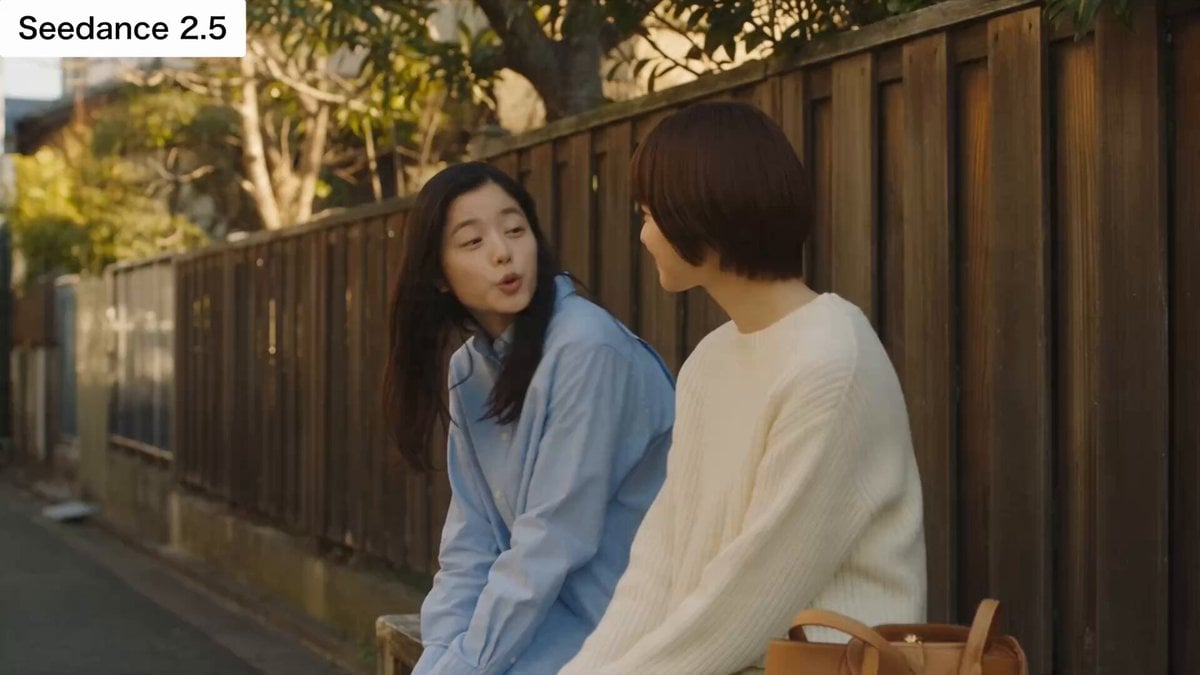
Japanese Slice-of-Life Conversation with Lip Sync
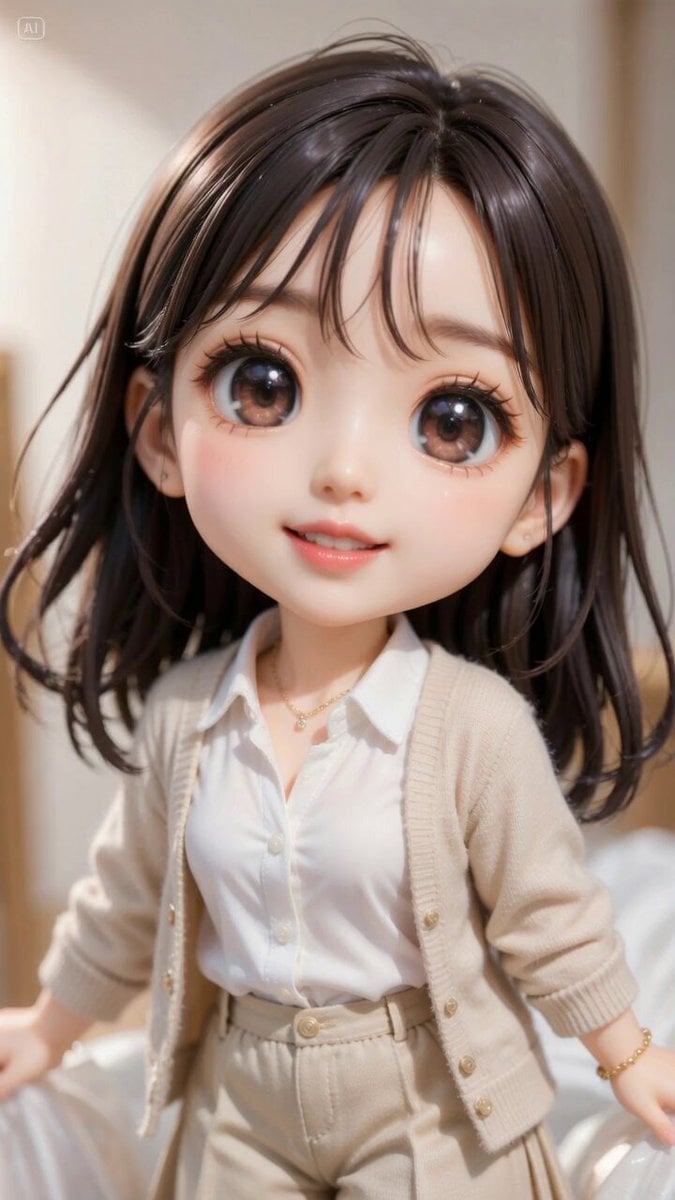
Excited Japanese Announcement Lip-Sync
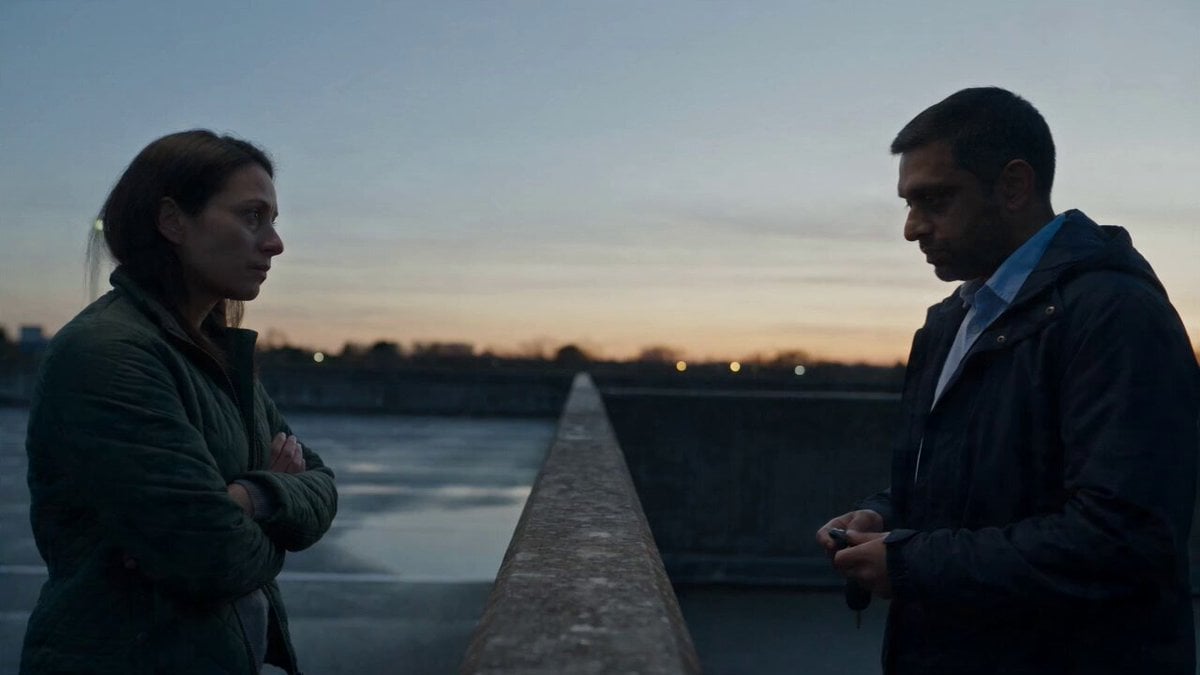
Hospital Car Park Dialogue Lip Sync
Weather Announcer Lip Sync
Cinematic Car Conversation Lip Sync
AI Video Lip-Sync Timing

Lip Sync Narrative Interaction
NERA Lip-Sync Agent Prompt

Character Lip-Sync Request
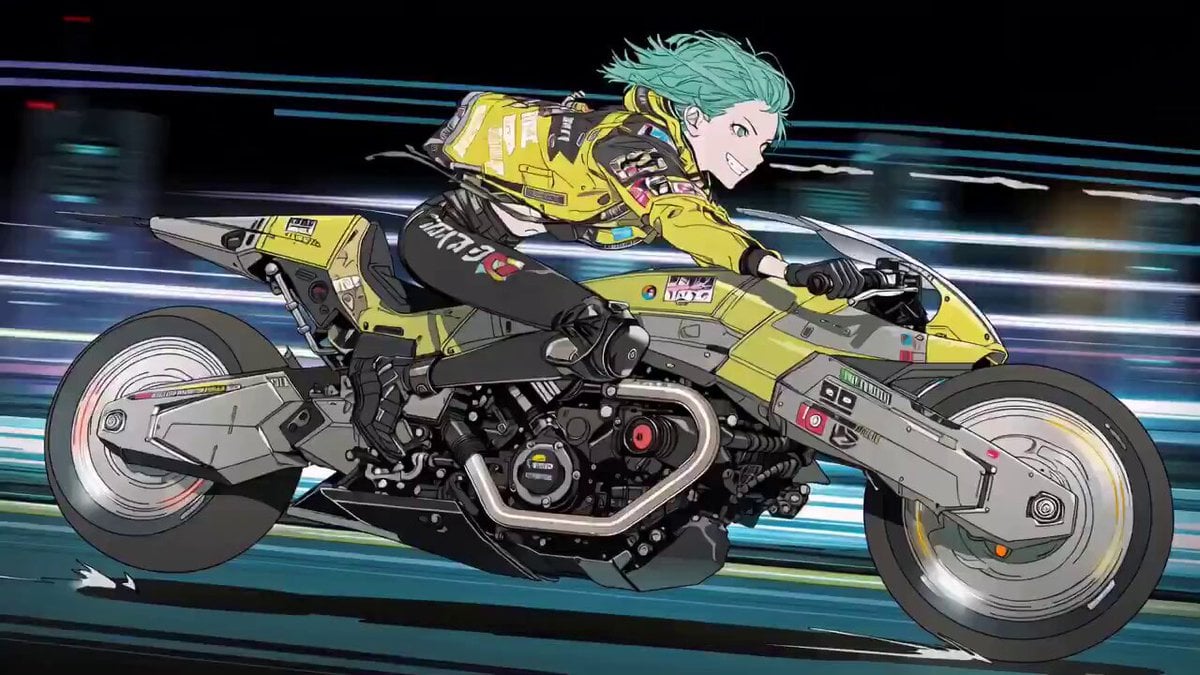
Cyberpunk Anime Trailer Test Prompt with Lip Sync
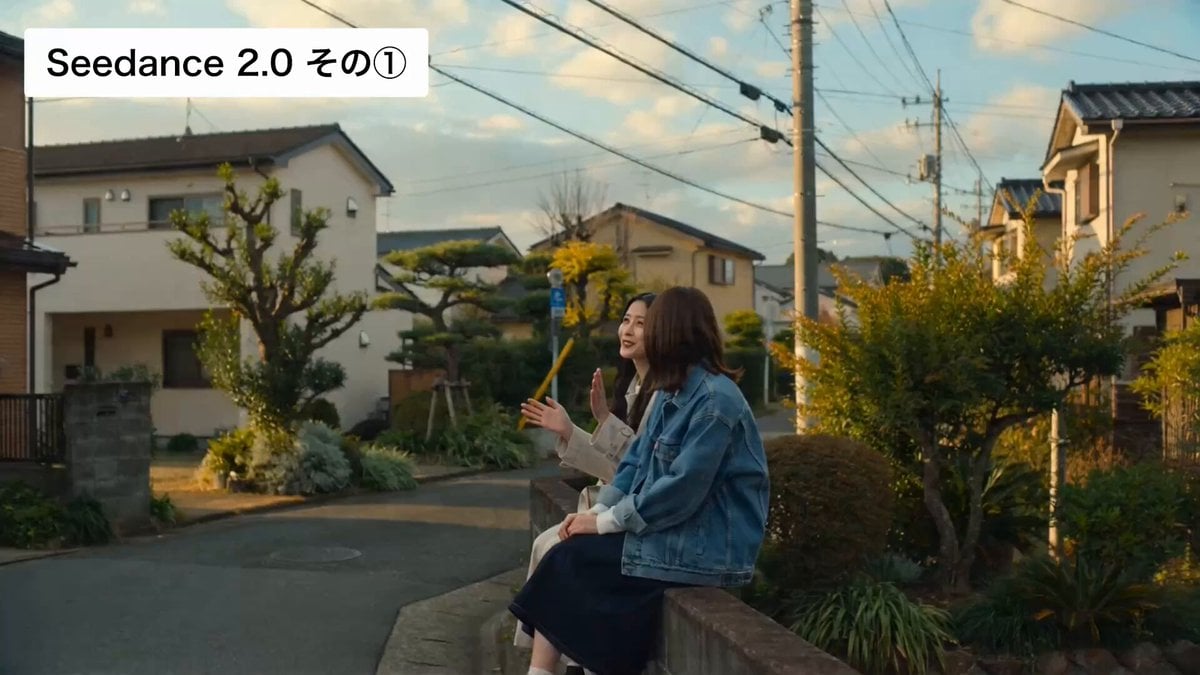
Cinematic Japanese Slice-of-Life Scene with Lip-Synced Dialogue

Crying Anime Girl Lip-Sync Prompt
Make it yours
Sarcastic Lip Sync Reaction works as-is. These are the safest ways to change it without losing the look.
Change one field
Copy a single group, rewrite it, and generate again so you can see what that field is doing.
Keep the frame, change the subject
Hold the composition and light of Sarcastic Lip Sync Reaction, then swap wardrobe, props or the person for a new take.
| If the result… | Why | Fix |
|---|---|---|
| The result drifts from the preview | Too many fields changed at once. | Reuse Sarcastic Lip Sync Reaction as-is first, then change one group — subject, light, or setting. |
| The model over-stylizes the scene | The prose prompt leaves finish and camera underspecified. | Add one camera or lighting sentence and stay on Seedance 2.0. |
More Seedance 2.0 templates
Other prompts made for Seedance 2.0.

Comical Martial Arts Punch Scene

Maglev Train Action Sequence

Martial Arts Fight Sequence

Wuxia Protection and Trust Script

Vintage Korean Arcade MiniDV Vlog

Mercedes 190 SL Luxury Ad

Rainy Night Supernatural Reverse Comedy Video Script

Amazon Civilization Discovery

Futuristic South Asian City Transformation

Cozy Luxury Cafe Commercial
More video prompts
Fresh picks from across the catalog.

Cinematic Pizza Margherita Assembly
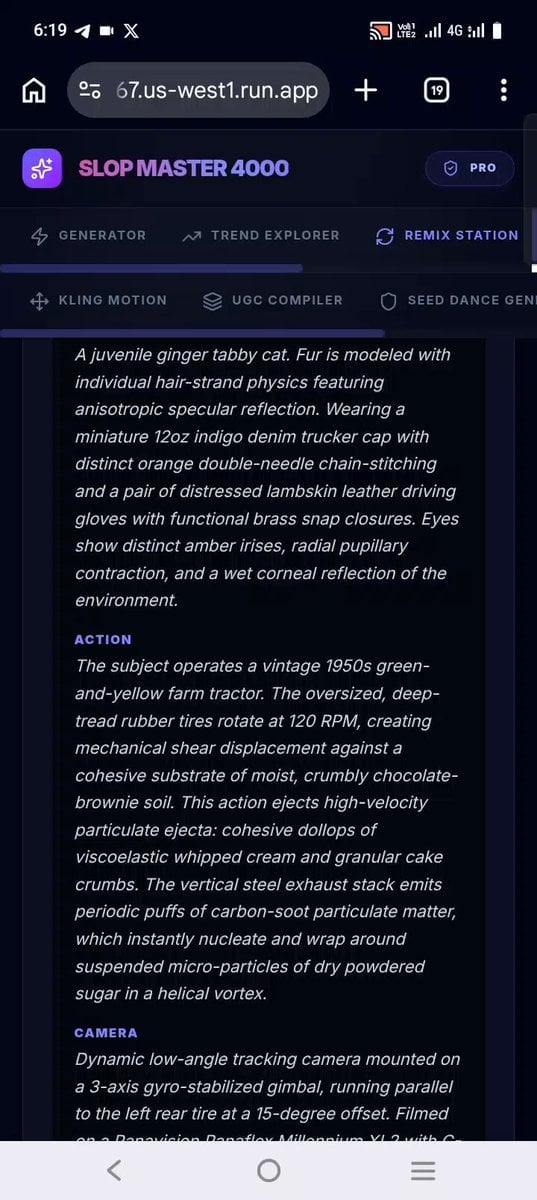
Confectionery Cat Tractor Scene
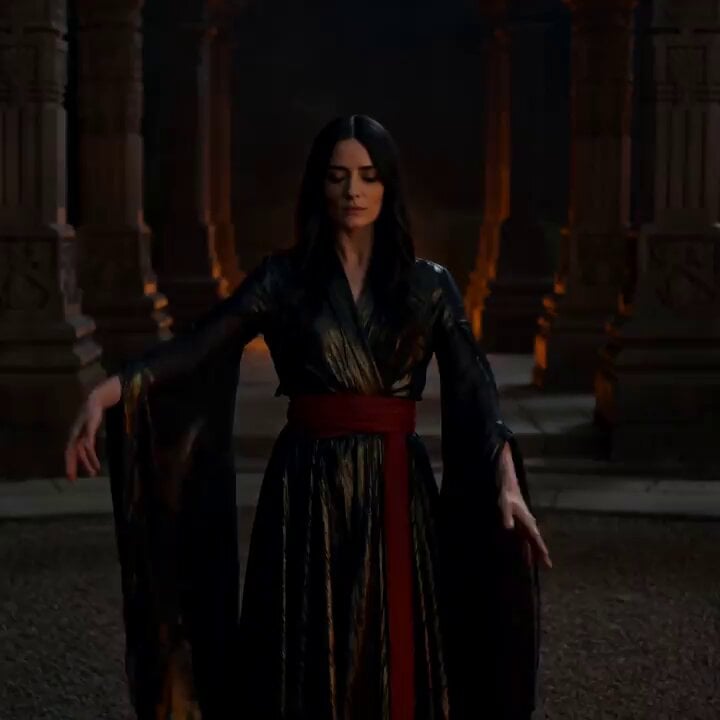
Cinematic Fire Dancer Performance in Abandoned Courtyard
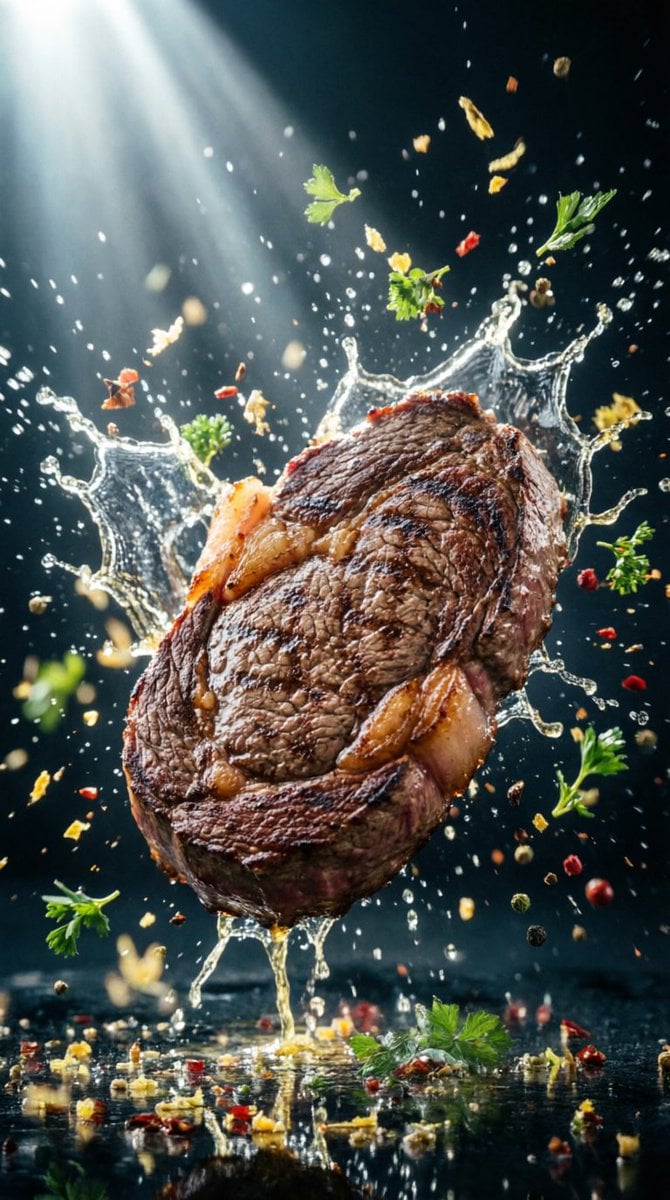
Hyper-Realistic Food Splash Photography

Ghibli Style Seaside Cottage
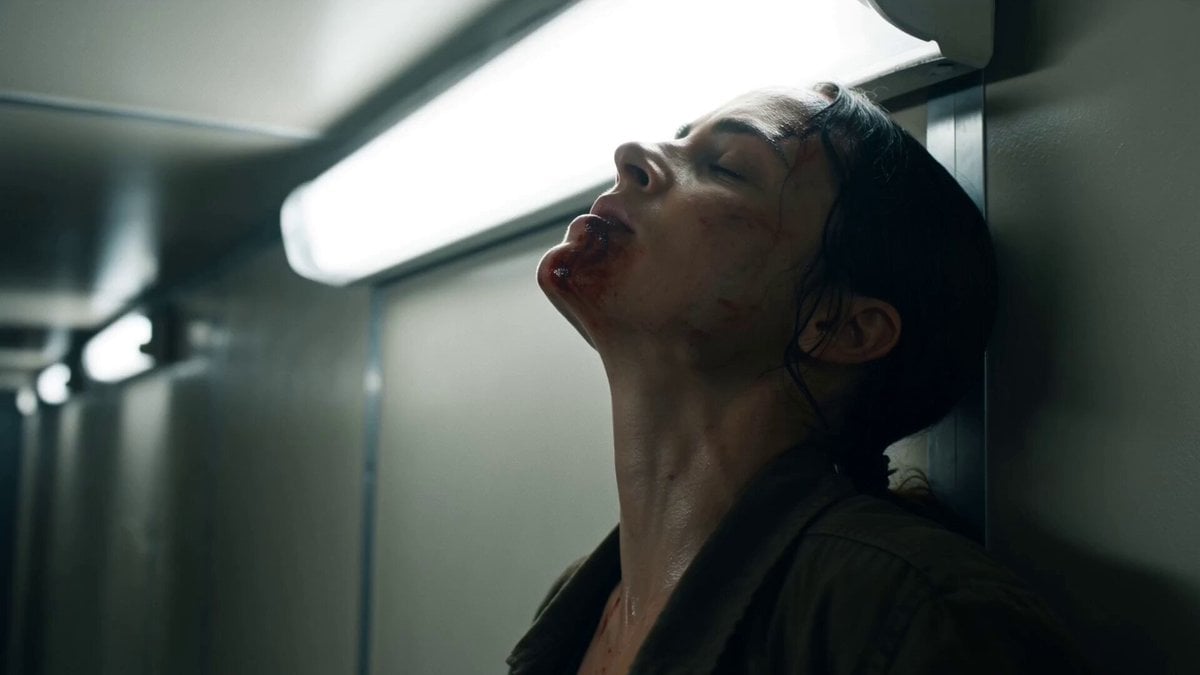
Corridor Breakout Fight Scene
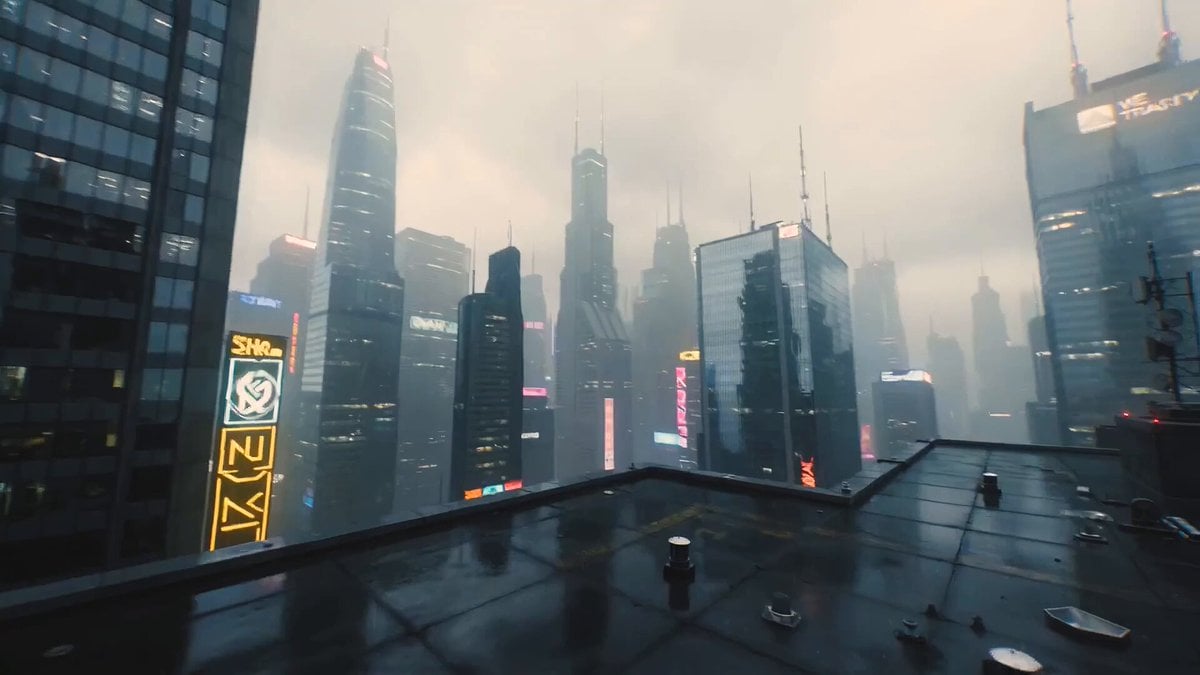
Ultra-Cinematic Sci-Fi Megacity Video Prompt
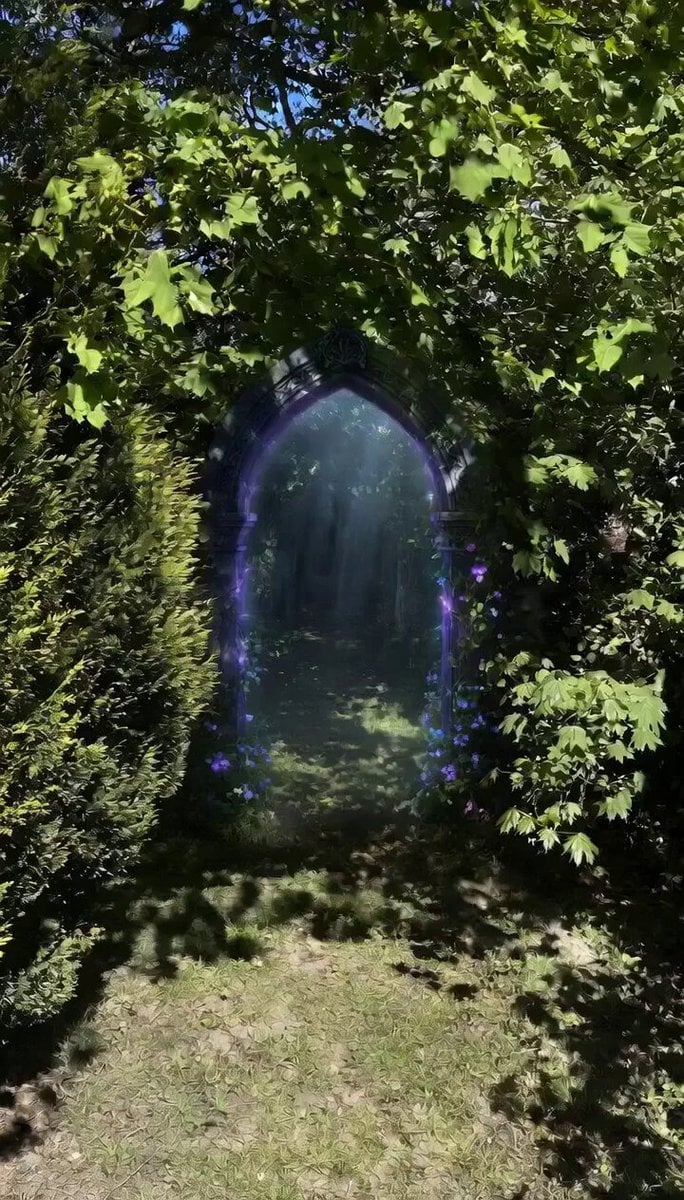
Stone Sundial and Owl Dome

Comedic Cat VTuber Parody Prompt
Live NHL Hockey Broadcast
Browse template categories
Sarcastic Lip Sync Reaction questions
How do I use the Sarcastic Lip Sync Reaction template?
Add your photo if the template asks for one, edit the prompt if you like — the template's model and format are already selected — and press Generate. Your version opens in PicX Studio.
Can I customize the Sarcastic Lip Sync Reaction template?
Yes. You can change the subject, setting, lighting, mood, format, and available model controls before creating your video.
Is the Sarcastic Lip Sync Reaction template free?
Opening and editing this template is free. Generating uses credits, shown on the Generate button when you are signed in.
Which AI model should I use?
Start with Seedance 2.0, which is the model associated with this template. You can compare another compatible model for a different finish.
Looking for something else? Browse all templates.

Your photo, any look
Thousands of ready templates for every top image and video model, from one credit balance.