
Confectionery Cat Tractor Scene
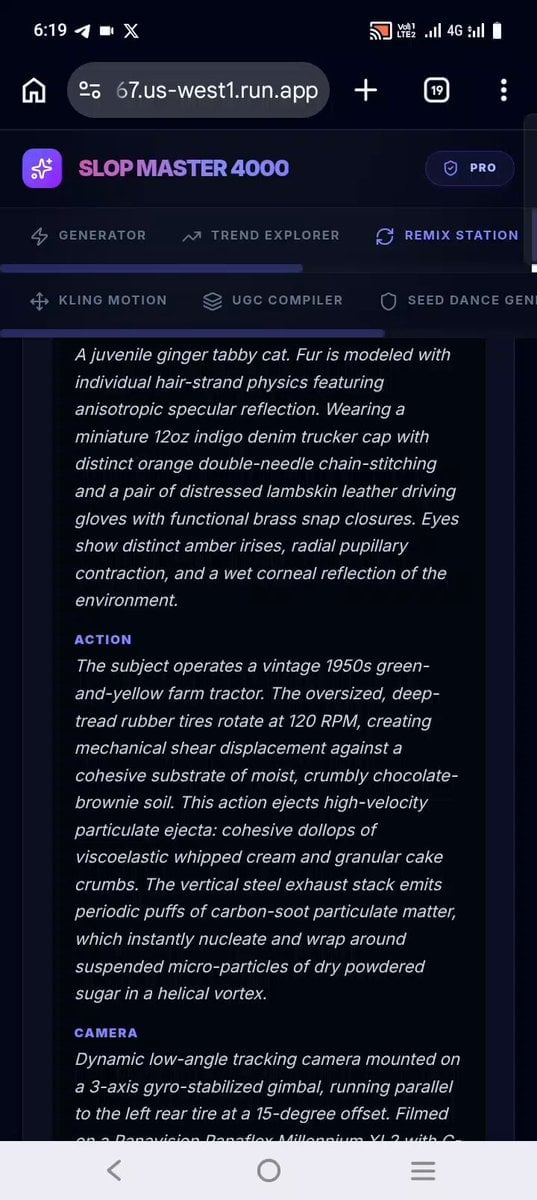
A highly detailed technical prompt for Seedance 2.0 featuring a kitten driving a tractor through a candy-themed landscape with complex physics.
- Prompt included
- Model and format preset
- Free template
The prompt behind this video
Copy the exact prompt behind Confectionery Cat Tractor Scene, or open it in the studio and make it yours.
SCENE: A surreal confectionery topography. Undulating hills composed of high-viscosity pink strawberry buttercream frosting with realistic subsurface scattering (0.4cm mean free path), bisected by a slow-moving river of molten golden caramel with a refractive index of 1.43. Giant semi-buried chocolate-chip cookies with cracked, matte-textured surfaces are embedded in granular crystalline sucrose sands. SUBJECT: A juvenile ginger tabby cat. Fur is modeled with individual hair-strand physics featuring anisotropic specular reflection. Wearing a miniature 12oz indigo denim trucker cap with distinct orange double-needle chain-stitching and a pair of distressed lambskin leather driving gloves with functional brass snap closures. Eyes show distinct amber irises, radial pupillary contraction, and a wet corneal reflection of the environment. ACTION: The subject operates a vintage 1950s green-and-yellow farm tractor. The oversized, deep-tread rubber tires rotate at 120 RPM, creating mechanical shear displacement against a cohesive substrate of moist, crumbly chocolate-brownie soil. This action ejects high-velocity particulate ejecta: cohesive dollops of viscoelastic whipped cream and granular cake crumbs. The vertical steel exhaust stack emits periodic puffs of carbon-soot particulate matter, which instantly nucleate and wrap around suspended micro-particles of dry powdered sugar in a helical vortex. CAMERA: Dynamic low-angle tracking camera mounted on a 3-axis gyro-stabilized gimbal, running parallel to the left rear tire at a 15-degree offset. Filmed on a Panavision Panaflex Millennium XL2 with C-Series Anamorphic Prime Lenses (35mm, T1.8), creating characteristic horizontal blue flare, oval bokeh, and a razor-thin 5cm depth-of-field focused on the cat's lateral eye profile. Organic high-frequency vibration artifacts match the 15Hz diesel engine oscillation. RENDER: Photoreal spectral ray-tracing. Volumetric participating media simulating a warm, humid atmosphere suspended with crystalline sugar dust using Mie scattering. Multi-phase fluid simulation tracking the viscous caramel splash mechanics with surface-tension adhesion to the metal chassis. Color grading mapped to a Kodak Vision3 500T 5219 profile, emphasizing deep warm undertones and rich, saturated earth tones. MODEL OPTIMIZATION: Configured for Seedance 2's advanced physics solver. The prompt details boundary interactions between three distinct material phases (viscoelastic whipped cream, granular brownie soil, and rigid rubber tires) alongside high-frequency mechanical vibration to lock spatial coherence across sequential frames.
How to use Confectionery Cat Tractor Scene in 3 steps
- 1
Open
The prompt is already in the box next to the preview, with the template's model and format selected.
- 2…a portrait of your subject in softgolden-hour light, 85mm…
Personalize
Edit the subject and creative details for your destination.
- 3Generate
Generate
Press Generate — your video is created in PicX Studio, so you can compare it with the original and refine one variable at a time.
More like this
Templates with the same subject, style or setup. Open one to see its prompt.

3D Animated Cat and Old Man - Seedance

Cinematic Tractor Tire Prank Video

Alien Tractor Ambush at Tea Estate
Anime Fluffy Cat Morning Routine
Angel and Curious Cat
Talking Munchkin Cat Video Prompt

Claymation Cat World Transformation

Stylish Orange Cat Daily Routine
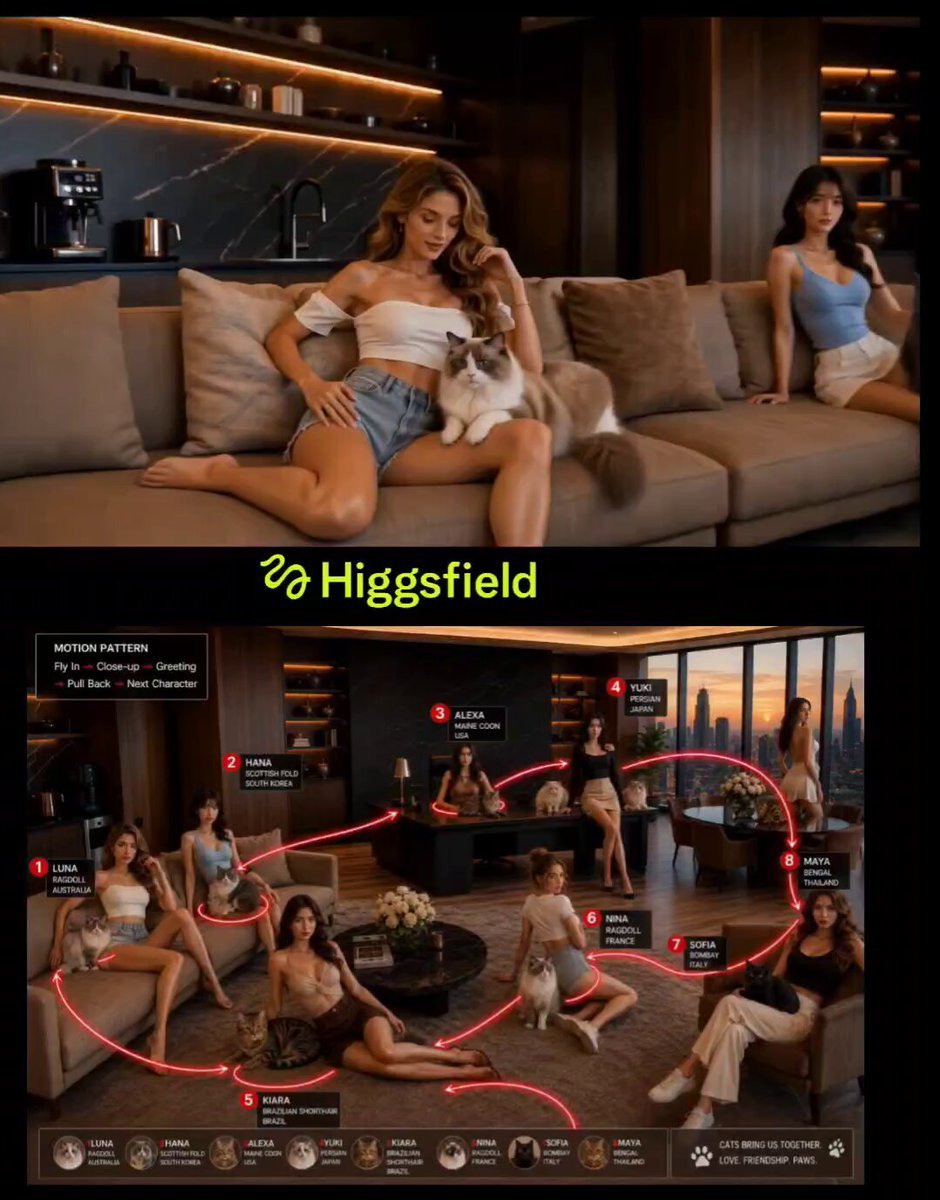
Cinematic Penthouse Cat Introduction Scene

Cinematic Anime Cat Girl Parkour
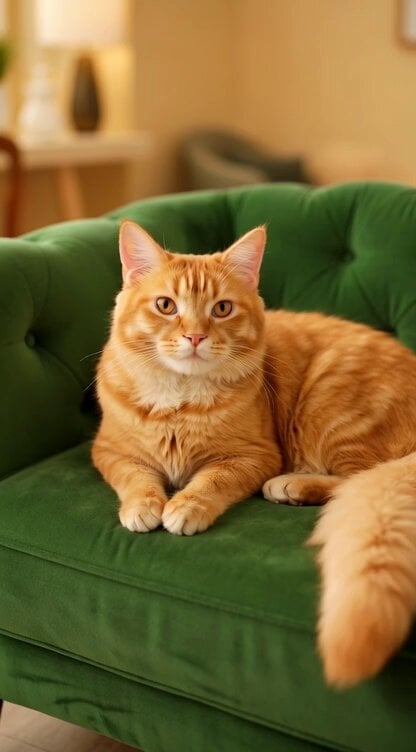
Regal Cat Perfect Loop Video

Seedance 2.0 Video Prompt: Cats on a Scooter
Make it yours
Confectionery Cat Tractor Scene works as-is. These are the safest ways to change it without losing the look.
Change one field
Copy a single group, rewrite it, and generate again so you can see what that field is doing.
Keep the frame, change the subject
Hold the composition and light of Confectionery Cat Tractor Scene, then swap wardrobe, props or the person for a new take.
| If the result… | Why | Fix |
|---|---|---|
| The result drifts from the preview | Too many fields changed at once. | Reuse Confectionery Cat Tractor Scene as-is first, then change one group — subject, light, or setting. |
| The model over-stylizes the scene | The prose prompt leaves finish and camera underspecified. | Add one camera or lighting sentence and stay on Seedance 2.0. |
More Seedance 2.0 templates
Other prompts made for Seedance 2.0.

Comical Martial Arts Punch Scene

Maglev Train Action Sequence

Martial Arts Fight Sequence

Wuxia Protection and Trust Script

Vintage Korean Arcade MiniDV Vlog

Mercedes 190 SL Luxury Ad

Rainy Night Supernatural Reverse Comedy Video Script

Amazon Civilization Discovery

Futuristic South Asian City Transformation

Cozy Luxury Cafe Commercial
More video prompts
Fresh picks from across the catalog.
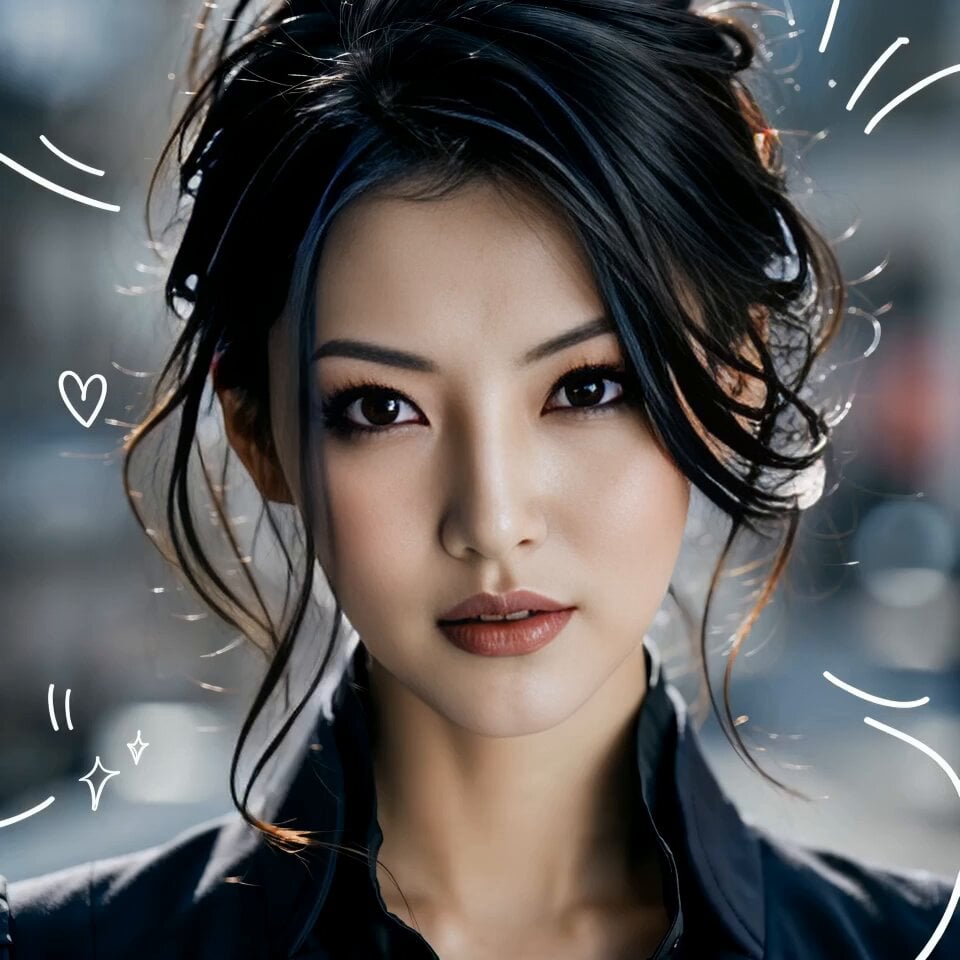
3x3 Storyboard to Video Sequence Template

Second Continuous Action Sequence
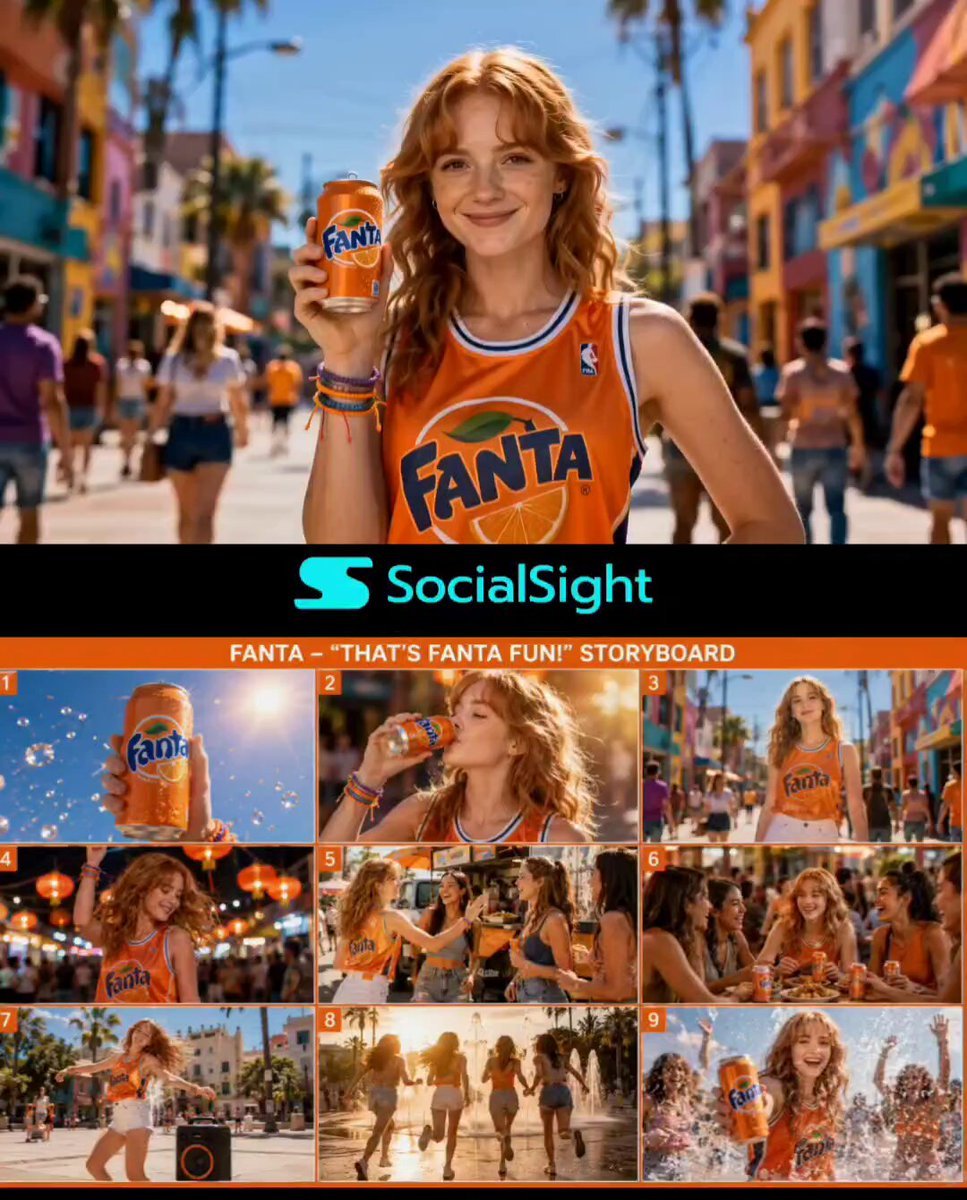
Premium Fanta Beverage Commercial
Enchanted Fabergé Easter Egg Video Prompt
Fashion Runway Couture Walk
1950s kitchen scene with woman baking
Warhorse Sprint on Cliff Aqueduct
Alien Space Photographer Quest
Weekly OOTD Car Edition Video
Seedance 2.0 Prompt: Surreal Art Sci-Fi Martial Arts Dance
Browse template categories
Confectionery Cat Tractor Scene questions
How do I use the Confectionery Cat Tractor Scene template?
Add your photo if the template asks for one, edit the prompt if you like — the template's model and format are already selected — and press Generate. Your version opens in PicX Studio.
Can I customize the Confectionery Cat Tractor Scene template?
Yes. You can change the subject, setting, lighting, mood, format, and available model controls before creating your video.
Is the Confectionery Cat Tractor Scene template free?
Opening and editing this template is free. Generating uses credits, shown on the Generate button when you are signed in.
Which AI model should I use?
Start with Seedance 2.0, which is the model associated with this template. You can compare another compatible model for a different finish.
Looking for something else? Browse all templates.

Your photo, any look
Thousands of ready templates for every top image and video model, from one credit balance.