
Cinematic Tractor Tire Prank Video
A funny and highly detailed realistic video prompt where a man films a selfie in a field and gets hilariously covered in dust after a giant tractor tire falls and rolls past him.

- Prompt included
- Model and format preset
- Free template
The prompt behind this video
Copy the exact prompt behind Cinematic Tractor Tire Prank Video, or open it in the studio and make it yours.
A highly cinematic, full HD 1080p viral comedy video in realistic live-action style. A charismatic 40-year-old man with salt-and-pepper hair, a trimmed beard, and stylish black-rimmed glasses, wearing a dark denim jacket over a graphic t-shirt, films himself in selfie mode in the middle of a vast, sunlit dry harvested field under a bright blue sky. He smiles confidently at the camera while a massive, enormous black tractor tire is perfectly balanced upright directly above his head. Suddenly, the giant tire loses balance and dramatically falls forward, slamming into the ground with massive force. It violently kicks up a huge explosive cloud of thick brown dust and flying straw as it tumbles and rolls past him. The handheld selfie camera shakes chaotically from the impact. The man gets completely blasted by dirt and debris. In the aftermath, he is hilariously covered in dust, with messy wind-blown hair full of straw, dirty clothes, and a perfect, bold black tractor tire tread pattern stamped across his forehead and face like war paint. He slowly lifts his head, looks directly into the camera with a shocked, wide-eyed expression and open mouth. Dynamic camera movement, natural sunlight with strong lens flare, swirling dust particles in the air, highly detailed textures, sharp 8K quality visuals downscaled to Full HD, humorous timing, perfect composition, trending viral short video style, extremely engaging and shareable.
How to use Cinematic Tractor Tire Prank Video in 3 steps
- 1
Open
The prompt is already in the box next to the preview, with the template's model and format selected.
- 2…a portrait of your subject in softgolden-hour light, 85mm…
Personalize
Edit the subject and creative details for your destination.
- 3Generate
Generate
Press Generate — your video is created in PicX Studio, so you can compare it with the original and refine one variable at a time.
More like this
Templates with the same subject, style or setup. Open one to see its prompt.

Comedy Coke Bottle Prank Reel — Kling 3.0 O3 Pro
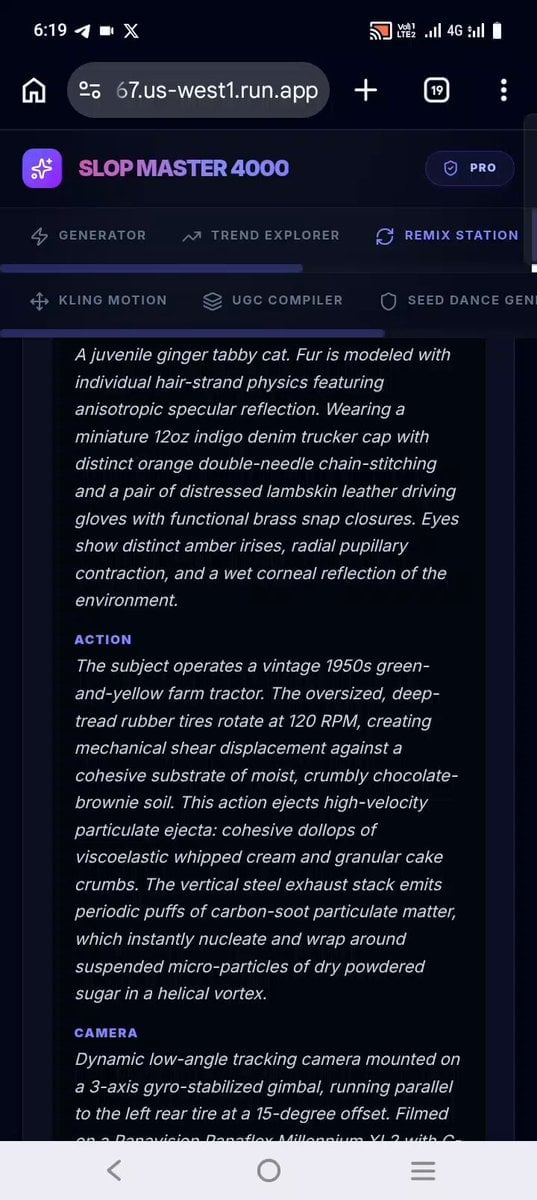
Confectionery Cat Tractor Scene
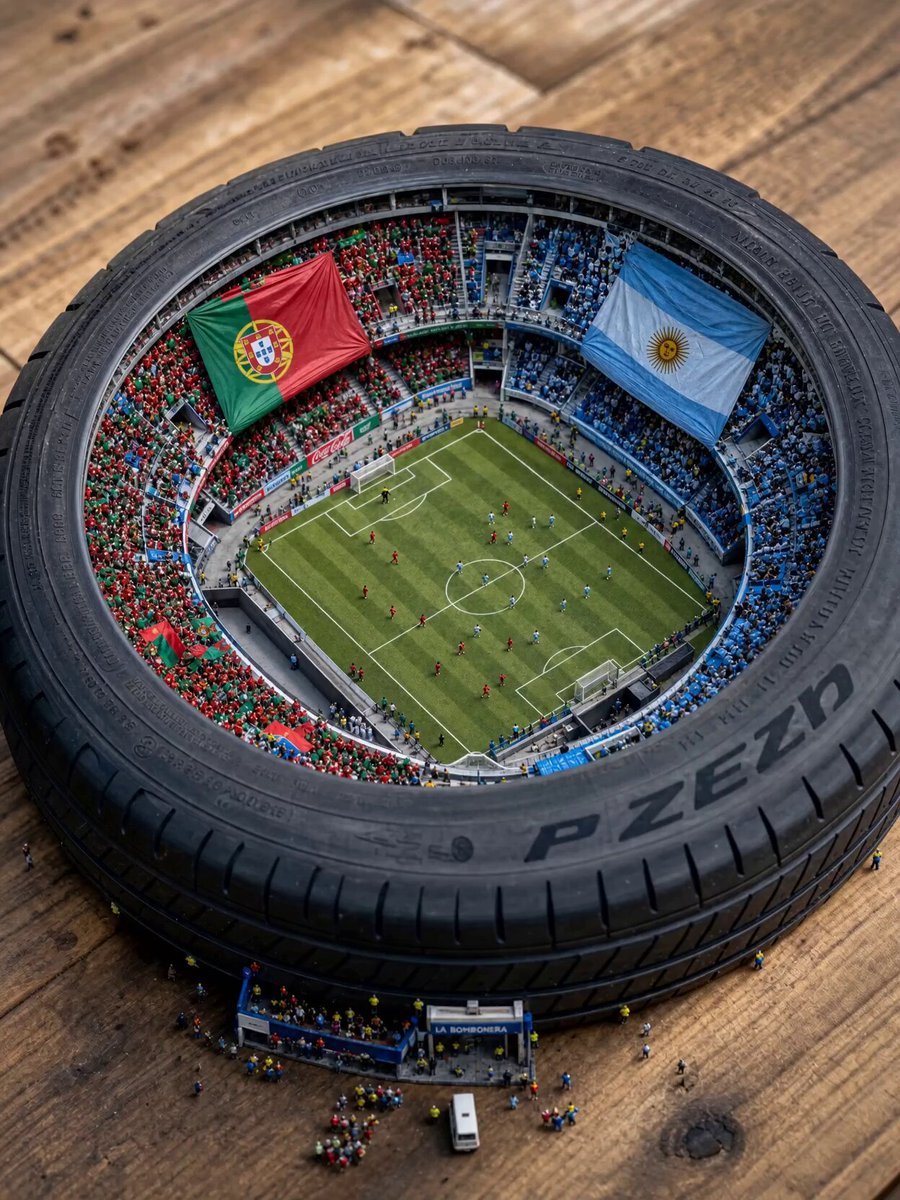
Miniature World Cup Tire Stadium

Alien Tractor Ambush at Tea Estate
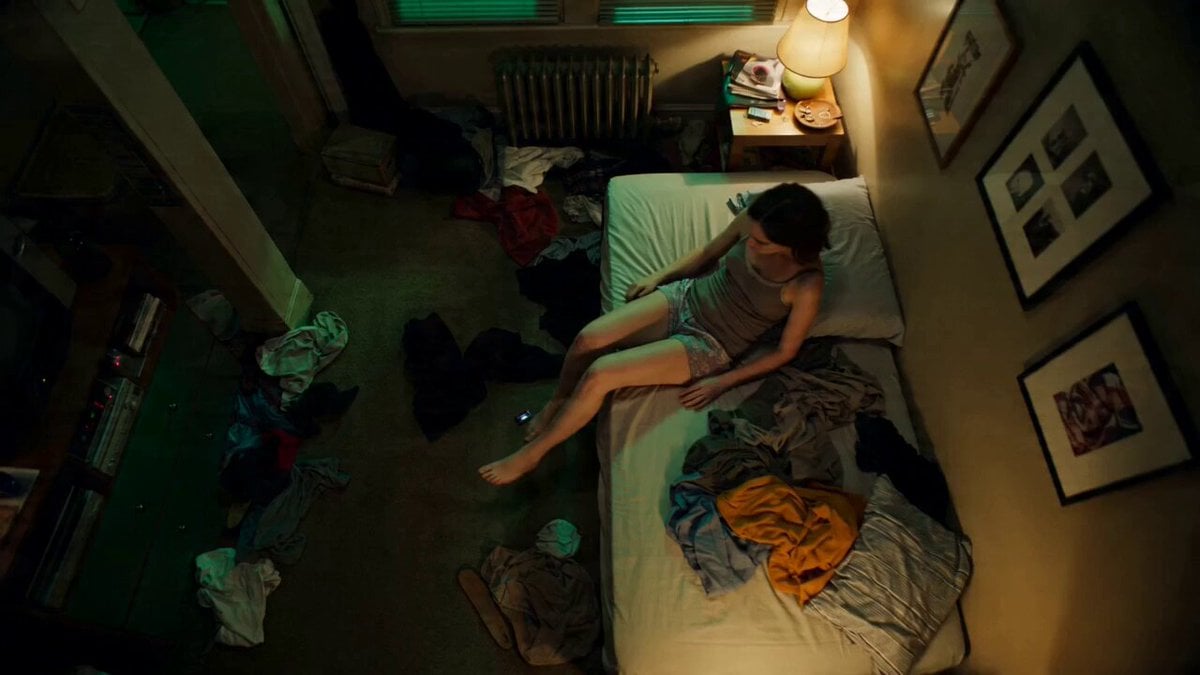
Seedance 2.0 Prompt: Tired Woman in a Cluttered Room

Levitating Coffee Cup Prank Ad

Water Park to Parliament Prank Video

Subway Prank Video Storyboard Sequence

Anime Teasing Feeding Prank Template

Asteroid Prank Corporate Comedy

Realistic iPhone POV Golf Prank

Subway POV Interaction Prank Prompt
Make it yours
Cinematic Tractor Tire Prank Video works as-is. These are the safest ways to change it without losing the look.
Change one field
Copy a single group, rewrite it, and generate again so you can see what that field is doing.
Keep the frame, change the subject
Hold the composition and light of Cinematic Tractor Tire Prank Video, then swap wardrobe, props or the person for a new take.
| If the result… | Why | Fix |
|---|---|---|
| The result drifts from the preview | Too many fields changed at once. | Reuse Cinematic Tractor Tire Prank Video as-is first, then change one group — subject, light, or setting. |
| The model over-stylizes the scene | The prose prompt leaves finish and camera underspecified. | Add one camera or lighting sentence and stay on Seedance 2.0. |
More Seedance 2.0 templates
Other prompts made for Seedance 2.0.

Comical Martial Arts Punch Scene

Maglev Train Action Sequence

Martial Arts Fight Sequence

Wuxia Protection and Trust Script

Vintage Korean Arcade MiniDV Vlog

Mercedes 190 SL Luxury Ad

Rainy Night Supernatural Reverse Comedy Video Script

Amazon Civilization Discovery

Futuristic South Asian City Transformation

Cozy Luxury Cafe Commercial
More video prompts
Fresh picks from across the catalog.

Necromancer Battlefield Orbit

Mecha-Armor Transformation Action Sequence Prompt Summary

Continuous Life Transformation Sequence
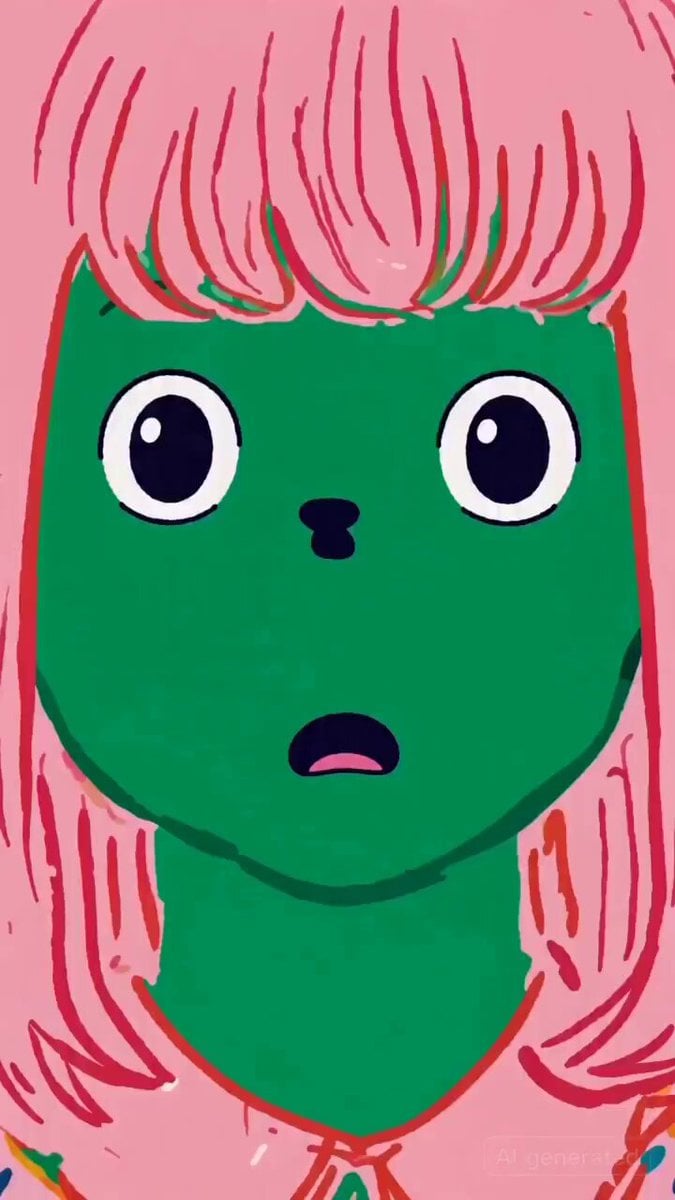
Tentacle Family Breakfast Animation Test
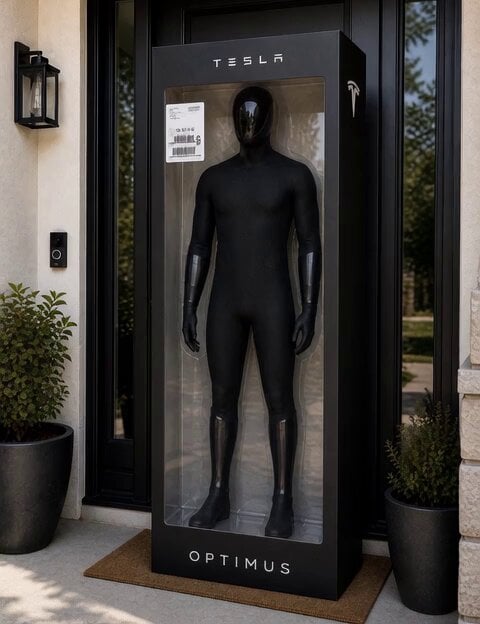
C-3PO Style Humanoid Transformation

Post-Apocalyptic Flooded City Techwear Chase

Quantum 4D Motion Prompt
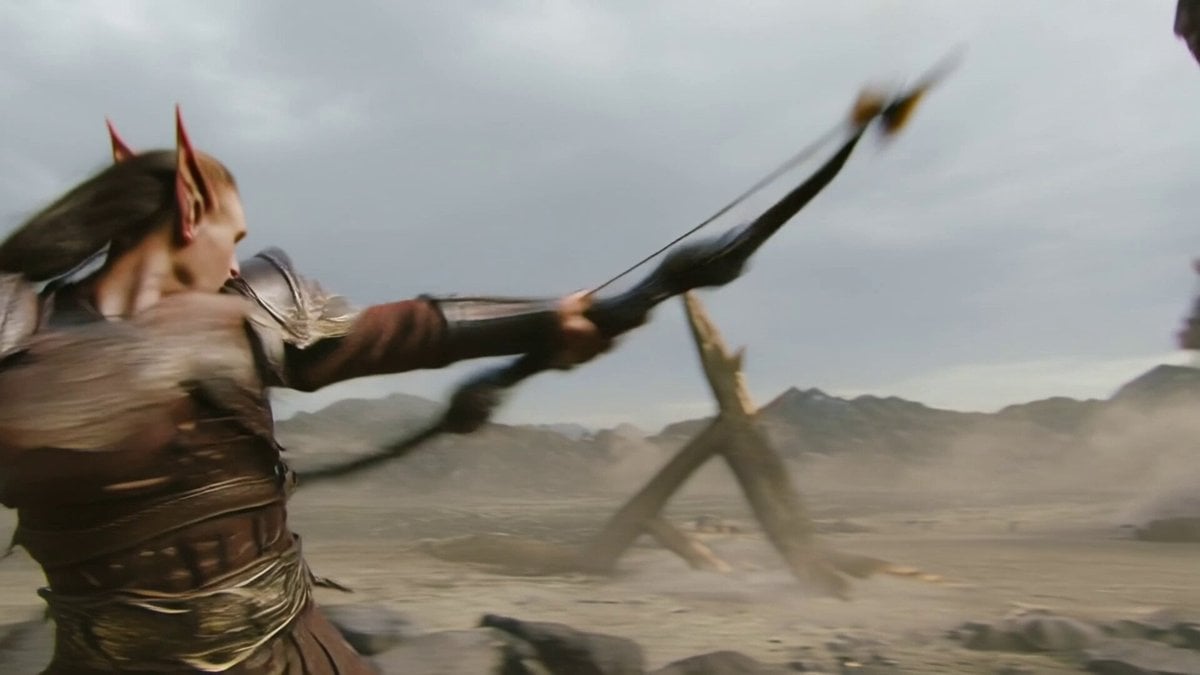
Elven Archer vs. Towering Brute Battle Scene Prompt
Seedance 2.0 Beginner Prompting Guide and Financial Topic Avoidance
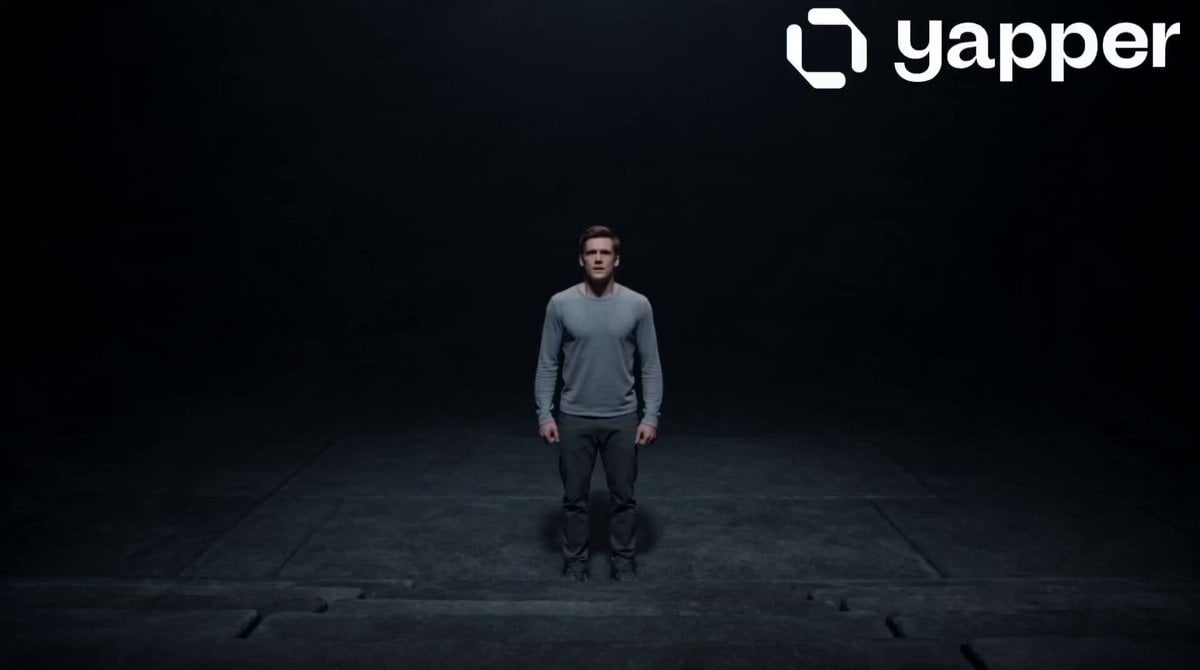
Motivational Staircase Success Journey
Browse template categories
Cinematic Tractor Tire Prank Video questions
How do I use the Cinematic Tractor Tire Prank Video template?
Add your photo if the template asks for one, edit the prompt if you like — the template's model and format are already selected — and press Generate. Your version opens in PicX Studio.
Can I customize the Cinematic Tractor Tire Prank Video template?
Yes. You can change the subject, setting, lighting, mood, format, and available model controls before creating your video.
Is the Cinematic Tractor Tire Prank Video template free?
Opening and editing this template is free. Generating uses credits, shown on the Generate button when you are signed in.
Which AI model should I use?
Start with Seedance 2.0, which is the model associated with this template. You can compare another compatible model for a different finish.
Looking for something else? Browse all templates.

Your photo, any look
Thousands of ready templates for every top image and video model, from one credit balance.