
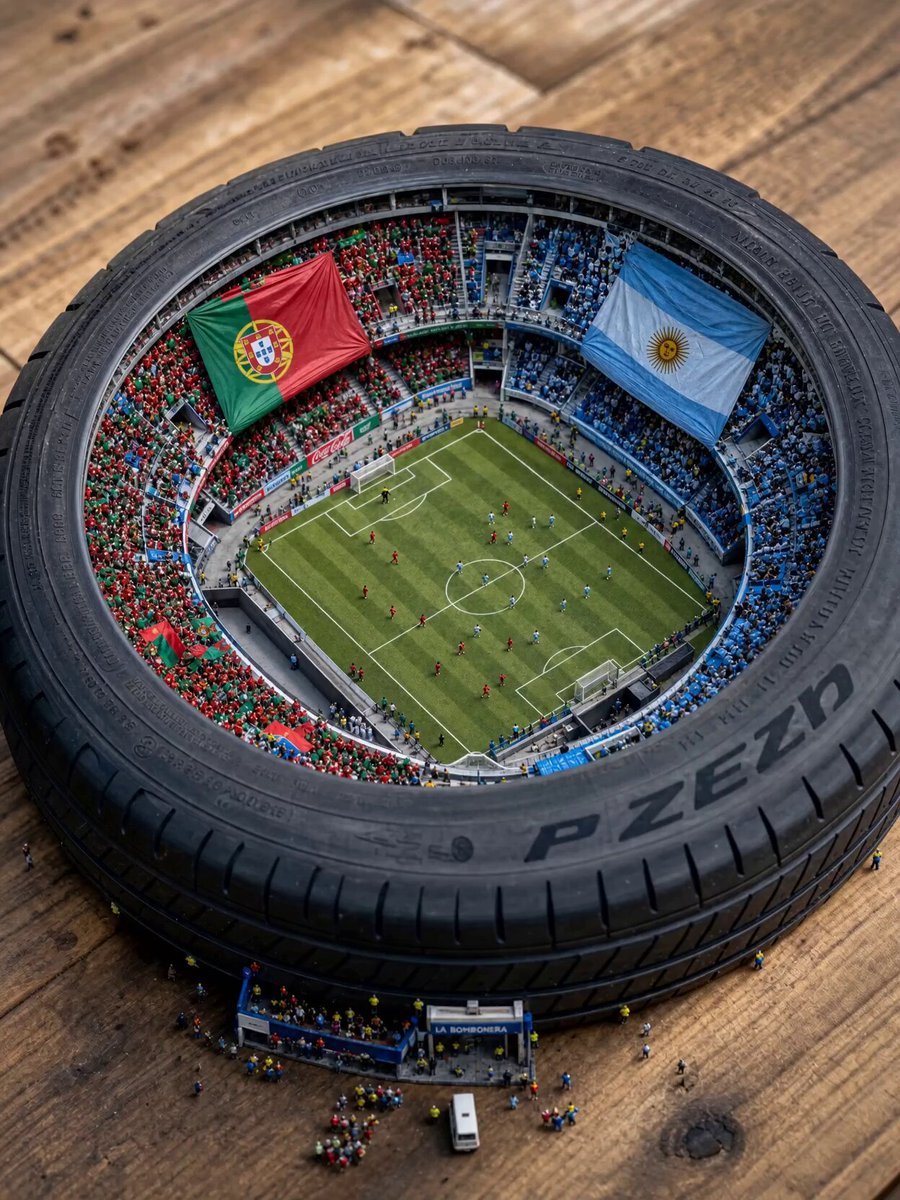
Miniature World Cup Tire Stadium
A creative macro prompt depicting a tiny World Cup final between Argentina and Portugal inside a tire, featuring detailed miniature players and crowd reactions.
- Prompt included
- Model and format preset
- Free template
The prompt behind this video
Copy the exact prompt behind Miniature World Cup Tire Stadium, or open it in the studio and make it yours.
A cinematic video starting with a slow 360-degree panning shot around the miniature stadium inside the tire, capturing the movement of the tiny players and the roaring crowd. The camera then smoothly zooms into the field, transitioning from a wide view to a low-angle, close-up macro shot tracking the intense match between the Argentina and Portugal players on the grass. The crowd jumps in excitement with visible, synchronized movement, waving flags in slow motion. High-fidelity stadium sounds: roaring crowd cheers, drums, whistles, and the faint, realistic sounds of a soccer ball being kicked, all echoing slightly within the tire structure. Cinematic lighting with dynamic shadows shifting across the pitch as the camera moves, adding deep texture and a dramatic, hyper-realistic effect. High frame rate with smooth motion blur for a professional video look.
How to use Miniature World Cup Tire Stadium in 3 steps
- 1
Open
The prompt is already in the box next to the preview, with the template's model and format selected.
- 2…a portrait of your subject in softgolden-hour light, 85mm…
Personalize
Edit the subject and creative details for your destination.
- 3Generate
Generate
Press Generate — your video is created in PicX Studio, so you can compare it with the original and refine one variable at a time.
More like this
Templates with the same subject, style or setup. Open one to see its prompt.

Italian World Cup Reaction
Miniature City Flood Soundstage
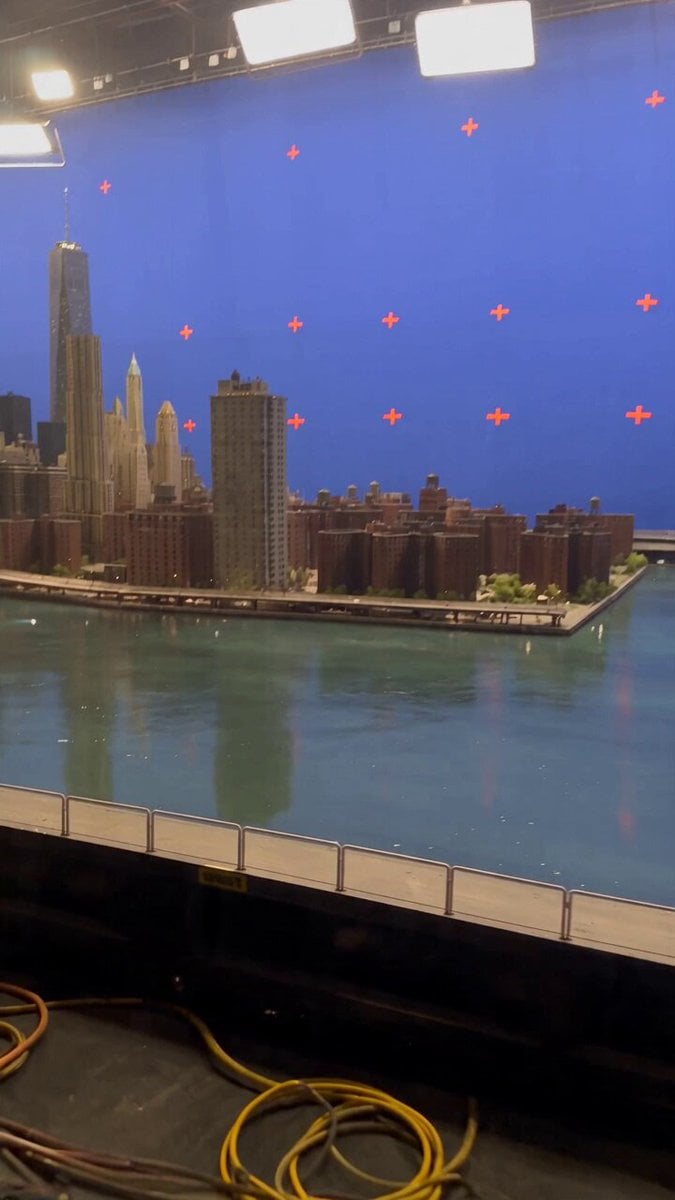
Miniature City Flood Soundstage

3D Animated Magical Miniature World

World Cup Final Travel Vlog

Miniature Cake Bakery World

FIFA World Cup Broadcast Goal
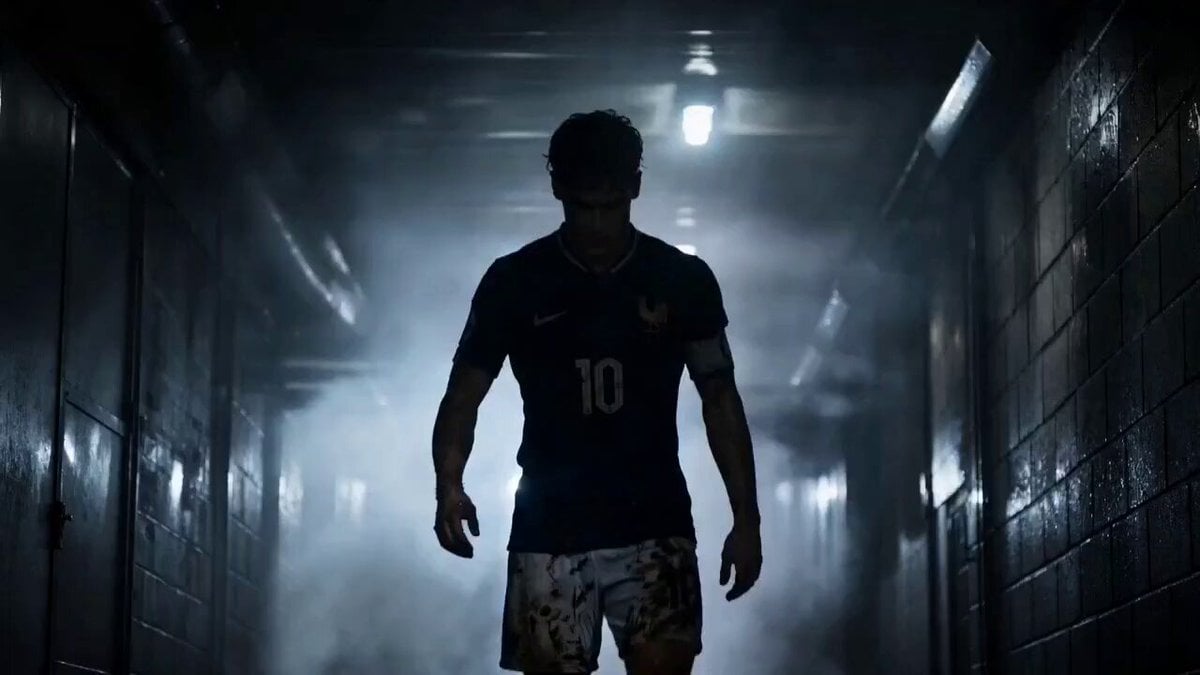
Futuristic World Cup Final Action

Mechanical Keyboard Hidden Miniature World

Lays World Cup 2026 Commercial

World Cup 2026 Fan Experience

Global Football World Cup Journey
Make it yours
Miniature World Cup Tire Stadium works as-is. These are the safest ways to change it without losing the look.
Change one field
Copy a single group, rewrite it, and generate again so you can see what that field is doing.
Keep the frame, change the subject
Hold the composition and light of Miniature World Cup Tire Stadium, then swap wardrobe, props or the person for a new take.
| If the result… | Why | Fix |
|---|---|---|
| The result drifts from the preview | Too many fields changed at once. | Reuse Miniature World Cup Tire Stadium as-is first, then change one group — subject, light, or setting. |
| The model over-stylizes the scene | The prose prompt leaves finish and camera underspecified. | Add one camera or lighting sentence and stay on Seedance 2.0. |
More Seedance 2.0 templates
Other prompts made for Seedance 2.0.

Frozen Time Handycam Diorama

Mercedes 190 SL Luxury Ad

Rainy Night Supernatural Reverse Comedy Video Script

Tiger Zoo Selfie Vlog

Realistic UGC Lipstick Review Video

Anime Monster Classroom Battle

Pirate Ship To Desert Transition

Rainy Alley Fight Scene

Camera Focal Length Test
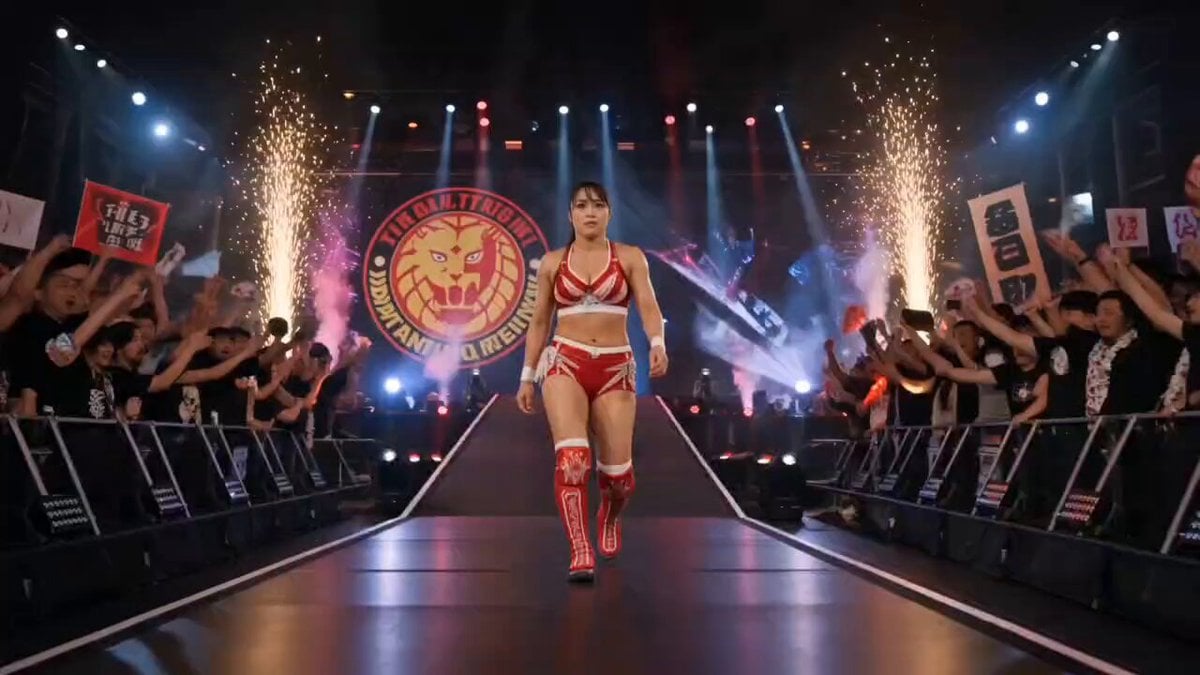
NJPW Women's Championship Match
More video prompts
Fresh picks from across the catalog.

Kung Fu Girl Image-to-Video Action Scene
Street Dance Performance Video

Universal Cinematic Video Script/Prompt Framework

Underwater Submarine Disaster Scene

Viral K-pop Dance Choreography

Video Generation Prompt: Anime Girl Transformation
Sakuga Style Anime Arena Fight

2D Animated Fight Scene
Cinematic Car Scene and Video Sequence Prompt
Cinematic Meadow Path and FPV Flight
Browse template categories
Miniature World Cup Tire Stadium questions
How do I use the Miniature World Cup Tire Stadium template?
Add your photo if the template asks for one, edit the prompt if you like — the template's model and format are already selected — and press Generate. Your version opens in PicX Studio.
Can I customize the Miniature World Cup Tire Stadium template?
Yes. You can change the subject, setting, lighting, mood, format, and available model controls before creating your video.
Is the Miniature World Cup Tire Stadium template free?
Opening and editing this template is free. Generating uses credits, shown on the Generate button when you are signed in.
Which AI model should I use?
Start with Seedance 2.0, which is the model associated with this template. You can compare another compatible model for a different finish.
Looking for something else? Browse all templates.

Your photo, any look
Thousands of ready templates for every top image and video model, from one credit balance.