How do I use the Video Generation Prompt: Anime Girl Transformation template?
Edit the prompt in the box under the preview — the template's model and format are already selected — and press Generate. Your version appears right on this page.
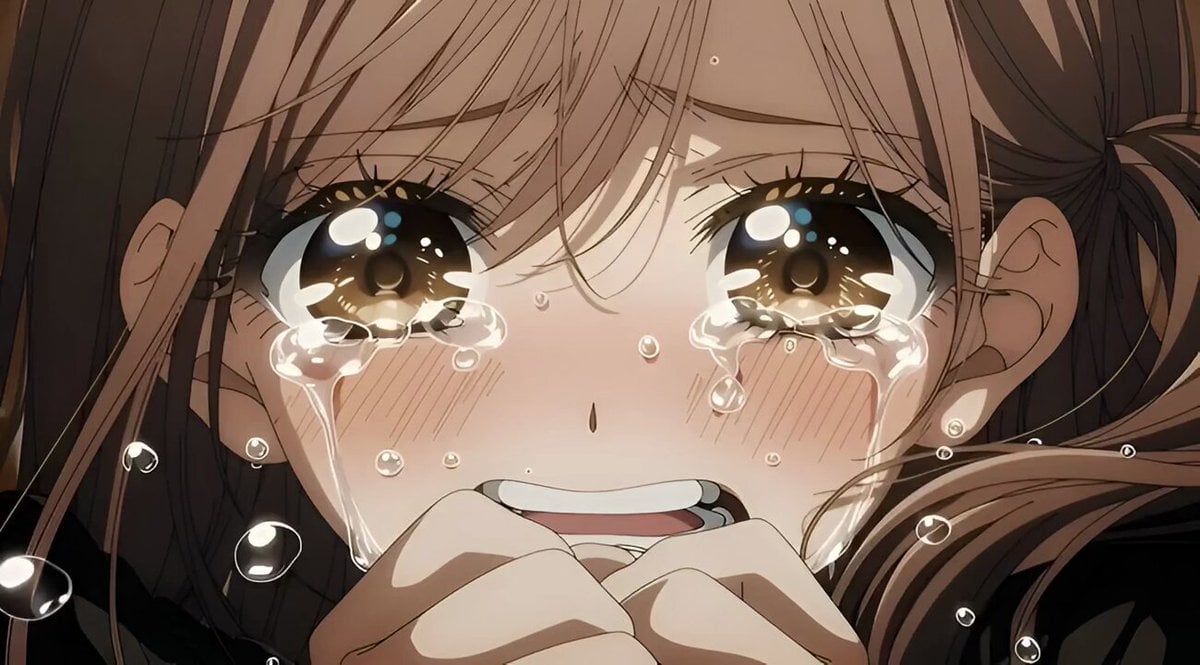
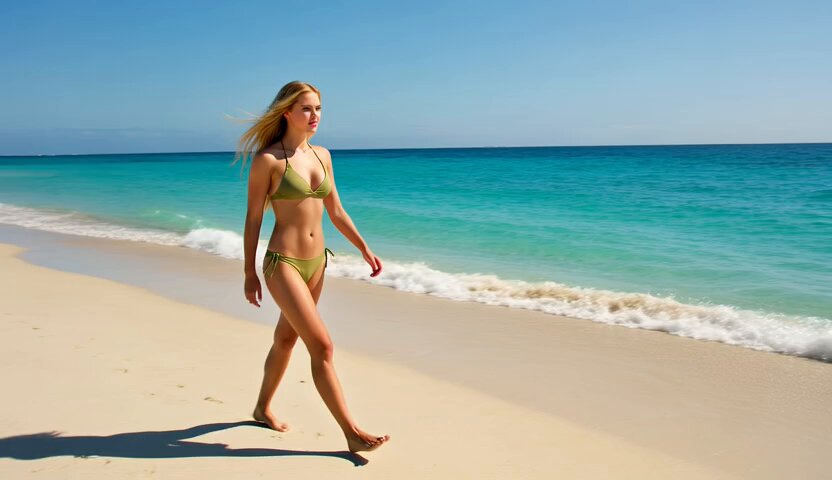
A detailed prompt for Grok Imagine requesting an anime girl version of a reference photo, specifying characteristics like dark skin, curvy body, thick thighs, and long curly hair, using quality modifiers.
(masterpiece, best quality, ultra-detailed), anime girl version of the reference photo, beautiful dark-skinned black woman, slim thick curvy voluptuous body, thick thighs, wide hips, big butt, small waist, hourglass figure, long curly voluminous
(masterpiece, best quality, ultra-detailed), anime girl version of the reference photo, beautiful dark-skinned black woman, slim thick curvy voluptuous body, thick thighs, wide hips, big butt, small waist, hourglass figure, long curly voluminous
Edit the prompt in the box under the preview — the template's model and format are already selected — and press Generate. Your version appears right on this page.
Yes. You can change the subject, setting, lighting, mood, format, and available model controls before creating your video.
Opening and editing this template is free. Generating uses credits, shown on the Generate button when you are signed in.
Start with Grok Imagine, which is the model associated with this template. You can compare another compatible model for a different finish.
Follow a topic to a crawlable collection of related PicX Studio templates.