How do I use the Anime Girl Skateboarding Transformation Prompt template?
Edit the prompt in the box under the preview — the template's model and format are already selected — and press Generate. Your version appears right on this page.
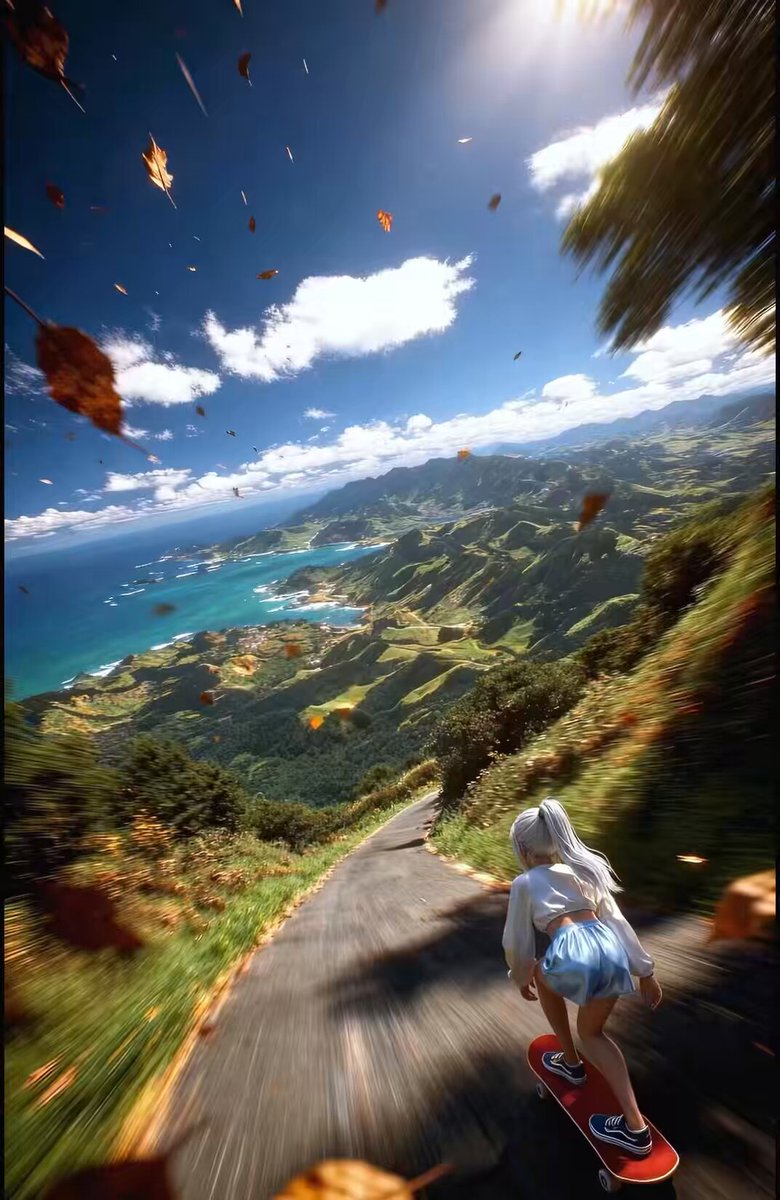
A detailed video prompt for Seedance 2.0 describing a fast-paced FPV drone shot following an anime girl skateboarding down a mountain road, featuring a seamless environmental transformation from summer to winter…
Fast-paced FPV drone tracking shot from behind, closely following a 3D anime-style girl with white hair skateboarding down a steep, winding mountain road at incredibly high speed. Extreme forward momentum, wide-angle perspective, wind rushing effect. The video starts in a vibrant summer setting with lush green mountains, a bright sunny sky, a distant ocean, and brown leaves flying past the camera. At the 3-second mark, a magical wave of frost sweeps forward from the skateboard: the environment seamlessly transforms into a freezing winter landscape. The green grass instantly turns to deep white snow, heavy snowflakes start falling, and the distant mountains become snow-capped peaks. The camera never breaks the intense, smooth, continuous downhill tracking motion. High-octane action, masterpiece 3D animation, photorealistic lighting.
Fast-paced FPV drone tracking shot from behind, closely following a 3D anime-style girl with white hair skateboarding down a steep, winding mountain road at incredibly high speed. Extreme forward momentum, wide-angle perspective, wind rushing effect. The video starts in a vibrant summer setting with lush green mountains, a bright sunny sky, a distant ocean, and brown leaves flying past the camera. At the 3-second mark, a magical wave of frost sweeps forward from the skateboard: the environment seamlessly transforms into a freezing winter landscape. The green grass instantly turns to deep white snow, heavy snowflakes start falling, and the distant mountains become snow-capped peaks. The camera never breaks the intense, smooth, continuous downhill tracking motion. High-octane action, masterpiece 3D animation, photorealistic lighting.
Edit the prompt in the box under the preview — the template's model and format are already selected — and press Generate. Your version appears right on this page.
Yes. You can change the subject, setting, lighting, mood, format, and available model controls before creating your video.
Opening and editing this template is free. Generating uses credits, shown on the Generate button when you are signed in.
Start with Seedance 2.0, which is the model associated with this template. You can compare another compatible model for a different finish.
Follow a topic to a crawlable collection of related PicX Studio templates.