
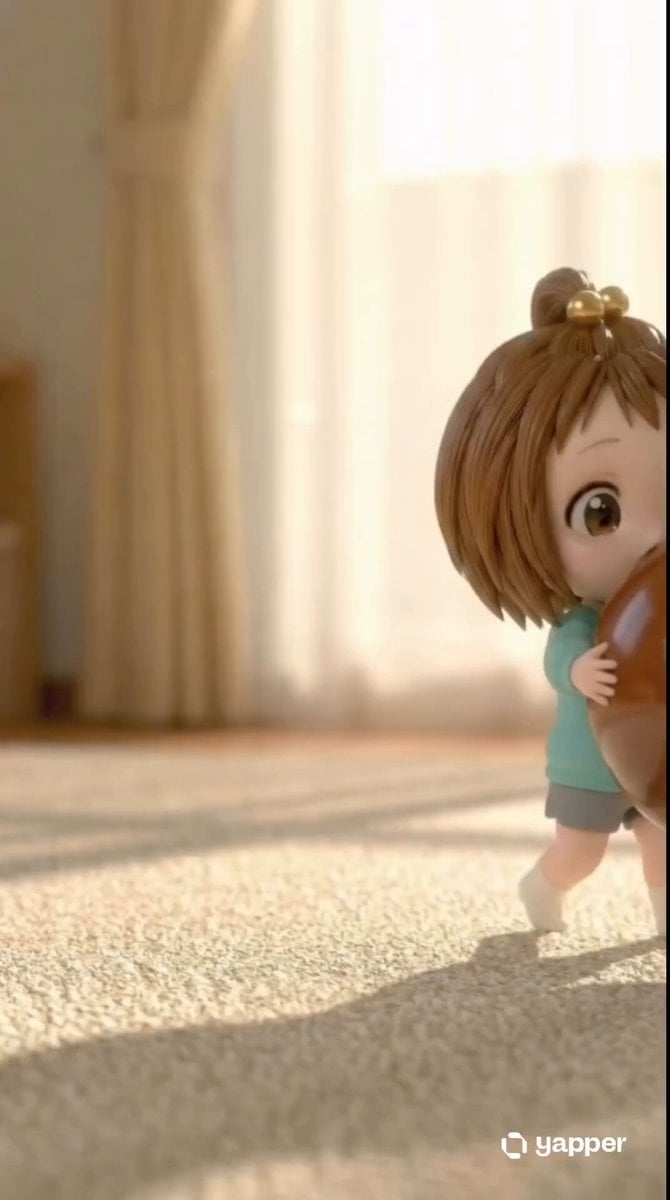
Chibi Girl and Giant Chocolate
A heart-melting 3D CGI animation prompt of a young girl hugging and eating a giant sphere of chocolate.
- Prompt included
- Model and format preset
- Free template
The prompt behind this video
Copy the exact prompt behind Chibi Girl and Giant Chocolate, or open it in the studio and make it yours.
Ultra-detailed 13-second 3D CGI animation, Pixar/Claymation style, 4K, 24fps, smooth motion, warm golden sunlight streaming from the right, soft god rays, realistic carpet fibers and glossy chocolate reflections, depth of field. Second-by-second breakdown: 0–1s: Cute chibi girl (4 years old, short brown bob hair in high bun with two shiny golden baubles, big sparkling brown eyes, light teal long-sleeve shirt, grey shorts, white socks) stands on beige carpet in sunlit room. She struggles adorably to hug a giant glossy chocolate sphere almost as tall as her. She holds it tightly against her cheek, eyes half-closed in effort, one eye peeking out. 1–2s: Still standing, she adjusts her grip, lifting the heavy chocolate ball slightly higher. Her face is partially hidden behind it. She squints with determination, small smile forming. 2–3s: She keeps hugging the ball close to her face while slowly lowering her body. Eyes wide with excitement, she starts bending her knees, preparing to kneel. 3–4s: She fully kneels on the carpet, placing the giant chocolate ball on the floor in front of her. She leans forward, both hands gripping it, looking at it with curious delight. Soft smile. 4–5s: Kneeling, she hugs the ball tightly again. Her expression changes to pure joy — eyes sparkle, mouth opens into a happy “o” shape as she gets ready to bite. 5–6s: Still kneeling and hugging the ball, she opens her mouth wide with excitement, eyes shining with anticipation. 6–7s: She leans in and takes a massive bite out of the top of the chocolate sphere. Her eyes squeeze shut in bliss as she chomps down. 7–8s: Bite complete — chocolate cracks and smears across her nose, cheeks, and mouth. Small chunks break off and fall onto the carpet. She pulls back slightly, eyes still closed in happiness, chocolate already covering her face. 8–9s: She keeps hugging the now-bitten chocolate ball. More chocolate smears on her hands and face. Eyes open wide with delight, looking straight ahead as she chews. 9–10s: Face increasingly covered in chocolate smears. She looks up toward camera with big sparkling eyes and a messy, joyful grin, still holding the ball tightly. 10–11s: She leans in for another playful bite, chocolate dripping from her chin and hands. Eyes wide and happy, completely immersed in the moment. 11–12s: Face fully chocolate-smeared, she pulls back slightly, eyes squeezed shut in pure ecstasy, mouth open in the biggest laugh of delight. 12–13s: Final shot — she hugs the giant half-eaten chocolate ball, eyes closed in blissful laughter, mouth wide open in pure joy, entire face and hands covered in chocolate, small pieces scattered on the carpet around her. Radiating pure childish happiness. Cinematic lighting, extremely detailed textures (shiny chocolate, soft carpet, fabric folds), warm color grading, wholesome and heart-melting mood, no text, no watermark.
How to use Chibi Girl and Giant Chocolate in 3 steps
- 1
Open
The prompt is already in the box next to the preview, with the template's model and format selected.
- 2…a portrait of your subject in softgolden-hour light, 85mm…
Personalize
Edit the subject and creative details for your destination.
- 3Generate
Generate
Press Generate — your video is created in PicX Studio, so you can compare it with the original and refine one variable at a time.
More like this
Templates with the same subject, style or setup. Open one to see its prompt.
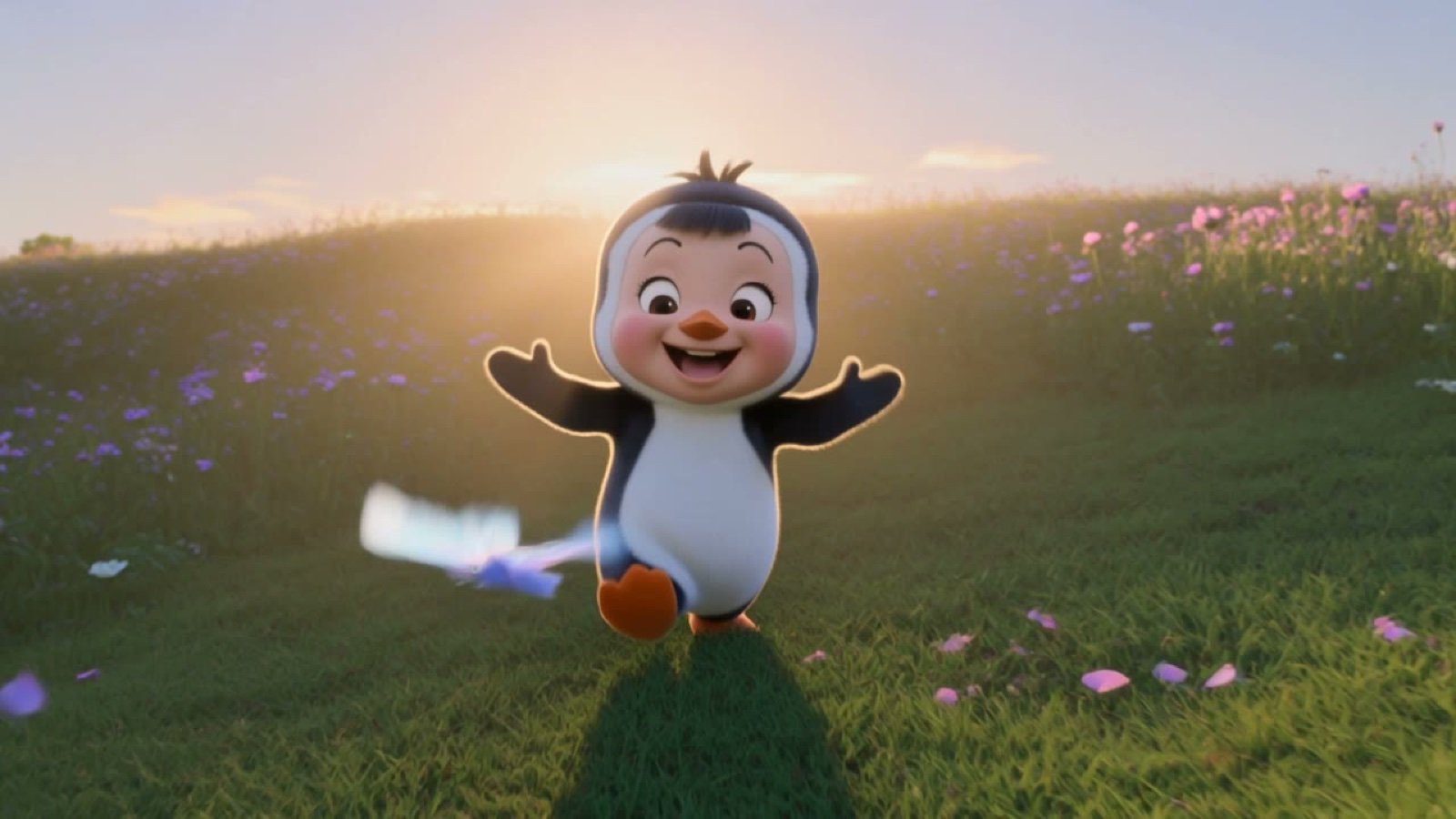
3D Chibi Penguin Girl Butterfly Chase
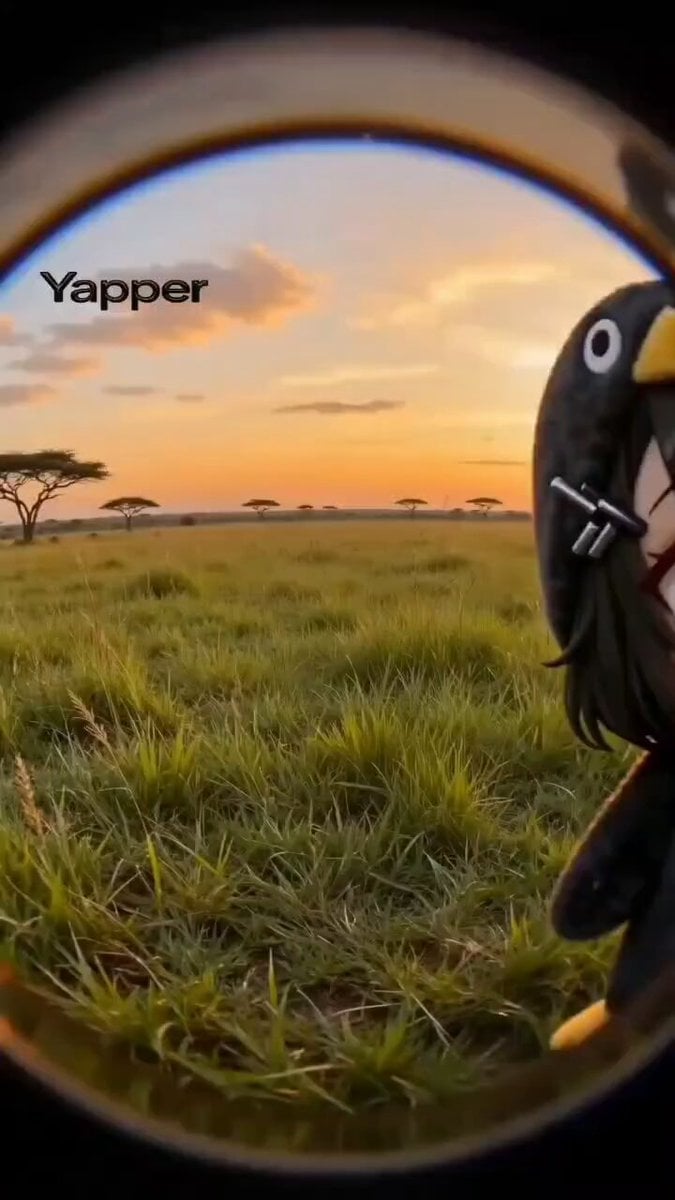
Chibi Penguin-Girl Dance Video Prompt
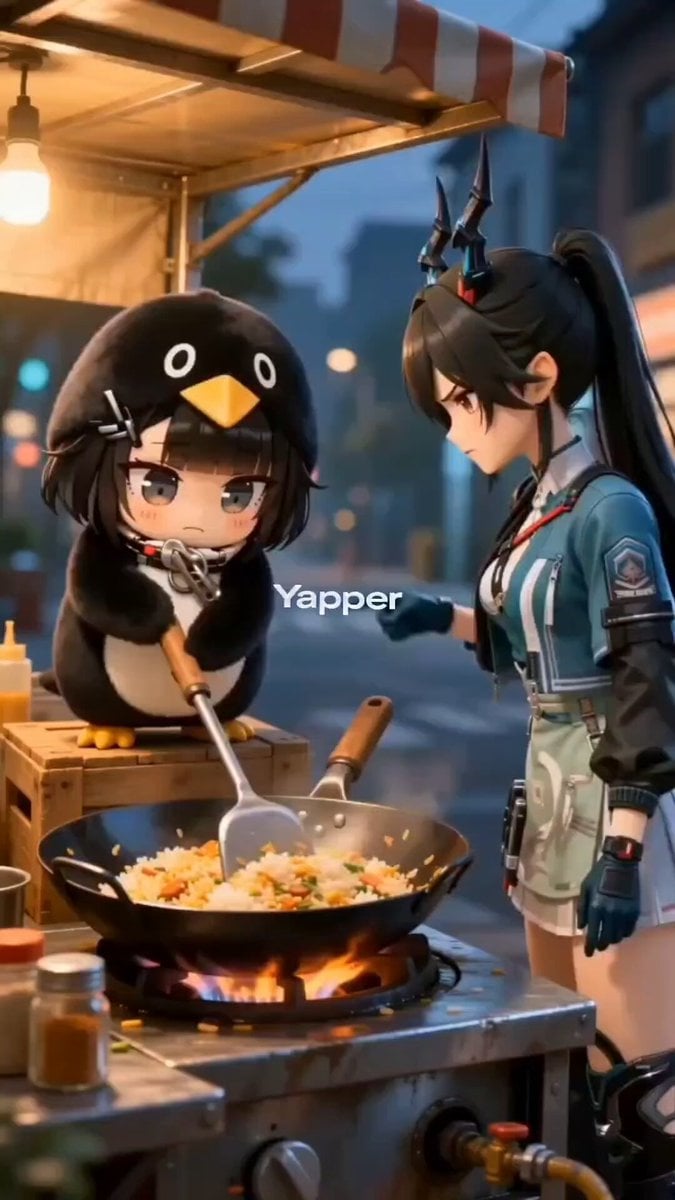
Chibi penguin girl 'Gugu Gaga' cooking with an angry expression
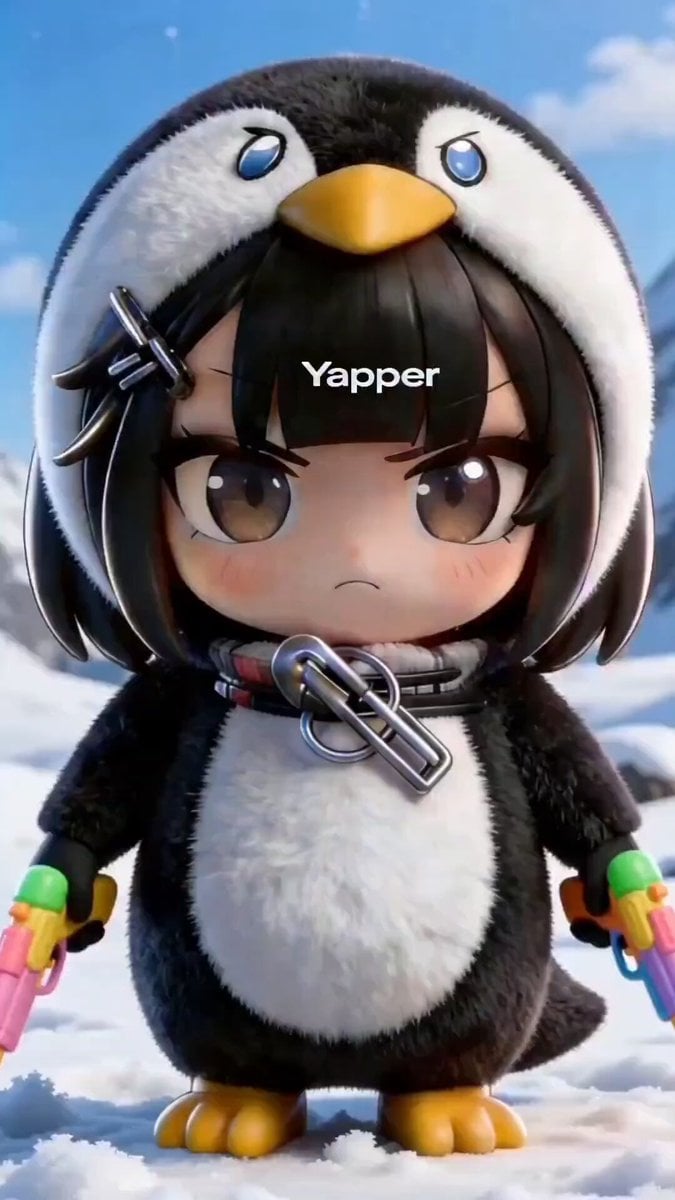
Chibi Anime Girl in Penguin Onesie Dancing in Snow
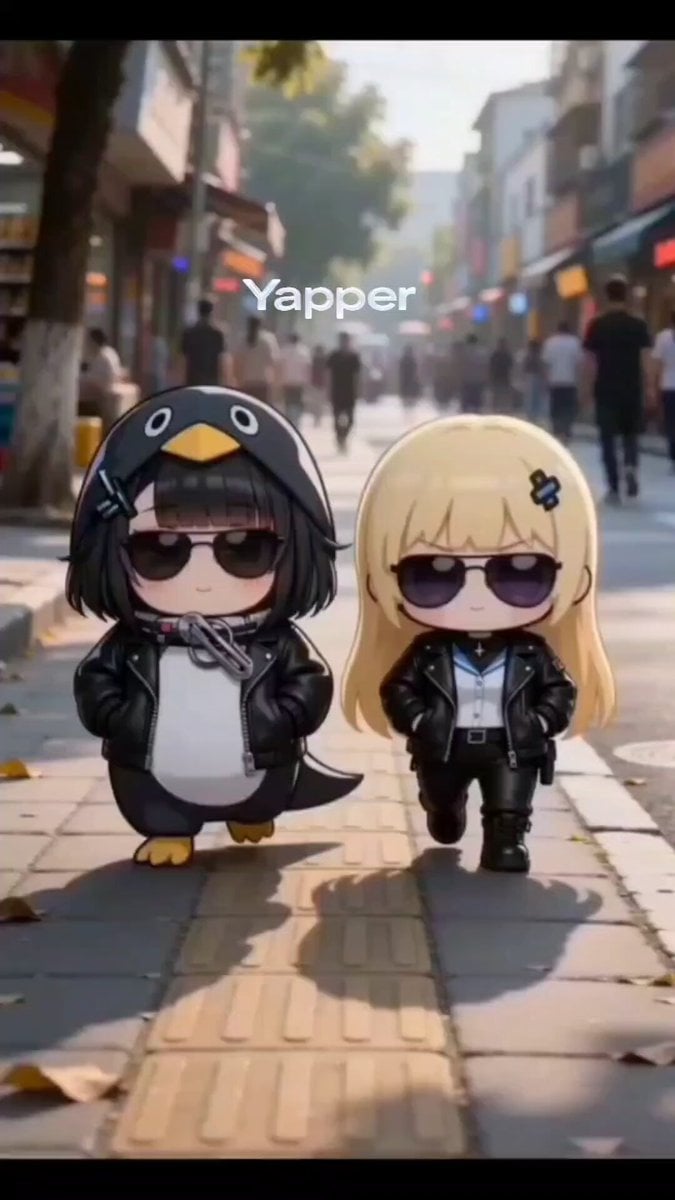
Chibi Girls Walking with Swagger in City Video
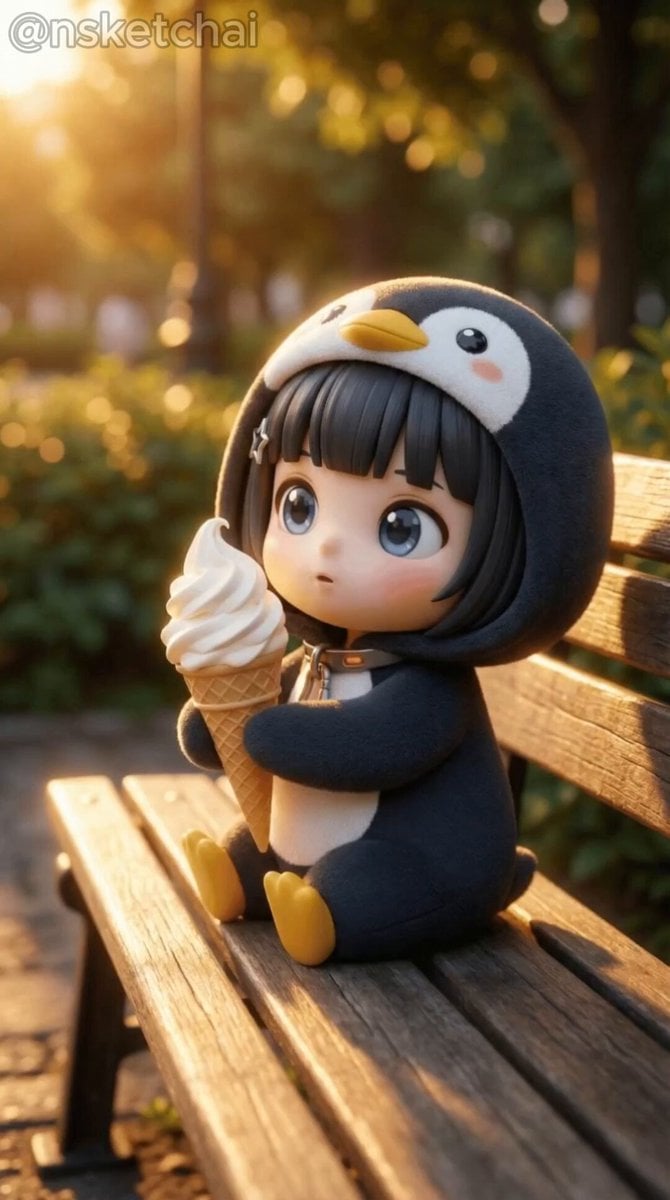
Chibi Anime Girl Ice Cream Tragedy Prompt
Cartoon Bullfight Arena — Girl vs Bull (Seedance)
Dim Sum Chase — Shrimp Dumpling Monster
Tiny Figure Climbing a Giant — Low Angle Seedance
Chibi Cave Adventure — He Doesn't Know What's Coming
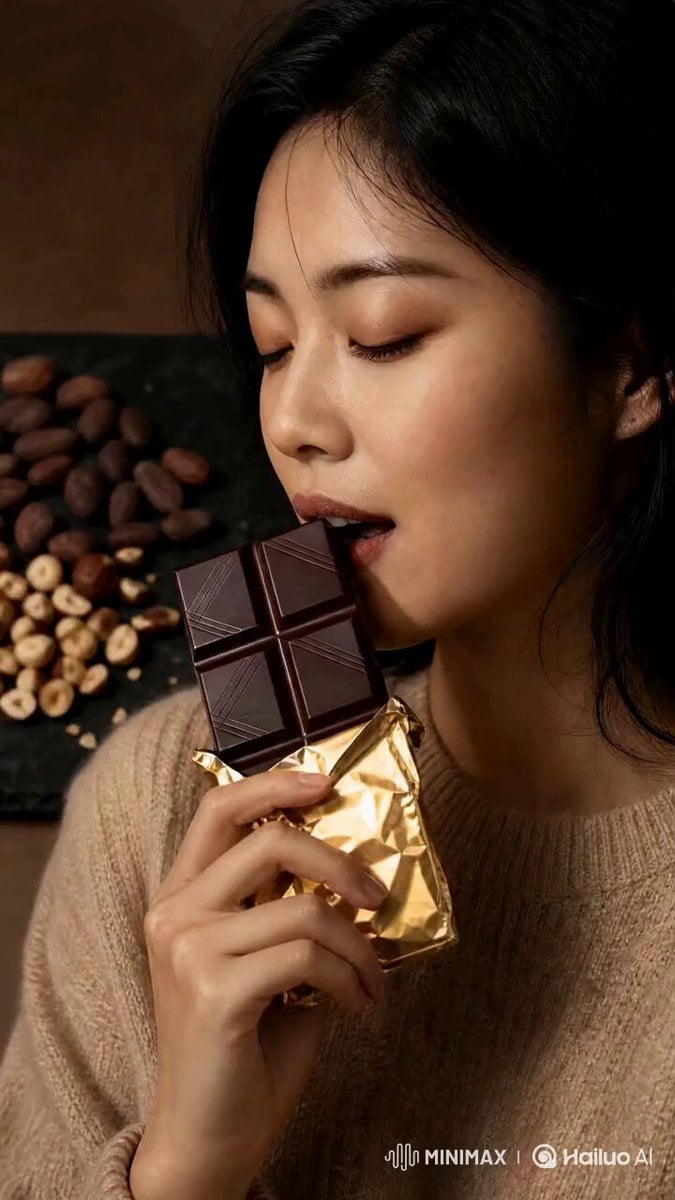
Artisanal Chocolate Bar Sensory Indulgence

Giant Domino Water Parkour Challenge
Make it yours
Chibi Girl and Giant Chocolate works as-is. These are the safest ways to change it without losing the look.
Change one field
Copy a single group, rewrite it, and generate again so you can see what that field is doing.
Keep the frame, change the subject
Hold the composition and light of Chibi Girl and Giant Chocolate, then swap wardrobe, props or the person for a new take.
| If the result… | Why | Fix |
|---|---|---|
| The result drifts from the preview | Too many fields changed at once. | Reuse Chibi Girl and Giant Chocolate as-is first, then change one group — subject, light, or setting. |
| The model over-stylizes the scene | The prose prompt leaves finish and camera underspecified. | Add one camera or lighting sentence and stay on Seedance 2.0. |
More Seedance 2.0 templates
Other prompts made for Seedance 2.0.

Comical Martial Arts Punch Scene

Maglev Train Action Sequence

Martial Arts Fight Sequence

Wuxia Protection and Trust Script

Vintage Korean Arcade MiniDV Vlog

Mercedes 190 SL Luxury Ad

Rainy Night Supernatural Reverse Comedy Video Script

Amazon Civilization Discovery

Futuristic South Asian City Transformation

Cozy Luxury Cafe Commercial
More video prompts
Fresh picks from across the catalog.

Viking Warrior Forest Charge

Cinematic Bungee Jump Action Video

Traditional Indonesian Cooking Animation

Cinematic Skiing Video Generation

Fearless Warrior Cursed Forest Chase
Live Character Animation Workflow
Japanese Anime Combat Sequence
Stylized 3D Animation Adventure

Humanoid Robot Lab Startup Prompt
Retro Character Portrait
Browse template categories
Chibi Girl and Giant Chocolate questions
How do I use the Chibi Girl and Giant Chocolate template?
Add your photo if the template asks for one, edit the prompt if you like — the template's model and format are already selected — and press Generate. Your version opens in PicX Studio.
Can I customize the Chibi Girl and Giant Chocolate template?
Yes. You can change the subject, setting, lighting, mood, format, and available model controls before creating your video.
Is the Chibi Girl and Giant Chocolate template free?
Opening and editing this template is free. Generating uses credits, shown on the Generate button when you are signed in.
Which AI model should I use?
Start with Seedance 2.0, which is the model associated with this template. You can compare another compatible model for a different finish.
Looking for something else? Browse all templates.

Your photo, any look
Thousands of ready templates for every top image and video model, from one credit balance.