
Cinematic Bungee Jump Action Video
A high-action cinematic video prompt for Seedance 2.0 featuring a bungee jump, including specific camera techniques from drone-tracking to wide aerial shots and safety gear physics.
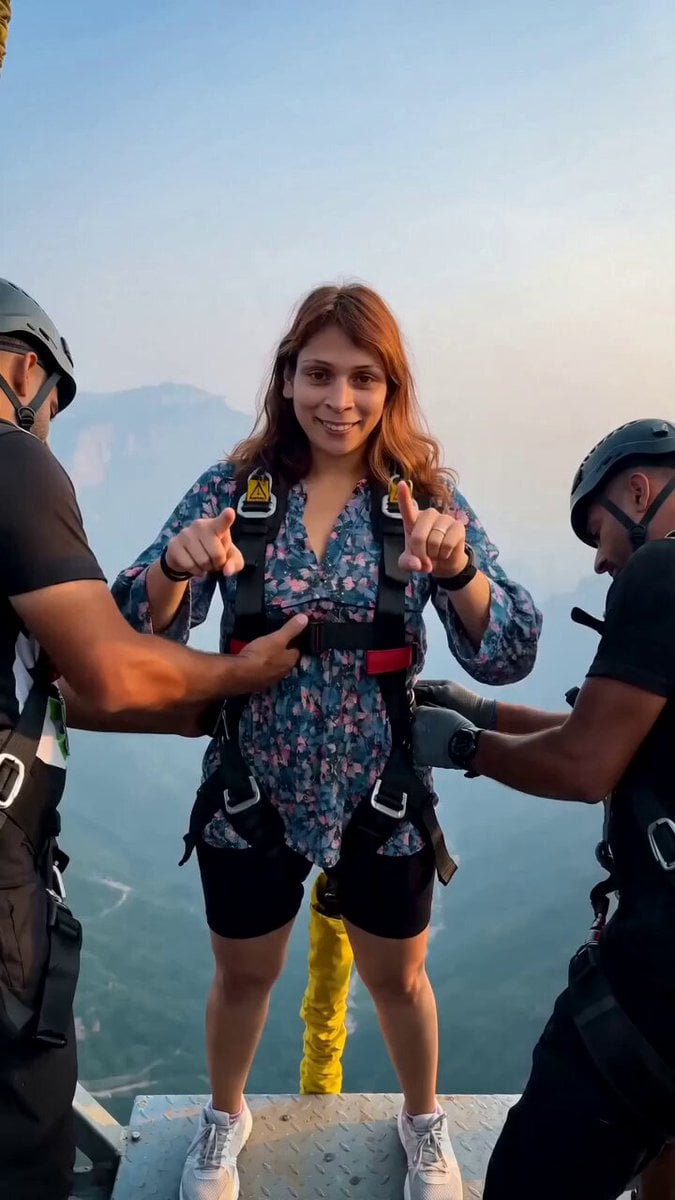
- Prompt included
- Model and format preset
- Premium template
The prompt behind this video
Copy the exact prompt behind Cinematic Bungee Jump Action Video, or open it in the studio and make it yours.
Reference image: [MAIN CHARACTER IMAGE user provided] [0:00–0:03] Platform — Confidence Build Main character stands on a high bungee launch platform, harnessed with visible safety gear and a yellow bungee cord attached to the ankles. Two crew members support her/him by the arms, adjusting the harness. Character smiles, points confidently toward the camera, relaxed and excited energy. Camera static, medium shot, slight handheld sway. Clear blue sky and misty mountain valley visible in the background. [0:03–0:05] Countdown — Final Brace Crew steps back slightly. Character shifts weight forward to the edge of the platform, arms loosening, expression shifts from smile to focused determination. Camera holds steady medium-wide shot, slow subtle push-in. [0:05–0:07] The Jump — Free Fall Character leaps forward off the platform into free fall, arms spread wide, body straight and diving forward, hair/clothing whipping upward from the fall speed. Camera follows in a fast drone-style descending tracking shot, staying just behind and above the falling figure. Misty green valley rushing up in the background. [0:07–0:09] Cord Recoil — Inversion Bungee cord reaches full extension and recoils, flipping the character upside down mid-air. Body bounces naturally with cord elasticity, arms and legs reacting to the momentum. Camera holds a steady mid-air tracking shot, slightly below the subject looking up. [0:09–0:11] Aerial Hold — Wide Valley Shot Camera pulls back to a wide aerial shot showing the character suspended upside down on the bungee cord, dangling above a lush green valley with a river/bridge visible far below. Slow gentle swinging motion. Camera holds steady, slow zoom out to reveal full scale of the height and landscape. Camera Techniques: static medium shot → slow push-in → descending drone-tracking shot → mid-air follow shot → wide aerial pull-back Lighting: natural daylight, soft overcast/hazy mountain light, cool-toned atmosphere with slight golden warmth on skin tones Color Grade: natural outdoor grade, slightly enhanced greens and blues, realistic contrast, no heavy stylization Technical Requirements: Maintain exact facial identity, hairstyle, and body proportions from reference image throughout all shots Anatomically accurate limbs and hands during free fall and inversion no distortion, stretching, or fused fingers Realistic harness, cord, and clothing physics natural tension, swing, and recoil behavior No on-screen text, logos, watermarks, subtitles, or UI overlays anywhere in frame Aspect ratio: 9:16 vertical, consistent framing across all shots Smooth camera motion, no motion-blur artifacts or warping during fast tracking shots Consistent lighting and color continuity across all five shots
How to use Cinematic Bungee Jump Action Video in 3 steps
- 1Upload ImagePNG, JPG or paste
Add your photo
Upload the photo the template builds on. The prompt, model and format are already set.
- 2…a portrait of your subject in softgolden-hour light, 85mm…
Personalize
Edit the subject and creative details for your destination.
- 3Generate
Generate
Press Generate — your video is created in PicX Studio, so you can compare it with the original and refine one variable at a time.
More like this
Templates with the same subject, style or setup. Open one to see its prompt.
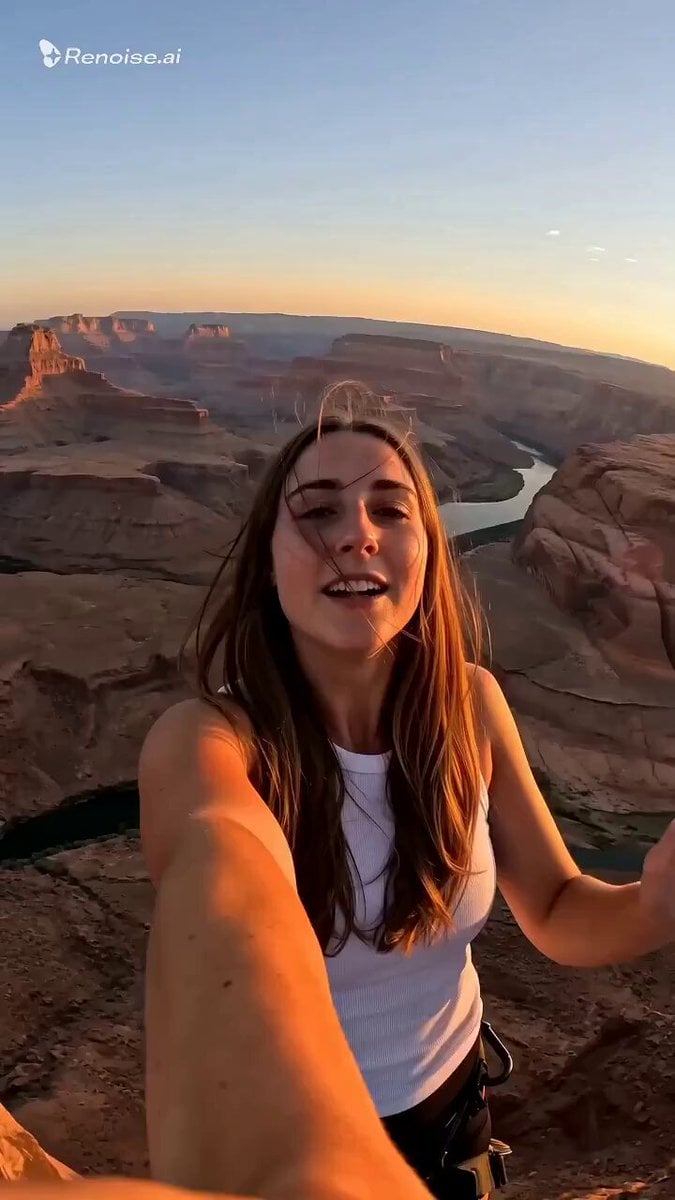
Selfie POV Bungee Jump Vlog
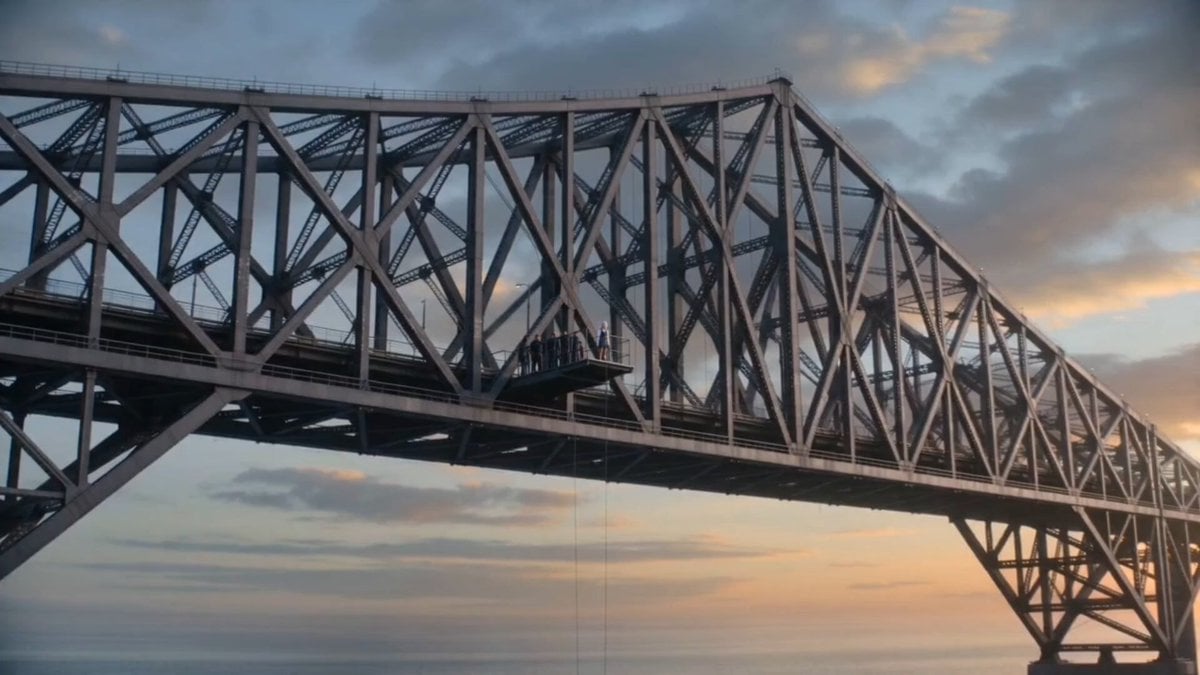
Cinematic Bungee Jump Sea Monster Attack

Walking Factory with Rebel on Hoverbike - Wasteland
Thornmaw Monarch — Crimson Glass Desert Beast
Warhorse Sprint on Cliff Aqueduct
Parametric Fight Scenes Seedance
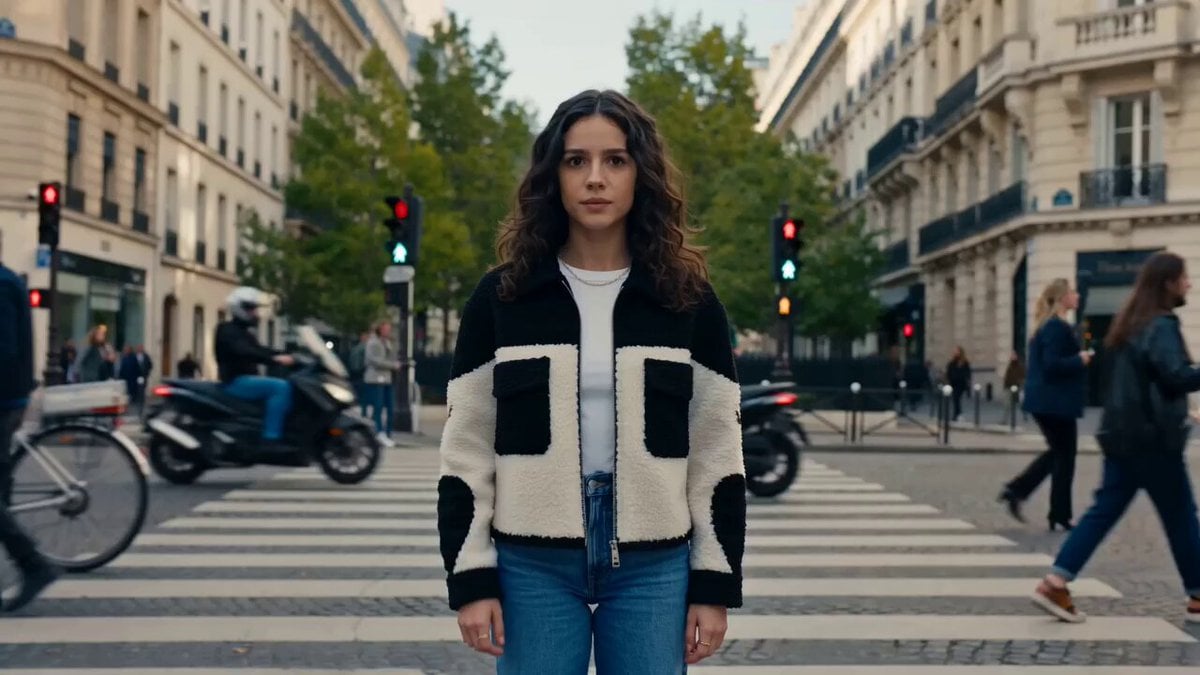
Nano Banana Seedance Time Control Streets
Colossal Sea Creature — Stormy Shore Charge (Seedance)
Skybridge Rescue — Supertall Tower Collapse (Seedance)
Highway Biker — Aggressive Lane Split (PixVerse C1)
Bullet Time Selfie — Modular Parameter Template (Seedance)
Dragon Rescue — Volcanic Kingdom Collapse (Seedance)
Make it yours
Cinematic Bungee Jump Action Video works as-is. These are the safest ways to change it without losing the look.
Change one field
Copy a single group, rewrite it, and generate again so you can see what that field is doing.
Keep the frame, change the subject
Hold the composition and light of Cinematic Bungee Jump Action Video, then swap wardrobe, props or the person for a new take.
| If the result… | Why | Fix |
|---|---|---|
| The result drifts from the preview | Too many fields changed at once. | Reuse Cinematic Bungee Jump Action Video as-is first, then change one group — subject, light, or setting. |
| The model over-stylizes the scene | The prose prompt leaves finish and camera underspecified. | Add one camera or lighting sentence and stay on Seedance 2.0. |
More Seedance 2.0 templates
Other prompts made for Seedance 2.0.

Comical Martial Arts Punch Scene

Maglev Train Action Sequence

Martial Arts Fight Sequence

Wuxia Protection and Trust Script

Vintage Korean Arcade MiniDV Vlog

Mercedes 190 SL Luxury Ad

Rainy Night Supernatural Reverse Comedy Video Script

Amazon Civilization Discovery

Futuristic South Asian City Transformation

Cozy Luxury Cafe Commercial
More video prompts
Fresh picks from across the catalog.
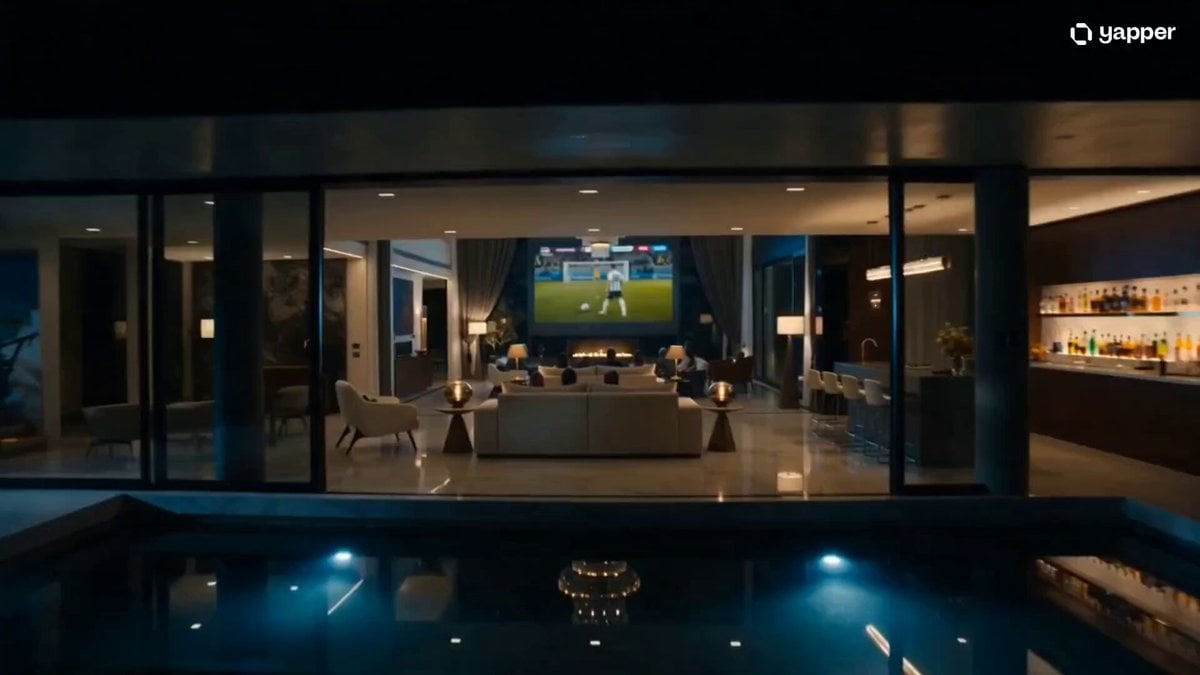
Luxury Family Football Celebration Scene

Chinese Street Drama Buns Shop Scene
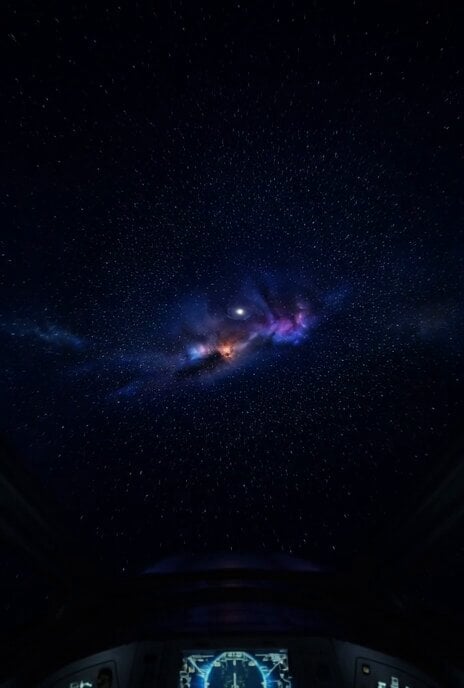
Hyper-Speed Galactic Flight
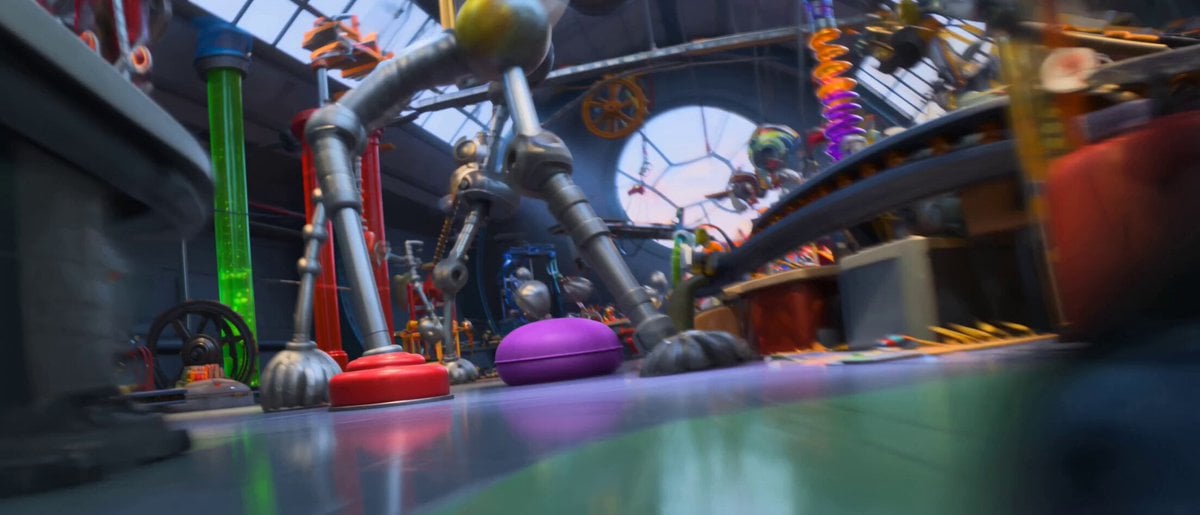
Pixar Style Robot Inventor Animation

Arcee and Bumblebee Kissathon
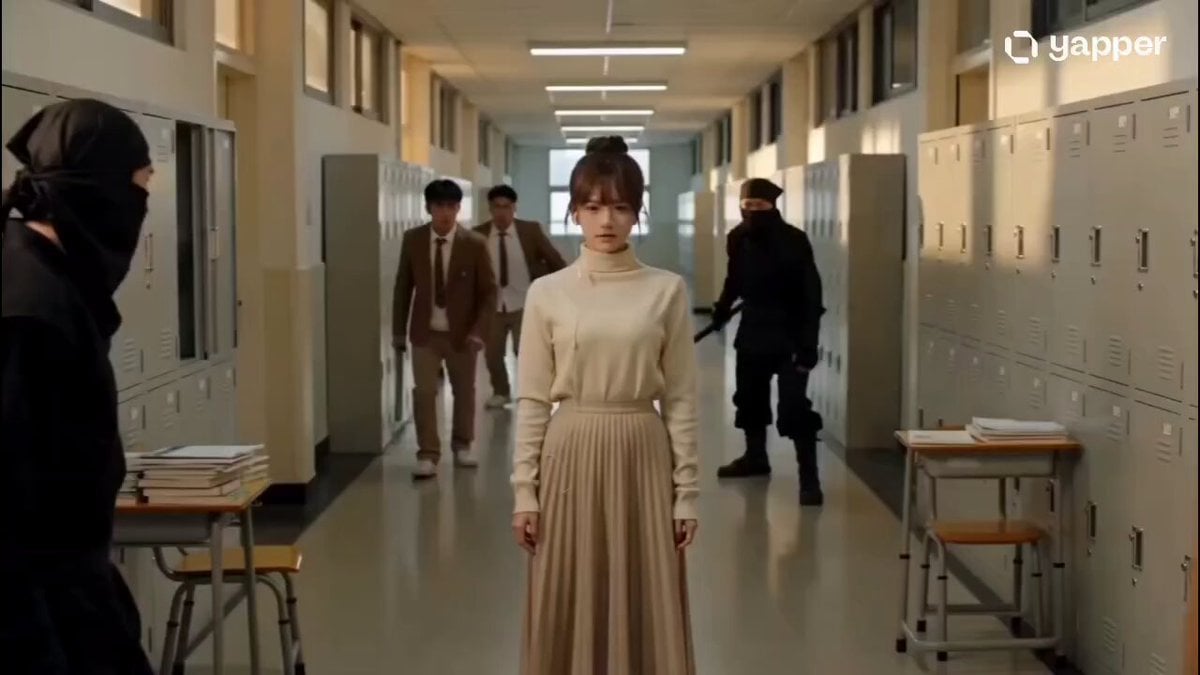
Telekinetic Corridor Action Scene
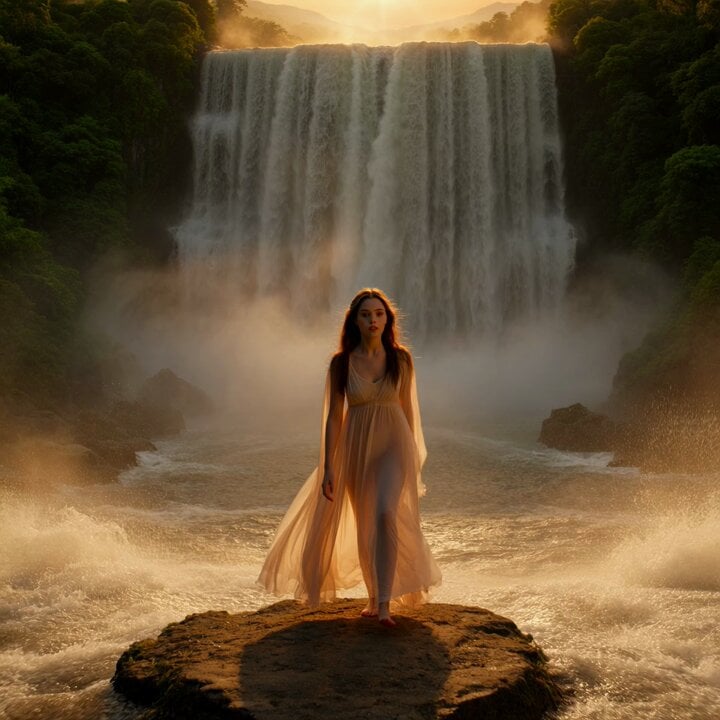
Woman at Waterfall Sunrise Video Prompt
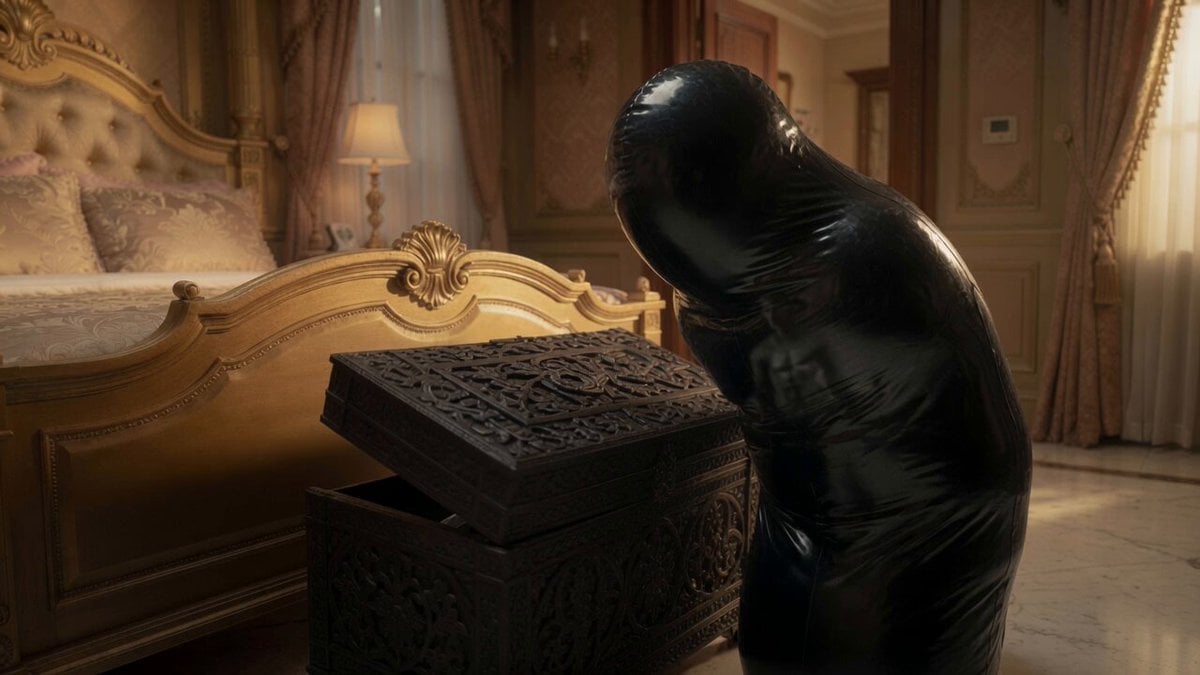
Sci-Fi Horror Cocoon Motion
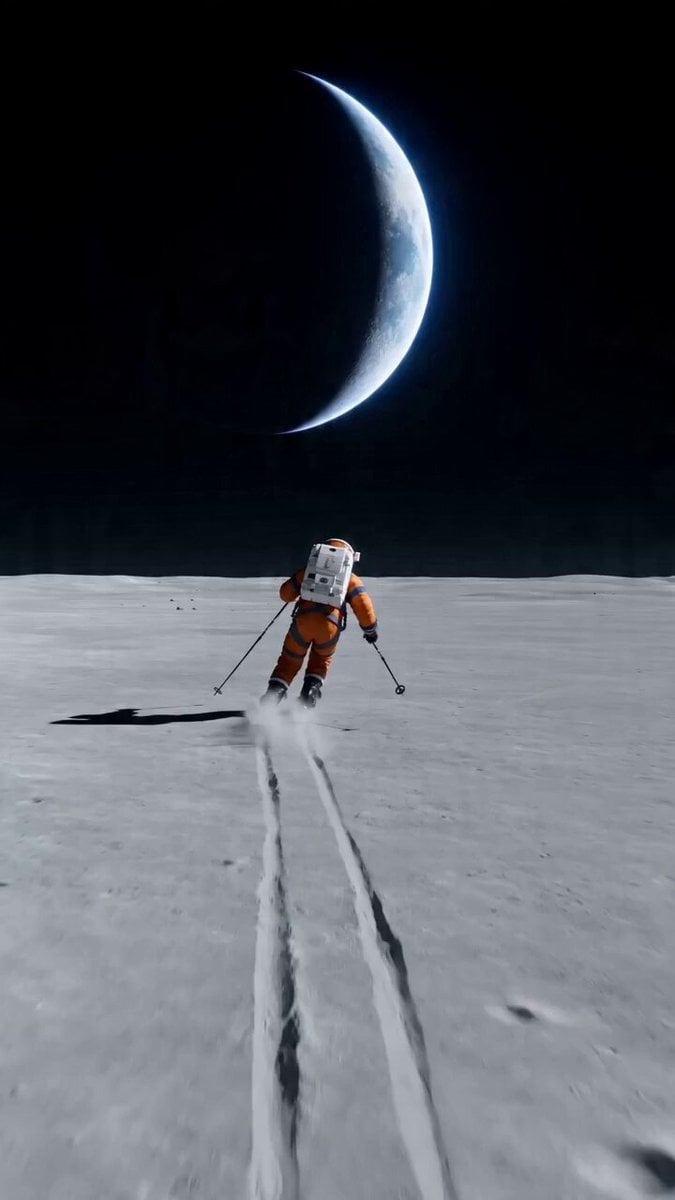
Wide shot of an astronaut skiing on a lunar plain
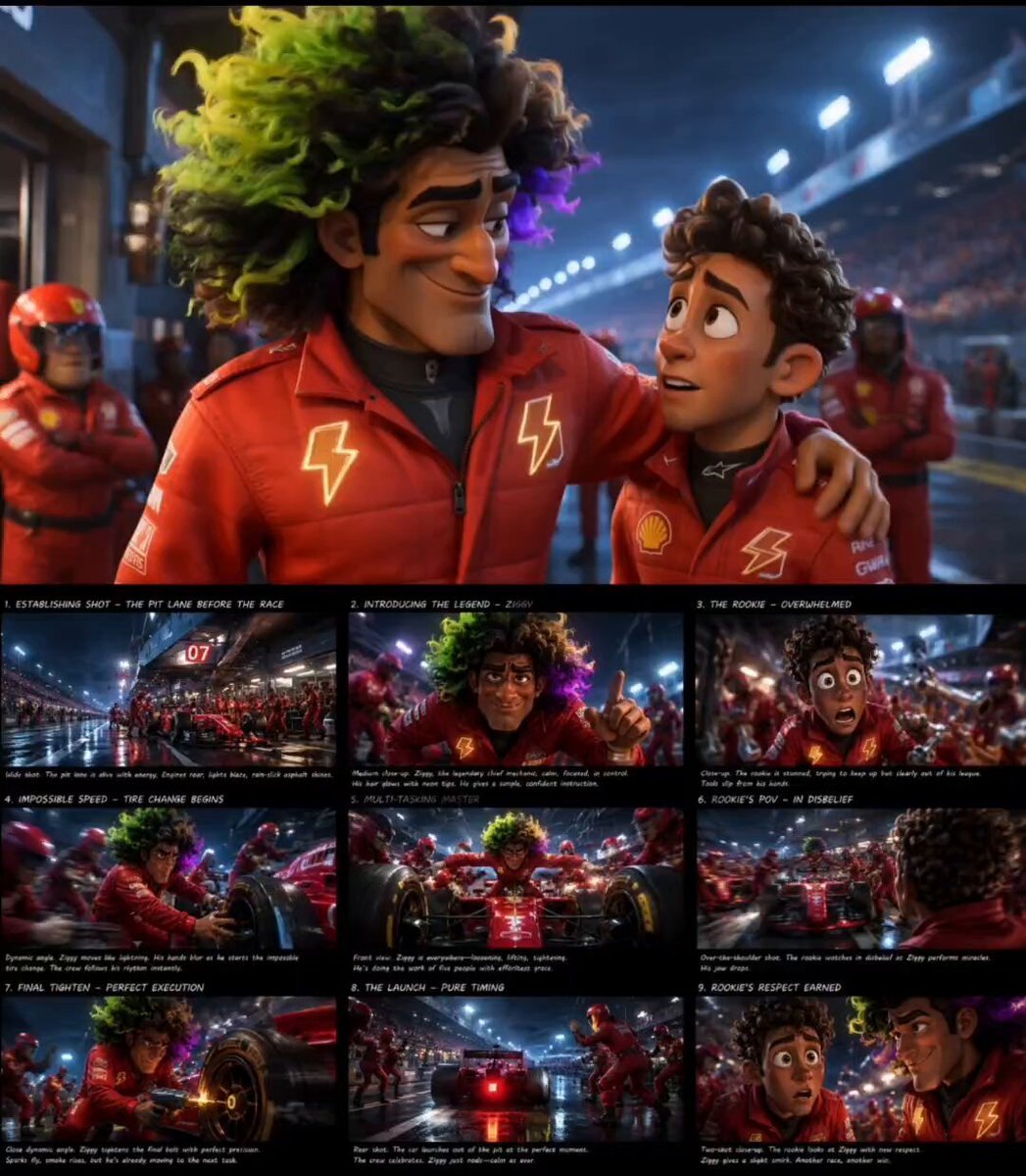
Pixar Style F1 Pit Lane Scene
Browse template categories
Cinematic Bungee Jump Action Video questions
How do I use the Cinematic Bungee Jump Action Video template?
Add your photo if the template asks for one, edit the prompt if you like — the template's model and format are already selected — and press Generate. Your version opens in PicX Studio.
Can I customize the Cinematic Bungee Jump Action Video template?
Yes. You can change the subject, setting, lighting, mood, format, and available model controls before creating your video.
Is the Cinematic Bungee Jump Action Video template free?
Opening and editing this template is free. Generating uses credits, shown on the Generate button when you are signed in.
Which AI model should I use?
Start with Seedance 2.0, which is the model associated with this template. You can compare another compatible model for a different finish.
Looking for something else? Browse all templates.

Your photo, any look
Thousands of ready templates for every top image and video model, from one credit balance.