
Telekinetic Corridor Action Scene
A highly detailed telekinetic action scene involving a high school girl in a weightless environment with frozen-time dynamics.
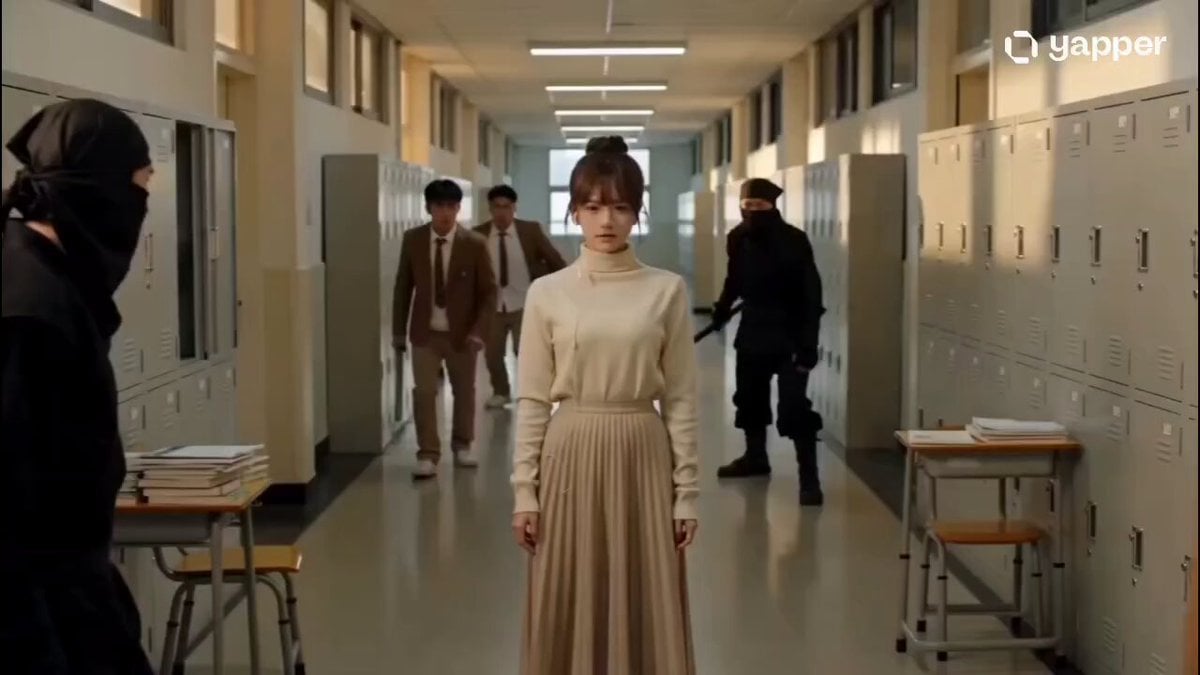
- Prompt included
- Model and format preset
- Free template
The prompt behind this video
Copy the exact prompt behind Telekinetic Corridor Action Scene, or open it in the studio and make it yours.
In a telekinetic action scene, a South Korean high school girl in a white short-sleeved shirt and gray pleated skirt stands calmly in the middle of a corridor. She is being attacked from both sides; some attackers, wearing brown school uniform jackets, wield short sticks, while others are dressed as black ninjas, creating a tense standoff in the corridor. As the enemies rush towards her, the girl unleashes a powerful telekinetic attack. Suddenly, everything around her enters a state of weightlessness and time freezes. Dozens of items—open textbooks, notebooks, a red soda can, and a wooden school chair—leave the ground, perfectly suspending themselves in mid-air. The attackers, in their lunging movements, are frozen in mid-air by an invisible force. Paper pages, scraps of paper, and dust float and swirl around her weightlessly. The camera slowly zooms in on the girl, perfectly freezing the chaotic corridor in the telekinetic-induced state of stillness and suspension. In the extreme stillness of the slowly zooming-in, frozen image, the girl's calm eyes narrow slightly. Immediately afterward, she calmly raised her right hand, her fingers loosely clenched, and then made a light yet decisive flick of her sleeve to either side of her body. In an instant, frozen time and gravity seemed to explode with this subtle gesture. A low rumble echoed in the air, and dozens of objects that had been suspended in mid-air—a heavy wooden school chair, scattered textbooks, even the red soda can—transformed into a dense projection, carrying powerful air currents, and were precisely launched towards the enemies attacking from both sides. At the same time, an invisible circular psychic shockwave violently spread out from the girl. The brown-uniformed attackers and black-clad ninjas, who had been frozen in mid-air, were instantly struck by this immense force, their bodies jolted violently, and they were sent flying backward like kites with broken strings to either end of the corridor. As gravity instantly returned, the wooden chairs shattered upon impact, textbooks scattered into a flurry of pages, and with the dull thud of heavy objects hitting the ground, the attackers collapsed onto the corridor floor, incapacitated. Silence returned to the corridor, broken only by countless tattered papers and fine dust drifting slowly in the air. The aftershocks of the shockwave ruffled the girl's bangs and hair. She remained composed, not even glancing at her fallen opponent. The girl slowly lowered her right hand, raised her slender left, and gracefully and calmly tucked a strand of black hair behind her ear, revealing her delicate and serene profile. The camera froze on this moment, the white papers falling around her like snowflakes, highlighting her still figure in a white short-sleeved shirt and gray pleated skirt. Then, the image faded out.
How to use Telekinetic Corridor Action Scene in 3 steps
- 1
Open
The prompt is already in the box next to the preview, with the template's model and format selected.
- 2…a portrait of your subject in softgolden-hour light, 85mm…
Personalize
Edit the subject and creative details for your destination.
- 3Generate
Generate
Press Generate — your video is created in PicX Studio, so you can compare it with the original and refine one variable at a time.
More like this
Templates with the same subject, style or setup. Open one to see its prompt.

Walking Factory with Rebel on Hoverbike - Wasteland
Thornmaw Monarch — Crimson Glass Desert Beast
Warhorse Sprint on Cliff Aqueduct
Parametric Fight Scenes Seedance

Nano Banana Seedance Time Control Streets
Colossal Sea Creature — Stormy Shore Charge (Seedance)
Skybridge Rescue — Supertall Tower Collapse (Seedance)
Highway Biker — Aggressive Lane Split (PixVerse C1)
Bullet Time Selfie — Modular Parameter Template (Seedance)
Dragon Rescue — Volcanic Kingdom Collapse (Seedance)
Swordsman vs Shadow Monster — Bamboo Forest Battle
Stone Colossus Desert Riders — Golden Fire Reveal
Make it yours
Telekinetic Corridor Action Scene works as-is. These are the safest ways to change it without losing the look.
Change one field
Copy a single group, rewrite it, and generate again so you can see what that field is doing.
Keep the frame, change the subject
Hold the composition and light of Telekinetic Corridor Action Scene, then swap wardrobe, props or the person for a new take.
| If the result… | Why | Fix |
|---|---|---|
| The result drifts from the preview | Too many fields changed at once. | Reuse Telekinetic Corridor Action Scene as-is first, then change one group — subject, light, or setting. |
| The model over-stylizes the scene | The prose prompt leaves finish and camera underspecified. | Add one camera or lighting sentence and stay on Seedance 2.0. |
More Seedance 2.0 templates
Other prompts made for Seedance 2.0.

Comical Martial Arts Punch Scene

Maglev Train Action Sequence

Martial Arts Fight Sequence

Wuxia Protection and Trust Script

Vintage Korean Arcade MiniDV Vlog

Mercedes 190 SL Luxury Ad

Rainy Night Supernatural Reverse Comedy Video Script

Amazon Civilization Discovery

Futuristic South Asian City Transformation

Cozy Luxury Cafe Commercial
More video prompts
Fresh picks from across the catalog.

Gingerbread Finger Rings
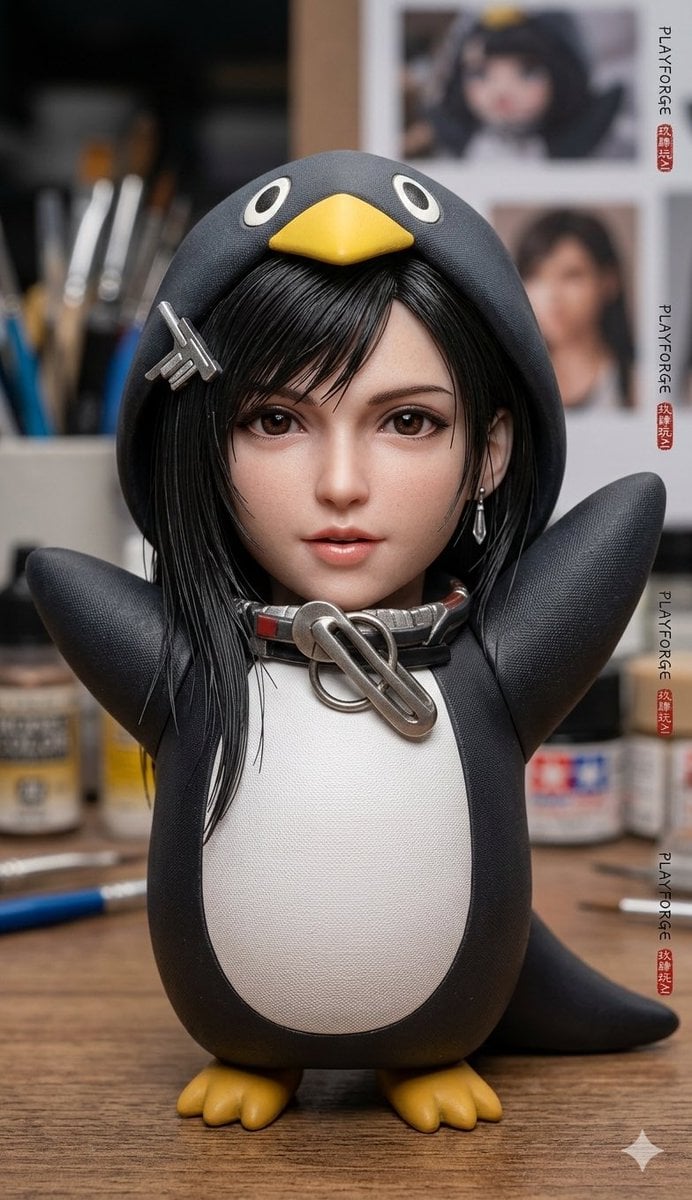
Seedance 2.0 Video Prompt: Cute Creature Waking Up
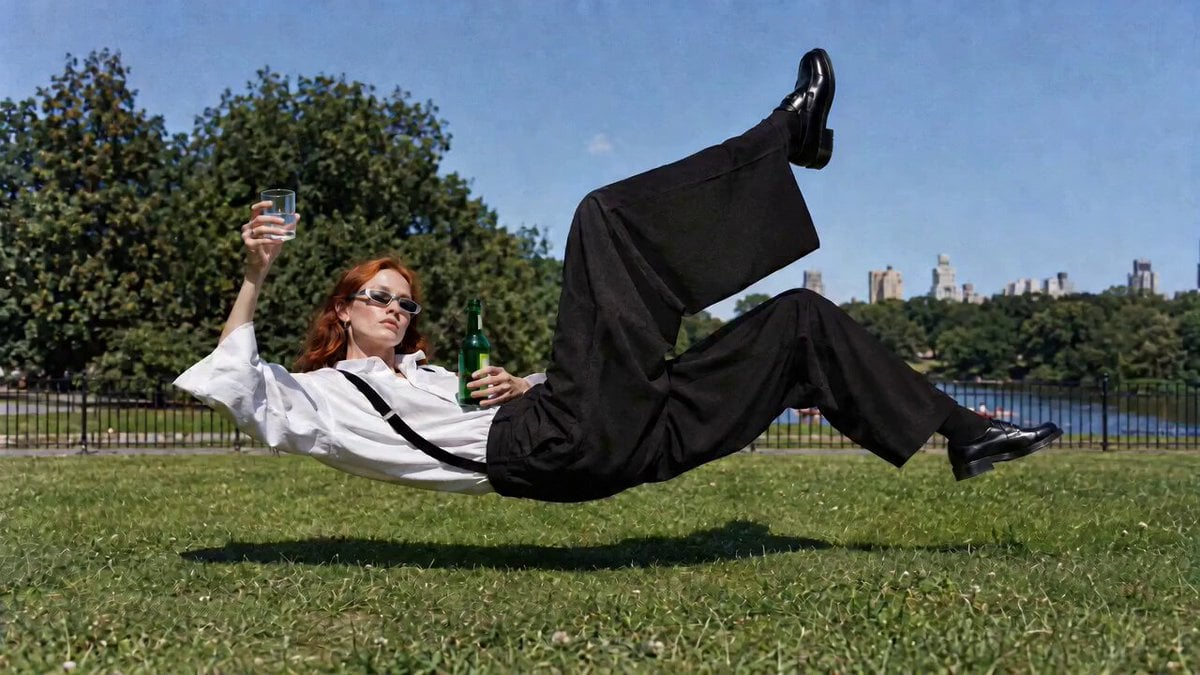
Surreal Floating Park Editorial
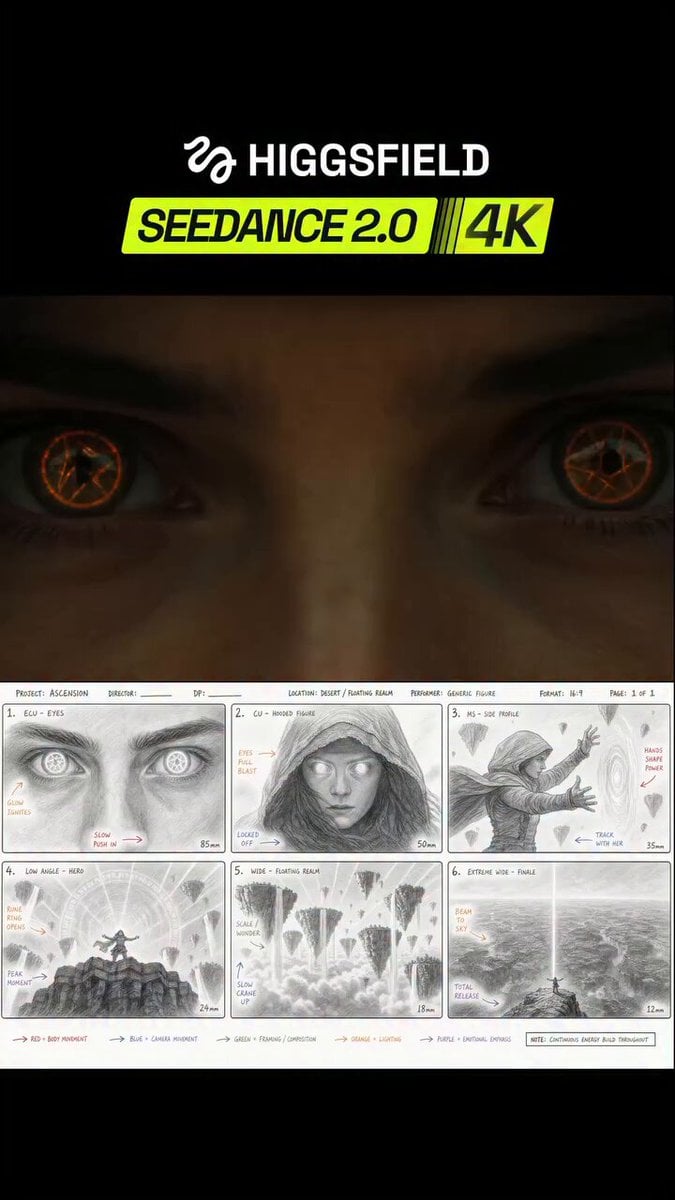
Seedance 2.0 JSON Prompt Workflow
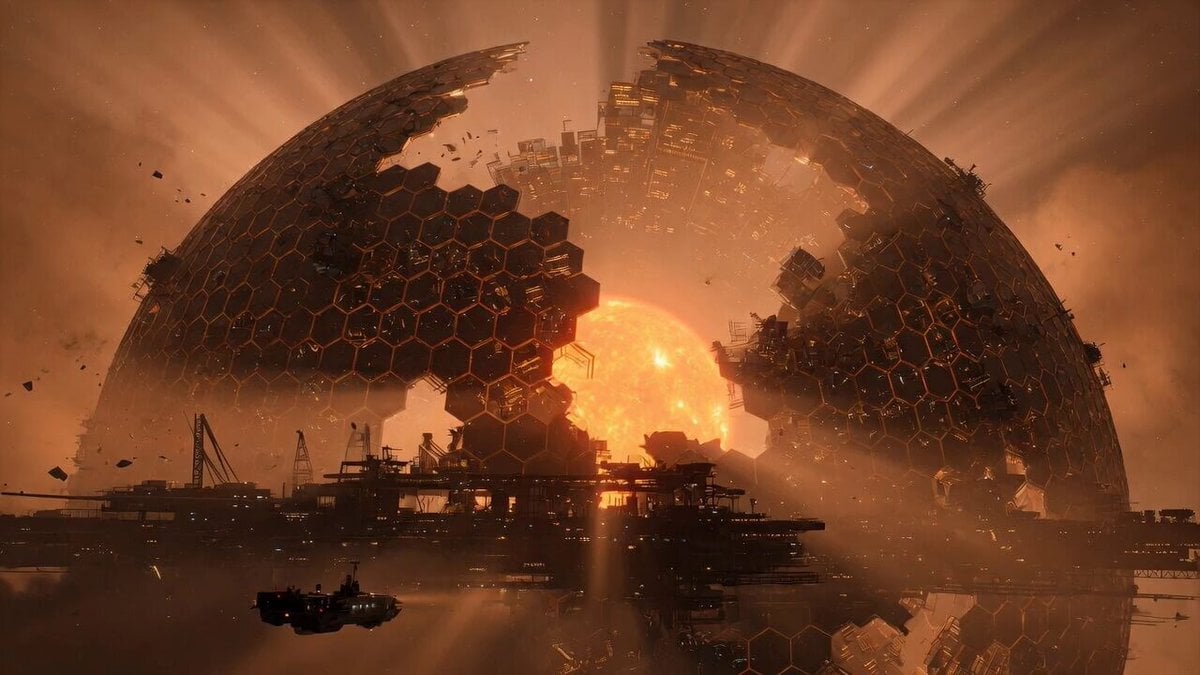
Cinematic Shot of a Colossal Dyson Sphere

NYC Wingsuit Hot Dog Landing
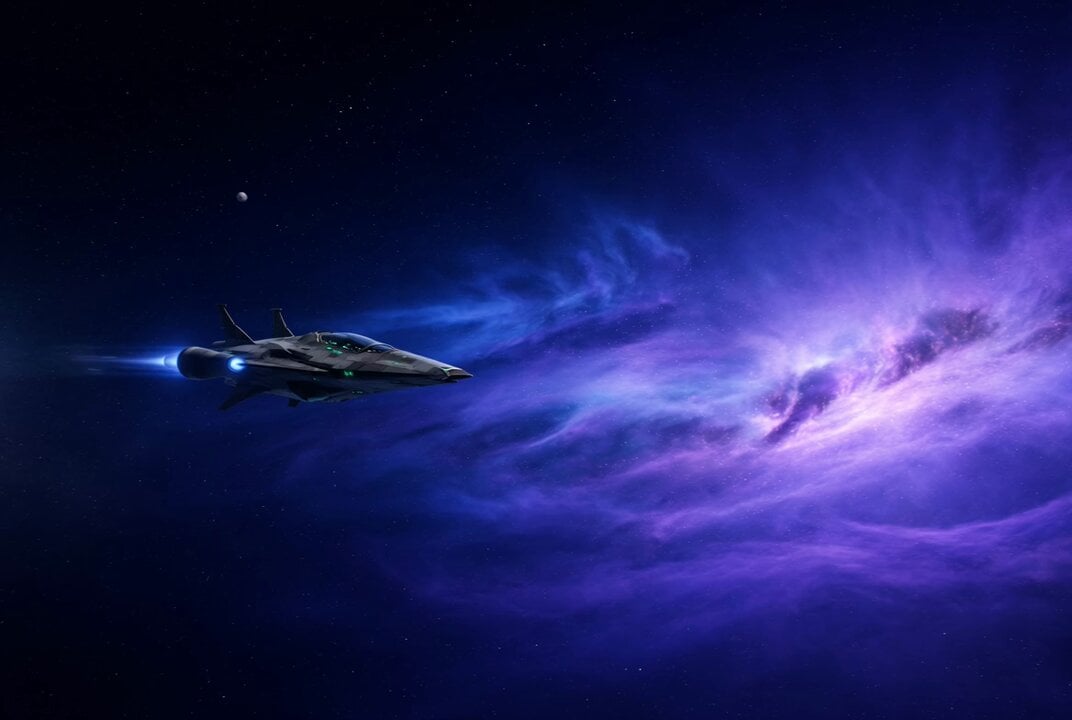
Star Wars Rottweiler Pilot and Cat Co-Pilot

Golden Hour Woodturner Cinematic Portrait
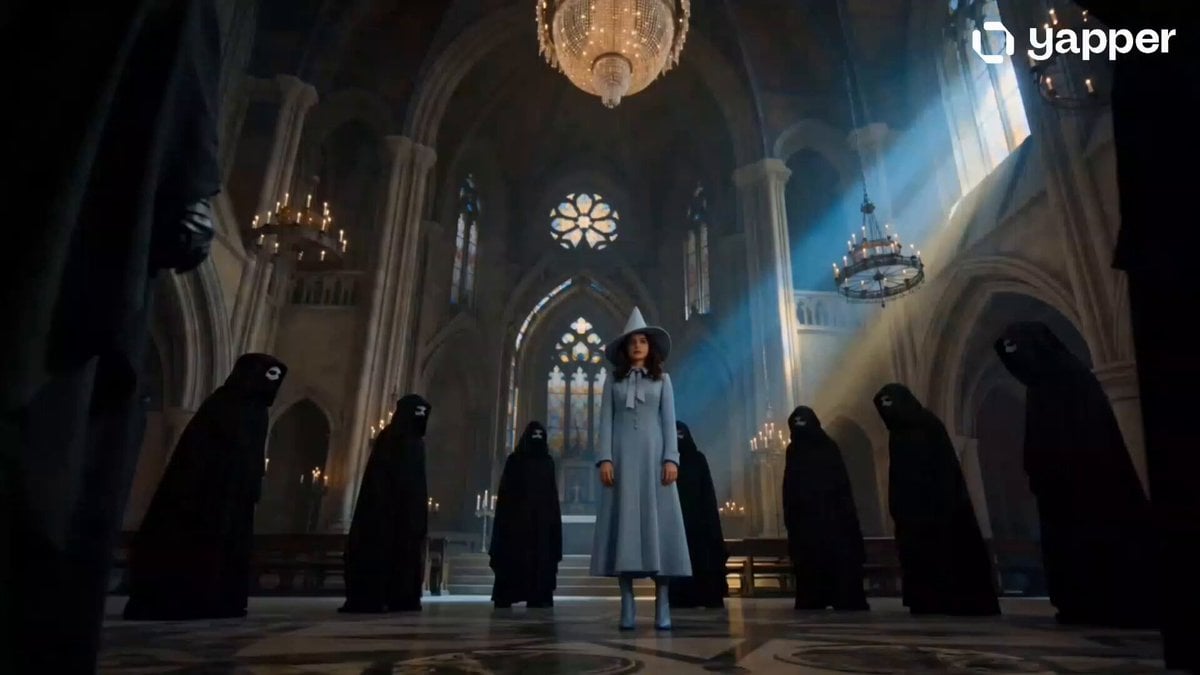
Beauxbatons Witch Magic Vortex Animation
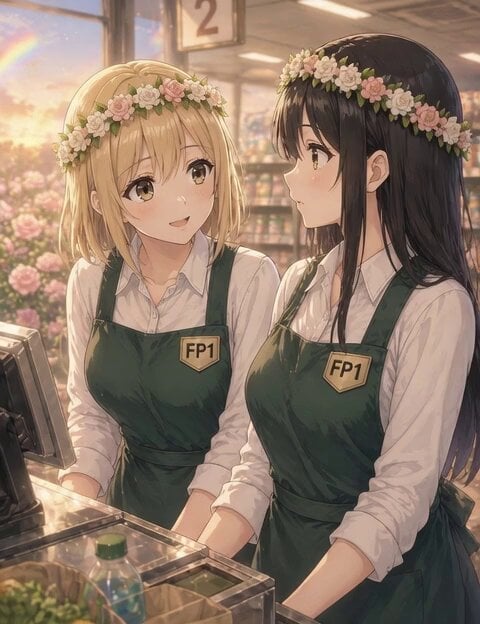
Introspective sunset supermarket scene
Browse template categories
Telekinetic Corridor Action Scene questions
How do I use the Telekinetic Corridor Action Scene template?
Add your photo if the template asks for one, edit the prompt if you like — the template's model and format are already selected — and press Generate. Your version opens in PicX Studio.
Can I customize the Telekinetic Corridor Action Scene template?
Yes. You can change the subject, setting, lighting, mood, format, and available model controls before creating your video.
Is the Telekinetic Corridor Action Scene template free?
Opening and editing this template is free. Generating uses credits, shown on the Generate button when you are signed in.
Which AI model should I use?
Start with Seedance 2.0, which is the model associated with this template. You can compare another compatible model for a different finish.
Looking for something else? Browse all templates.

Your photo, any look
Thousands of ready templates for every top image and video model, from one credit balance.