
Skybridge Rescue — Supertall Tower Collapse (Seedance)
Seedance 2.0 prompt by @umesh_ai — Ultra-cinematic skybridge rescue: runner sprints across collapsing bridge, slow-mo dive through glass, hands connect, swing into tower as bridge collapses.
- Prompt included
- Model and format preset
- Free template
The prompt behind this video
Copy the exact prompt behind Skybridge Rescue — Supertall Tower Collapse (Seedance), or open it in the studio and make it yours.
Ultra-cinematic action sequence in bright clear daylight. Start instantly with a fast-moving ultra-wide aerial shot of a shattered skybridge between two supertall towers high above a massive city. One person is falling through open air while a rescue runner sprints across the collapsing bridge. Camera sweeps low and fast past breaking glass, bending steel, sparks, cables, and spinning debris, with sharp detail, strong sunlight, deep contrast, realistic physics, and epic scale. At 7 seconds enter dramatic slow motion as the runner launches from the final intact beam, dives through flying glass, and reaches toward the falling person with the city far below. At 10 seconds snap back to full speed as their hands connect, both swing into a hanging maintenance cable, crash through an open service hatch, slide safely inside the tower, and come to rest as the bridge collapses outside behind them. Clear ending, complete rescue, premium blockbuster visuals, strong composition, dynamic camera, polished action film aesthetic.
How to use Skybridge Rescue — Supertall Tower Collapse (Seedance) in 3 steps
- 1
Open
The prompt is already in the box next to the preview, with the template's model and format selected.
- 2…a portrait of your subject in softgolden-hour light, 85mm…
Personalize
Edit the subject and creative details for your destination.
- 3Generate
Generate
Press Generate — your video is created in PicX Studio, so you can compare it with the original and refine one variable at a time.
More like this
Templates with the same subject, style or setup. Open one to see its prompt.
Dragon Rescue — Volcanic Kingdom Collapse (Seedance)
Naval Painting Breach — Art Gallery Flood (Seedance)
Bullet Time Selfie — Modular Parameter Template (Seedance)
Swordsman vs Shadow Monster — Bamboo Forest Battle
Stone Colossus Desert Riders — Golden Fire Reveal

Blonde Woman Driving Green 1960s Mustang Golden Hour

Live-Action Firefighter Rescue Night Scene
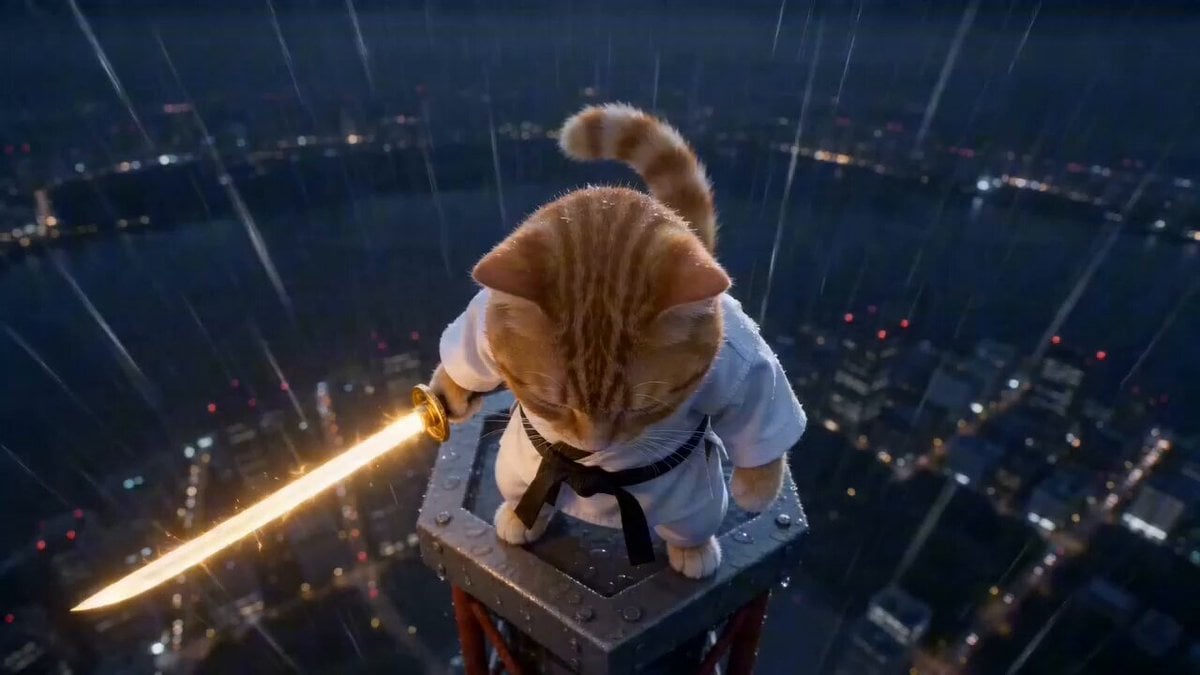
Cat Master's Tokyo Tower Descent and Rescue
Underground Temple Escape — Seedance 2.0
Whale in the Sky — City Shadows (Kling AI)

Continuous Planet Collapse Escape Sequence
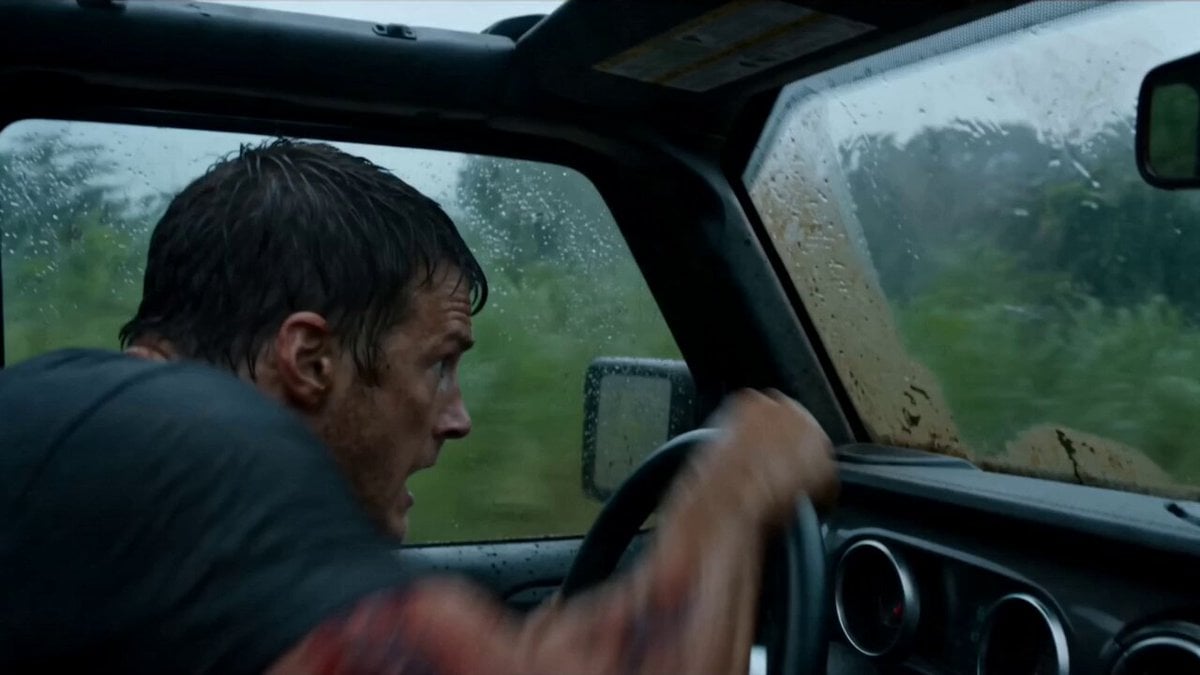
Alligator Mutant Rescue Scene
Make it yours
Skybridge Rescue — Supertall Tower Collapse (Seedance) works as-is. These are the safest ways to change it without losing the look.
Change one field
Copy a single group, rewrite it, and generate again so you can see what that field is doing.
Keep the frame, change the subject
Hold the composition and light of Skybridge Rescue — Supertall Tower Collapse (Seedance), then swap wardrobe, props or the person for a new take.
| If the result… | Why | Fix |
|---|---|---|
| The result drifts from the preview | Too many fields changed at once. | Reuse Skybridge Rescue — Supertall Tower Collapse (Seedance) as-is first, then change one group — subject, light, or setting. |
| The model over-stylizes the scene | The prose prompt leaves finish and camera underspecified. | Add one camera or lighting sentence and stay on Seedance. |
More Seedance templates
Other prompts made for Seedance.
More video prompts
Fresh picks from across the catalog.
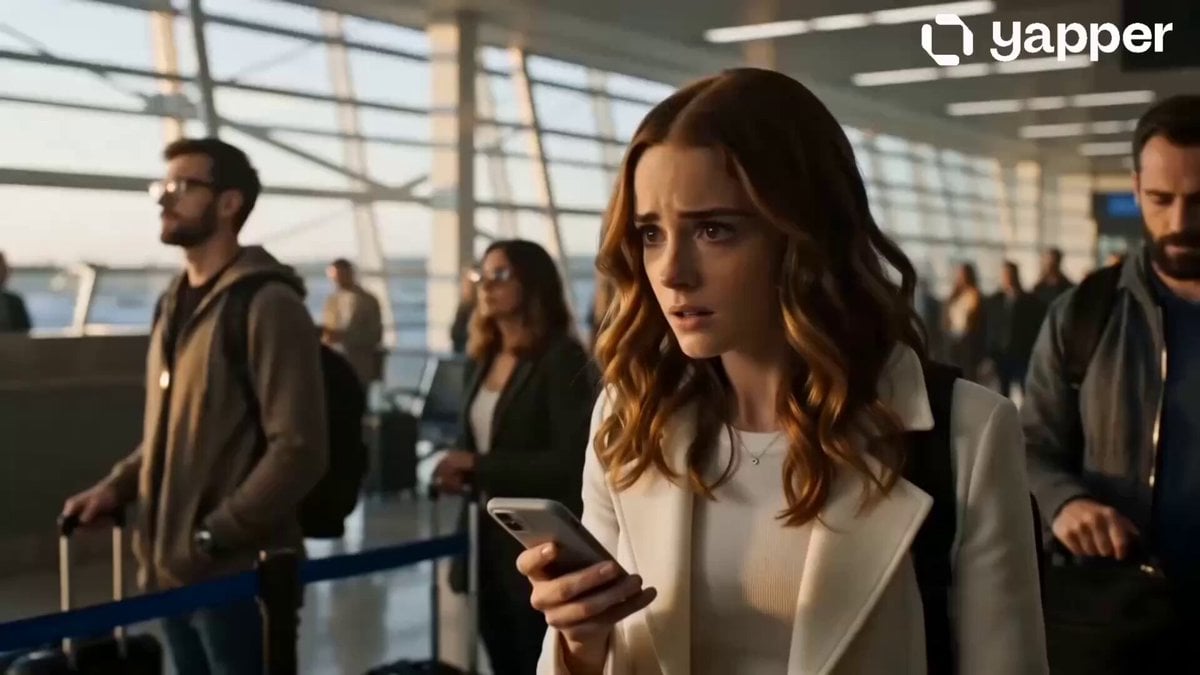
Emotional Airport Lovers Reunion
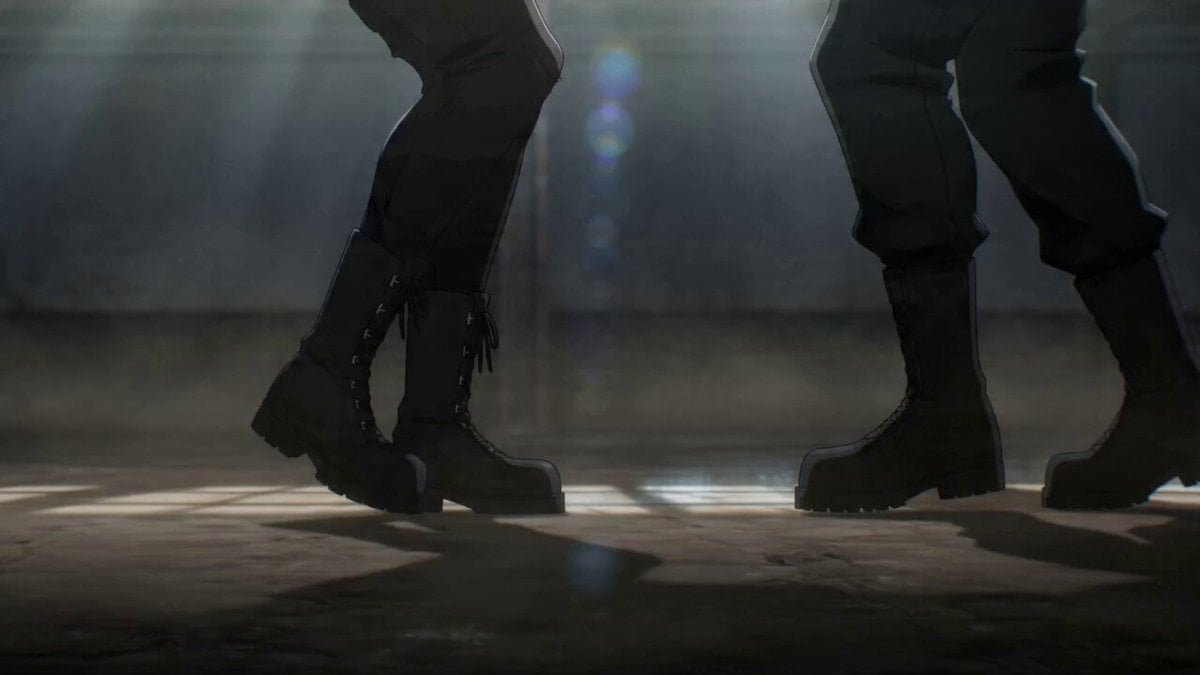
Wing Chun Anime Fight Choreography Prompt
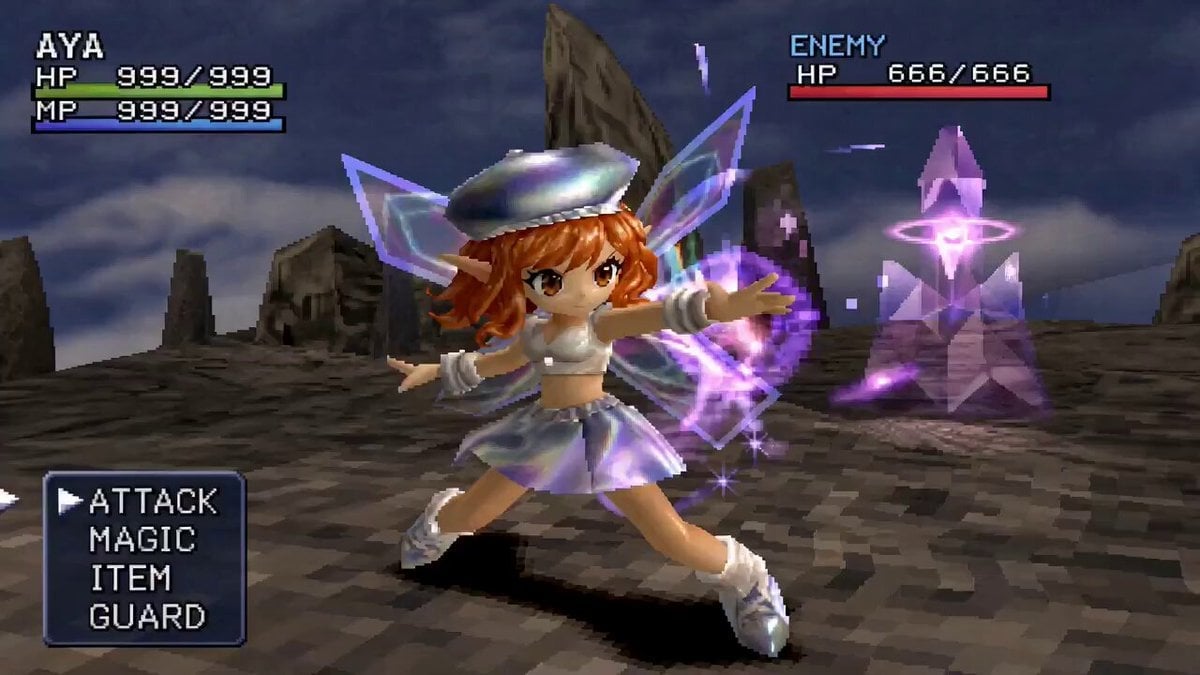
90s JRPG Battle Scene Sequence
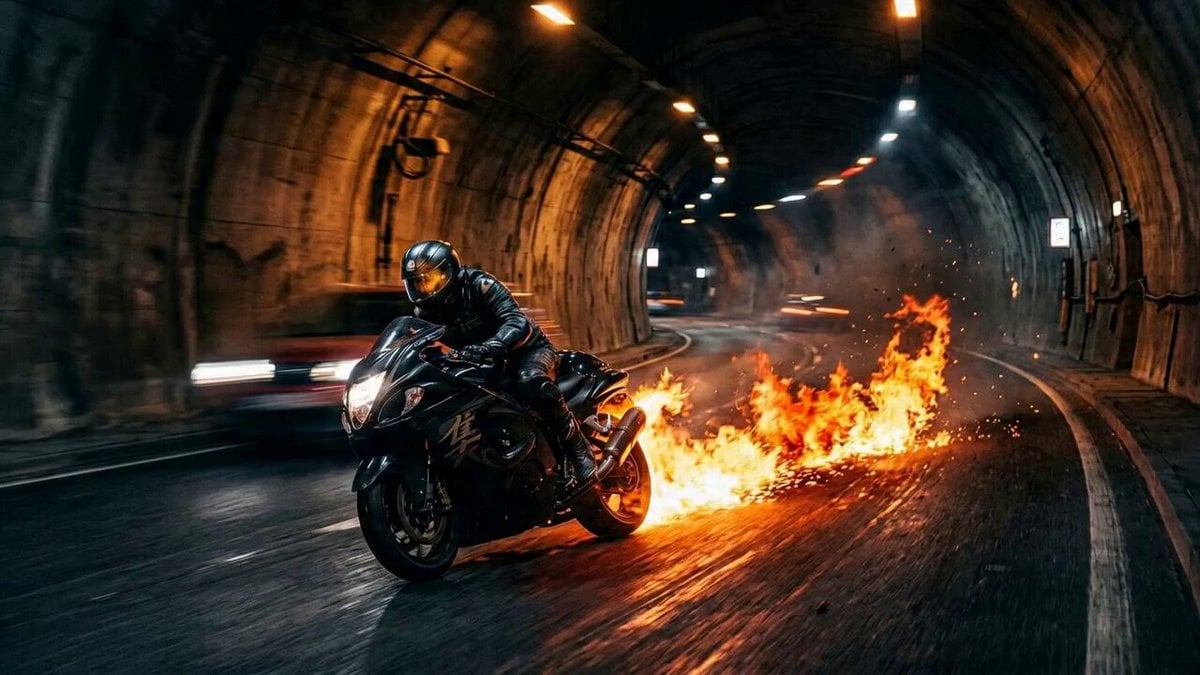
Seedance 2.0 Freeze Frame Cinematic Shot

Five Senses Perfume Brand Transformation Video Prompt
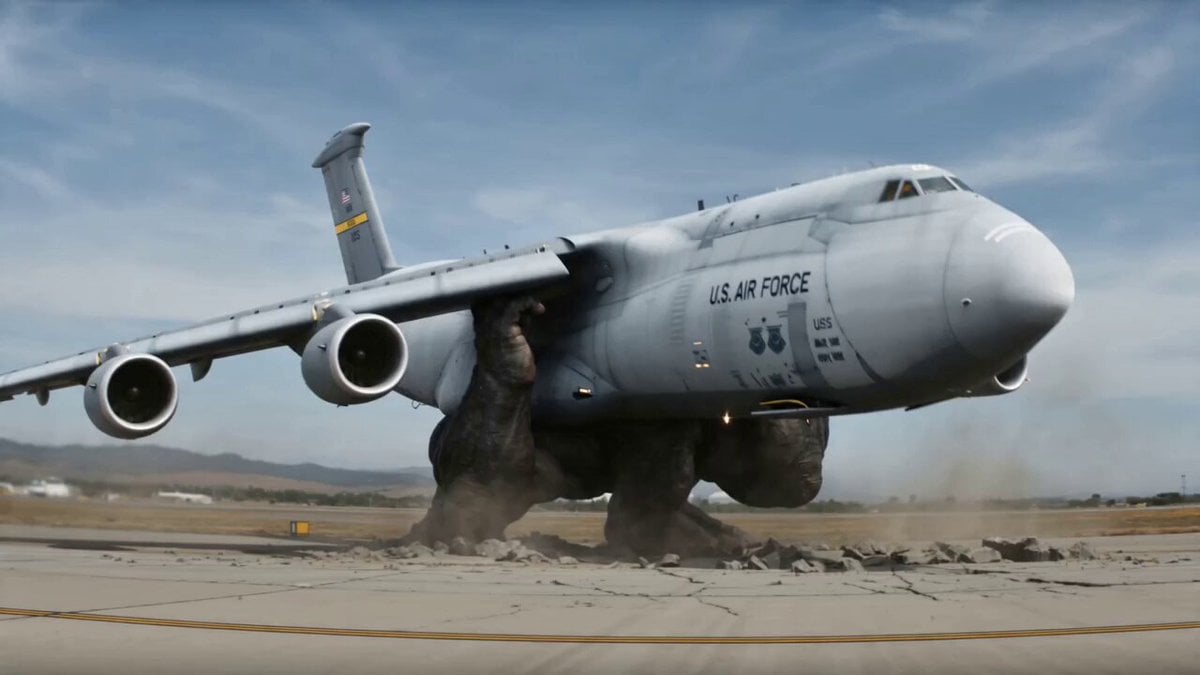
Shield Deflection Action Sequence

Video Generation Prompt: Fluid Ribbon in a Transparent Brain

Anime conversation scene with micro zoom
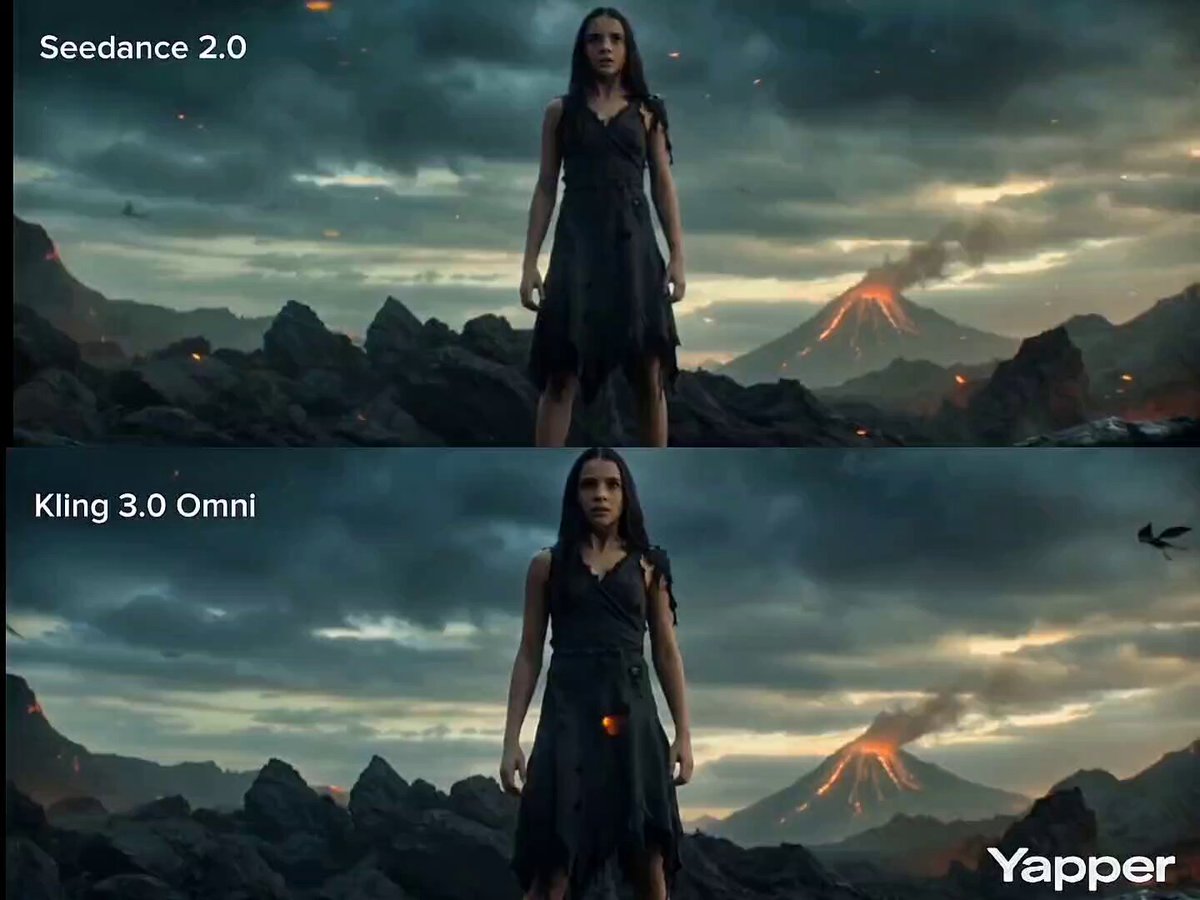
Cinematic Transformation Scene
Tiger Striped Black Panther Entry
Browse template categories
Skybridge Rescue — Supertall Tower Collapse (Seedance) questions
How do I use the Skybridge Rescue — Supertall Tower Collapse (Seedance) template?
Add your photo if the template asks for one, edit the prompt if you like — the template's model and format are already selected — and press Generate. Your version opens in PicX Studio.
Can I customize the Skybridge Rescue — Supertall Tower Collapse (Seedance) template?
Yes. You can change the subject, setting, lighting, mood, format, and available model controls before creating your video.
Is the Skybridge Rescue — Supertall Tower Collapse (Seedance) template free?
Opening and editing this template is free. Generating uses credits, shown on the Generate button when you are signed in.
Which AI model should I use?
Start with Seedance, which is the model associated with this template. You can compare another compatible model for a different finish.
Looking for something else? Browse all templates.

Your photo, any look
Thousands of ready templates for every top image and video model, from one credit balance.