
Cat Master's Tokyo Tower Descent and Rescue
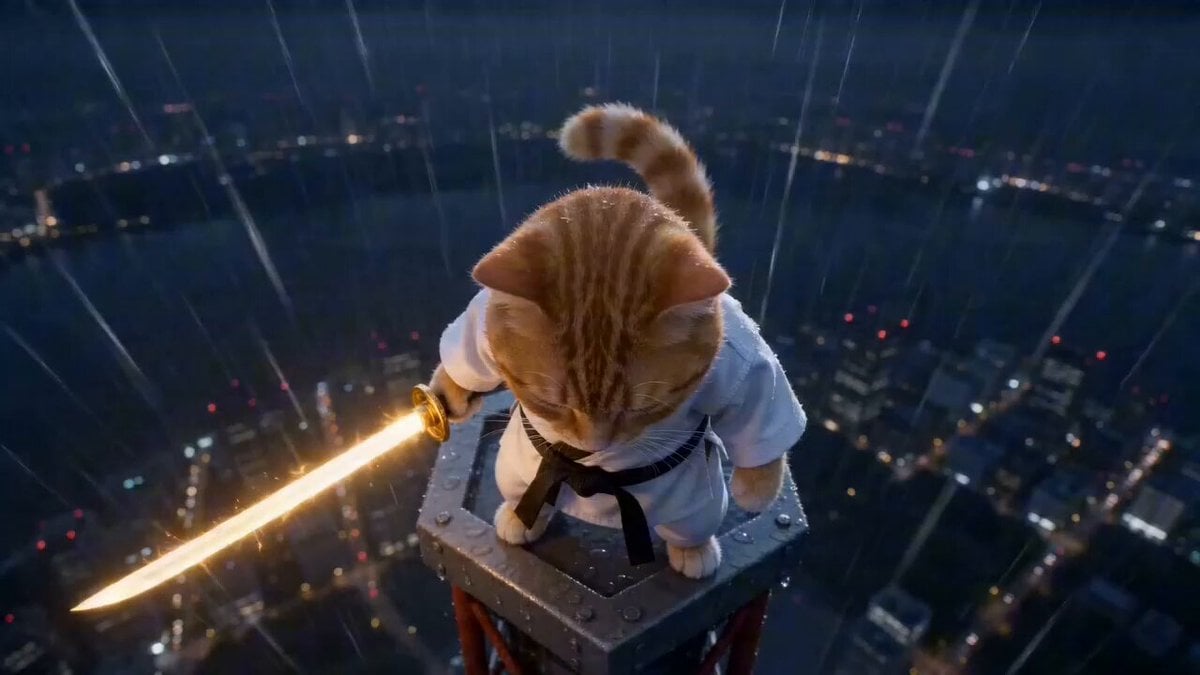
A highly structured, cinematic prompt detailing a continuous action sequence of an orange tabby cat, dressed in a taekwondo uniform and wielding a glowing sword, descending Tokyo Tower while fighting hyenas, complete…
- Prompt included
- Model and format preset
- Premium template
The prompt behind this video
Copy the exact prompt behind Cat Master's Tokyo Tower Descent and Rescue, or open it in the studio and make it yours.
An orange tabby cat in a taekwondo uniform, holding a glowing golden sword, on top of Tokyo Tower at night. Action: Stands in the rain → slow head lift → eyes glow. Instant dash downward along the tower structure, ultra-fast slashes at incoming hyenas in black suits. Mid-air rebounds between steel beams, continuous sword strikes. Each hit → hyenas dissolve into black smoke. Afterimage movement → rapid multi-direction cuts while descending. Wall-run → spinning slash → golden arc explosion. Final leap off the tower → fast dive through rain. Last-second flip → lands safely into the arms of a pink-haired high school girl below. The cat relaxes instantly, curls slightly, soft purring. Camera: Top-down drop follow → tight chase cam → side tracking → rapid orbit between beams → spin sync with attacks → vertical dive follow → soft close-up landing No cuts Motion: extremely fast, fluid, continuous descent, heavy motion blur, sharp impacts Effects: golden sword energy only, rain streaks, black smoke dissolves Audio: Epic cinematic music builds throughout → heavy impacts synced to hits → rain and wind FX Male cinematic voice-over (deep, calm): “From the highest point… he descends.” “They never stood a chance.” Dialogue: Hyenas (distorted, echoing): “Get him.” Girl (soft, surprised): “Wait—!” Cat (gentle, playful tone, final moment): purring sound
How to use Cat Master's Tokyo Tower Descent and Rescue in 3 steps
- 1
Open
The prompt is already in the box next to the preview, with the template's model and format selected.
- 2…a portrait of your subject in softgolden-hour light, 85mm…
Personalize
Edit the subject and creative details for your destination.
- 3Generate
Generate
Press Generate — your video is created in PicX Studio, so you can compare it with the original and refine one variable at a time.
More like this
Templates with the same subject, style or setup. Open one to see its prompt.
Skybridge Rescue — Supertall Tower Collapse (Seedance)

3D Animated Cat and Old Man - Seedance
Handheld Tokyo Travel Vlog - Seedance 2.5
Tokyo Tower Parkour Leap
Flying Sword Master Cat
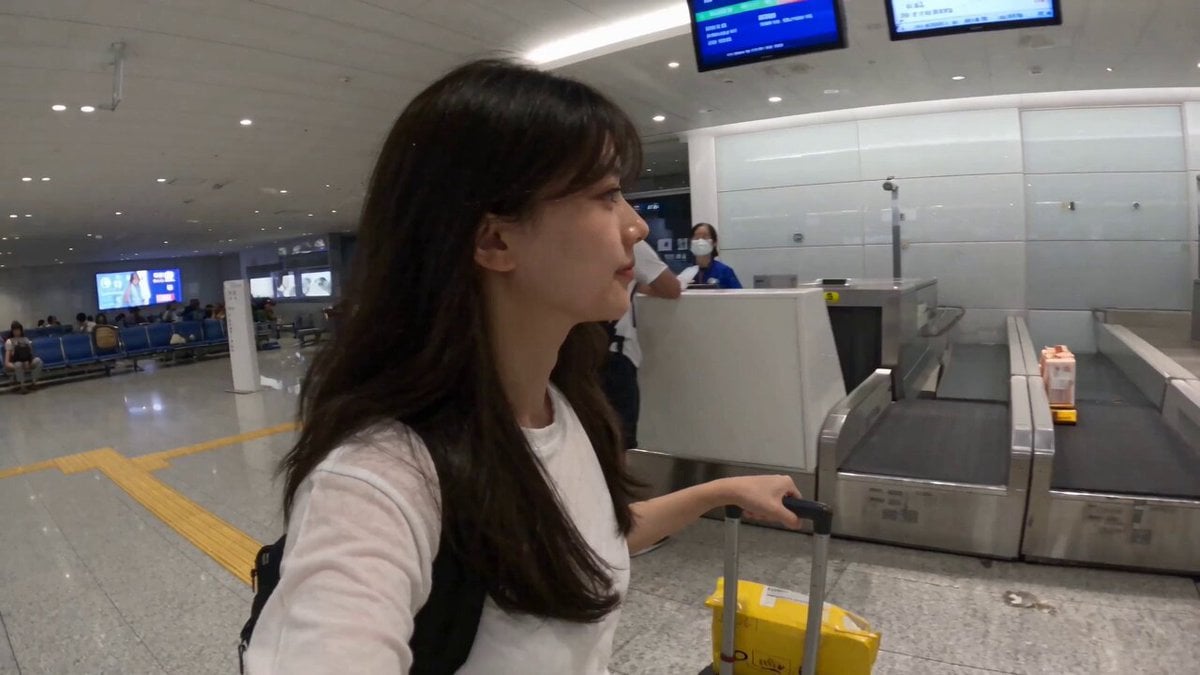
Smartphone Travel Vlog Tokyo Trip Identity Preserved
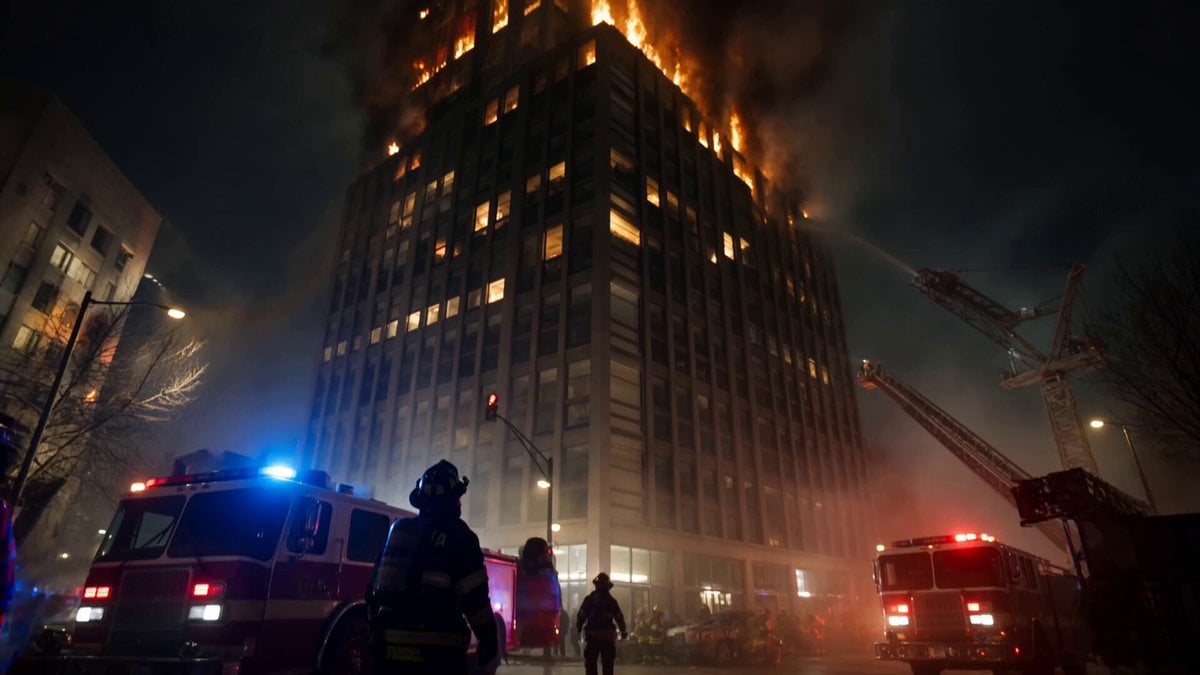
Live-Action Firefighter Rescue Night Scene
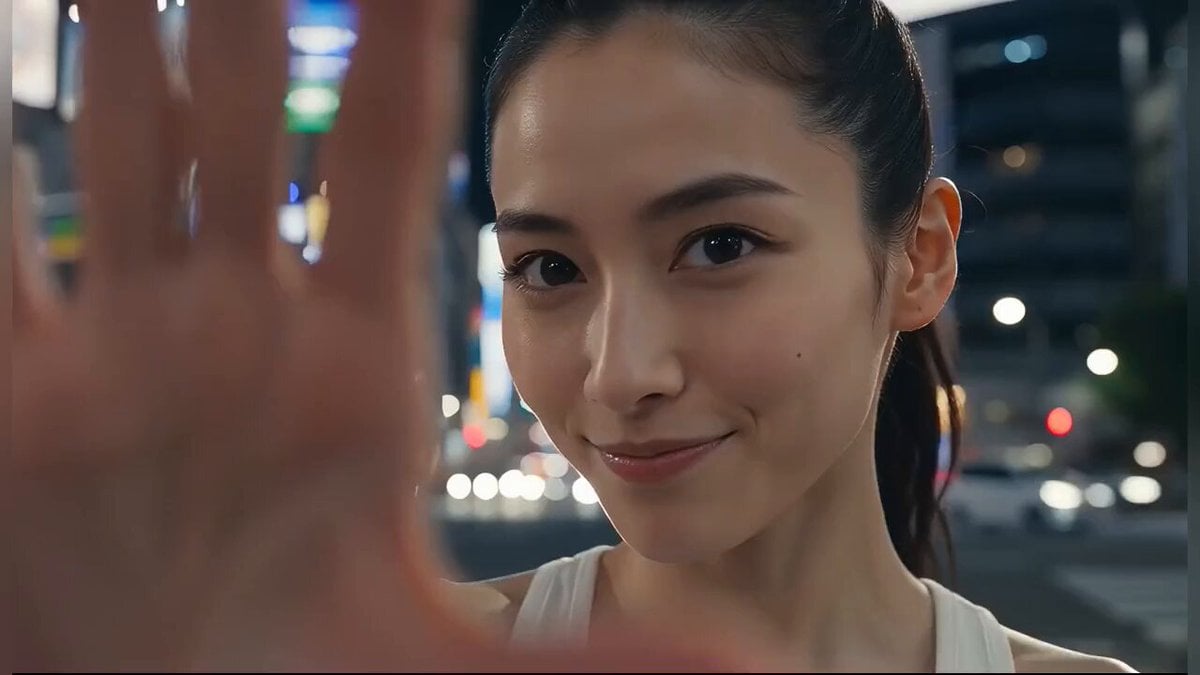
Japanese Girl Tokyo Tower Parkour Video
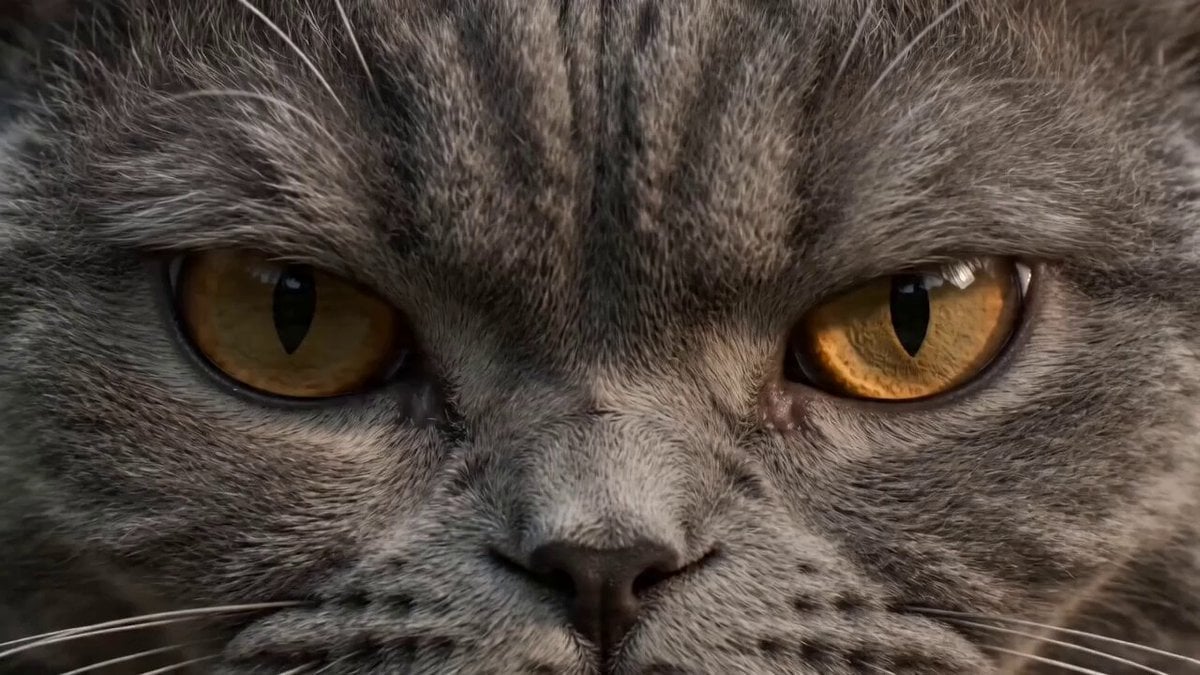
Ultra-realistic martial arts choreography between a cat and a master
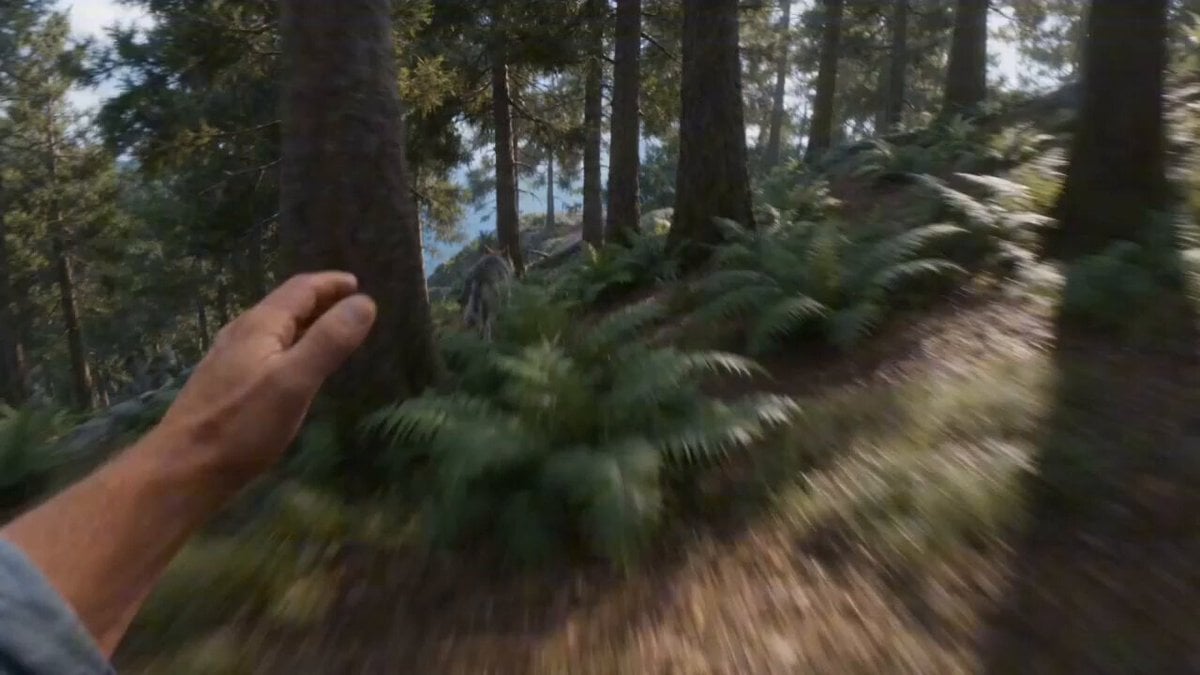
First-person FPV Chase and Rescue by Cat Pirates
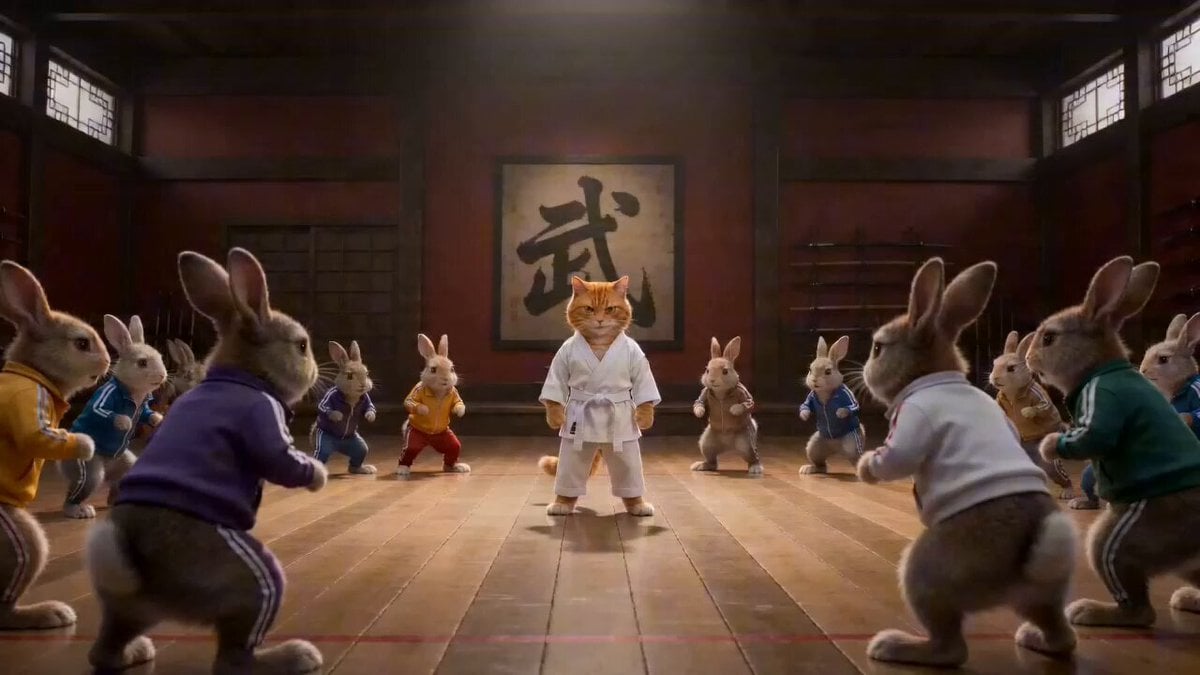
Epic Martial Arts Battle Between Cat Master and Rabbits
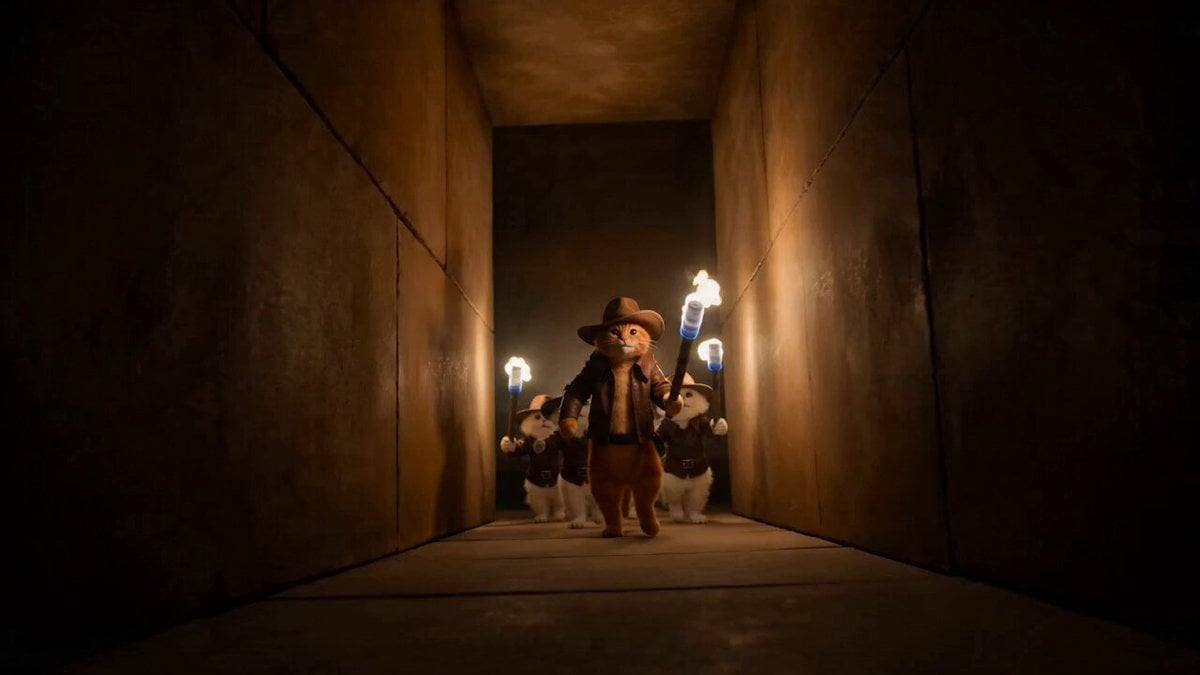
Cat Master and Bear Pharaoh Cinematic Comedy
Make it yours
Cat Master's Tokyo Tower Descent and Rescue works as-is. These are the safest ways to change it without losing the look.
Change one field
Copy a single group, rewrite it, and generate again so you can see what that field is doing.
Keep the frame, change the subject
Hold the composition and light of Cat Master's Tokyo Tower Descent and Rescue, then swap wardrobe, props or the person for a new take.
| If the result… | Why | Fix |
|---|---|---|
| The result drifts from the preview | Too many fields changed at once. | Reuse Cat Master's Tokyo Tower Descent and Rescue as-is first, then change one group — subject, light, or setting. |
| The model over-stylizes the scene | The prose prompt leaves finish and camera underspecified. | Add one camera or lighting sentence and stay on Seedance 2.0. |
More Seedance 2.0 templates
Other prompts made for Seedance 2.0.

Comical Martial Arts Punch Scene

Maglev Train Action Sequence

Martial Arts Fight Sequence

Wuxia Protection and Trust Script

Vintage Korean Arcade MiniDV Vlog

Mercedes 190 SL Luxury Ad

Rainy Night Supernatural Reverse Comedy Video Script

Amazon Civilization Discovery

Futuristic South Asian City Transformation

Cozy Luxury Cafe Commercial
More video prompts
Fresh picks from across the catalog.
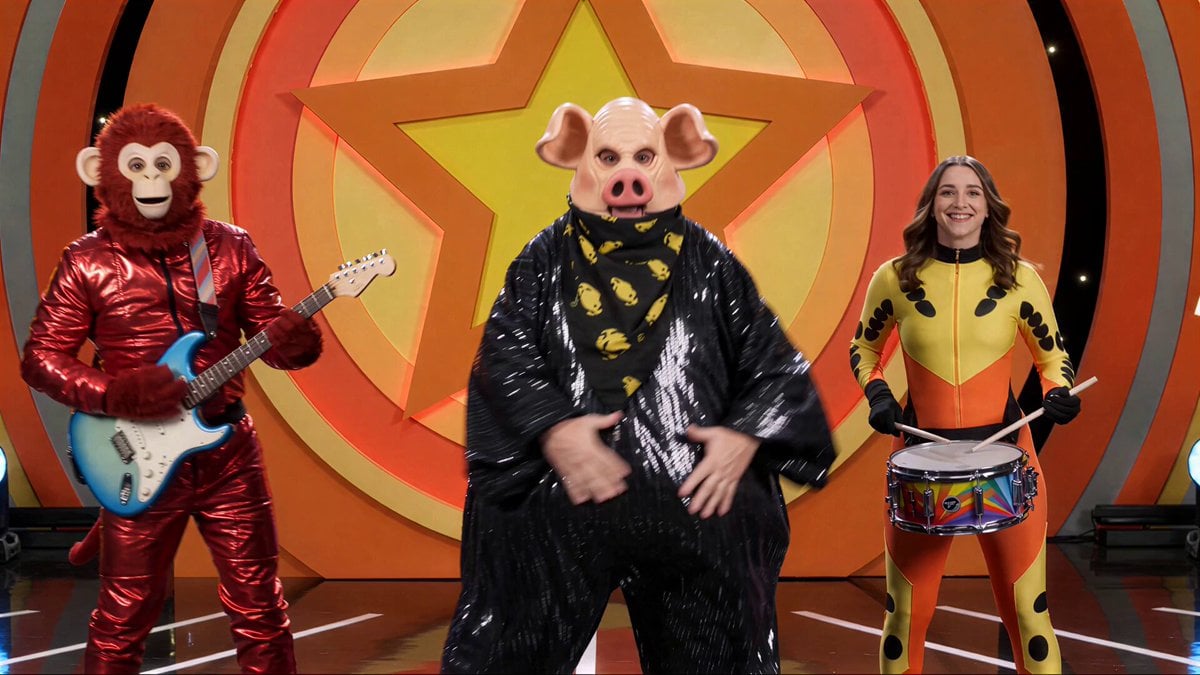
Kids TV Studio Pig Man Host Prompt
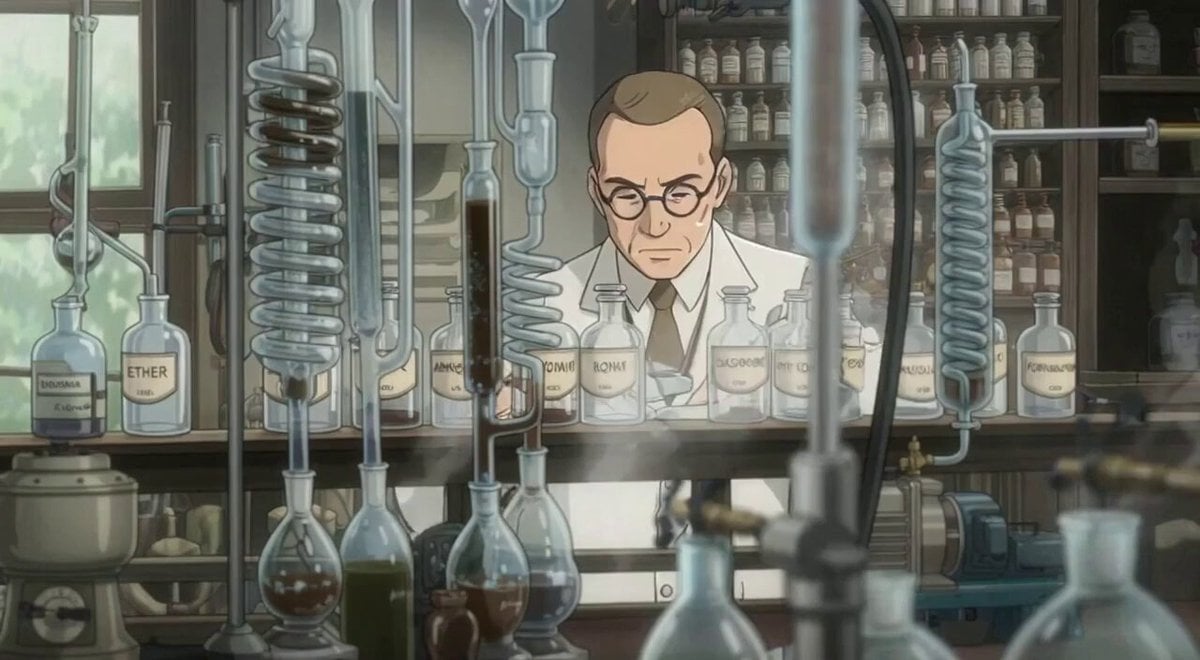
Man working in a lab with ambient sound
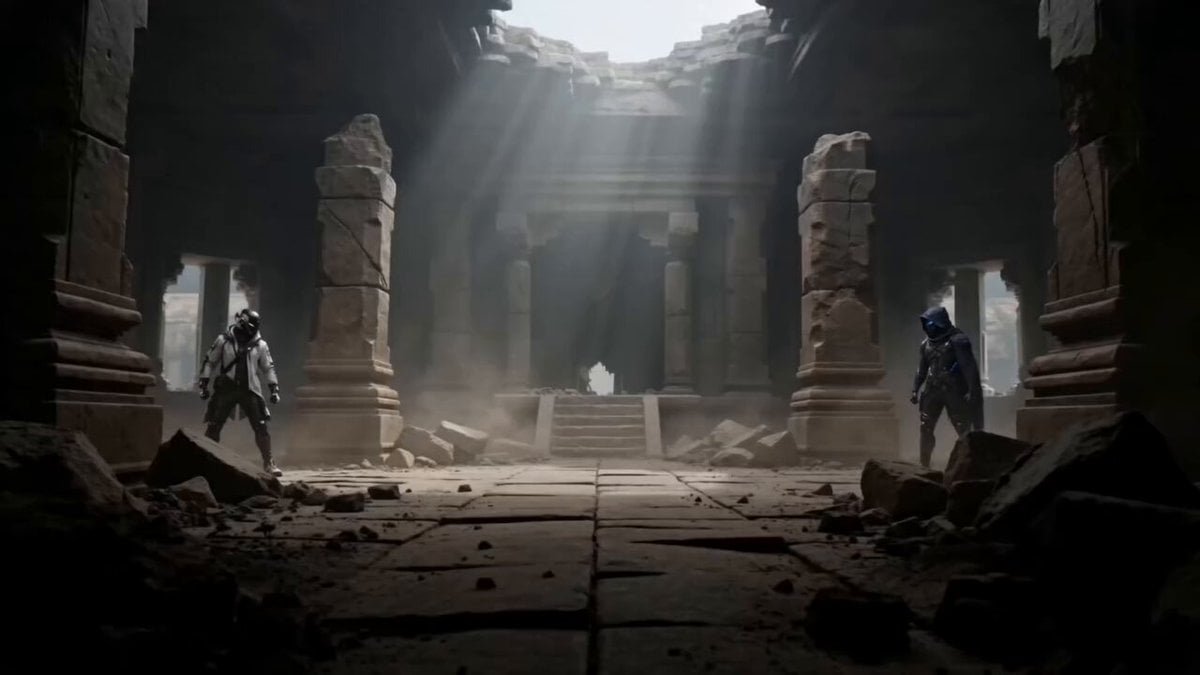
Martial Arts Duel Cinematic Scene
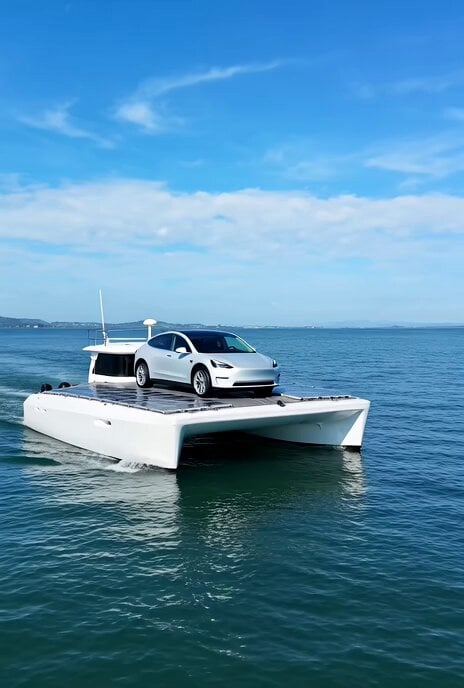
Video prompt for a solar-powered boat with a Tesla Model Y

Cyberpunk Demonic Cyborg Warlord
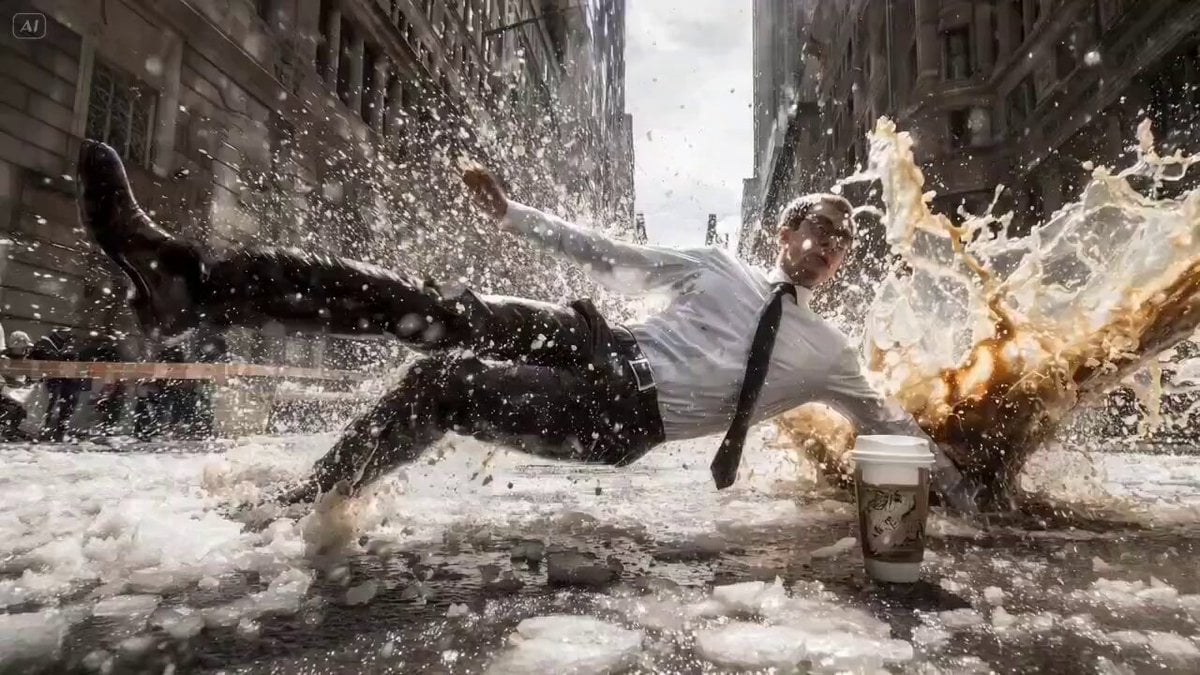
Bullet Time Cinematic Prompt
Shot Horror Sequence (Kling 3.0)
Daily Life to Fantasy Commercial Prompt
Static Lagoon Camera Setup Video Prompt
Hyper-realistic Woman in Coral Dress
Browse template categories
Cat Master's Tokyo Tower Descent and Rescue questions
How do I use the Cat Master's Tokyo Tower Descent and Rescue template?
Add your photo if the template asks for one, edit the prompt if you like — the template's model and format are already selected — and press Generate. Your version opens in PicX Studio.
Can I customize the Cat Master's Tokyo Tower Descent and Rescue template?
Yes. You can change the subject, setting, lighting, mood, format, and available model controls before creating your video.
Is the Cat Master's Tokyo Tower Descent and Rescue template free?
Opening and editing this template is free. Generating uses credits, shown on the Generate button when you are signed in.
Which AI model should I use?
Start with Seedance 2.0, which is the model associated with this template. You can compare another compatible model for a different finish.
Looking for something else? Browse all templates.

Your photo, any look
Thousands of ready templates for every top image and video model, from one credit balance.