
Cat Master and Bear Pharaoh Cinematic Comedy
A detailed, multi-scene prompt for Seedance 2.0 generating a cinematic dark comedy adventure featuring an orange cat explorer and a mummy gray bear in an ancient pyramid.
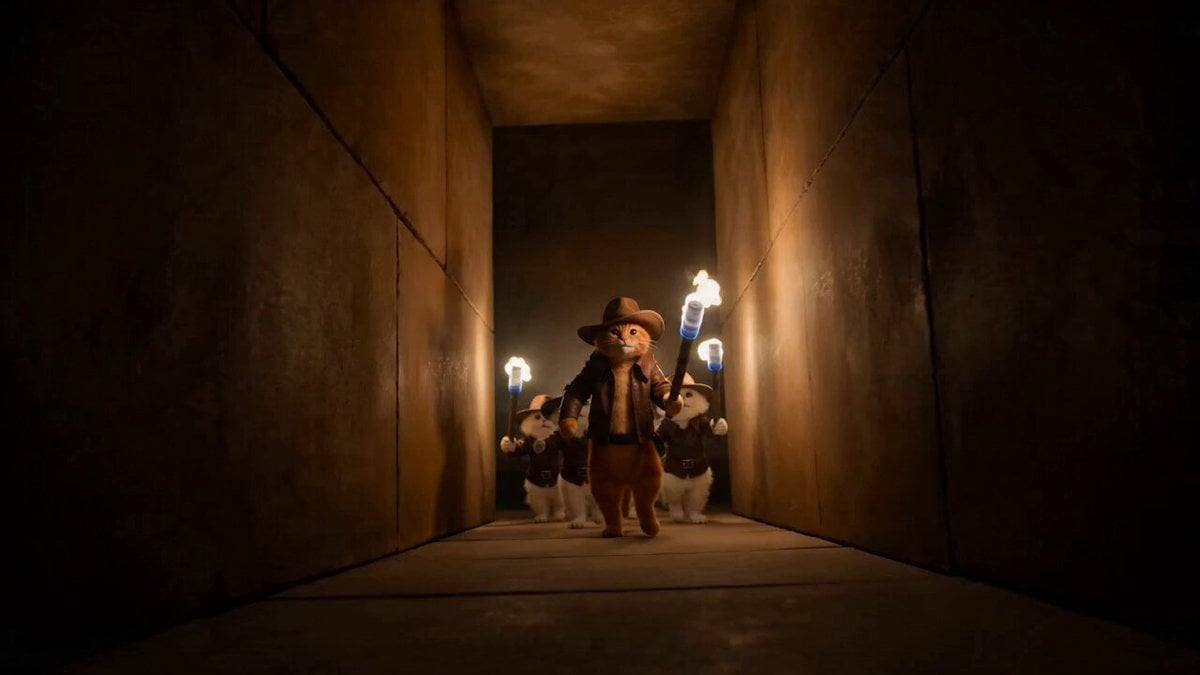
- Prompt included
- Model and format preset
- Premium template
The prompt behind this video
Copy the exact prompt behind Cat Master and Bear Pharaoh Cinematic Comedy, or open it in the studio and make it yours.
Cinematic dark comedy adventure shot on Arri Alexa 35 with handheld jitter, exaggerated reaction shots, and punchy fast-cut editing, featuring moody torch lighting, dusty particle VFX, and a claustrophobic ancient pyramid atmosphere. S1: Low-angle tracking shot as an orange cat explorer in an Indiana Jones-style outfit leads a line of nervous cat apprentices holding flickering torches into a narrow pyramid corridor, shadows dancing wildly on the walls. S2: Close-up of the orange cat’s confident smirk as he raises a paw dramatically, signaling the team forward, dust drifting in the torchlight. S3: Wide handheld shot revealing a hidden burial chamber filled with ancient coffins and gold relics, the cats’ torchlight barely illuminating the vast darkness. S4: Insert shot of a trembling apprentice cat accidentally brushing against a carved stone pedestal, triggering a subtle “click” echoing ominously. S5: Medium shot of a massive Egyptian sarcophagus slowly creaking open, lid sliding aside with a deep grinding sound. S6: Extreme close-up of glowing eyes snapping open inside the coffin—wrapped bandages shifting. S7: Whip pan as a towering mummy gray bear bursts upright from the coffin, bandages unraveling, letting out a deep, absurdly loud roar. S8: Rapid chaotic handheld shots of all cats screaming and scrambling, torches flailing, sparks flying as they run in different directions. S9: Close-up of one apprentice slipping and slamming into a wall lever by accident—CLACK! S10: Wide shot of a massive stone door dropping instantly, sealing the chamber with a thunderous BOOM, cutting off the escaping cats. S11: Silence. Pitch black. Only faint breathing echoes in the darkness. S12: Close-up in darkness as a tiny flame flickers—orange cat nervously lights a small lighter, illuminating his uneasy face. S13: Slow push-in as the flame reveals the massive mummy gray bear standing inches away, both frozen, staring directly at each other. S14: Extreme close-up split-second beat—wide eyes from both the orange cat and the bear. S15: Sudden explosive reaction—both scream at the exact same time and violently jump backward in perfect sync, knocking over ancient artifacts in a chaotic comedic crash.
How to use Cat Master and Bear Pharaoh Cinematic Comedy in 3 steps
- 1
Open
The prompt is already in the box next to the preview, with the template's model and format selected.
- 2…a portrait of your subject in softgolden-hour light, 85mm…
Personalize
Edit the subject and creative details for your destination.
- 3Generate
Generate
Press Generate — your video is created in PicX Studio, so you can compare it with the original and refine one variable at a time.
More like this
Templates with the same subject, style or setup. Open one to see its prompt.
Wuxia Misunderstanding Comedy "Master Filter"
Viking in Modern America Comedy - Seedance 2.5

3D Animated Cat and Old Man - Seedance
Flying Sword Master Cat
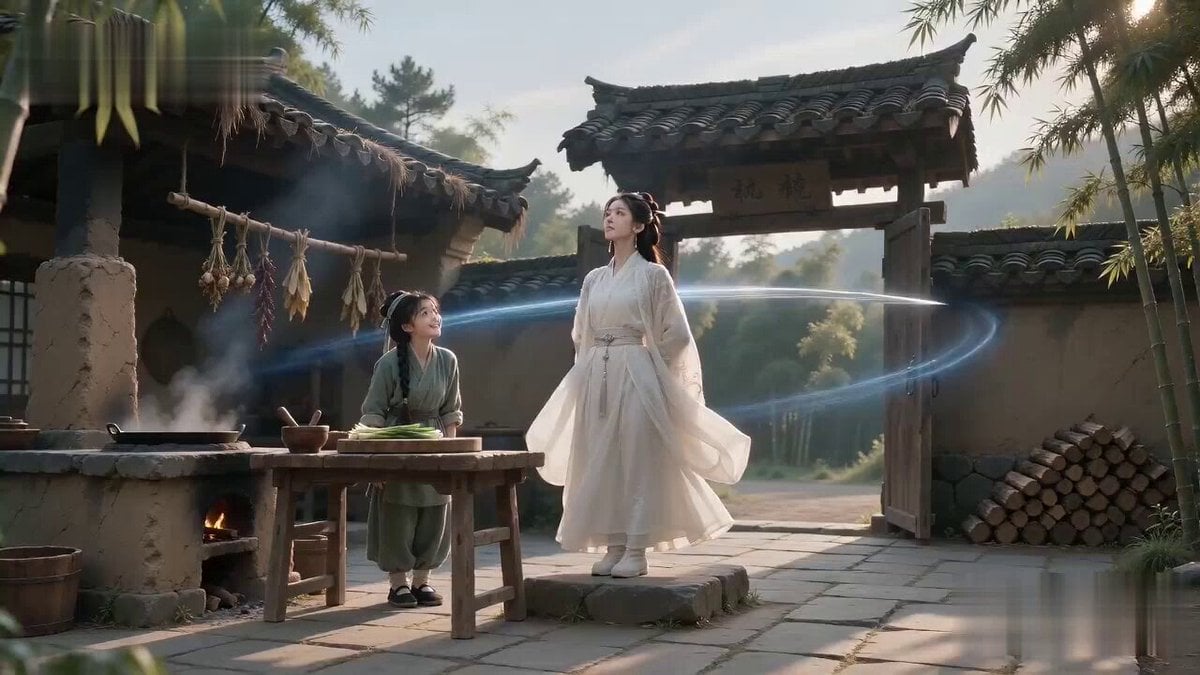
Sword Master Onion Chopping Comedy
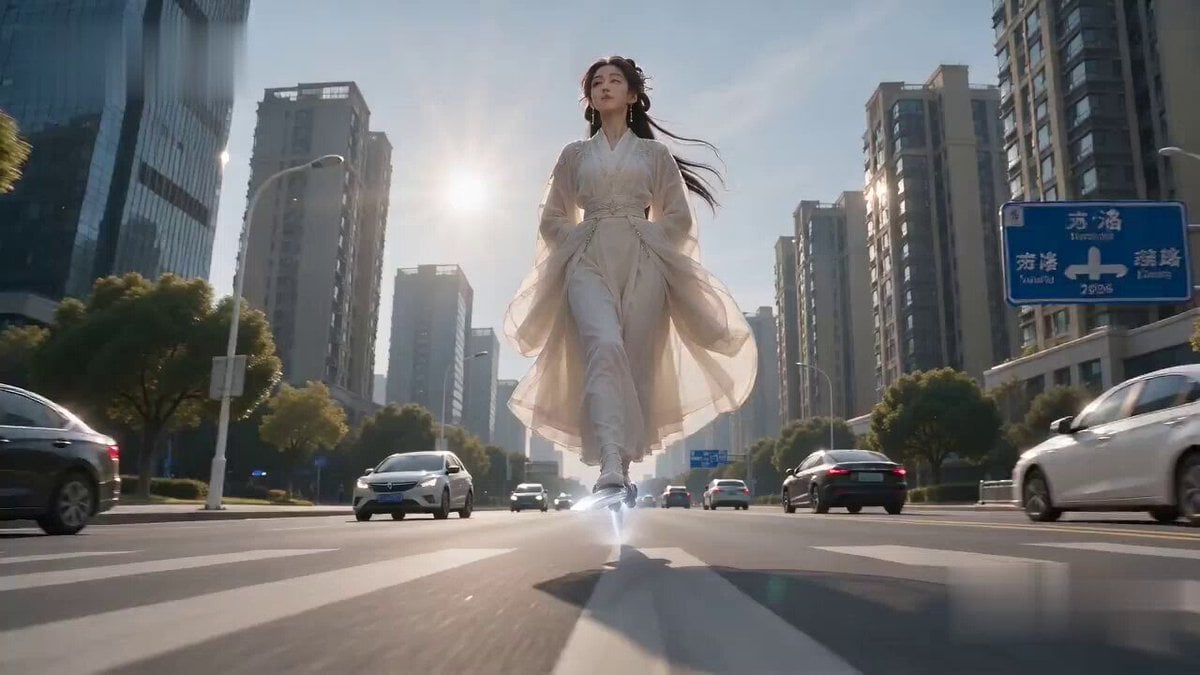
Immortal Sword Master Comedy Twist
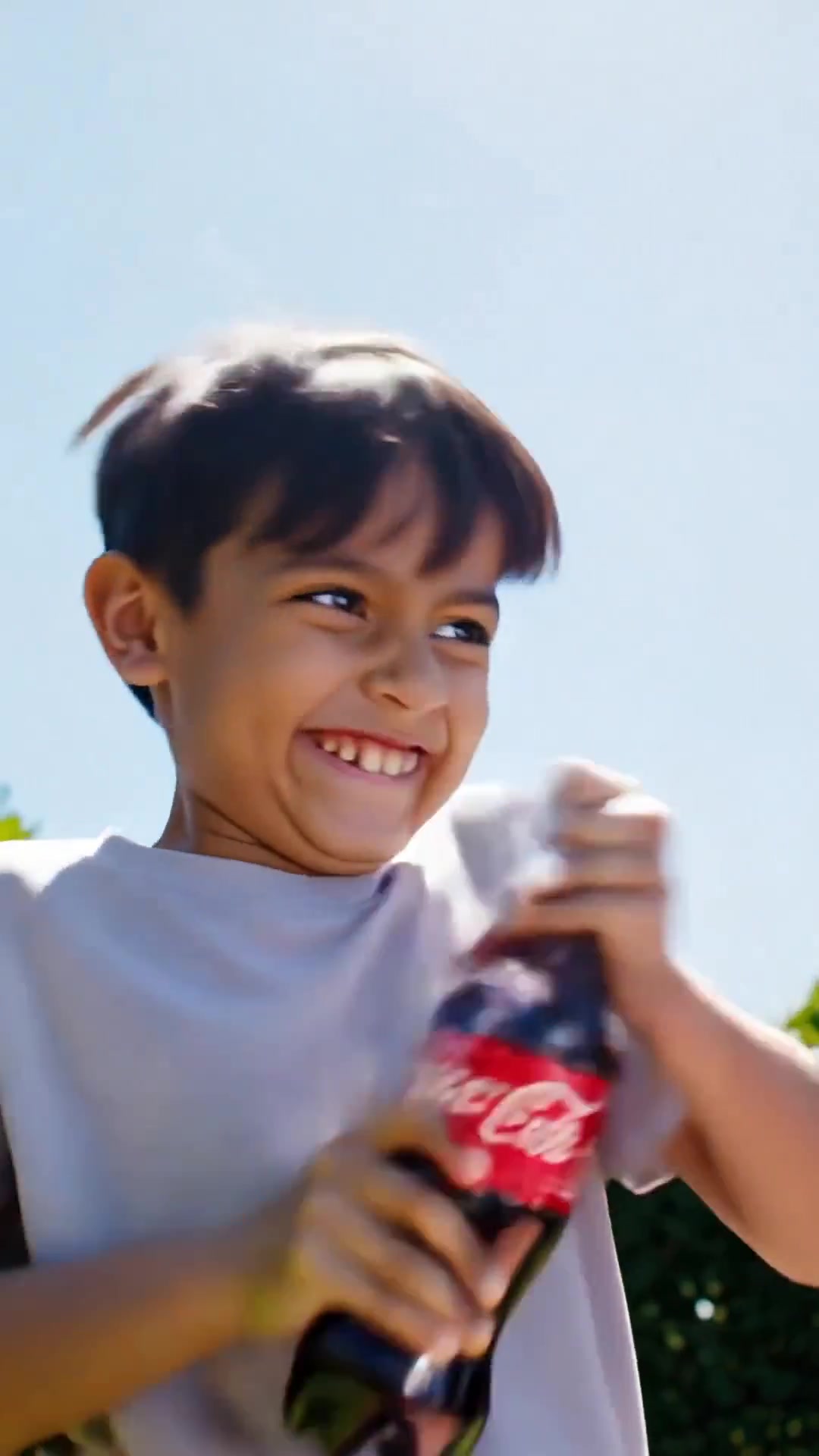
Comedy Coke Bottle Prank Reel — Kling 3.0 O3 Pro
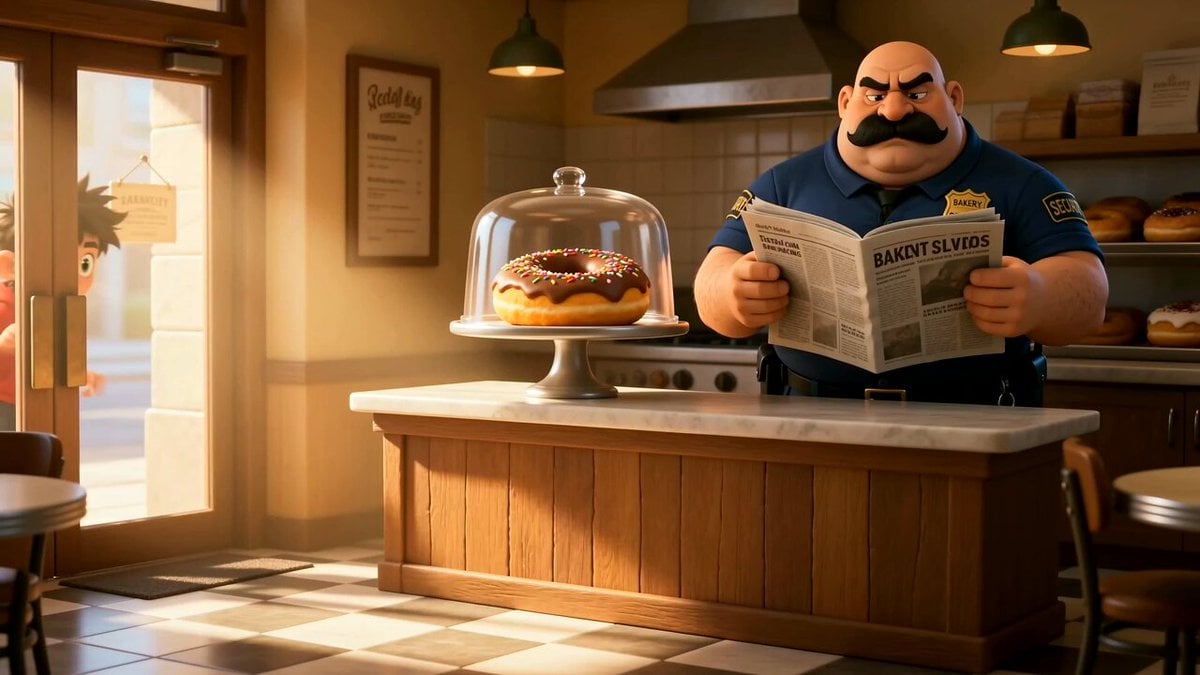
Cartoon Donut Heist Bakery Chase
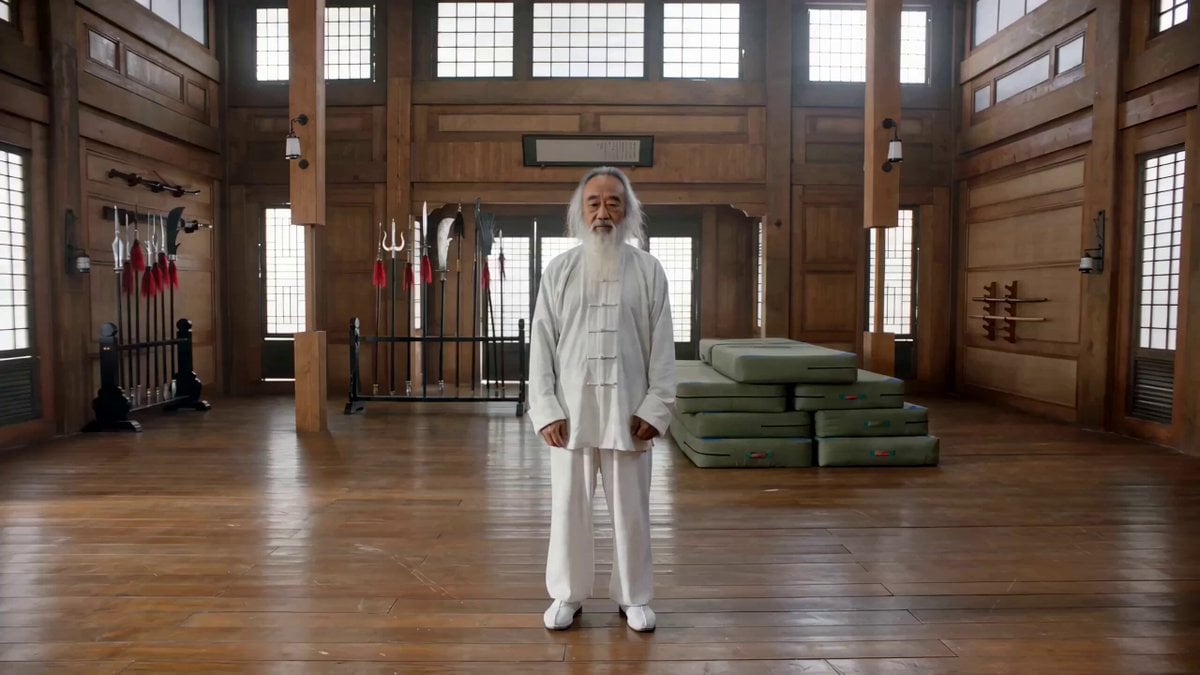
Action Comedy: Polite Master in Dojo
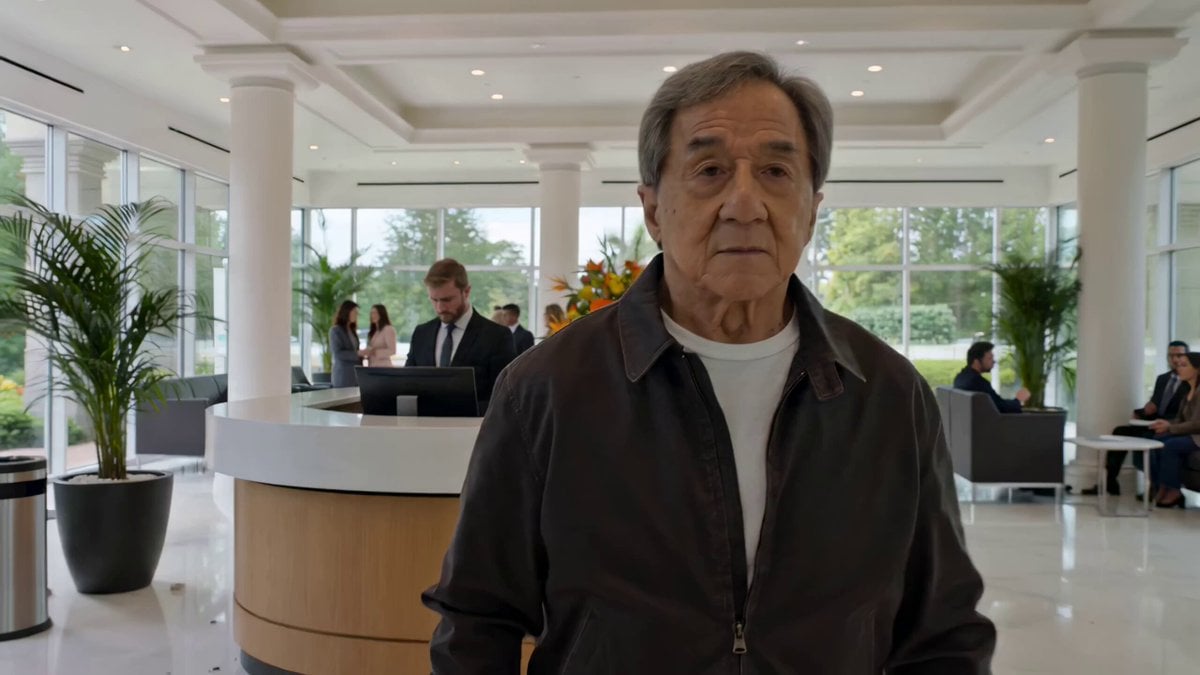
Action Comedy: Old Master in Hotel Lobby
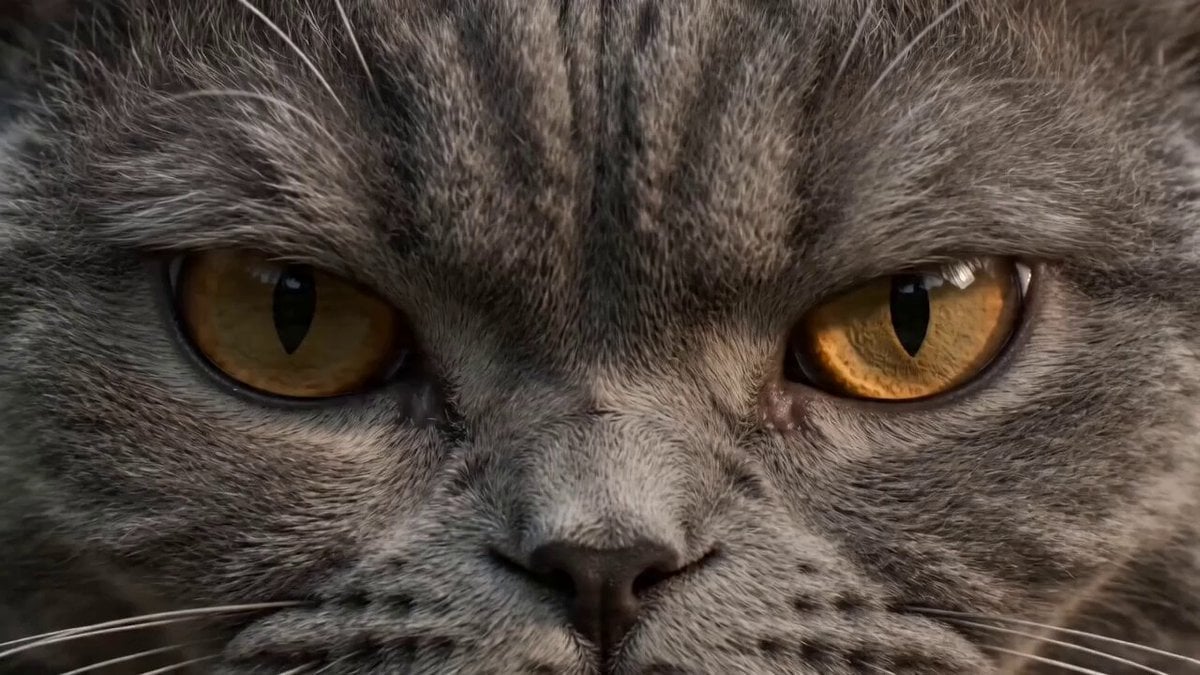
Ultra-realistic martial arts choreography between a cat and a master
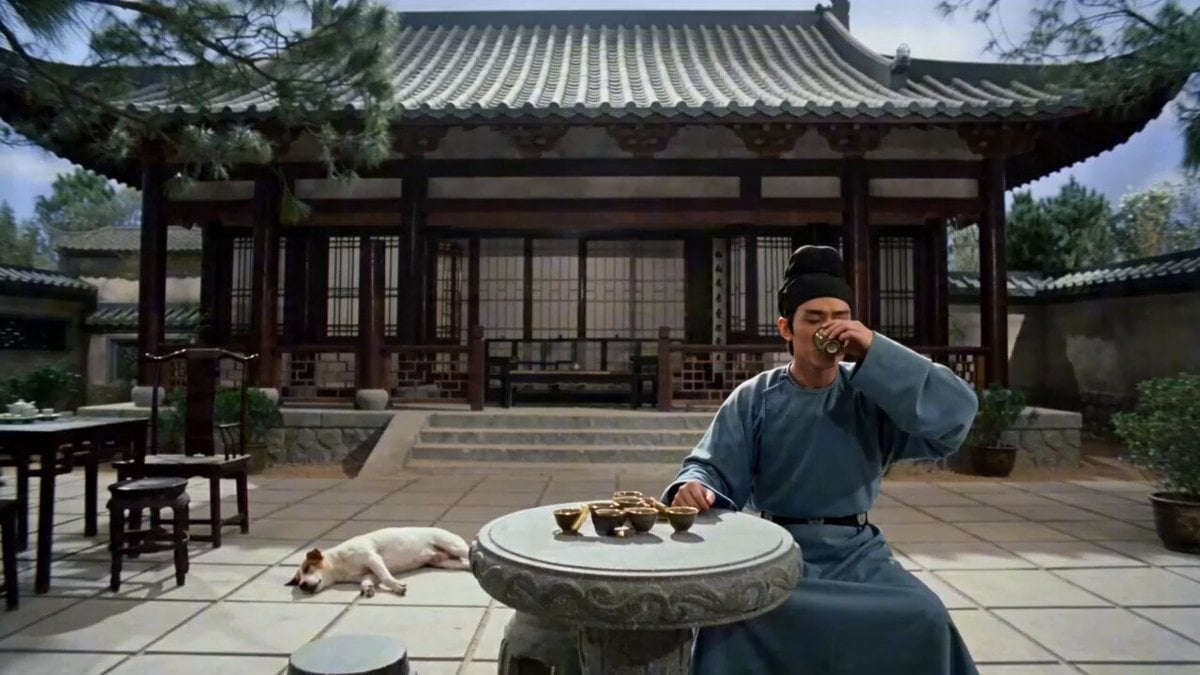
Wuxia Comedy Short: Cat Assassin vs. Single Man
Make it yours
Cat Master and Bear Pharaoh Cinematic Comedy works as-is. These are the safest ways to change it without losing the look.
Change one field
Copy a single group, rewrite it, and generate again so you can see what that field is doing.
Keep the frame, change the subject
Hold the composition and light of Cat Master and Bear Pharaoh Cinematic Comedy, then swap wardrobe, props or the person for a new take.
| If the result… | Why | Fix |
|---|---|---|
| The result drifts from the preview | Too many fields changed at once. | Reuse Cat Master and Bear Pharaoh Cinematic Comedy as-is first, then change one group — subject, light, or setting. |
| The model over-stylizes the scene | The prose prompt leaves finish and camera underspecified. | Add one camera or lighting sentence and stay on Seedance 2.0. |
More Seedance 2.0 templates
Other prompts made for Seedance 2.0.

Comical Martial Arts Punch Scene

Maglev Train Action Sequence

Martial Arts Fight Sequence

Wuxia Protection and Trust Script

Vintage Korean Arcade MiniDV Vlog

Mercedes 190 SL Luxury Ad

Rainy Night Supernatural Reverse Comedy Video Script

Amazon Civilization Discovery

Futuristic South Asian City Transformation

Cozy Luxury Cafe Commercial
More video prompts
Fresh picks from across the catalog.
Elevencreative Time Freeze
Motorcycle Chase Blockbuster Action Prompt
Cartoon Chef Boy Hotel Kitchen Sequence
Dreamstate Nightmare Escape

Wildlife Documentary Jungle Transformation
Seedance 2.5 - @AIwithSynthia - 662980
Scene Lock Timelapse Continuity
Pixar Style Robot Adventure
Dramatic Anime Screaming Scene
Abstract Painter Transformation Sequence
Browse template categories
Cat Master and Bear Pharaoh Cinematic Comedy questions
How do I use the Cat Master and Bear Pharaoh Cinematic Comedy template?
Add your photo if the template asks for one, edit the prompt if you like — the template's model and format are already selected — and press Generate. Your version opens in PicX Studio.
Can I customize the Cat Master and Bear Pharaoh Cinematic Comedy template?
Yes. You can change the subject, setting, lighting, mood, format, and available model controls before creating your video.
Is the Cat Master and Bear Pharaoh Cinematic Comedy template free?
Opening and editing this template is free. Generating uses credits, shown on the Generate button when you are signed in.
Which AI model should I use?
Start with Seedance 2.0, which is the model associated with this template. You can compare another compatible model for a different finish.
Looking for something else? Browse all templates.

Your photo, any look
Thousands of ready templates for every top image and video model, from one credit balance.