How do I use the Dreamstate Nightmare Escape template?
Edit the prompt in the box under the preview — the template's model and format are already selected — and press Generate. Your version appears right on this page.
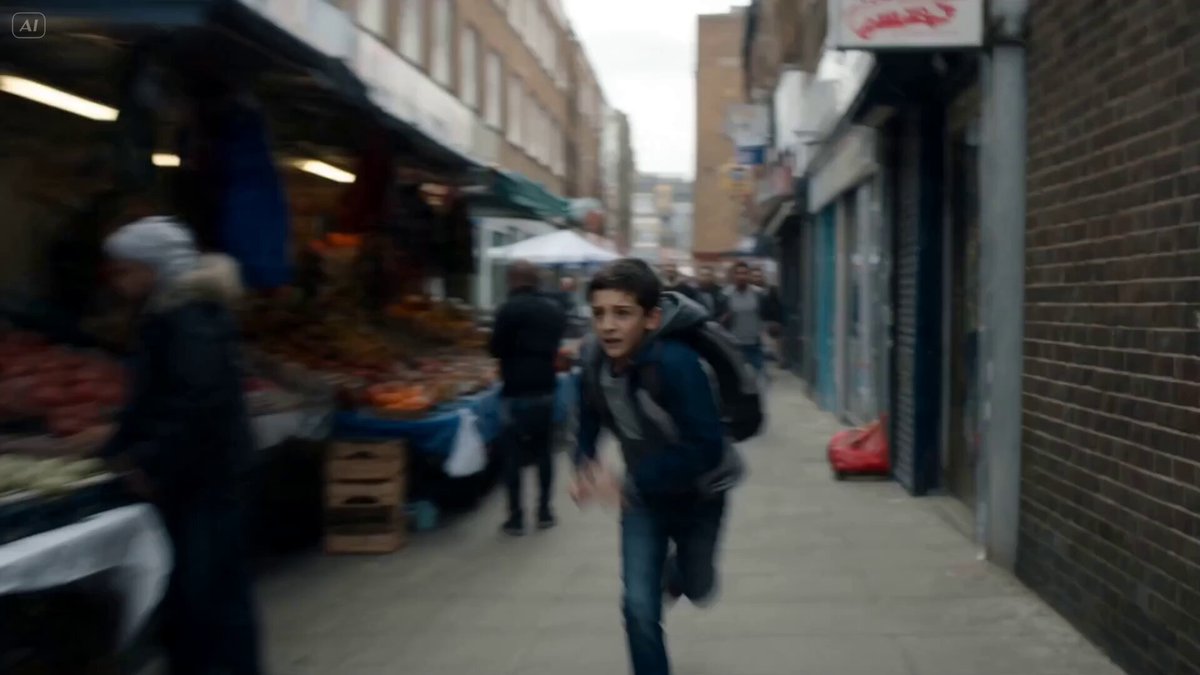
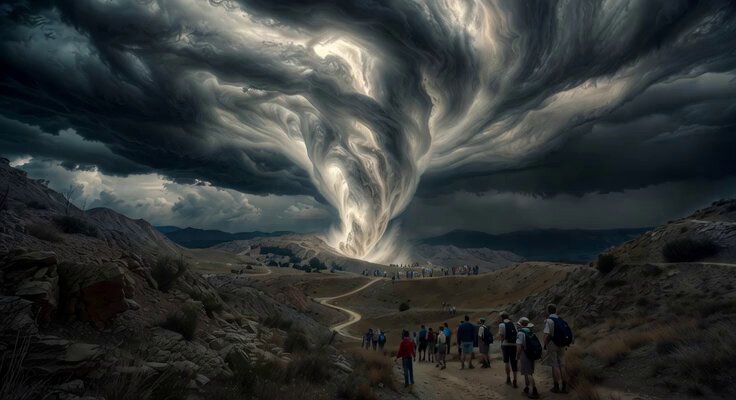
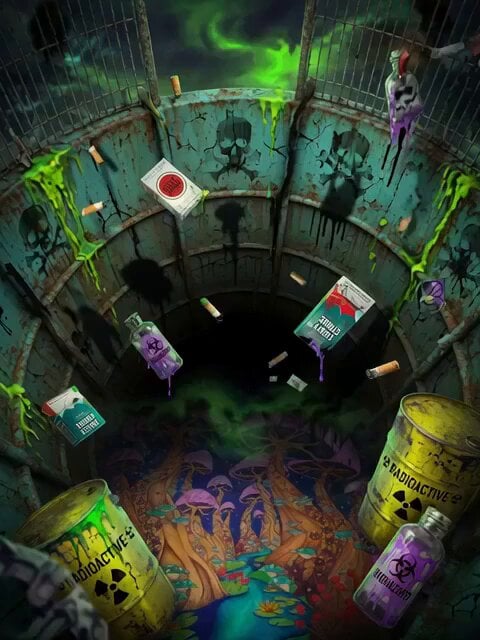
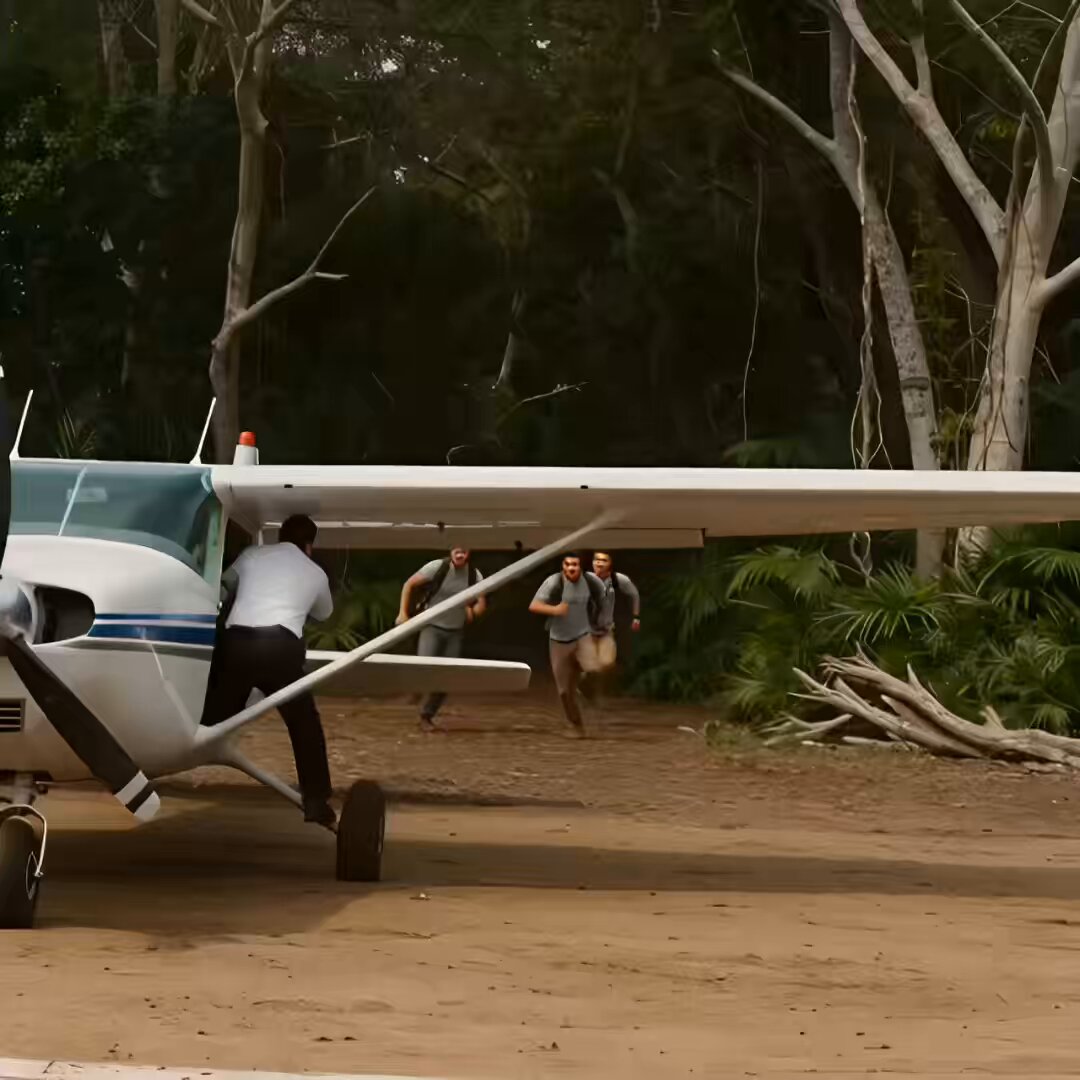
A cinematic video prompt depicting a frantic person running through a dark forest before waking up from a nightmare.
Dreamstate 0-3 seconds A person is running away as the camera follows the person from behind. Person is running so fast, almost tripping over their own feet. 4-6 seconds The person while running is trying to go around trees,and brush as their running away. Thick dense in areas,dark,hypnotic in areas. 7-10 seconds Clouds above are moving fast,covering the moon and stars. Almost pitch black. 11-15 seconds The person is breathing fast and frantic, making sounds, trying to get away. Cut,person sits up in bed, having a bad dream,sweat running down their face,the person wipes off their face. Cinematic, realistic, masterpiece,4k.
Dreamstate 0-3 seconds A person is running away as the camera follows the person from behind. Person is running so fast, almost tripping over their own feet. 4-6 seconds The person while running is trying to go around trees,and brush as their running away. Thick dense in areas,dark,hypnotic in areas. 7-10 seconds Clouds above are moving fast,covering the moon and stars. Almost pitch black. 11-15 seconds The person is breathing fast and frantic, making sounds, trying to get away. Cut,person sits up in bed, having a bad dream,sweat running down their face,the person wipes off their face. Cinematic, realistic, masterpiece,4k.
Edit the prompt in the box under the preview — the template's model and format are already selected — and press Generate. Your version appears right on this page.
Yes. You can change the subject, setting, lighting, mood, format, and available model controls before creating your video.
Opening and editing this template is free. Generating uses credits, shown on the Generate button when you are signed in.
Start with Seedance 2.0, which is the model associated with this template. You can compare another compatible model for a different finish.
Follow a topic to a crawlable collection of related PicX Studio templates.