
T-Rex Jungle Airstrip Escape
A high-stakes action video prompt for Seedance 2.0 featuring a dinosaur chase on a jungle runway with explosive cinematic effects.
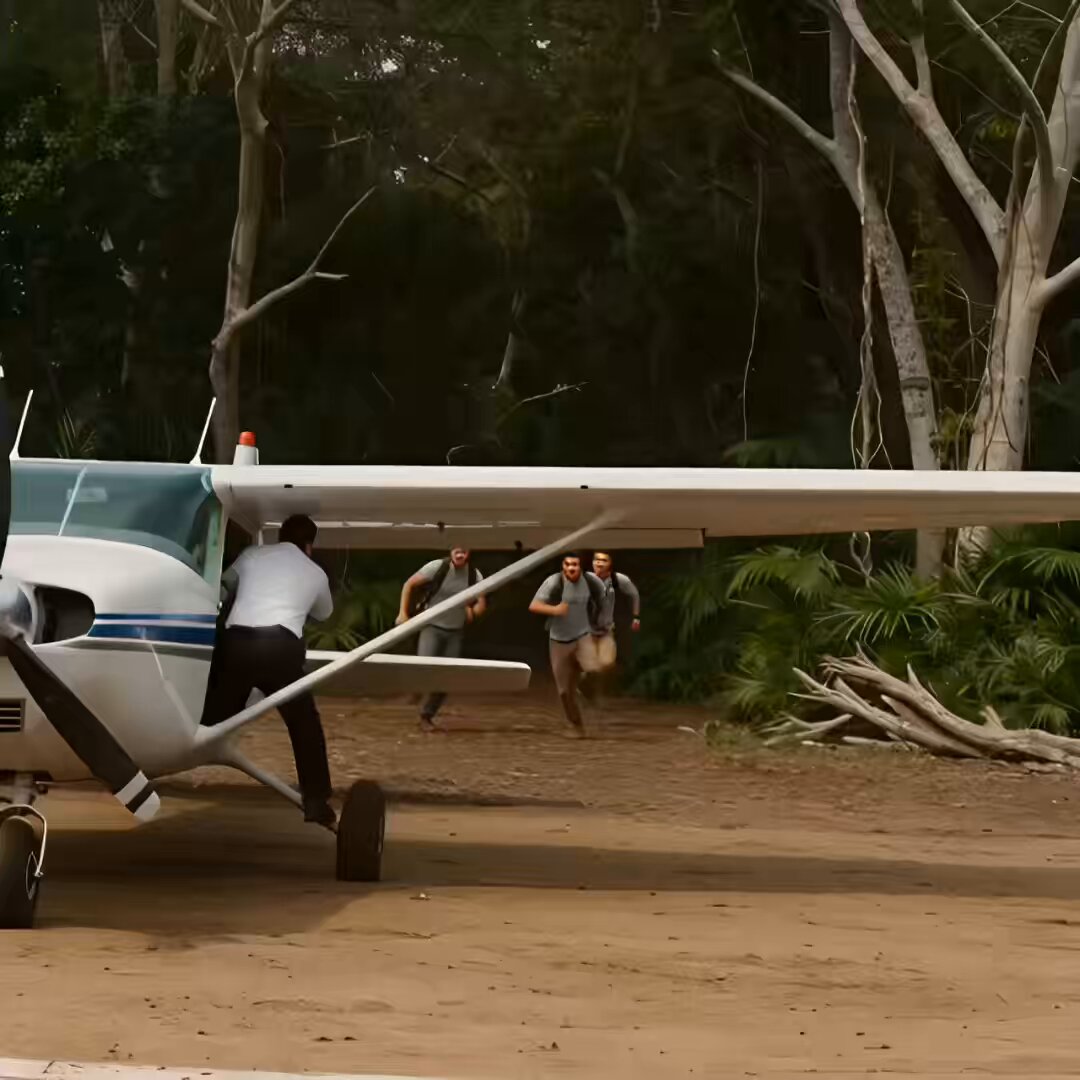
- Prompt included
- Model and format preset
- Free template
The prompt behind this video
Copy the exact prompt behind T-Rex Jungle Airstrip Escape, or open it in the studio and make it yours.
High-action jungle escape sequence on a rough dirt airstrip carved out at the edge of a dense prehistoric-looking forest. Harsh daylight, dust, broken trees, deep footprints, improvised runway markings, small propeller plane idling. Sound: engine revving, heavy ground thuds, distant roars, trees snapping. ⸻ Shot 1 (0–3s): Three backpackers burst out of dense jungle onto a makeshift runway, sprinting in panic. A pilot stands by a small plane, shouting and waving: “Come on! Move!” Behind them, the forest shakes violently—massive trees snapping and falling. ⸻ Shot 2 (3–6s): They rush toward the plane. One backpacker turns briefly, pulls out a small device, activates it, and throws it onto the runway behind them. The others climb inside as the engine roars louder and the propeller spins fast. ⸻ Shot 3 (6–9s): The jungle EXPLODES outward— a colossal T-Rex bursts through, towering, roaring, charging forward with earth-shaking steps. The plane begins accelerating down the runway, kicking up dust. The T-Rex closes in with long, powerful strides. ⸻ Shot 4 (9–12s): The plane lifts just above the ground— The T-Rex lunges forward, jaws snapping upward toward the tail— It just misses, teeth clamping shut inches away. It pushes forward again, stretching its neck for one last reach— But the plane climbs out of range. ⸻ Shot 5 (12–14s): The T-Rex lands heavily on the runway— A split-second pause— Then the planted device detonates behind it, sending a massive blast of fire, dust, and debris into the air. The creature is engulfed in the explosion as the plane ascends into the sky. Wide shot—plane flying away above the jungle while smoke rises below. Cut.
How to use T-Rex Jungle Airstrip Escape in 3 steps
- 1
Open
The prompt is already in the box next to the preview, with the template's model and format selected.
- 2…a portrait of your subject in softgolden-hour light, 85mm…
Personalize
Edit the subject and creative details for your destination.
- 3Generate
Generate
Press Generate — your video is created in PicX Studio, so you can compare it with the original and refine one variable at a time.
More like this
Templates with the same subject, style or setup. Open one to see its prompt.
T-Rex Dashcam Jungle Attack
Prehistoric Jungle T-Rex Chase
Energy Bow Jungle Edit
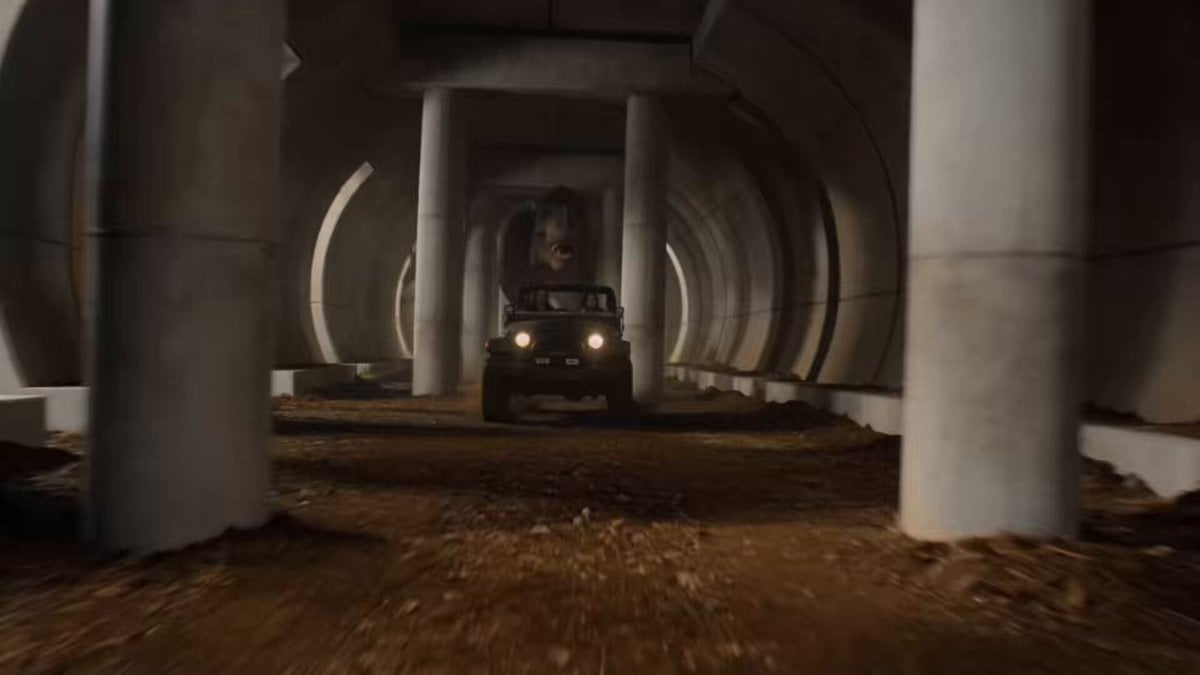
T-Rex Jungle Tunnel Chase Scene
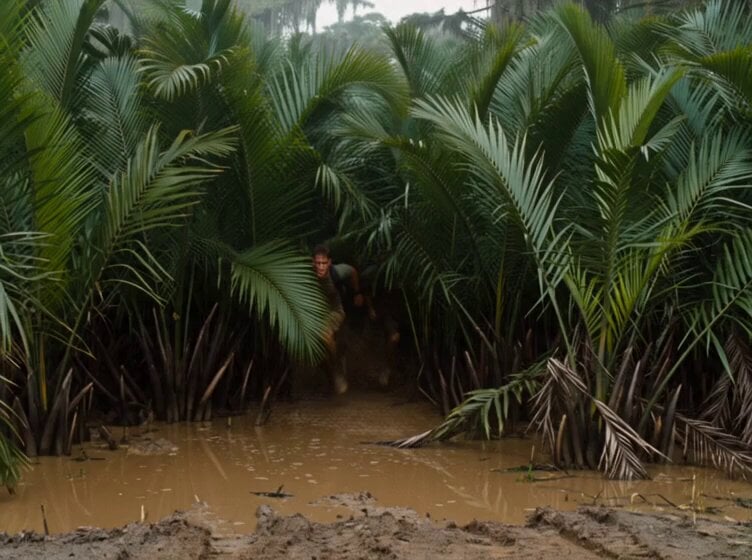
Mutated Crocodile Jungle Escape
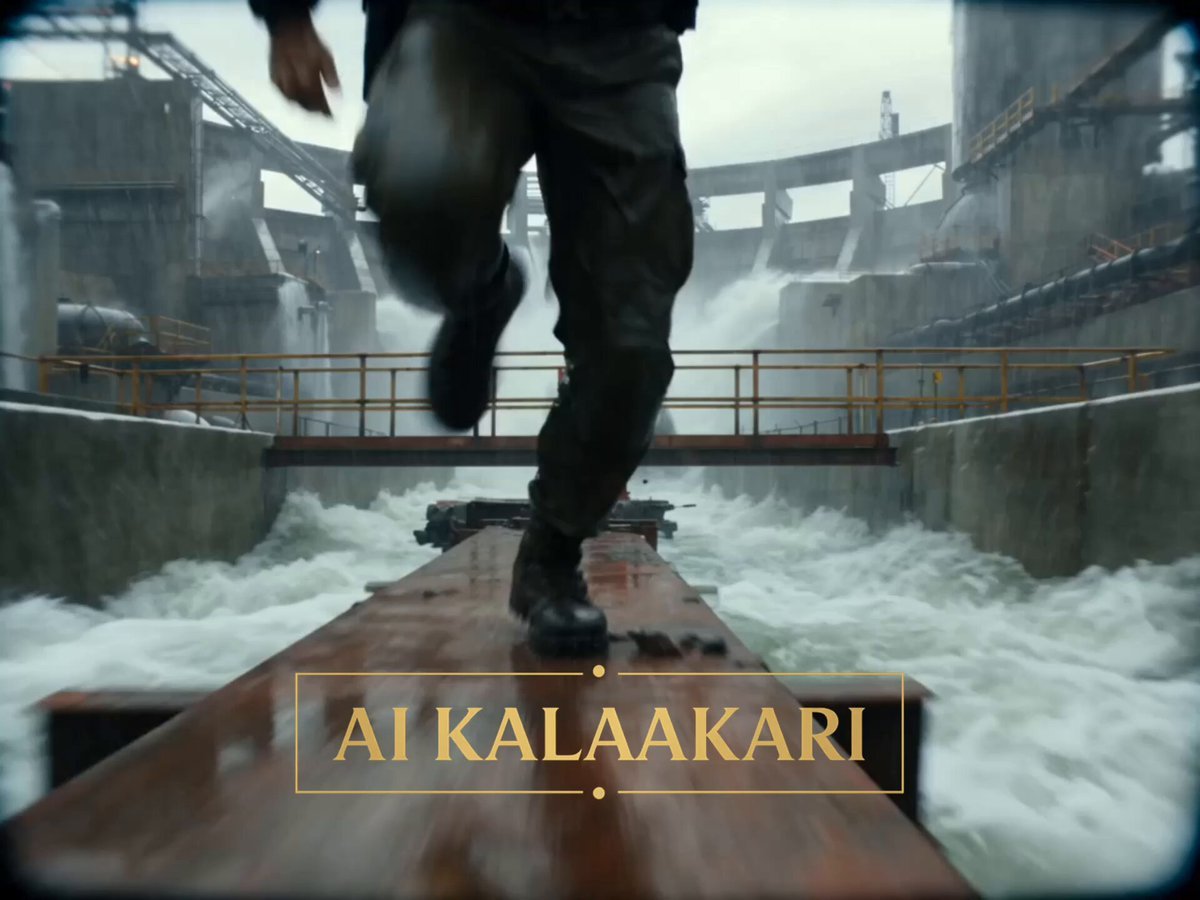
Crocodile Floodgate Jungle Escape
Rainforest Thriller — Searching the Unseen
Tiger vs Gorilla — Jungle Canyon Clash
Sci-fi action sequence escape prompt
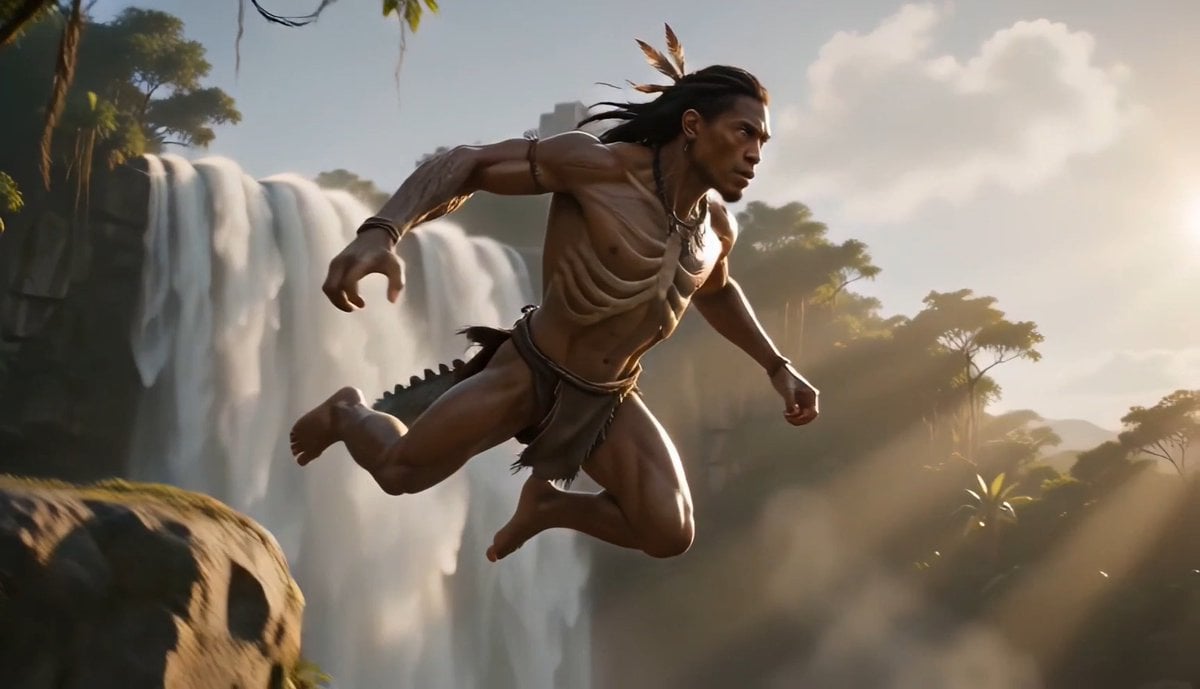
Tribal Warrior Shapeshift Jungle
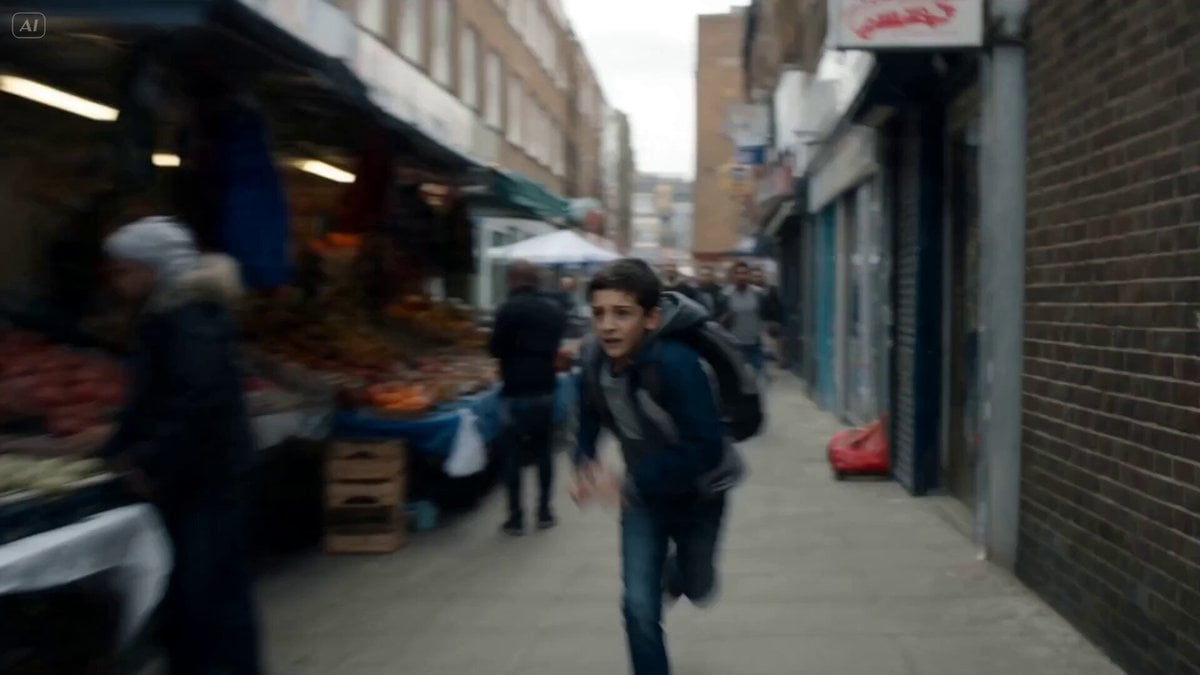
Cinematic Urban Foot Chase Escape
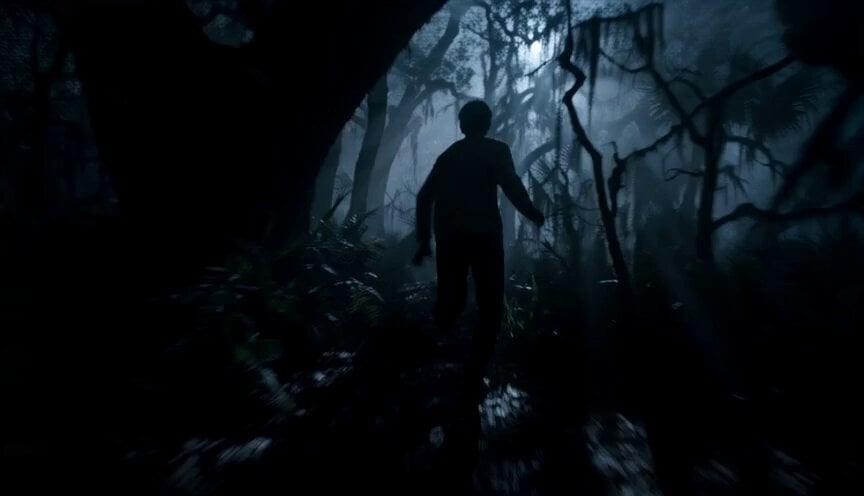
Dreamstate Nightmare Escape
Make it yours
T-Rex Jungle Airstrip Escape works as-is. These are the safest ways to change it without losing the look.
Change one field
Copy a single group, rewrite it, and generate again so you can see what that field is doing.
Keep the frame, change the subject
Hold the composition and light of T-Rex Jungle Airstrip Escape, then swap wardrobe, props or the person for a new take.
| If the result… | Why | Fix |
|---|---|---|
| The result drifts from the preview | Too many fields changed at once. | Reuse T-Rex Jungle Airstrip Escape as-is first, then change one group — subject, light, or setting. |
| The model over-stylizes the scene | The prose prompt leaves finish and camera underspecified. | Add one camera or lighting sentence and stay on Seedance 2.0. |
More Seedance 2.0 templates
Other prompts made for Seedance 2.0.

Comical Martial Arts Punch Scene

Maglev Train Action Sequence

Martial Arts Fight Sequence

Wuxia Protection and Trust Script

Vintage Korean Arcade MiniDV Vlog

Mercedes 190 SL Luxury Ad

Rainy Night Supernatural Reverse Comedy Video Script

Amazon Civilization Discovery

Futuristic South Asian City Transformation

Cozy Luxury Cafe Commercial
More video prompts
Fresh picks from across the catalog.
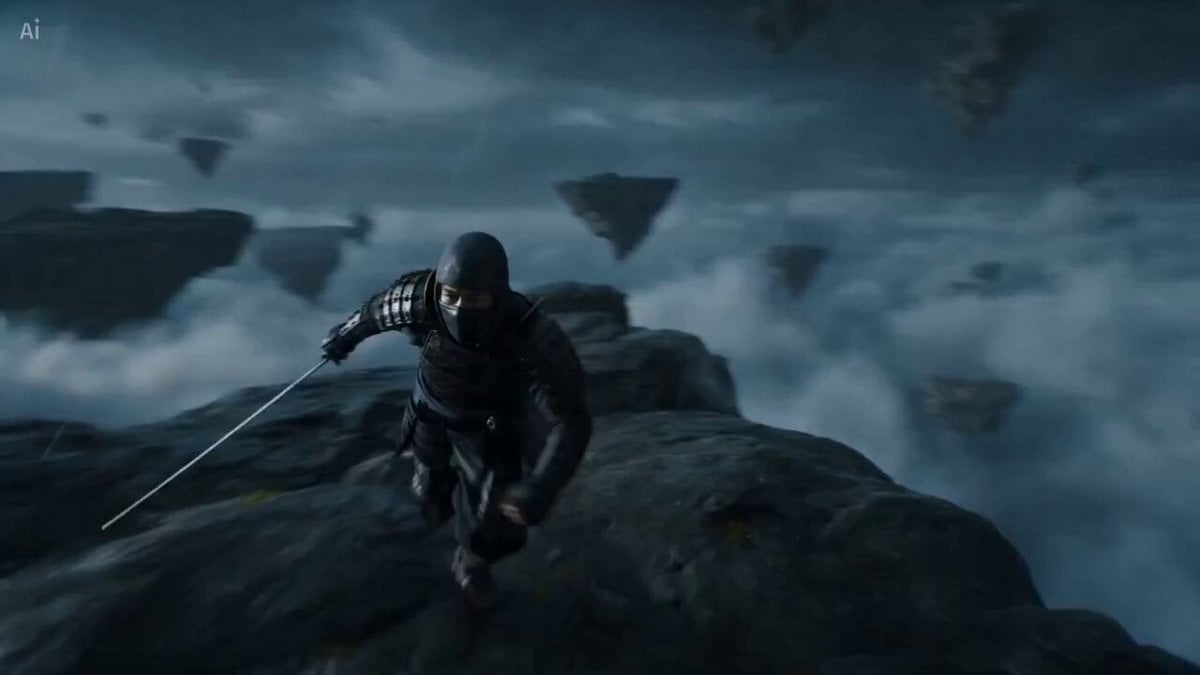
Surreal Battlefield Ronin Fight Prompt

Cadillac Formula One Car 2026

Anime Parody Running with Bread Scene Prompt

Grok Imagine Video of a Graceful Warrior

Mascara Product Advertisement
Japanese Summer Festival Vlog
Morning Barn Loft POV
Dark Lava Creature Transformation Prompt
Seedance 2.0 Cinematic Promotion Video
Snowy Night Xianxia Combat Sequence
Browse template categories
T-Rex Jungle Airstrip Escape questions
How do I use the T-Rex Jungle Airstrip Escape template?
Add your photo if the template asks for one, edit the prompt if you like — the template's model and format are already selected — and press Generate. Your version opens in PicX Studio.
Can I customize the T-Rex Jungle Airstrip Escape template?
Yes. You can change the subject, setting, lighting, mood, format, and available model controls before creating your video.
Is the T-Rex Jungle Airstrip Escape template free?
Opening and editing this template is free. Generating uses credits, shown on the Generate button when you are signed in.
Which AI model should I use?
Start with Seedance 2.0, which is the model associated with this template. You can compare another compatible model for a different finish.
Looking for something else? Browse all templates.

Your photo, any look
Thousands of ready templates for every top image and video model, from one credit balance.