
Japanese Summer Festival Vlog
A vibrant vlog-style prompt for Seedance 2.5 that captures the atmosphere of a traditional Japanese Matsuri night festival with detailed scene breakdowns.
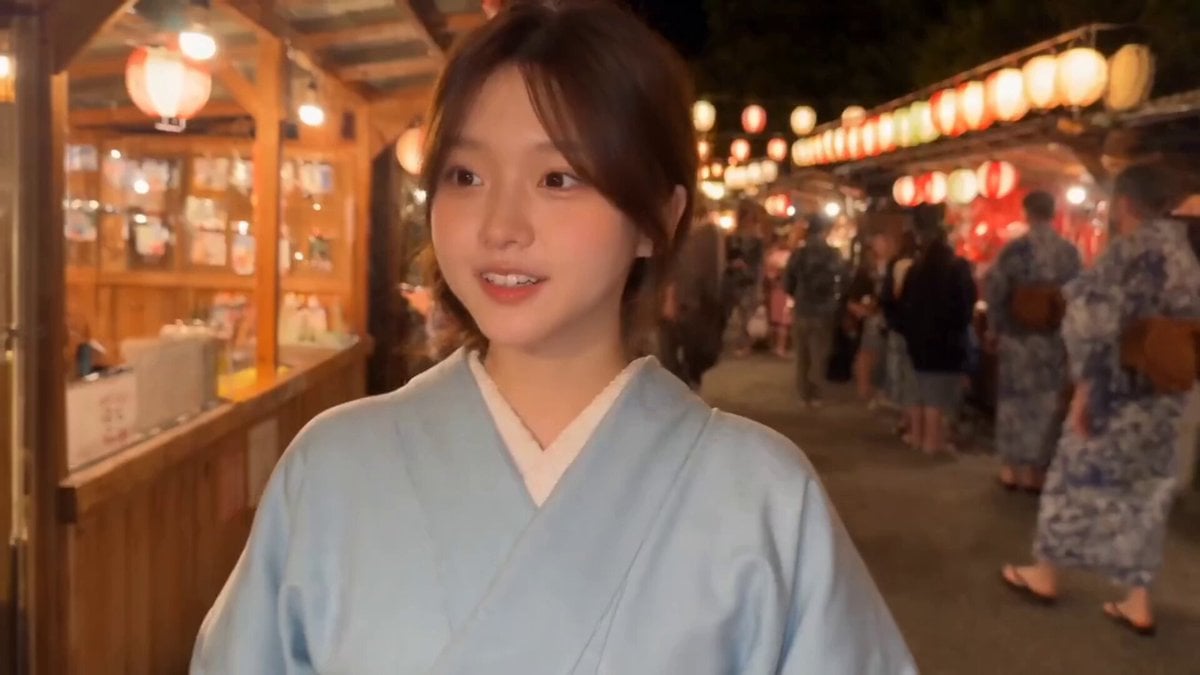
- Prompt included
- Model and format preset
- Free template
The prompt behind this video
Copy the exact prompt behind Japanese Summer Festival Vlog, or open it in the studio and make it yours.
A vibrant 30 second vlog style cinematic montage shot at a traditional Japanese summer night festival Matsuri. The main subject is a cheerful young East Asian woman with soft brown hair tied back in a low side ponytail, wearing a classic pastel light blue yukata with a clean white obi sash. The scene is illuminated by warm glowing red paper lanterns hanging overhead and warm lights from wooden street food stalls yatai against the dark night sky. The sequence captures her enjoying the festival: walking through the lively crowded night market, receiving a freshly made boat of sizzling takoyaki from a vendor, taking a bite of hot takoyaki on a wooden skewer, successfully winning a plush toy at a festival ring toss stall, looking up in awe as vibrant fireworks explode in the night sky, and holding her prize while smiling and waving to the camera. High definition, warm festival lighting, soft background bokeh, natural motion blur, cinematic color grading. Subject and Environment Details Subject: Young East Asian female, mid 20s, expressive and energetic demeanor. Wardrobe: Traditional light blue cotton yukata with subtle white pattern, white under collar, white obi sash, delicate gold wrist bracelet. Location: Japanese night festival Matsuri. Features wooden market stalls, hanging red paper lanterns chochin, crowds in yukata, prize booths with plush toys, and fireworks overhead. Scene by Scene Breakdown and Dialogue Scene 1: Walking Through the Festival 0:00 to 0:03 Visuals: Medium handheld selfie or follow shot. She walks along an illuminated street lined with wooden stalls and hanging lanterns, glancing around at the vibrant atmosphere. Audio SFX: Ambient festival crowds, music, chatter. Scene 2: Takoyaki Stall 0:03 to 0:06 Visuals: Close up on a street food vendor using wooden picks to turn octopus balls takoyaki on a hot griddle. She holds out a paper boat tray to receive her fresh portion topped with sauce and bonito flakes. Scene 3: Tasting the Food 0:07 to 0:12 Visuals: Close up shot. She uses a wooden skewer to lift a hot takoyaki ball, blows on it gently, takes a bite, chews, and reacts with genuine delight. Audio and Dialogue: "Mmm" Scene 4: Ring Toss Carnival Game 0:13 to 0:20 Visuals: Medium shot at a game booth lined with rows of stuffed animals. She carefully aims a plastic ring, tosses it, and lands it perfectly around a white bunny plush. She gasps in excitement and picks up her won prize with a wide smile. Audio and Dialogue: "Wah! Sugoi! Wow! Awesome!" Scene 5: Fireworks Display 0:21 to 0:25 Visuals: Low angle selfie shot. Holding her plush toy close, she looks up into the night sky as bright colorful fireworks burst overhead, illuminating her face. Audio and Dialogue: "Woah!" Pop and boom of fireworks. Scene 6: Farewell and Wave 0:26 to 0:30 Visuals: Close up selfie shot. She looks directly into the camera lens with a warm smil
How to use Japanese Summer Festival Vlog in 3 steps
- 1
Open
The prompt is already in the box next to the preview, with the template's model and format selected.
- 2…a portrait of your subject in softgolden-hour light, 85mm…
Personalize
Edit the subject and creative details for your destination.
- 3Generate
Generate
Press Generate — your video is created in PicX Studio, so you can compare it with the original and refine one variable at a time.
More like this
Templates with the same subject, style or setup. Open one to see its prompt.

Japanese Summer Festival Travel Vlog
Kyoto Morning Selfie Vlog
Japanese Summer Festival Selfie Vlog
Japanese Festival Travel Vlog
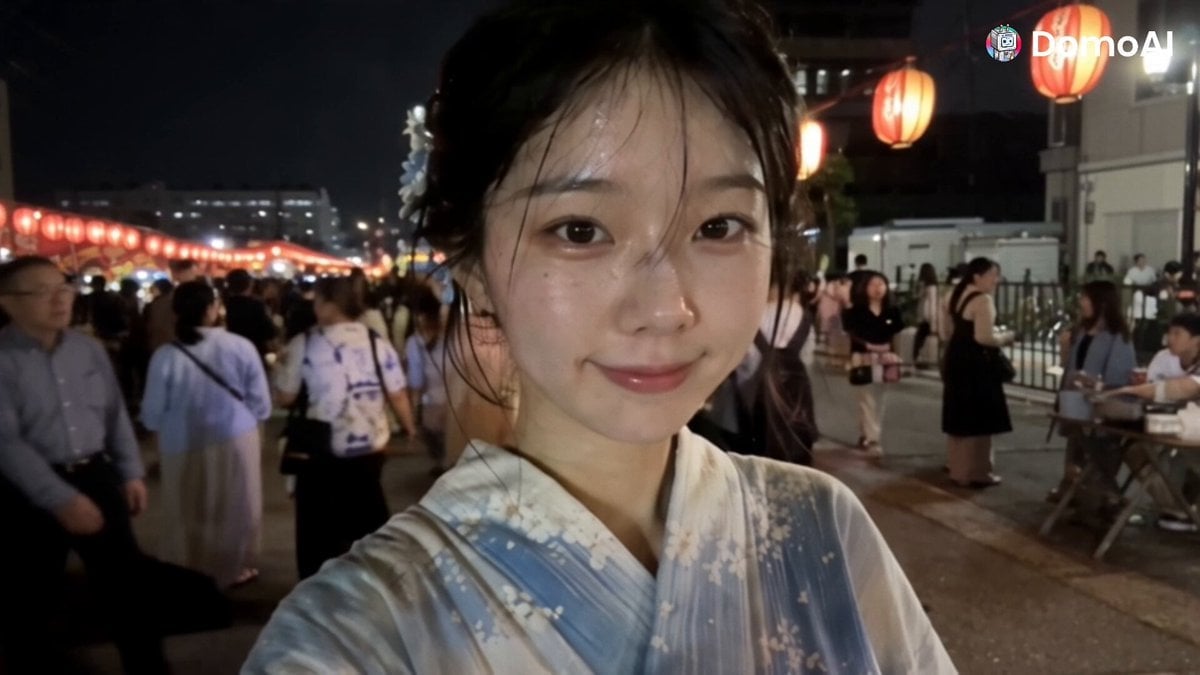
Korean Festival Smartphone Vlog
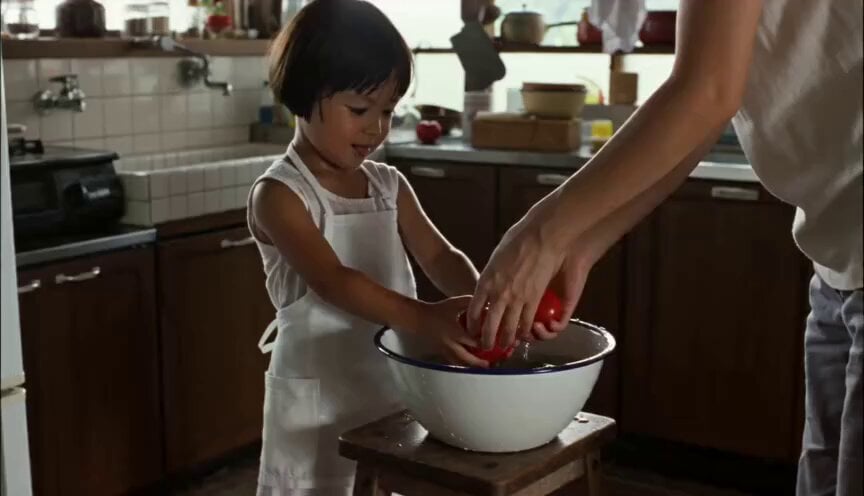
Year-Old Girl Summer Vlog
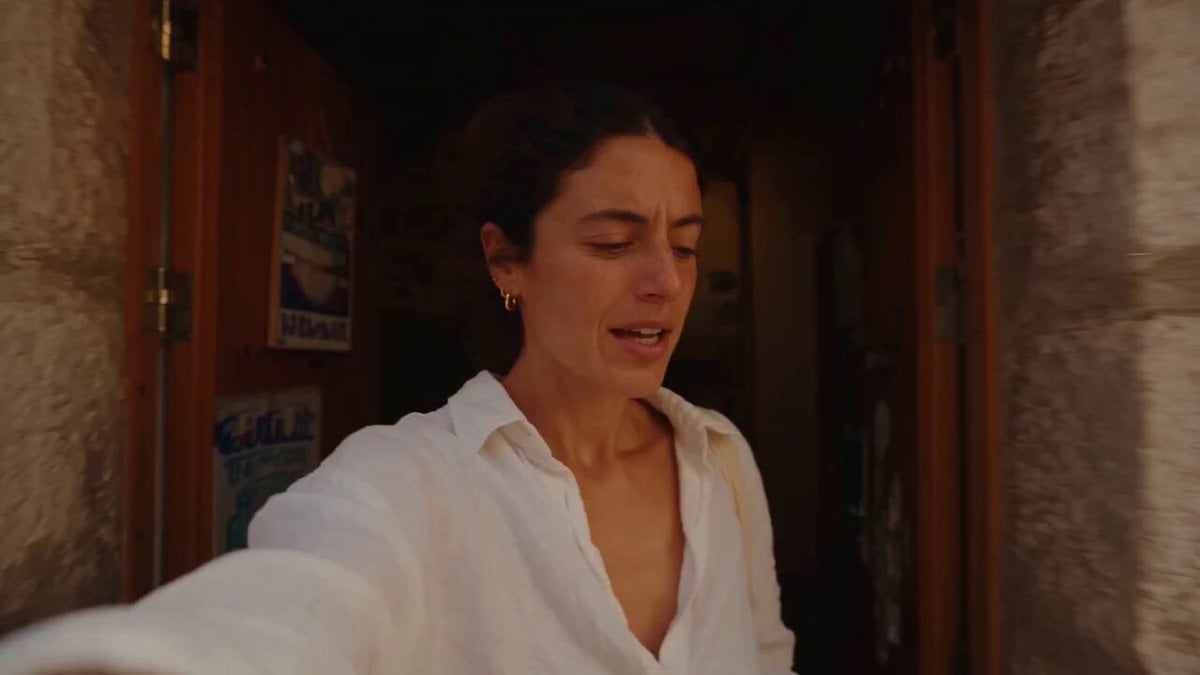
Mediterranean Coffee Run Vlog - Seedance 2.5

Mysterious Home Exploration Vlog - Seedance 2.5
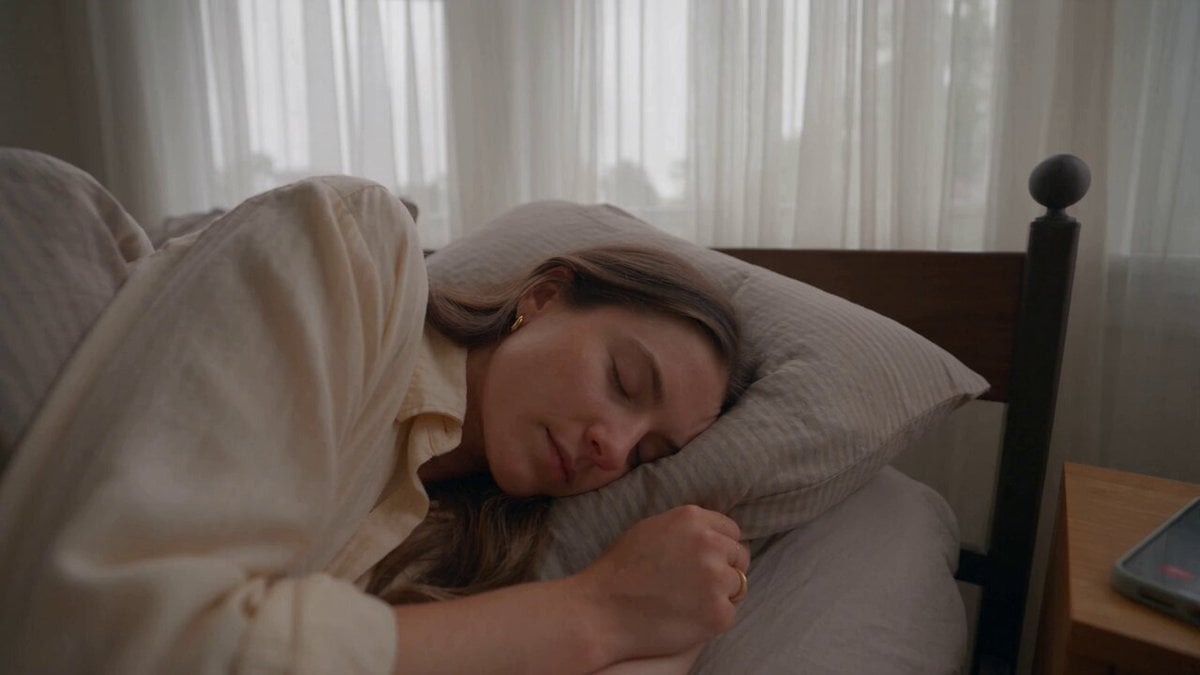
Realistic Morning Routine Lifestyle Vlog - Seedance 2.5

Handheld Tokyo Travel Vlog - Seedance 2.5
Nostalgic MiniDV Convenience Store Vlog - Seedance 2.5
Mediterranean Morning Coffee Run Vlog (Seedance 2.5)
Make it yours
Japanese Summer Festival Vlog works as-is. These are the safest ways to change it without losing the look.
Change one field
Copy a single group, rewrite it, and generate again so you can see what that field is doing.
Keep the frame, change the subject
Hold the composition and light of Japanese Summer Festival Vlog, then swap wardrobe, props or the person for a new take.
| If the result… | Why | Fix |
|---|---|---|
| The result drifts from the preview | Too many fields changed at once. | Reuse Japanese Summer Festival Vlog as-is first, then change one group — subject, light, or setting. |
| The model over-stylizes the scene | The prose prompt leaves finish and camera underspecified. | Add one camera or lighting sentence and stay on Seedance 2.0. |
More Seedance 2.0 templates
Other prompts made for Seedance 2.0.

Comical Martial Arts Punch Scene

Maglev Train Action Sequence

Martial Arts Fight Sequence

Wuxia Protection and Trust Script

Vintage Korean Arcade MiniDV Vlog

Mercedes 190 SL Luxury Ad

Rainy Night Supernatural Reverse Comedy Video Script

Amazon Civilization Discovery

Futuristic South Asian City Transformation

Cozy Luxury Cafe Commercial
More video prompts
Fresh picks from across the catalog.
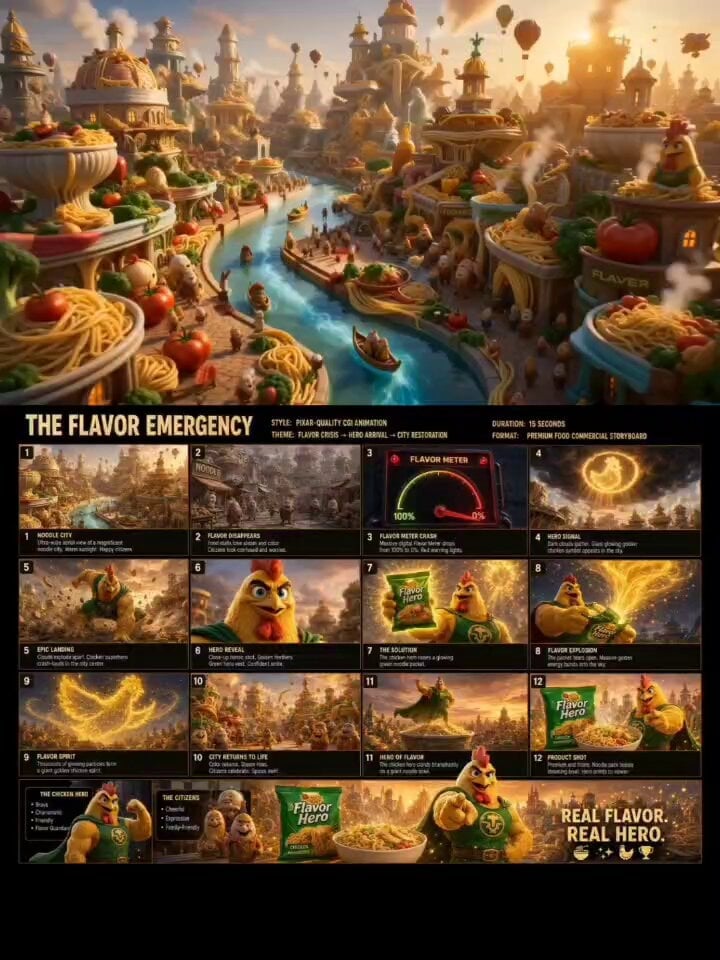
Pixar-Style Noodle City Animation
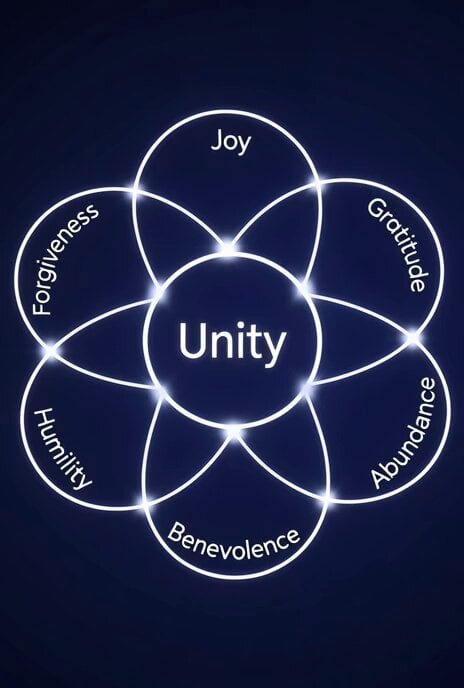
Sacred Geometry Seed of Life Video Prompt
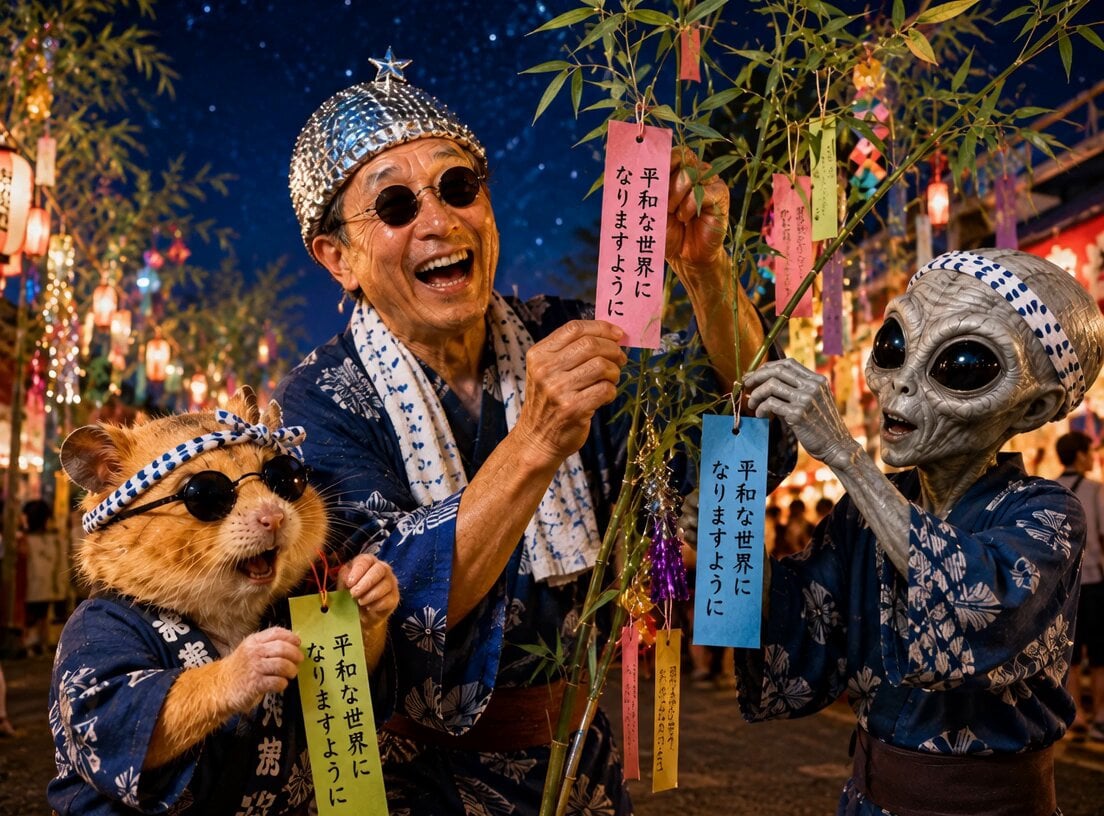
UFO and Orihime Transformation
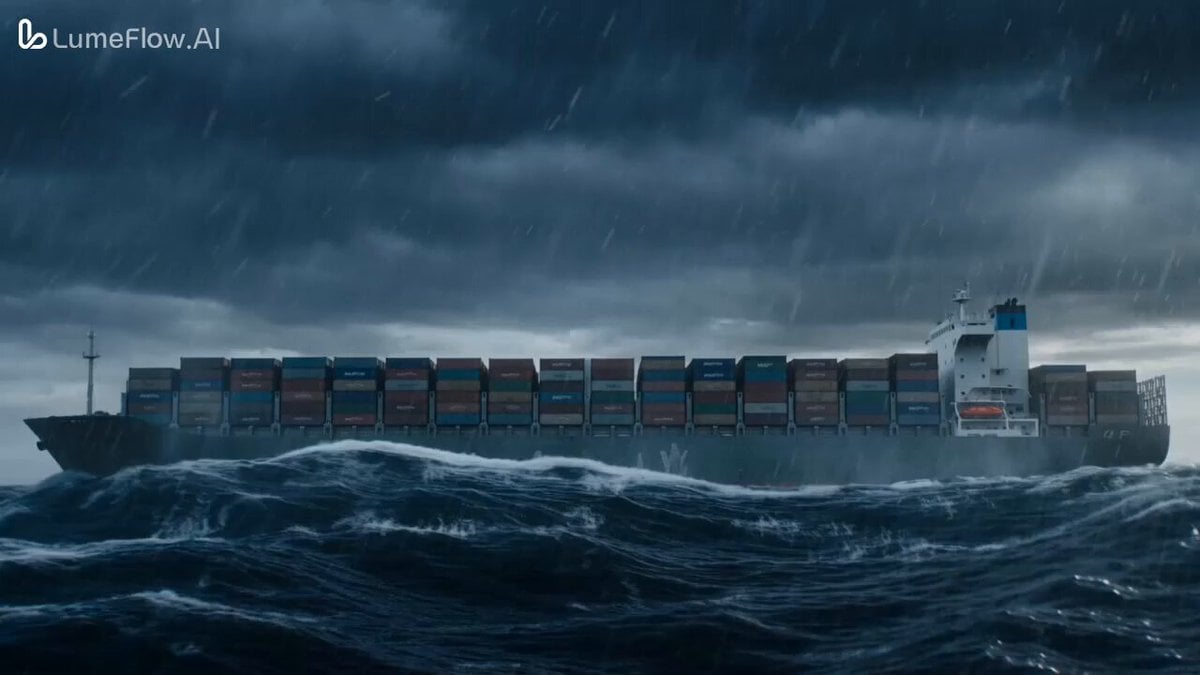
Colossal Prehistoric Shark Attack Video Prompt
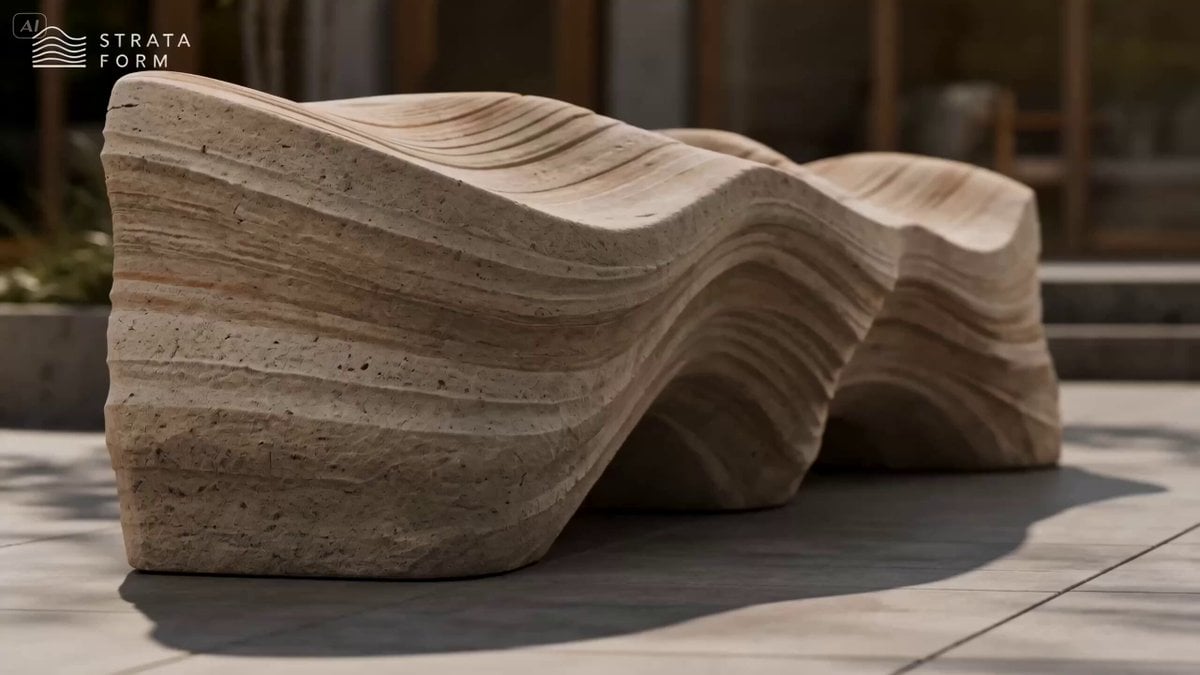
Erosion Bench Furniture Ad
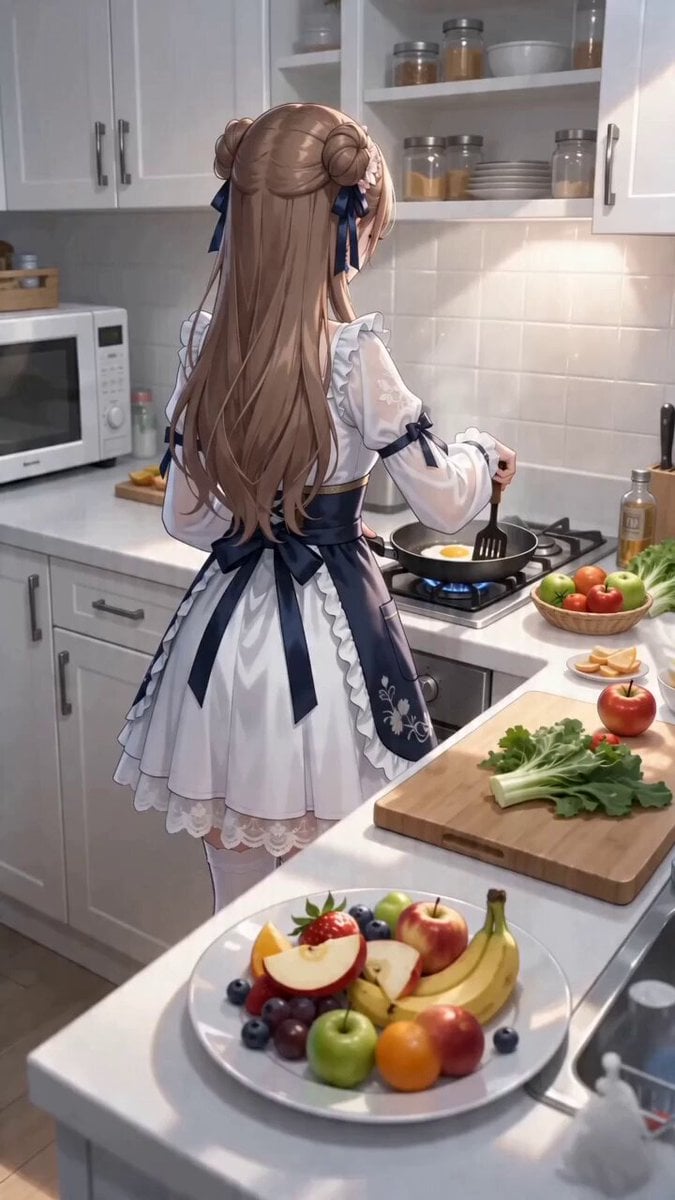
First-Person POV Kitchen Scene with Dialogue

Rally Car Coastal Drift Rescue
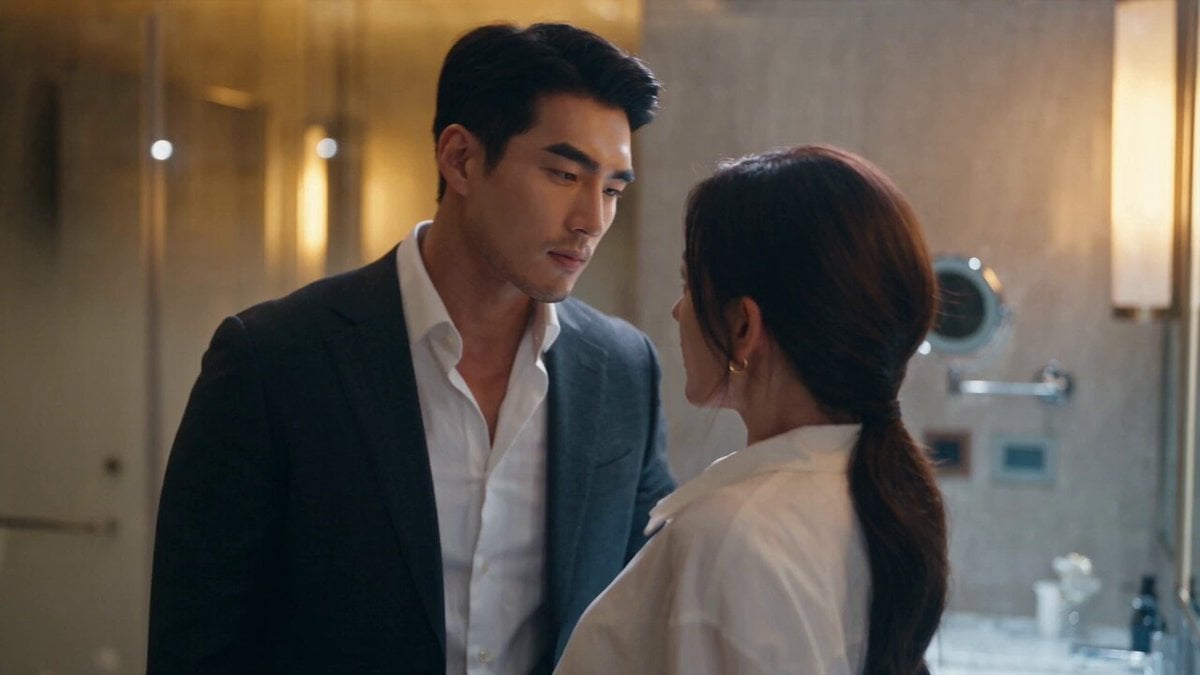
Luxury Hotel CEO Romance Drama
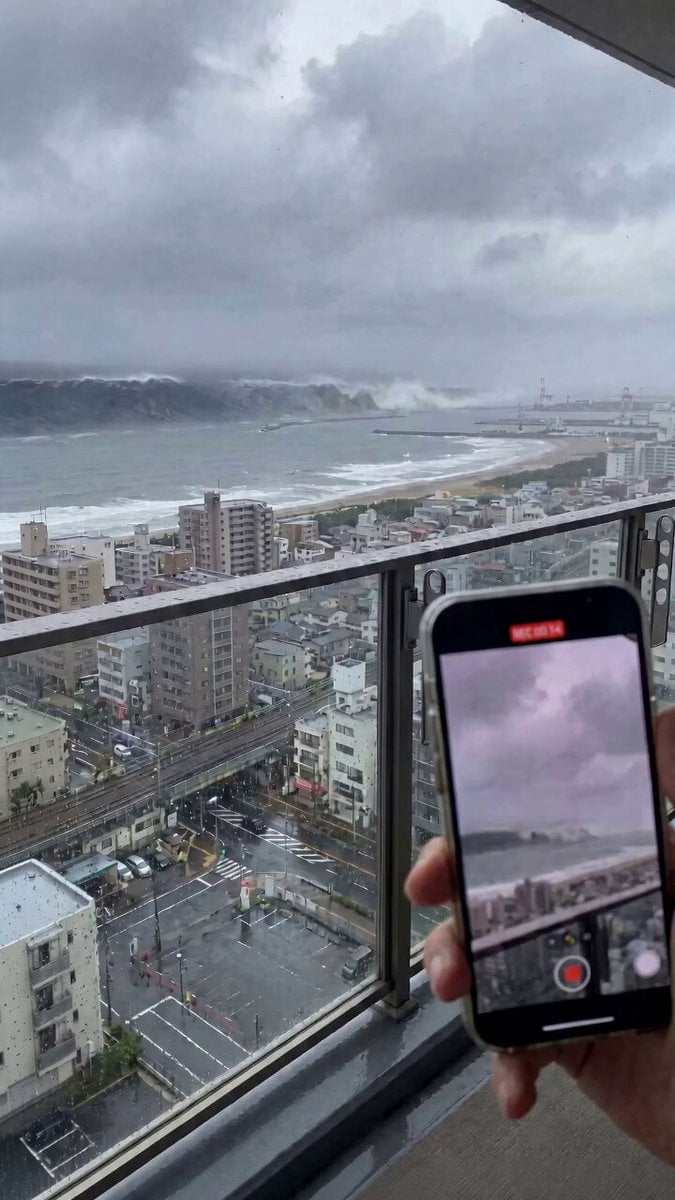
Cinematic Tsunami Disaster Video Prompt
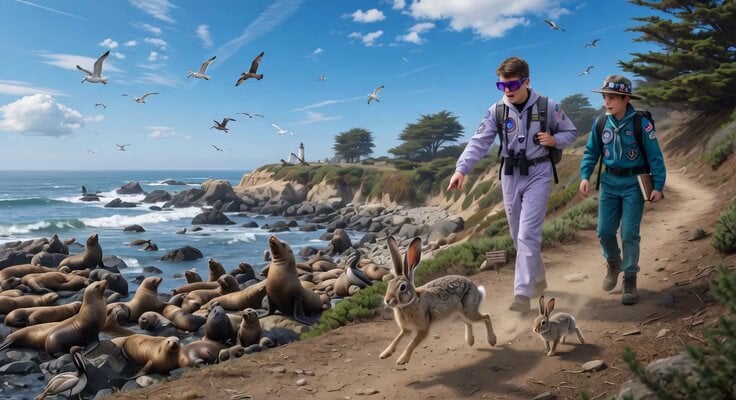
Space Scouts and Sea Lions Video
Browse template categories
Japanese Summer Festival Vlog questions
How do I use the Japanese Summer Festival Vlog template?
Add your photo if the template asks for one, edit the prompt if you like — the template's model and format are already selected — and press Generate. Your version opens in PicX Studio.
Can I customize the Japanese Summer Festival Vlog template?
Yes. You can change the subject, setting, lighting, mood, format, and available model controls before creating your video.
Is the Japanese Summer Festival Vlog template free?
Opening and editing this template is free. Generating uses credits, shown on the Generate button when you are signed in.
Which AI model should I use?
Start with Seedance 2.0, which is the model associated with this template. You can compare another compatible model for a different finish.
Looking for something else? Browse all templates.

Your photo, any look
Thousands of ready templates for every top image and video model, from one credit balance.