
Pixar-Style Noodle City Animation
A massive multi-scene cinematic prompt that creates a Pixar-quality animation of a fantasy noodle city, featuring a flavor crisis event and a heroic chicken superhero transformation.
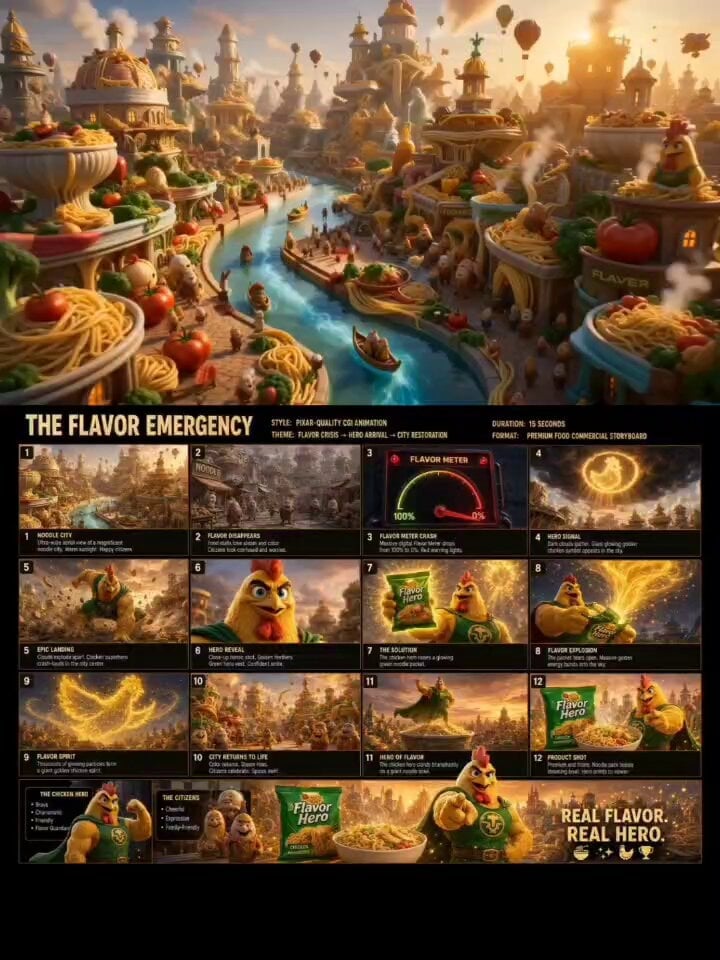
- Prompt included
- Model and format preset
- Premium template
The prompt behind this video
Copy the exact prompt behind Pixar-Style Noodle City Animation, or open it in the studio and make it yours.
Style: Pixar-quality CGI animation, DreamWorks-level character acting, ultra-detailed food textures, cinematic advertising, volumetric lighting, golden-hour atmosphere, premium commercial quality, dynamic camera movement, expressive animation, rich color grading, 16:9. ⸻ SCENE 1 (0-2s) — NOODLE CITY A breathtaking aerial fly-through of a magnificent fantasy city built entirely from noodles, vegetables, herbs, spices, steaming soup canals, and giant noodle-bowl skyscrapers. Warm golden sunlight bathes the city. Happy food citizens walk through bustling streets. Steam rises gracefully from food markets. Cinematic drone camera movement, vibrant colors, whimsical Pixar-style worldbuilding. ⸻ SCENE 2 (2-4s) — FLAVOR CRISIS Suddenly the steam disappears from food stalls. Colors drain from the city. Citizens stop and look around in confusion. Giant digital Flavor Meter in the city square rapidly drops from 100% to 0%. Red emergency lights flash across buildings. Dramatic tension builds. Fast push-in camera movement. Dark clouds begin gathering overhead. ⸻ SCENE 3 (4-6s) — HERO SIGNAL The sky darkens. A giant glowing golden chicken symbol bursts through the clouds like a superhero beacon. Citizens stare upward in awe. Powerful rays of golden light illuminate the city below. Wind sweeps through the streets. Cinematic upward camera tilt. ⸻ SCENE 4 (6-8s) — EPIC ARRIVAL The clouds explode apart. A muscular anthropomorphic chicken superhero crash-lands in the city center. Noodles, vegetables, dust, and flavor particles blast outward dramatically. The ground shakes. Slow-motion hero landing pose. Dynamic cinematic action. Debris flying through the air. ⸻ SCENE 5 (8-10s) — THE SOLUTION Low-angle hero reveal. Golden feathers glowing in sunlight. Bright red comb. Blue eyes. Green hero vest fluttering in the wind. The hero smiles confidently and raises a glowing green noodle packet above his head. Golden energy radiates from the package. Camera circles around hero dramatically. ⸻ SCENE 6 (10-12s) — FLAVOR EXPLOSION The noodle packet tears open. A massive golden flavor energy blast erupts into the sky. Thousands of glowing particles swirl through the city streets. The energy forms a gigantic golden chicken-shaped spirit soaring across the skyline. Epic magical transformation sequence. Dynamic aerial tracking shot. ⸻ SCENE 7 (12-14s) — CITY RESTORED The city instantly regains color and life. Steam rises from food stalls. Buildings glow with vibrant noodle textures. Herbs and spices swirl through the air. Citizens cheer and celebrate. Confetti-like flavor particles float everywhere. Wide cinematic reveal of the restored city. ⸻ SCENE 8 (14-15s) — PRODUCT SHOT Premium advertising hero shot. A steaming bowl of delicious noodles sits in the foreground beside a glowing green noodle packet. The chicken superhero stands proudly behind them, pointing confidently
How to use Pixar-Style Noodle City Animation in 3 steps
- 1
Open
The prompt is already in the box next to the preview, with the template's model and format selected.
- 2…a portrait of your subject in softgolden-hour light, 85mm…
Personalize
Edit the subject and creative details for your destination.
- 3Generate
Generate
Press Generate — your video is created in PicX Studio, so you can compare it with the original and refine one variable at a time.
More like this
Templates with the same subject, style or setup. Open one to see its prompt.
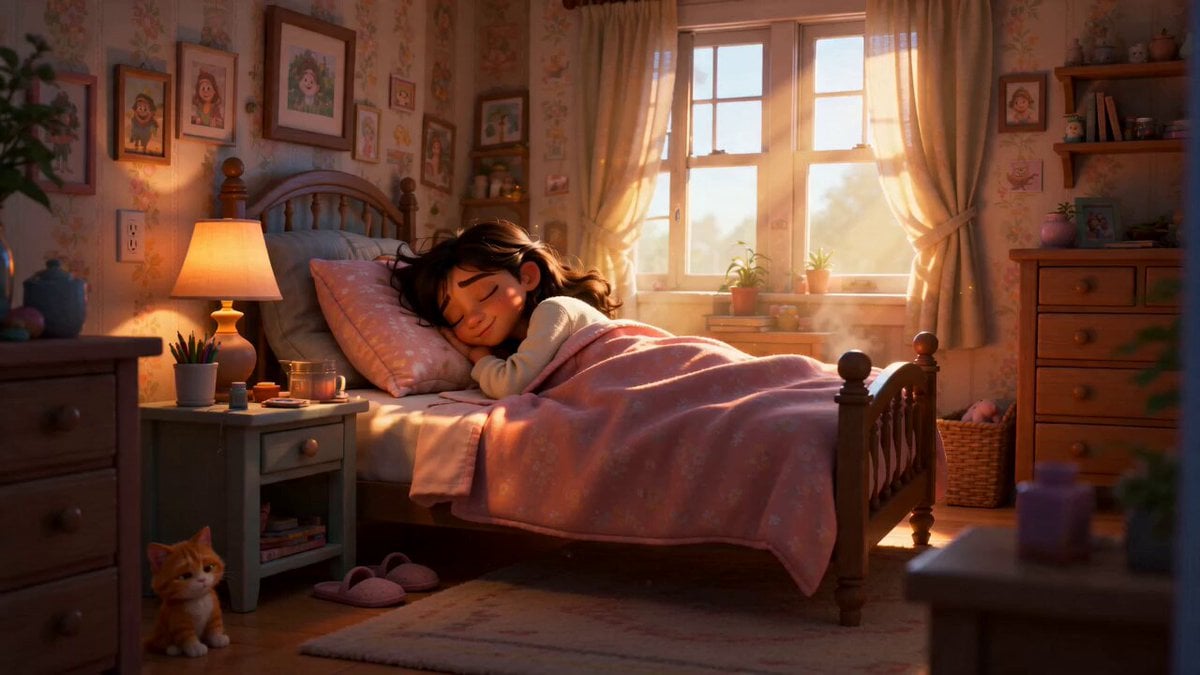
Pixar Style Sleeping Girl Animation
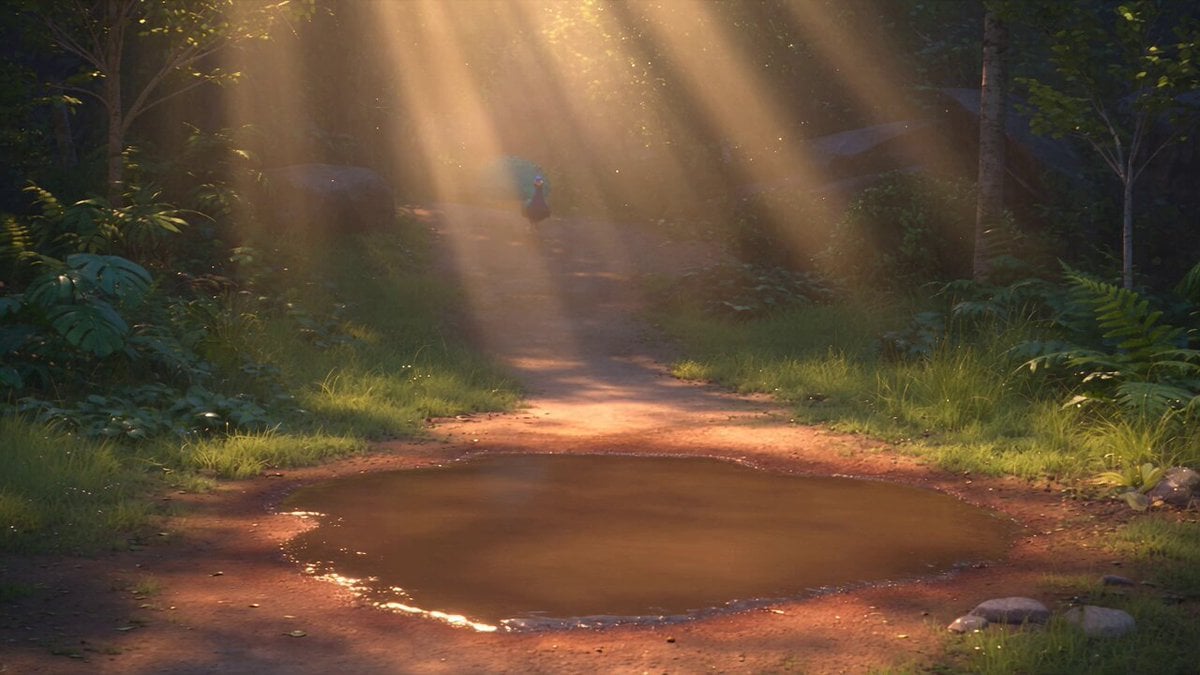
Pixar Style 3D Animation Prompt
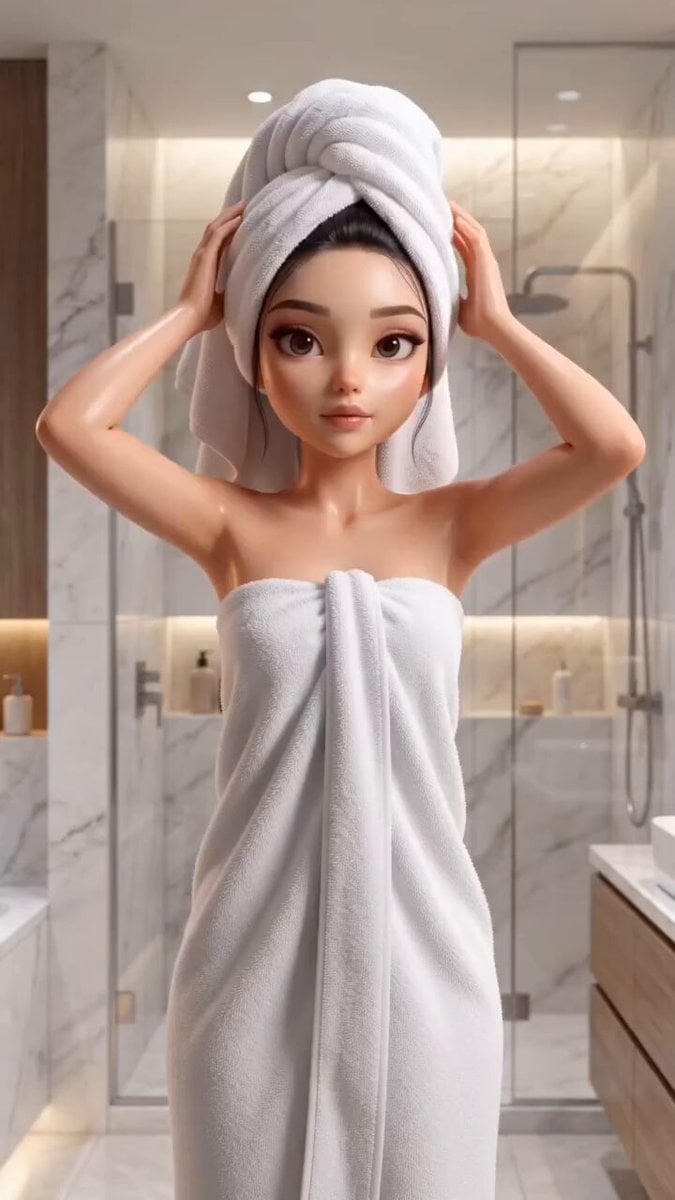
Pixar Style Beauty Routine Animation
Pigeon Nemesis Pixar Animation Storyboard
3D Glossy Fairy Animation - Seedance 2.5
Realistic City Street Story Cinematic Video - Seedance
Magic City Fantasy Battle Animation
Disney Pixar Skincare Animation

Silk Road Pomegranate Folk Animation
Multilingual Creative Typography Loop

Luxury Lifestyle Day Vlog
NYC Wingsuit Hot Dog Landing
Make it yours
Pixar-Style Noodle City Animation works as-is. These are the safest ways to change it without losing the look.
Change one field
Copy a single group, rewrite it, and generate again so you can see what that field is doing.
Keep the frame, change the subject
Hold the composition and light of Pixar-Style Noodle City Animation, then swap wardrobe, props or the person for a new take.
| If the result… | Why | Fix |
|---|---|---|
| The result drifts from the preview | Too many fields changed at once. | Reuse Pixar-Style Noodle City Animation as-is first, then change one group — subject, light, or setting. |
| The model over-stylizes the scene | The prose prompt leaves finish and camera underspecified. | Add one camera or lighting sentence and stay on Seedance 2.0. |
More Seedance 2.0 templates
Other prompts made for Seedance 2.0.

Comical Martial Arts Punch Scene

Maglev Train Action Sequence

Martial Arts Fight Sequence

Wuxia Protection and Trust Script

Vintage Korean Arcade MiniDV Vlog

Mercedes 190 SL Luxury Ad

Rainy Night Supernatural Reverse Comedy Video Script

Amazon Civilization Discovery

Futuristic South Asian City Transformation

Cozy Luxury Cafe Commercial
More video prompts
Fresh picks from across the catalog.
Street Photographer Shibuya Interaction
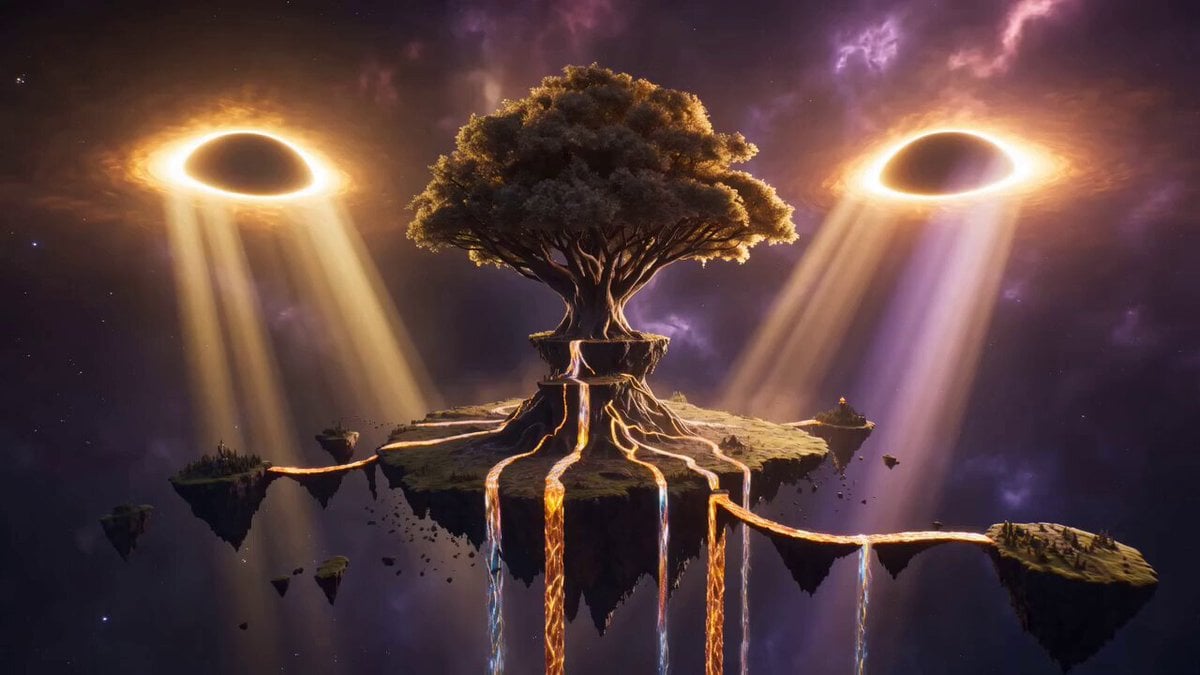
Epic Cinematic Fantasy Realm
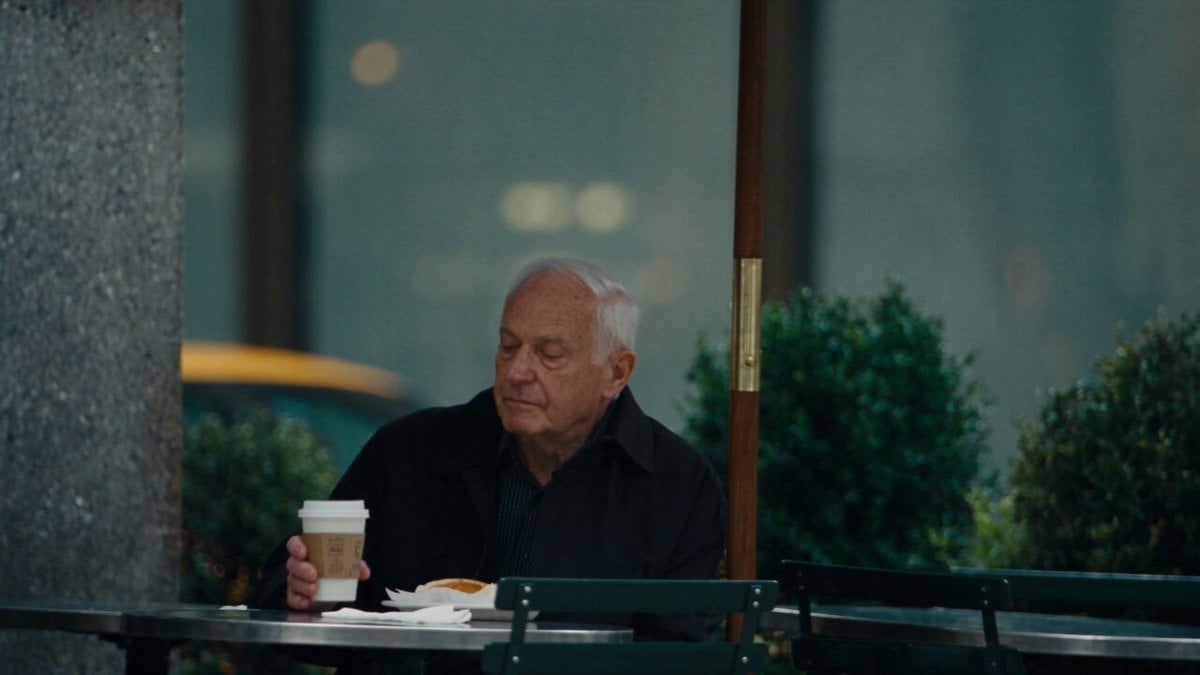
Manhattan Street Cinematic Chase
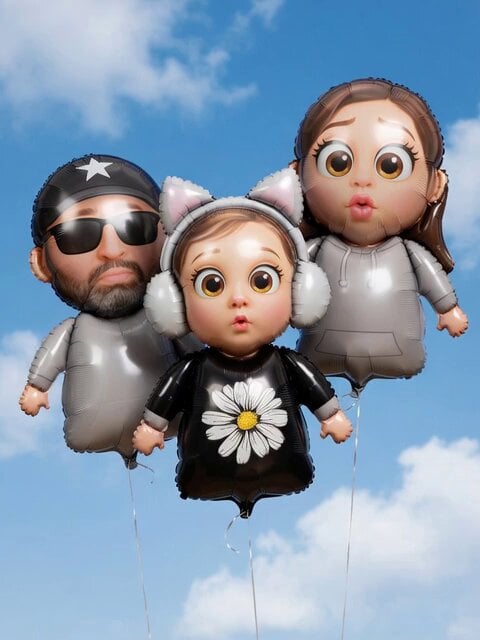
Family Balloon Flight with Static Elements
Futuristic Action Short Film Prompt
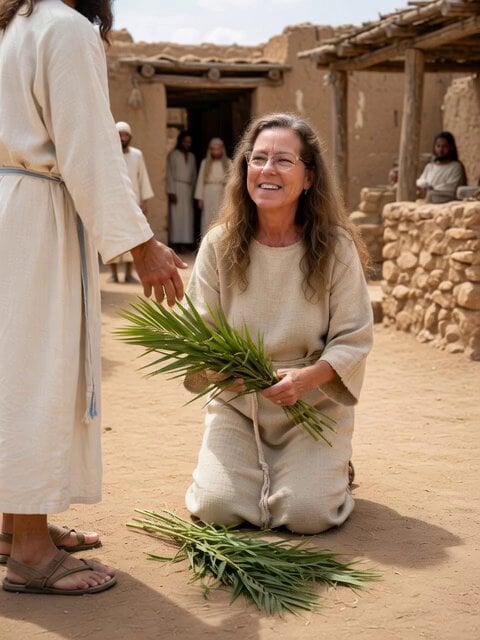
Woman laying palm branches for Jesus video
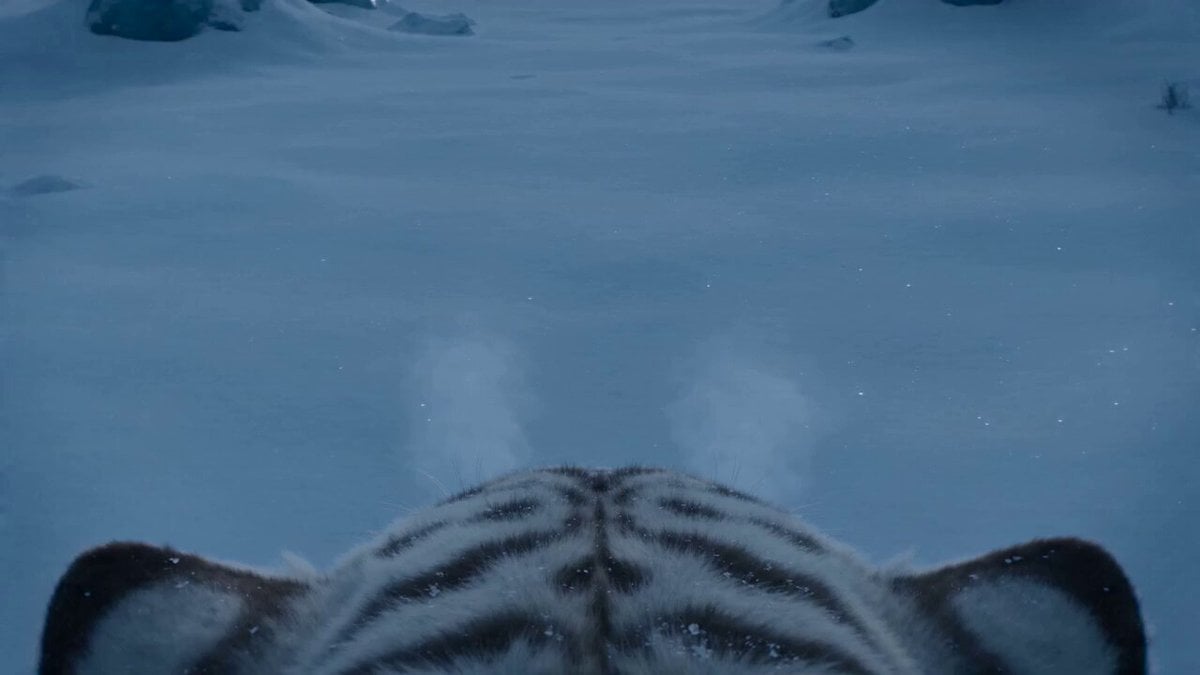
White Tiger Hunter in Glacial Canyon
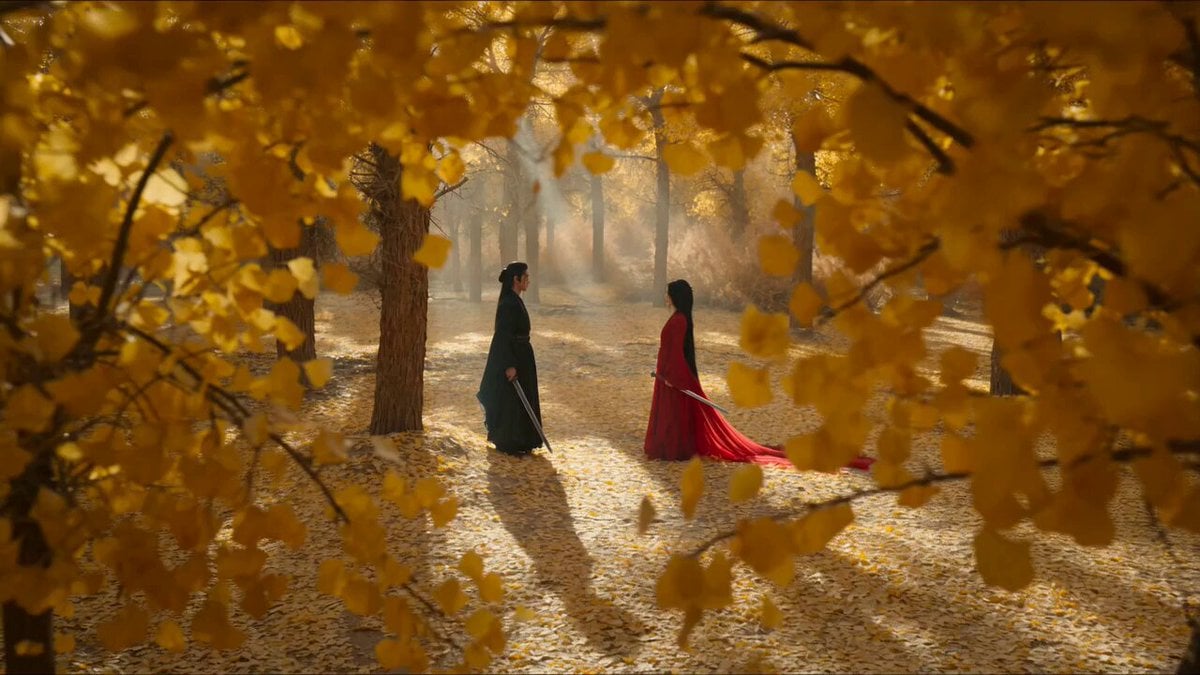
Forest Sword Fight Cinematography
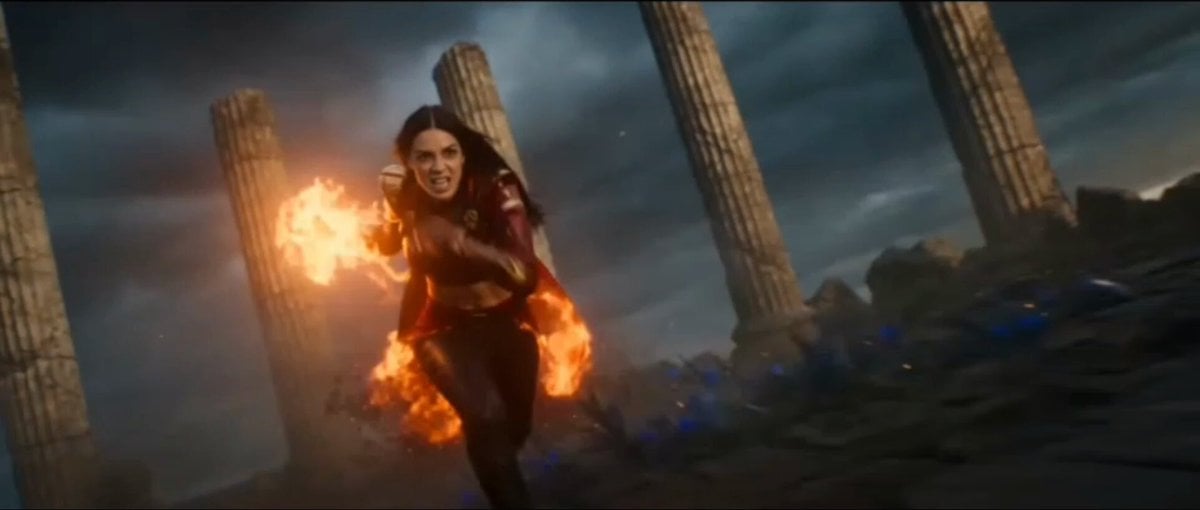
Fire and Ice Warrior Battle
Watercolor Storybook Animated Short
Browse template categories
Pixar-Style Noodle City Animation questions
How do I use the Pixar-Style Noodle City Animation template?
Add your photo if the template asks for one, edit the prompt if you like — the template's model and format are already selected — and press Generate. Your version opens in PicX Studio.
Can I customize the Pixar-Style Noodle City Animation template?
Yes. You can change the subject, setting, lighting, mood, format, and available model controls before creating your video.
Is the Pixar-Style Noodle City Animation template free?
Opening and editing this template is free. Generating uses credits, shown on the Generate button when you are signed in.
Which AI model should I use?
Start with Seedance 2.0, which is the model associated with this template. You can compare another compatible model for a different finish.
Looking for something else? Browse all templates.

Your photo, any look
Thousands of ready templates for every top image and video model, from one credit balance.