
Street Photographer Shibuya Interaction
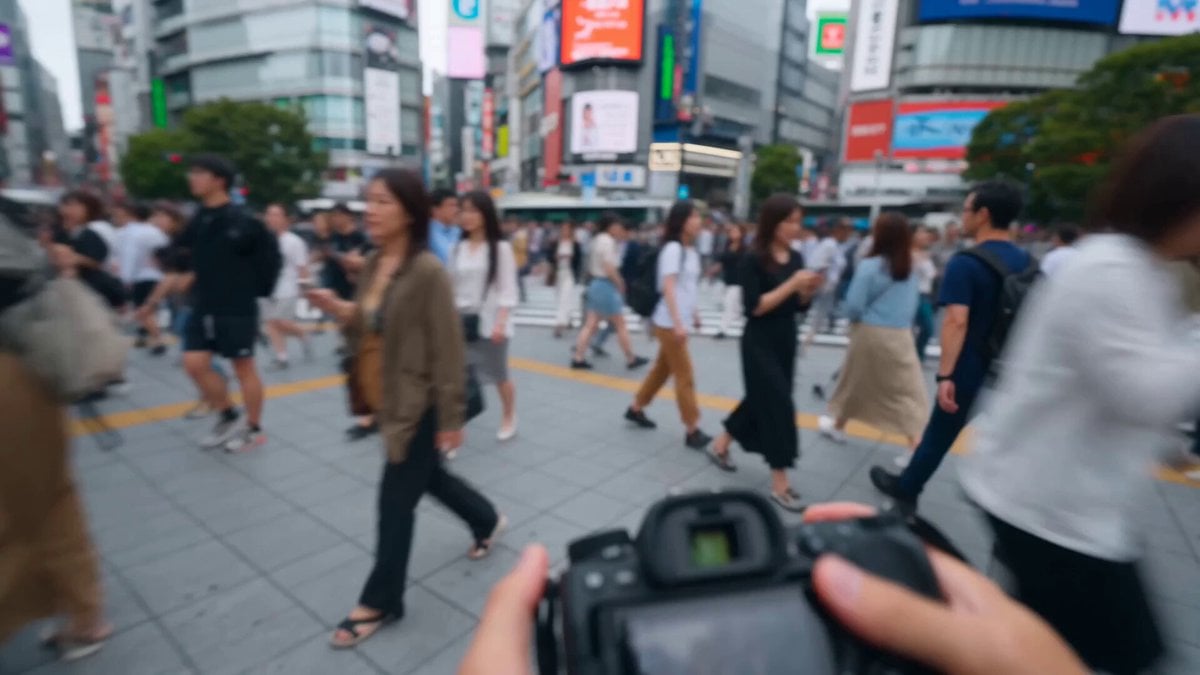
A first-person perspective prompt capturing a realistic interaction between a street photographer and a stylish woman in the busy Shibuya Scramble Crossing.
- Prompt included
- Model and format preset
- Free template
The prompt behind this video
Copy the exact prompt behind Street Photographer Shibuya Interaction, or open it in the studio and make it yours.
POV: First-person handheld shot of a young adult male street photographer walking casually through the extremely crowded streets of Shibuya, Tokyo, Japan on a bright sunny day. Hundreds of pedestrians rush across the famous Shibuya Scramble Crossing, surrounded by towering buildings covered with massive digital billboards, colorful signage, and a vibrant urban atmosphere. The photographer notices a beautiful young Japanese woman standing at the edge of the sidewalk. She has long silky black hair, fair skin, expressive brown eyes, and wears a stylish modern outfit consisting of an elegant white blouse, a beige pleated skirt, white sneakers, and a small crossbody bag. She is completely focused on her smartphone. 0–4 seconds: Natural handheld walking motion through the bustling crowd. The photographer spots the woman standing near the sidewalk, looking down at her phone. 4–7 seconds: He gently walks toward her through the crowd. Photographer (friendly, clear English): "Hey there!" 7–10 seconds: The woman looks up from her phone, makes eye contact, and smiles warmly. Photographer: "You look absolutely beautiful in that outfit!" 10–13 seconds: The photographer continues: "I'm a street photographer, and I'd really love to take some photos of you if you're okay with that?" 13–15 seconds: The woman nods enthusiastically and replies in clear English: "Sure, that sounds fun! I'd love to pose for you." She gracefully strikes a natural pose. The photographer raises a DSLR camera into the foreground (both hands and camera visible from the first-person perspective), perfectly framing her just before pressing the shutter. A gentle camera shutter click is heard. Style: Ultra-realistic cinematic video, vibrant urban colors, bright natural daylight, authentic Shibuya atmosphere, smooth handheld camera movement, shallow depth of field with sharp focus on the woman, dynamic moving crowds in the background, highly detailed textures, realistic facial expressions and body language, clear synchronized English dialogue, subtle ambient sounds including footsteps, crowd chatter, traffic, and city ambience, respectful and friendly interaction, 15-second video.
How to use Street Photographer Shibuya Interaction in 3 steps
- 1
Open
The prompt is already in the box next to the preview, with the template's model and format selected.
- 2…a portrait of your subject in softgolden-hour light, 85mm…
Personalize
Edit the subject and creative details for your destination.
- 3Generate
Generate
Press Generate — your video is created in PicX Studio, so you can compare it with the original and refine one variable at a time.
More like this
Templates with the same subject, style or setup. Open one to see its prompt.
Emotional Breakdown and Fabric Interaction - Seedance 2.5
Realistic City Street Story Cinematic Video - Seedance
Shibuya Street Photography POV
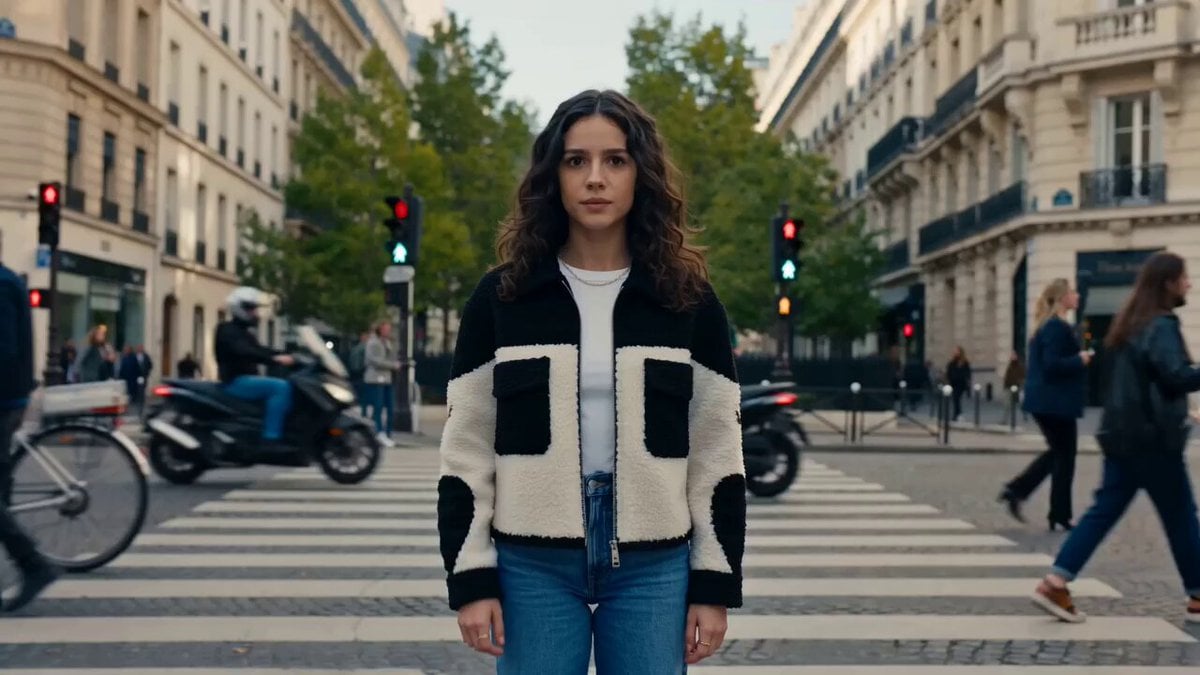
Nano Banana Seedance Time Control Streets

Hologram Interaction Scene Montage
Istanbul Photographer Lifestyle Vlog

Anime Drama Character Interaction Script
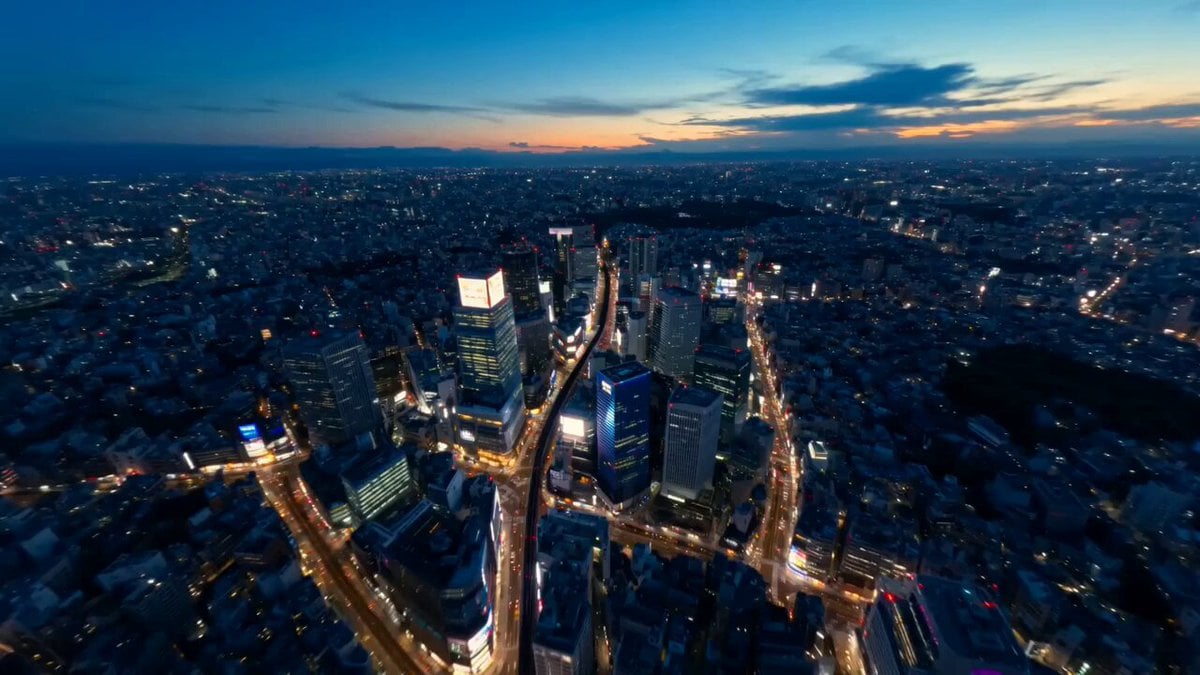
Tokyo Street Style Travel Film
Futuristic Crystalline AI Creature Interaction
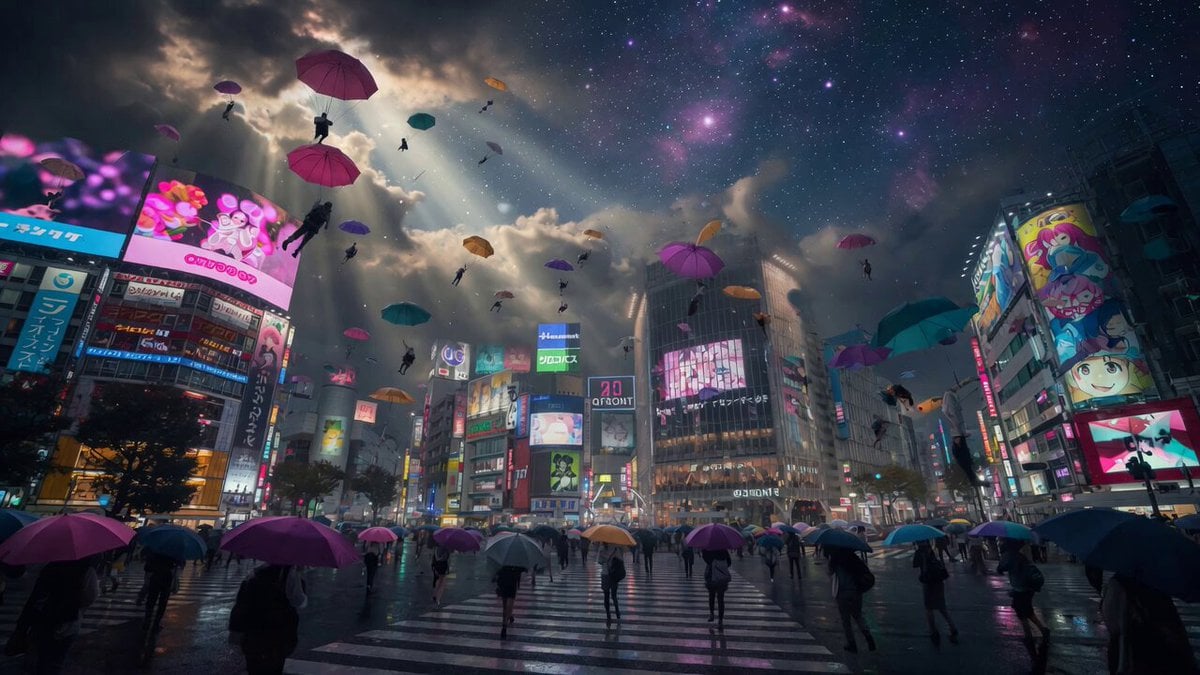
Floating Umbrellas Shibuya Crossing
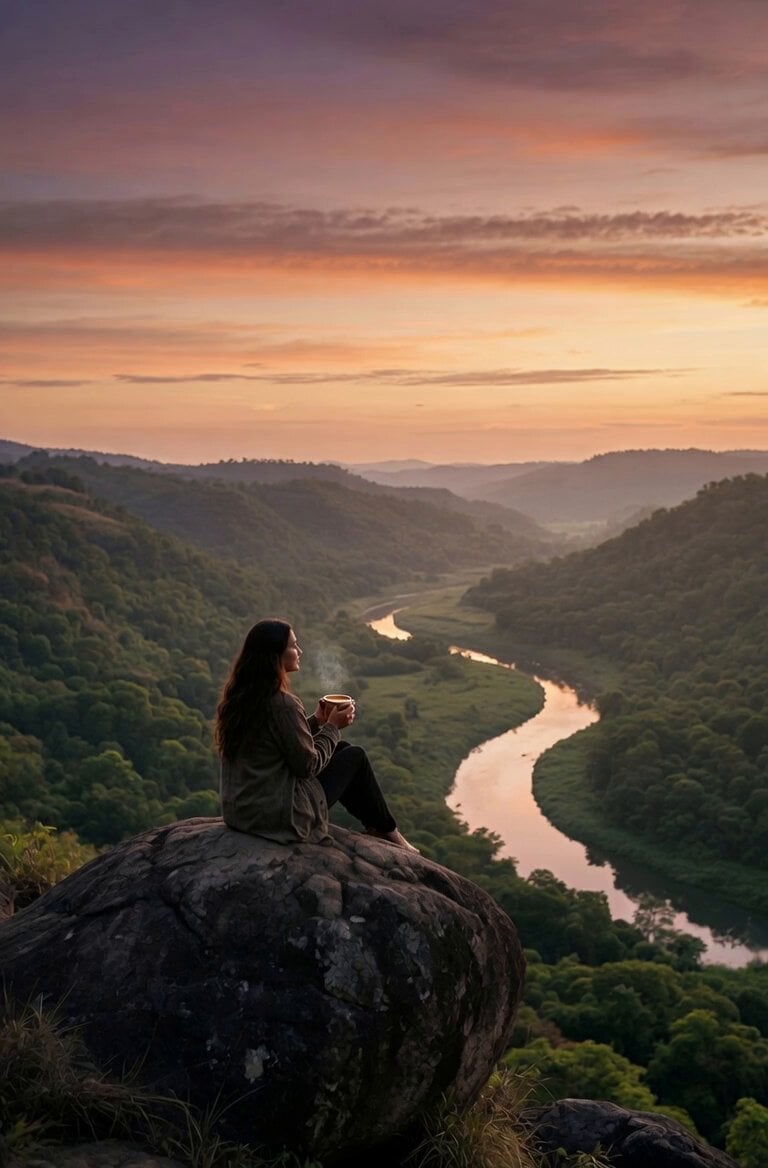
Coffee Cup Interaction Motion
Jungle Animal Interaction Video Prompt
Make it yours
Street Photographer Shibuya Interaction works as-is. These are the safest ways to change it without losing the look.
Change one field
Copy a single group, rewrite it, and generate again so you can see what that field is doing.
Keep the frame, change the subject
Hold the composition and light of Street Photographer Shibuya Interaction, then swap wardrobe, props or the person for a new take.
| If the result… | Why | Fix |
|---|---|---|
| The result drifts from the preview | Too many fields changed at once. | Reuse Street Photographer Shibuya Interaction as-is first, then change one group — subject, light, or setting. |
| The model over-stylizes the scene | The prose prompt leaves finish and camera underspecified. | Add one camera or lighting sentence and stay on Seedance 2.0. |
More Seedance 2.0 templates
Other prompts made for Seedance 2.0.

Comical Martial Arts Punch Scene

Maglev Train Action Sequence

Martial Arts Fight Sequence

Wuxia Protection and Trust Script

Vintage Korean Arcade MiniDV Vlog

Mercedes 190 SL Luxury Ad

Rainy Night Supernatural Reverse Comedy Video Script

Amazon Civilization Discovery

Futuristic South Asian City Transformation

Cozy Luxury Cafe Commercial
More video prompts
Fresh picks from across the catalog.
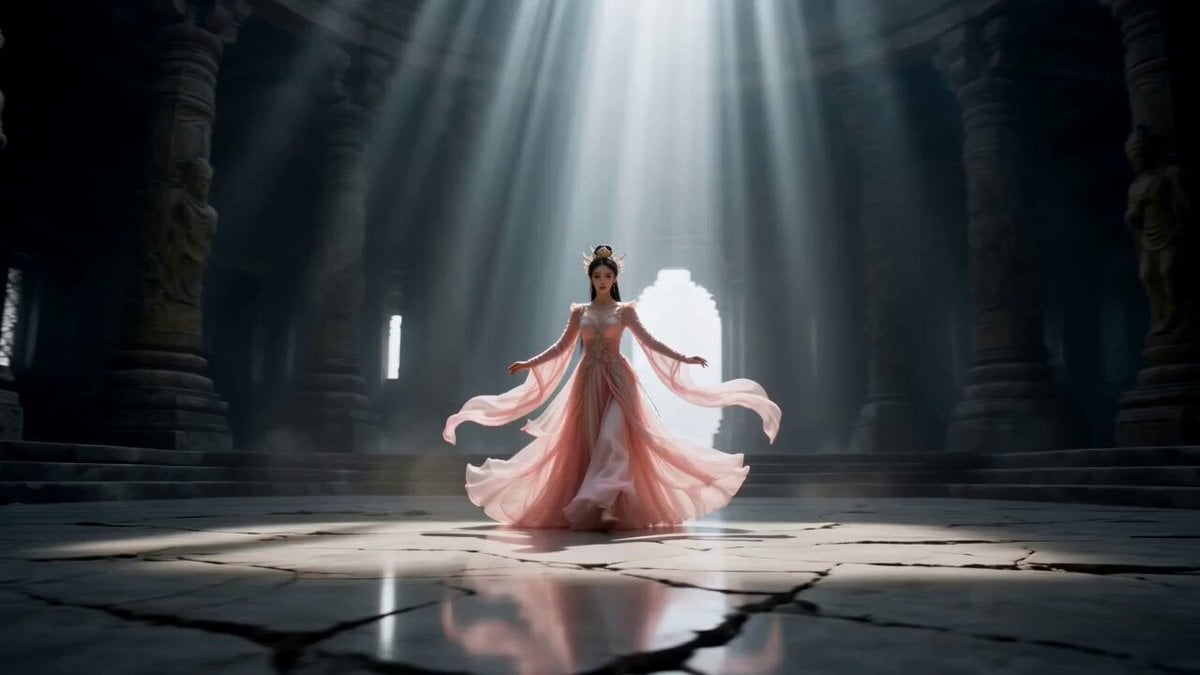
Cinematic Wuxia Celestial Warrior Dance

Sneaker Product Commercial
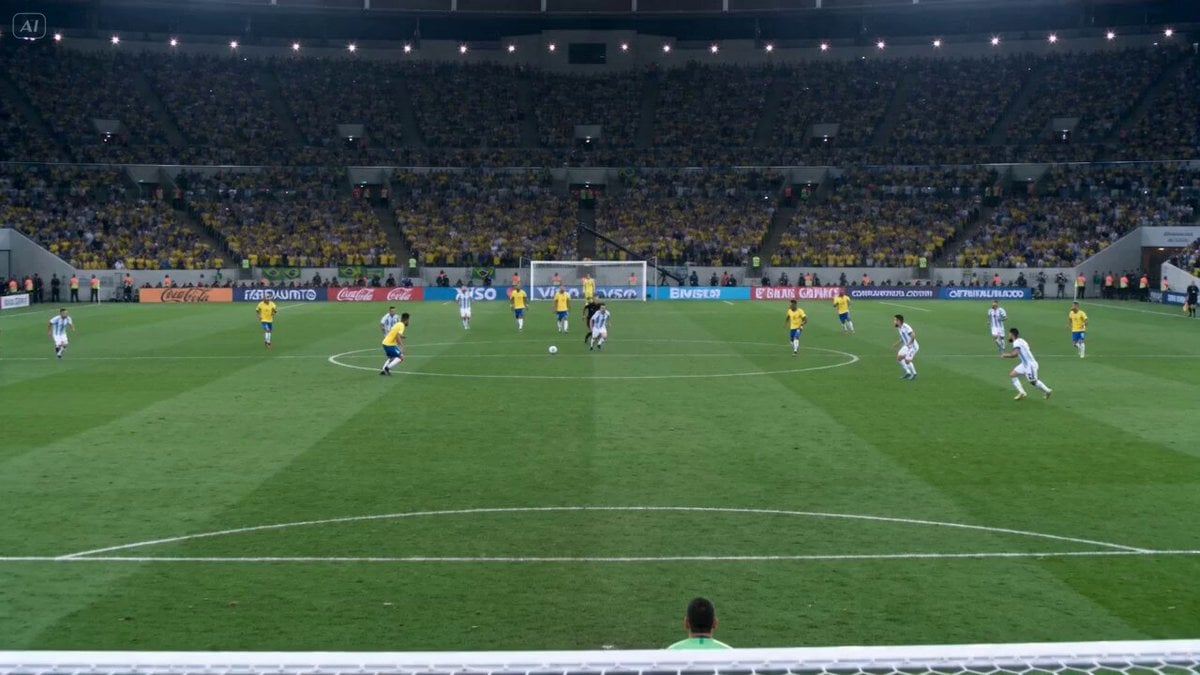
Cinematic Football Highlight Clip

Seedance 2.0 Monologue with Hand Gestures
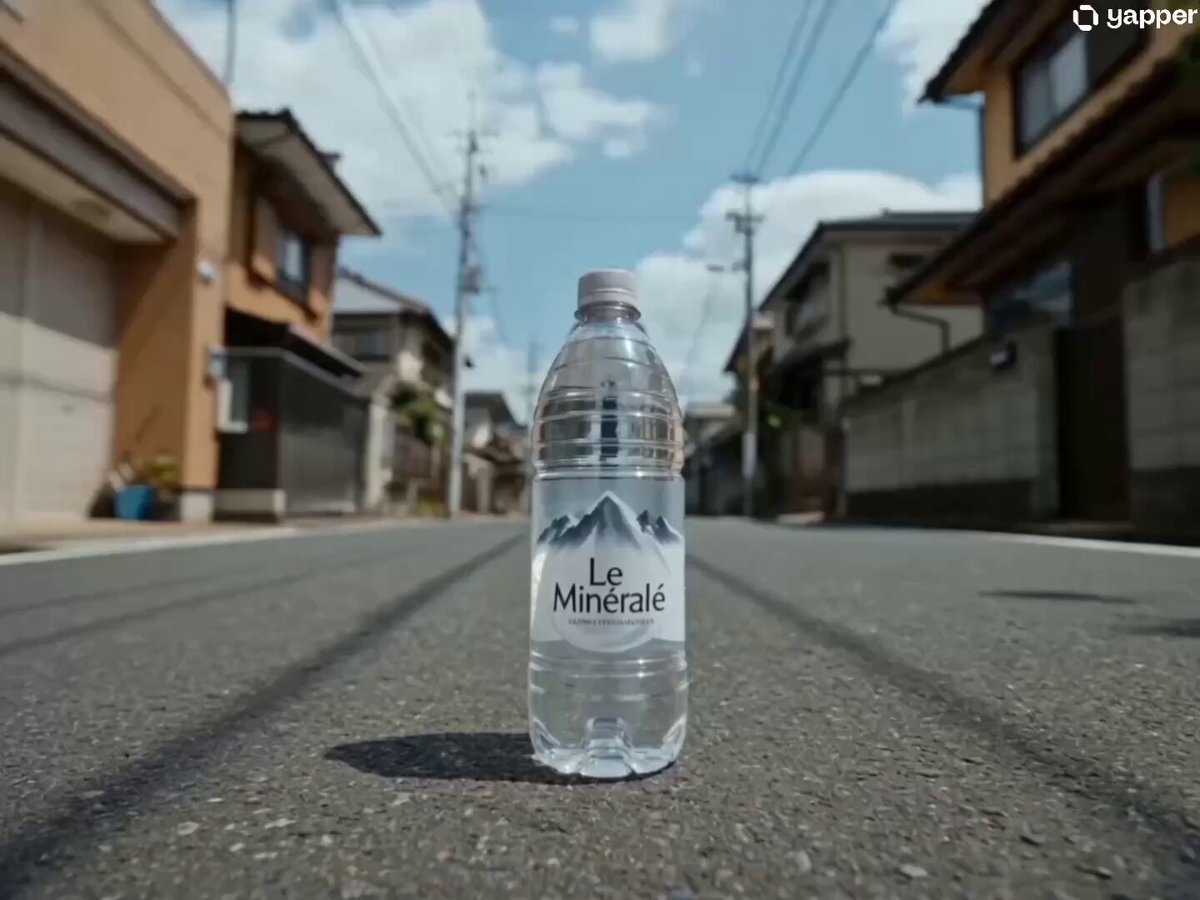
Japanese Urban Parkour Commercial
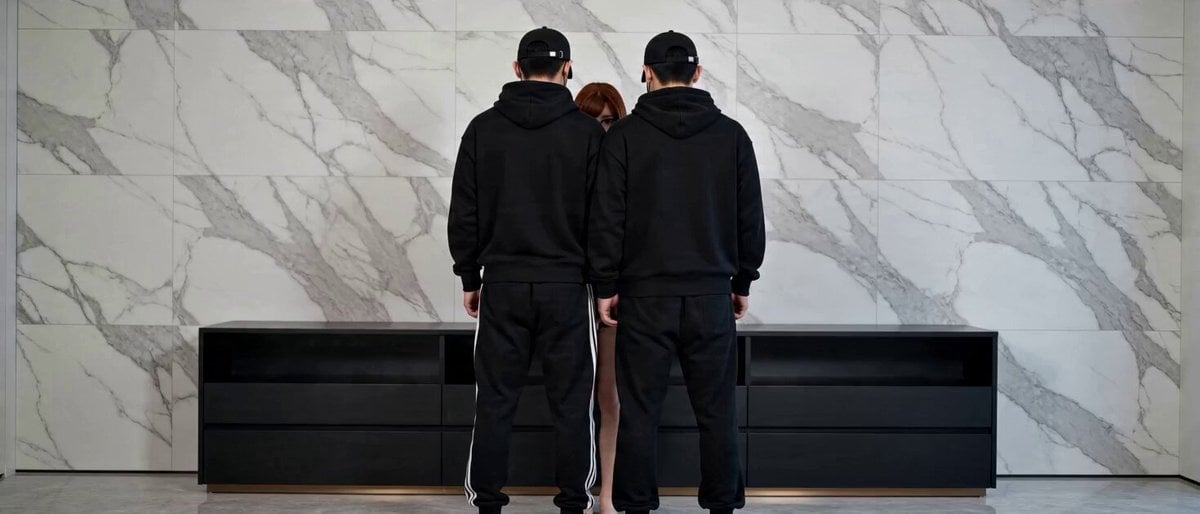
Seamless Transformation Video: Modern Office to 1920s Gangster Film
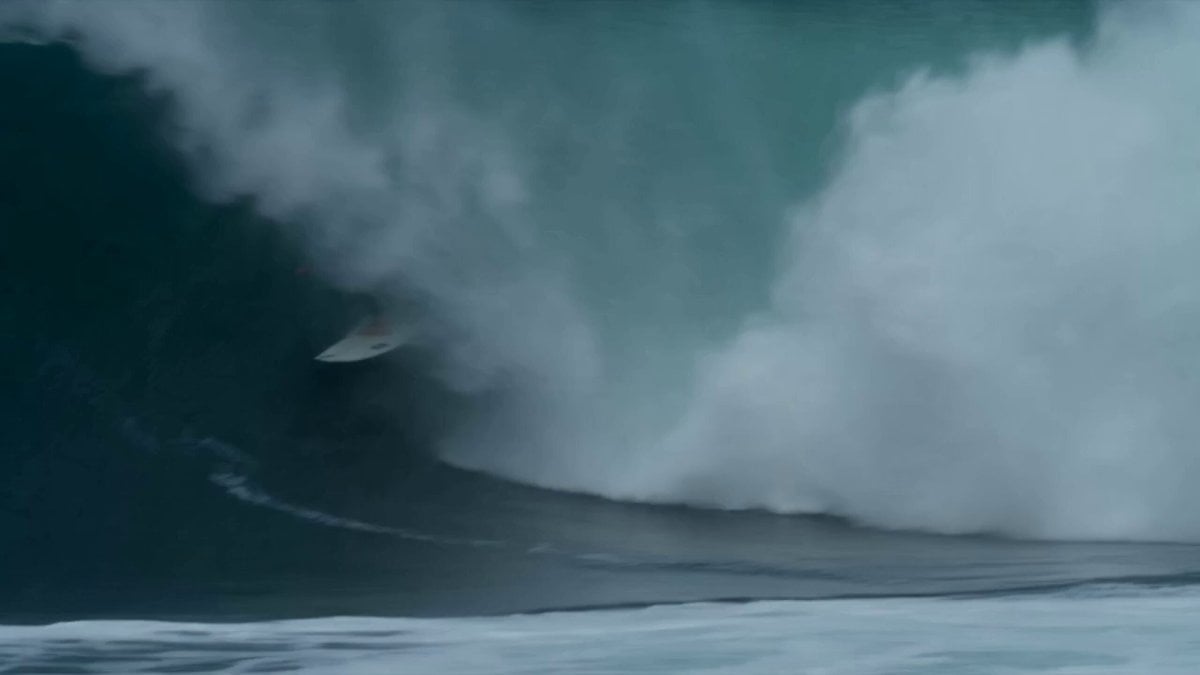
Dramatic Surf Sequence Video Prompt
Cinematic Action Sequence for Seedance 2.0
FPV Flyover of Ancient India
Street Food Shock Vlog
Browse template categories
Street Photographer Shibuya Interaction questions
How do I use the Street Photographer Shibuya Interaction template?
Add your photo if the template asks for one, edit the prompt if you like — the template's model and format are already selected — and press Generate. Your version opens in PicX Studio.
Can I customize the Street Photographer Shibuya Interaction template?
Yes. You can change the subject, setting, lighting, mood, format, and available model controls before creating your video.
Is the Street Photographer Shibuya Interaction template free?
Opening and editing this template is free. Generating uses credits, shown on the Generate button when you are signed in.
Which AI model should I use?
Start with Seedance 2.0, which is the model associated with this template. You can compare another compatible model for a different finish.
Looking for something else? Browse all templates.

Your photo, any look
Thousands of ready templates for every top image and video model, from one credit balance.