How do I use the Street Food Shock Vlog template?
Edit the prompt in the box under the preview — the template's model and format are already selected — and press Generate. Your version appears right on this page.
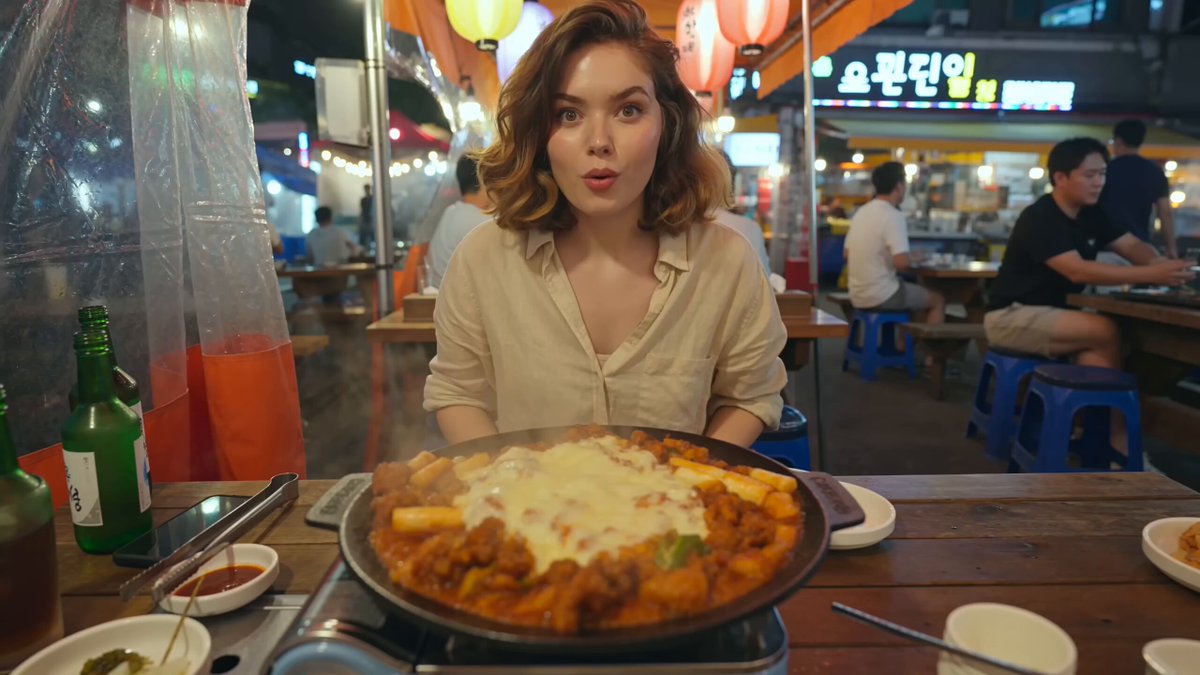
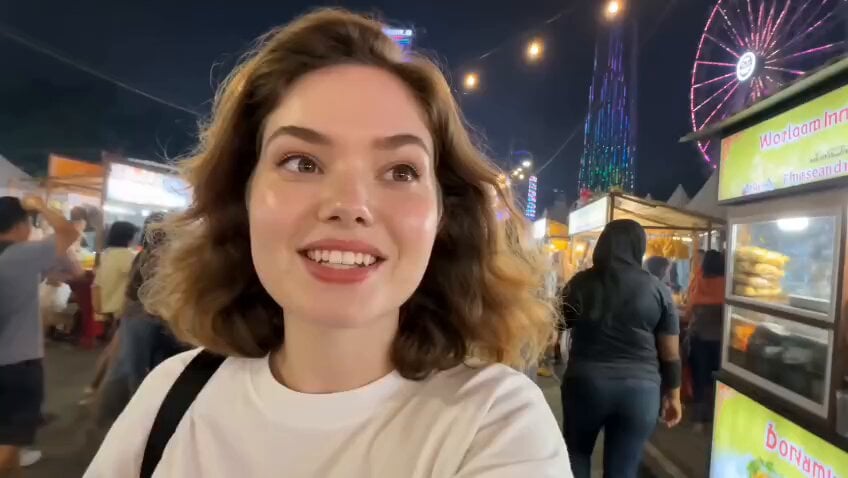
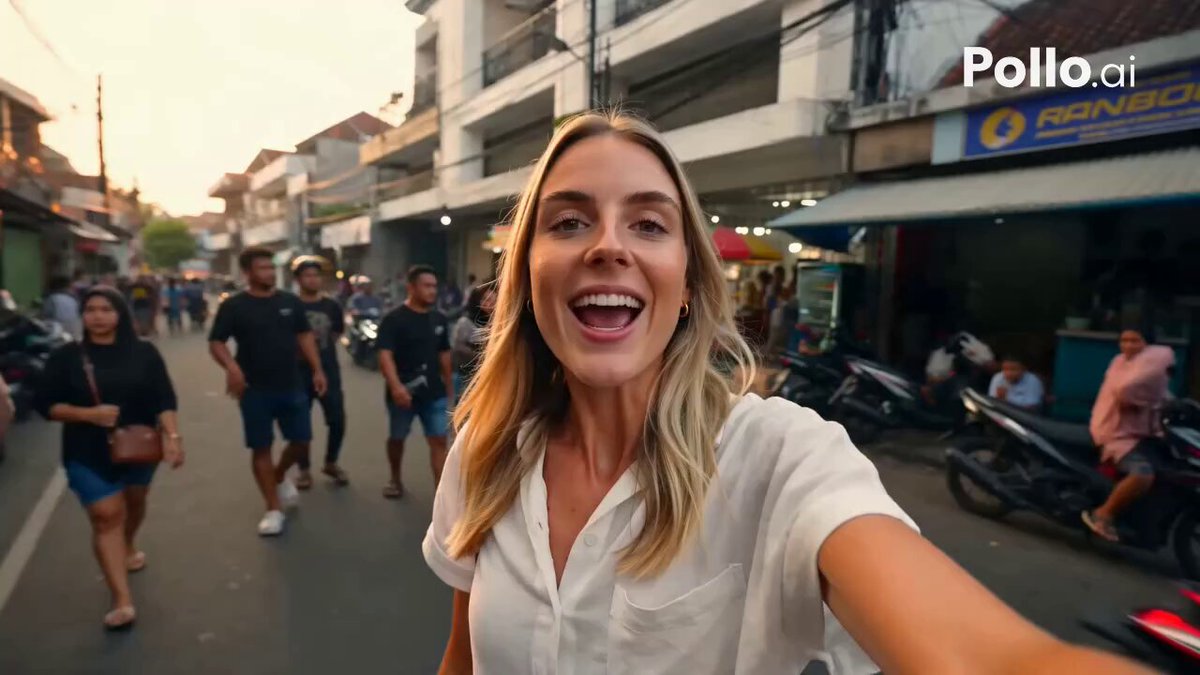
A realistic social media style video prompt showing a travel vlogger at an Asian food stall who freezes in shock just before taking a bite.
Create a realistic 15 second vertical smartphone video inside a busy Asian street food stall. CHARACTER: A stylish young South Asian woman in her mid 20s with warm brown skin, large expressive dark brown eyes, and shoulder-length wavy black hair tied in a loose low ponytail. A few soft strands frame her face. She wears a small gold nose stud, gold hoop earrings, a delicate necklace, an oversized cream T-shirt, colorful handmade bracelets, and several silver rings. She feels like an authentic travel food content creator exploring a local market. SCENE: She stands beside the open service window of a compact street food stall. Behind her are metal counters, bowls, ingredients, green containers, rising cooking steam, and a middle aged female cook preparing food. Small red decorations hang above the window. An old urban building façade is visible outside in daylight. ACTION AND TIMING: 0–3 seconds: Begin with a continuous medium close up. The woman holds a small ceramic plate containing white steamed rice-noodle rolls covered in rich brown sauce. She looks down at the food with curiosity while carefully picking up one messy bite with long black chopsticks. 3–6 seconds: She slowly raises the food toward her mouth. Her expression shows excitement and cautious anticipation. The cook continues working naturally in the background while soft steam drifts through the frame. 6–9 seconds: Just before taking the bite, a sudden metallic clattering sound comes from somewhere off screen. The woman instantly freezes. Her mouth remains open, the food suspended only a few centimeters from her lips. 9–12 seconds: Without moving her head, her widened eyes slowly shift toward the upper right. Her expression changes from anticipation to complete shock and confusion. She does not eat the food. Only subtle breathing and a tiny wrist tremble are visible. 12–15 seconds: Hold on the awkward frozen reaction. The woman remains perfectly still with the chopsticks near her mouth while life continues normally behind her. The cook keeps preparing food and steam gently moves through the stall. End on her wide eyed expression without revealing what frightened her. VISUAL STYLE: Authentic social media travel footage, realistic documentary photography, slightly wide smartphone lens, natural handheld micro shake, chest to eye level camera position, warm daylight, realistic skin texture, detailed food, moderate depth of field, natural colors and believable human movement. One continuous shot with no cuts, transitions, slow motion, dramatic zoom, or camera orbit. AUDIO: Natural food stall ambience, quiet conversations, utensils moving, gentle cooking sounds and sizzling. One sudden off screen metallic clatter at six seconds. No dialogue, narration, or background music.
Create a realistic 15 second vertical smartphone video inside a busy Asian street food stall. CHARACTER: A stylish young South Asian woman in her mid 20s with warm brown skin, large expressive dark brown eyes, and shoulder-length wavy black hair tied in a loose low ponytail. A few soft strands frame her face. She wears a small gold nose stud, gold hoop earrings, a delicate necklace, an oversized cream T-shirt, colorful handmade bracelets, and several silver rings. She feels like an authentic travel food content creator exploring a local market. SCENE: She stands beside the open service window of a compact street food stall. Behind her are metal counters, bowls, ingredients, green containers, rising cooking steam, and a middle aged female cook preparing food. Small red decorations hang above the window. An old urban building façade is visible outside in daylight. ACTION AND TIMING: 0–3 seconds: Begin with a continuous medium close up. The woman holds a small ceramic plate containing white steamed rice-noodle rolls covered in rich brown sauce. She looks down at the food with curiosity while carefully picking up one messy bite with long black chopsticks. 3–6 seconds: She slowly raises the food toward her mouth. Her expression shows excitement and cautious anticipation. The cook continues working naturally in the background while soft steam drifts through the frame. 6–9 seconds: Just before taking the bite, a sudden metallic clattering sound comes from somewhere off screen. The woman instantly freezes. Her mouth remains open, the food suspended only a few centimeters from her lips. 9–12 seconds: Without moving her head, her widened eyes slowly shift toward the upper right. Her expression changes from anticipation to complete shock and confusion. She does not eat the food. Only subtle breathing and a tiny wrist tremble are visible. 12–15 seconds: Hold on the awkward frozen reaction. The woman remains perfectly still with the chopsticks near her mouth while life continues normally behind her. The cook keeps preparing food and steam gently moves through the stall. End on her wide eyed expression without revealing what frightened her. VISUAL STYLE: Authentic social media travel footage, realistic documentary photography, slightly wide smartphone lens, natural handheld micro shake, chest to eye level camera position, warm daylight, realistic skin texture, detailed food, moderate depth of field, natural colors and believable human movement. One continuous shot with no cuts, transitions, slow motion, dramatic zoom, or camera orbit. AUDIO: Natural food stall ambience, quiet conversations, utensils moving, gentle cooking sounds and sizzling. One sudden off screen metallic clatter at six seconds. No dialogue, narration, or background music.
Edit the prompt in the box under the preview — the template's model and format are already selected — and press Generate. Your version appears right on this page.
Yes. You can change the subject, setting, lighting, mood, format, and available model controls before creating your video.
Opening and editing this template is free. Generating uses credits, shown on the Generate button when you are signed in.
Start with Seedance 2.0, which is the model associated with this template. You can compare another compatible model for a different finish.
Follow a topic to a crawlable collection of related PicX Studio templates.