
LEGO Time-Lapse Build Sequence
A detailed multi-shot prompt for creating a time-lapse video of a character assembling a LEGO figurine, focusing on smooth cinematic motion and character consistency.

- Prompt included
- Model and format preset
- Free template
The prompt behind this video
Copy the exact prompt behind LEGO Time-Lapse Build Sequence, or open it in the studio and make it yours.
FORMAT: 15s / MULTI-SHOT / TIME-LAPSE BUILD SEQUENCE STYLE: Bright, playful 3D animation, soft global illumination, vibrant colors, smooth cinematic motion, childlike warmth ⸻ CHARACTER SETUP: •@img1 = main character (MUST remain EXACTLY as reference: no mouth, no nose, same mask, same proportions, same outfit, no alterations) •@img2 = LEGO-style figurine model inspiration (final build result) ⸻ SCENE 1 (0s–3s) – ESTABLISHING Full room view, warm sunlight pouring through a window onto a clean desk. @img1 sits at the desk, posture slightly leaned forward, focused and calm. LEGO pieces scattered across the table. Camera: slow cinematic push-in. Mood: peaceful, creative, bright daytime energy. ⸻ SCENE 2 (3s–6s) – TIME-LAPSE START Time-lapse begins. @img1 rapidly assembles LEGO bricks with precise, smooth hand movements. Blocks snap together quickly, forming the base structure. Camera: quick angle cuts (front → side → over-the-shoulder). Lighting remains soft and sunlit. ⸻ SCENE 3 (6s–9s) – HAND DETAIL Close-up on hands. Fingers nimbly snapping LEGO pieces together with satisfying motion. Bricks begin to resemble @img2’s form. Camera tracks hand movement smoothly, shallow depth of field. ⸻ SCENE 4 (9s–12s) – BUILD PROGRESSION Time-lapse intensifies. The LEGO creation rapidly evolves into a clear version of @img2. @img1’s body language shows focus shifting into excitement (head tilt, subtle posture lift — NO facial change since no mouth). Camera: orbiting slow motion mixed with time-lapse. ⸻ SCENE 5 (12s–15s) – FINAL REVEAL Time-lapse ends. @img1 pauses, looks down at the finished LEGO figure (matching @img2). Subtle head lift to acknowledge completion (no smile, expression conveyed through posture only). Camera pulls back to wide shot, sunlight glowing over the desk. Final frame: completed LEGO figure centered in view. ⸻ ⚠️ STRICT CHARACTER RULES •DO NOT add a mouth or nose to @img1 •DO NOT change head shape, mask, or textures •DO NOT stylize @img1 into LEGO form •Keep @img1 fully consistent with reference image at all times
How to use LEGO Time-Lapse Build Sequence in 3 steps
- 1Upload ImagePNG, JPG or paste
Add your photo
Upload the photo the template builds on. The prompt, model and format are already set.
- 2…a portrait of your subject in softgolden-hour light, 85mm…
Personalize
Edit the subject and creative details for your destination.
- 3Generate
Generate
Press Generate — your video is created in PicX Studio, so you can compare it with the original and refine one variable at a time.
More like this
Templates with the same subject, style or setup. Open one to see its prompt.
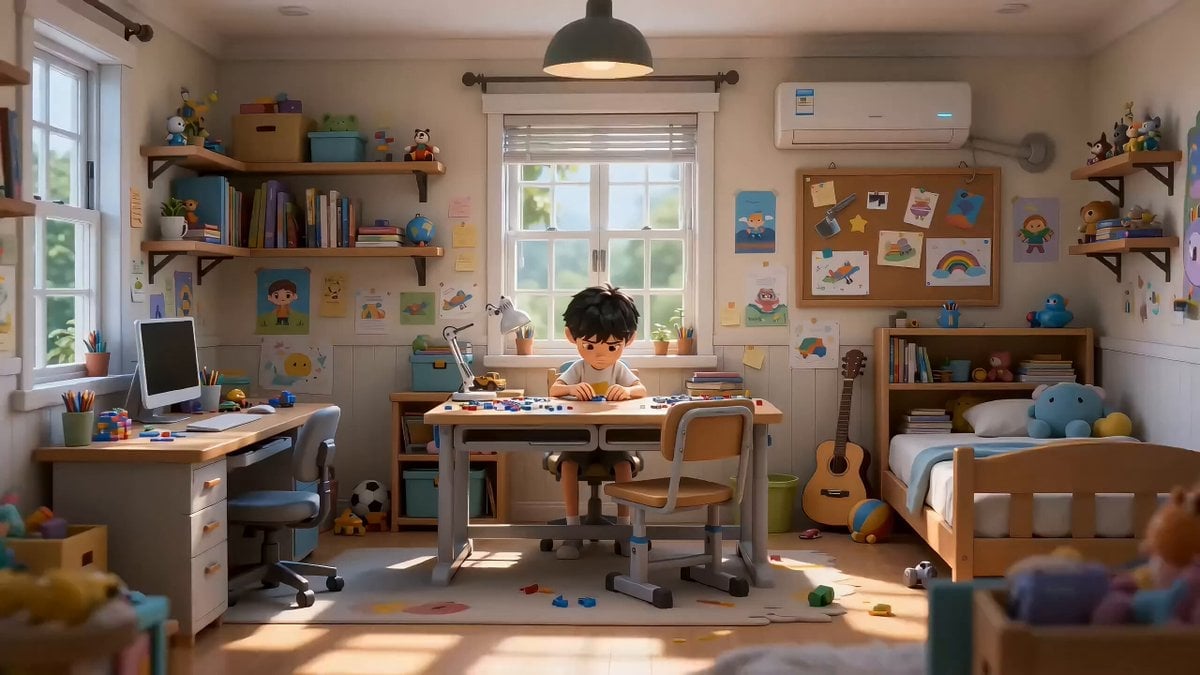
Lego Assembly Time-Lapse Animation
Civilization Timelapse — Centuries in One Shot
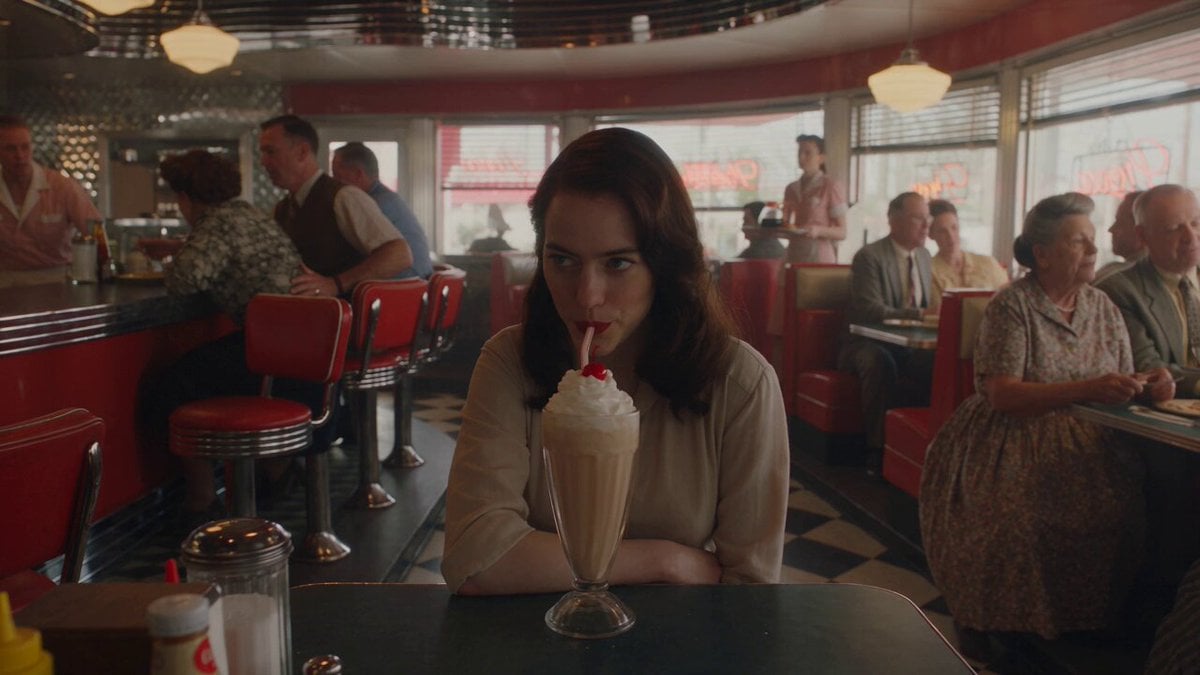
1950s Diner Time Freeze Rewind - Seedance 2.5

Korean Night Market Bullet-Time Scene - Seedance 2.5
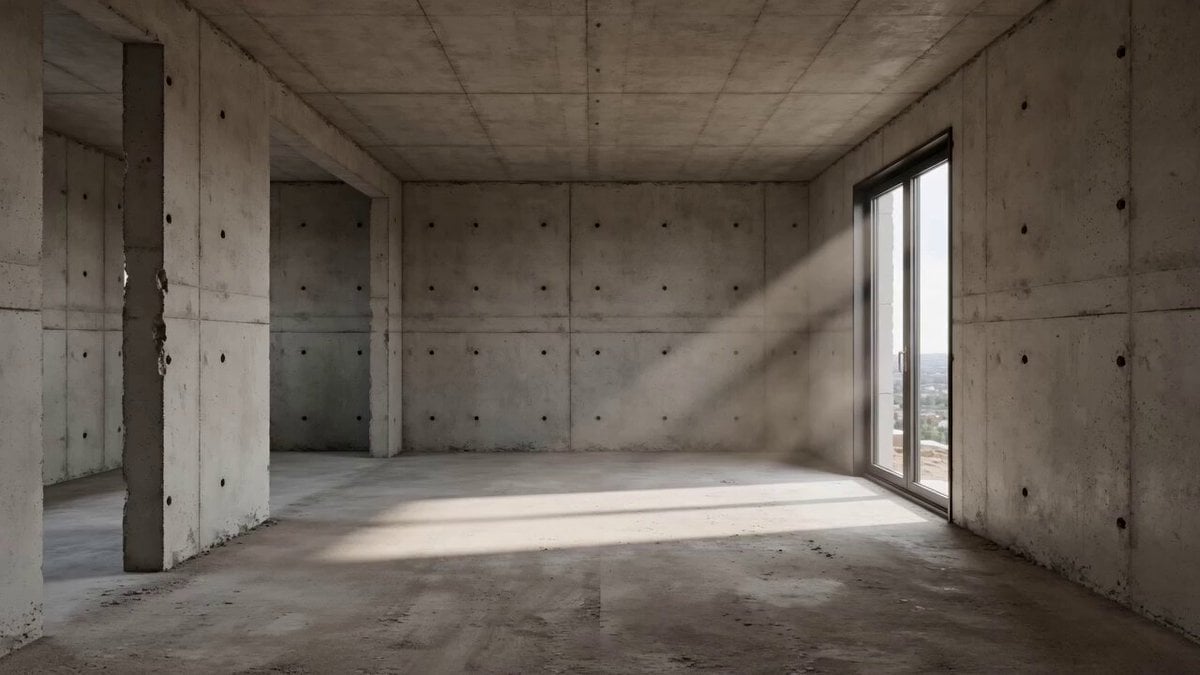
Architectural Space Renovation Timelapse
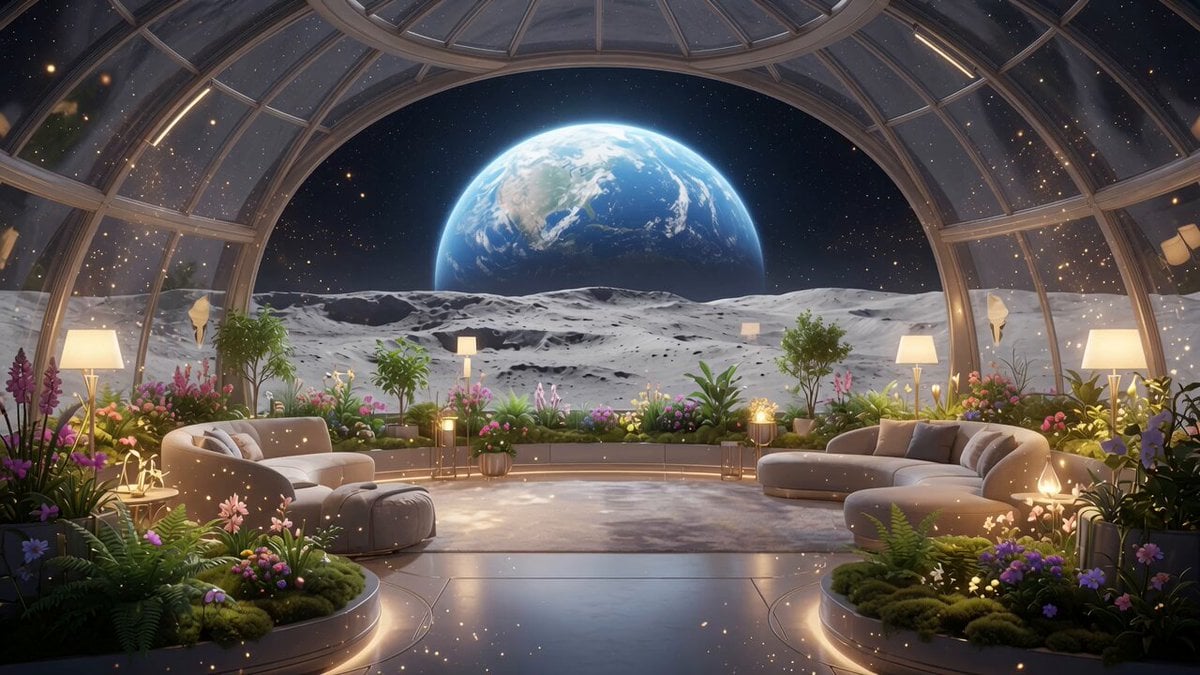
Lunar Home Time-Lapse
Construction Time-Lapse Animation
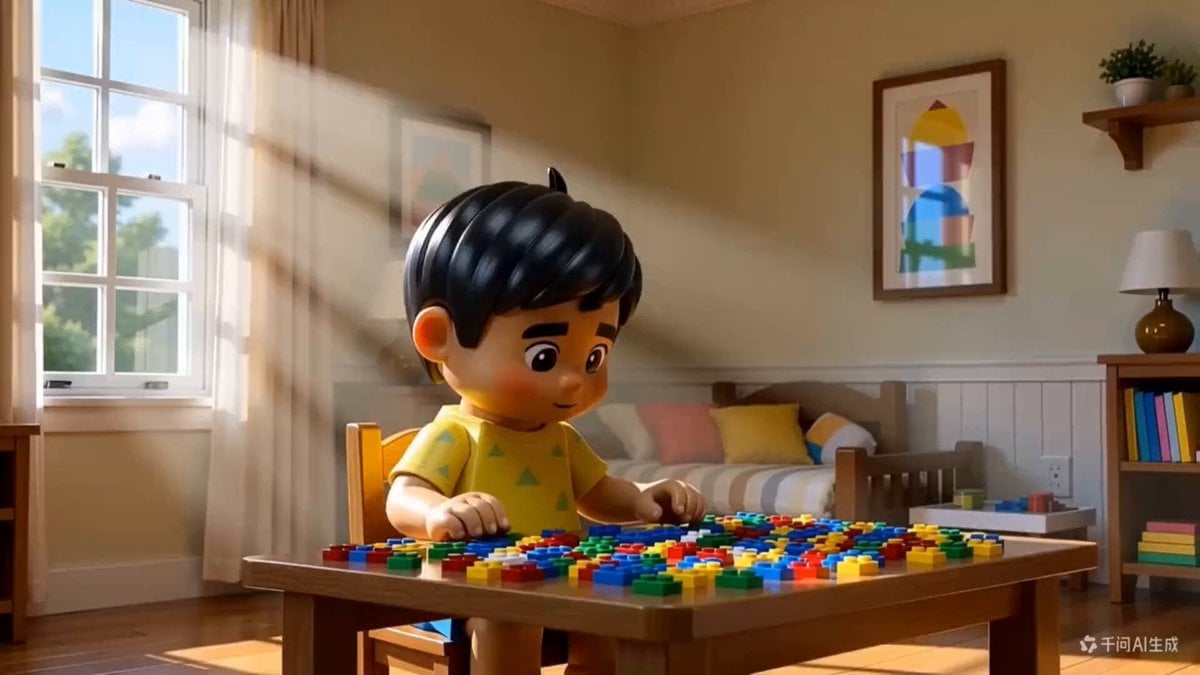
3D Animated Boy Building Lego

Desert to Oasis Time-lapse
Ancient Oak Tree Seasonal Orbit Time-Lapse

Time-lapse of black cherry sunflowers growing
Grok Imagine prompt for construction time-lapse
Make it yours
LEGO Time-Lapse Build Sequence works as-is. These are the safest ways to change it without losing the look.
Change one field
Copy a single group, rewrite it, and generate again so you can see what that field is doing.
Keep the frame, change the subject
Hold the composition and light of LEGO Time-Lapse Build Sequence, then swap wardrobe, props or the person for a new take.
| If the result… | Why | Fix |
|---|---|---|
| The result drifts from the preview | Too many fields changed at once. | Reuse LEGO Time-Lapse Build Sequence as-is first, then change one group — subject, light, or setting. |
| The model over-stylizes the scene | The prose prompt leaves finish and camera underspecified. | Add one camera or lighting sentence and stay on Seedance 2.0. |
More Seedance 2.0 templates
Other prompts made for Seedance 2.0.

Comical Martial Arts Punch Scene

Maglev Train Action Sequence

Martial Arts Fight Sequence

Wuxia Protection and Trust Script

Vintage Korean Arcade MiniDV Vlog

Mercedes 190 SL Luxury Ad

Rainy Night Supernatural Reverse Comedy Video Script

Amazon Civilization Discovery

Futuristic South Asian City Transformation

Cozy Luxury Cafe Commercial
More video prompts
Fresh picks from across the catalog.
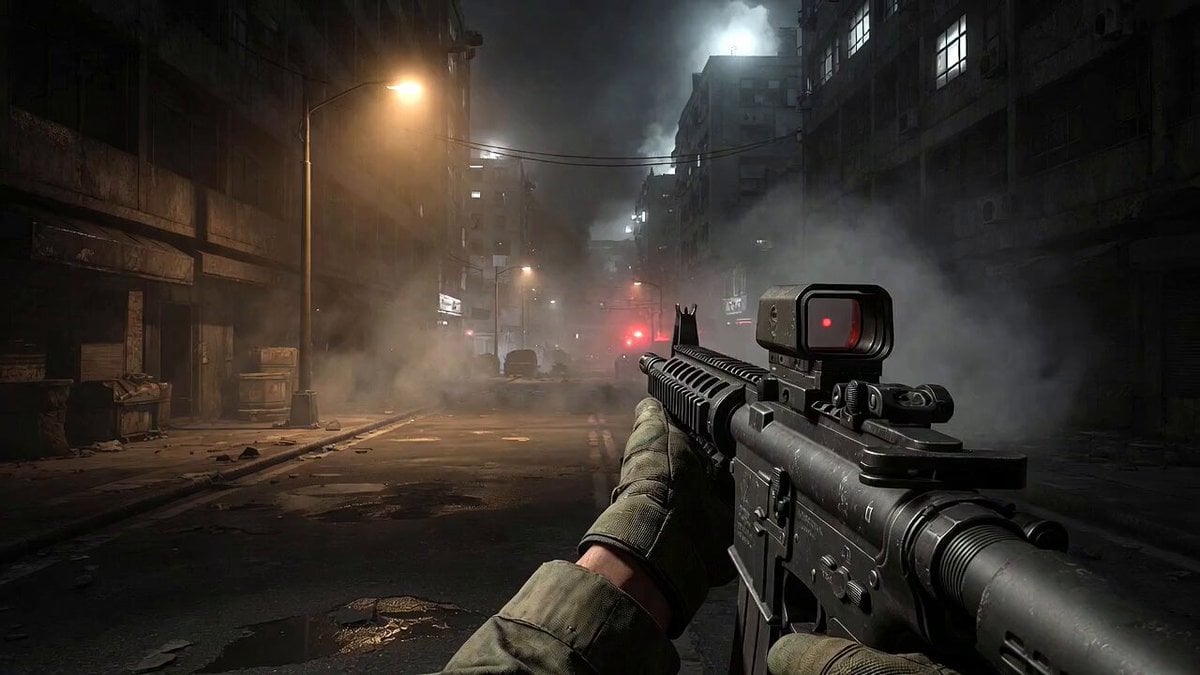
Call of Duty FPS Gameplay

FPV Fantasy Port City Airship
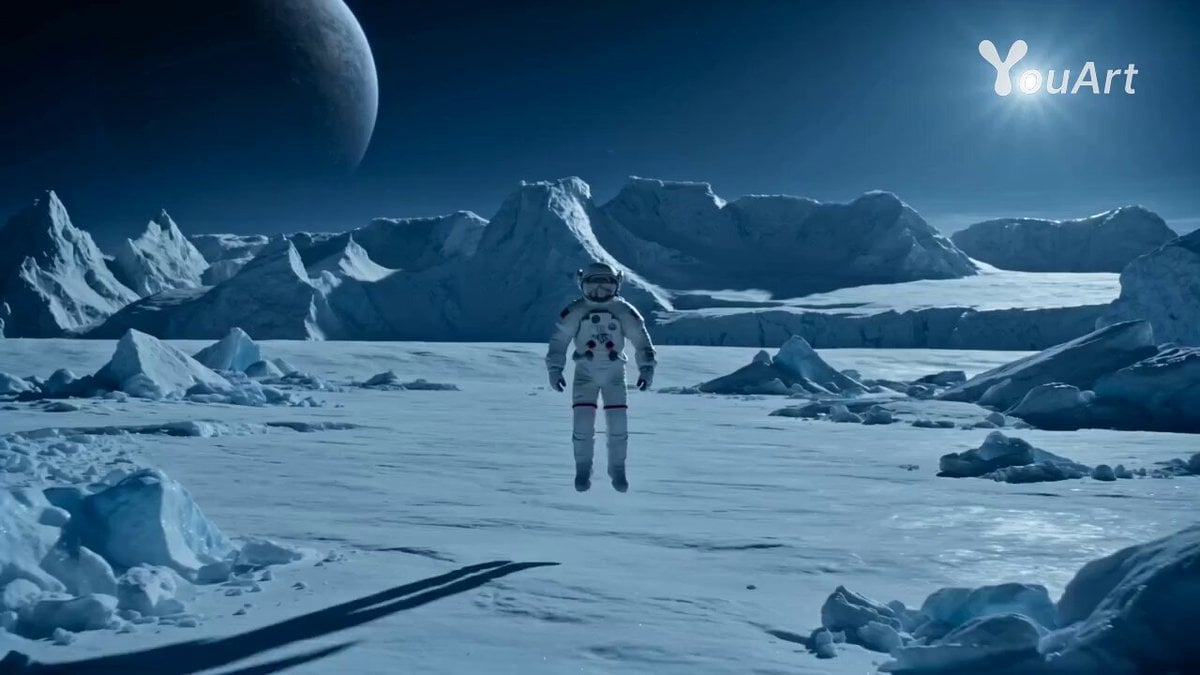
Astronaut Transforms into Ice-Adapted Humanoid on Frozen Exoplanet
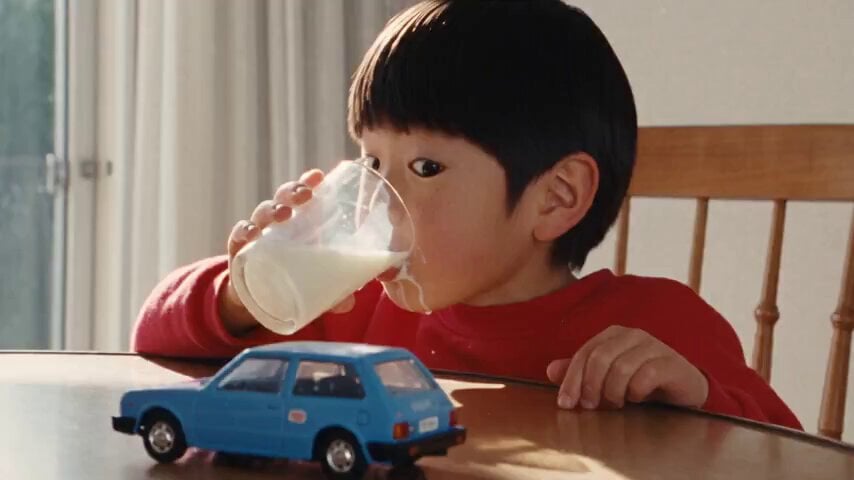
1990s Hi8 Home Video Boy
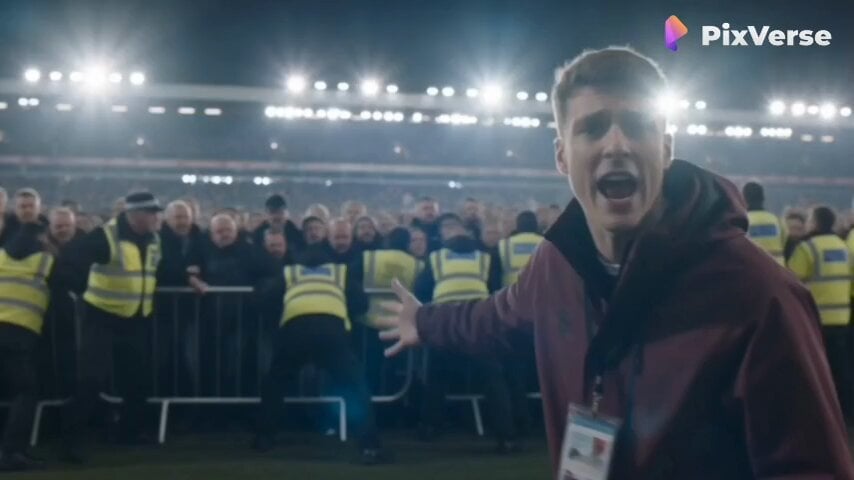
Live Sports News Crowd Surge Report
High-Octane Action Image-to-Video Prompt
Surreal Rooftop Fall Abyss

Impressionist Painting with Time Span

Funny Badass Garuda Mascot for Football

LLM Prompting Instructions for Formatting and Immersion
Browse template categories
LEGO Time-Lapse Build Sequence questions
How do I use the LEGO Time-Lapse Build Sequence template?
Add your photo if the template asks for one, edit the prompt if you like — the template's model and format are already selected — and press Generate. Your version opens in PicX Studio.
Can I customize the LEGO Time-Lapse Build Sequence template?
Yes. You can change the subject, setting, lighting, mood, format, and available model controls before creating your video.
Is the LEGO Time-Lapse Build Sequence template free?
Opening and editing this template is free. Generating uses credits, shown on the Generate button when you are signed in.
Which AI model should I use?
Start with Seedance 2.0, which is the model associated with this template. You can compare another compatible model for a different finish.
Looking for something else? Browse all templates.

Your photo, any look
Thousands of ready templates for every top image and video model, from one credit balance.