How do I use the Construction Time-Lapse Animation template?
Edit the prompt in the box under the preview — the template's model and format are already selected — and press Generate. Your version appears right on this page.
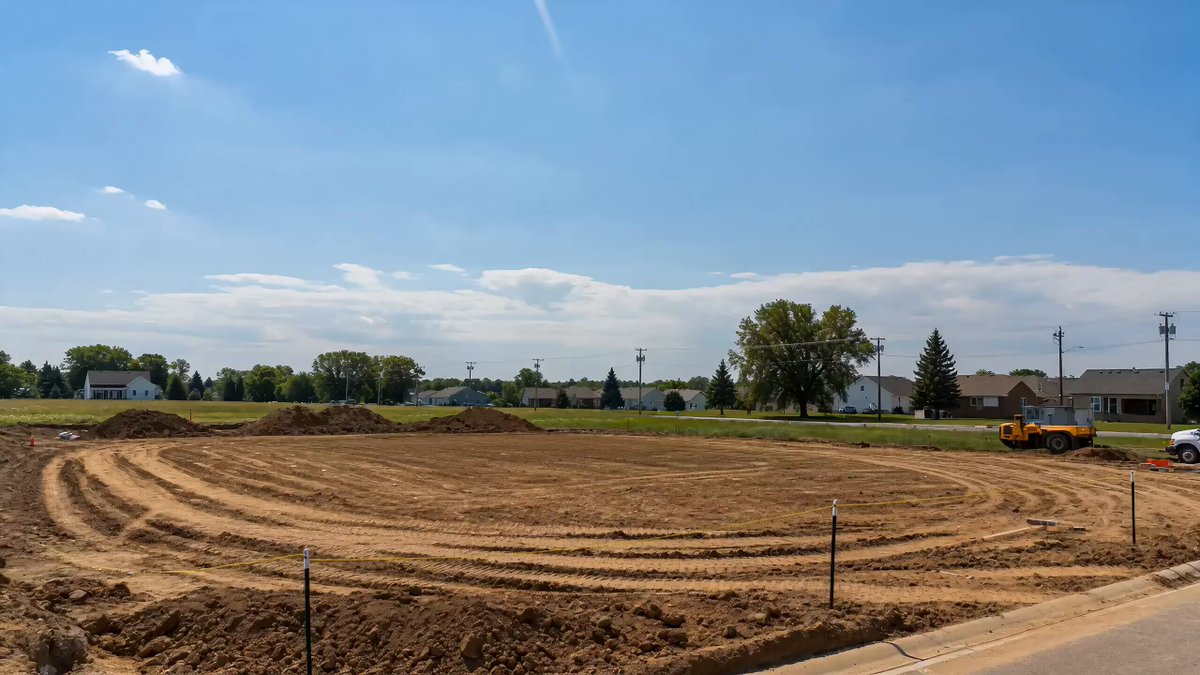
A cinematic CGI time-lapse prompt showing the rapid construction of a modern townhouse complex from foundation to completion.
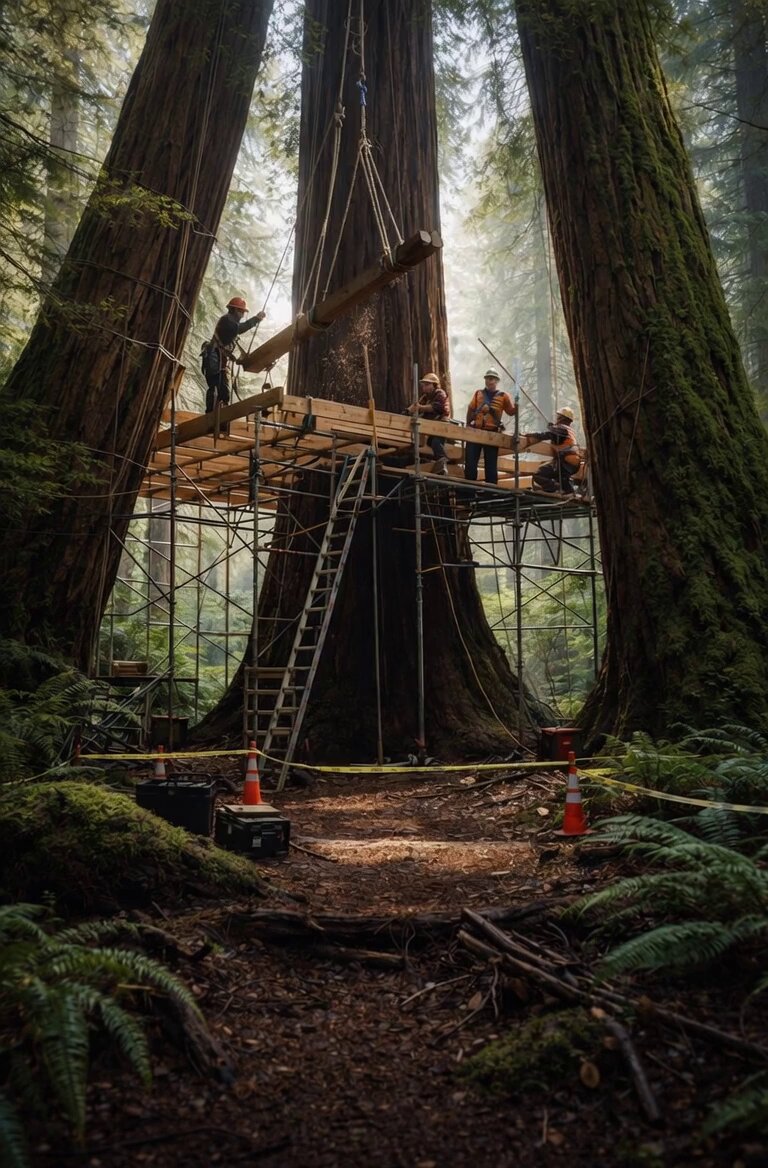
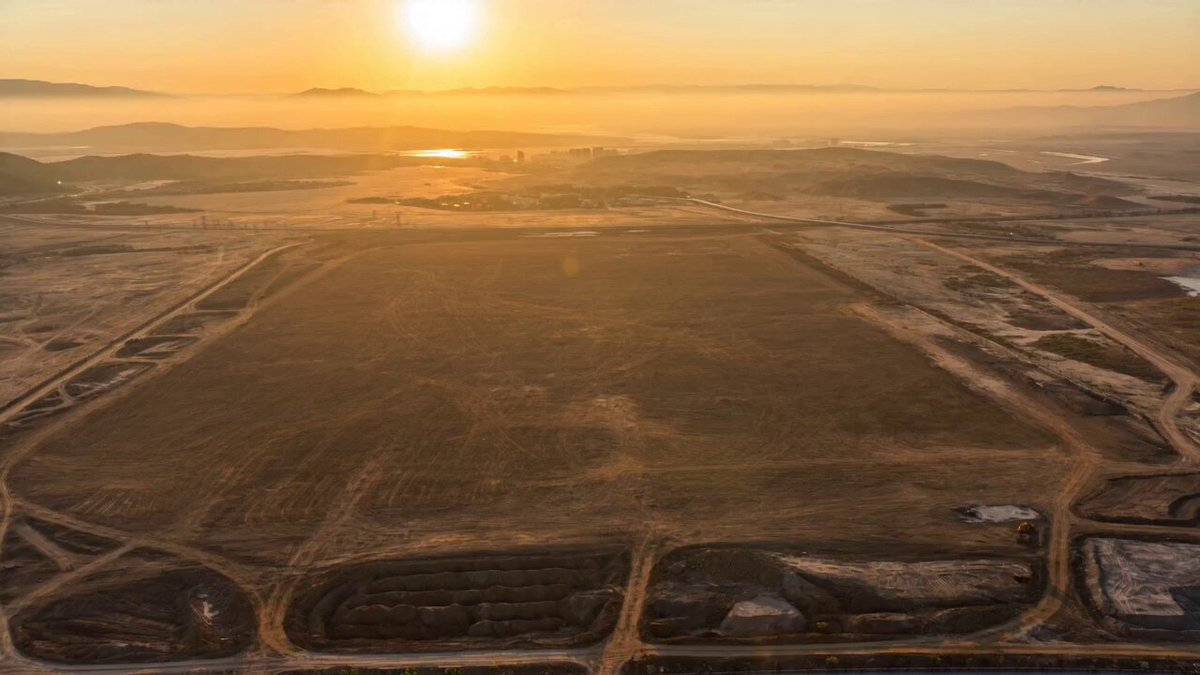
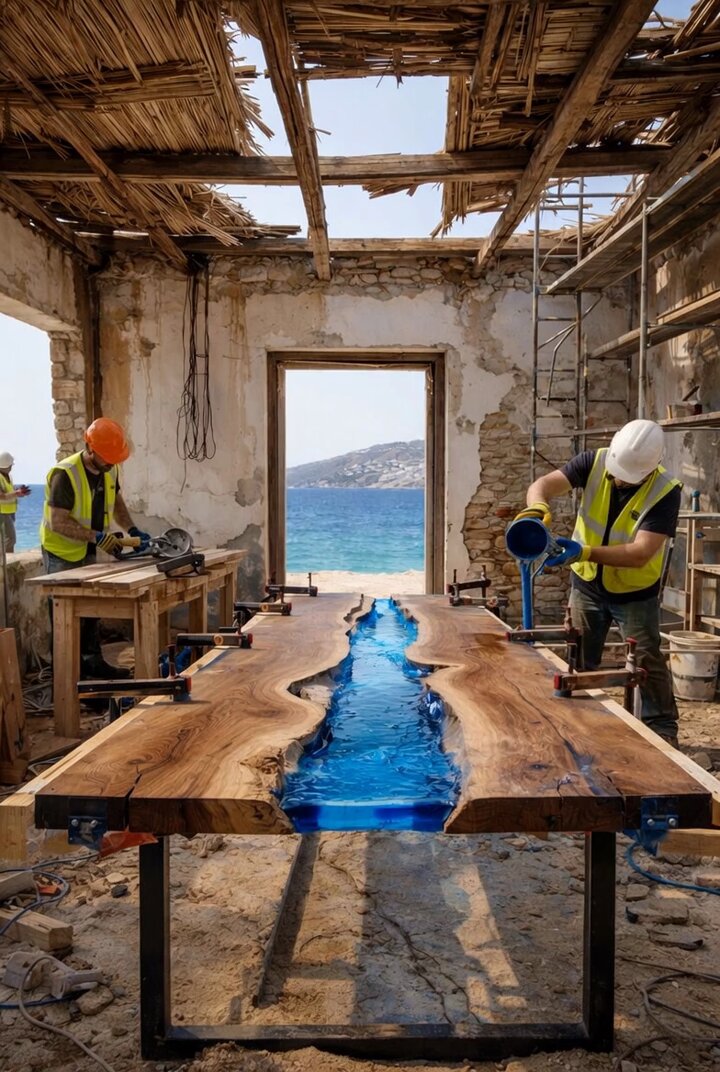
Create a cinematic 3D CGI time-lapse animation of a modern two-story townhouse complex being built from an empty dirt lot into a fully completed residential neighborhood. Show foundations, concrete columns, steel frames, walls, roof panels, windows, balconies, glass elements, wood accents, exterior paint, fences, and gates assembling rapidly with smooth transitions. Include scaffolding, fast-moving construction workers, paved driveways, green landscaping, and trees appearing in the final stage. Use realistic lighting, sunny skies, dynamic camera movements, high-detail architectural visualization, and an upbeat, energetic atmosphere with seamless construction effects in ultra-realistic 4K quality.
Create a cinematic 3D CGI time-lapse animation of a modern two-story townhouse complex being built from an empty dirt lot into a fully completed residential neighborhood. Show foundations, concrete columns, steel frames, walls, roof panels, windows, balconies, glass elements, wood accents, exterior paint, fences, and gates assembling rapidly with smooth transitions. Include scaffolding, fast-moving construction workers, paved driveways, green landscaping, and trees appearing in the final stage. Use realistic lighting, sunny skies, dynamic camera movements, high-detail architectural visualization, and an upbeat, energetic atmosphere with seamless construction effects in ultra-realistic 4K quality.
Edit the prompt in the box under the preview — the template's model and format are already selected — and press Generate. Your version appears right on this page.
Yes. You can change the subject, setting, lighting, mood, format, and available model controls before creating your video.
Opening and editing this template is free. Generating uses credits, shown on the Generate button when you are signed in.
Start with Seedance 2.0, which is the model associated with this template. You can compare another compatible model for a different finish.
Follow a topic to a crawlable collection of related PicX Studio templates.