
Stadium Construction Blueprint Timelapse
A complex 15-second timelapse prompt that transforms a 2D architectural blueprint into a fully completed photorealistic stadium.
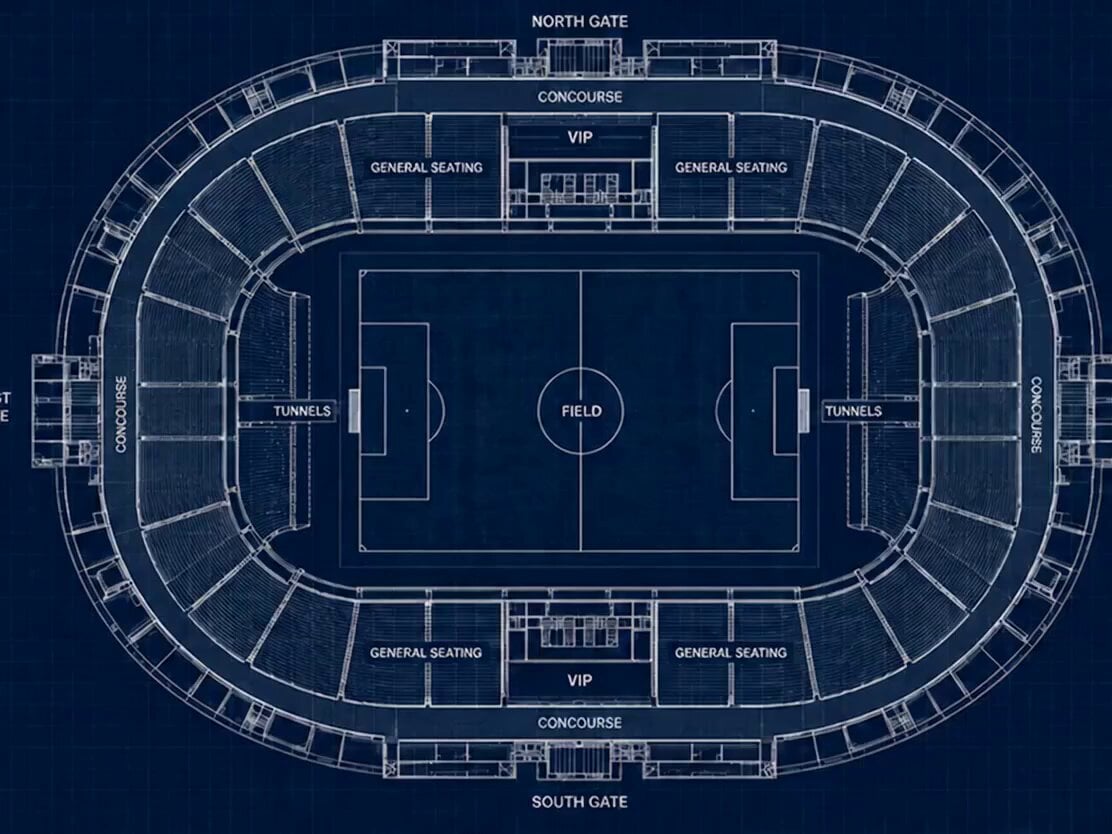
- Prompt included
- Model and format preset
- Free template
The prompt behind this video
Copy the exact prompt behind Stadium Construction Blueprint Timelapse, or open it in the studio and make it yours.
15-second cinematic construction timelapse. The video begins with the exact stadium blueprint shown in the reference image: top-down architectural blueprint on a dark blue drafting grid, white technical linework, labeled gates, seating sections, tunnels, VIP areas, and field markings. Camera remains centered above the stadium throughout the entire sequence. 00:00–00:02 The blueprint glows softly. Technical lines brighten. Construction guides, measurement marks, and drafting details animate across the plan. The blueprint begins transforming into a three-dimensional wireframe structure. 00:02–00:04 The stadium walls rise vertically from the blueprint lines. Structural beams, support columns, concourses, tunnels, and seating bowls emerge precisely according to the blueprint. Smooth architectural growth, no destruction effects. 00:04–00:06 The wireframe evolves into a realistic unfinished stadium. Concrete foundations form. Steel frameworks expand around the perimeter. Seating sections appear layer by layer. Cranes and construction activity move rapidly in timelapse. 00:06–00:08 The stadium rapidly develops. Upper decks, VIP sections, tunnels, stairways, roof supports, entrances, and exterior facades assemble. All geometry remains perfectly consistent with the original blueprint layout. 00:08–00:10 Thousands of seats populate the stands. The pitch surface appears. Grass grows across the field in accelerated timelapse. Exterior roads, plazas, and landscaping begin taking shape. 00:10–00:12 Construction reaches completion. Roof structures lock into place. Lighting systems appear. Trees and surrounding walkways develop. The blueprint aesthetic completely disappears. 00:12–00:14 The stadium becomes fully photorealistic and matches the final reference image exactly. Crowd fills the seats. The field is pristine. The architecture, gates, tunnels, seating layout, and proportions remain perfectly faithful to the blueprint. 00:14–00:15 Final hero shot. The completed stadium stands in full daylight from the same overhead angle as the reference image. The camera slowly pushes in. Crowd atmosphere visible. The finished stadium fills the frame. Requirements: - Perfect blueprint-to-reality transformation - Exact architectural consistency throughout - No changes to stadium layout - Camera remains overhead and centered - Smooth continuous timelapse - Realistic construction progression - Photorealistic final stadium - No cuts, no scene changes - Cinematic lighting evolution - High detail construction animation - End frame matches the final stadium reference image Audio: Construction ambience only. Distant machinery. Metal assembly sounds. Crowd ambience gradually fades in near completion. No music.
How to use Stadium Construction Blueprint Timelapse in 3 steps
- 1Upload ImagePNG, JPG or paste
Add your photo
Upload the photo the template builds on. The prompt, model and format are already set.
- 2…a portrait of your subject in softgolden-hour light, 85mm…
Personalize
Edit the subject and creative details for your destination.
- 3Generate
Generate
Press Generate — your video is created in PicX Studio, so you can compare it with the original and refine one variable at a time.
More like this
Templates with the same subject, style or setup. Open one to see its prompt.
City Timelapse Growth — Seedance 2.0
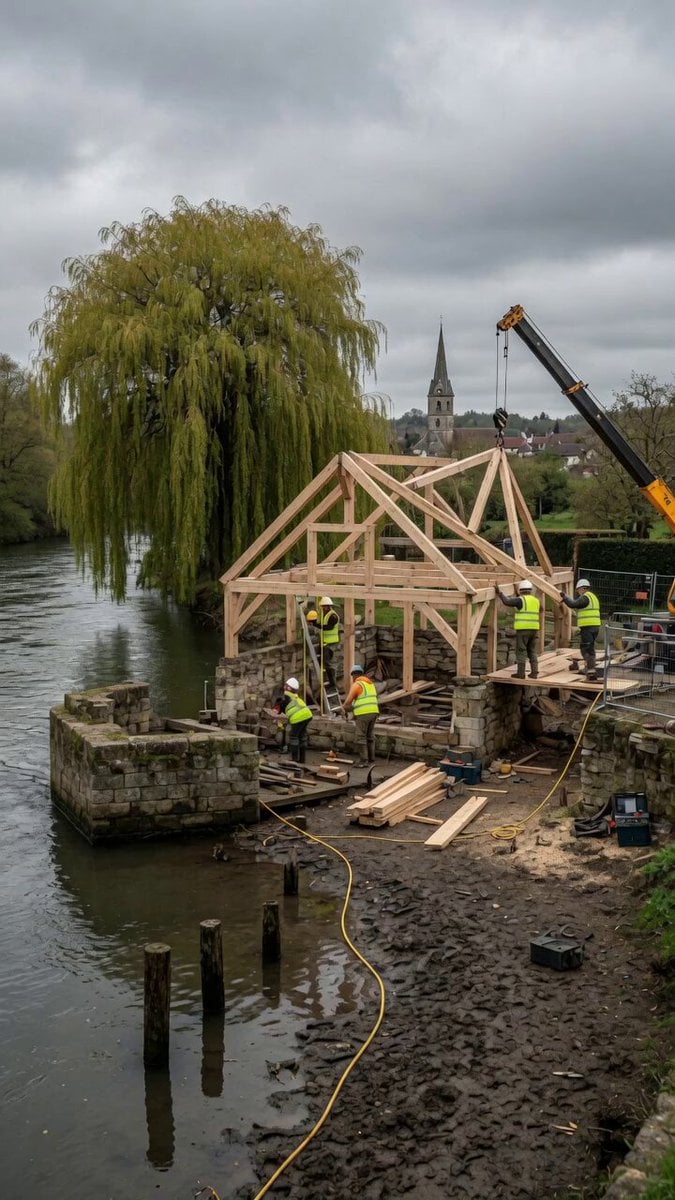
Construction Timelapse with Scene Lock
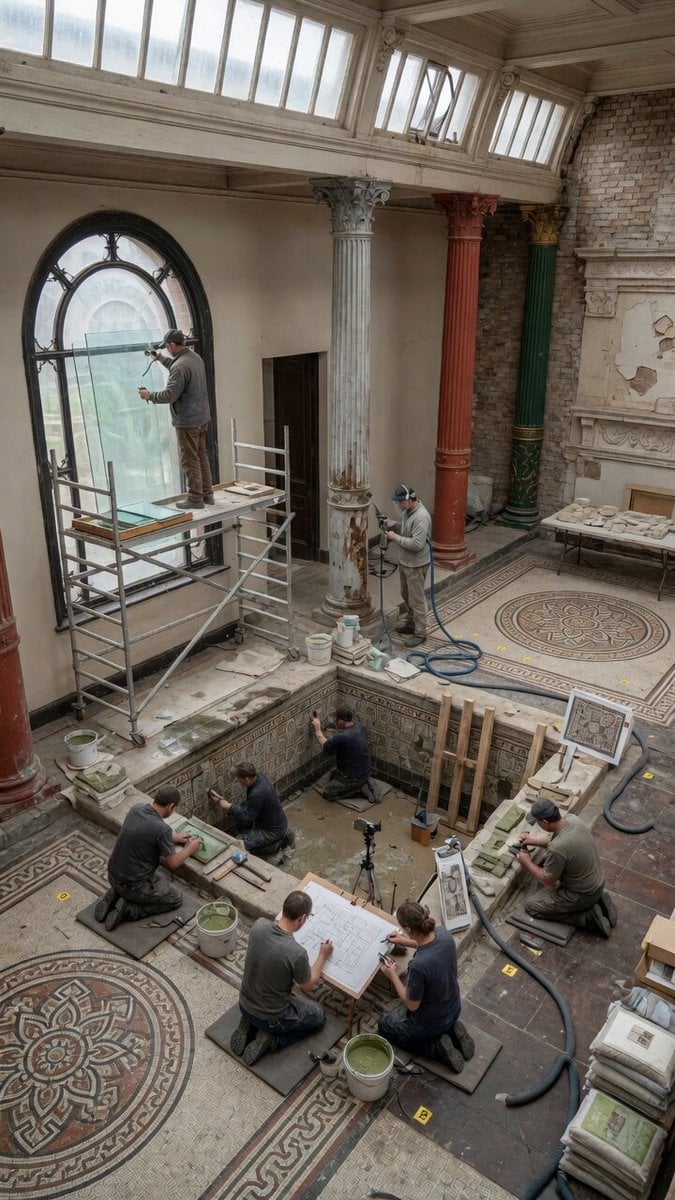
Static Gallery Reconstruction Timelapse
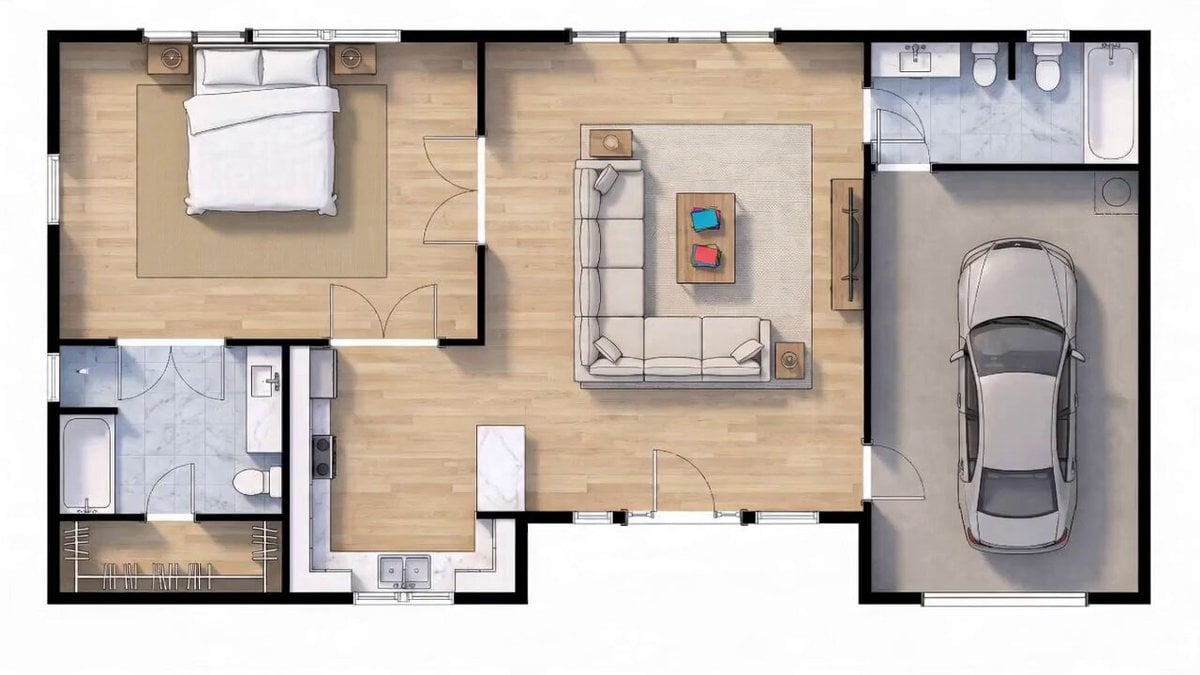
Blueprint to House Timelapse Transformation
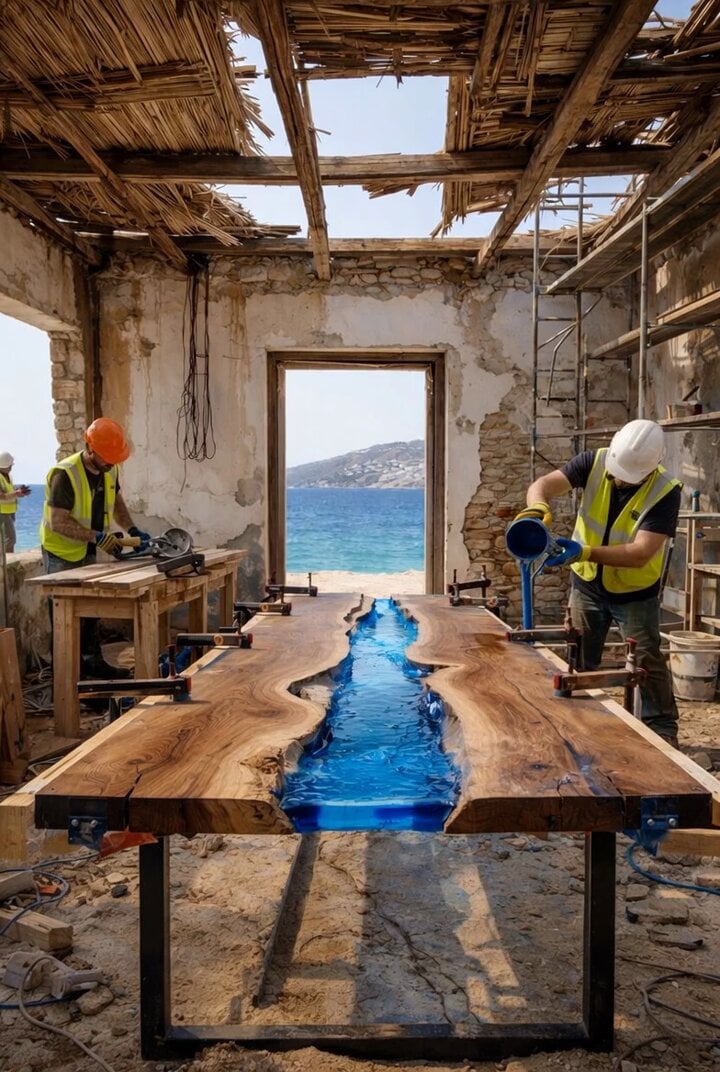
Construction and Fabrication Timelapse Prompt
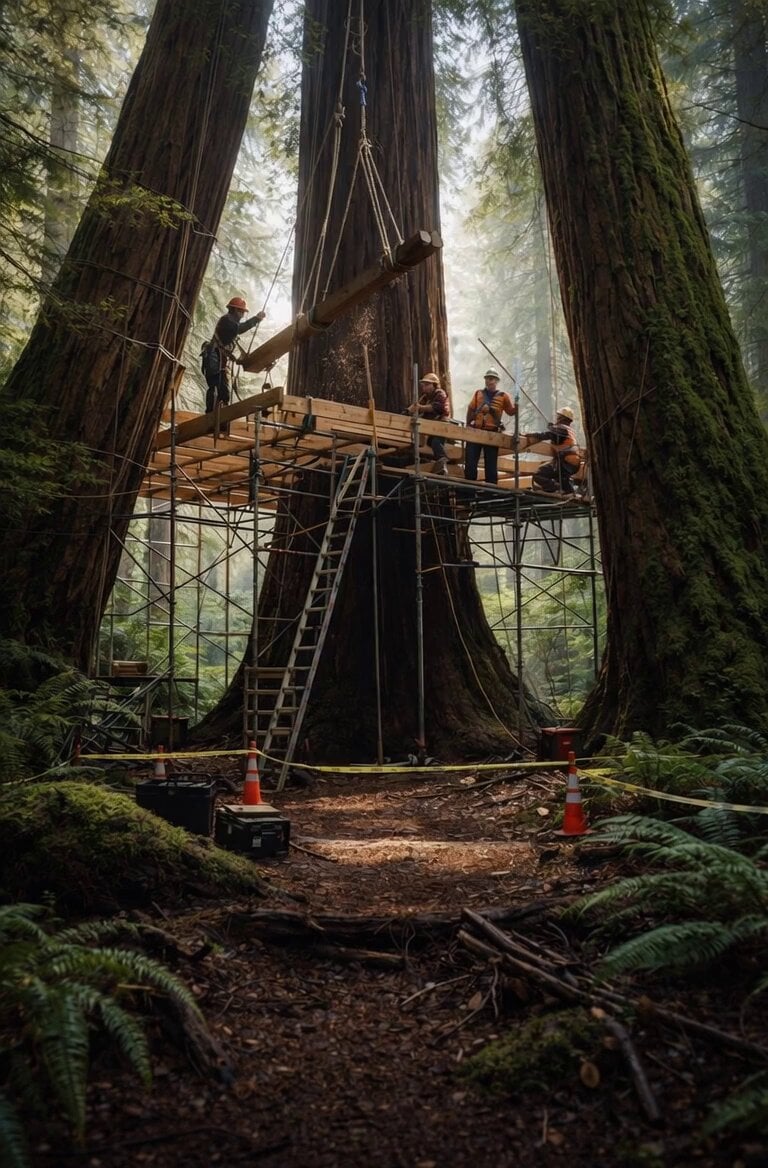
Redwood Construction Timelapse
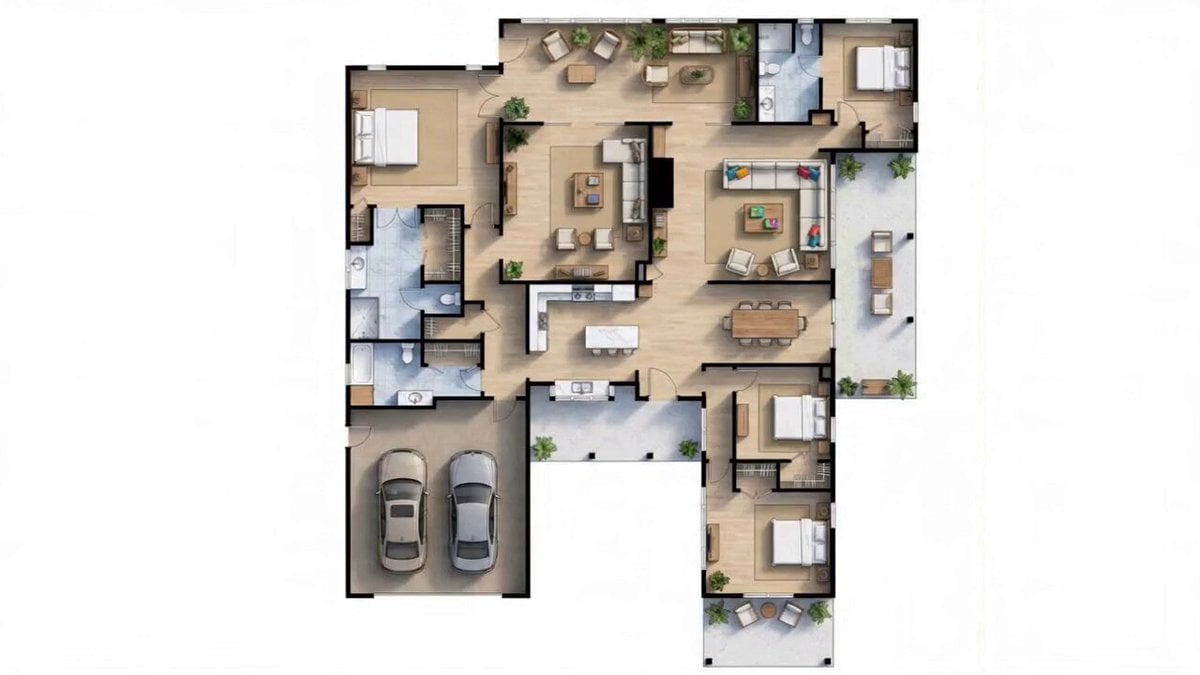
Detailed Blueprint-to-House Timelapse Prompt
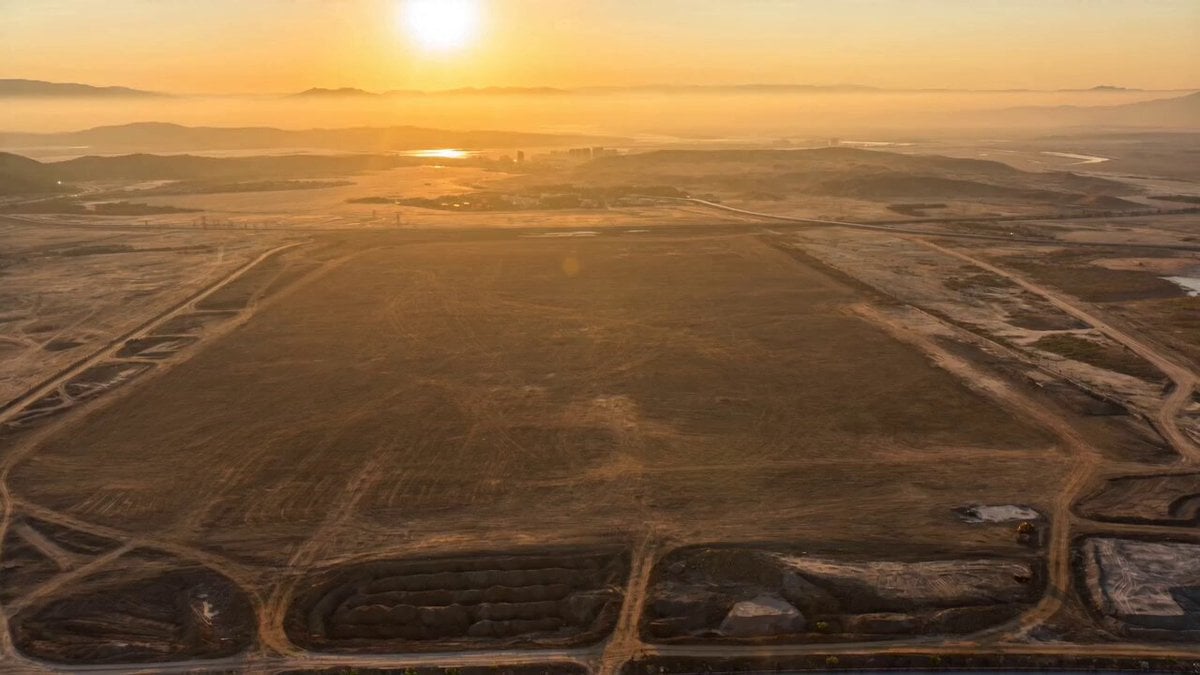
Plot to Megacity Construction Timelapse
Civilization Timelapse — Centuries in One Shot
Architectural Space Renovation Timelapse
Market Restoration Crane-Up Timelapse
Floating Islands Timelapse Concept
Make it yours
Stadium Construction Blueprint Timelapse works as-is. These are the safest ways to change it without losing the look.
Change one field
Copy a single group, rewrite it, and generate again so you can see what that field is doing.
Keep the frame, change the subject
Hold the composition and light of Stadium Construction Blueprint Timelapse, then swap wardrobe, props or the person for a new take.
| If the result… | Why | Fix |
|---|---|---|
| The result drifts from the preview | Too many fields changed at once. | Reuse Stadium Construction Blueprint Timelapse as-is first, then change one group — subject, light, or setting. |
| The model over-stylizes the scene | The prose prompt leaves finish and camera underspecified. | Add one camera or lighting sentence and stay on Seedance 2.0. |
More Seedance 2.0 templates
Other prompts made for Seedance 2.0.

Comical Martial Arts Punch Scene

Maglev Train Action Sequence

Martial Arts Fight Sequence

Wuxia Protection and Trust Script

Vintage Korean Arcade MiniDV Vlog

Mercedes 190 SL Luxury Ad

Rainy Night Supernatural Reverse Comedy Video Script

Amazon Civilization Discovery

Futuristic South Asian City Transformation

Cozy Luxury Cafe Commercial
More video prompts
Fresh picks from across the catalog.
Miniature Tiny Person Parkour
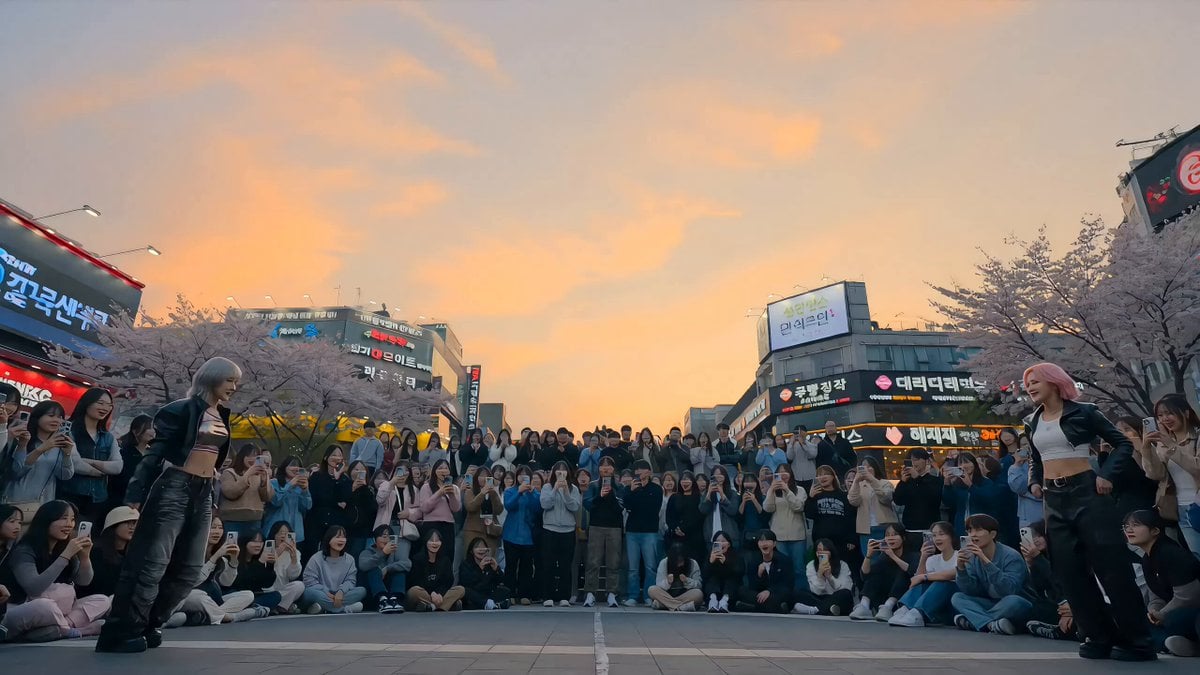
K-Pop Plaza Dance Battle
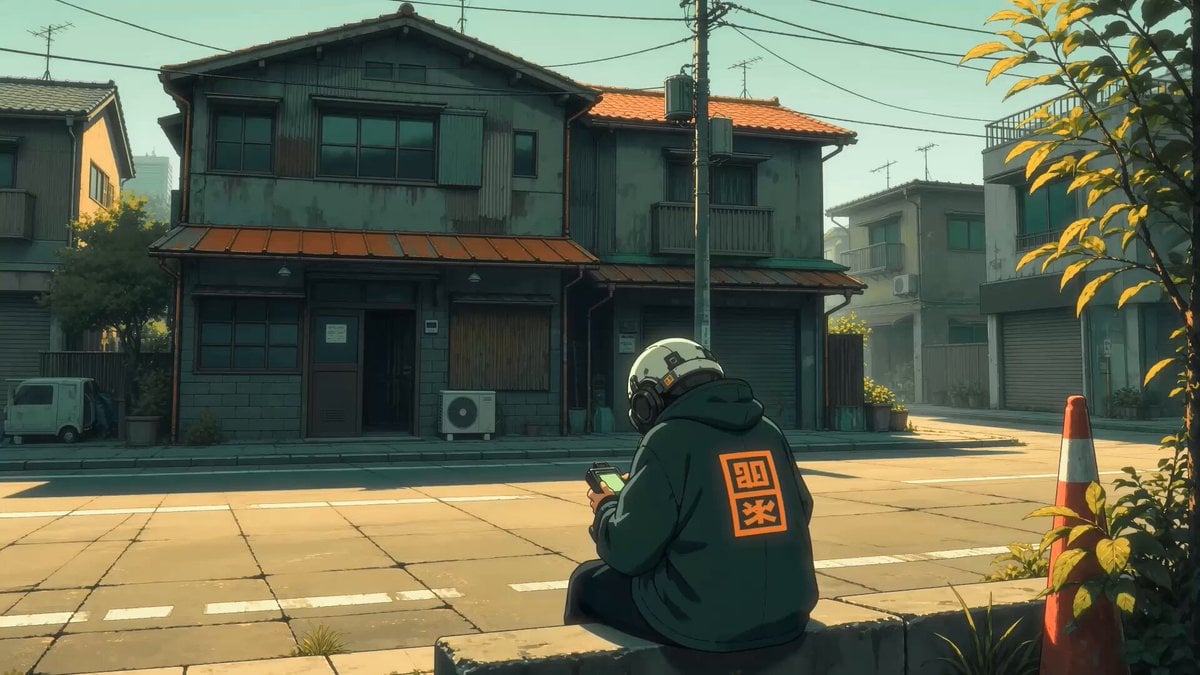
Dystopian Monster Encounter

Motivational/secretive phrase prompt

Live-Action Firefighter Rescue Night Scene
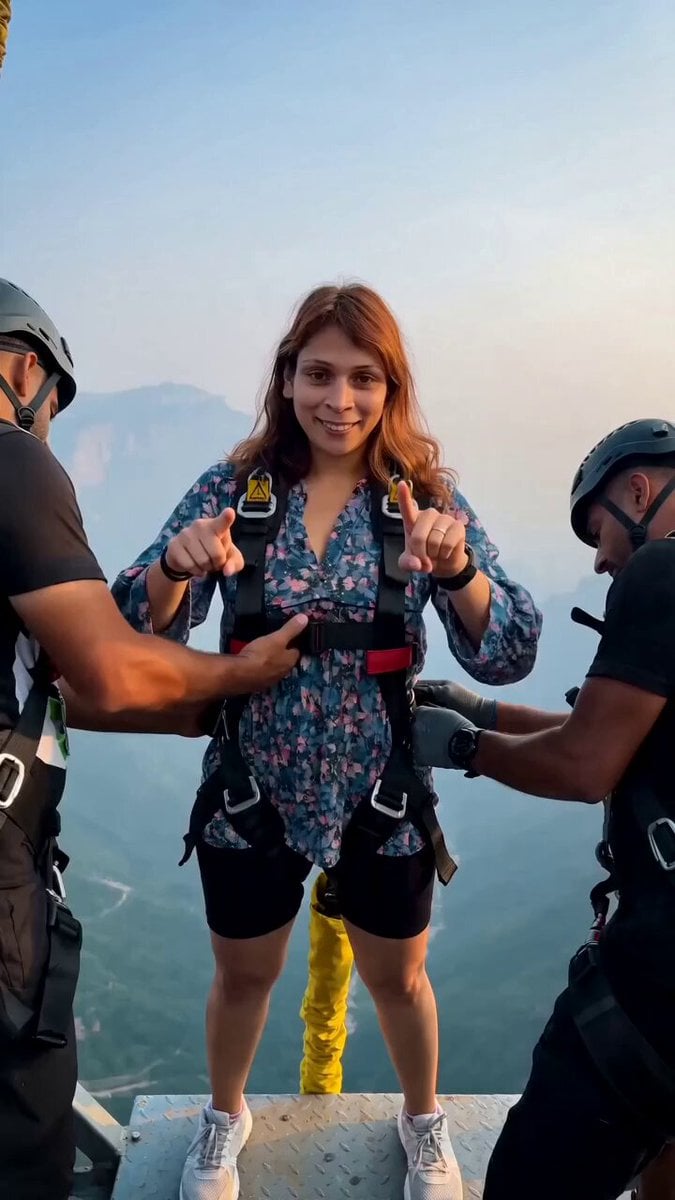
Cinematic Bungee Jump Action Video

Strictly Controlled Japanese Samurai Ink Illustration Prompt

Dialogue-Driven Realistic Scene with Ambient Sound Video

Ancient Kingdom of Urartu FPV

Realistic Cinematic Skydiving Scene
Browse template categories
Stadium Construction Blueprint Timelapse questions
How do I use the Stadium Construction Blueprint Timelapse template?
Add your photo if the template asks for one, edit the prompt if you like — the template's model and format are already selected — and press Generate. Your version opens in PicX Studio.
Can I customize the Stadium Construction Blueprint Timelapse template?
Yes. You can change the subject, setting, lighting, mood, format, and available model controls before creating your video.
Is the Stadium Construction Blueprint Timelapse template free?
Opening and editing this template is free. Generating uses credits, shown on the Generate button when you are signed in.
Which AI model should I use?
Start with Seedance 2.0, which is the model associated with this template. You can compare another compatible model for a different finish.
Looking for something else? Browse all templates.

Your photo, any look
Thousands of ready templates for every top image and video model, from one credit balance.