How do I use the Miniature Tiny Person Parkour template?
Edit the prompt in the box under the preview — the template's model and format are already selected — and press Generate. Your version appears right on this page.
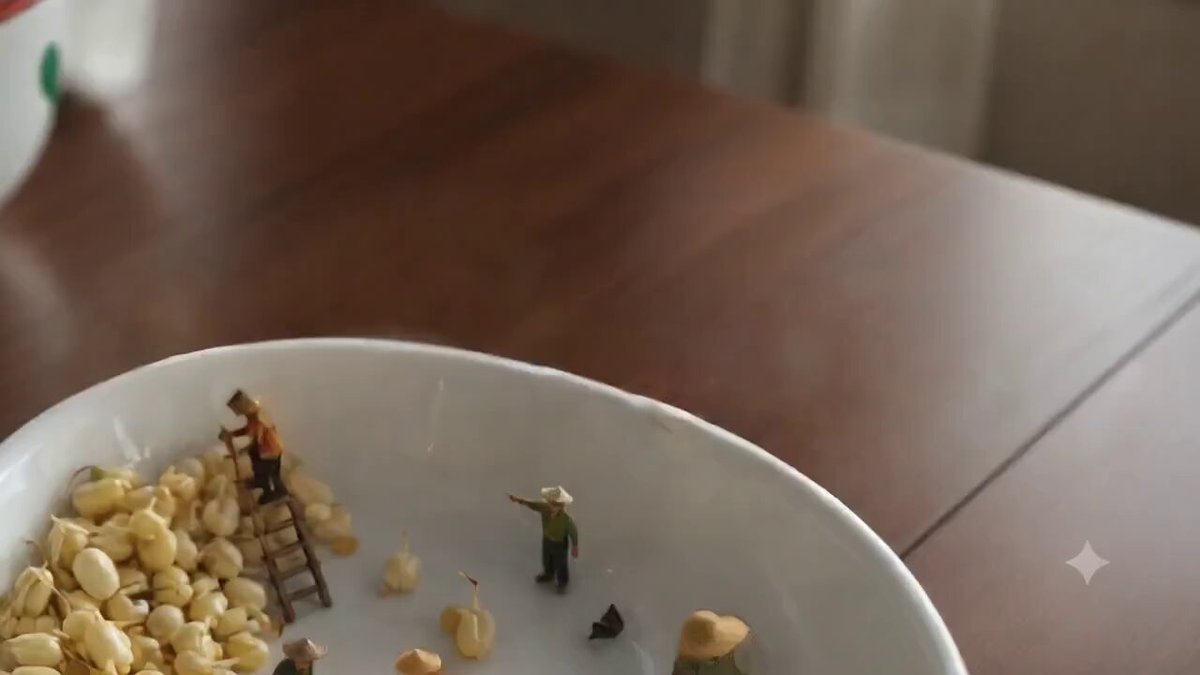
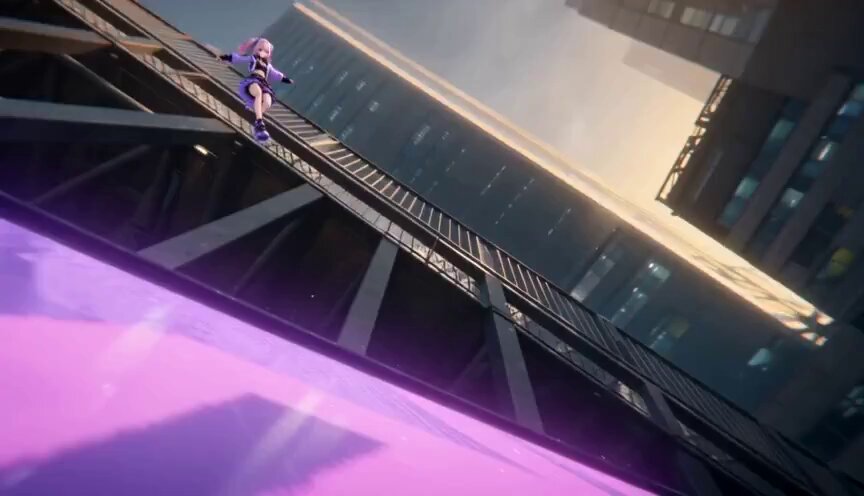
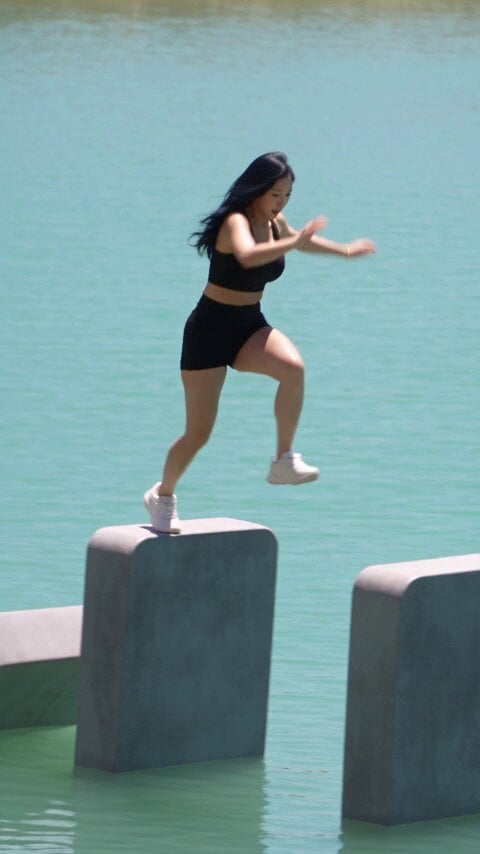
A macro-photography style prompt for a miniature athletic woman performing complex parkour moves through a convenience store with realistic physics.
STYLE: Miniature Tiny-Person FX, photorealistic live-action, cinematic macro photography, ultra-shallow depth of field, bright modern convenience store, realistic fluorescent lighting, ultra-detailed 8K, vertical 9:16, dynamic viral short-video style. DURATION: 15 seconds. SETTING: A huge modern convenience store packed with towering shelves of colorful snack bags, instant noodles, bottled drinks, soda cans, candy, cereal boxes, refrigerators, shopping baskets, and hanging price tags. Everything feels enormous from the perspective of a palm-sized woman. CHARACTER: One athletic miniature woman (1:15 scale), identical appearance throughout: lightweight adventure jacket, cargo pants, sneakers, utility backpack, same face, hairstyle, proportions, and size in every shot. 00:00–00:03 — Snack Shelf Swing Standing on a giant chip bag, she sprints and leaps toward a hanging price tag, grabs it with both hands, swings across the aisle, and launches onto the next shelf. The tag swings behind her. Camera: Low-angle macro tracking. SFX: Plastic crinkles, tiny footsteps, rushing air, swinging tag. 00:03–00:06 — Bottle Cap Parkour She lands on a giant drink bottle and parkours across colorful bottle caps. One bottle wobbles beneath her; she regains balance and performs a forward flip onto the next shelf. Camera: Fast side-tracking macro. SFX: Footsteps, bottle creaks, liquid slosh, hard landings. 00:06–00:09 — Shopping Basket Zipline She grabs a hanging promotional cord and ziplines above snacks and noodles. Releasing at the perfect moment, she lands inside a moving shopping basket among giant chocolate bars and noodle cups. Camera: Overhead to low-angle transition. SFX: Zipline whistle, wind, basket wheels, impact. 00:09–00:12 — Runaway Soda Can A giant soda can rolls inside the basket. She jumps onto it, balances like a surfer, and rides it across the polished floor, narrowly avoiding shoppers' shoes, baskets, and scattered snacks. Camera: Ultra-low floor-level macro tracking. SFX: Rolling metal, wind, store ambience. 00:12–00:15 — Victory Finale Using the rolling can as a launch ramp, she leaps to a freezer handle, swings up, and stands triumphantly on top of the freezer. The massive store stretches behind her as sparkling particles appear and large golden text reads: "CHALLENGE COMPLETE" She raises one fist while the camera slowly pulls back, emphasizing her tiny scale. Camera: Cinematic pullback. SFX: Leap whoosh, metallic grab, victory chime, sparkles, store ambience. VISUAL REQUIREMENTS: Maintain a consistent 1:15 miniature scale, realistic physics, smooth continuous action, photorealistic packaging, authentic reflections, cinematic macro DOF, and consistent character identity. No animation, cartoons, narration, subtitles, outfit changes, or scale inconsistencies.
STYLE: Miniature Tiny-Person FX, photorealistic live-action, cinematic macro photography, ultra-shallow depth of field, bright modern convenience store, realistic fluorescent lighting, ultra-detailed 8K, vertical 9:16, dynamic viral short-video style. DURATION: 15 seconds. SETTING: A huge modern convenience store packed with towering shelves of colorful snack bags, instant noodles, bottled drinks, soda cans, candy, cereal boxes, refrigerators, shopping baskets, and hanging price tags. Everything feels enormous from the perspective of a palm-sized woman. CHARACTER: One athletic miniature woman (1:15 scale), identical appearance throughout: lightweight adventure jacket, cargo pants, sneakers, utility backpack, same face, hairstyle, proportions, and size in every shot. 00:00–00:03 — Snack Shelf Swing Standing on a giant chip bag, she sprints and leaps toward a hanging price tag, grabs it with both hands, swings across the aisle, and launches onto the next shelf. The tag swings behind her. Camera: Low-angle macro tracking. SFX: Plastic crinkles, tiny footsteps, rushing air, swinging tag. 00:03–00:06 — Bottle Cap Parkour She lands on a giant drink bottle and parkours across colorful bottle caps. One bottle wobbles beneath her; she regains balance and performs a forward flip onto the next shelf. Camera: Fast side-tracking macro. SFX: Footsteps, bottle creaks, liquid slosh, hard landings. 00:06–00:09 — Shopping Basket Zipline She grabs a hanging promotional cord and ziplines above snacks and noodles. Releasing at the perfect moment, she lands inside a moving shopping basket among giant chocolate bars and noodle cups. Camera: Overhead to low-angle transition. SFX: Zipline whistle, wind, basket wheels, impact. 00:09–00:12 — Runaway Soda Can A giant soda can rolls inside the basket. She jumps onto it, balances like a surfer, and rides it across the polished floor, narrowly avoiding shoppers' shoes, baskets, and scattered snacks. Camera: Ultra-low floor-level macro tracking. SFX: Rolling metal, wind, store ambience. 00:12–00:15 — Victory Finale Using the rolling can as a launch ramp, she leaps to a freezer handle, swings up, and stands triumphantly on top of the freezer. The massive store stretches behind her as sparkling particles appear and large golden text reads: "CHALLENGE COMPLETE" She raises one fist while the camera slowly pulls back, emphasizing her tiny scale. Camera: Cinematic pullback. SFX: Leap whoosh, metallic grab, victory chime, sparkles, store ambience. VISUAL REQUIREMENTS: Maintain a consistent 1:15 miniature scale, realistic physics, smooth continuous action, photorealistic packaging, authentic reflections, cinematic macro DOF, and consistent character identity. No animation, cartoons, narration, subtitles, outfit changes, or scale inconsistencies.
Edit the prompt in the box under the preview — the template's model and format are already selected — and press Generate. Your version appears right on this page.
Yes. You can change the subject, setting, lighting, mood, format, and available model controls before creating your video.
Opening and editing this template is free. Generating uses credits, shown on the Generate button when you are signed in.
Start with Seedance 2.0, which is the model associated with this template. You can compare another compatible model for a different finish.
Follow a topic to a crawlable collection of related PicX Studio templates.