
Wukong Apocalypse Combat
An ultra-cinematic multi-shot combat sequence featuring Wukong-style action against zombies in a post-apocalyptic city.
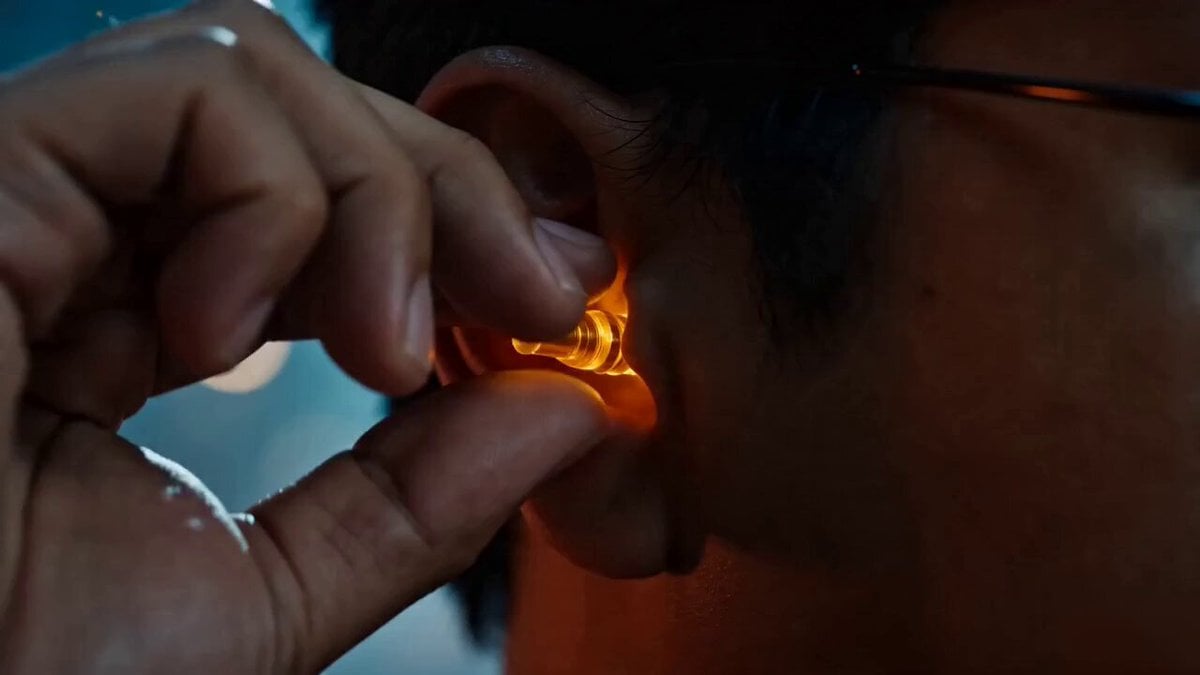
- Prompt included
- Model and format preset
- Premium template
The prompt behind this video
Copy the exact prompt behind Wukong Apocalypse Combat, or open it in the studio and make it yours.
Ultra cinematic multi-shot video, post-apocalyptic city at night, destroyed buildings, burning cars, sparks, ash in the air, heavy smoke, dark blue and orange color contrast, volumetric lighting, dramatic shadows. No Music. Main character: [Image1] Style: Hyper realistic, 4K, high detail, fast-paced editing, motion blur, dynamic camera, Wukong-style combat, golden energy aura, intense action choreography. (0s - 1s) Extreme close-up, right ear canal. Hand slowly pulls out a tiny glowing golden staff. Low hum sound, subtle golden particles floating. (1s - 3s) Cut to medium shot. Staff instantly expands to full size with a sharp metallic "whoosh". He spins it rapidly with increasing speed, creating circular motion blur. Quick push-in to face. He stares forward and says in English: "You're not going to like this." Eyes begin glowing faint gold. (3s - 6s) Wide shot reveal. Hundreds—then thousands—of zombies rushing in from darkness. Camera handheld, slight shake for intensity. He bursts forward at high speed. Sequence of fast cuts: - sweeping strike → zombies flying sideways - upward swing → 2–3 zombies lifted into air - spinning staff combo → multiple hits in one motion - low slide attack → sweeping legs of zombies Golden energy trails follow every staff movement. (6s - 9s) Tracking shot (side angle). He runs through a dense wave of zombies. More aggressive choreography: - rapid multi-hit combo (Wukong style) - staff extends mid-attack to hit distant enemies - he vaults using the staff, flipping over a crowd - mid-air spin kick + staff strike combo Camera rotates slightly around him for dynamic feel. (9s - 12s) Slow-motion transition. He jumps very high into the air. Golden energy intensifies, lightning sparks wrap around the staff. Top-down camera angle as he descends. He SLAMS the staff into the ground. Massive golden shockwave explosion expands outward. Ground cracks, debris lifts, zombies violently thrown away in all directions. (12s - 15s) Silence moment after explosion. Dust slowly settles. Close-up hero shot. He stands still, staff resting on his shoulder. Eyes glowing bright gold with electric sparks. Small smirk. He says calmly: "Next."
How to use Wukong Apocalypse Combat in 3 steps
- 1
Open
The prompt is already in the box next to the preview, with the template's model and format selected.
- 2…a portrait of your subject in softgolden-hour light, 85mm…
Personalize
Edit the subject and creative details for your destination.
- 3Generate
Generate
Press Generate — your video is created in PicX Studio, so you can compare it with the original and refine one variable at a time.
More like this
Templates with the same subject, style or setup. Open one to see its prompt.

Apocalypse Korean Rooftop Horror
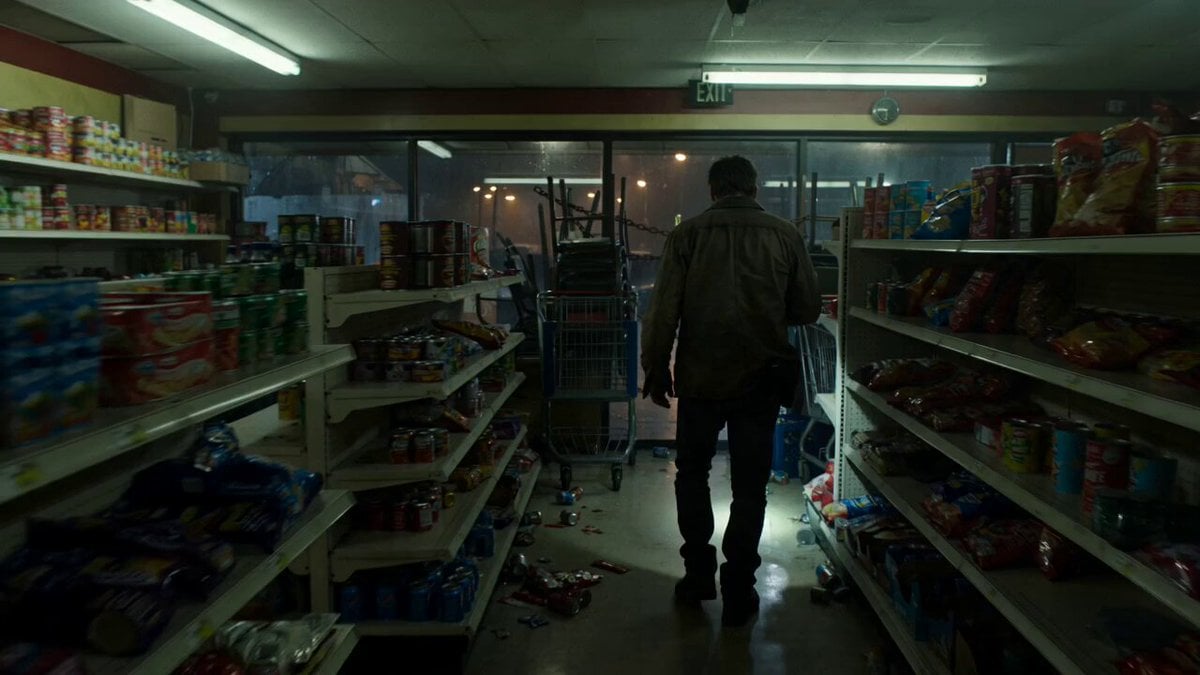
Zombie Apocalypse Convenience Store Shot
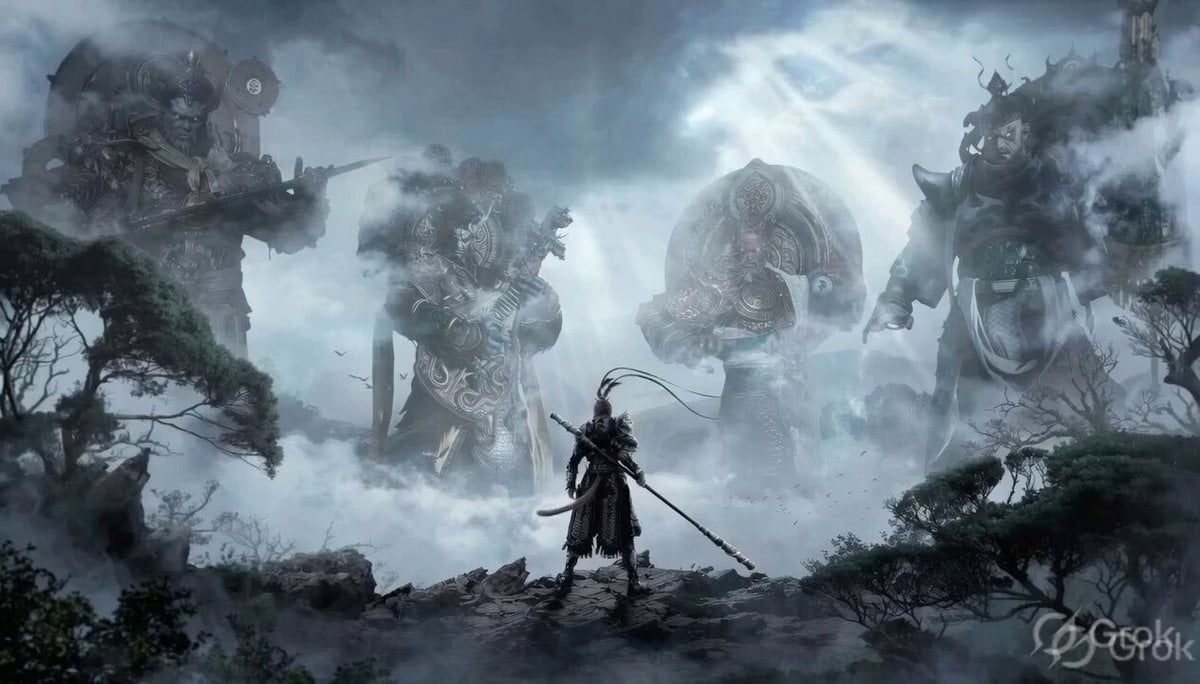
Black Myth Wukong Warrior Scene
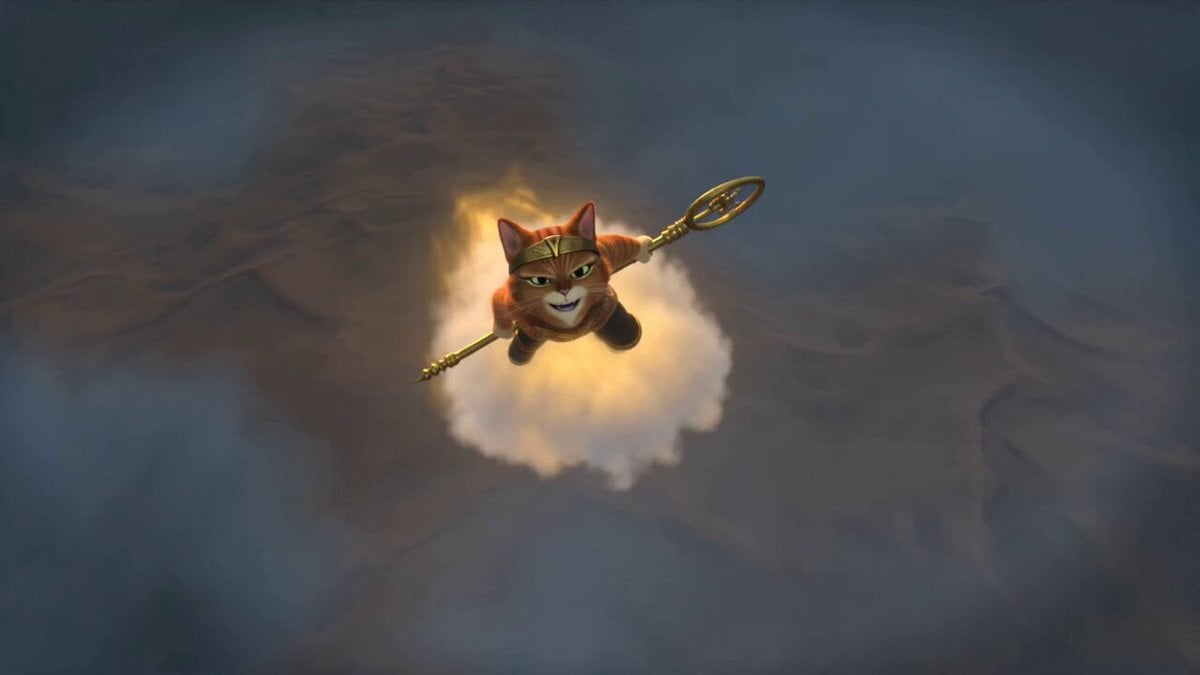
Mythic Action Comedy: Wukong Cat
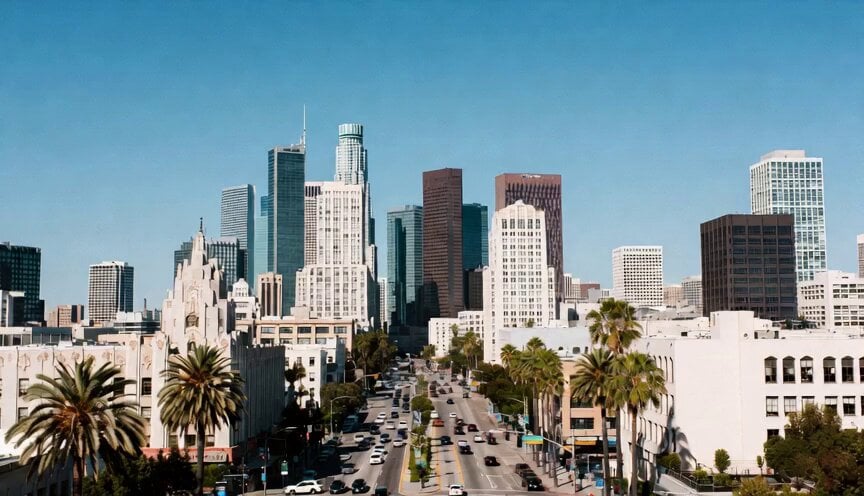
Cinematic Metropolitan Apocalypse Sequence
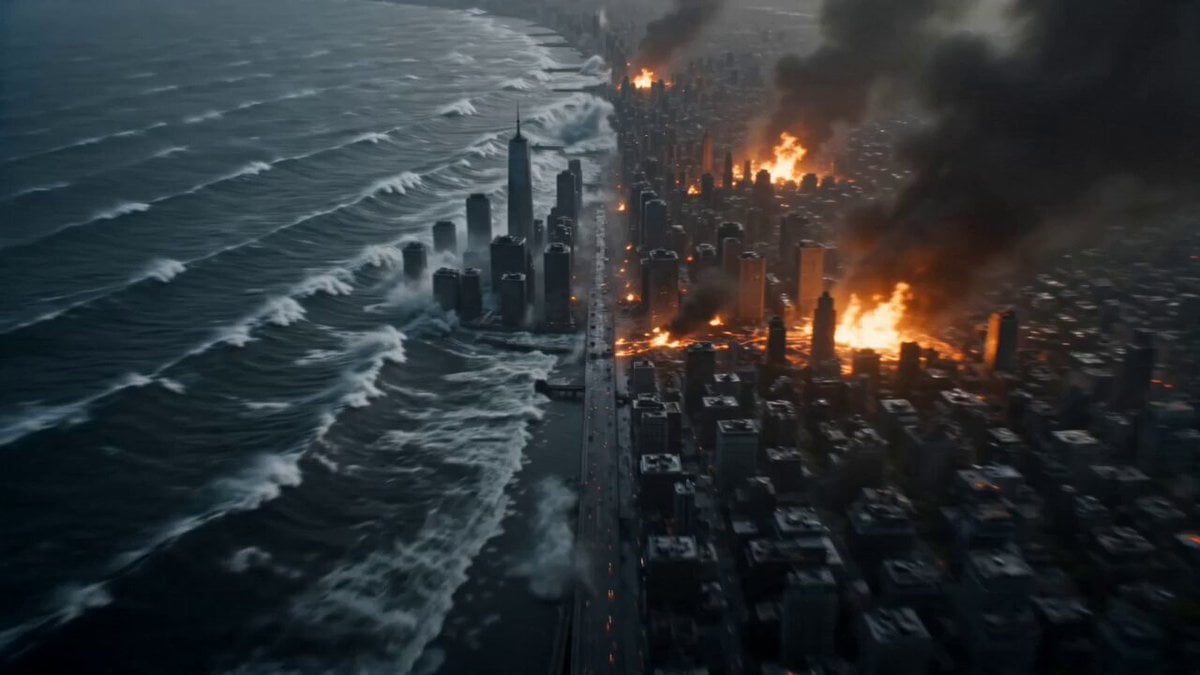
Cinematic Apocalypse Fantasy VFX Prompt
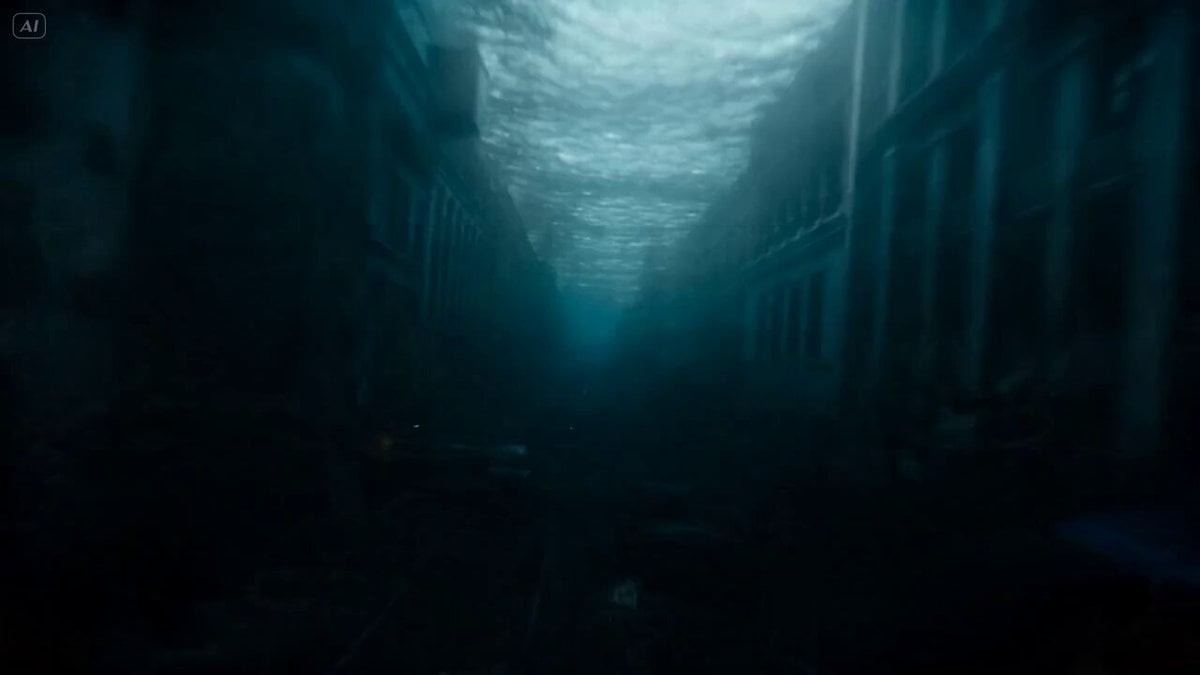
Mutated Shark Urban Apocalypse
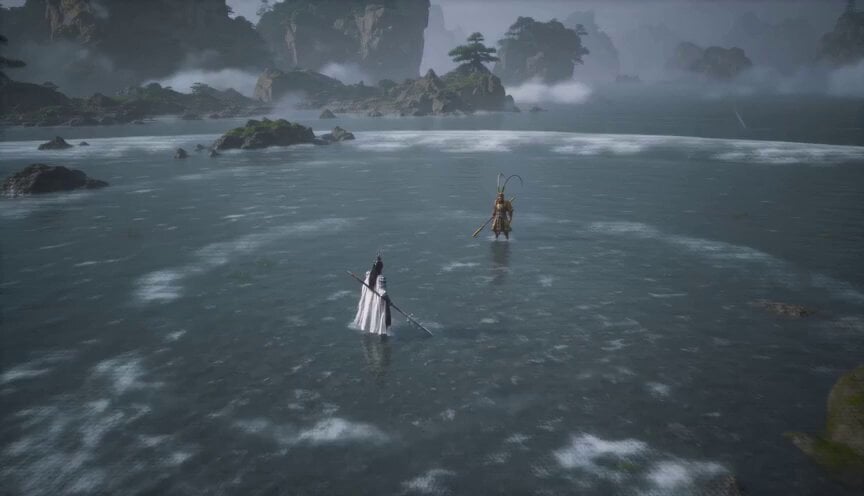
Wukong vs Erlang Shen Epic Fantasy Battle
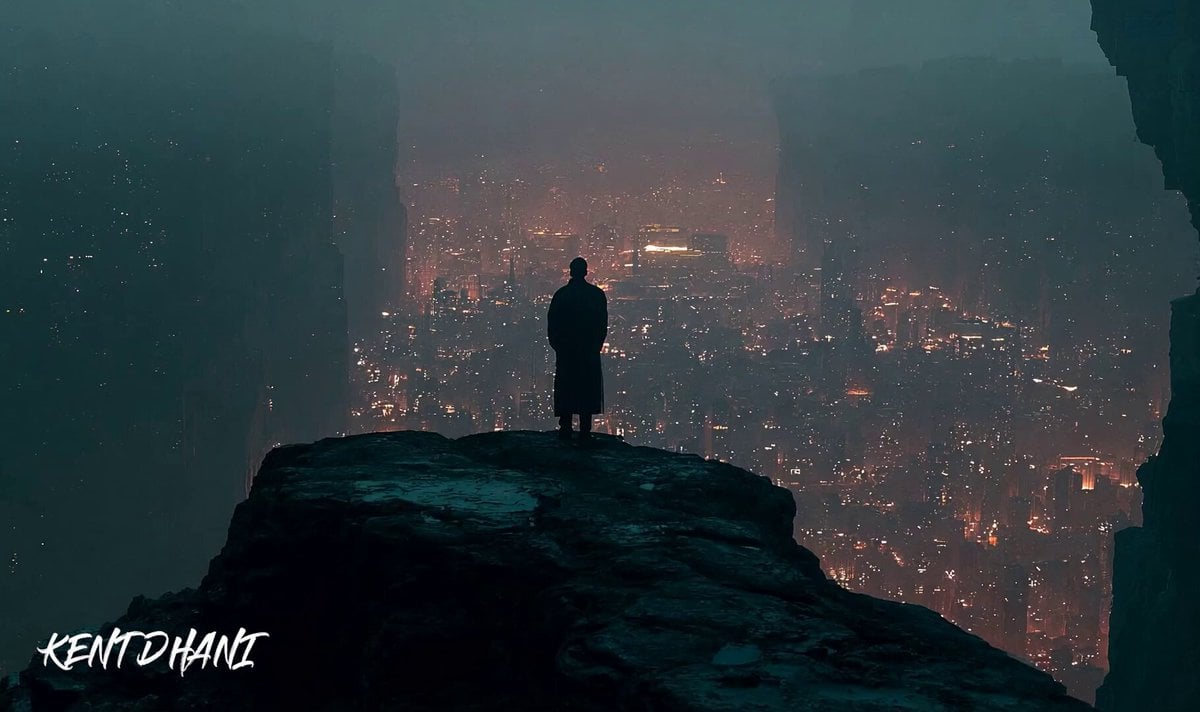
Cinematic Apocalypse Meteor Shower

Grok Imagine Prompt: Yurine Kingdom Apocalypse Day
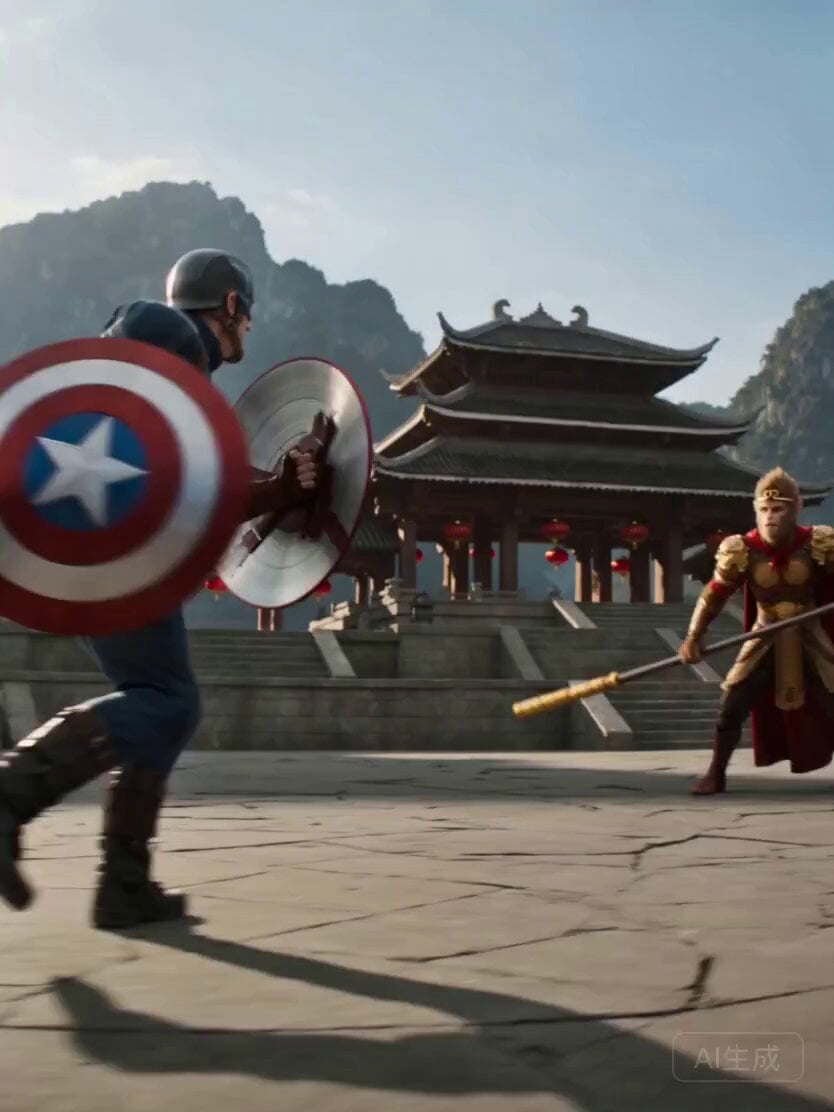
Wukong vs. Captain America Epic Battle
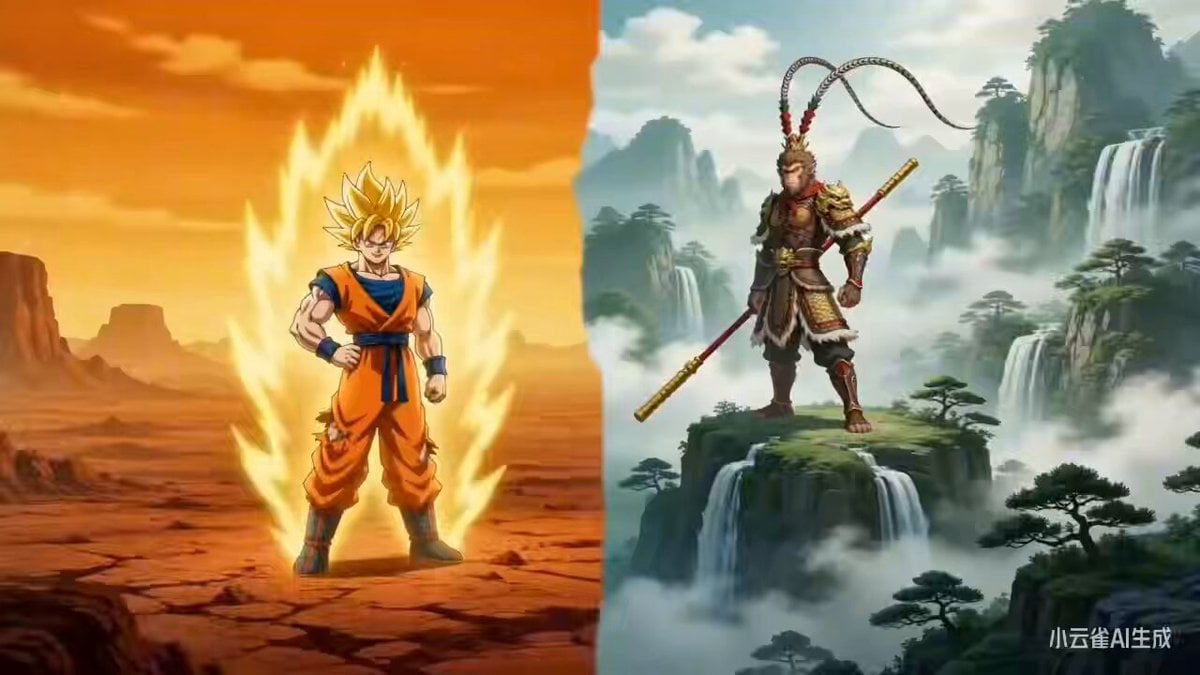
Sun Wukong vs. Son Goku: Cross-Style Dimensional Battle
Make it yours
Wukong Apocalypse Combat works as-is. These are the safest ways to change it without losing the look.
Change one field
Copy a single group, rewrite it, and generate again so you can see what that field is doing.
Keep the frame, change the subject
Hold the composition and light of Wukong Apocalypse Combat, then swap wardrobe, props or the person for a new take.
| If the result… | Why | Fix |
|---|---|---|
| The result drifts from the preview | Too many fields changed at once. | Reuse Wukong Apocalypse Combat as-is first, then change one group — subject, light, or setting. |
| The model over-stylizes the scene | The prose prompt leaves finish and camera underspecified. | Add one camera or lighting sentence and stay on Seedance 2.0. |
More Seedance 2.0 templates
Other prompts made for Seedance 2.0.

Comical Martial Arts Punch Scene

Maglev Train Action Sequence

Martial Arts Fight Sequence

Wuxia Protection and Trust Script

Vintage Korean Arcade MiniDV Vlog

Mercedes 190 SL Luxury Ad

Rainy Night Supernatural Reverse Comedy Video Script

Amazon Civilization Discovery

Futuristic South Asian City Transformation

Cozy Luxury Cafe Commercial
More video prompts
Fresh picks from across the catalog.

Young Woman Under Cherry Blossoms (Extended Video)
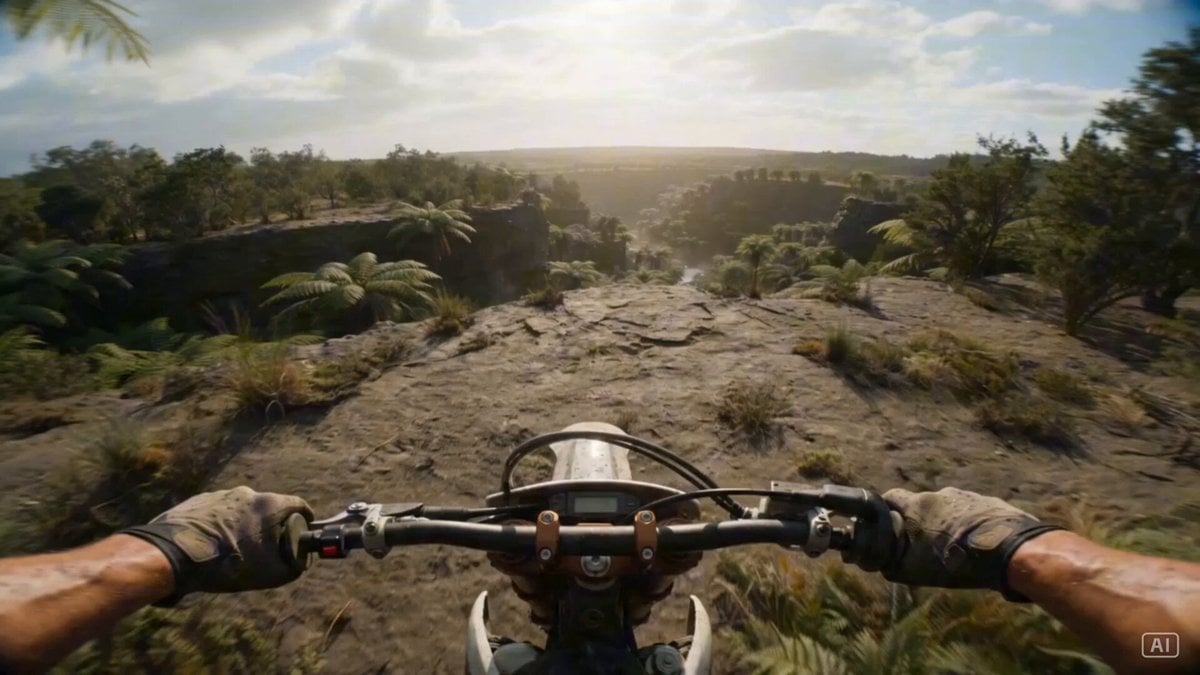
Prehistoric Dirt Bike POV: Racing Against Dinosaurs
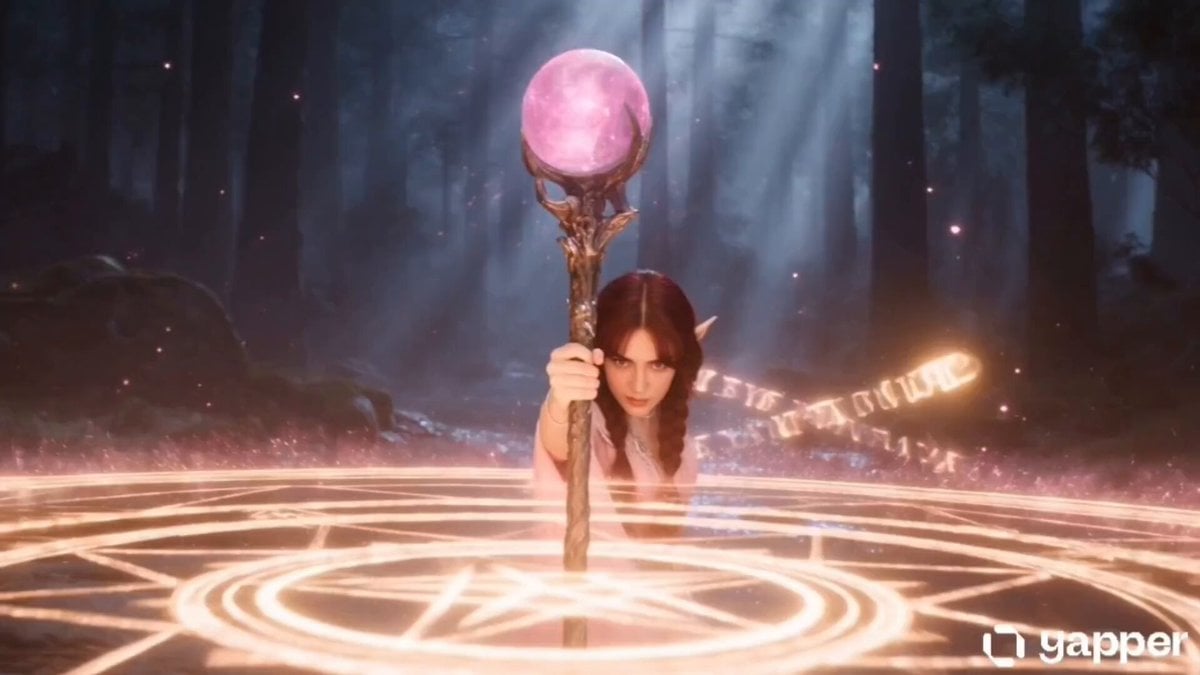
Elf Mage Dragon Summoning Ritual
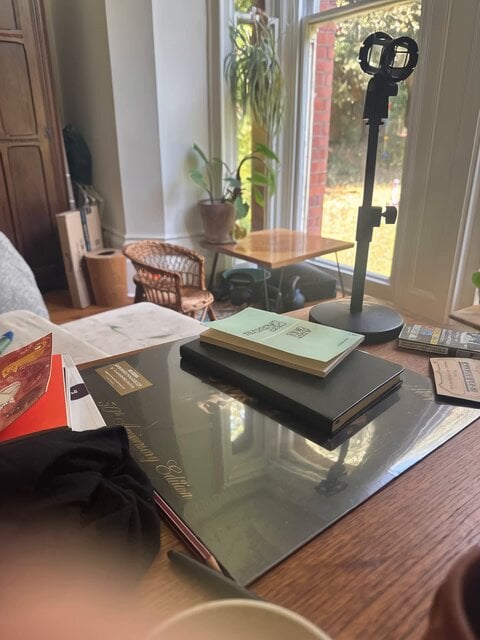
Headshot Image Transformation

Pirate Raid vs Crocheting Grandmas
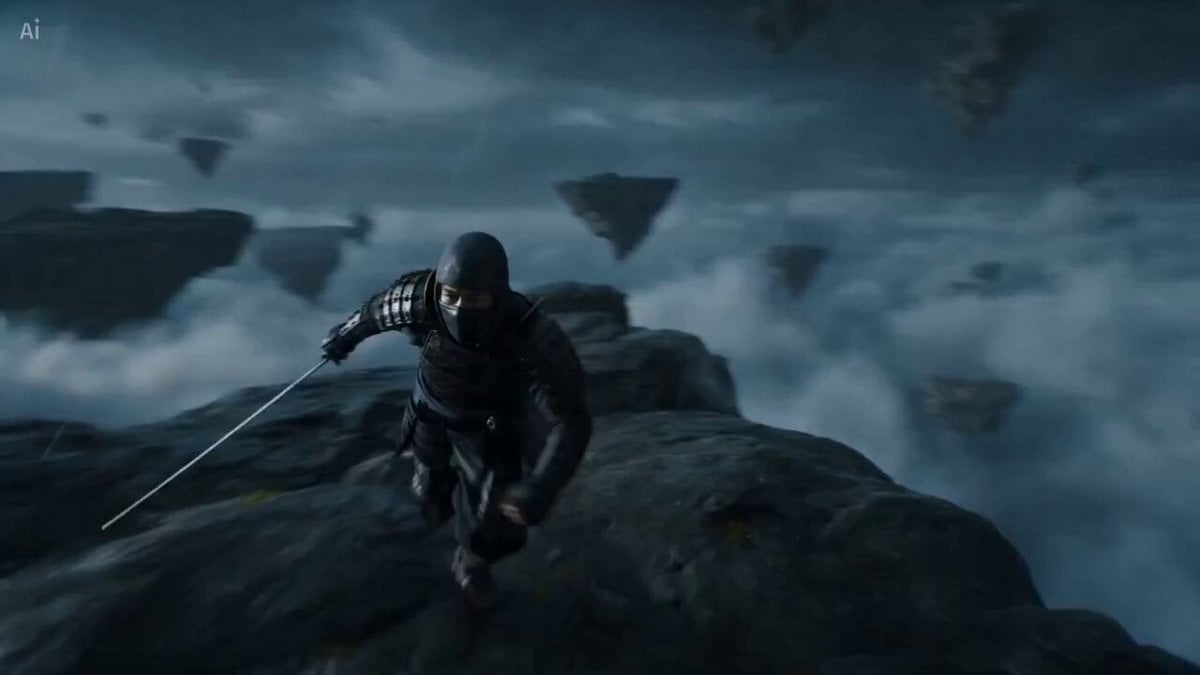
Surreal Battlefield Ronin Fight Prompt
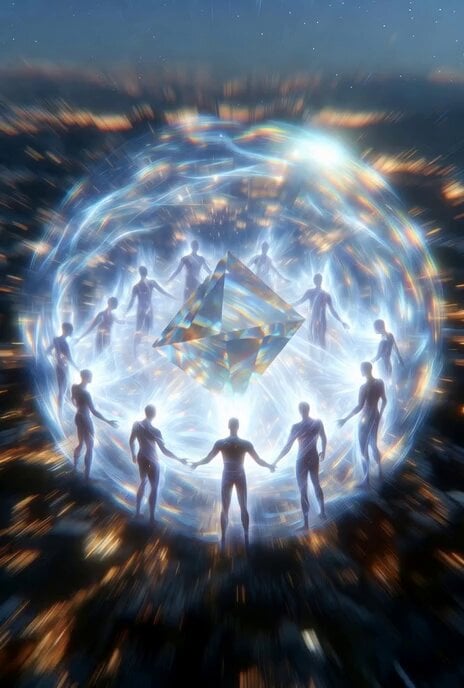
Grok Imagine prompt: Prism creating a sphere and transforming energy

Starbucks Coffee Galaxy Commercial
Cyberpunk Motorcycle Chase Sequence in Seoul
Desert Reverie Cinematic Sequence
Browse template categories
Wukong Apocalypse Combat questions
How do I use the Wukong Apocalypse Combat template?
Add your photo if the template asks for one, edit the prompt if you like — the template's model and format are already selected — and press Generate. Your version opens in PicX Studio.
Can I customize the Wukong Apocalypse Combat template?
Yes. You can change the subject, setting, lighting, mood, format, and available model controls before creating your video.
Is the Wukong Apocalypse Combat template free?
Opening and editing this template is free. Generating uses credits, shown on the Generate button when you are signed in.
Which AI model should I use?
Start with Seedance 2.0, which is the model associated with this template. You can compare another compatible model for a different finish.
Looking for something else? Browse all templates.

Your photo, any look
Thousands of ready templates for every top image and video model, from one credit balance.