
Cinematic Metropolitan Apocalypse Sequence
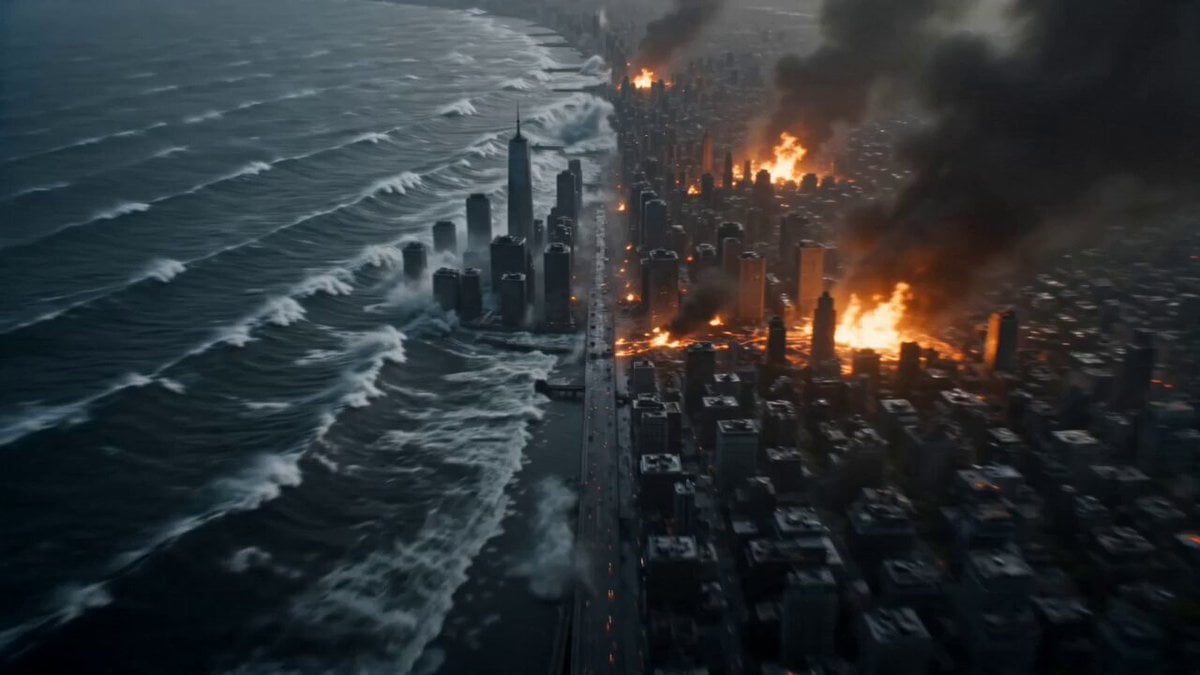
A highly detailed video prompt for a large-scale disaster scene featuring seismic upheaval, glacial floods, and colossal funnel clouds destroying a city.
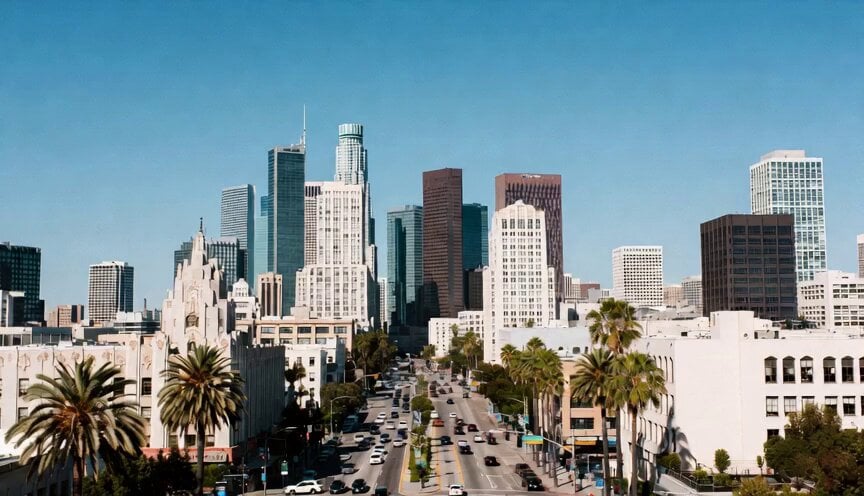
- Prompt included
- Model and format preset
- Premium template
The prompt behind this video
Copy the exact prompt behind Cinematic Metropolitan Apocalypse Sequence, or open it in the studio and make it yours.
A cinematic tracking shot capturing a simultaneous tectonic, atmospheric, and oceanic collapse. The ground erupts in a violent seismic upheaval, creating a massive jagged canyon that splits a dense metropolitan grid in half. Simultaneously, a colossal wall of glacial seawater surges through the city streets, flash freezing everything it touches into crystalline structures. Emerging from the heart of the freezing flood, a gargantuan multi-vortex funnel cloud darkened by pulverized debris and glowing with internal orange lightning rips the facade off a steel skyscraper, spiraling shards of glass and heavy machinery into a chaotic orbit. The camera executes a dynamic, low altitude fly through beneath a bridge as it buckles and snaps, weaving through flying wreckage and swirling snow squalls. The lighting transitions from a dark, bruised violet sky to blinding white flashes of exploding transformers, finishing with a wide angle vista of a mountain range being swallowed by a towering wall of ice and wind. Hyper-realistic fluid dynamics, intricate particle physics, 35mm anamorphic lens, and high contrast volumetric atmosphere.
How to use Cinematic Metropolitan Apocalypse Sequence in 3 steps
- 1
Open
The prompt is already in the box next to the preview, with the template's model and format selected.
- 2…a portrait of your subject in softgolden-hour light, 85mm…
Personalize
Edit the subject and creative details for your destination.
- 3Generate
Generate
Press Generate — your video is created in PicX Studio, so you can compare it with the original and refine one variable at a time.
More like this
Templates with the same subject, style or setup. Open one to see its prompt.

Apocalypse Korean Rooftop Horror
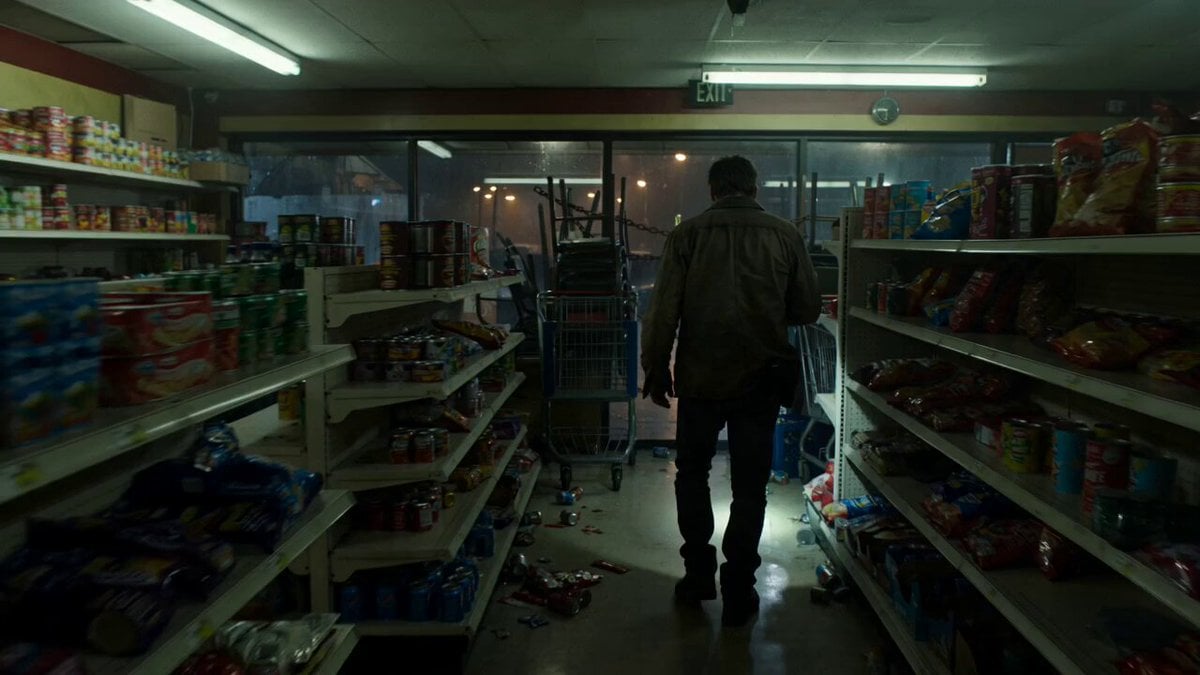
Zombie Apocalypse Convenience Store Shot
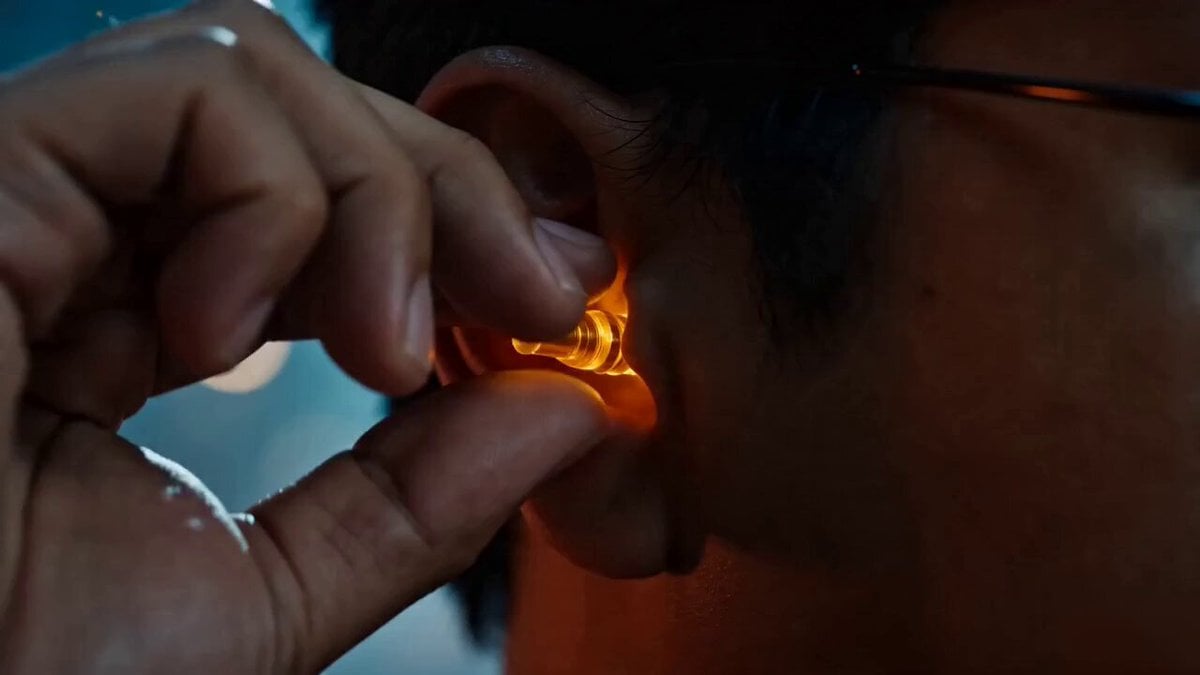
Wukong Apocalypse Combat
Cinematic Apocalypse Fantasy VFX Prompt
Mutated Shark Urban Apocalypse
Cinematic Apocalypse Meteor Shower
Grok Imagine Prompt: Yurine Kingdom Apocalypse Day
Anime Meteor Apocalypse and Rebirth

Maglev Train Action Sequence

Martial Arts Fight Sequence

Cinematic Samurai Duel Sequence

Cinematic Swordswoman Action Sequence
Make it yours
Cinematic Metropolitan Apocalypse Sequence works as-is. These are the safest ways to change it without losing the look.
Change one field
Copy a single group, rewrite it, and generate again so you can see what that field is doing.
Keep the frame, change the subject
Hold the composition and light of Cinematic Metropolitan Apocalypse Sequence, then swap wardrobe, props or the person for a new take.
| If the result… | Why | Fix |
|---|---|---|
| The result drifts from the preview | Too many fields changed at once. | Reuse Cinematic Metropolitan Apocalypse Sequence as-is first, then change one group — subject, light, or setting. |
| The model over-stylizes the scene | The prose prompt leaves finish and camera underspecified. | Add one camera or lighting sentence and stay on Seedance 2.0. |
More Seedance 2.0 templates
Other prompts made for Seedance 2.0.

Comical Martial Arts Punch Scene

Wuxia Protection and Trust Script

Vintage Korean Arcade MiniDV Vlog

Mercedes 190 SL Luxury Ad

Rainy Night Supernatural Reverse Comedy Video Script

Amazon Civilization Discovery

Futuristic South Asian City Transformation

Cozy Luxury Cafe Commercial

Cyber Ronin Nanotech Transformation Video

Desert Courier and Sandstorm Leviathan Chase
More video prompts
Fresh picks from across the catalog.
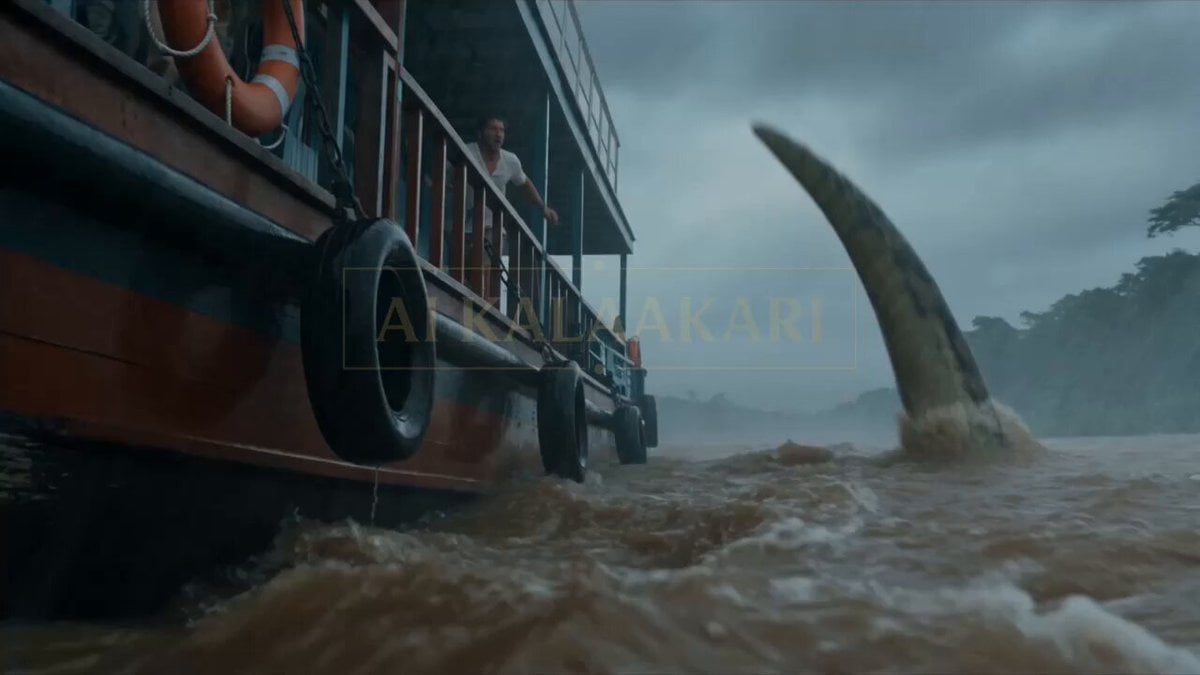
Anaconda Houseboat Attack
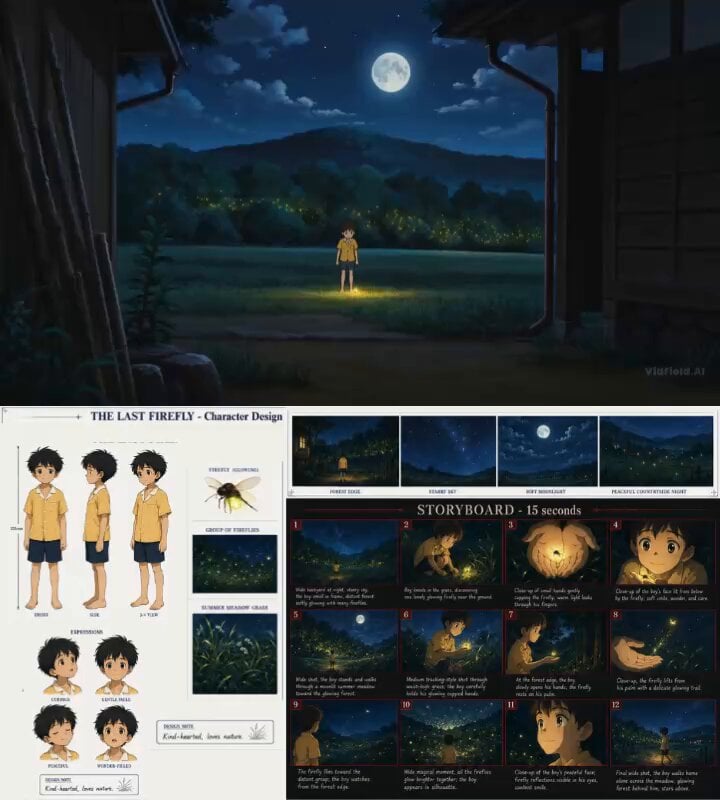
Cinematic Anime Storyboard Video Prompt

Cinematic AD for Mobile Holder
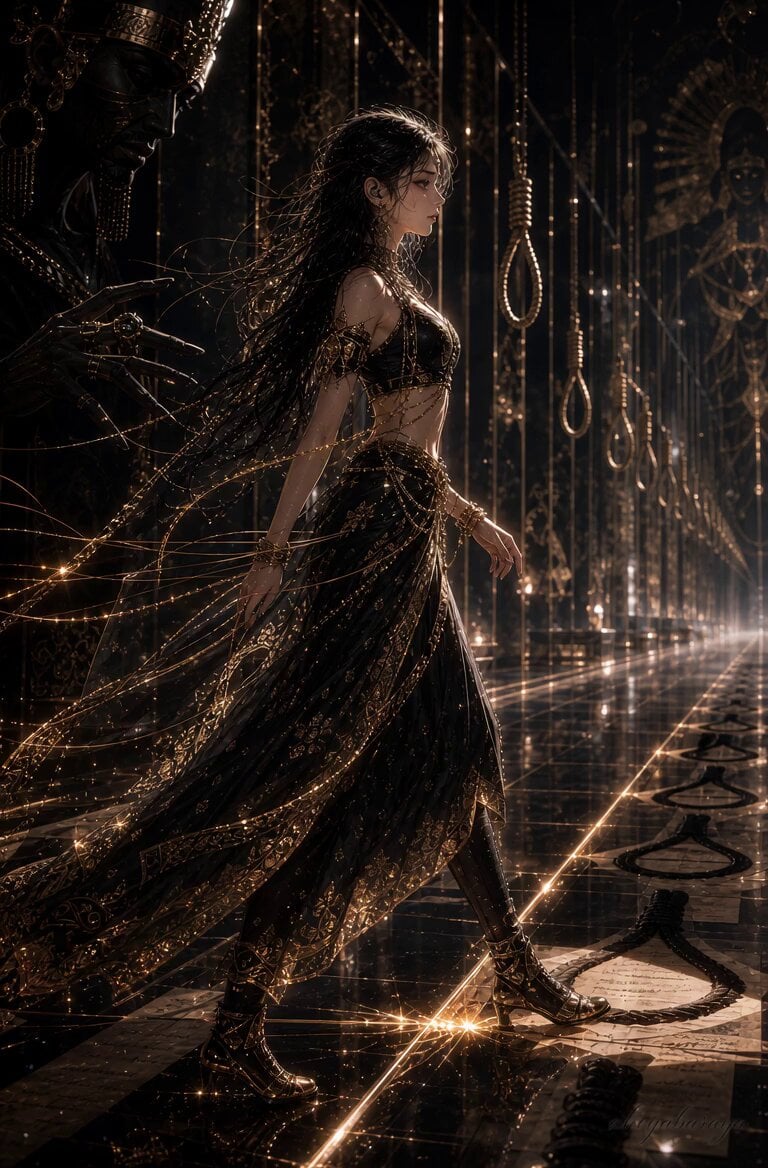
Cinematic Corridor Walk and Transformation
Seedance 2 Time Freeze Official
Translucent Aliens Handshake Scene

Luxury Shoe Unboxing Reel

Cyberpunk Parkour Female Operative
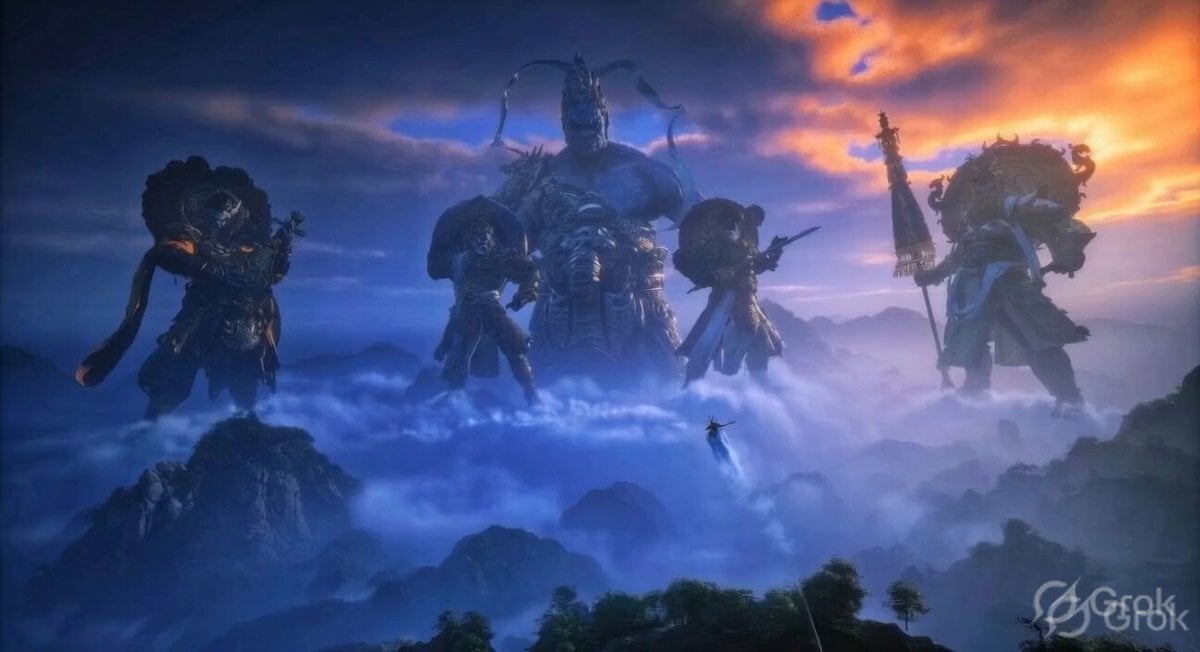
Ancient Guardian Deities Above Clouds
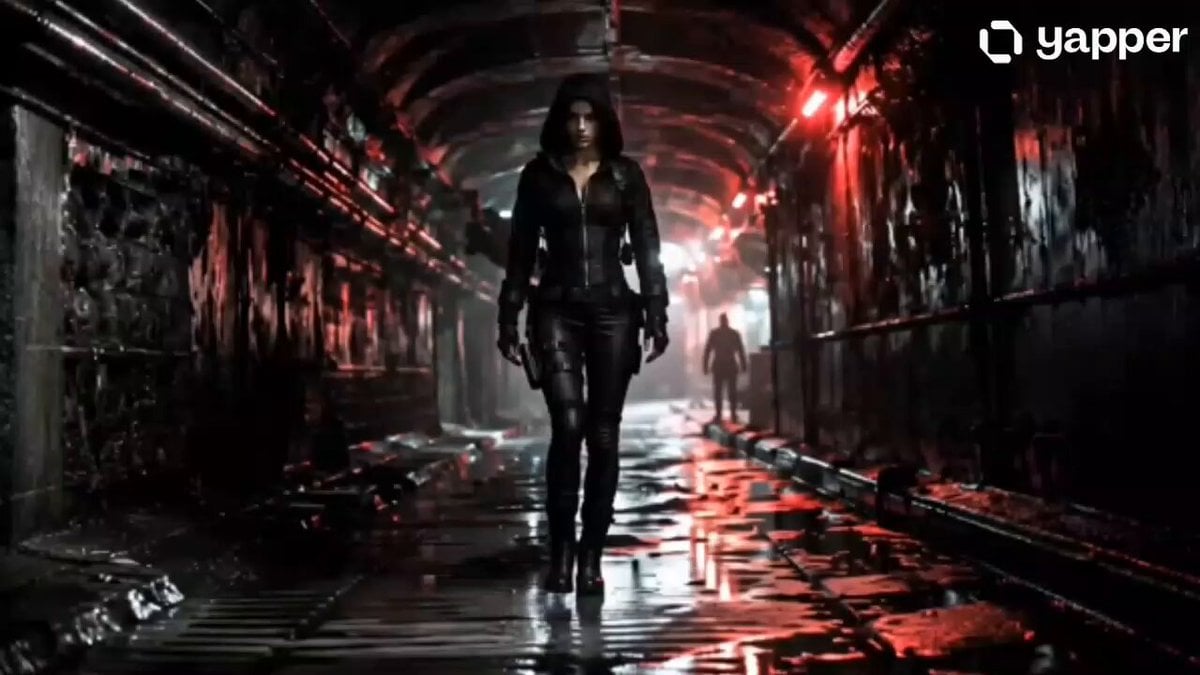
Female Assassin Underground Thriller
Browse template categories
Cinematic Metropolitan Apocalypse Sequence questions
How do I use the Cinematic Metropolitan Apocalypse Sequence template?
Add your photo if the template asks for one, edit the prompt if you like — the template's model and format are already selected — and press Generate. Your version opens in PicX Studio.
Can I customize the Cinematic Metropolitan Apocalypse Sequence template?
Yes. You can change the subject, setting, lighting, mood, format, and available model controls before creating your video.
Is the Cinematic Metropolitan Apocalypse Sequence template free?
Opening and editing this template is free. Generating uses credits, shown on the Generate button when you are signed in.
Which AI model should I use?
Start with Seedance 2.0, which is the model associated with this template. You can compare another compatible model for a different finish.
Looking for something else? Browse all templates.

Your photo, any look
Thousands of ready templates for every top image and video model, from one credit balance.