
Apocalypse Korean Rooftop Horror
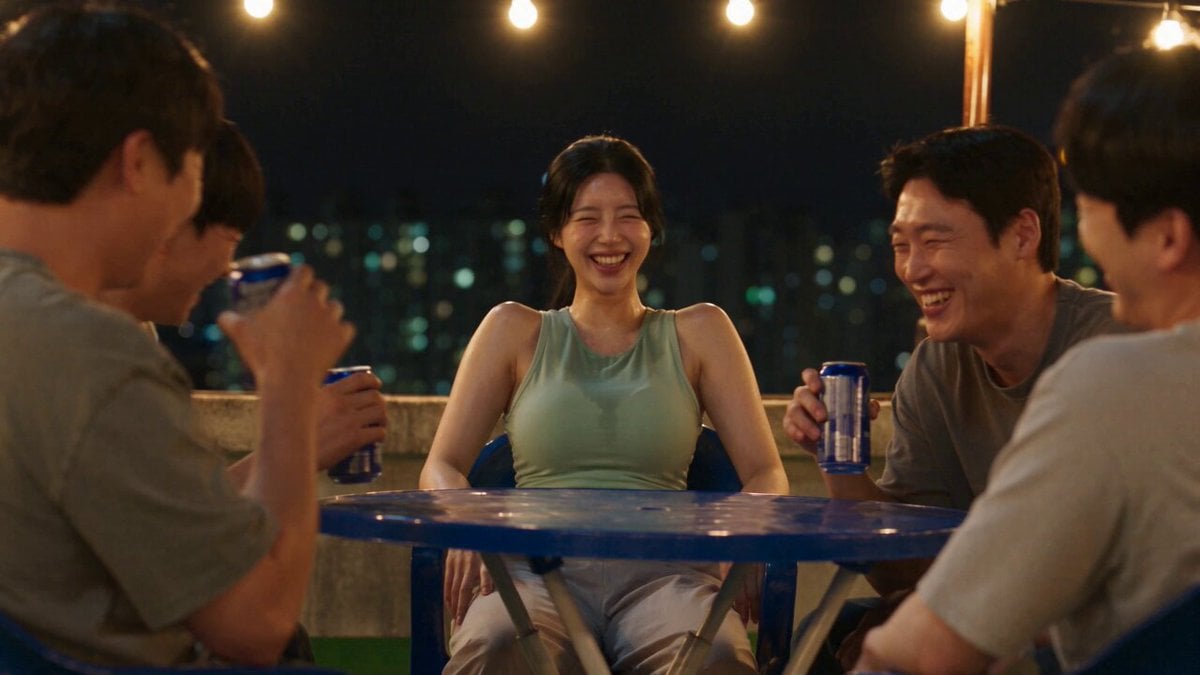
A multi-sequence horror prompt for a zombie-like transformation scene on a Korean rooftop, featuring intense action and cinematic camera work.
- Prompt included
- Model and format preset
- Free template
The prompt behind this video
Copy the exact prompt behind Apocalypse Korean Rooftop Horror, or open it in the studio and make it yours.
1. 0–1.3s: Woman laughs with friends on Korean rooftop under string lights; suddenly rigid, eyes wide. 2. 1.3–2.6s: Head snaps down violently, veins darken; friends fall silent, chairs scrape back. 3. 2.6–3.9s: She convulses violently, overturns table, gasps, then goes still. 4. 3.9–5.1s: Head whips up; bloodshot eyes, slack jaw, animalistic snarls. 5. 5.1–6.4s: She sprints low and unnaturally fast between chairs as friends scream and scatter. 6. 6.4–7.6s: Friend knocks over vending drink rack; cans scatter across rooftop. 7. 7.6–8.9s: She rapidly scrambles over overturned table toward friend by railing. 8. 8.9–10.1s: Cornered friend swings plastic chair, knocking her back. 9. 10.1–11.4s: She instantly lunges again; another friend throws cans at her face. 10. 11.4–12.6s: Friend ducks and scrambles along railing, nearly falling; city skyline behind. 11. 12.6–14s: She grabs railing inches behind him; he slips toward stairwell. 12. 14–15s: Stairwell door slams shut; she crashes against it snarling beneath flickering lights. Realistic Korean rooftop horror, cinematic handheld camera, intense motion blur.
How to use Apocalypse Korean Rooftop Horror in 3 steps
- 1
Open
The prompt is already in the box next to the preview, with the template's model and format selected.
- 2…a portrait of your subject in softgolden-hour light, 85mm…
Personalize
Edit the subject and creative details for your destination.
- 3Generate
Generate
Press Generate — your video is created in PicX Studio, so you can compare it with the original and refine one variable at a time.
More like this
Templates with the same subject, style or setup. Open one to see its prompt.
Korean Night Market Bullet-Time Scene - Seedance 2.5
Rooftop Parkour Motion Control

Luxury Lifestyle Day Vlog
Iced Coffee Dog Good-News Montage
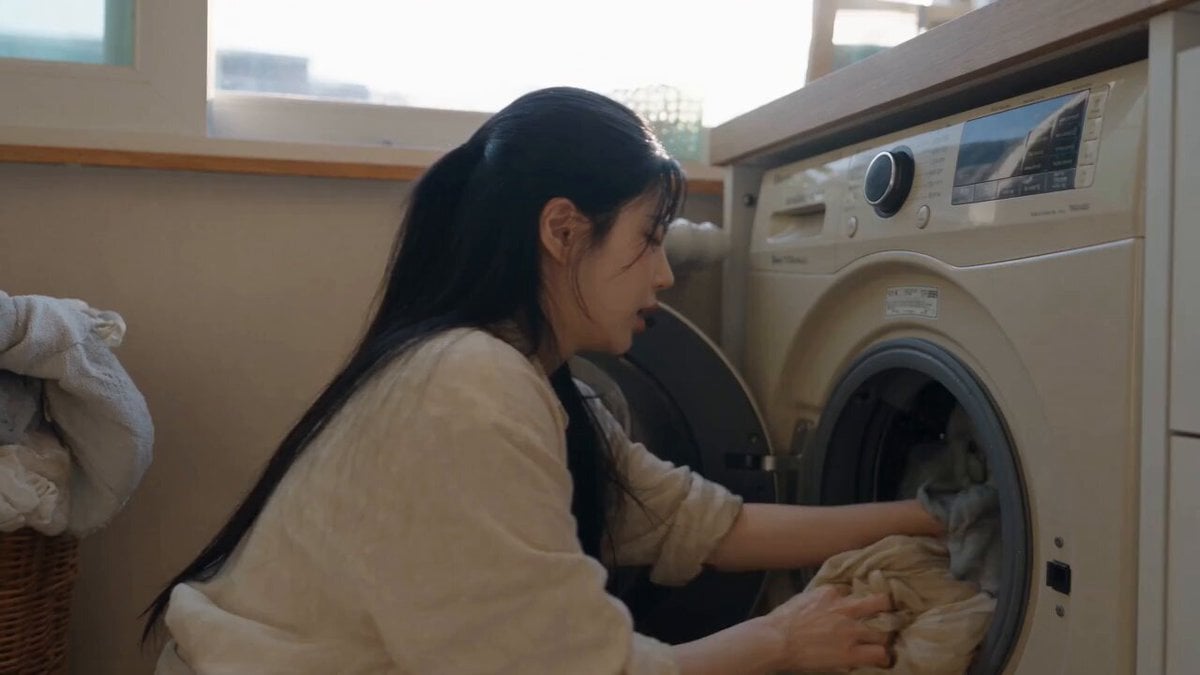
Sunny Morning Laundry Vlog
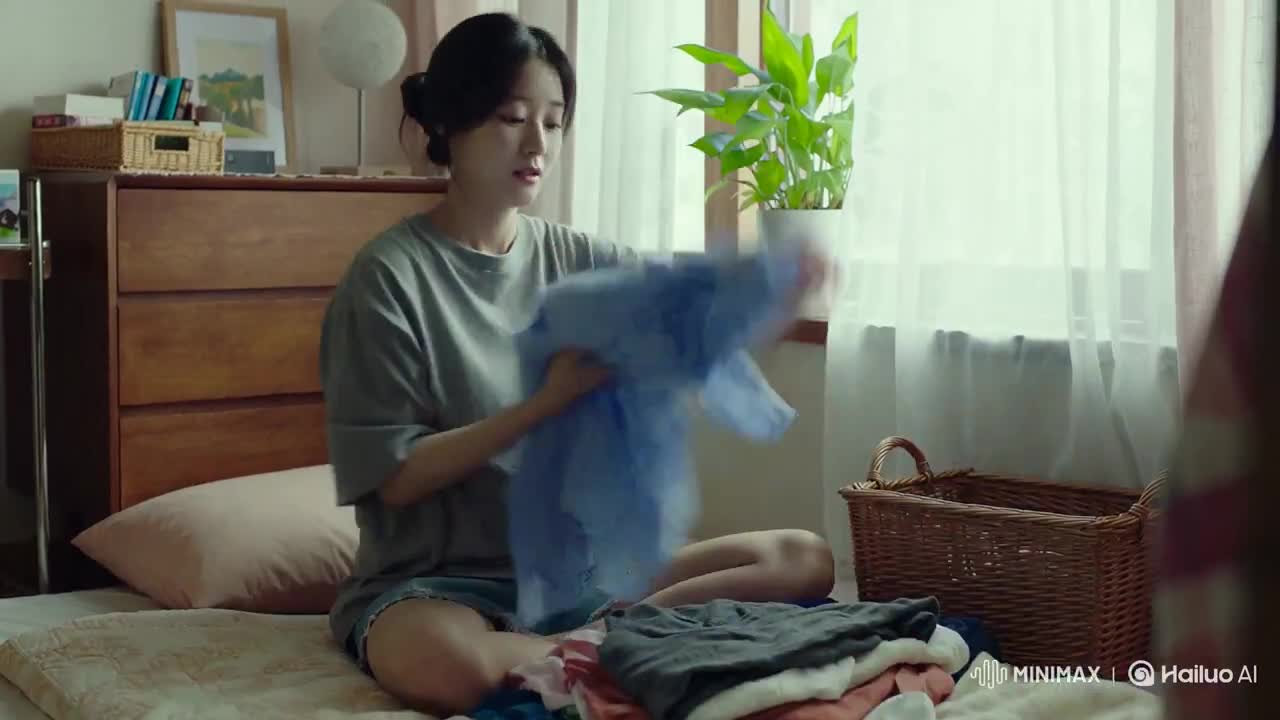
Korean Woman Laundry Folding DV Camcorder Morning
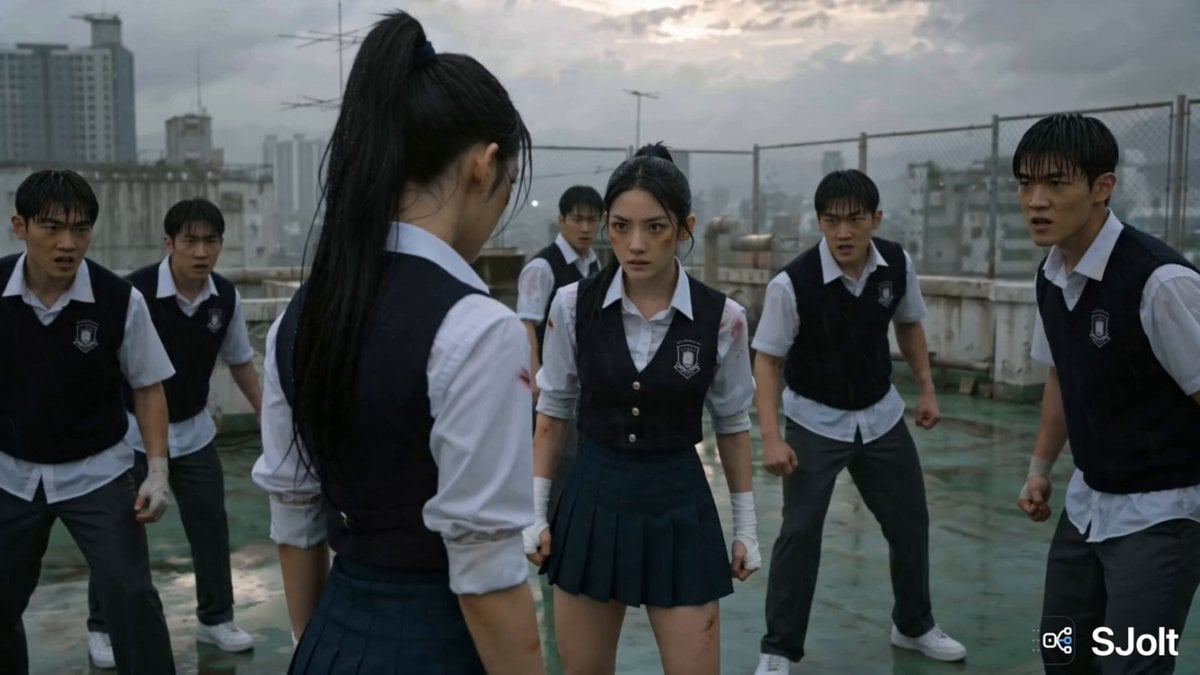
Korean Rooftop Martial Arts Fight
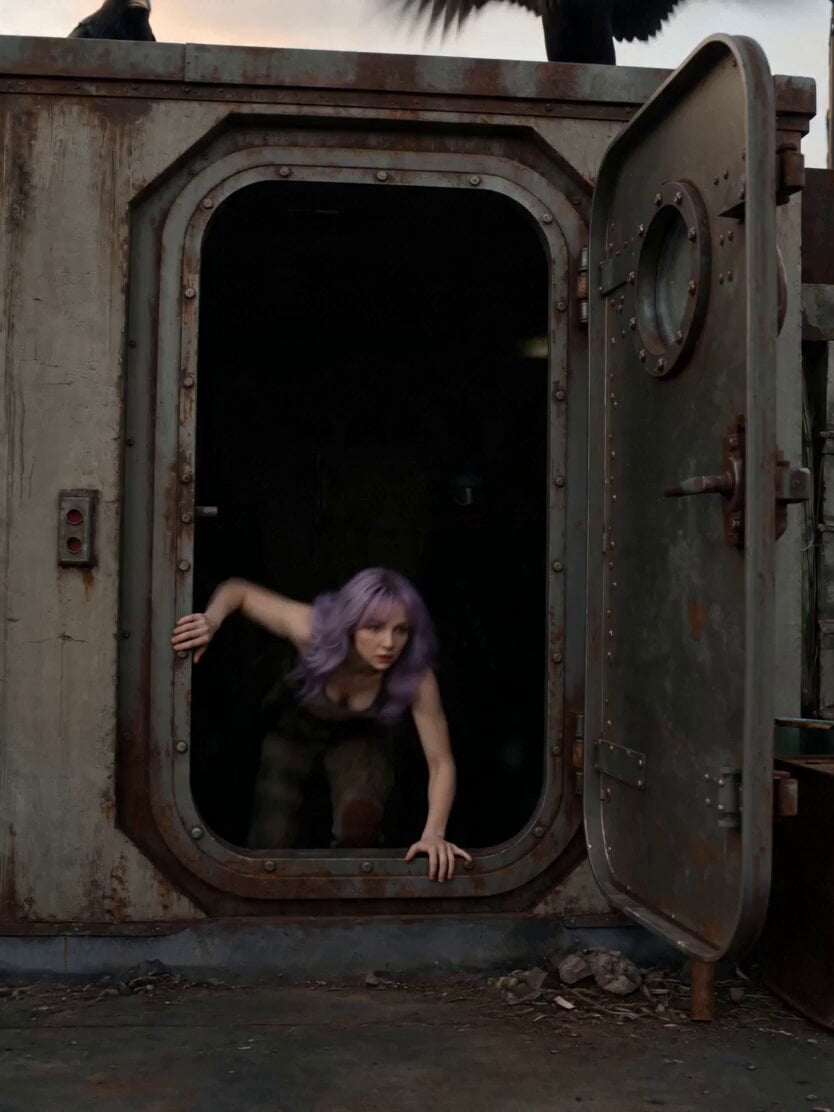
Soviet Hospital Rooftop Horror Sequence
Rainforest Thriller — Searching the Unseen
Chibi Cave Adventure — He Doesn't Know What's Coming
Vertical City — São Paulo Parkour at Sunset
Anime Fantasy Rooftop Combat Sequence
Make it yours
Apocalypse Korean Rooftop Horror works as-is. These are the safest ways to change it without losing the look.
Change one field
Copy a single group, rewrite it, and generate again so you can see what that field is doing.
Keep the frame, change the subject
Hold the composition and light of Apocalypse Korean Rooftop Horror, then swap wardrobe, props or the person for a new take.
| If the result… | Why | Fix |
|---|---|---|
| The result drifts from the preview | Too many fields changed at once. | Reuse Apocalypse Korean Rooftop Horror as-is first, then change one group — subject, light, or setting. |
| The model over-stylizes the scene | The prose prompt leaves finish and camera underspecified. | Add one camera or lighting sentence and stay on Seedance 2.0. |
More Seedance 2.0 templates
Other prompts made for Seedance 2.0.

Comical Martial Arts Punch Scene

Maglev Train Action Sequence

Martial Arts Fight Sequence

Wuxia Protection and Trust Script

Mercedes 190 SL Luxury Ad

Rainy Night Supernatural Reverse Comedy Video Script

Amazon Civilization Discovery

Futuristic South Asian City Transformation

Cozy Luxury Cafe Commercial

Cyber Ronin Nanotech Transformation Video
More video prompts
Fresh picks from across the catalog.
Shanghai Skyline Motorcycle Stunt

Dark Cinematic Silhouette Scene
Cinematic Dreamcore Zombie Sequence
NBA Courtside Broadcast Moment
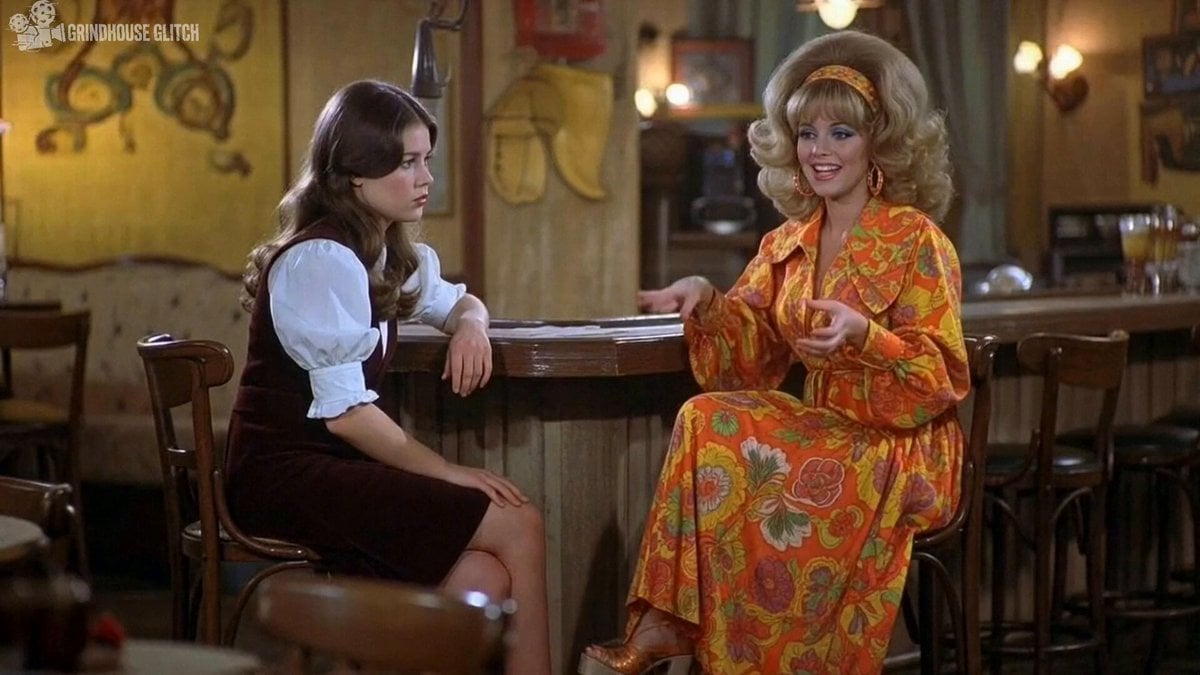
2000s-era 1970s-style American sitcom scene
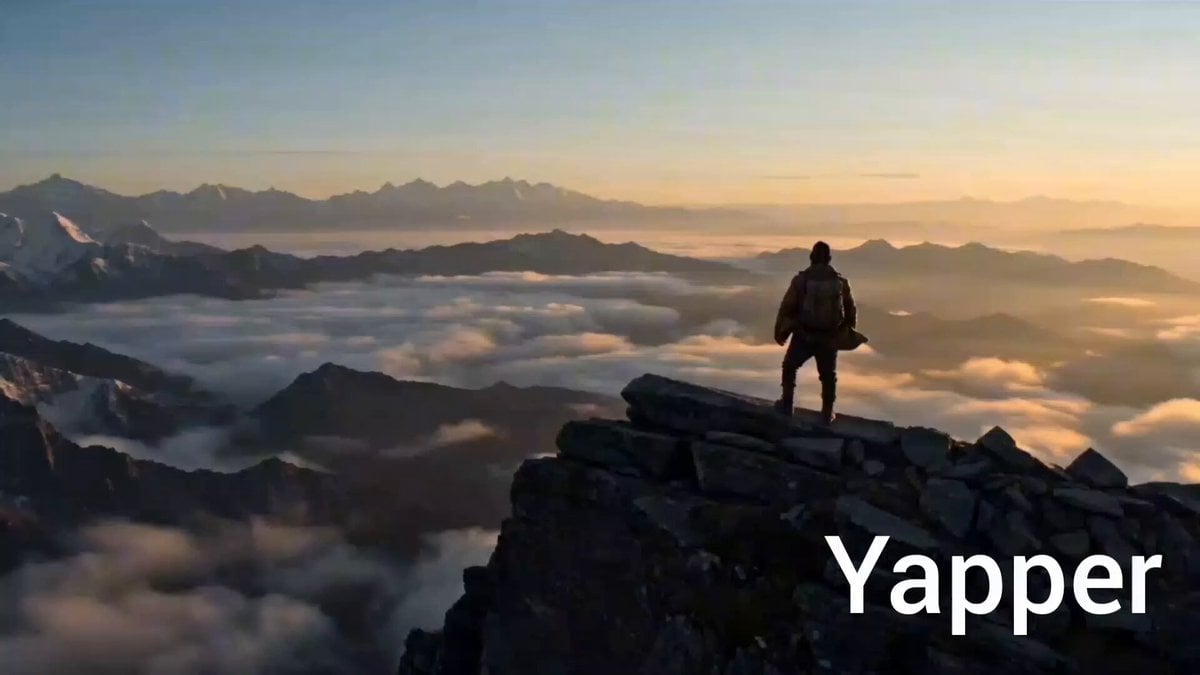
Cinematic Wide Shot of a Lone Adventurer at Sunrise

Cinematic Fantasy Overgrown Ruins Animation

Ethereal Woods Fairy Video Prompt

Miniature Woman Skincare Commercial
Martial Arts Fantasy Sequence
Browse template categories
Apocalypse Korean Rooftop Horror questions
How do I use the Apocalypse Korean Rooftop Horror template?
Add your photo if the template asks for one, edit the prompt if you like — the template's model and format are already selected — and press Generate. Your version opens in PicX Studio.
Can I customize the Apocalypse Korean Rooftop Horror template?
Yes. You can change the subject, setting, lighting, mood, format, and available model controls before creating your video.
Is the Apocalypse Korean Rooftop Horror template free?
Opening and editing this template is free. Generating uses credits, shown on the Generate button when you are signed in.
Which AI model should I use?
Start with Seedance 2.0, which is the model associated with this template. You can compare another compatible model for a different finish.
Looking for something else? Browse all templates.

Your photo, any look
Thousands of ready templates for every top image and video model, from one credit balance.