
Cinematic Fantasy Overgrown Ruins Animation
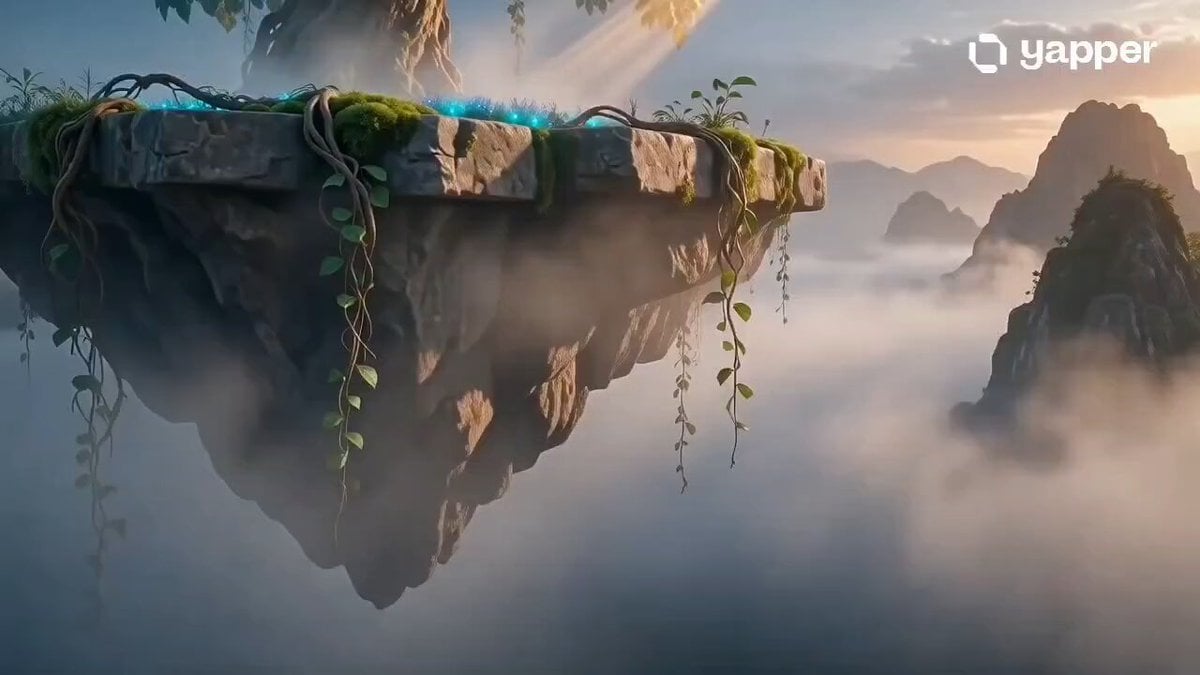
A detailed prompt for Seedance 2.0 to generate a cinematic 3D fantasy animation of an overgrown, mystical refuge floating in space, specifying style (Blender, graphic illustration influence), camera movement (smooth…
- Prompt included
- Model and format preset
- Premium template
The prompt behind this video
Copy the exact prompt behind Cinematic Fantasy Overgrown Ruins Animation, or open it in the studio and make it yours.
Cinematic 3D Blender-style fantasy animation, ultra-detailed mystical "cradle of the infinite" or sacred overgrown refuge floating in misty ethereal space, lush vegetation created with SpeedTree-level intricacy, ancient stone structures covered in glowing moss and vines, dramatic volumetric god-rays piercing thick atmospheric fog, rich teal-gold color palette with deep emerald greens and warm amber highlights, soft melancholy mood, smooth continuous forward camera dolly shot gliding slowly through the scene revealing intricate details layer by layer, graphic illustration influence in 3D, photorealistic yet stylized render, high contrast lighting with soft subsurface scattering on foliage, subtle particle effects and gentle swaying leaves, 8K resolution, cinematic composition, rule of thirds, depth layering, no text, no people, dreamy and contemplative atmosphere --ar 16:9 --stylize 250 --v 6
How to use Cinematic Fantasy Overgrown Ruins Animation in 3 steps
- 1
Open
The prompt is already in the box next to the preview, with the template's model and format selected.
- 2…a portrait of your subject in softgolden-hour light, 85mm…
Personalize
Edit the subject and creative details for your destination.
- 3Generate
Generate
Press Generate — your video is created in PicX Studio, so you can compare it with the original and refine one variable at a time.
More like this
Templates with the same subject, style or setup. Open one to see its prompt.

3D Glossy Fairy Animation - Seedance 2.5

Magic City Fantasy Battle Animation

Dragon Rider Cinematic Flight — Seedance 2.5

Silk Road Pomegranate Folk Animation

Multilingual Creative Typography Loop
Forest Fantasy Girl Short Film
Necromancer Battlefield Orbit
Urban Fantasy RPG Combat Animation

Fantasy Magic Attack Animation

Walking Factory with Rebel on Hoverbike - Wasteland
Griffin Knight Mountain Kingdom — Seedance 2.0
Ice Queen — Frozen Battlefield Time Control (Seedance)
Make it yours
Cinematic Fantasy Overgrown Ruins Animation works as-is. These are the safest ways to change it without losing the look.
Change one field
Copy a single group, rewrite it, and generate again so you can see what that field is doing.
Keep the frame, change the subject
Hold the composition and light of Cinematic Fantasy Overgrown Ruins Animation, then swap wardrobe, props or the person for a new take.
| If the result… | Why | Fix |
|---|---|---|
| The result drifts from the preview | Too many fields changed at once. | Reuse Cinematic Fantasy Overgrown Ruins Animation as-is first, then change one group — subject, light, or setting. |
| The model over-stylizes the scene | The prose prompt leaves finish and camera underspecified. | Add one camera or lighting sentence and stay on Seedance 2.0. |
More Seedance 2.0 templates
Other prompts made for Seedance 2.0.

Comical Martial Arts Punch Scene

Maglev Train Action Sequence

Martial Arts Fight Sequence

Wuxia Protection and Trust Script

Vintage Korean Arcade MiniDV Vlog

Mercedes 190 SL Luxury Ad

Rainy Night Supernatural Reverse Comedy Video Script

Amazon Civilization Discovery

Futuristic South Asian City Transformation

Cozy Luxury Cafe Commercial
More video prompts
Fresh picks from across the catalog.
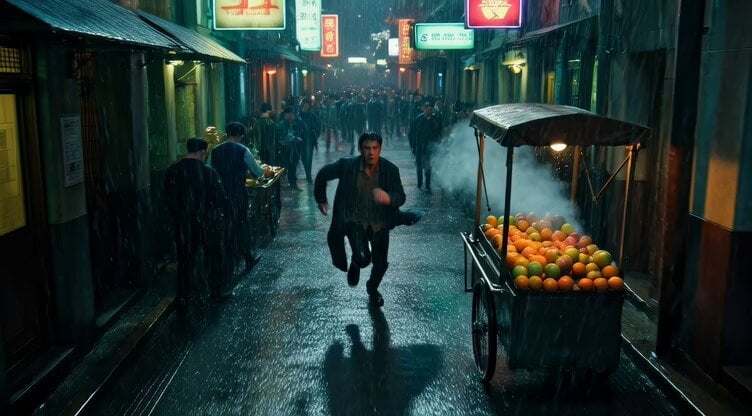
Rainy Neon Pursuit in Hong Kong

Futuristic Cat War Society

MLB Baseball Stadium Fan Reaction
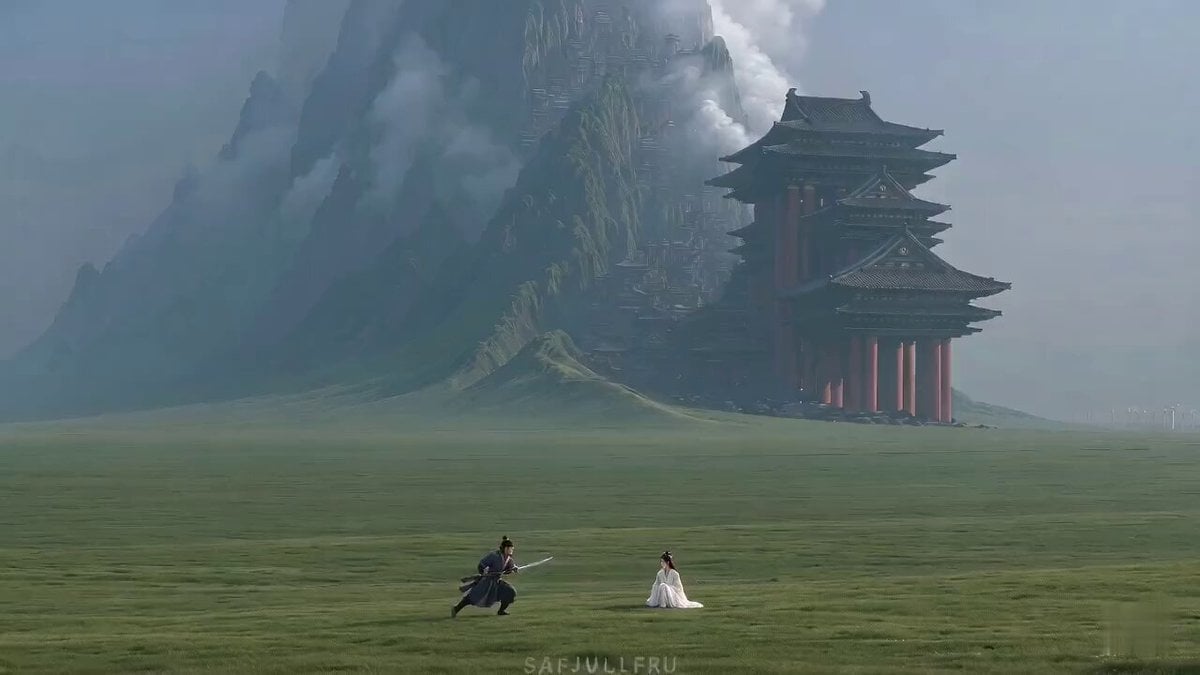
Wuxia Misunderstanding Comedy "Master Filter"
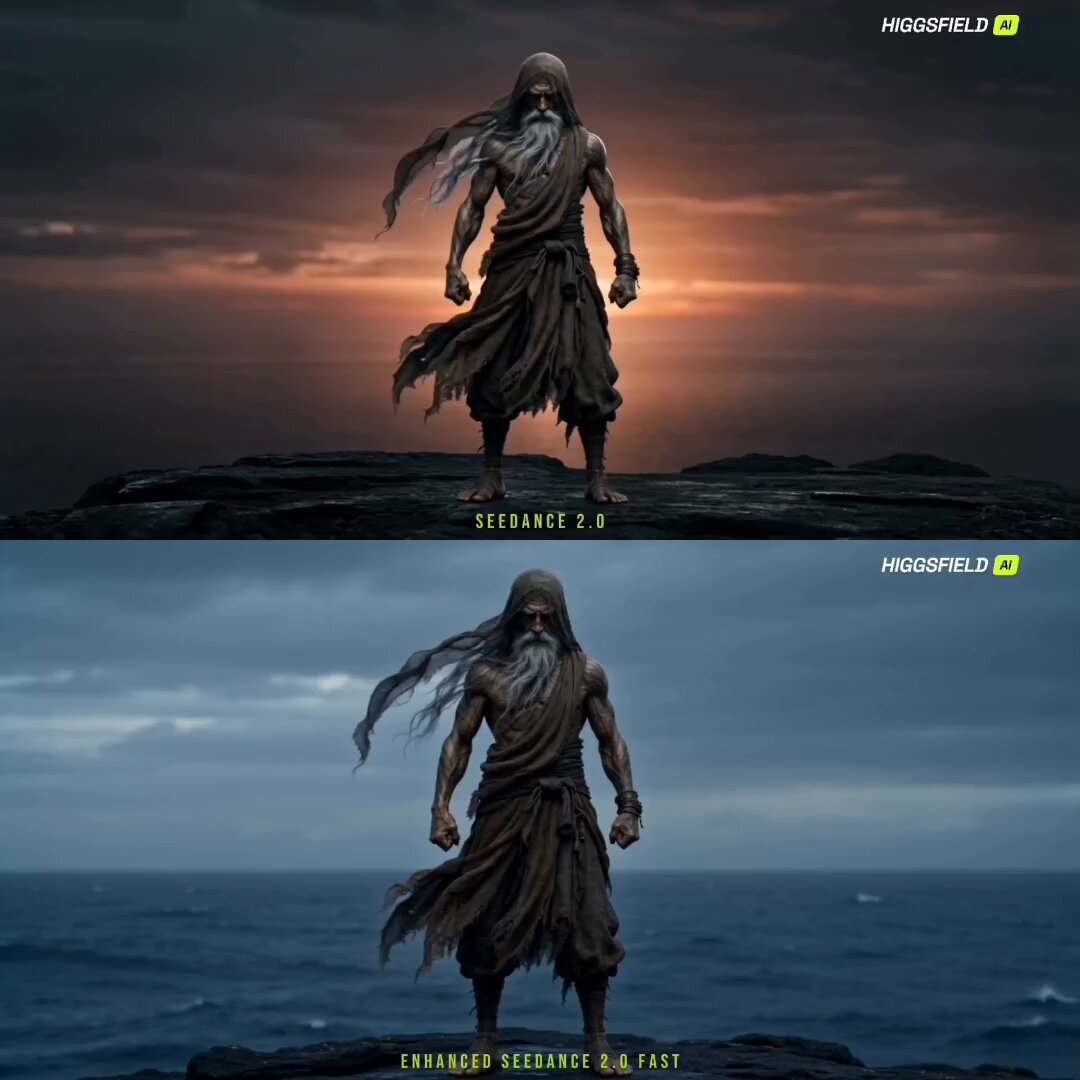
Cinematic Sorcerer vs Leviathan Multi-Shot Sequence

Pencil Sketch Woman Holding a Vivid Moon
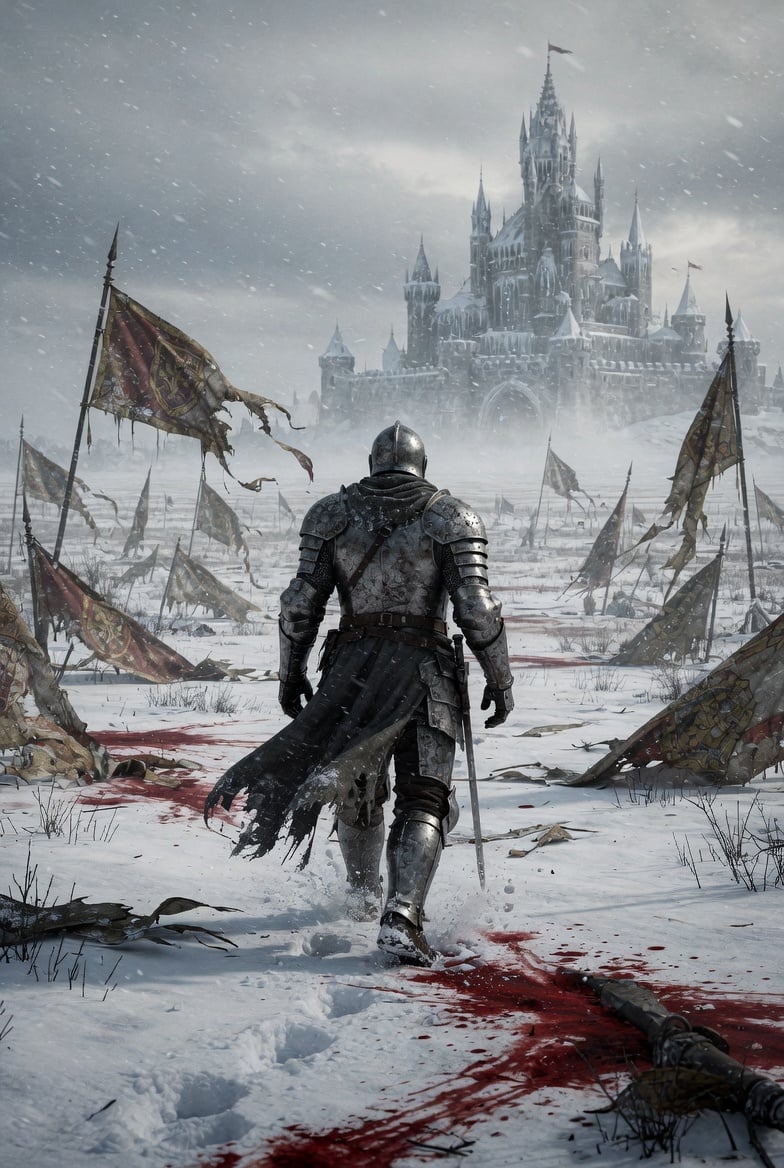
Lone Medieval Knight in Snowy Field Video Prompt

Fashionable Pet Rat Haircut
Sci-Fi Warrior vs Giant Mecha Beast

Cinematic Drift Through a Mirrored Labyrinth
Browse template categories
Cinematic Fantasy Overgrown Ruins Animation questions
How do I use the Cinematic Fantasy Overgrown Ruins Animation template?
Add your photo if the template asks for one, edit the prompt if you like — the template's model and format are already selected — and press Generate. Your version opens in PicX Studio.
Can I customize the Cinematic Fantasy Overgrown Ruins Animation template?
Yes. You can change the subject, setting, lighting, mood, format, and available model controls before creating your video.
Is the Cinematic Fantasy Overgrown Ruins Animation template free?
Opening and editing this template is free. Generating uses credits, shown on the Generate button when you are signed in.
Which AI model should I use?
Start with Seedance 2.0, which is the model associated with this template. You can compare another compatible model for a different finish.
Looking for something else? Browse all templates.

Your photo, any look
Thousands of ready templates for every top image and video model, from one credit balance.