
Sci-Fi Warrior vs Giant Mecha Beast
A multi-scene action prompt for Seedance 2.0 featuring a female warrior in bio-mechanical armor fighting a giant organic mechanical monster in a dystopian city.
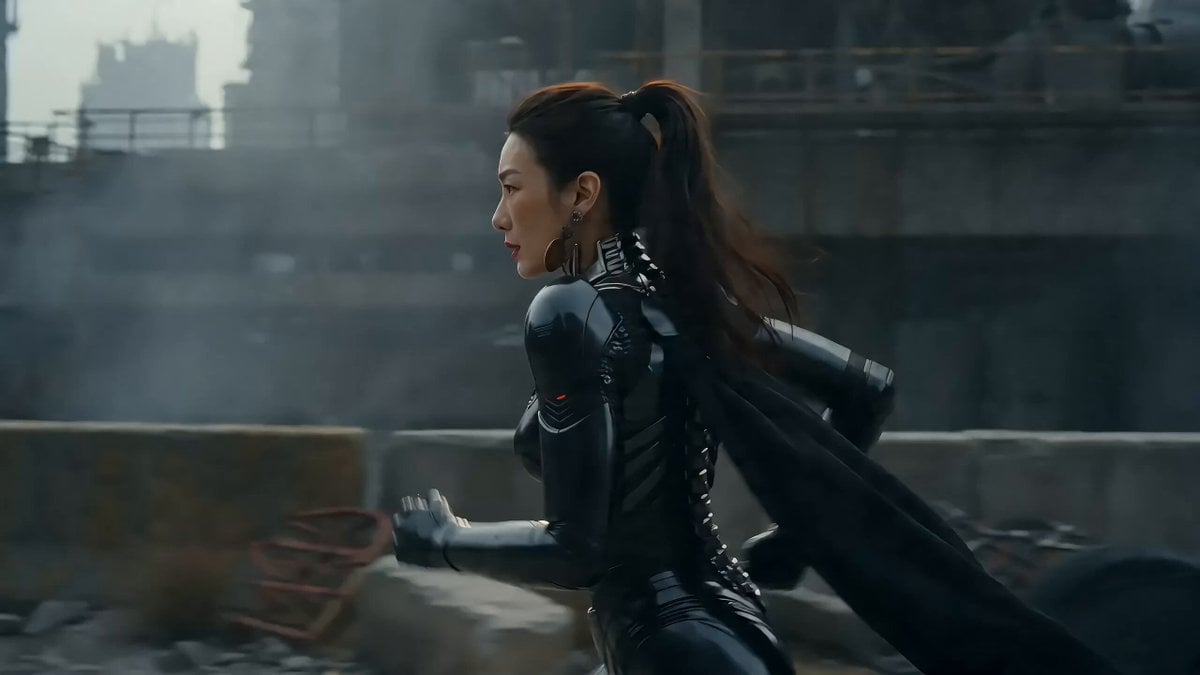
- Prompt included
- Model and format preset
- Free template
The prompt behind this video
Copy the exact prompt behind Sci-Fi Warrior vs Giant Mecha Beast, or open it in the studio and make it yours.
Character setup (bound reference images) image1 (main character) A cold and dangerous female warrior, image 1, pale skin, long black braided hair, wearing highly reflective black bio-mechanical armor, image 2, with a complex structure featuring exposed bones and a metal spine, draped in a dark cloak with a starry-sky texture, wielding a huge black longsword, with an elegant yet oppressive presence. Image 3 (equipped form): a high-tech combat form formed by the armor from image 2 unfolding: black liquid machinery covers the whole body, forming a reinforced armor structure, accompanied by flowing orange-red energy (resembling blood vessels or lava veins), mechanical wings that can deploy from the back, the head forming a fully enclosed combat helmet with cold-light goggles. Image 4 (giant enemy): a massive organic-mechanical beast, its pale shell fused with complex mechanical structures, its body made up of multiple giant limbs, with a glowing red "blood vessel" energy network flowing inside — overall it looks both like a living creature and a war machine, with an extremely oppressive presence. Setting and environment (unified style): a fog-shrouded dystopian city: giant gray concrete buildings densely packed together, the sky covered by thick polluted clouds, dust and industrial smoke floating in the air, in the distance faintly flickering malfunctioning neon signs and red warning lights, the overall mood oppressive, cold, and lifeless. 🎬 Storyboard prompt (enhanced pacing version) Shot 1: medium shot tracking (establishing an oppressive atmosphere) @image1 moves quickly through an abandoned industrial area, black cloak trailing behind like liquid. Handheld camera tracking from the side, slight shake to enhance realism. Breathing rapid, footsteps heavy and rhythmic. A low mechanical resonance sound comes from the distance. Shot 2: wide-angle low-angle tracking shot (target appears) Camera lowers, tracking @image1 from behind as it charges into the distance. The huge silhouette of image 4 gradually appears in the fog. The monster's outline flickers in and out of view, red internal energy pulsing. Wind howling, accompanied by a low-frequency roar. Shot 3: armor deployment (transformation begins) Close-up: the armor on @image1's back splits open. Black liquid machinery begins to flow and reassemble, forming the mechanical structure of image 3. Orange-red energy flows through the gaps in the armor. Slow motion + metallic clicking sounds + energy humming. Shot 4: helmet closes (oppressive feeling intensifies) Front close-up: mechanical components cover @image1's face in segments. Forms a complete combat helmet (image 3 form). Accompanied by a heavy metallic locking sound. Shot 5: extreme close-up (moment of activation) The goggles light up — intense orange-red light. HUD interface flickers faintly. Electronic startup sound pierces through. Shot 6: wide shot (scale contrast) Extreme wide angle: image 3 stands high at the edge of the city. Image 4 moves slowly in the distance, dominating the frame. The character is tiny, the monster is enormous. The score begins to build, low frequencies intensify. Shot 7: charge (rhythm bursts) Image 3 suddenly bursts off the cliff. Mechanical wings deploy, jet propulsion. Camera tracks the flight path at high speed. Sound of air tearing + engine roar. Shot 8: impact (climactic moment) Image 3 collides head-on with image 4. Metal and organic tissue burst apart simultaneously. Red energy and orange sparks erupt in a mixed explosion. Shockwave spreads, the frame shakes.
How to use Sci-Fi Warrior vs Giant Mecha Beast in 3 steps
- 1Upload ImagePNG, JPG or paste
Add your photo
Upload the photo the template builds on. The prompt, model and format are already set.
- 2…a portrait of your subject in softgolden-hour light, 85mm…
Personalize
Edit the subject and creative details for your destination.
- 3Generate
Generate
Press Generate — your video is created in PicX Studio, so you can compare it with the original and refine one variable at a time.
More like this
Templates with the same subject, style or setup. Open one to see its prompt.
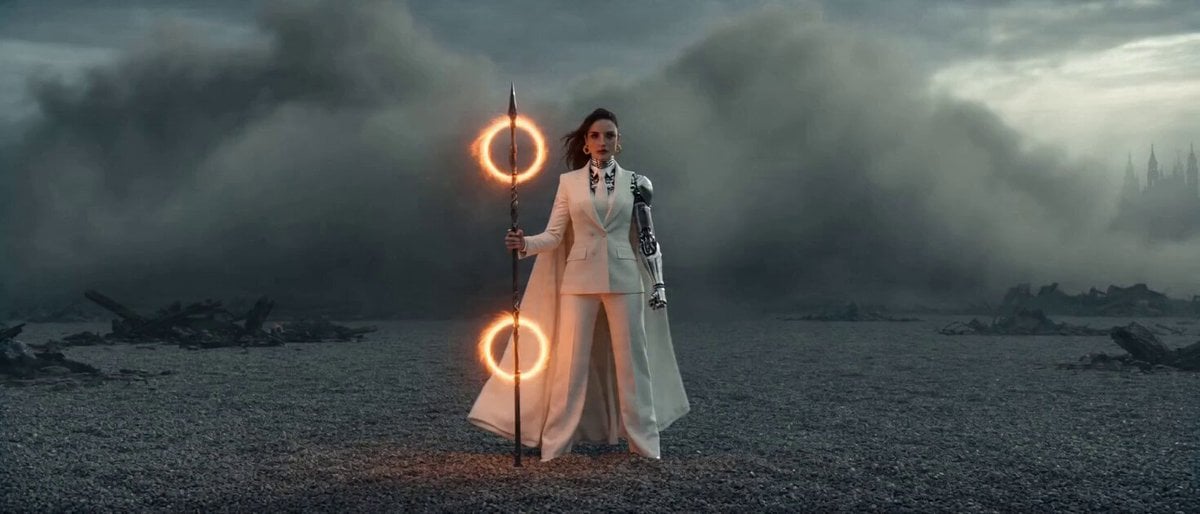
Epic Sci-Fi Action Sequence: Bionic Heroine vs. Giant Mecha
Cinematic Sci-Fi Mecha Short
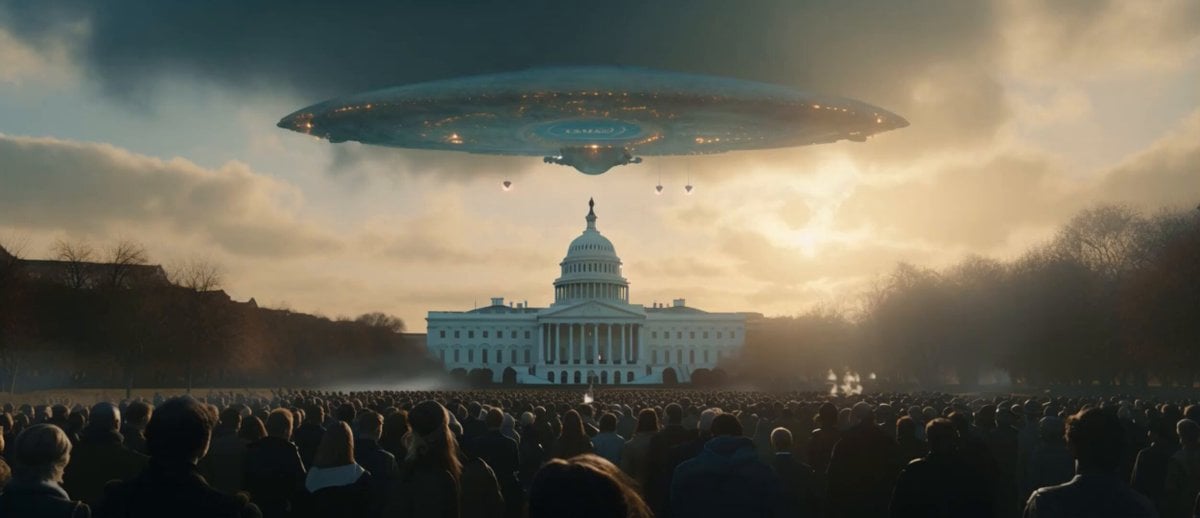
Sci-Fi Disaster Movie Scene - Seedance 2.5
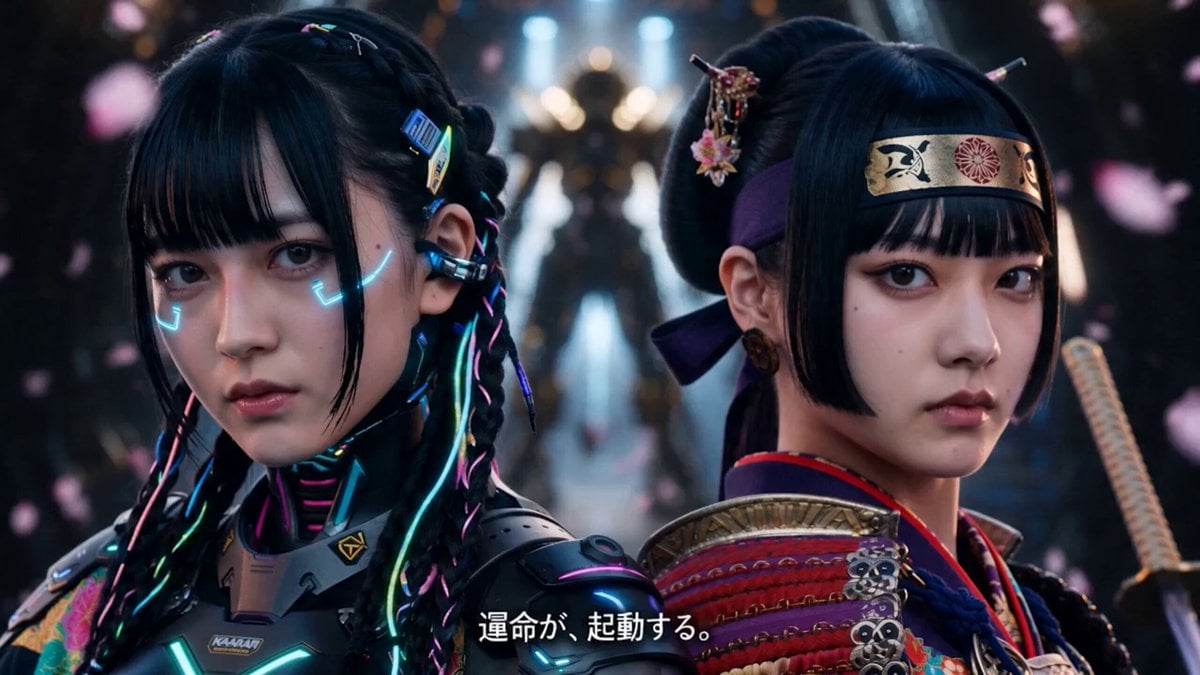
Sci-Fi Commercial Mecha Storyboard
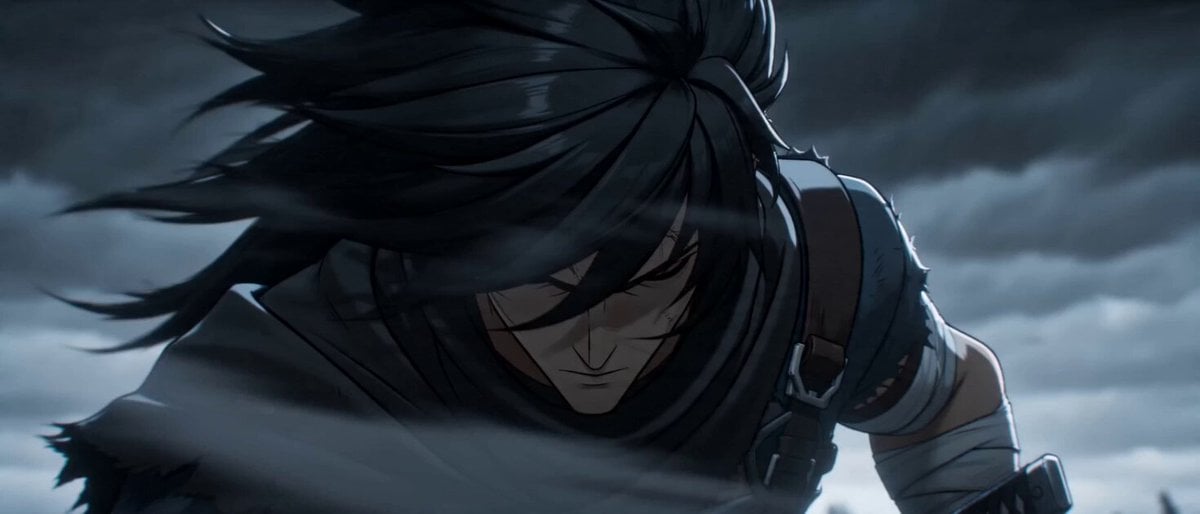
Sci-fi Mecha Sword Duel
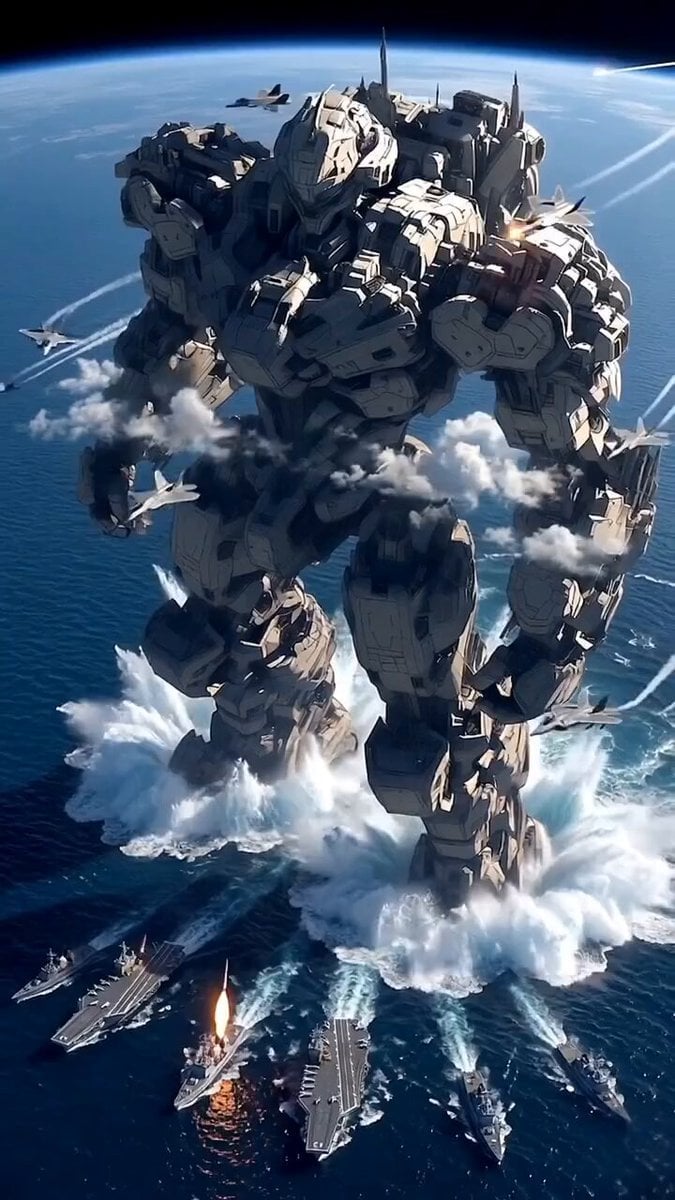
Giant Mecha Naval Battle
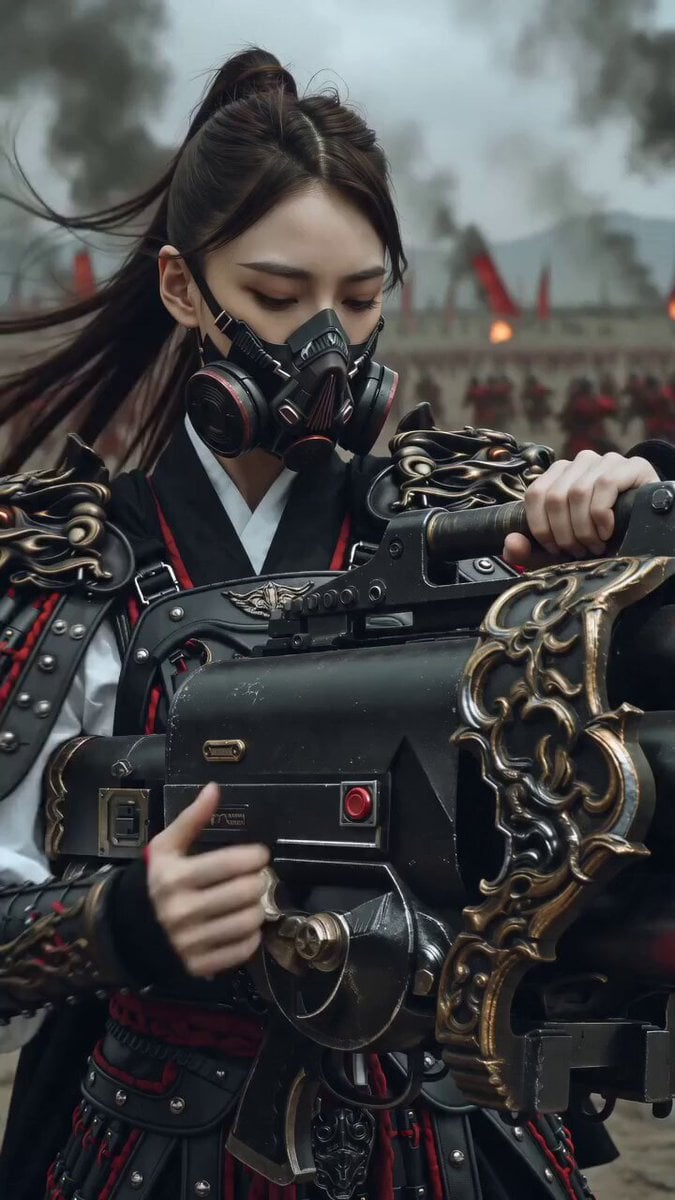
East Asian Female Warrior Mecha Transformation
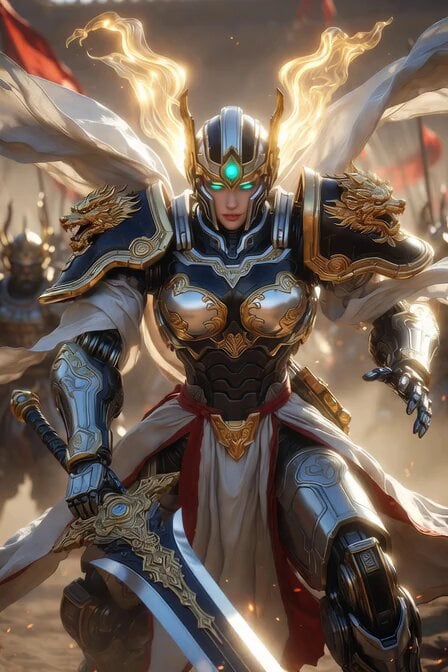
Imperial Dragon Mecha Warrior
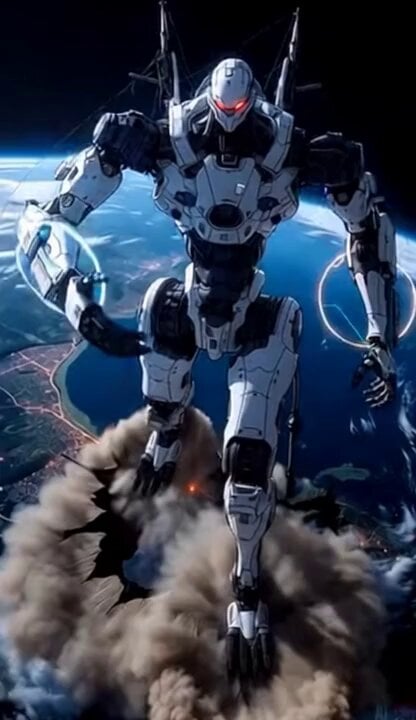
Giant Mecha Orbital Landing
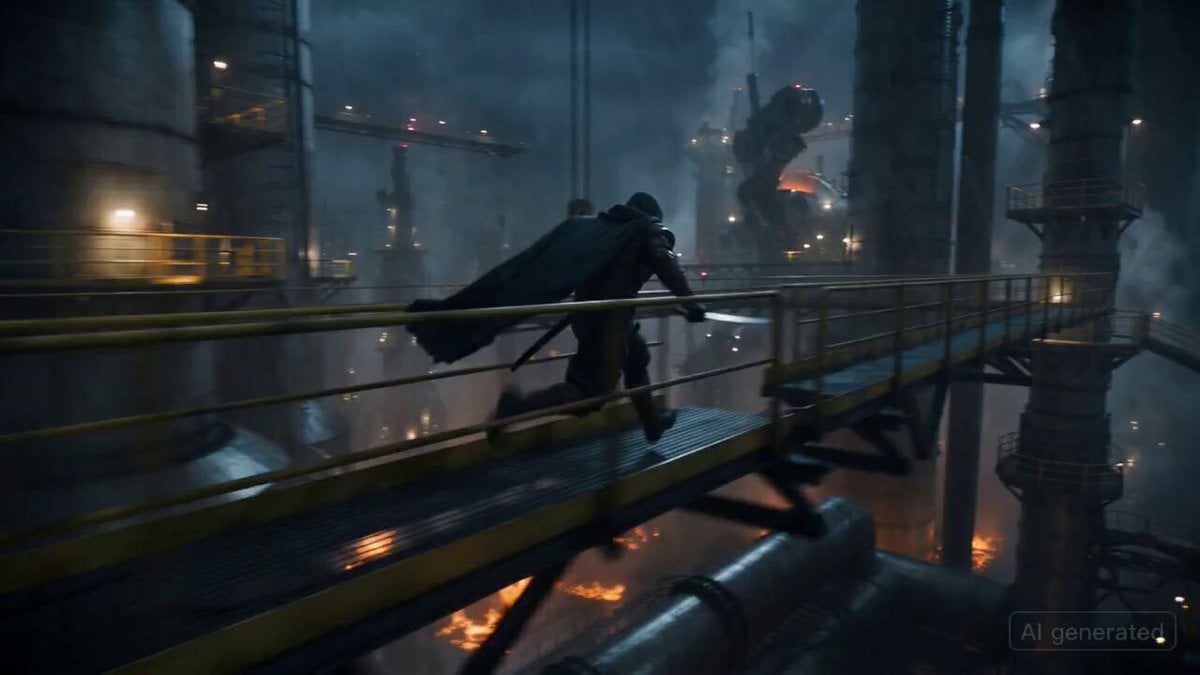
Ronin vs. Mechanical Beast Cinematic Prompt
Giant mechanical robot transformation from airplane

Bus transforming into a Cybertronian mechanical giant caterpillar
Make it yours
Sci-Fi Warrior vs Giant Mecha Beast works as-is. These are the safest ways to change it without losing the look.
Change one field
Copy a single group, rewrite it, and generate again so you can see what that field is doing.
Keep the frame, change the subject
Hold the composition and light of Sci-Fi Warrior vs Giant Mecha Beast, then swap wardrobe, props or the person for a new take.
| If the result… | Why | Fix |
|---|---|---|
| The result drifts from the preview | Too many fields changed at once. | Reuse Sci-Fi Warrior vs Giant Mecha Beast as-is first, then change one group — subject, light, or setting. |
| The model over-stylizes the scene | The prose prompt leaves finish and camera underspecified. | Add one camera or lighting sentence and stay on Seedance 2.0. |
More Seedance 2.0 templates
Other prompts made for Seedance 2.0.

Comical Martial Arts Punch Scene

Maglev Train Action Sequence

Martial Arts Fight Sequence

Wuxia Protection and Trust Script

Vintage Korean Arcade MiniDV Vlog

Mercedes 190 SL Luxury Ad

Rainy Night Supernatural Reverse Comedy Video Script

Amazon Civilization Discovery

Futuristic South Asian City Transformation

Cozy Luxury Cafe Commercial
More video prompts
Fresh picks from across the catalog.
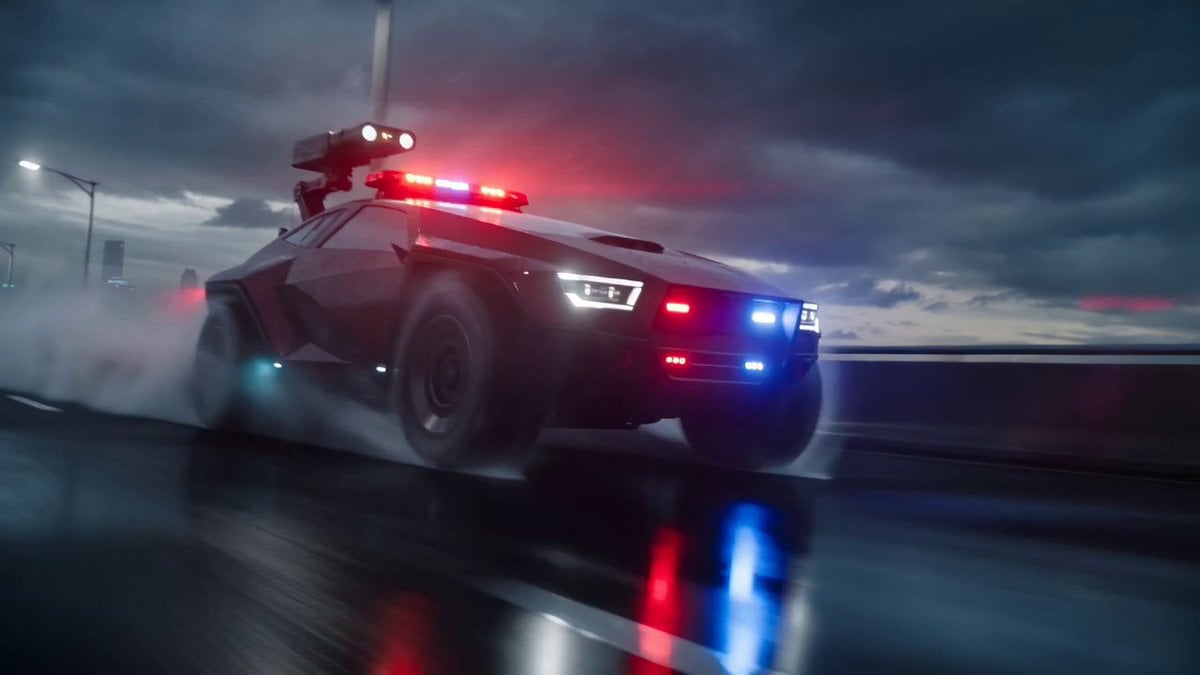
Seedance 2.0 Video Prompt: Vehicle-to-Mech Transformation
Bedtime Butterfly Animation
Cyberpunk K-Pop Demon Hunter Teaser
Heavy Metal Anime Music Video
Anime Desert Action Gunfight
Medieval Mansion Ghostly Mirror
Multi-Shot Classroom Action Timeline
Woman and Robot in Office

Home Horror Creature Sequence
Wuxia Sword Array Logic Comedy
Browse template categories
Sci-Fi Warrior vs Giant Mecha Beast questions
How do I use the Sci-Fi Warrior vs Giant Mecha Beast template?
Add your photo if the template asks for one, edit the prompt if you like — the template's model and format are already selected — and press Generate. Your version opens in PicX Studio.
Can I customize the Sci-Fi Warrior vs Giant Mecha Beast template?
Yes. You can change the subject, setting, lighting, mood, format, and available model controls before creating your video.
Is the Sci-Fi Warrior vs Giant Mecha Beast template free?
Opening and editing this template is free. Generating uses credits, shown on the Generate button when you are signed in.
Which AI model should I use?
Start with Seedance 2.0, which is the model associated with this template. You can compare another compatible model for a different finish.
Looking for something else? Browse all templates.

Your photo, any look
Thousands of ready templates for every top image and video model, from one credit balance.