
Seedance 2.0 Video Prompt: Vehicle-to-Mech Transformation
A detailed, multi-part prompt for Seedance 2.0 to create a continuous shot video of a matte red endurance race car transforming into a road-mech while moving along a stormy coastal highway.
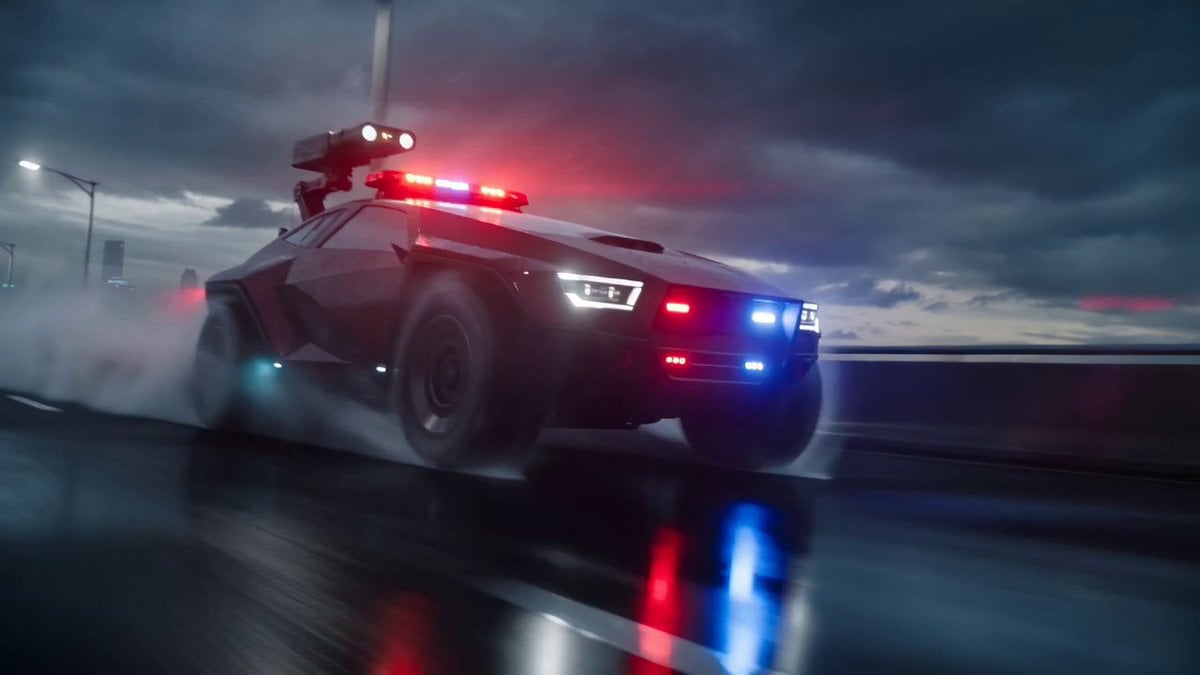
- Prompt included
- Model and format preset
- Premium template
The prompt behind this video
Copy the exact prompt behind Seedance 2.0 Video Prompt: Vehicle-to-Mech Transformation, or open it in the studio and make it yours.
Seedance 2.0 motion prompt: One-take transformation action. A matte red endurance race car races along a stormy coastal highway at twilight, tires spraying water. The camera pushes close to the front quarter panel and tracks alongside as the car swerves around wreckage. Without slowing, the hood splits, wheels rotate, suspension arms extend, and body panels unfold into limbs while the chassis remains in forward motion. The transforming machine vaults over a collapsed barrier, lands as a fully formed road-mech still sprinting down the highway, then punches through crashing debris as lightning flashes over the sea cliffs. Rain, sparks, realistic mechanical articulation, dark metallic palette, full speed transformation with no cut. If english prompt is rejected use the chinese one 1. Vehicle transformation type: rescue crossover vehicle Image prompt: Stormy dusk, a dark red futuristic rescue vehicle speeding along a broken coastal highway, the road surface wet and reflective, storm clouds pressing down on the city in the distance, the vehicle's lines sharp and angular with emergency warning lights and an engineered, structural look, no close-up of a driver, original design, cinematic industrial realism style. Seedance 2.0 camera-motion prompt: One continuous shot, stormy dusk, a dark red futuristic rescue vehicle speeding along an elevated coastal highway, its tires kicking up large sprays of mist, the camera tracking close to the front side of the vehicle at a low angle, the flashing emergency lights casting red reflections across the wet road surface. A huge break suddenly appears in the road ahead, and as the vehicle keeps advancing it begins to reconfigure and transform: the four wheels fold inward, the chassis rises, both sides of the body unfold into multi-segment mechanical support arms, a stabilizing unit extends from the rear, a sensor module rises from the top, and the front end and chassis reassemble into a non-humanoid, multi-legged, leaping rescue mechanical vehicle. The entire transformation proceeds at high speed throughout, the mechanical joints engaging with clear articulation, the metal structure conveying real weight and mass. It finally clears the broken bridge gap with a solid landing, coming down on a platform on the far side that's flashing a distress signal, with heavy rain, sparks, water mist, and mechanical detail all interwoven — cinematic realism, high tension, no weapons, no humanoid mech feel.
How to use Seedance 2.0 Video Prompt: Vehicle-to-Mech Transformation in 3 steps
- 1
Open
The prompt is already in the box next to the preview, with the template's model and format selected.
- 2…a portrait of your subject in softgolden-hour light, 85mm…
Personalize
Edit the subject and creative details for your destination.
- 3Generate
Generate
Press Generate — your video is created in PicX Studio, so you can compare it with the original and refine one variable at a time.
More like this
Templates with the same subject, style or setup. Open one to see its prompt.
Mecha Transformation vs Kaiju — 4-Scene Epic
Dark Tokusatsu Transformation - Seedance 2.5
RX-7 to Mech Transformation Cyberpunk
Civilization Timelapse — Centuries in One Shot
Seedance 2.0 Mecha Transformation Video Prompt
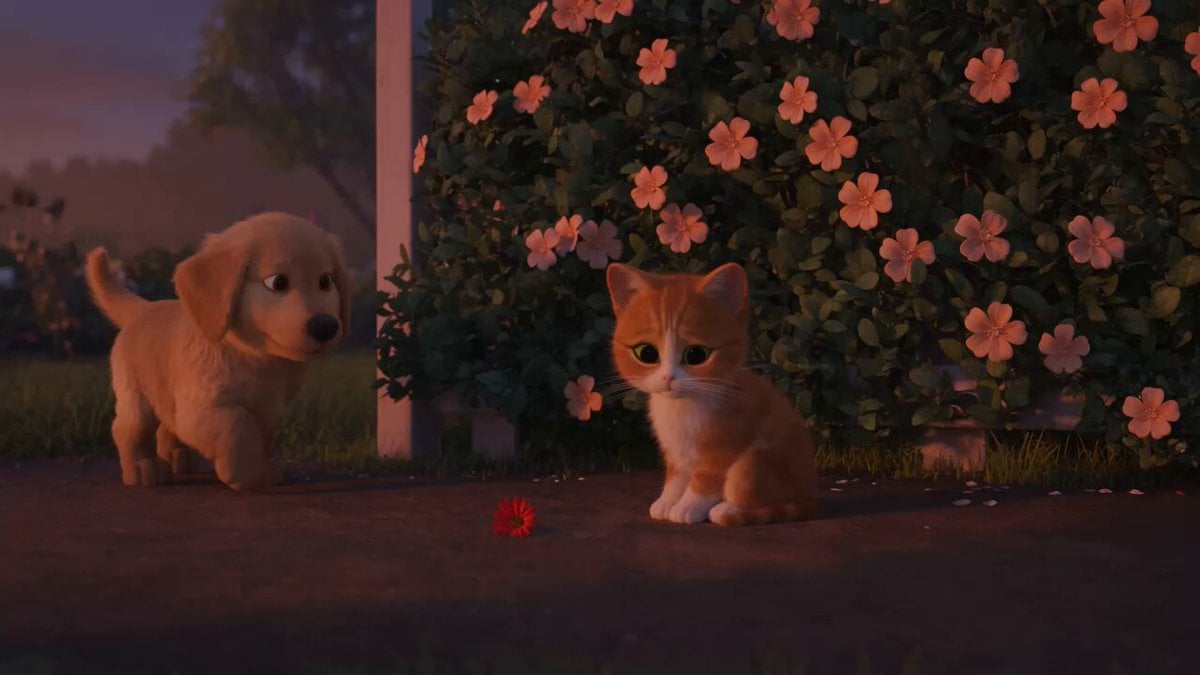
Wholesome Puppy and Kitten Story - Seedance 2.5

Mysterious Home Exploration Vlog - Seedance 2.5

Cinematic Xinjiang Drone Landscapes - Seedance 2.5
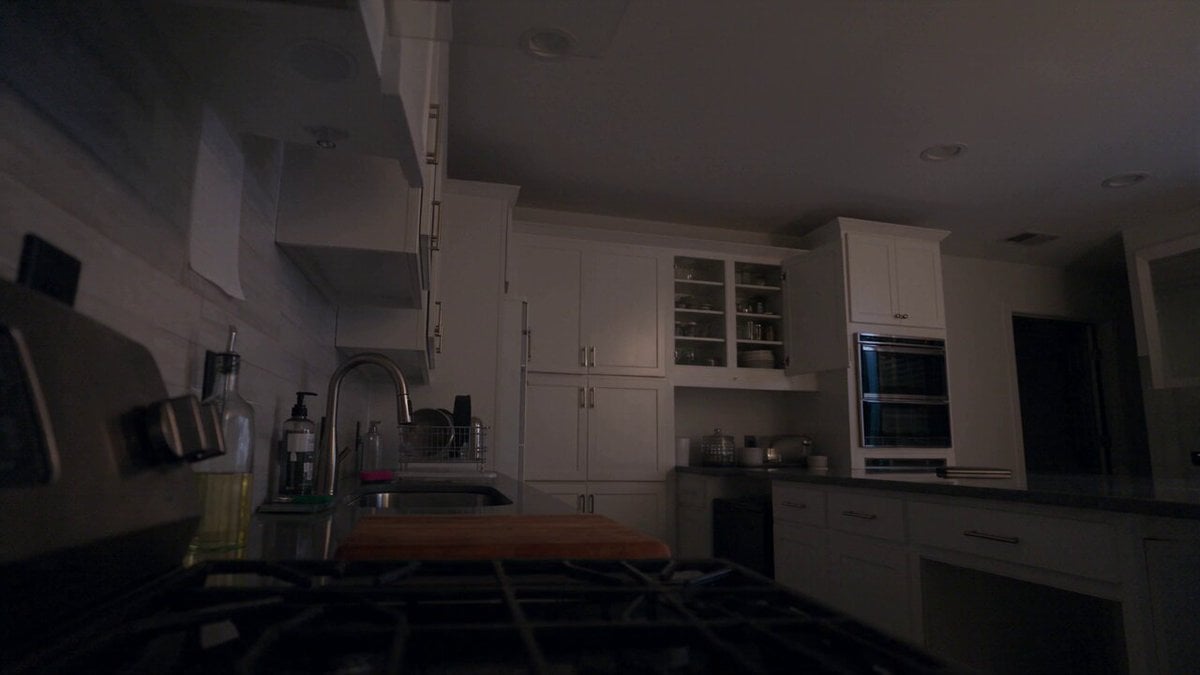
Late Night Kitchen Phone Recording - Seedance 2.5
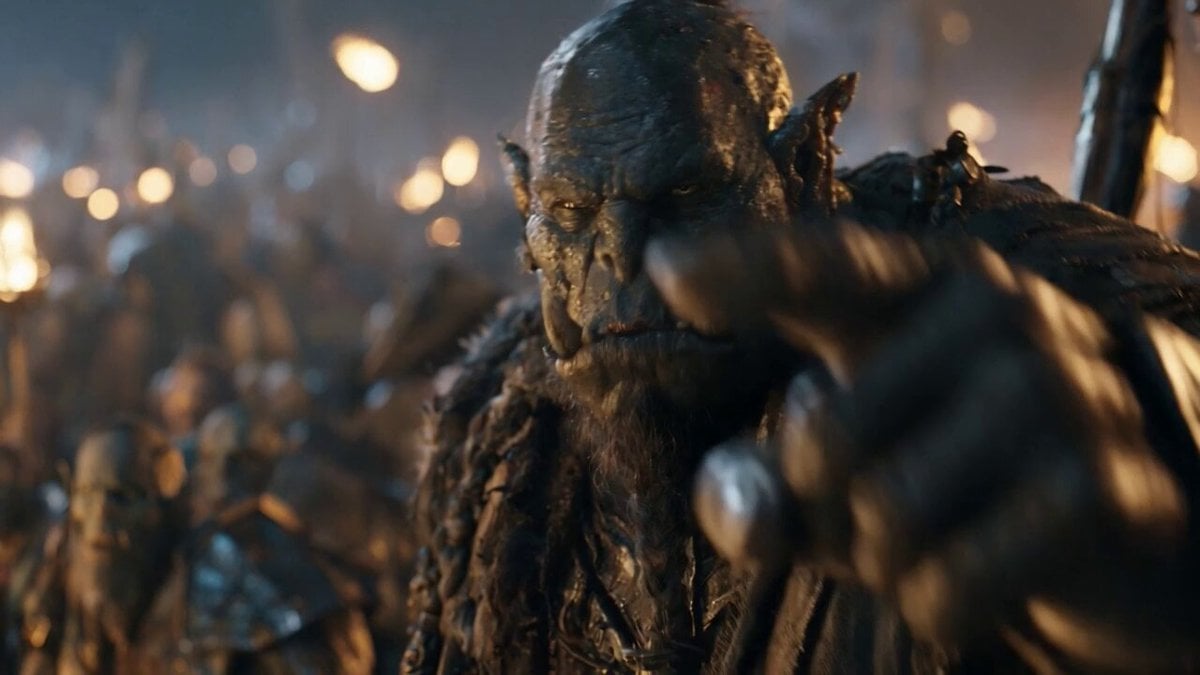
3D Animated Cat and Old Man - Seedance
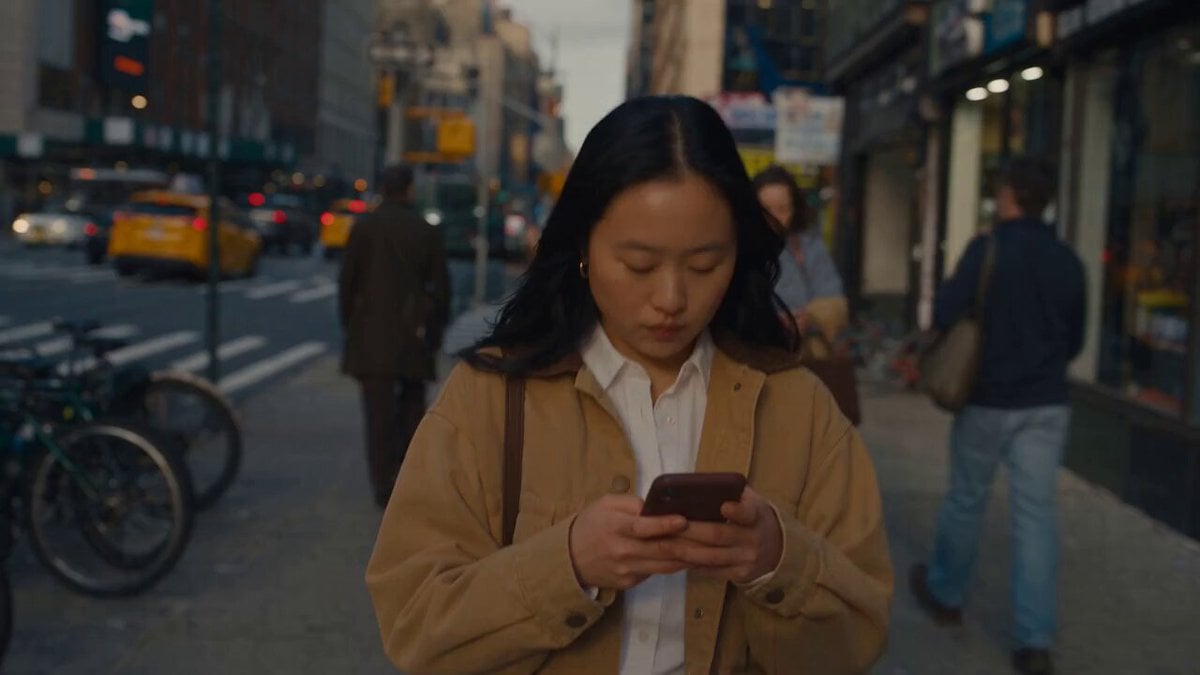
Realistic City Street Story Cinematic Video - Seedance
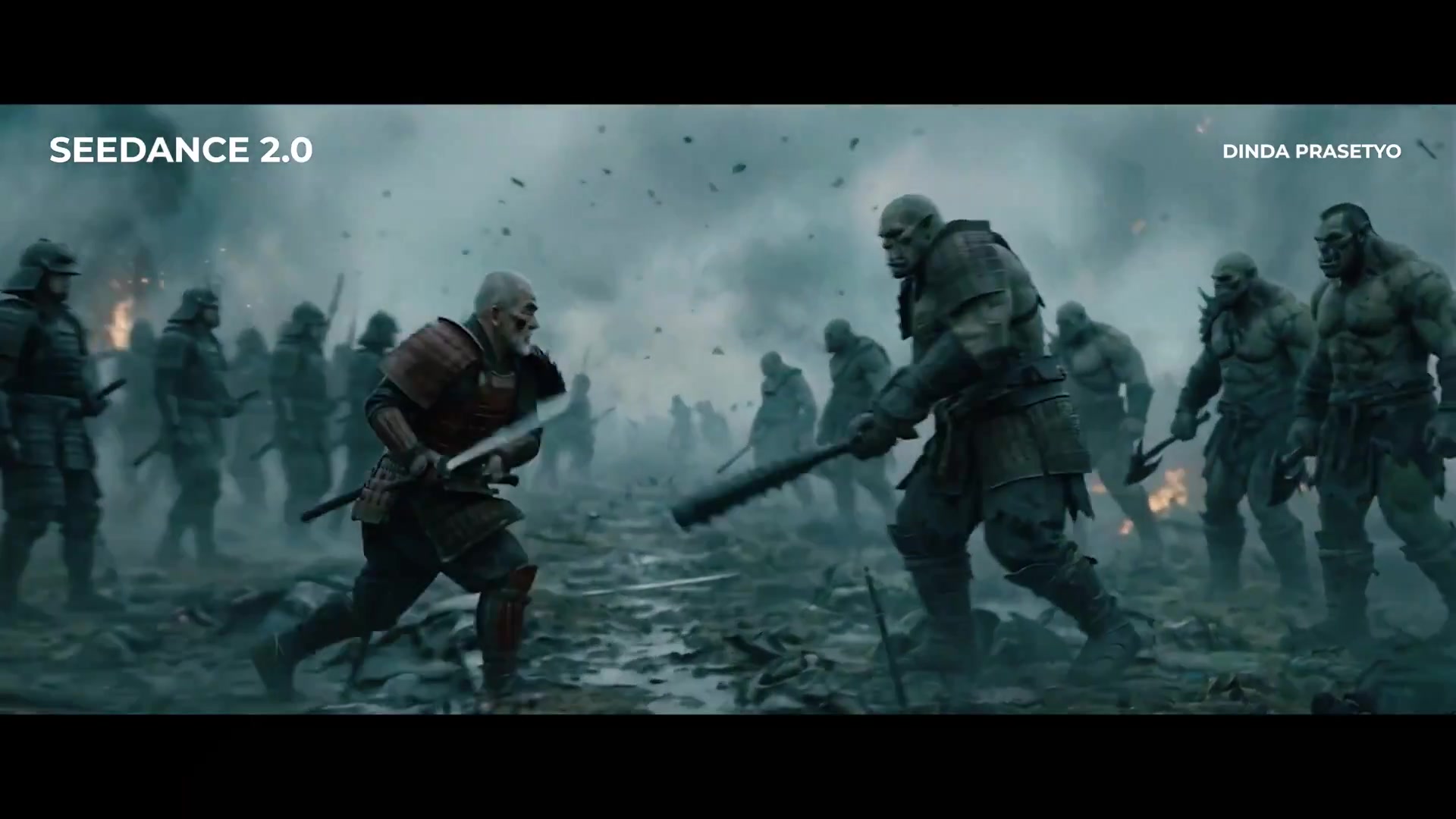
Seedance 2.0 First Test — Dynamic Motion Showcase
Make it yours
Seedance 2.0 Video Prompt: Vehicle-to-Mech Transformation works as-is. These are the safest ways to change it without losing the look.
Change one field
Copy a single group, rewrite it, and generate again so you can see what that field is doing.
Keep the frame, change the subject
Hold the composition and light of Seedance 2.0 Video Prompt: Vehicle-to-Mech Transformation, then swap wardrobe, props or the person for a new take.
| If the result… | Why | Fix |
|---|---|---|
| The result drifts from the preview | Too many fields changed at once. | Reuse Seedance 2.0 Video Prompt: Vehicle-to-Mech Transformation as-is first, then change one group — subject, light, or setting. |
| The model over-stylizes the scene | The prose prompt leaves finish and camera underspecified. | Add one camera or lighting sentence and stay on Seedance 2.0. |
More Seedance 2.0 templates
Other prompts made for Seedance 2.0.

Comical Martial Arts Punch Scene

Maglev Train Action Sequence

Martial Arts Fight Sequence

Wuxia Protection and Trust Script

Vintage Korean Arcade MiniDV Vlog

Mercedes 190 SL Luxury Ad

Rainy Night Supernatural Reverse Comedy Video Script

Amazon Civilization Discovery

Futuristic South Asian City Transformation

Cozy Luxury Cafe Commercial
More video prompts
Fresh picks from across the catalog.
Intimate Future Conversation Couple
Golden Armor Goddess Ascent

Kawaii anime parade video prompt
Cybernetic woman and butterfly video prompt
Realistic Morning Routine Lifestyle Vlog - Seedance 2.5

Mega Crocodile Cargo Plane Action
Space Scouts and Sea Lions Video

Nine-Panel Grid Interactive Animation

Fairy Flight Fantasy Animation

Sci-Fi Cinematic Scene: AI Captain vs. Human Astronaut
Browse template categories
Seedance 2.0 Video Prompt: Vehicle-to-Mech Transformation questions
How do I use the Seedance 2.0 Video Prompt: Vehicle-to-Mech Transformation template?
Add your photo if the template asks for one, edit the prompt if you like — the template's model and format are already selected — and press Generate. Your version opens in PicX Studio.
Can I customize the Seedance 2.0 Video Prompt: Vehicle-to-Mech Transformation template?
Yes. You can change the subject, setting, lighting, mood, format, and available model controls before creating your video.
Is the Seedance 2.0 Video Prompt: Vehicle-to-Mech Transformation template free?
Opening and editing this template is free. Generating uses credits, shown on the Generate button when you are signed in.
Which AI model should I use?
Start with Seedance 2.0, which is the model associated with this template. You can compare another compatible model for a different finish.
Looking for something else? Browse all templates.

Your photo, any look
Thousands of ready templates for every top image and video model, from one credit balance.