
Nine-Panel Grid Interactive Animation
A complex, 12-second prompt for Seedance 2.0 to animate a nine-panel grid composition where the characters in each panel start interacting, pushing, and distorting the grid lines, transitioning from static poses to…

- Prompt included
- Model and format preset
- Free template
The prompt behind this video
Copy the exact prompt behind Nine-Panel Grid Interactive Animation, or open it in the studio and make it yours.
【图片1】为首帧画面,12秒,3:4竖屏。 九宫格画面中九个女孩各自静止在自己的格子里。 第1-3秒:所有格子里的女孩开始微微活动,各自保持表情特征。突然左上角自拍格的女孩发现自己被困在格子里,用手推了推格子边框,表情从自信变成疑惑; 第4-7秒:她用力拍了一下右边的格子边框,这一拍的震动传递过去,中上格微笑的女孩被震得晃了一下,不满地看向左边。与此同时,左下角吐舌头的女孩从自己格子底部伸出一只手,越过边框线探进了正下方正中间大笑格的领地,从大笑女孩的画面下方冒出来挠了一下她的下巴,大笑格的女孩笑得更厉害了; 第8-12秒:场面彻底混乱,多个格子之间开始互动——右上角惊讶脸被右边格子里伸过来的手拍了一下肩膀吓得更惊讶了,中间嫌弃脸对着旁边伸过来的手一脸嫌弃地躲开,最后所有人都在跨格子互动推搡打闹,格子边框线被挤得歪歪扭扭变形。 全程九宫格构图,但格子边框会被互动动作推挤变形。禁止:任何文字、字幕、LOGO或水印。
How to use Nine-Panel Grid Interactive Animation in 3 steps
- 1
Open
The prompt is already in the box next to the preview, with the template's model and format selected.
- 2…a portrait of your subject in softgolden-hour light, 85mm…
Personalize
Edit the subject and creative details for your destination.
- 3Generate
Generate
Press Generate — your video is created in PicX Studio, so you can compare it with the original and refine one variable at a time.
More like this
Templates with the same subject, style or setup. Open one to see its prompt.
3D Glossy Fairy Animation - Seedance 2.5

Silk Road Pomegranate Folk Animation
Multilingual Creative Typography Loop

Walking Factory with Rebel on Hoverbike - Wasteland
Cartoon Bullfight Arena — Girl vs Bull (Seedance)
Dim Sum Chase — Shrimp Dumpling Monster

3x3 Grid Storyboard Racing — Kling 3.0 O3 Pro

Multi Panel Storyboard Sheet
Prompt: Make the characters in each of the 12 grid
Nine-Tailed Fox Divine Bow Transformation

Multi-Panel Shutter MV Anime
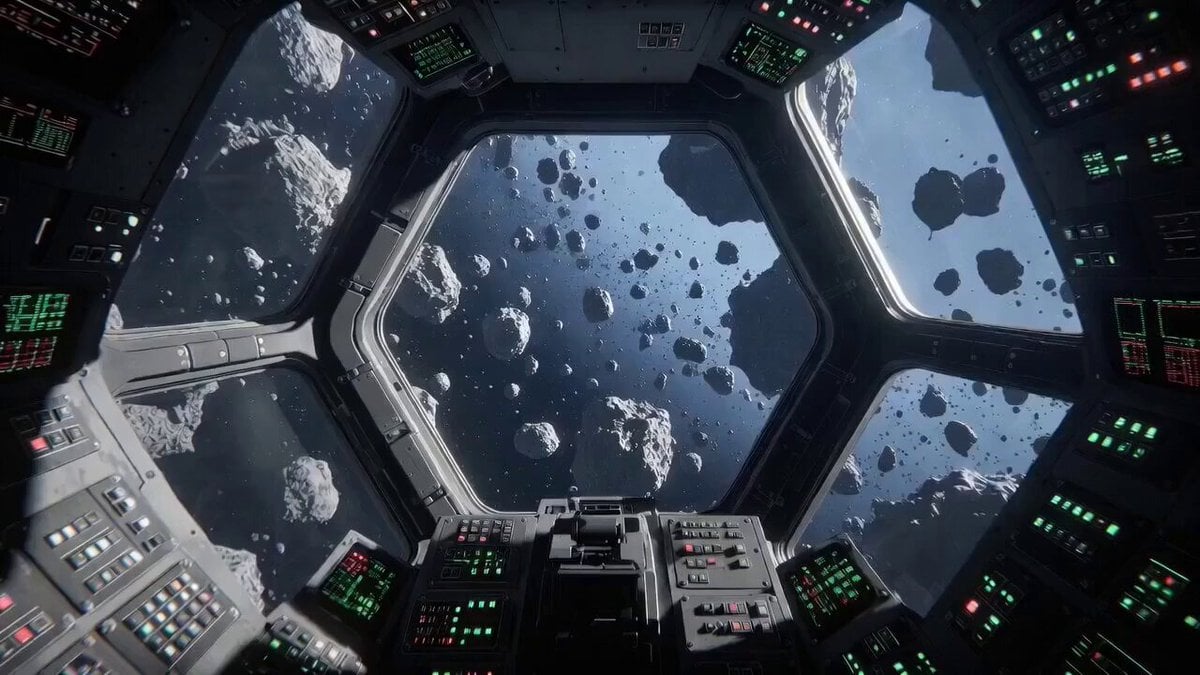
Describing Interactive Video Generation
Make it yours
Nine-Panel Grid Interactive Animation works as-is. These are the safest ways to change it without losing the look.
Change one field
Copy a single group, rewrite it, and generate again so you can see what that field is doing.
Keep the frame, change the subject
Hold the composition and light of Nine-Panel Grid Interactive Animation, then swap wardrobe, props or the person for a new take.
| If the result… | Why | Fix |
|---|---|---|
| The result drifts from the preview | Too many fields changed at once. | Reuse Nine-Panel Grid Interactive Animation as-is first, then change one group — subject, light, or setting. |
| The model over-stylizes the scene | The prose prompt leaves finish and camera underspecified. | Add one camera or lighting sentence and stay on Seedance 2.0. |
More Seedance 2.0 templates
Other prompts made for Seedance 2.0.

Comical Martial Arts Punch Scene

Maglev Train Action Sequence

Martial Arts Fight Sequence

Wuxia Protection and Trust Script

Vintage Korean Arcade MiniDV Vlog

Mercedes 190 SL Luxury Ad

Rainy Night Supernatural Reverse Comedy Video Script

Amazon Civilization Discovery

Futuristic South Asian City Transformation

Cozy Luxury Cafe Commercial
More video prompts
Fresh picks from across the catalog.

Day in the Life Continuous Tracking Shot
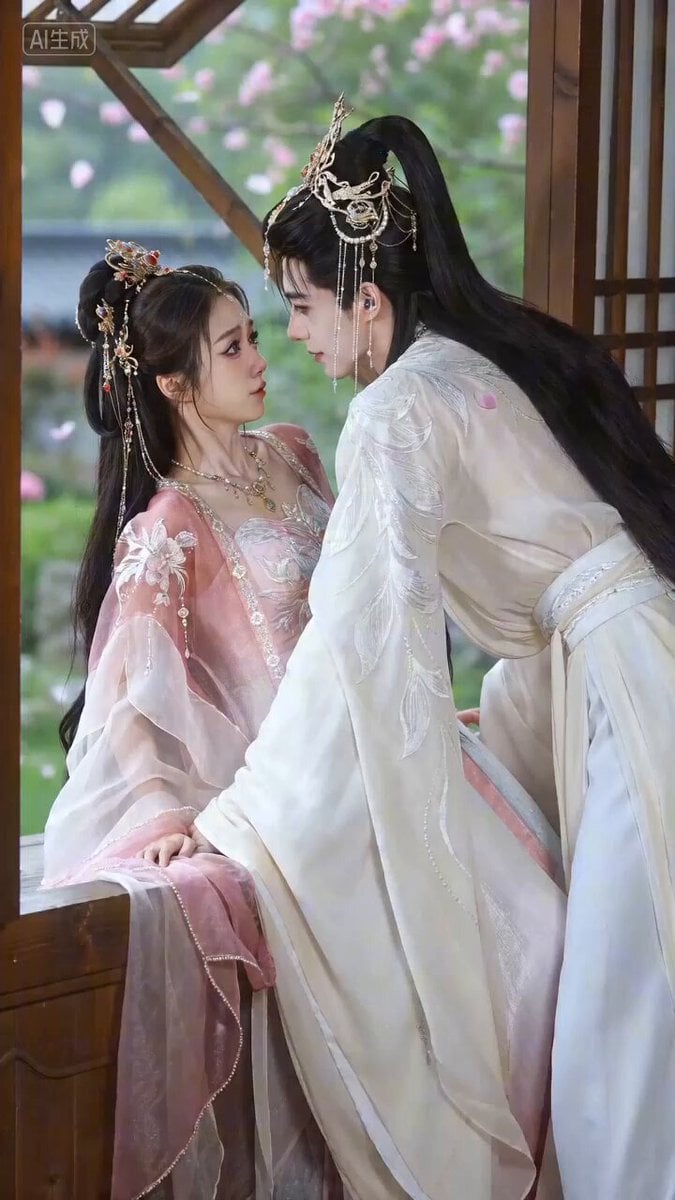
Seedance 2.0 Video Prompt: Spring Imprisonment (Ancient Romance)

Football Stadium Fan Broadcast Shot
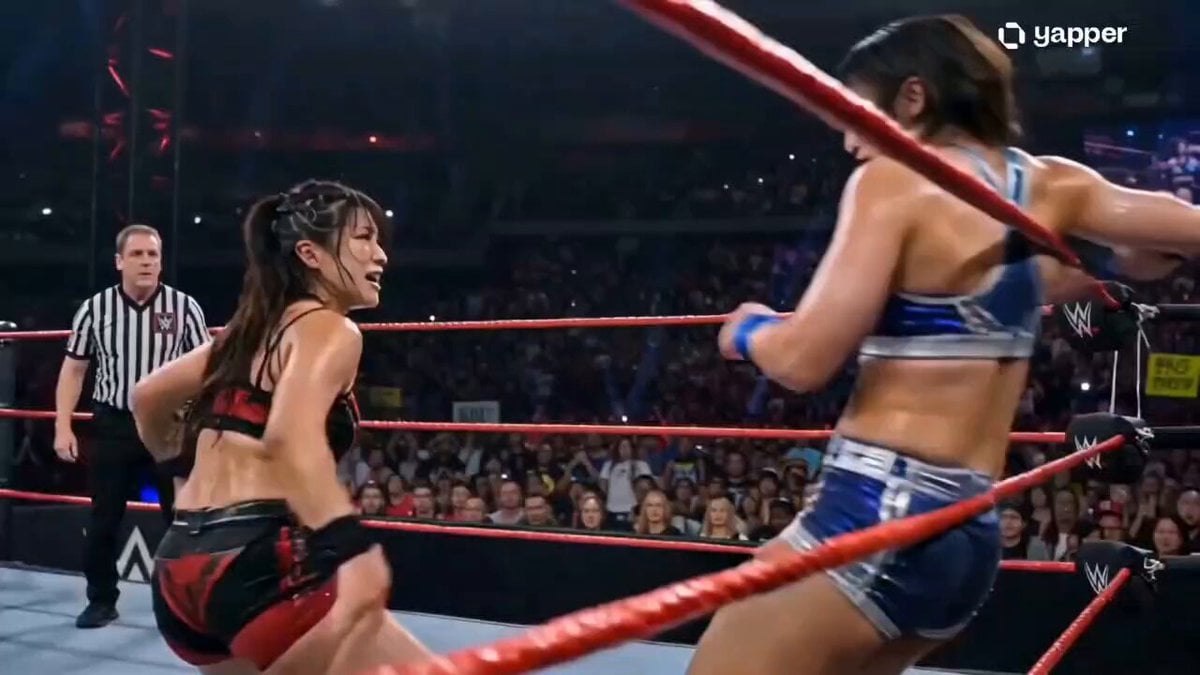
WWE Championship Finale Video

Sweet Scent of Spring
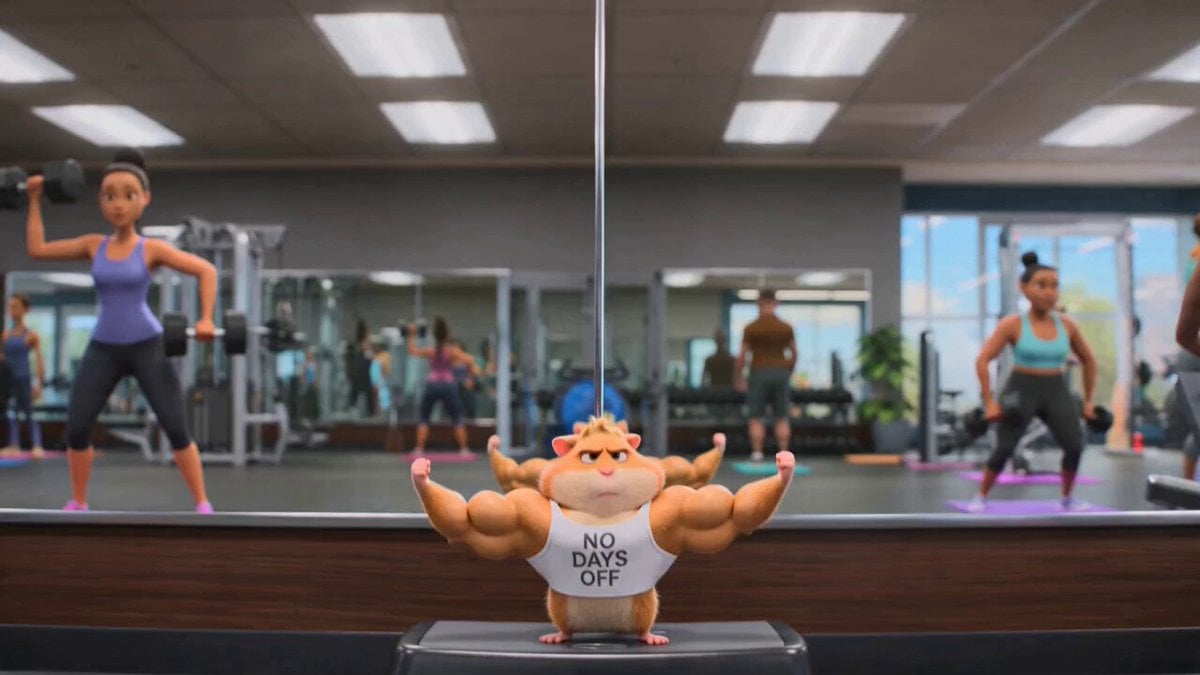
Hamster Gym Bro: A Pixar-Quality Animated Short
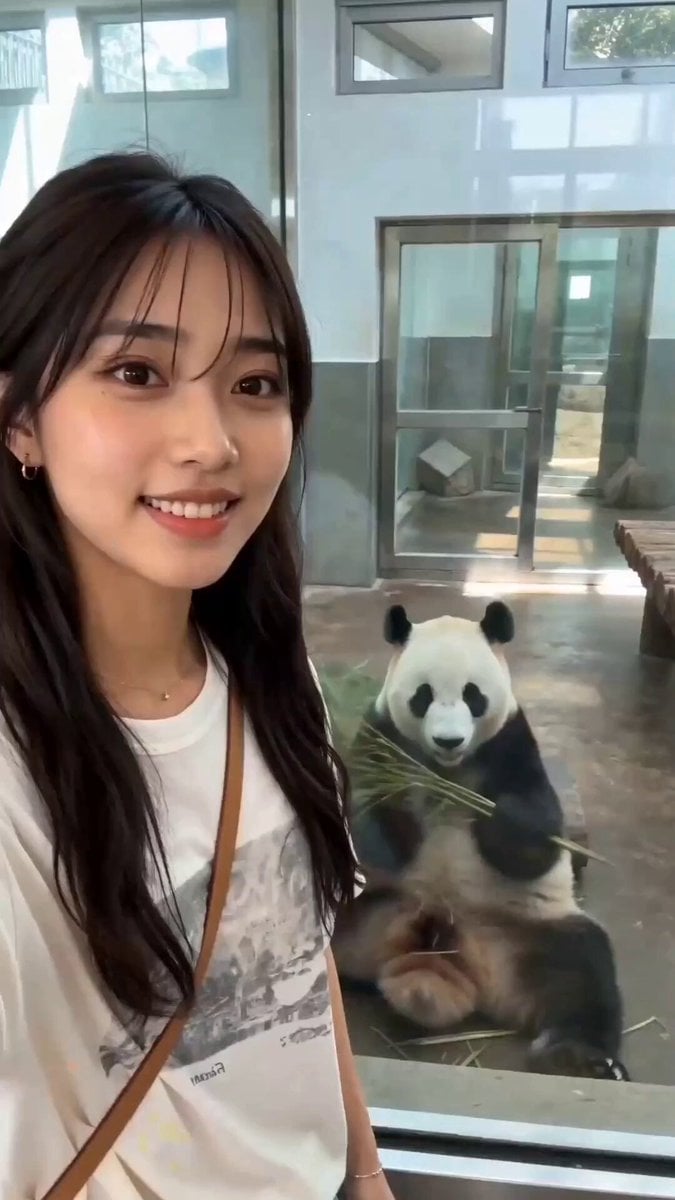
Realistic Zoo Vlog Selfie
Image Rotation and Color Flare Video

Wall Elves Camera Zoom

Cinematic Action Fight Sequence for Seedance 2.0
Browse template categories
Nine-Panel Grid Interactive Animation questions
How do I use the Nine-Panel Grid Interactive Animation template?
Add your photo if the template asks for one, edit the prompt if you like — the template's model and format are already selected — and press Generate. Your version opens in PicX Studio.
Can I customize the Nine-Panel Grid Interactive Animation template?
Yes. You can change the subject, setting, lighting, mood, format, and available model controls before creating your video.
Is the Nine-Panel Grid Interactive Animation template free?
Opening and editing this template is free. Generating uses credits, shown on the Generate button when you are signed in.
Which AI model should I use?
Start with Seedance 2.0, which is the model associated with this template. You can compare another compatible model for a different finish.
Looking for something else? Browse all templates.

Your photo, any look
Thousands of ready templates for every top image and video model, from one credit balance.