
Day in the Life Continuous Tracking Shot
An ultra-cinematic 15-second single-take sequence following a woman through her daily routine with seamless environmental transitions.

- Prompt included
- Model and format preset
- Free template
The prompt behind this video
Copy the exact prompt behind Day in the Life Continuous Tracking Shot, or open it in the studio and make it yours.
Cinematic continuous horizontal tracking shot, 16:9 aspect ratio, 15 seconds, single-take sequence with no cuts. The camera glides smoothly from left to right, following a Taiwanese woman through an entire day as the surrounding environments transition seamlessly around her. The scene opens in a dimly lit bedroom. An alarm clock rings. A woman stirs beneath the blankets, rolls over sleepily, and reaches out to silence the alarm. The camera continues moving right into a bathroom, where she splashes cold water on her face, brushes her teeth, and briefly studies her reflection in the mirror. The camera keeps drifting right into a kitchen. Fresh coffee brews with a gentle gurgle, toast crackles in the toaster, and she hurriedly eats breakfast while standing. Warm morning sunlight streams through the windows. The camera moves right again into the outdoors. The city awakens around her. Crowds surge through a busy metro station. Wearing headphones, she walks forward with quiet determination, focused on the day ahead. The camera continues right into an office lobby. Elevator doors open. She strides quickly toward her desk, still wearing her coat as her computer powers on. The camera keeps moving right as the workday intensifies. She is deeply focused at her desk, surrounded by scattered documents. Phones ring, keyboards clatter, conversations hum in the background, and her coffee slowly grows cold. The camera glides right into lunchtime. She sits alone on an outdoor bench holding a sandwich. It is one of the few peaceful moments of the day. She closes her eyes briefly, lifting her face toward the warm sunlight. The camera moves right once more as the workday ends. She loosens her tie, picks up her bag, exhales deeply, and steps back into the city. The camera continues right into the evening commute. It is the same metro train, but now quieter. Fatigue is visible on her face as she leans against the window, watching the city pass by. The camera moves right one final time, returning home. She removes her shoes at the doorway and collapses onto the sofa. City lights glow outside the window. For the first time all day, she sits completely still, closes her eyes, and relaxes as the room gradually darkens. Sound design is perfectly synchronized with every environment: alarm clock ringing, running water, coffee machine bubbling, toast crackling, metro rumbles, crowd ambience, office chatter, keyboard typing, city atmosphere, and the quiet stillness of night. Ultra-realistic visuals, IMAX cinema-quality imagery, razor-sharp detail, emotionally immersive storytelling, natural lighting, cinematic depth of field, highly expressive and feminine presence, relatable and human. The character's face must match the reference image exactly, maintaining consistent facial features and identity throughout the entire shot.
How to use Day in the Life Continuous Tracking Shot in 3 steps
- 1Upload ImagePNG, JPG or paste
Add your photo
Upload the photo the template builds on. The prompt, model and format are already set.
- 2…a portrait of your subject in softgolden-hour light, 85mm…
Personalize
Edit the subject and creative details for your destination.
- 3Generate
Generate
Press Generate — your video is created in PicX Studio, so you can compare it with the original and refine one variable at a time.
More like this
Templates with the same subject, style or setup. Open one to see its prompt.

Life Journey Continuous Tracking Shot

FPV Drone Skier Tracking — Kling 3.0 O3 Pro

Luxury Lifestyle Day Vlog
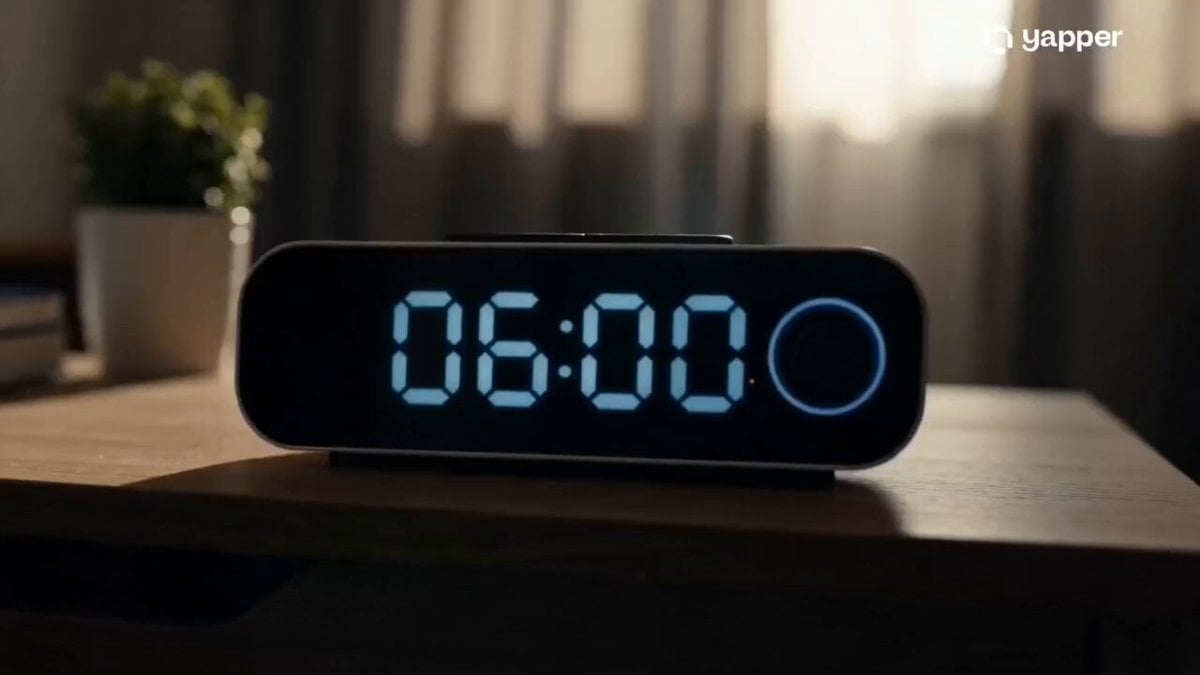
Epic Everyday Life Movie Trailer

Cinematic Continuous Side-Scrolling Daily Life

Day in My Life Chibi Video Generation Prompt
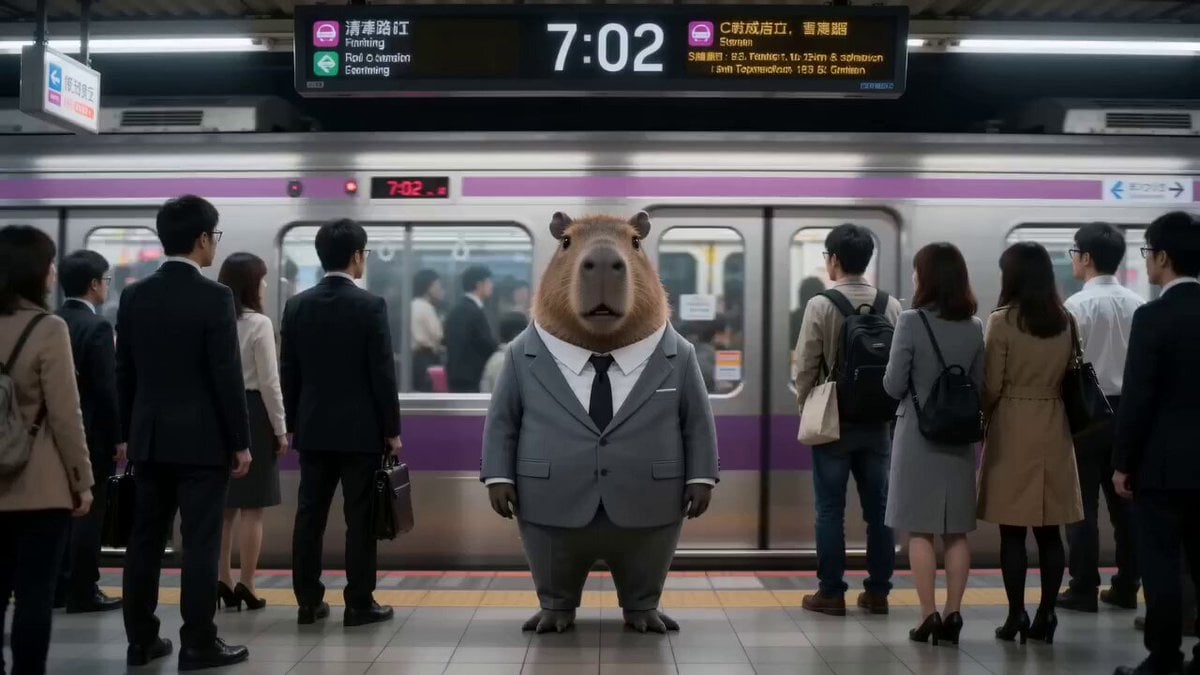
Capybara salaryman day in the life

WWI Continuous Tracking Shot Prompt

Continuous Life Transformation Sequence
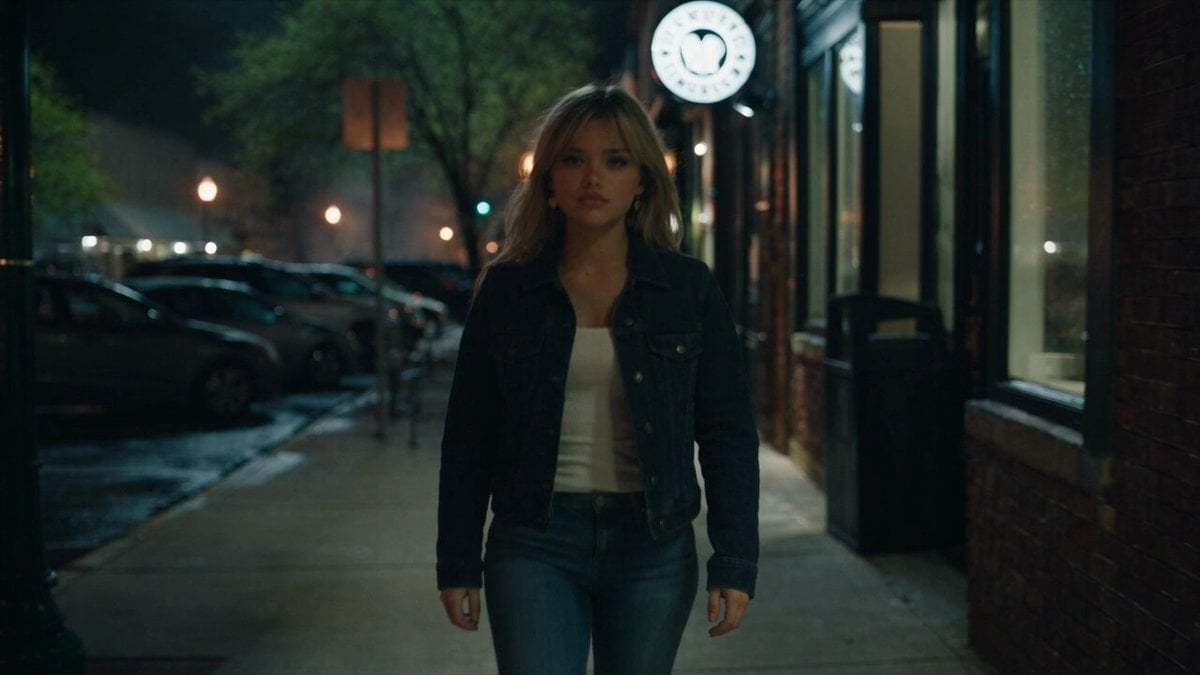
Urban Night Rain Tracking Shot
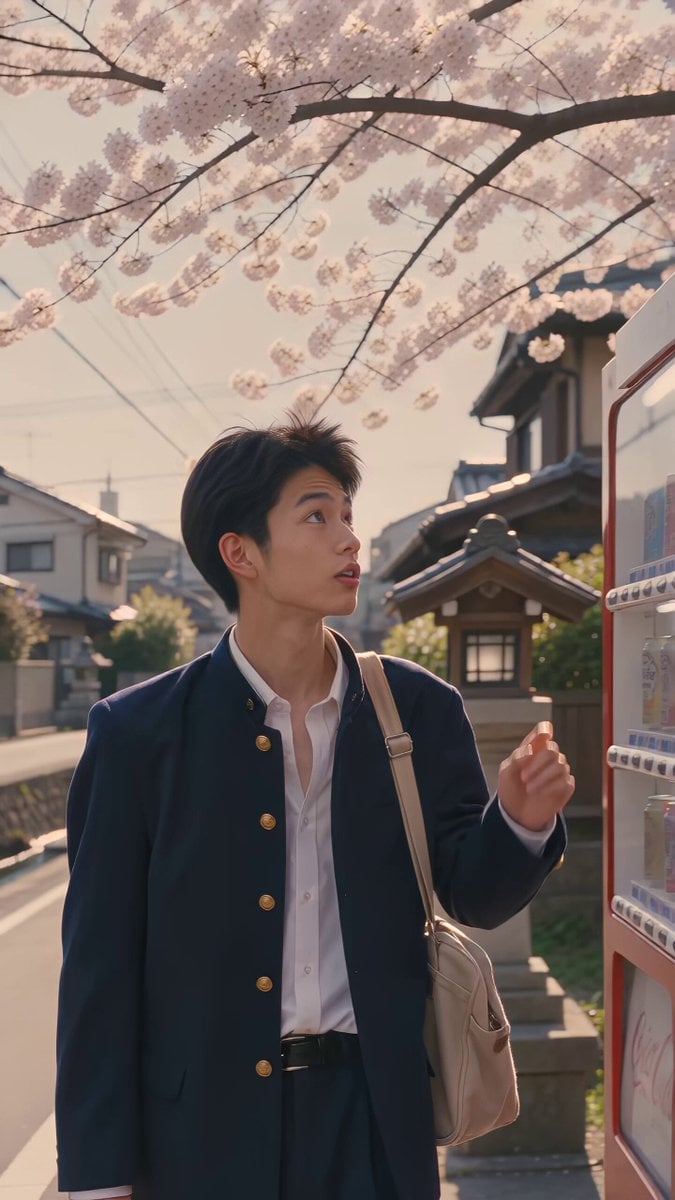
Kyoto 1987 VHS Slice of Life
Morning Routine Lifestyle Vlog
Make it yours
Day in the Life Continuous Tracking Shot works as-is. These are the safest ways to change it without losing the look.
Change one field
Copy a single group, rewrite it, and generate again so you can see what that field is doing.
Keep the frame, change the subject
Hold the composition and light of Day in the Life Continuous Tracking Shot, then swap wardrobe, props or the person for a new take.
| If the result… | Why | Fix |
|---|---|---|
| The result drifts from the preview | Too many fields changed at once. | Reuse Day in the Life Continuous Tracking Shot as-is first, then change one group — subject, light, or setting. |
| The model over-stylizes the scene | The prose prompt leaves finish and camera underspecified. | Add one camera or lighting sentence and stay on Seedance 2.0. |
More Seedance 2.0 templates
Other prompts made for Seedance 2.0.

Comical Martial Arts Punch Scene

Maglev Train Action Sequence

Martial Arts Fight Sequence

Wuxia Protection and Trust Script

Vintage Korean Arcade MiniDV Vlog

Mercedes 190 SL Luxury Ad

Rainy Night Supernatural Reverse Comedy Video Script

Amazon Civilization Discovery

Futuristic South Asian City Transformation

Cozy Luxury Cafe Commercial
More video prompts
Fresh picks from across the catalog.
Subterranean Bioluminescent Civilization

90s JRPG Battle Scene Sequence

Dual-Wielding Ronin in a Neon Post-Apocalyptic Wasteland
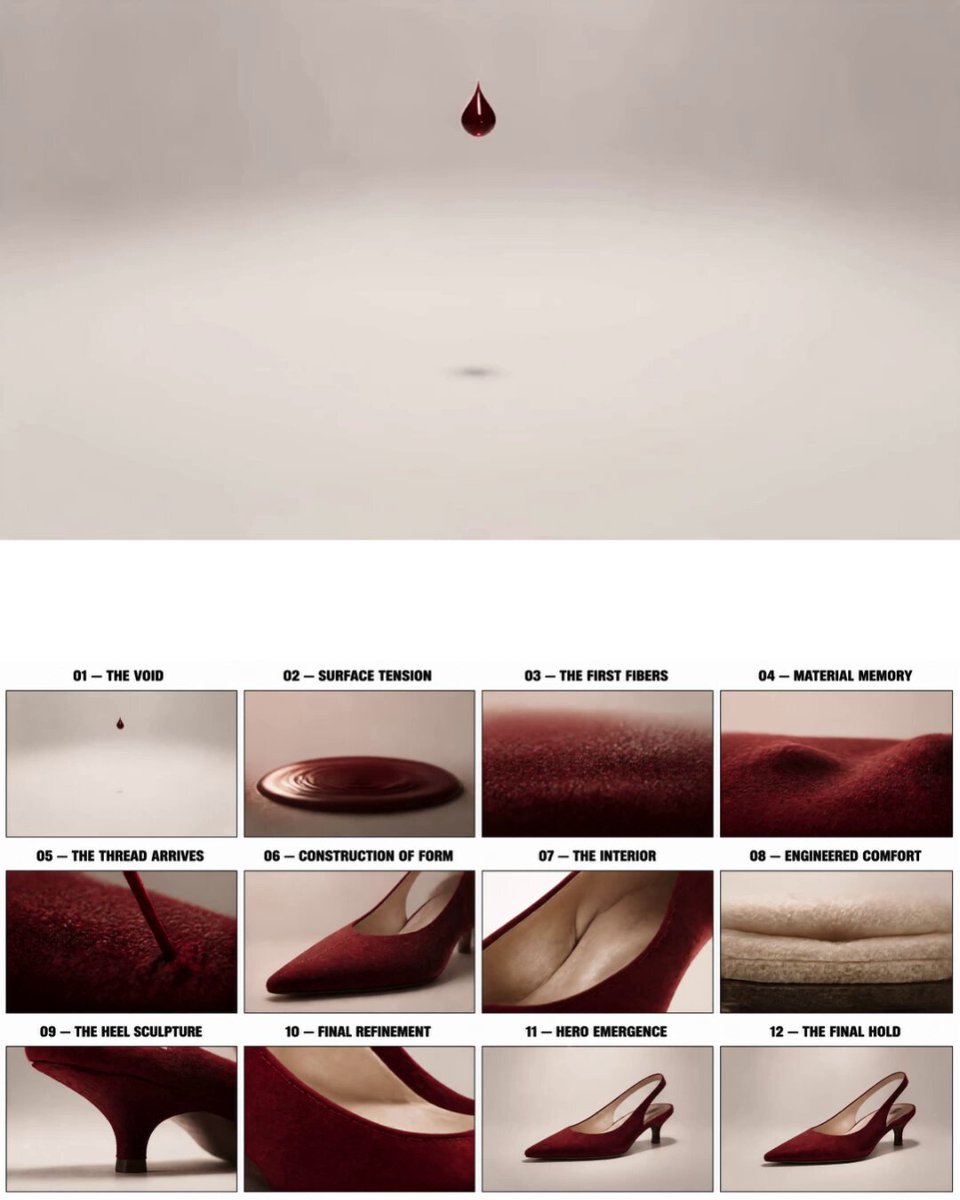
Luxury Crimson Suede Heel Construction
Tibetan Kung Fu Temple Storyboard

Octopus Apple Play Animation

Seedance 2.0 Video Prompt: Eastern Dark Mythology Sky Burial

Bus transforming into a Cybertronian mechanical giant caterpillar
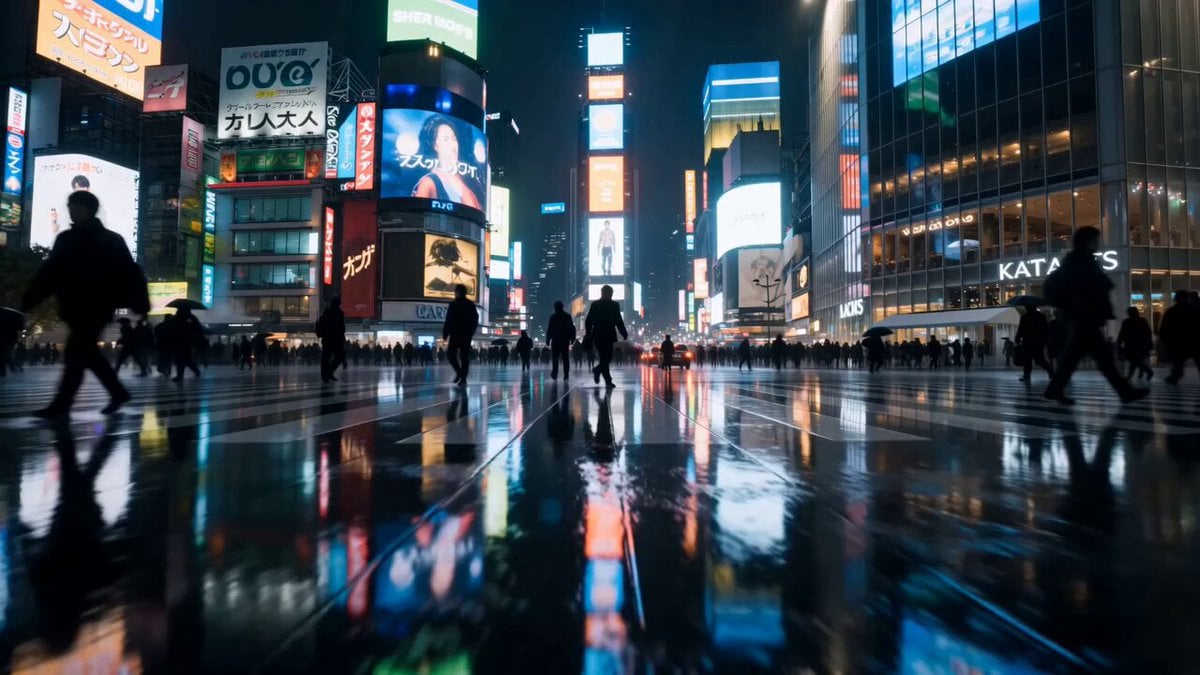
Cinematic Rainy Tokyo Night Racing POV

Luxury Beauty UGC Commercial
Browse template categories
Day in the Life Continuous Tracking Shot questions
How do I use the Day in the Life Continuous Tracking Shot template?
Add your photo if the template asks for one, edit the prompt if you like — the template's model and format are already selected — and press Generate. Your version opens in PicX Studio.
Can I customize the Day in the Life Continuous Tracking Shot template?
Yes. You can change the subject, setting, lighting, mood, format, and available model controls before creating your video.
Is the Day in the Life Continuous Tracking Shot template free?
Opening and editing this template is free. Generating uses credits, shown on the Generate button when you are signed in.
Which AI model should I use?
Start with Seedance 2.0, which is the model associated with this template. You can compare another compatible model for a different finish.
Looking for something else? Browse all templates.

Your photo, any look
Thousands of ready templates for every top image and video model, from one credit balance.