
Epic Everyday Life Movie Trailer
A creative prompt that applies cinematic movie trailer aesthetics to ordinary daily routines and interactions.
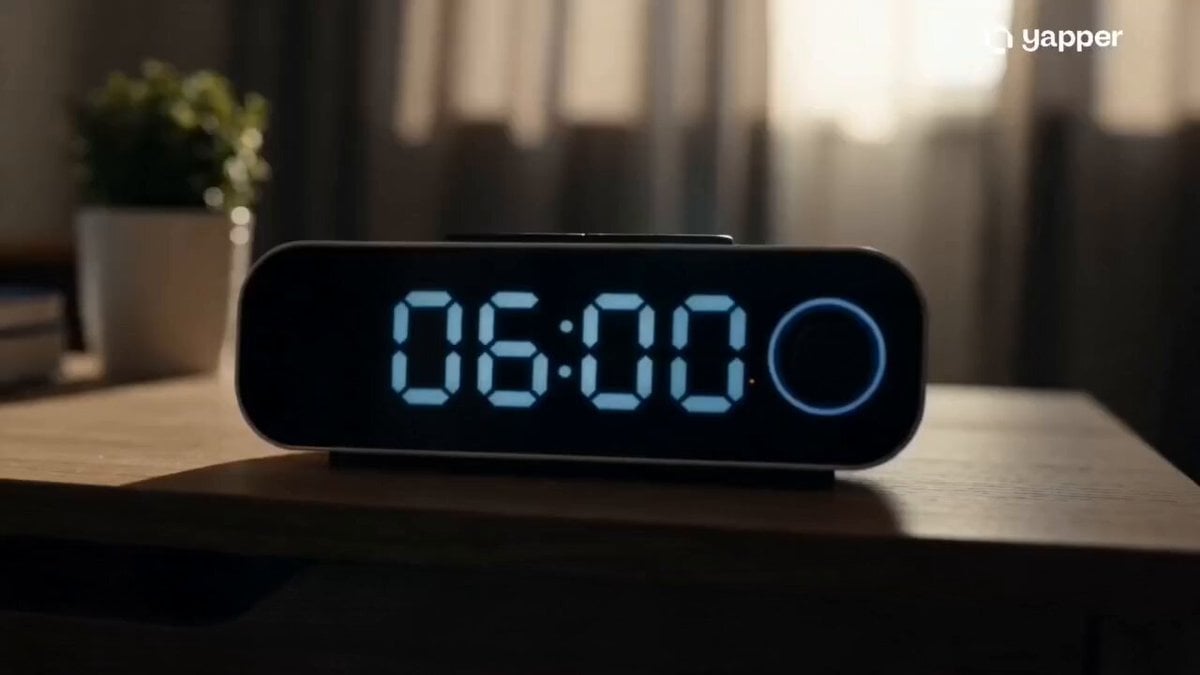
- Prompt included
- Model and format preset
- Premium template
The prompt behind this video
Copy the exact prompt behind Epic Everyday Life Movie Trailer, or open it in the studio and make it yours.
A cinematic everyday-life montage where ordinary moments feel like scenes from an epic Hollywood film.\n\n0–3s: Alarm clock hits 6:00 AM. Slow-motion wake-up shot with dramatic sunlight through curtains. Shoes hit the floor like an action movie intro while cinematic bass builds.\n\n3–6s: Fast cuts of normal daily moments edited with epic energy — brushing teeth, making coffee, putting on headphones, walking through crowded streets while everything moves in synchronized slow motion.\n\n6–9s: Cinematic commute sequence. Reflections of skyscrapers glide across train windows, traffic lights blur dramatically, rain hits the pavement in slow motion while the main character walks confidently through the city.\n\n9–12s: Everyday interactions become emotionally intense — typing on a laptop feels like hacking into a system, entering a meeting feels like a mission briefing, ordering coffee feels like a dramatic character moment.\n\n12–15s: Final trailer-style ending shot. The main character stands on a rooftop overlooking the glowing city skyline at sunset while epic cinematic music peaks. Screen fades to black with dramatic title-card energy.\n\nStyle: ultra cinematic realism, movie trailer pacing, dramatic sound design feel, fast rhythmic editing, slow-motion lifestyle shots, high contrast lighting, lens flares, shallow depth of field, film-grade color grading, emotionally epic atmosphere.
How to use Epic Everyday Life Movie Trailer in 3 steps
- 1
Open
The prompt is already in the box next to the preview, with the template's model and format selected.
- 2…a portrait of your subject in softgolden-hour light, 85mm…
Personalize
Edit the subject and creative details for your destination.
- 3Generate
Generate
Press Generate — your video is created in PicX Studio, so you can compare it with the original and refine one variable at a time.
More like this
Templates with the same subject, style or setup. Open one to see its prompt.
The Ark — Seedance 2.0 Epic Trailer
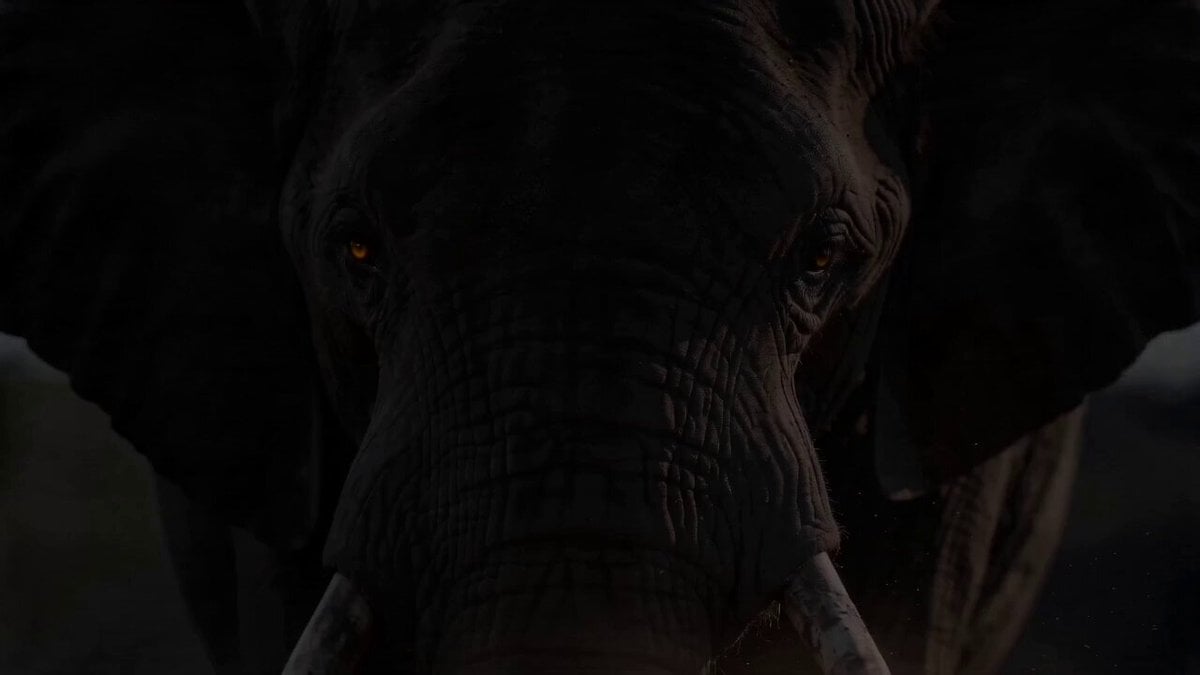
Epic Wildlife Campaign Trailer

Everyday Grocery Shopping Lifestyle Vlog

Sci-Fi Disaster Movie Scene - Seedance 2.5

Oceanic Civilization Epic Sci-Fi Film

Emotional Horse Training Movie Trailer

Cinematic Romantic Epic Film Trailer
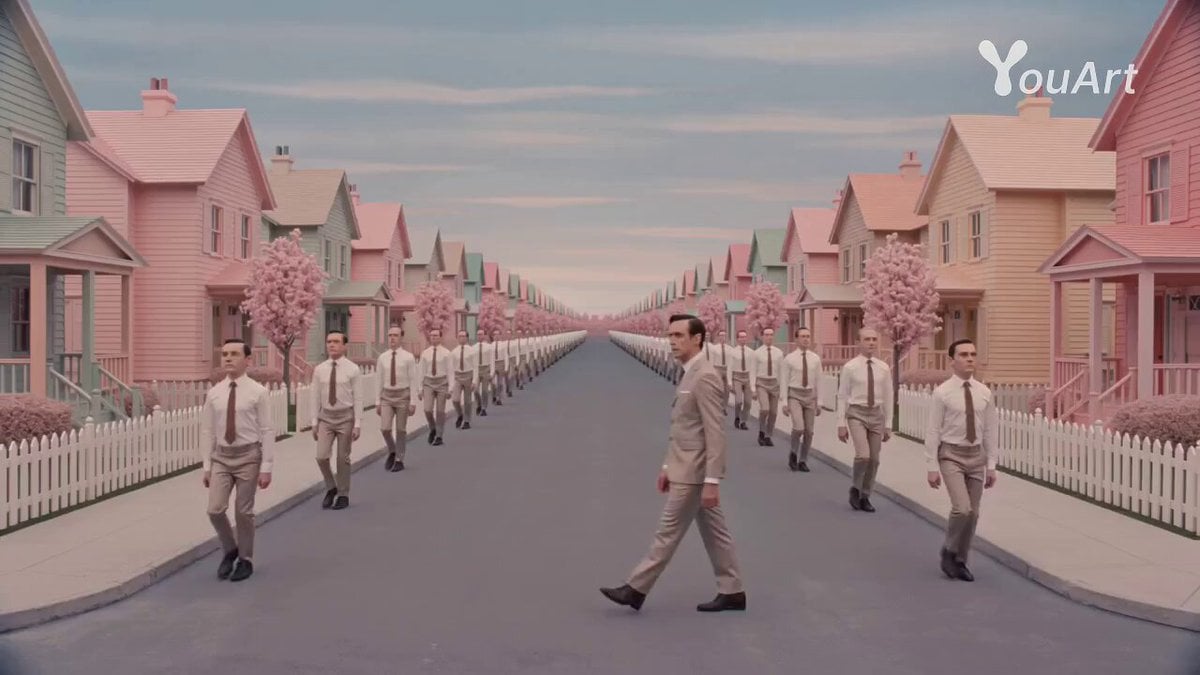
Wes Anderson Style Movie Trailer Prompt

Epic Cat Kung Fu Animation Trailer
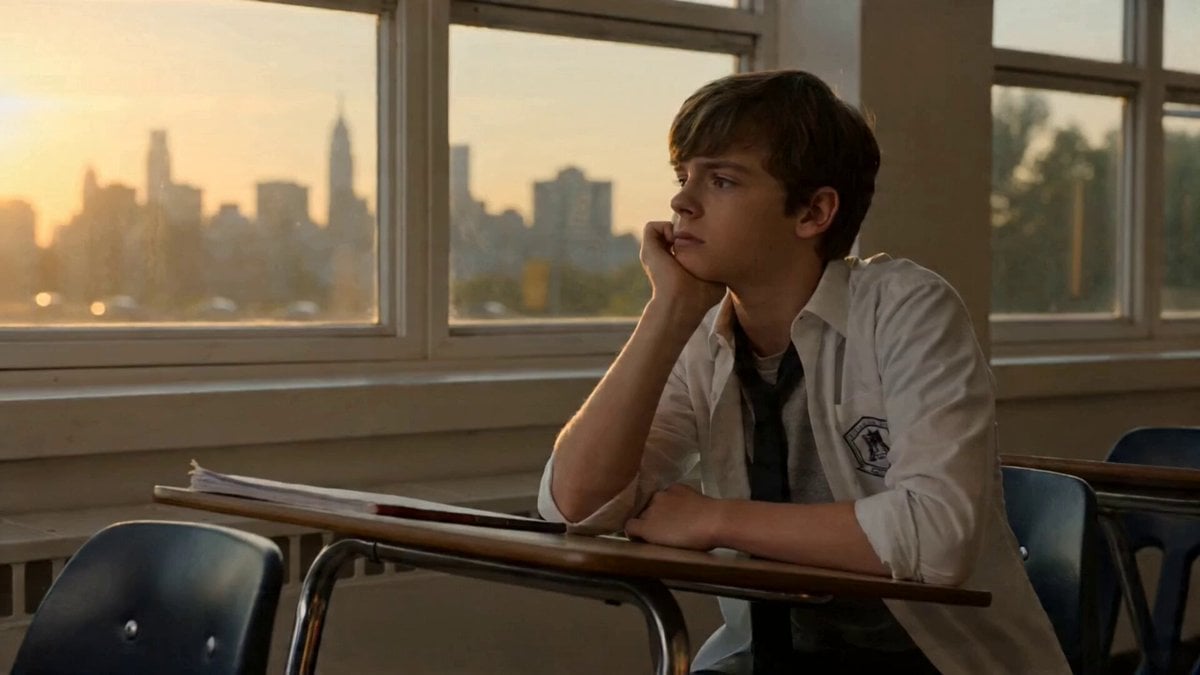
Topview Agent v2 Generates Movie Trailer with Seedance 2.0
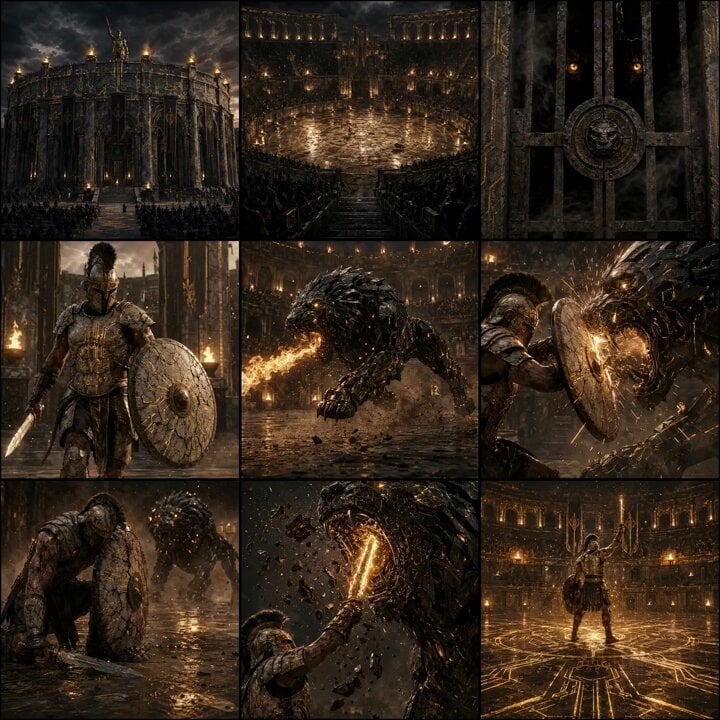
Epic Gladiator Arena Trailer
Thornmaw Monarch — Crimson Glass Desert Beast
Make it yours
Epic Everyday Life Movie Trailer works as-is. These are the safest ways to change it without losing the look.
Change one field
Copy a single group, rewrite it, and generate again so you can see what that field is doing.
Keep the frame, change the subject
Hold the composition and light of Epic Everyday Life Movie Trailer, then swap wardrobe, props or the person for a new take.
| If the result… | Why | Fix |
|---|---|---|
| The result drifts from the preview | Too many fields changed at once. | Reuse Epic Everyday Life Movie Trailer as-is first, then change one group — subject, light, or setting. |
| The model over-stylizes the scene | The prose prompt leaves finish and camera underspecified. | Add one camera or lighting sentence and stay on Seedance 2.0. |
More Seedance 2.0 templates
Other prompts made for Seedance 2.0.

Comical Martial Arts Punch Scene

Maglev Train Action Sequence

Martial Arts Fight Sequence

Wuxia Protection and Trust Script

Vintage Korean Arcade MiniDV Vlog

Mercedes 190 SL Luxury Ad

Rainy Night Supernatural Reverse Comedy Video Script

Amazon Civilization Discovery

Futuristic South Asian City Transformation

Cozy Luxury Cafe Commercial
More video prompts
Fresh picks from across the catalog.

Glitches in the Simulation Prompt

Sports betting and fashion video prompt

Cinematic Train and Giant Crocodile Collision

Hand-Painted Fantasy Animated Feature

Sunset City Skyscraper Rooftop View
Woman Galloping on Horse
Supernatural Woman Lake Transformation

UFO Macro Photography of Tulips

Dark Fantasy Frozen Wolf Hunt

Talking AI Woman Video
Browse template categories
Epic Everyday Life Movie Trailer questions
How do I use the Epic Everyday Life Movie Trailer template?
Add your photo if the template asks for one, edit the prompt if you like — the template's model and format are already selected — and press Generate. Your version opens in PicX Studio.
Can I customize the Epic Everyday Life Movie Trailer template?
Yes. You can change the subject, setting, lighting, mood, format, and available model controls before creating your video.
Is the Epic Everyday Life Movie Trailer template free?
Opening and editing this template is free. Generating uses credits, shown on the Generate button when you are signed in.
Which AI model should I use?
Start with Seedance 2.0, which is the model associated with this template. You can compare another compatible model for a different finish.
Looking for something else? Browse all templates.

Your photo, any look
Thousands of ready templates for every top image and video model, from one credit balance.