How do I use the Epic Cat Kung Fu Animation Trailer template?
Edit the prompt in the box under the preview — the template's model and format are already selected — and press Generate. Your version appears right on this page.
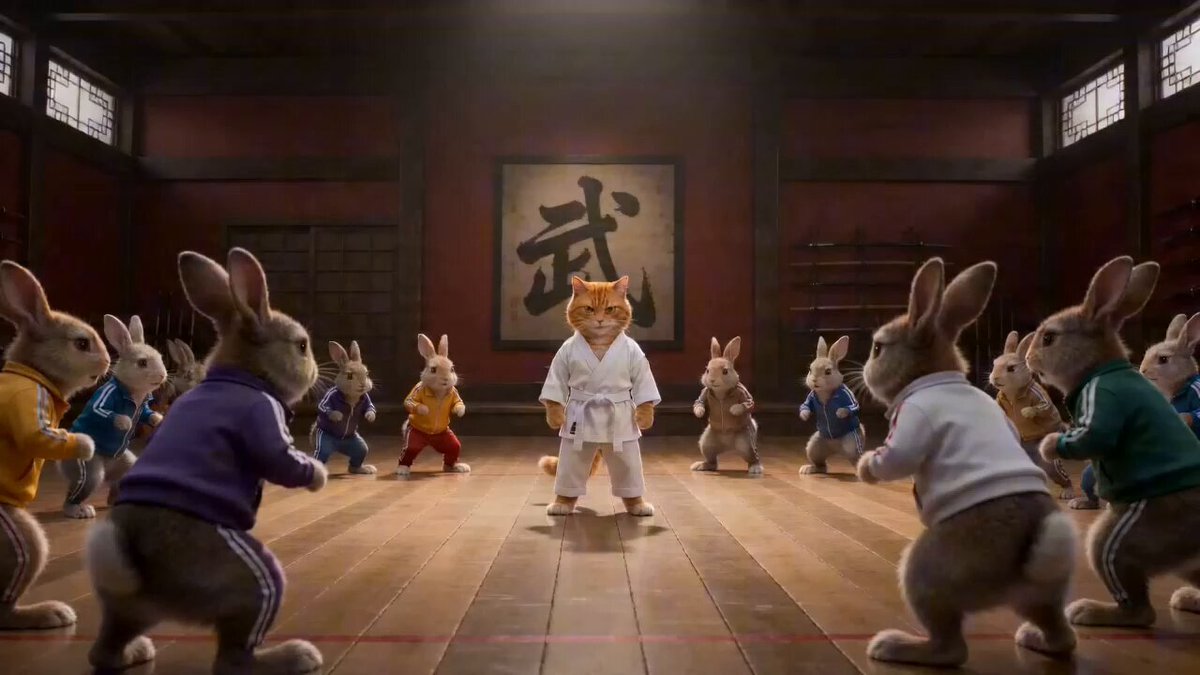
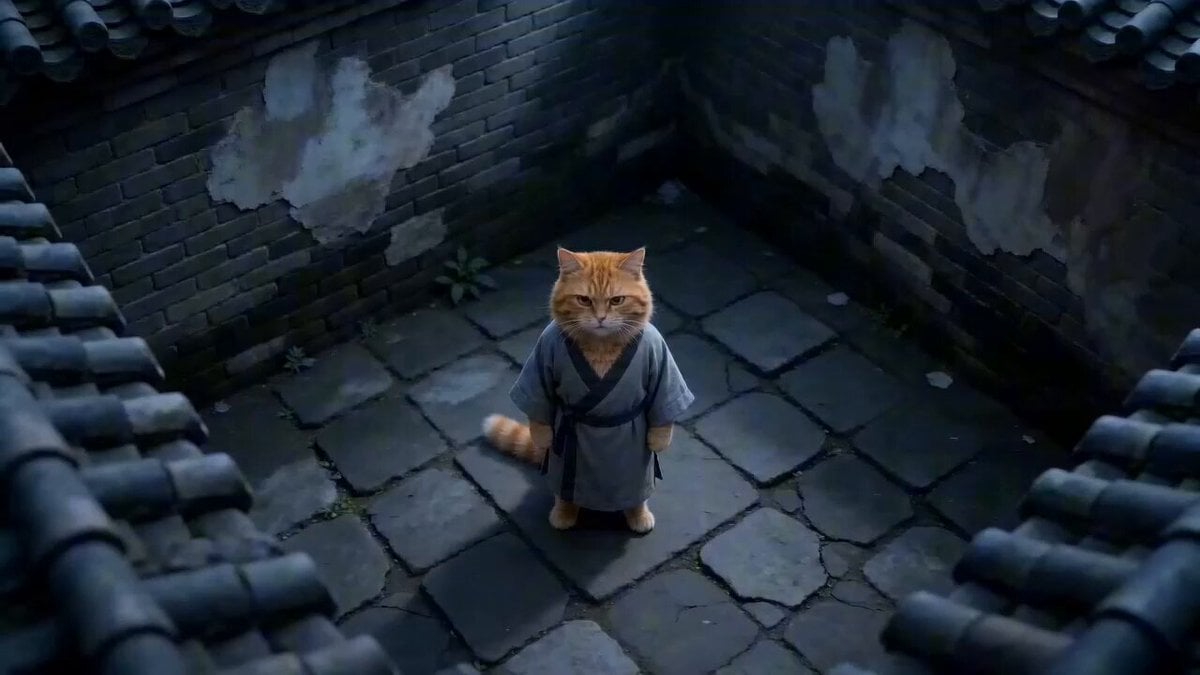
A detailed, 13-second prompt for Seedance 2.0 generating an epic, cinematic, DreamWorks-style animation trailer about a clumsy gray cat's training montage and ultimate victory in a massive animal kingdom tournament…
Epic 13s Animation Trailer (Concise, English): Style: cinematic, ultra dynamic, DreamWorks-level animation, dramatic lighting, motion blur, epic scale, fast cuts, emotional arc 0–2s Clumsy gray cat in yellow kung fu suit slips and falls, gets smacked down by orange master cat in gray Taoist robe with long white eyebrows. Master (cold): “Too slow.” VO: “He was nothing.” 2–5s Training montage: gray cat bruised, panting, failing kicks, collapsing in rain, then rising again. Gray Cat (whisper): “Again…” VO: “Until he chose to rise.” 5–8s Arena reveal: massive animal kingdom tournament, roaring crowd. Gray cat stands alone. Tiger lunges → fast dodge → counter strike. VO: “Face the strong.” 8–11s Rapid cuts: eagle dive attack → mid-air spin kick; lion roar clash → explosive impact. Gray Cat (shout): “I’m not afraid!” VO: “Become unstoppable.” 11–13s Final shot: gray cat lands in victory stance, wind blowing. Master watches, slight nod. Master (soft): “You’re ready.”
Epic 13s Animation Trailer (Concise, English): Style: cinematic, ultra dynamic, DreamWorks-level animation, dramatic lighting, motion blur, epic scale, fast cuts, emotional arc 0–2s Clumsy gray cat in yellow kung fu suit slips and falls, gets smacked down by orange master cat in gray Taoist robe with long white eyebrows. Master (cold): “Too slow.” VO: “He was nothing.” 2–5s Training montage: gray cat bruised, panting, failing kicks, collapsing in rain, then rising again. Gray Cat (whisper): “Again…” VO: “Until he chose to rise.” 5–8s Arena reveal: massive animal kingdom tournament, roaring crowd. Gray cat stands alone. Tiger lunges → fast dodge → counter strike. VO: “Face the strong.” 8–11s Rapid cuts: eagle dive attack → mid-air spin kick; lion roar clash → explosive impact. Gray Cat (shout): “I’m not afraid!” VO: “Become unstoppable.” 11–13s Final shot: gray cat lands in victory stance, wind blowing. Master watches, slight nod. Master (soft): “You’re ready.”
Edit the prompt in the box under the preview — the template's model and format are already selected — and press Generate. Your version appears right on this page.
Yes. You can change the subject, setting, lighting, mood, format, and available model controls before creating your video.
Opening and editing this template is free. Generating uses credits, shown on the Generate button when you are signed in.
Start with Seedance 2.0, which is the model associated with this template. You can compare another compatible model for a different finish.
Follow a topic to a crawlable collection of related PicX Studio templates.