How do I use the Cinematic sci-fi battle scene with a cyborg template?
Edit the prompt in the box under the preview — the template's model and format are already selected — and press Generate. Your version appears right on this page.
A highly detailed image-to-video (i2v) prompt for Seedance 2.0, describing a dynamic, neon-lit sci-fi battle between a cyborg and a monstrous creature.
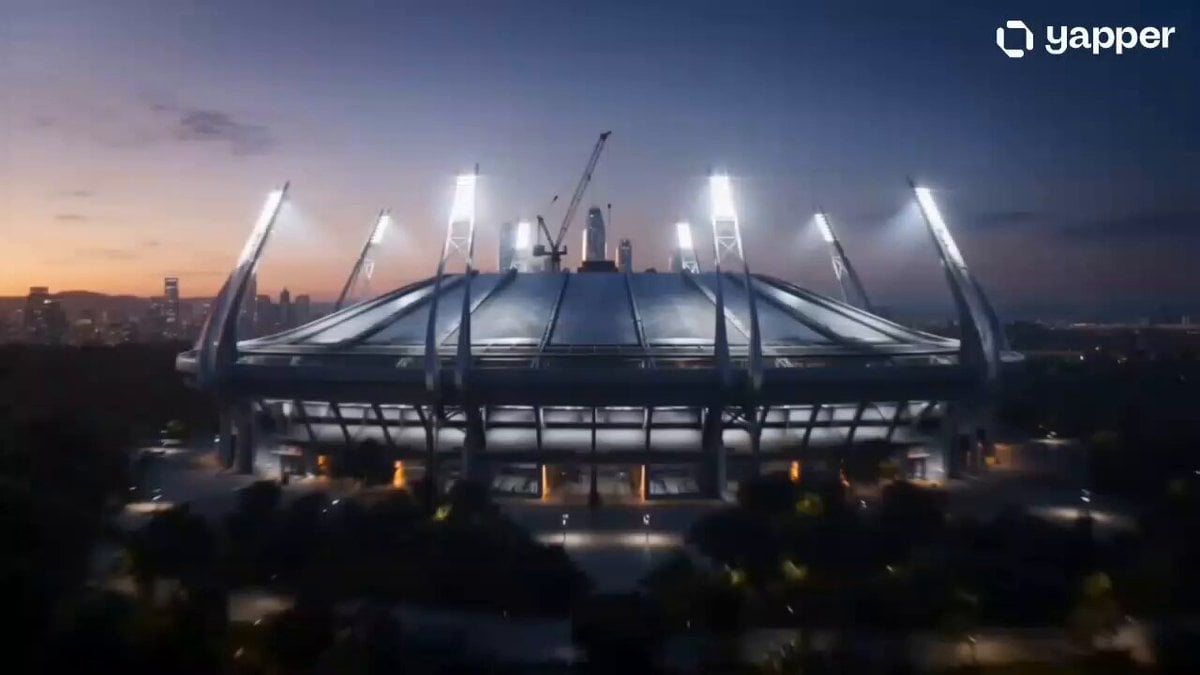
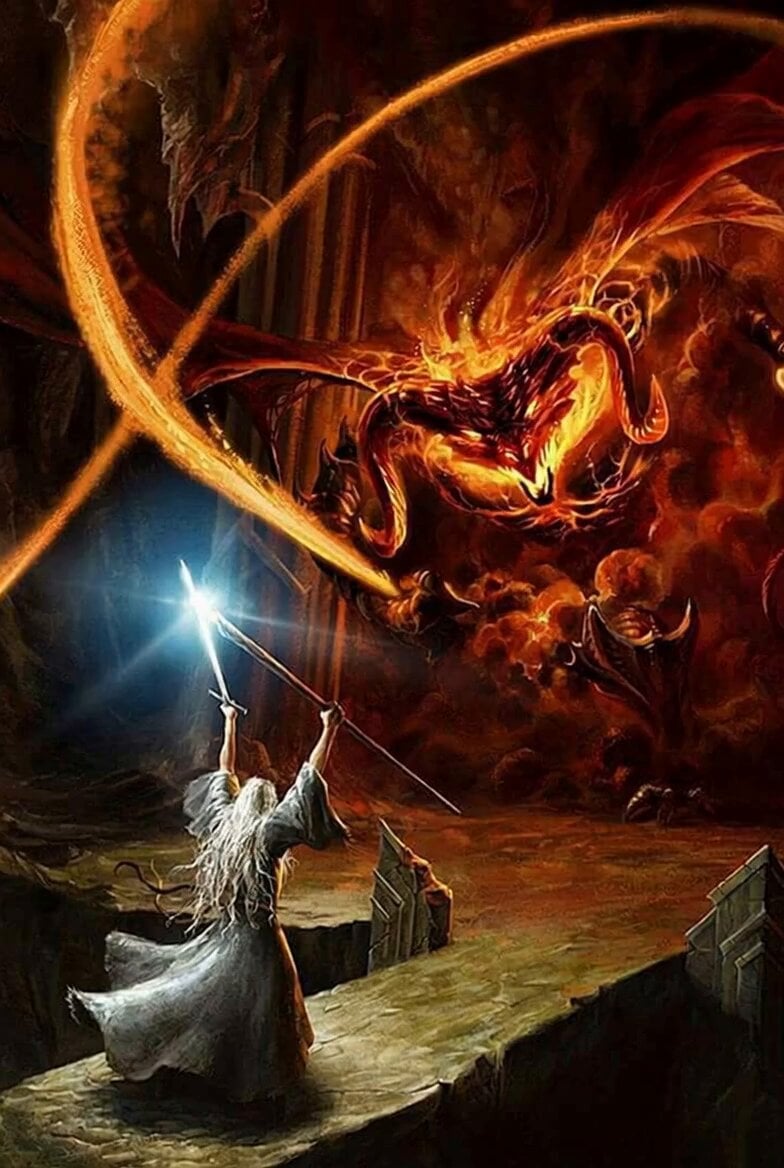
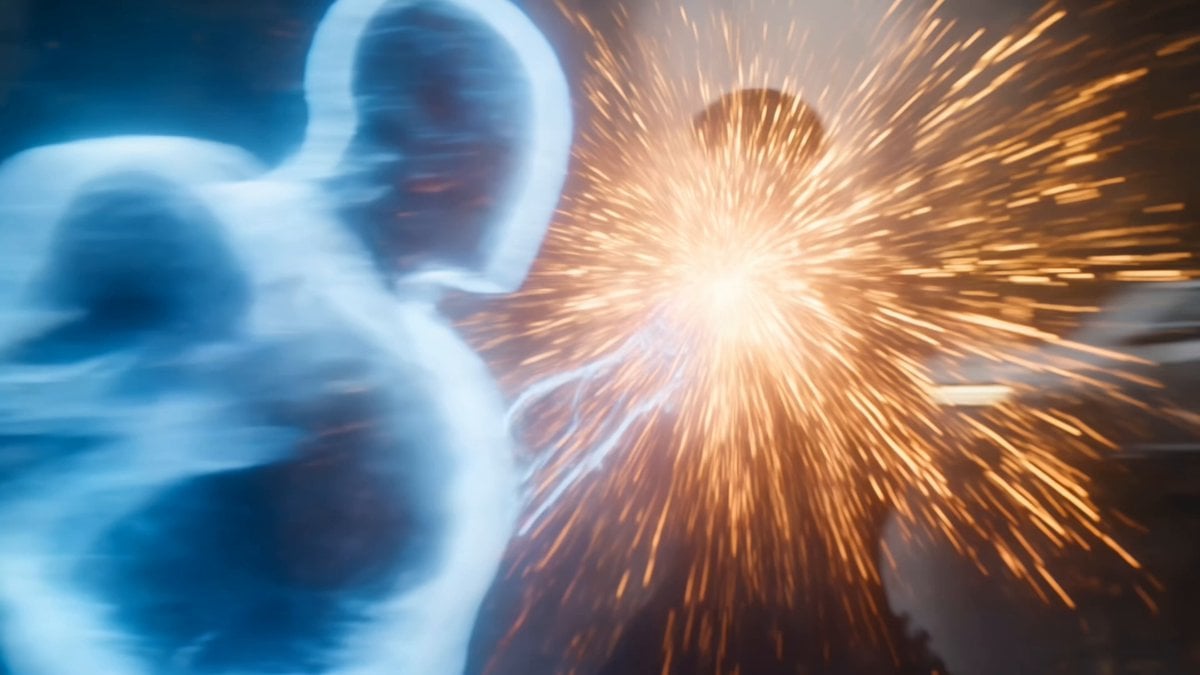
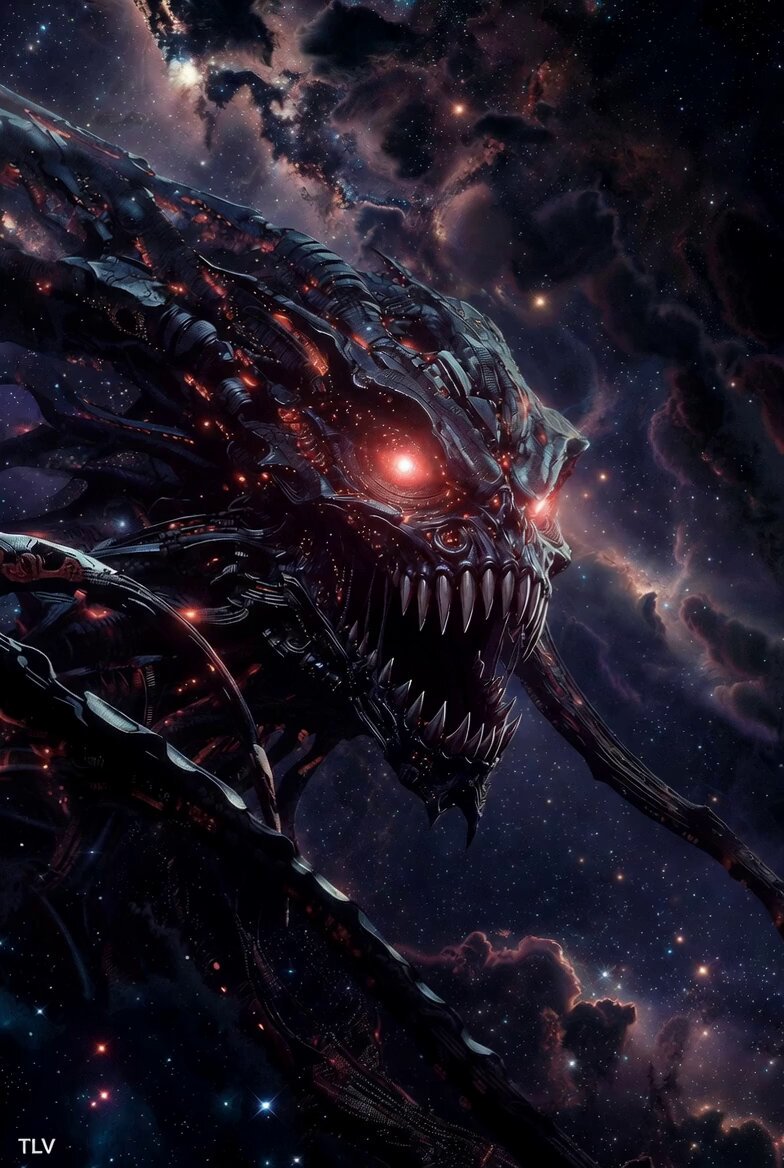
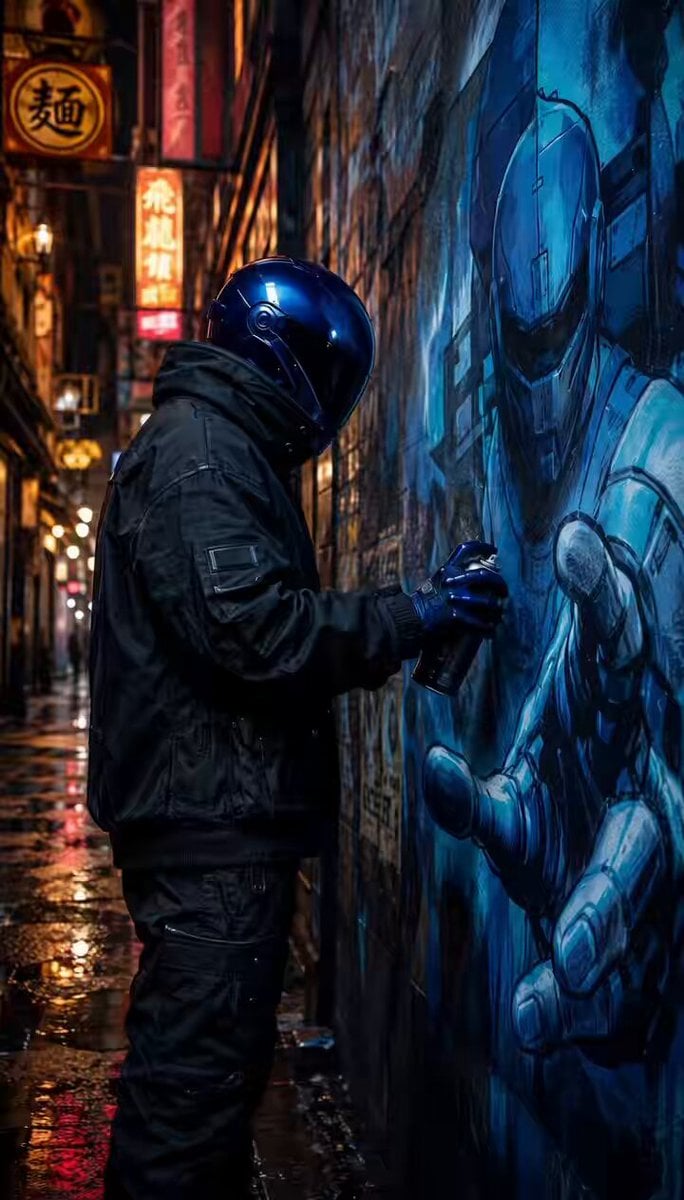
A cinematic shot of @[Reference_Image] —battling a monstrous creature in a neon-lit industrial sci-fi alley. The cyborg charges forward and throws powerful punches while dodging claw strikes, sparks and debris exploding from impacts as steam and dust swirl around them in dynamic motion. Shot on a professional cinema camera with smooth gimbal movement, anamorphic lens, shallow depth of field, intense color graded teal-orange palette, dramatic backlighting, volumetric smoke, and kinetic camera push-ins and whip pans for maximum energy. The video must represent cinematic/pro quality with no text overlays, no UI elements.
A cinematic shot of @[Reference_Image] —battling a monstrous creature in a neon-lit industrial sci-fi alley. The cyborg charges forward and throws powerful punches while dodging claw strikes, sparks and debris exploding from impacts as steam and dust swirl around them in dynamic motion. Shot on a professional cinema camera with smooth gimbal movement, anamorphic lens, shallow depth of field, intense color graded teal-orange palette, dramatic backlighting, volumetric smoke, and kinetic camera push-ins and whip pans for maximum energy. The video must represent cinematic/pro quality with no text overlays, no UI elements.
Edit the prompt in the box under the preview — the template's model and format are already selected — and press Generate. Your version appears right on this page.
Yes. You can change the subject, setting, lighting, mood, format, and available model controls before creating your video.
Opening and editing this template is free. Generating uses credits, shown on the Generate button when you are signed in.
Start with Seedance 2.0, which is the model associated with this template. You can compare another compatible model for a different finish.
Follow a topic to a crawlable collection of related PicX Studio templates.