
Futuristic Maglev Train Animation
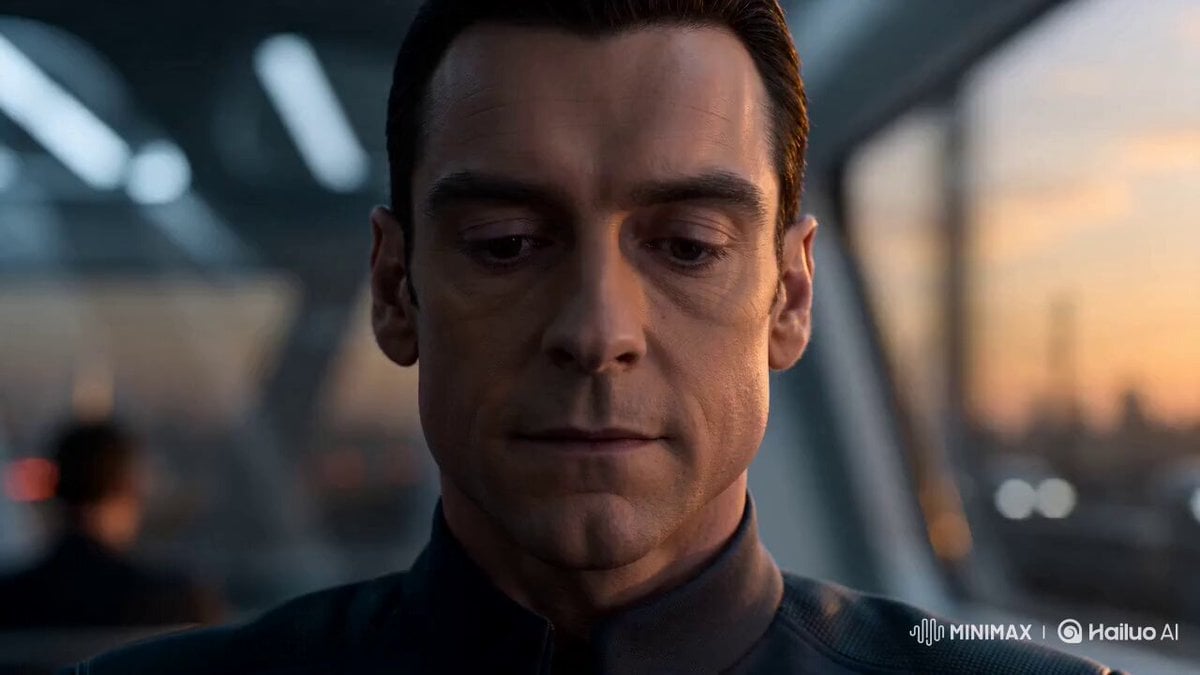
A detailed prompt for a 3D animation featuring a sleek maglev train interior at sunset, emphasizing cinematic lighting and precise character movements.
- Prompt included
- Model and format preset
- Premium template
The prompt behind this video
Copy the exact prompt behind Futuristic Maglev Train Animation, or open it in the studio and make it yours.
Stylized 3D animation, sleek futuristic tone, crisp cinematic lighting. High-speed maglev train interior at sunset—glass walls, glowing skyline streaks, polished metal, soft neon accents. Warm sunset vs cool interior contrast. No brands, no readable text, no copyrighted characters. Tone: quiet high-stakes focus. Protagonist = calm precision. Opponents = confident but unraveling. Rhythm: observe → sync → accelerate → decisive moment → effortless finish. Camera: close-ups on hands and eyes, reflections in glass, aisle tracking, slow push-ins, sharp cuts. Smooth motion, subtle vibration. Characters: - Lead Passenger: composed, minimal movements, razor focus. - Opponent 1: confident, slightly sloppy under pressure. - Opponent 2: technical, loses sync. - Observer: silent, increasingly stunned. Sequence (0:00–0:15): 0:00–0:02: lead sets small metallic object on table; opponents smirk. 0:02–0:05: precise movements begin; train light flickers; confidence fades. 0:05–0:08: rapid synchronized actions; opponents fumble; observer reacts. 0:08–0:11: slow push-in; hands blur → stop perfectly; success implied; silence. 0:11–0:13: lead relaxes, adjusts sleeve; opponents freeze. 0:13–0:15: wide—train glides through glowing skyline; lead calm, others stunned. Style tags: futuristic minimalism, cinematic reflections, sunset contrast, precise choreography, smooth motion, clean composition. Negative: no brands, no text, no violence, no weapons, no clutter, no shaky cam, no low-res, no messy blur.
How to use Futuristic Maglev Train Animation in 3 steps
- 1
Open
The prompt is already in the box next to the preview, with the template's model and format selected.
- 2…a portrait of your subject in softgolden-hour light, 85mm…
Personalize
Edit the subject and creative details for your destination.
- 3Generate
Generate
Press Generate — your video is created in PicX Studio, so you can compare it with the original and refine one variable at a time.
More like this
Templates with the same subject, style or setup. Open one to see its prompt.

Maglev Train Action Sequence

3D Glossy Fairy Animation - Seedance 2.5
Dystopian Maglev War Train Duel
Futuristic City Parkour Animation

Silk Road Pomegranate Folk Animation

Multilingual Creative Typography Loop

Walking Factory with Rebel on Hoverbike - Wasteland
Cinematic Car Scene and Video Sequence Prompt
Cartoon Bullfight Arena — Girl vs Bull (Seedance)
Dim Sum Chase — Shrimp Dumpling Monster
Subway Flood — Epic Tunnel Chaos
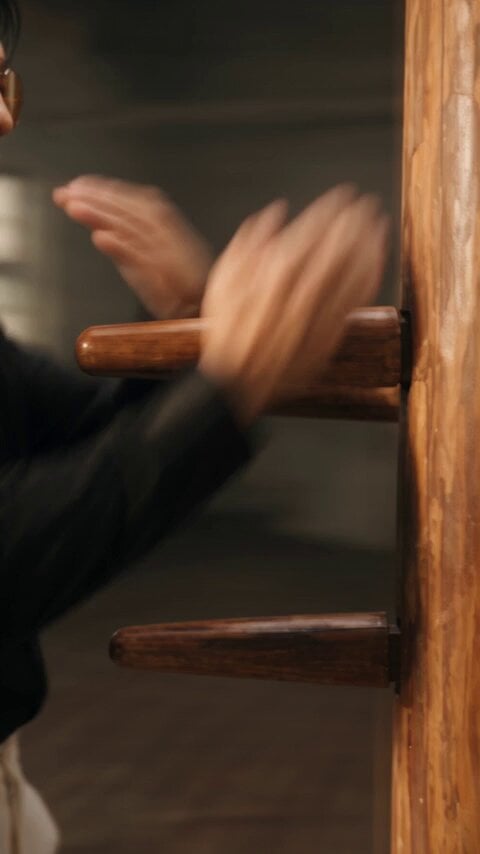
Realistic Wing Chun Kung Fu Training Video
Make it yours
Futuristic Maglev Train Animation works as-is. These are the safest ways to change it without losing the look.
Change one field
Copy a single group, rewrite it, and generate again so you can see what that field is doing.
Keep the frame, change the subject
Hold the composition and light of Futuristic Maglev Train Animation, then swap wardrobe, props or the person for a new take.
| If the result… | Why | Fix |
|---|---|---|
| The result drifts from the preview | Too many fields changed at once. | Reuse Futuristic Maglev Train Animation as-is first, then change one group — subject, light, or setting. |
| The model over-stylizes the scene | The prose prompt leaves finish and camera underspecified. | Add one camera or lighting sentence and stay on Seedance 2.0. |
More Seedance 2.0 templates
Other prompts made for Seedance 2.0.

Comical Martial Arts Punch Scene

Martial Arts Fight Sequence

Wuxia Protection and Trust Script

Vintage Korean Arcade MiniDV Vlog

Mercedes 190 SL Luxury Ad

Rainy Night Supernatural Reverse Comedy Video Script

Amazon Civilization Discovery

Futuristic South Asian City Transformation

Cozy Luxury Cafe Commercial

Cyber Ronin Nanotech Transformation Video
More video prompts
Fresh picks from across the catalog.

Mushroom and Flower Superpowers on a Train
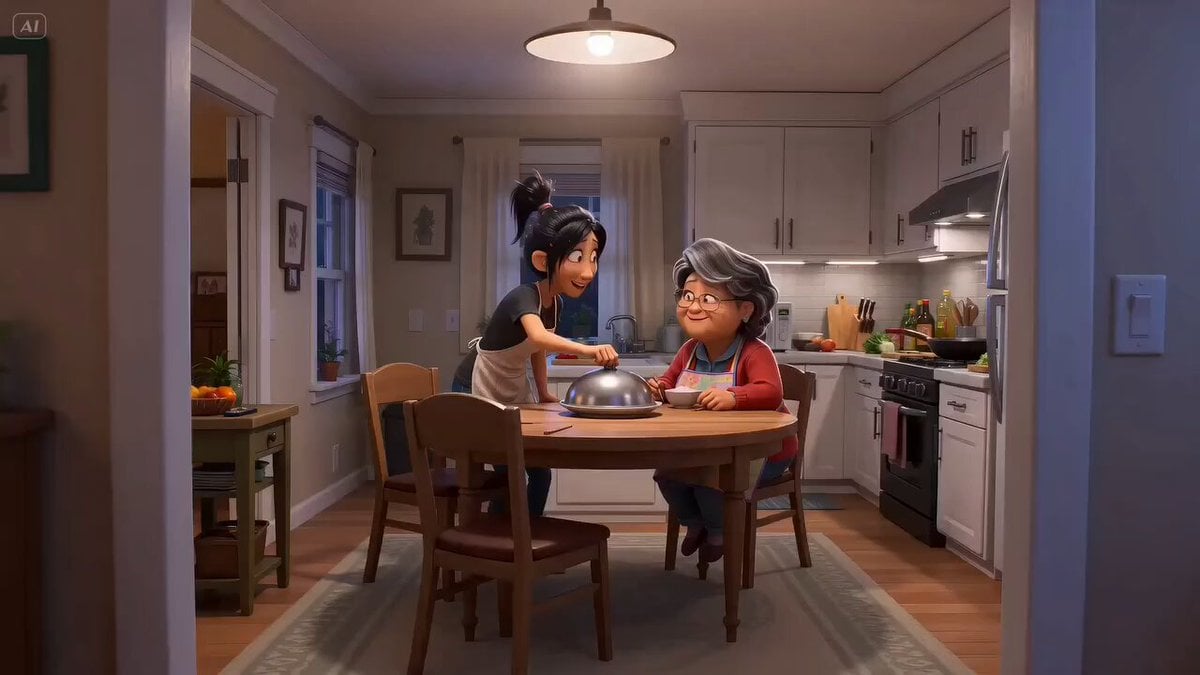
Pixar Style Mother Daughter Cooking Animation
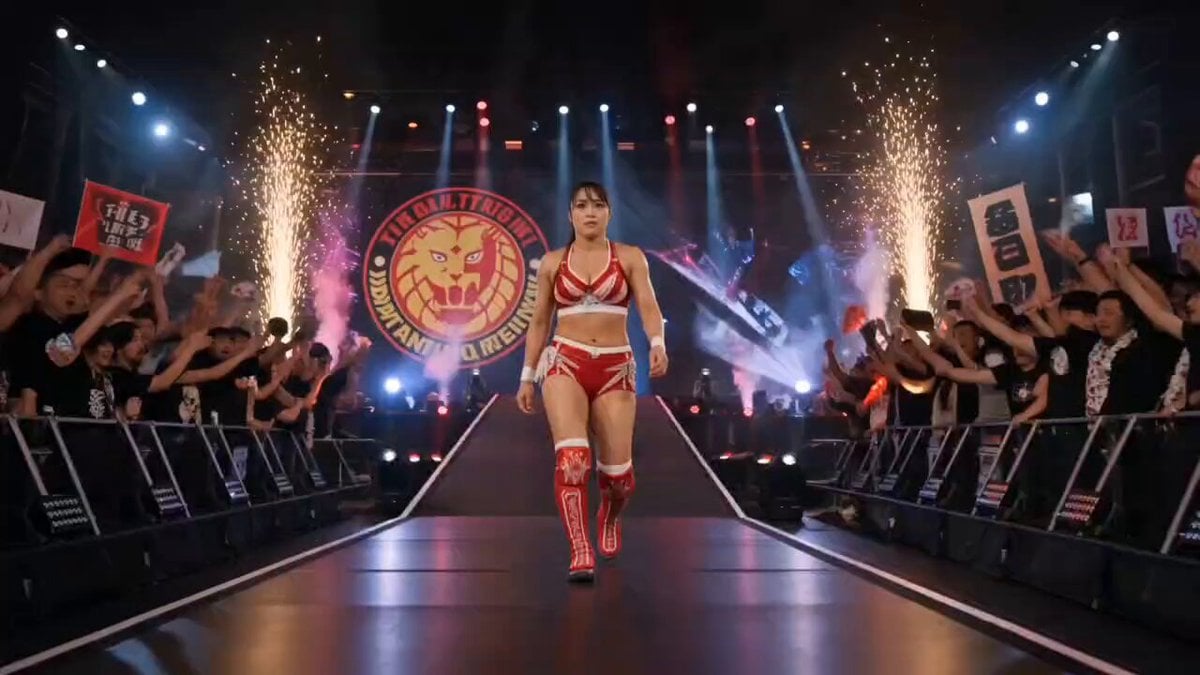
NJPW Women's Championship Match
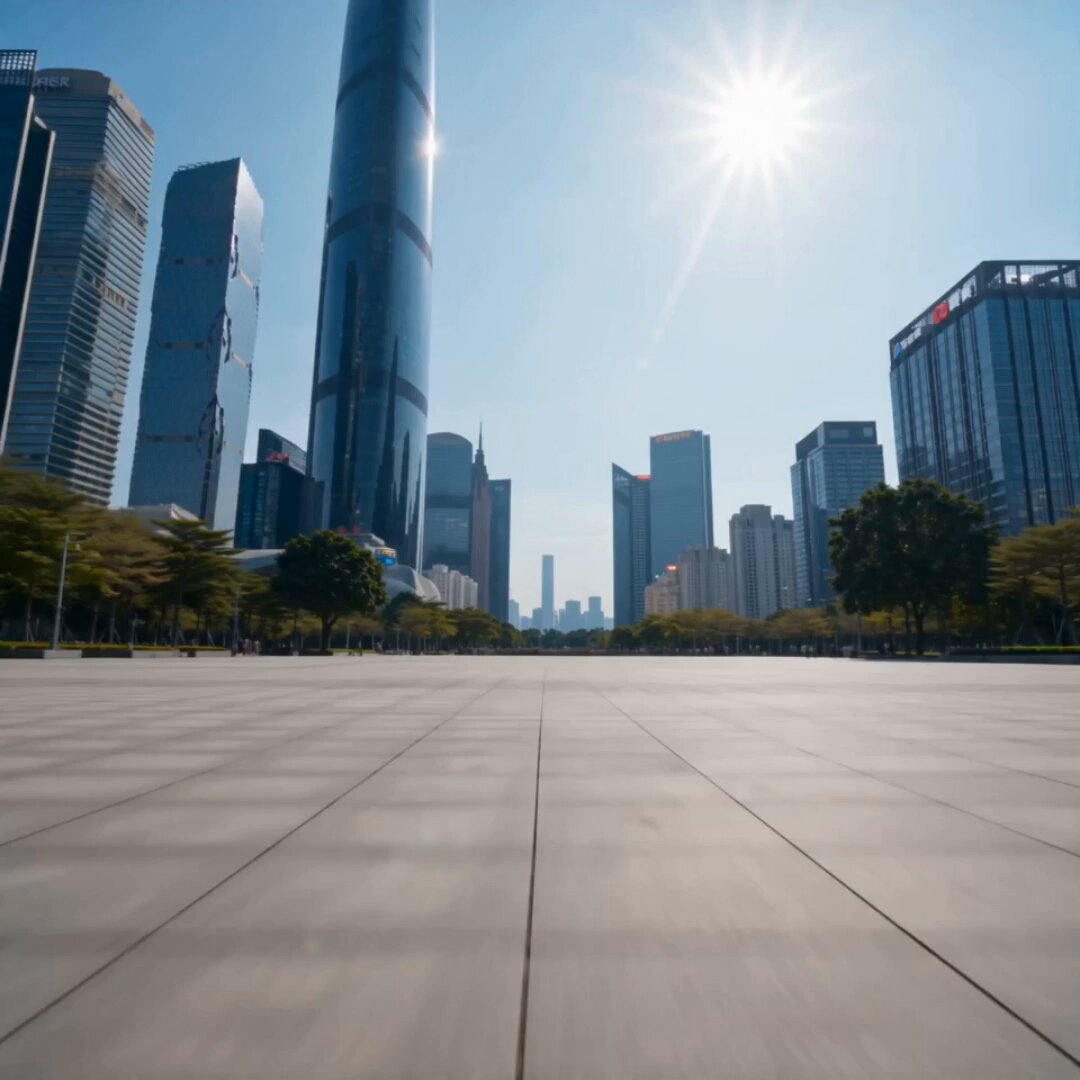
Urban Square Giant Vision Assembly

Ancient Style Dance with Dynamic Camera Movement
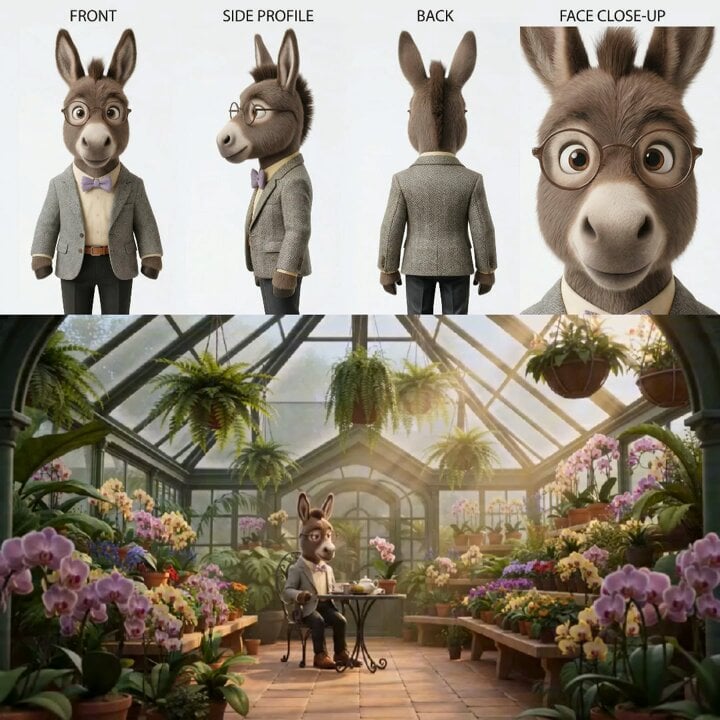
Animated Goat-Man Tea Ceremony Sequence
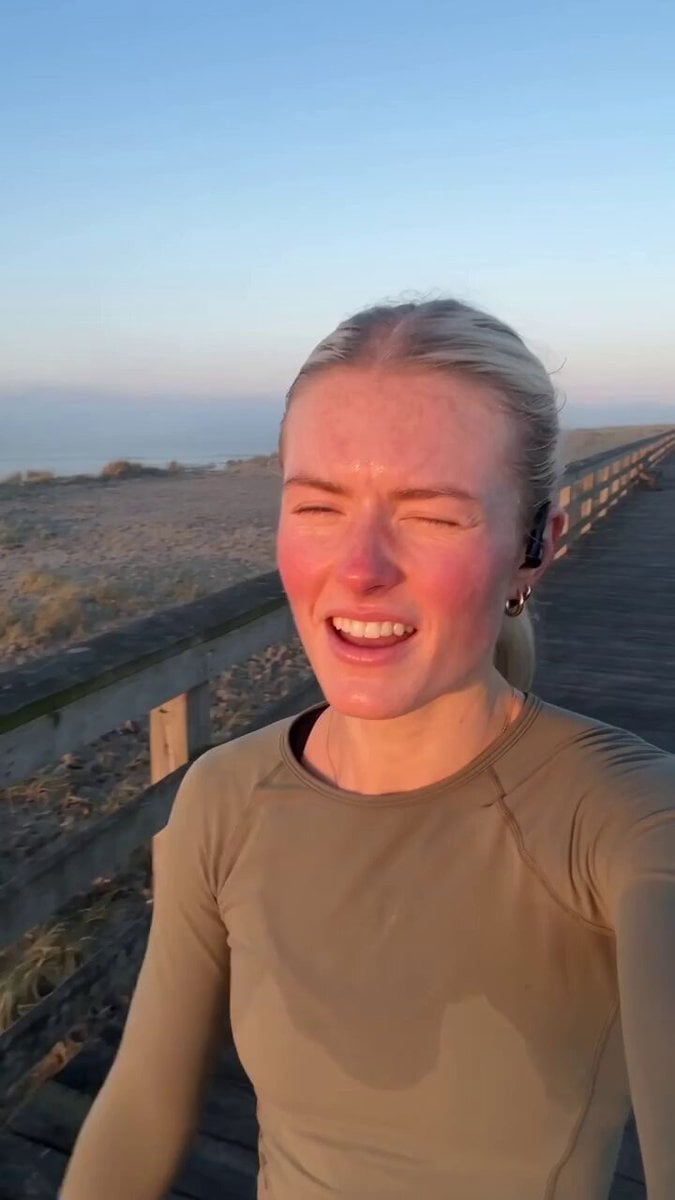
Vintage Camcorder Runner Vlog
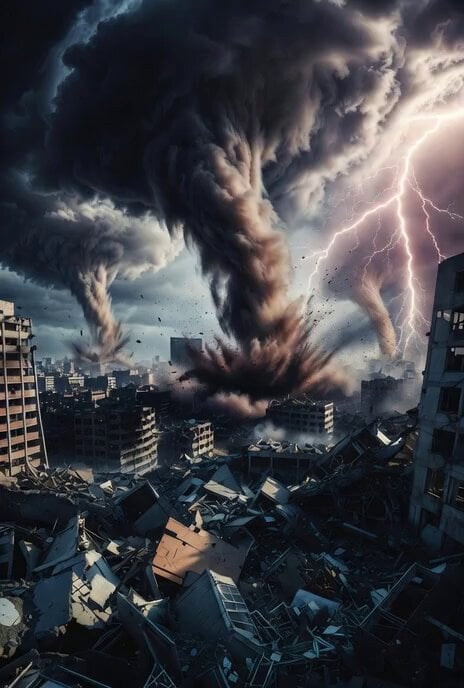
Apocalyptic City with Tornadoes Video Prompt
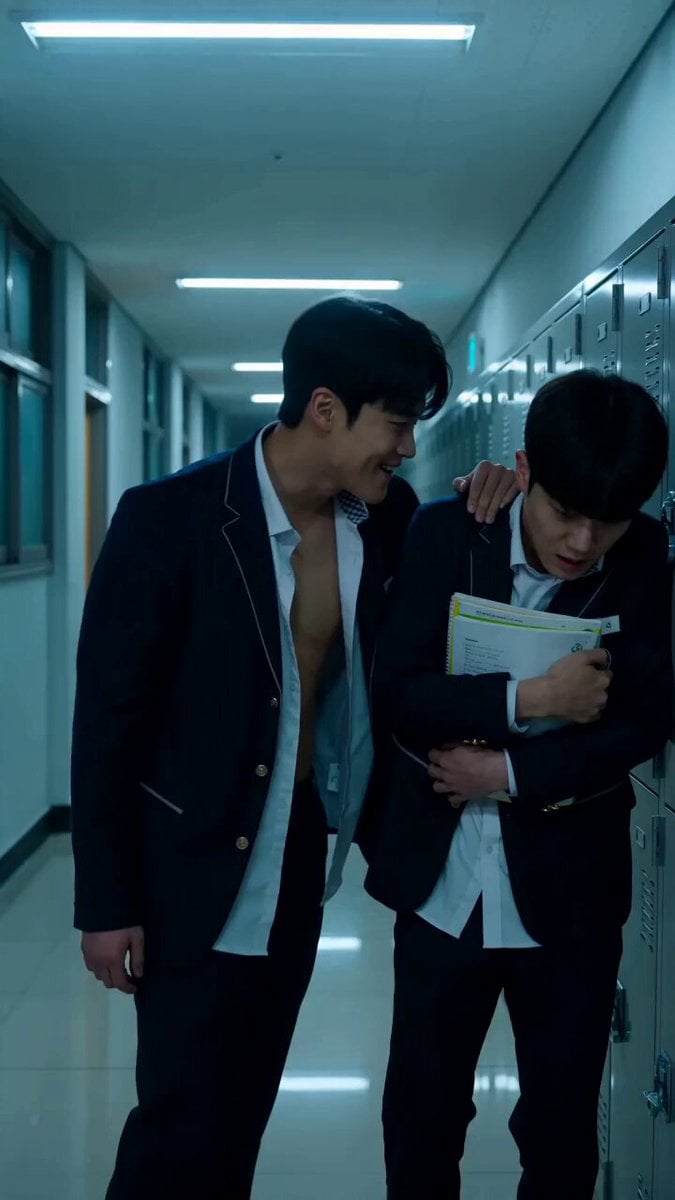
Korean school revenge drama cinematic prompt
Realistic Dog News Interview
Browse template categories
Futuristic Maglev Train Animation questions
How do I use the Futuristic Maglev Train Animation template?
Add your photo if the template asks for one, edit the prompt if you like — the template's model and format are already selected — and press Generate. Your version opens in PicX Studio.
Can I customize the Futuristic Maglev Train Animation template?
Yes. You can change the subject, setting, lighting, mood, format, and available model controls before creating your video.
Is the Futuristic Maglev Train Animation template free?
Opening and editing this template is free. Generating uses credits, shown on the Generate button when you are signed in.
Which AI model should I use?
Start with Seedance 2.0, which is the model associated with this template. You can compare another compatible model for a different finish.
Looking for something else? Browse all templates.

Your photo, any look
Thousands of ready templates for every top image and video model, from one credit balance.