
Cinematic Car Scene and Video Sequence Prompt
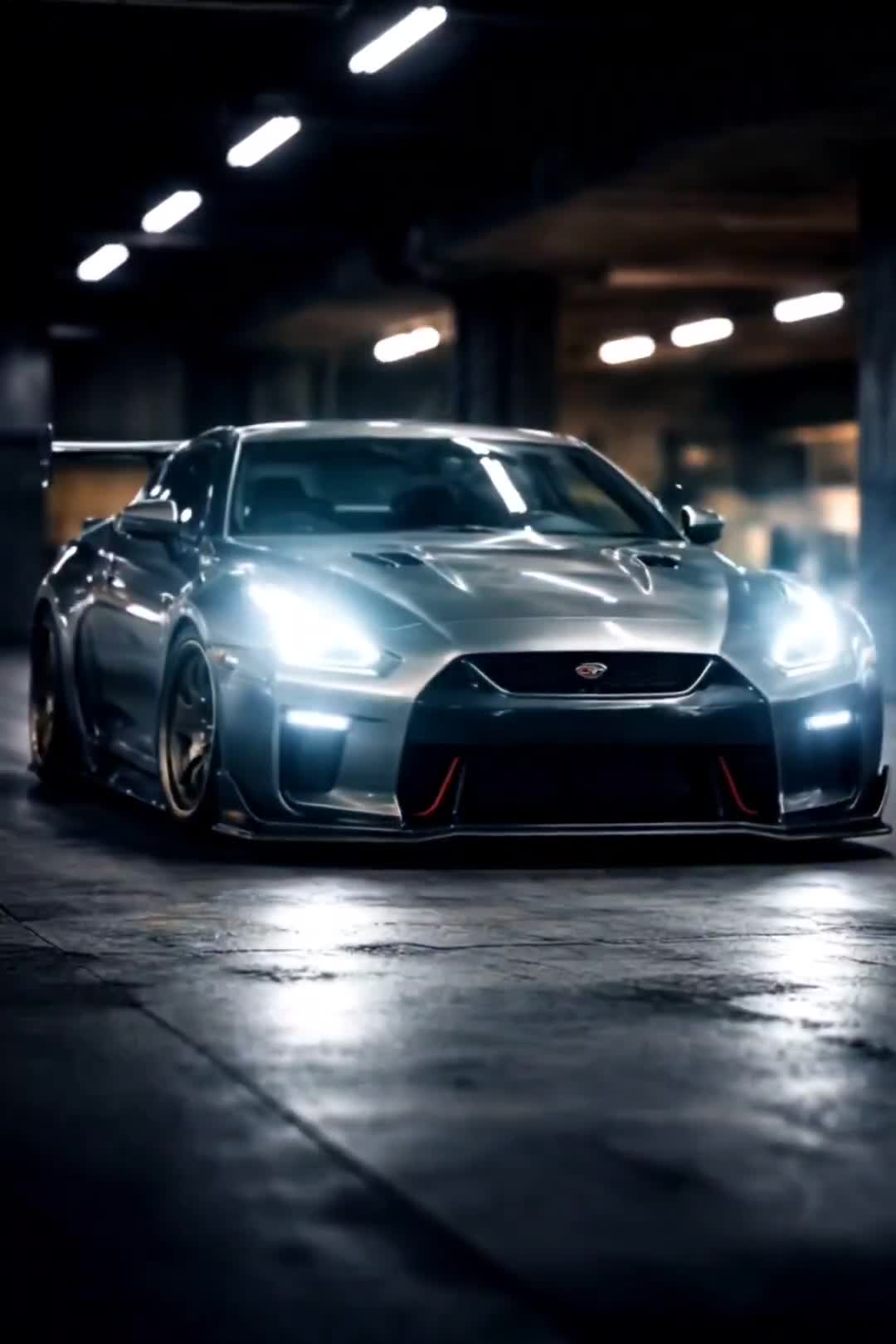
A dual prompt for generating both a highly dynamic, ultra-detailed cinematic image of a high-performance car in a dark studio and a corresponding video sequence script (Kling 2.6) detailing the shots, timing, and…
- Prompt included
- Model and format preset
- Free template
The prompt behind this video
Copy the exact prompt behind Cinematic Car Scene and Video Sequence Prompt, or open it in the studio and make it yours.
Image prompt: Ultra cinematic car scene showing a high performance car in a dark studio, black screen fade in with a glowing car logo hit by motion blur and shake effect, front view of the car with a slow zoom look, subtle vibration on the body, then a dynamic spin angle revealing the side of the car with heavy motion blur, light streaks and speed trails, followed by a top down view of the car rotating while zooming out, bright white light flashes synced to an intense bass feel, dramatic lighting, glossy paint reflections, futuristic atmosphere, ultra detailed, 8k, photoreal, built for high energy reel and edit style. Video prompt: Hook. 0 to 2 seconds Black screen. Bass hit. Car logo flashes with a hard shake. Intro. 2 to 6 seconds Front shot of the car. Slow zoom in. Tiny shake on every beat. Beat drop. 6 to 12 seconds Hard spin transition. Side angle of the car. Add motion blur. Fast shake on every bass hit. Energy build. 12 to 18 seconds Top view of the car. Zoom out with a rotation. Flash white on each kick. Main flow.
How to use Cinematic Car Scene and Video Sequence Prompt in 3 steps
- 1
Open
The prompt is already in the box next to the preview, with the template's model and format selected.
- 2…a portrait of your subject in softgolden-hour light, 85mm…
Personalize
Edit the subject and creative details for your destination.
- 3Generate
Generate
Press Generate — your video is created in PicX Studio, so you can compare it with the original and refine one variable at a time.
More like this
Templates with the same subject, style or setup. Open one to see its prompt.
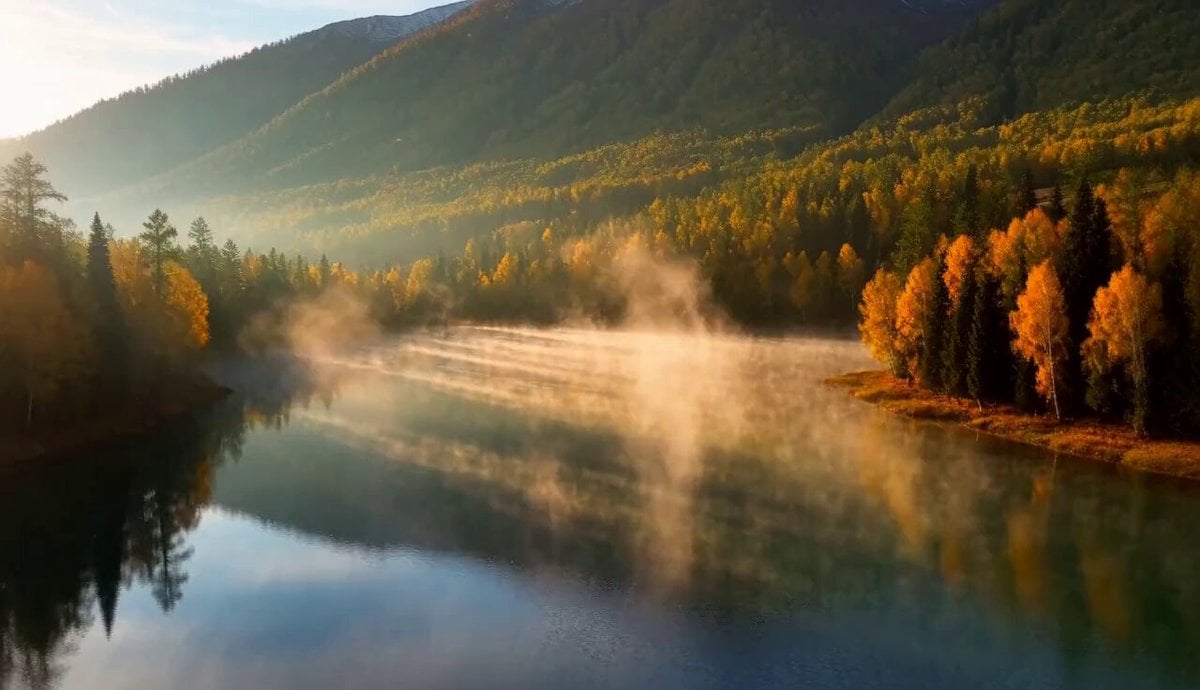
Cinematic Xinjiang Drone Landscapes - Seedance 2.5

Realistic City Street Story Cinematic Video - Seedance
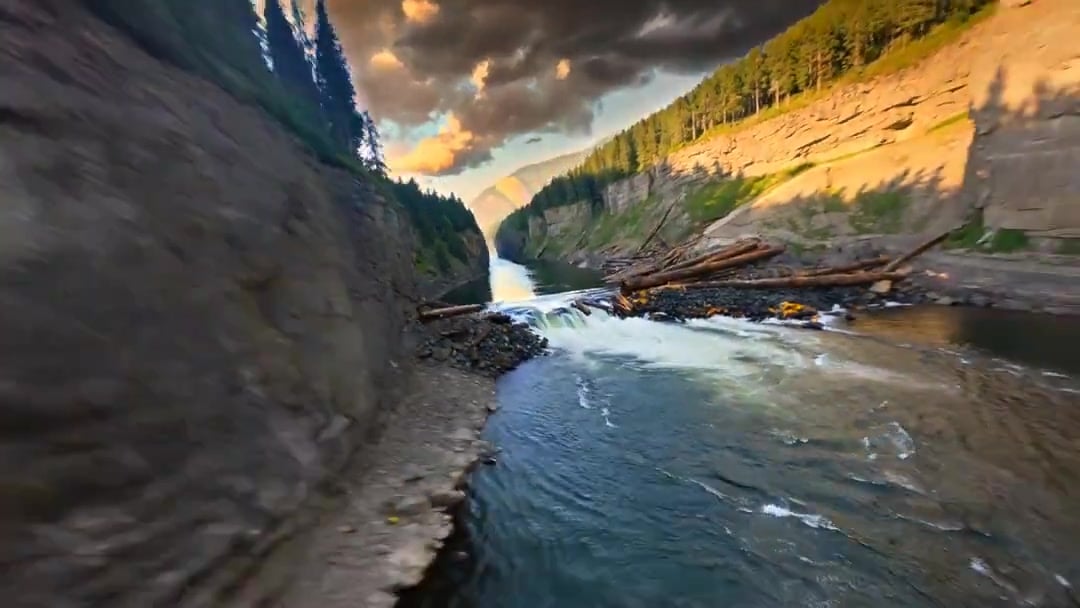
Cinematic Drone Specs Canyon — Kling 3.0 v3 Pro
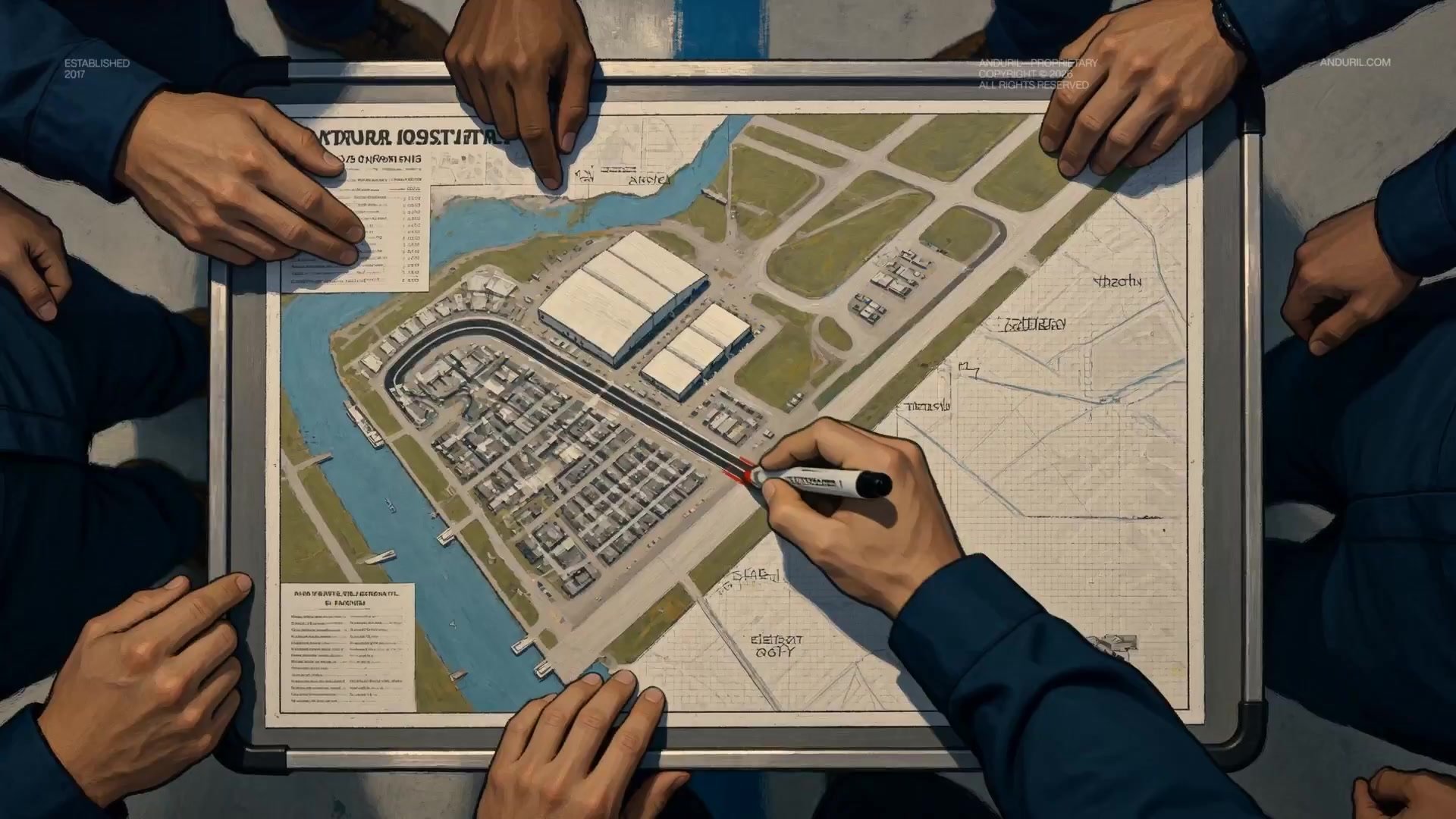
Fighter Jet Aerial Combat Montage — Seedance 2.5

Dragon Rider Cinematic Flight — Seedance 2.5
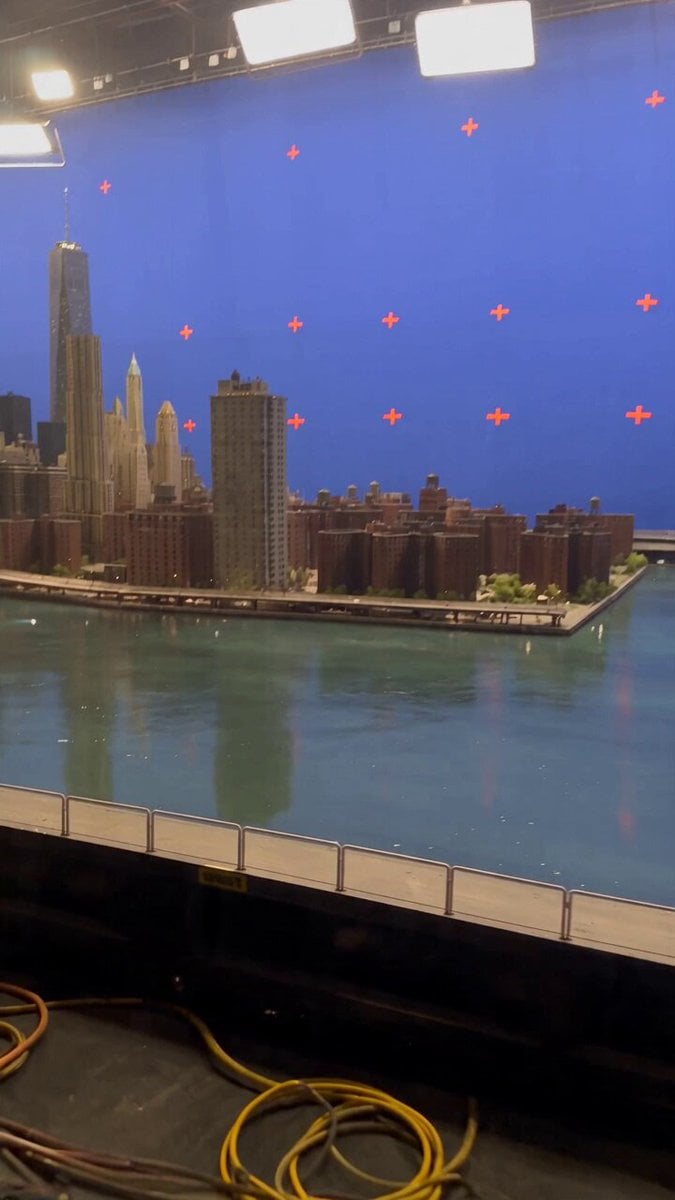
Miniature City Flood Soundstage
Miniature City Flood Soundstage

MiniMax H3 Character Introduction

Oceanic Civilization Epic Sci-Fi Film
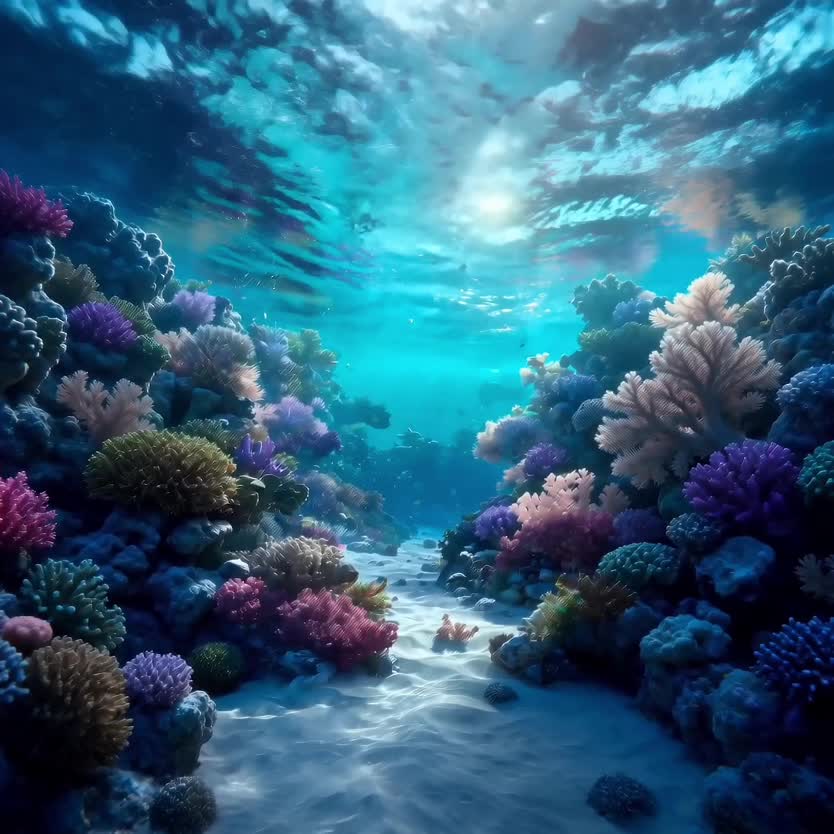
Deep-Sea Coral Reef Jellyfish Scene

Luxury Lifestyle Day Vlog

Japanese Pure Love Short Film
Make it yours
Cinematic Car Scene and Video Sequence Prompt works as-is. These are the safest ways to change it without losing the look.
Change one field
Copy a single group, rewrite it, and generate again so you can see what that field is doing.
Keep the frame, change the subject
Hold the composition and light of Cinematic Car Scene and Video Sequence Prompt, then swap wardrobe, props or the person for a new take.
| If the result… | Why | Fix |
|---|---|---|
| The result drifts from the preview | Too many fields changed at once. | Reuse Cinematic Car Scene and Video Sequence Prompt as-is first, then change one group — subject, light, or setting. |
| The model over-stylizes the scene | The prose prompt leaves finish and camera underspecified. | Add one camera or lighting sentence and stay on Nano Banana 2. |
More video prompts
Fresh picks from across the catalog.
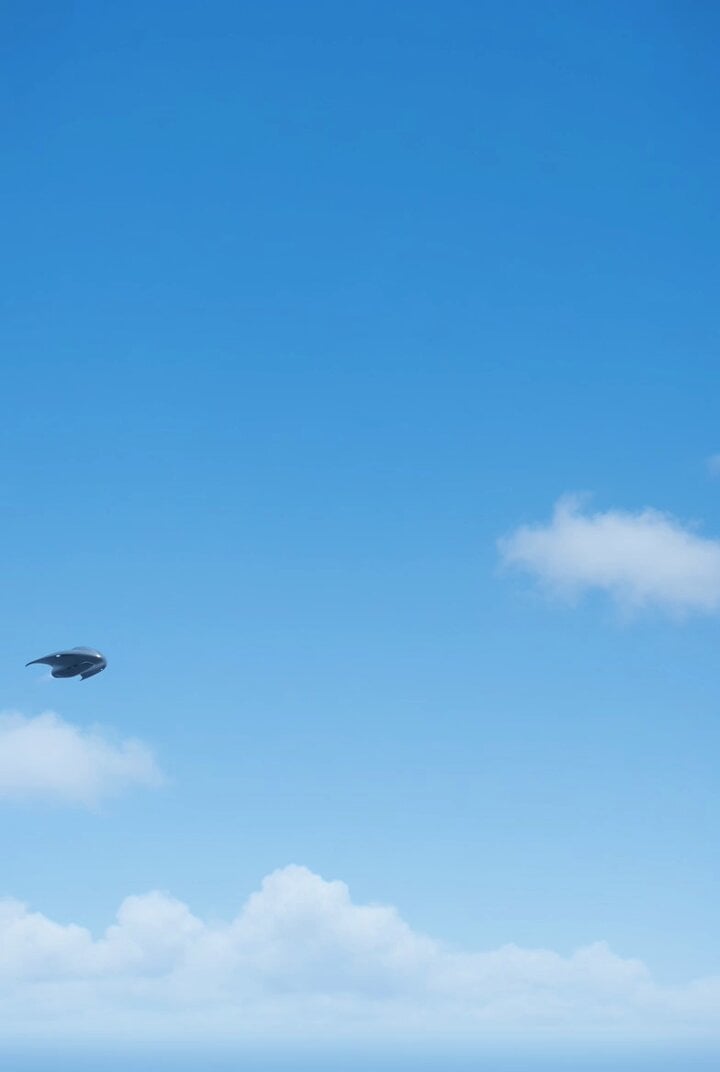
Pleiadian Light Ship Craft in Ultra HD

Visual Magic Egg Transformation Prompt
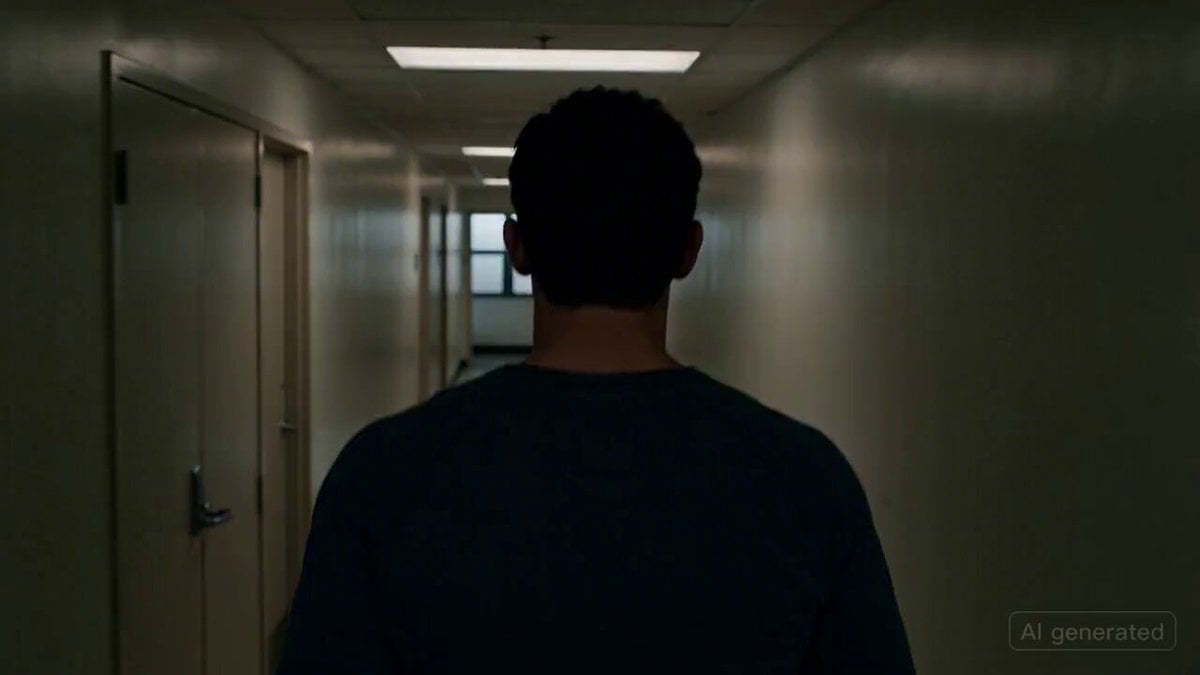
Cinematic horror scene with creature attack
Acoustic Serenade and Emotional Reaction Storyboard
Seedance 2.0 Sun Protection Clothing Commercial
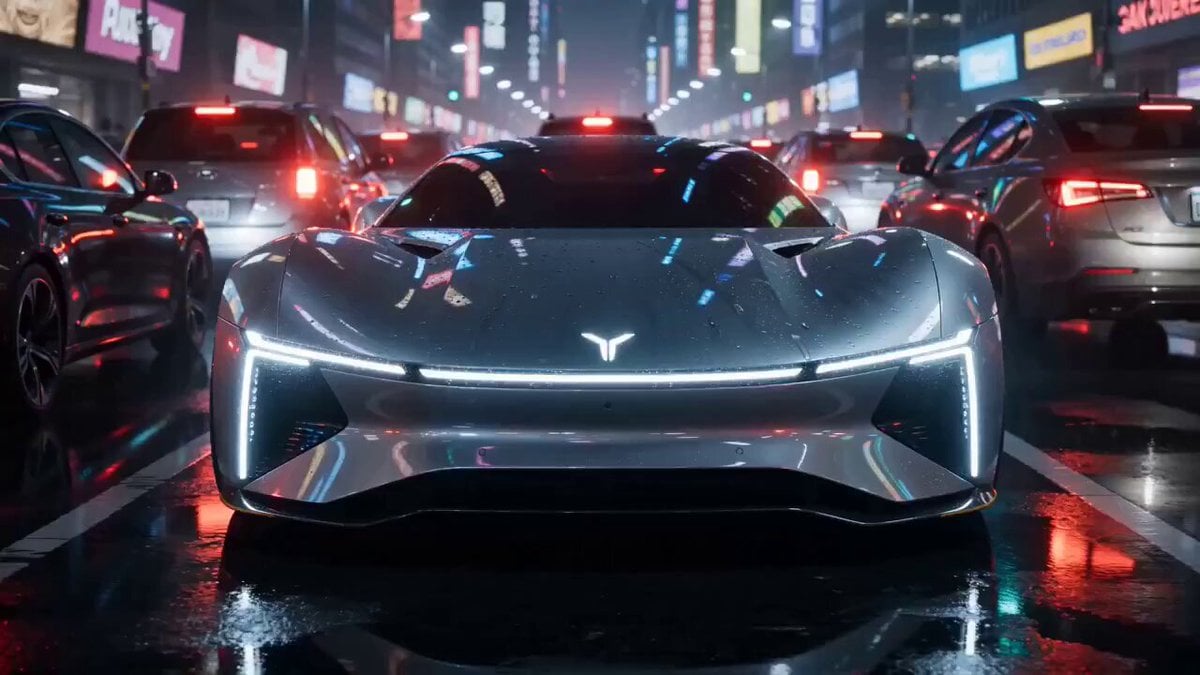
High-end car commercial concept: Transformation and Vertical Takeoff
Florist Shop Bouquet — Kling 3.0 v3 Standard

Teacher Japanese Chalkboard Writing Animation
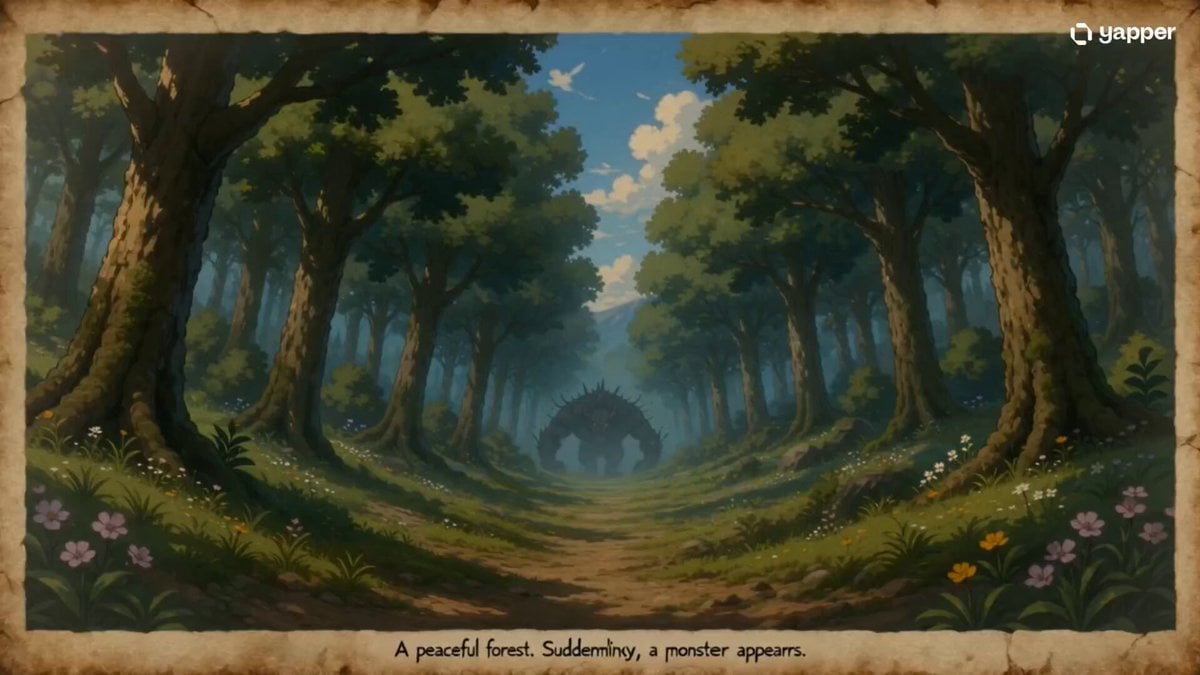
35mm Fast-Cut Memory Shot
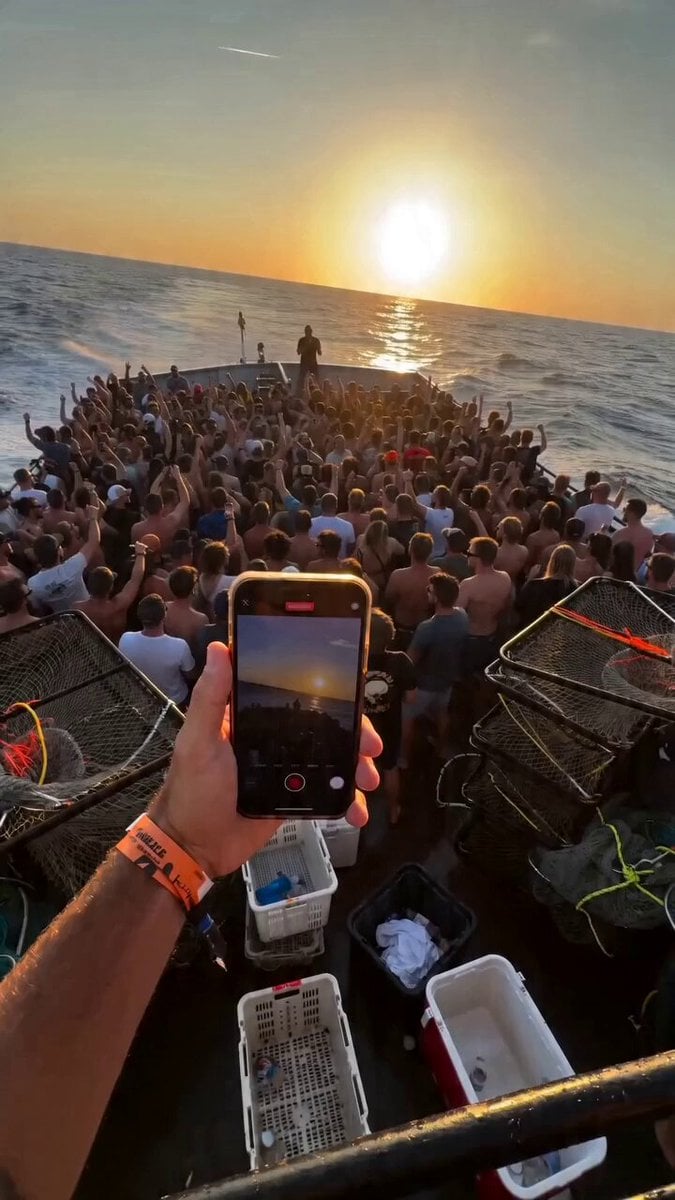
Fishing Boat Crowd POV Video Prompt
Browse template categories
Cinematic Car Scene and Video Sequence Prompt questions
How do I use the Cinematic Car Scene and Video Sequence Prompt template?
Add your photo if the template asks for one, edit the prompt if you like — the template's model and format are already selected — and press Generate. Your version opens in PicX Studio.
Can I customize the Cinematic Car Scene and Video Sequence Prompt template?
Yes. You can change the subject, setting, lighting, mood, format, and available model controls before creating your video.
Is the Cinematic Car Scene and Video Sequence Prompt template free?
Opening and editing this template is free. Generating uses credits, shown on the Generate button when you are signed in.
Which AI model should I use?
Start with Nano Banana 2, which is the model associated with this template. You can compare another compatible model for a different finish.
Looking for something else? Browse all templates.

Your photo, any look
Thousands of ready templates for every top image and video model, from one credit balance.