
Visual Magic Egg Transformation Prompt
A complex cinematic video prompt featuring a visual magic trick where a falling egg transforms into a chick just before hitting the table, complete with character consistency and a timeline-based script.
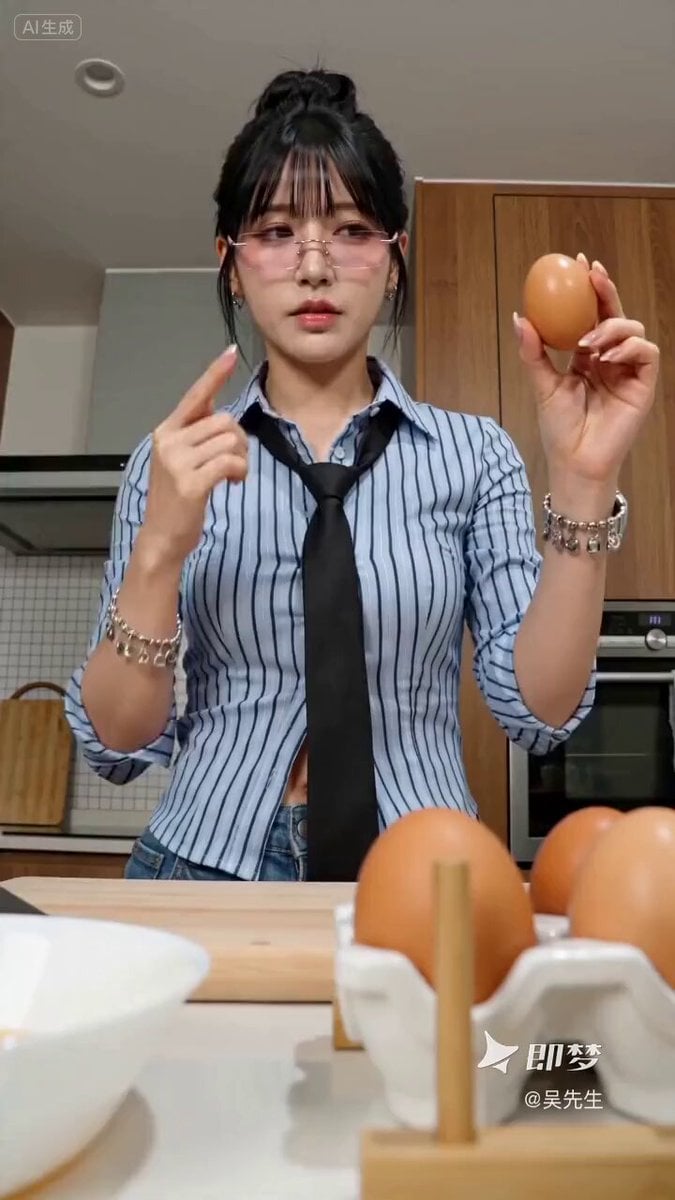
- Prompt included
- Model and format preset
- Free template
The prompt behind this video
Copy the exact prompt behind Visual Magic Egg Transformation Prompt, or open it in the studio and make it yours.
@ 粉色无框眼镜职场女生,把鸡蛋高高举起打开,蛋液下落即将触桌的瞬间变成一只小鸡,她惊呆,小鸡飞快跑掉,photorealistic, 8K 【角色锚定】@ :东亚职场女性,粉色无框眼镜,浅蓝细条纹衬衫,黑色细领带,黑发高髻 【风格】视觉魔术反转喜剧,电影级特效质感,TikTok爆款节奏,no anime feel 【时长】15秒 [00:00-00:05] 中景:@ 站在厨房料理台前,一手举着鸡蛋高过头顶,表情自信从容。镜头微微仰拍带到她推眼镜的从容神态,她双手一磕,蛋壳裂开。 [00:05-00:10] 慢动作特写:金黄蛋液从高处缓缓拉丝坠落,镜头跟随下坠。就在蛋液即将触及桌面的一刹那——蛋液猛地凝聚、爆出一团绒毛,"噗"地变成一只毛茸茸的黄色小鸡稳稳落在桌上。 [00:10-00:15] 镜头切到 @ 的脸:她瞳孔骤缩,眼镜下滑,嘴张成O型彻底惊呆,手里还捏着空蛋壳。小鸡"叽"地一叫,飞快窜出画面跑掉。她僵在原地,镜头定格在她目瞪口呆的脸。 【音效】磕蛋壳脆裂声、蛋液拉丝下坠的黏滑声、"噗"变形音效、小鸡"叽叽"叫、急促小跑爪声、Mirai倒吸气声、喜剧定格音
How to use Visual Magic Egg Transformation Prompt in 3 steps
- 1
Open
The prompt is already in the box next to the preview, with the template's model and format selected.
- 2…a portrait of your subject in softgolden-hour light, 85mm…
Personalize
Edit the subject and creative details for your destination.
- 3Generate
Generate
Press Generate — your video is created in PicX Studio, so you can compare it with the original and refine one variable at a time.
More like this
Templates with the same subject, style or setup. Open one to see its prompt.

Magical Room Transformation - Seedance 2.5
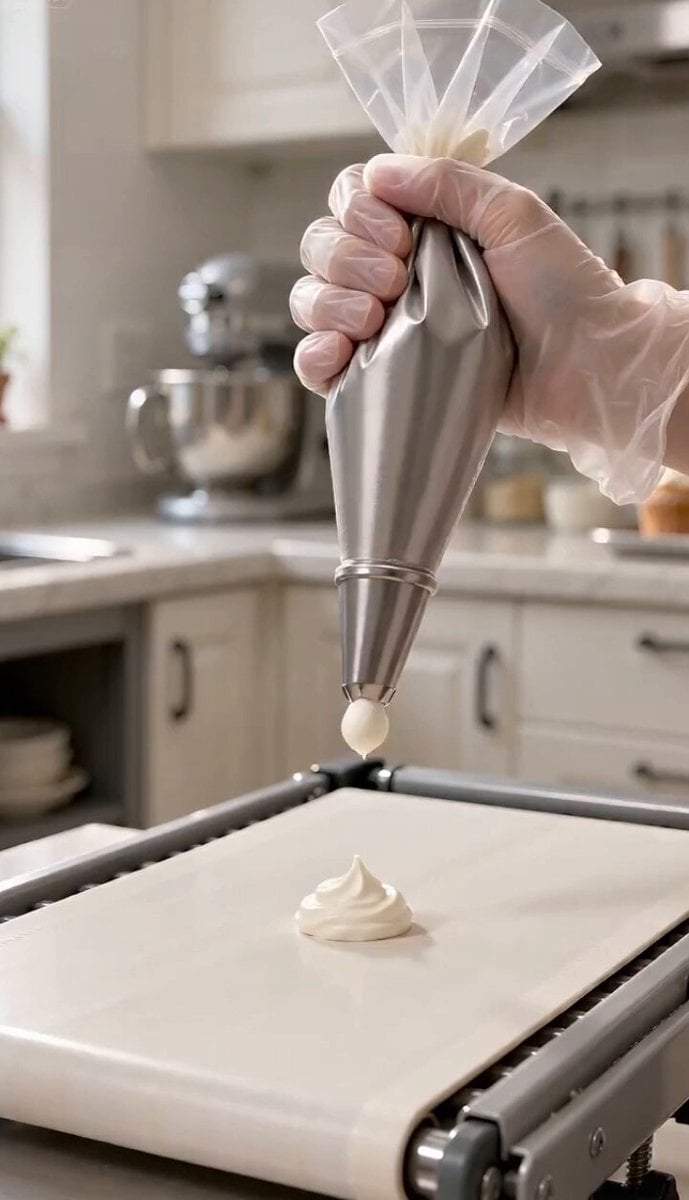
Magic Baking Kitchen Cat Transformation

Dark Tokusatsu Transformation - Seedance 2.5

RX-7 to Mech Transformation Cyberpunk

Forest Fantasy Girl Short Film
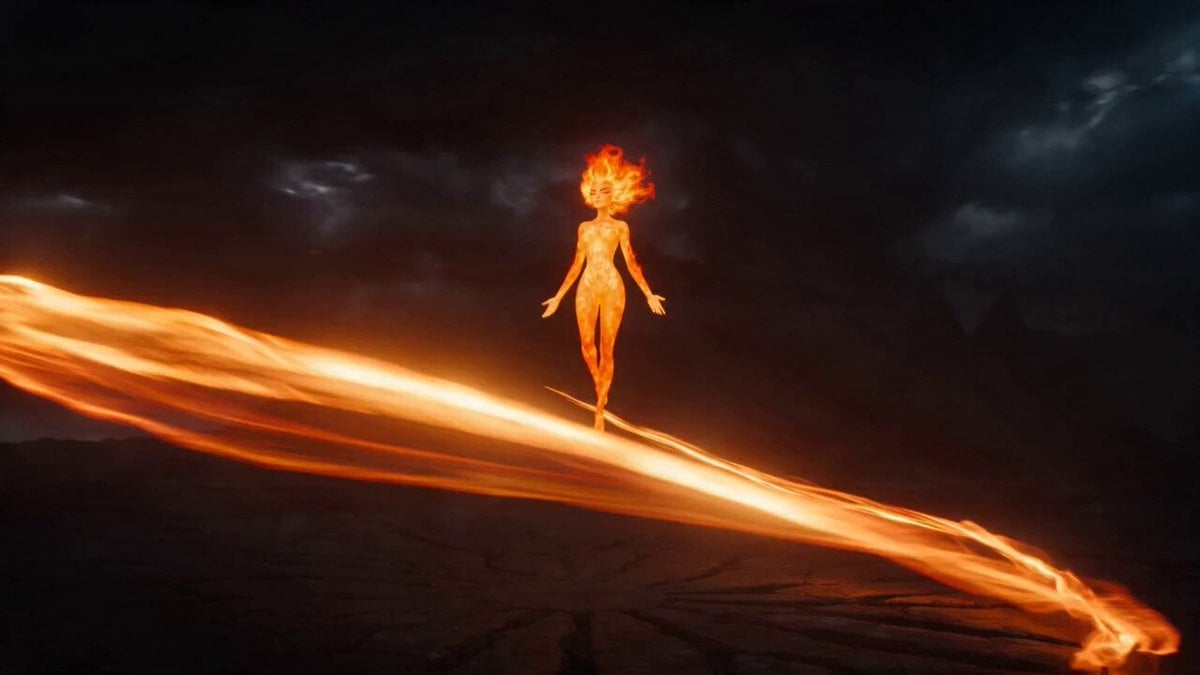
Magical Transformation Sequence
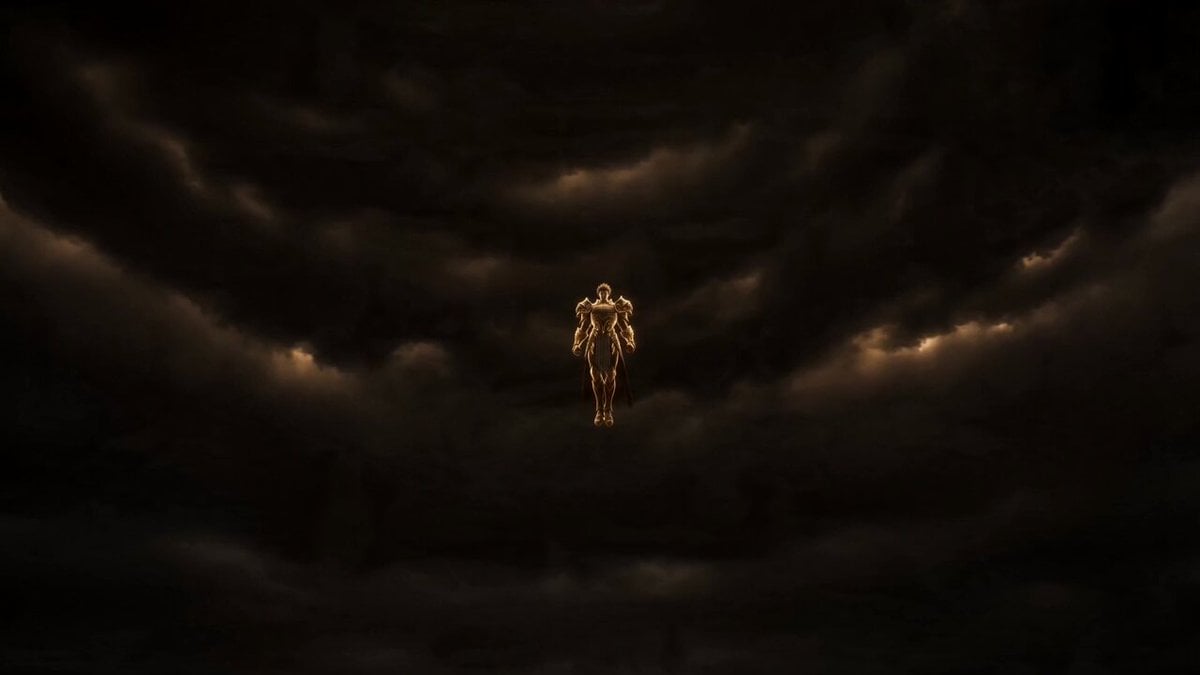
Gold Storm Paladin Magical Transformation
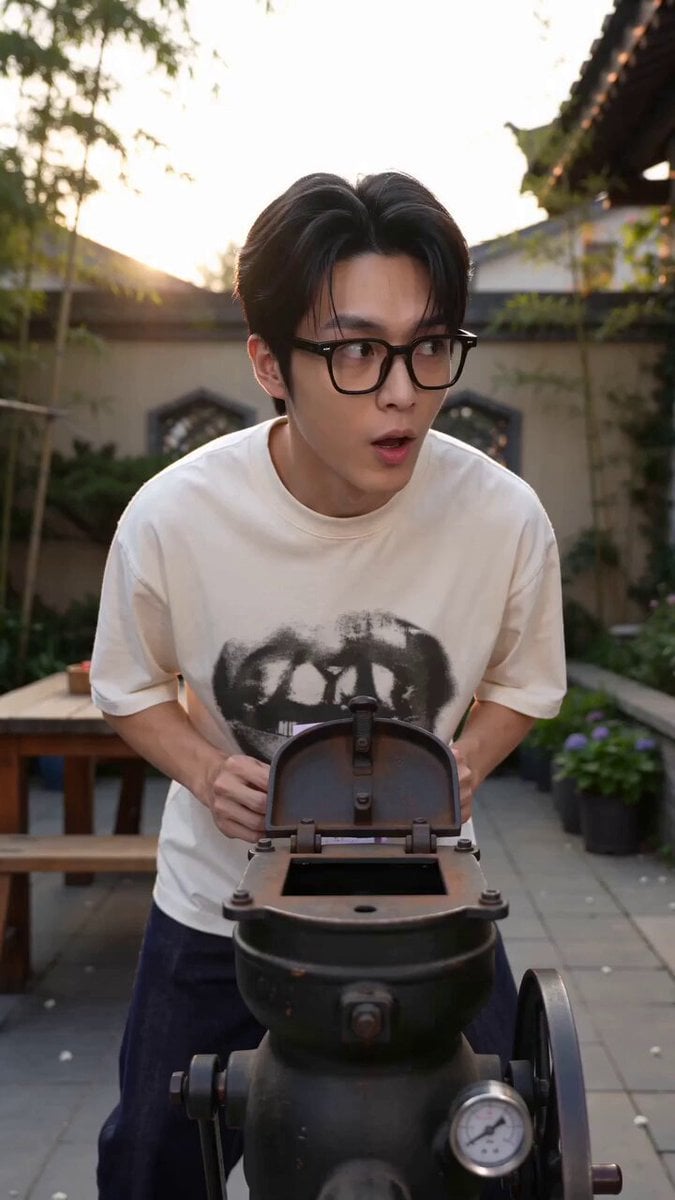
Magic Popcorn Machine Transformation
Civilization Timelapse — Centuries in One Shot
Mecha Transformation vs Kaiju — 4-Scene Epic
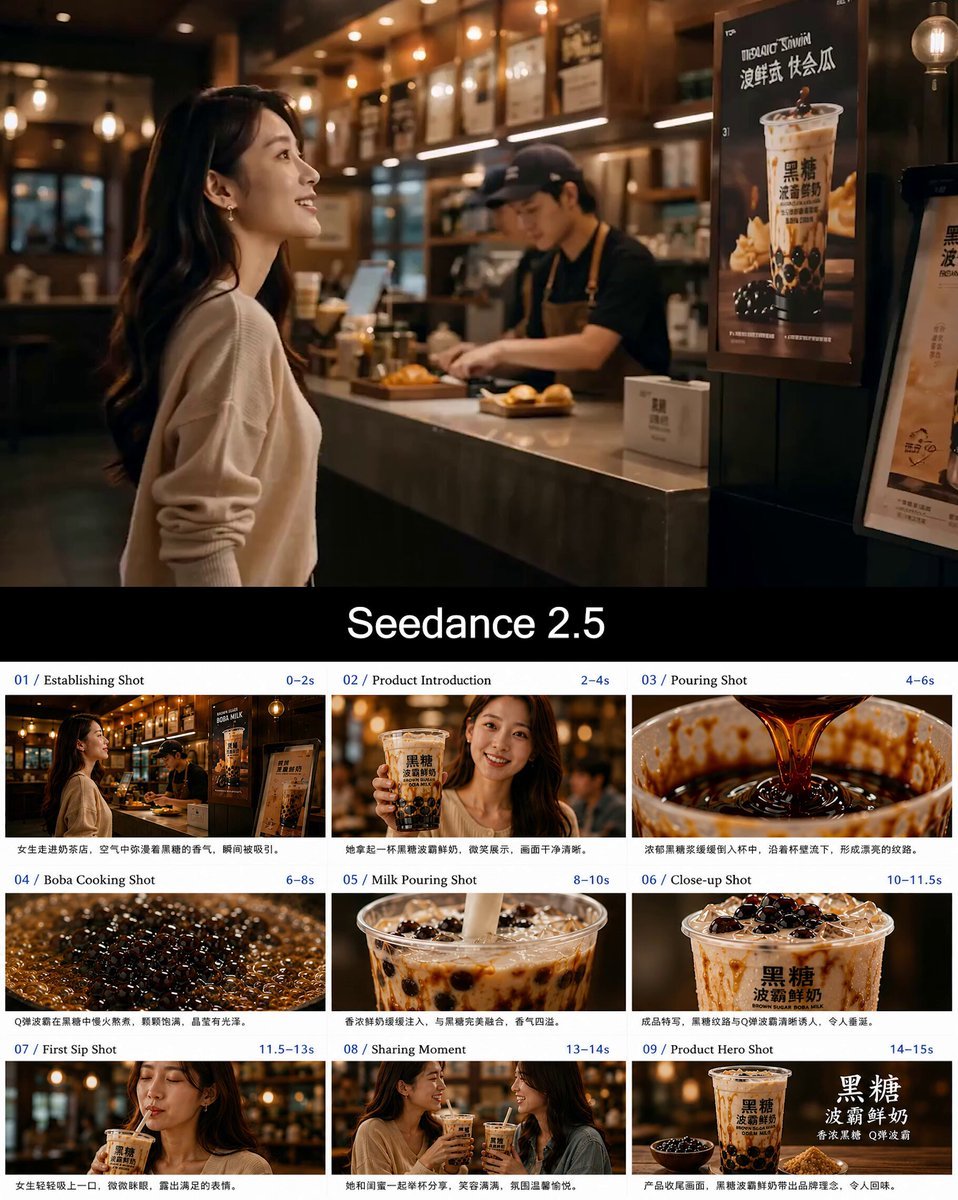
Boba Milk Commercial Visual Reference

Japanese Boxer Visual Identity
Make it yours
Visual Magic Egg Transformation Prompt works as-is. These are the safest ways to change it without losing the look.
Change one field
Copy a single group, rewrite it, and generate again so you can see what that field is doing.
Keep the frame, change the subject
Hold the composition and light of Visual Magic Egg Transformation Prompt, then swap wardrobe, props or the person for a new take.
| If the result… | Why | Fix |
|---|---|---|
| The result drifts from the preview | Too many fields changed at once. | Reuse Visual Magic Egg Transformation Prompt as-is first, then change one group — subject, light, or setting. |
| The model over-stylizes the scene | The prose prompt leaves finish and camera underspecified. | Add one camera or lighting sentence and stay on Seedance 2.0. |
More Seedance 2.0 templates
Other prompts made for Seedance 2.0.

Comical Martial Arts Punch Scene

Maglev Train Action Sequence

Martial Arts Fight Sequence

Wuxia Protection and Trust Script

Vintage Korean Arcade MiniDV Vlog

Mercedes 190 SL Luxury Ad

Rainy Night Supernatural Reverse Comedy Video Script

Amazon Civilization Discovery

Futuristic South Asian City Transformation

Cozy Luxury Cafe Commercial
More video prompts
Fresh picks from across the catalog.
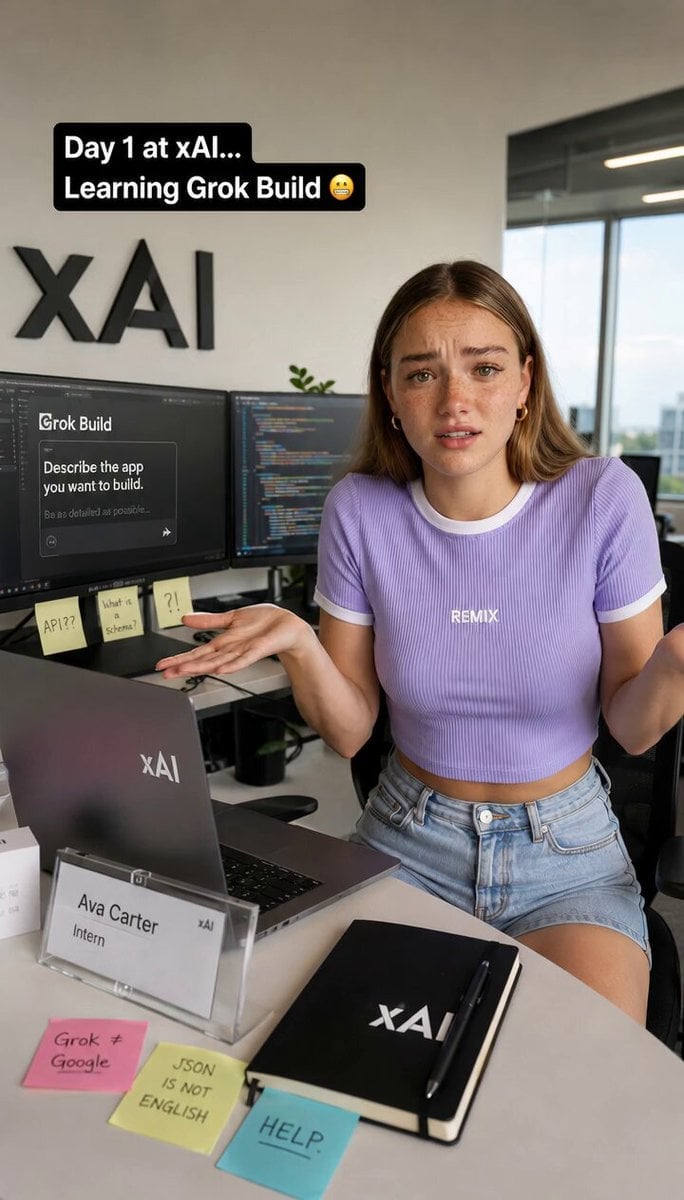
Humorous Intern Struggle at XAI
Vertical City — São Paulo Parkour at Sunset
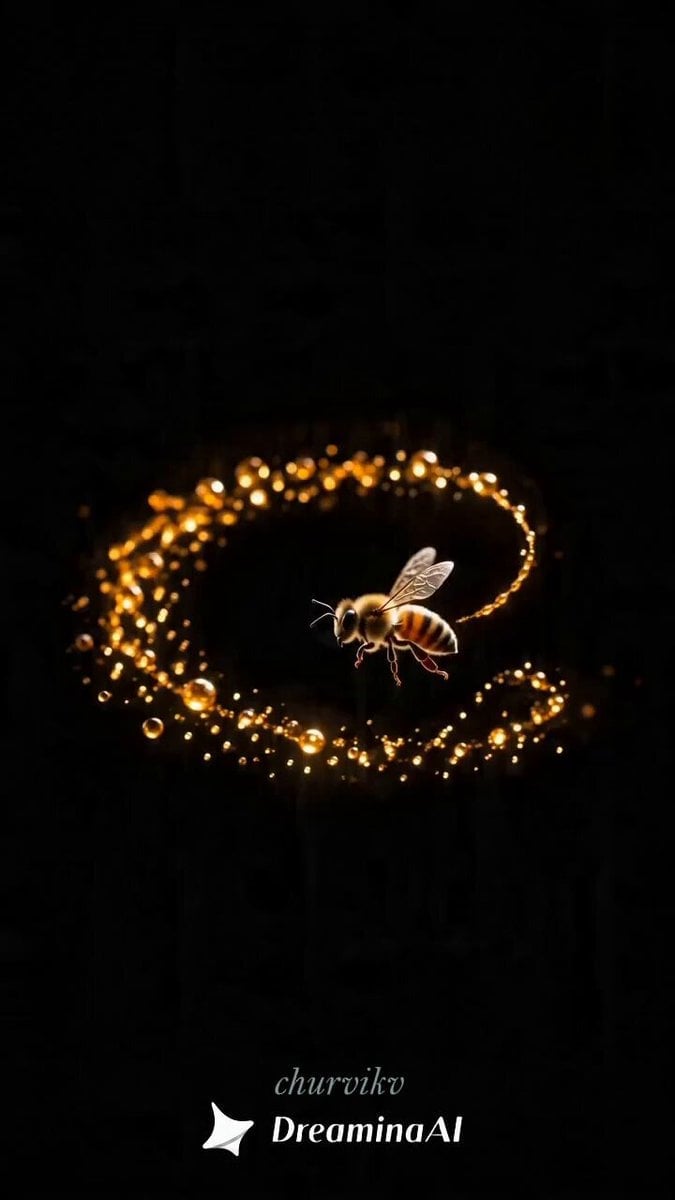
Honey to Apple Metamorphosis

Woman Walking in Sunflowers
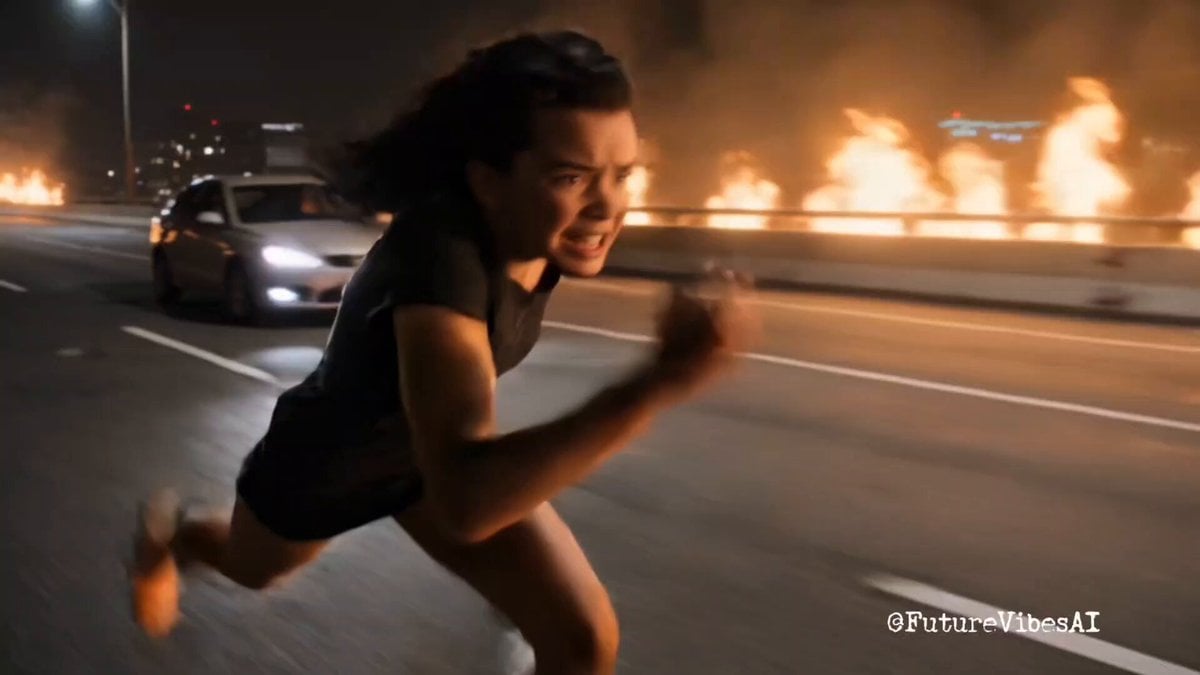
Epic Superhero Transformation and Dragon Fight Video Prompt
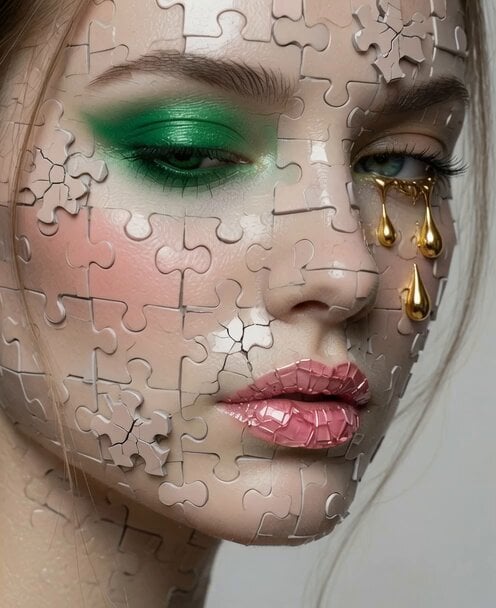
Video Editing and Animation Prompt

School Monster Transformation Battle

Anime Girl Wall Running Escape Sequence
Youth Racing Short Film
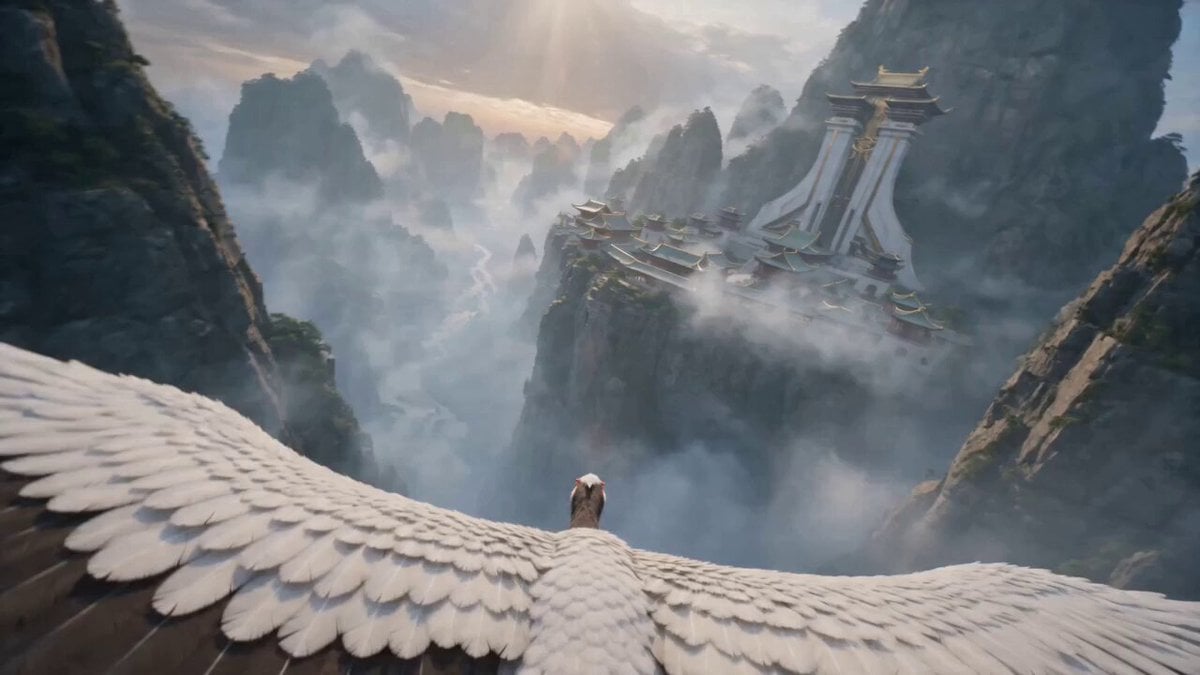
First-Person POV White Crane Flight
Browse template categories
Visual Magic Egg Transformation Prompt questions
How do I use the Visual Magic Egg Transformation Prompt template?
Add your photo if the template asks for one, edit the prompt if you like — the template's model and format are already selected — and press Generate. Your version opens in PicX Studio.
Can I customize the Visual Magic Egg Transformation Prompt template?
Yes. You can change the subject, setting, lighting, mood, format, and available model controls before creating your video.
Is the Visual Magic Egg Transformation Prompt template free?
Opening and editing this template is free. Generating uses credits, shown on the Generate button when you are signed in.
Which AI model should I use?
Start with Seedance 2.0, which is the model associated with this template. You can compare another compatible model for a different finish.
Looking for something else? Browse all templates.

Your photo, any look
Thousands of ready templates for every top image and video model, from one credit balance.