How do I use the First-Person POV White Crane Flight template?
Edit the prompt in the box under the preview — the template's model and format are already selected — and press Generate. Your version appears right on this page.
A hyper-realistic POV flight video prompt from the perspective of a white crane flying through clouds and ancient cliff buildings.
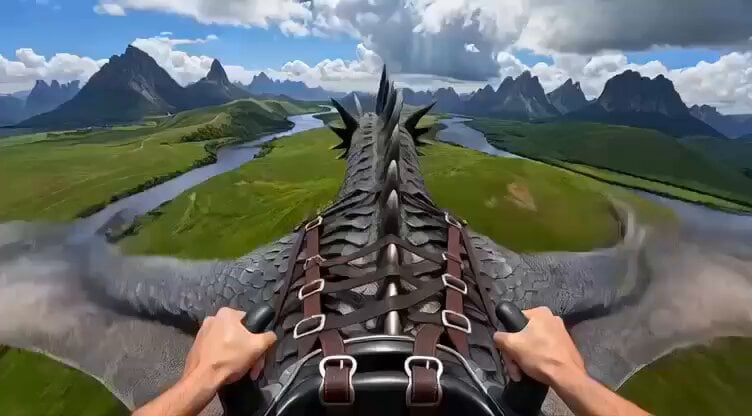
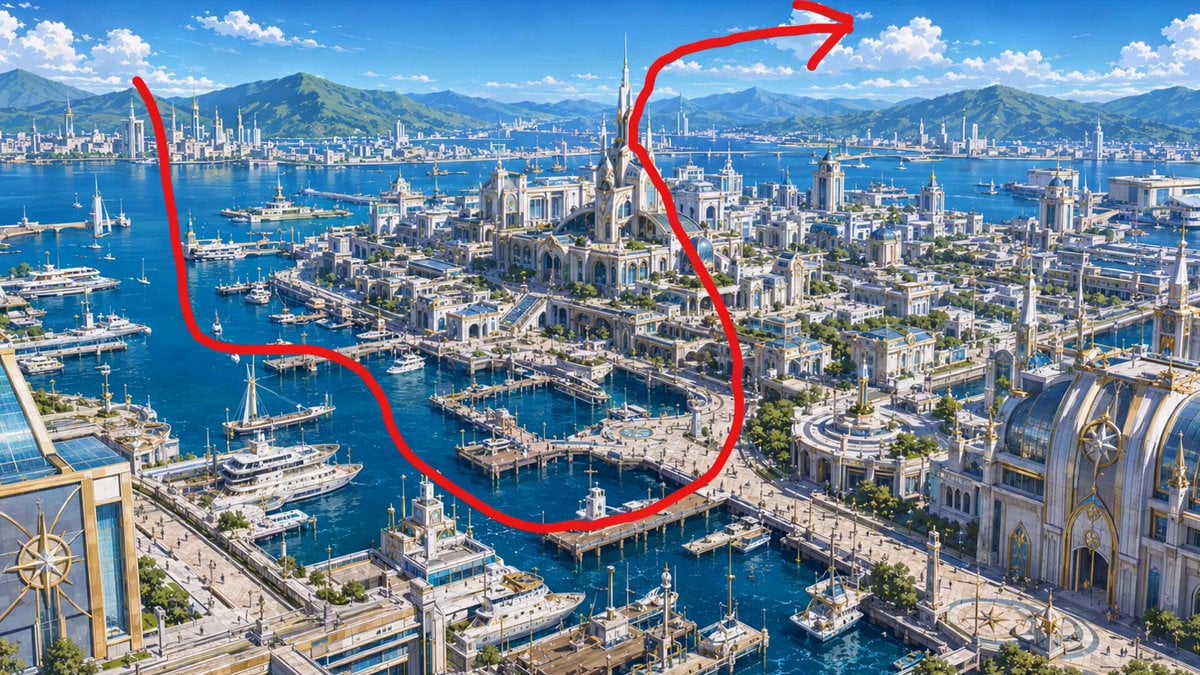
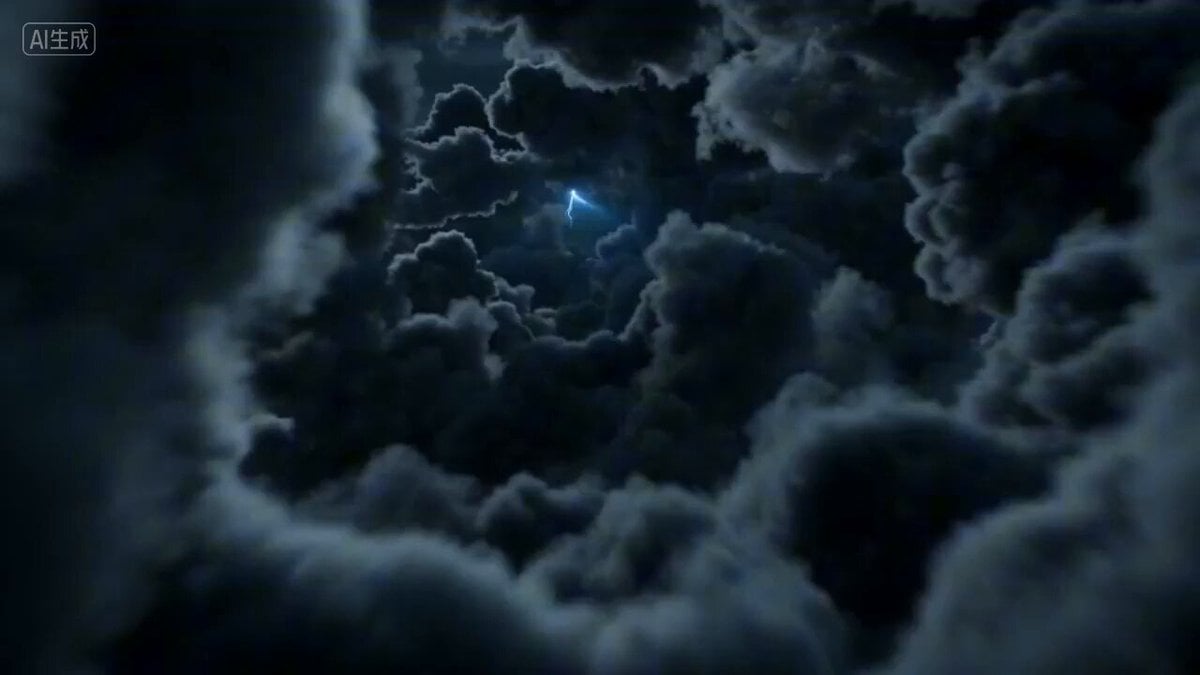
An ultra-realistic first-person flight video, fully simulating the subjective point of view (POV) of the white crane from image 1, weaving through a sea of clouds and immortal mountains. Flying around a cluster of ancient buildings on a cliff, diving, skimming over tiered blue-tiled pavilions, passing through vast rolling seas of cloud, sunlight piercing through the clouds to form Tyndall light beams, mist flowing past the camera, a strong sense of wind noise atmosphere, an open and clear field of view, full first-person immersion maintained throughout, richly detailed visuals, with camera movement that naturally matches the logic of a bird's flight. The footage is smooth throughout; only generate ambient environmental sound effects, do not add background music.
An ultra-realistic first-person flight video, fully simulating the subjective point of view (POV) of the white crane from image 1, weaving through a sea of clouds and immortal mountains. Flying around a cluster of ancient buildings on a cliff, diving, skimming over tiered blue-tiled pavilions, passing through vast rolling seas of cloud, sunlight piercing through the clouds to form Tyndall light beams, mist flowing past the camera, a strong sense of wind noise atmosphere, an open and clear field of view, full first-person immersion maintained throughout, richly detailed visuals, with camera movement that naturally matches the logic of a bird's flight. The footage is smooth throughout; only generate ambient environmental sound effects, do not add background music.
Edit the prompt in the box under the preview — the template's model and format are already selected — and press Generate. Your version appears right on this page.
Yes. You can change the subject, setting, lighting, mood, format, and available model controls before creating your video.
Opening and editing this template is free. Generating uses credits, shown on the Generate button when you are signed in.
Start with Seedance 2.0, which is the model associated with this template. You can compare another compatible model for a different finish.
Follow a topic to a crawlable collection of related PicX Studio templates.