
Seedance 2.5 - @YourAlphaMom - 283935
Seedance 2.5 video template .
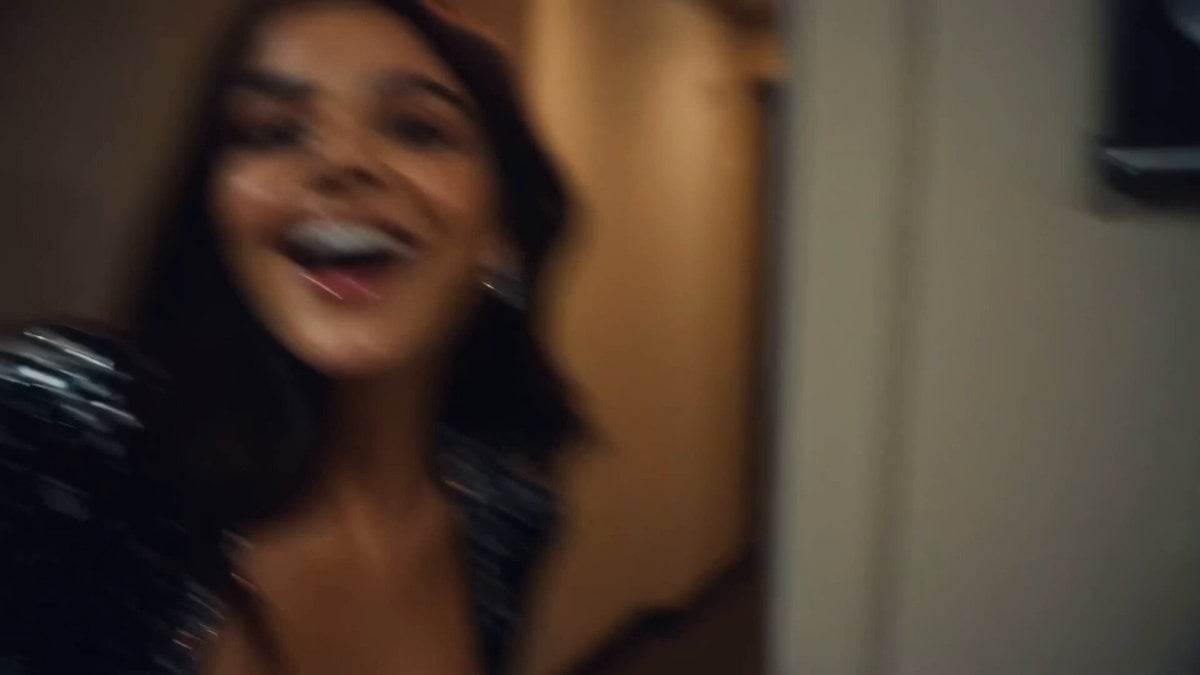
- Prompt included
- Model and format preset
- Free template
The prompt behind this video
Copy the exact prompt behind Seedance 2.5 - @YourAlphaMom - 283935, or open it in the studio and make it yours.
Made with Seedance on @atlas_cloud_ai Prompt: ⬇️ CAMERA: Handheld DV 16mm camcorder aesthetic, first-person / selfie POV. MILA always holds the camera herself. Keep natural hand shake, slightly messy framing, delayed autofocus, awkward zoom-ins and zoom-outs, and occasional moments where part of her face gets cropped. The camcorder itself is never visible on screen. LOOK: Soft vintage DV tape quality with slight blur, subtle tape noise, gently bloomed highlights, mild auto-exposure flicker, low contrast, and realistic skin tones. STYLE: Bright, playful backstage vlog energy with a polished pop-star feel. Natural smiles, direct eye contact, candid excitement, and quick handheld moments that feel spontaneous and fun. CHARACTER: MILA — a beautiful Instagram-style brunette model and performer in her 20s. Long dark brown hair, glowing skin, attractive feminine features, glossy lips, expressive eyes, slim fit figure. Wearing a stylish stage outfit with soft glam makeup and delicate sparkly earrings. SETTING: Backstage hallway of a music show venue, with dressing room doors, MILA’s name tag on one of the doors, a snack table, overhead PA speaker, and blurred staff occasionally moving through the background. SEQUENCE: 1. Selfie: she peeks into the hallway with a grin. “Hi guys, I’m backstage right now.” 2. Quick pan down the corridor. “This place seriously goes on forever.” 3. She stops at her dressing room and points to the name tag. “That’s my room.” 4. Close-up of the name tag as she taps it. Ambient backstage audio only. 5. Quick outfit check near a mirror with a playful little turn. “Okay... stage look check.” 6. At the snack table, she grabs a small snack. “Just grabbing a tiny pre-show snack.” 7. Mid-bite, the PA announcement cuts in. She laughs. “Oh wow—right on time.” 8. Selfie ending: she hears the countdown, gives a wave and a finger-heart, then hurries toward the stage. “That’s my cue — see you after the show!” #AIVideo
How to use Seedance 2.5 - @YourAlphaMom - 283935 in 3 steps
- 1
Open
The prompt is already in the box next to the preview, with the template's model and format selected.
- 2…a portrait of your subject in softgolden-hour light, 85mm…
Personalize
Edit the subject and creative details for your destination.
- 3Generate
Generate
Press Generate — your video is created in PicX Studio, so you can compare it with the original and refine one variable at a time.
More like this
Templates with the same subject, style or setup. Open one to see its prompt.
Seedance 2.5 - @YourAlphaMom - 283935
Seedance 2.5 - @YourAlphaMom - 283935
Seedance 2.5 - @Diplomeme - 446818
Seedance 2.5 - @AIwithkhan - 901550
Seedance 2.5 - @AIwithkhan - 801709
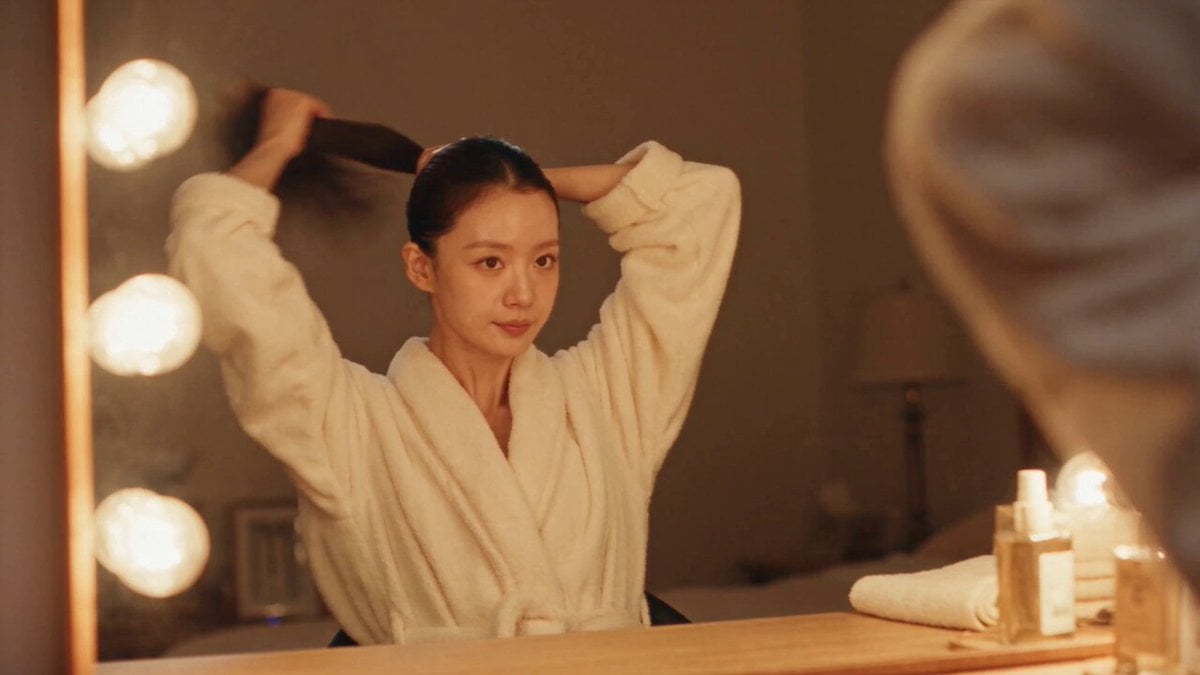
DV Camcorder POV Gym Montage — Seedance 2.5

Kaleidoscopic Cosmic Dolphin Video

Horror Daffy Duck Video Transition

America 250th Anniversary Celebration

Glowing Water Forest Night Prompt

Soft Pink Roses Dreamer Prompt

Ninja Wizard Levitation Jump
Make it yours
Seedance 2.5 - @YourAlphaMom - 283935 works as-is. These are the safest ways to change it without losing the look.
Change one field
Copy a single group, rewrite it, and generate again so you can see what that field is doing.
Keep the frame, change the subject
Hold the composition and light of Seedance 2.5 - @YourAlphaMom - 283935, then swap wardrobe, props or the person for a new take.
| If the result… | Why | Fix |
|---|---|---|
| The result drifts from the preview | Too many fields changed at once. | Reuse Seedance 2.5 - @YourAlphaMom - 283935 as-is first, then change one group — subject, light, or setting. |
| The model over-stylizes the scene | The prose prompt leaves finish and camera underspecified. | Add one camera or lighting sentence and stay on Seedance 2.5. |
More Seedance 2.5 templates
Other prompts made for Seedance 2.5.

Wholesome Puppy and Kitten Story - Seedance 2.5
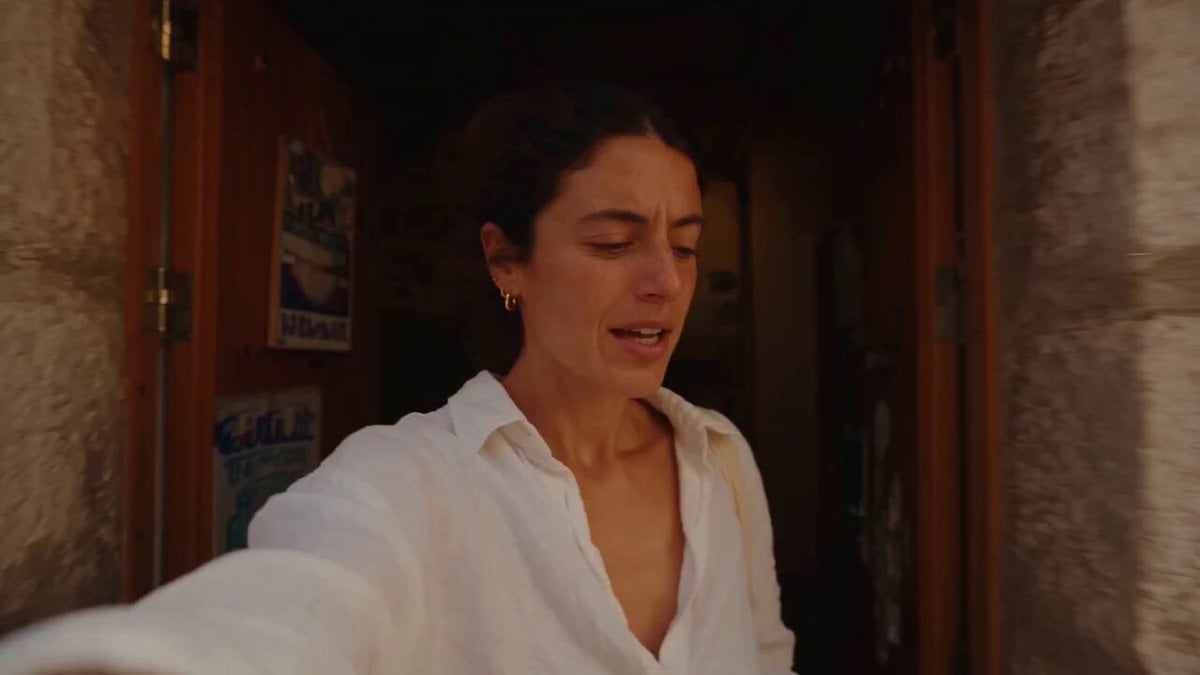
Mediterranean Coffee Run Vlog - Seedance 2.5

Sci-Fi Disaster Movie Scene - Seedance 2.5

Mysterious Home Exploration Vlog - Seedance 2.5
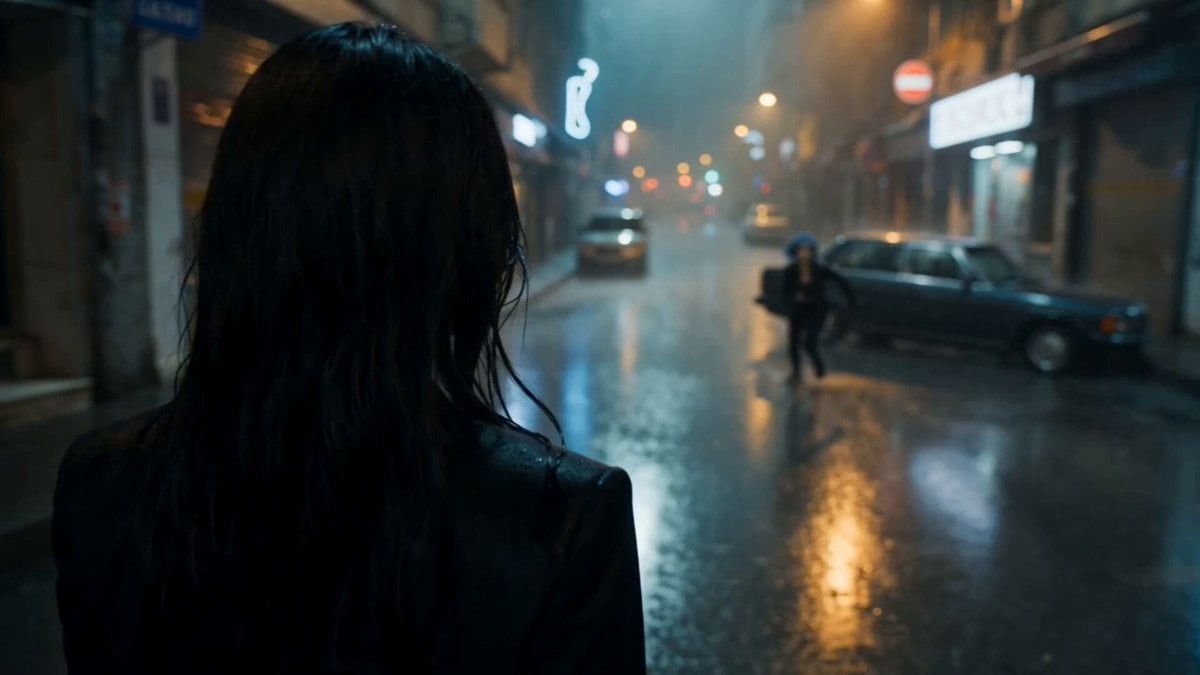
Cinematic Istanbul Night Fight - Seedance 2.5

Magical Room Transformation - Seedance 2.5

Dark Tokusatsu Transformation - Seedance 2.5
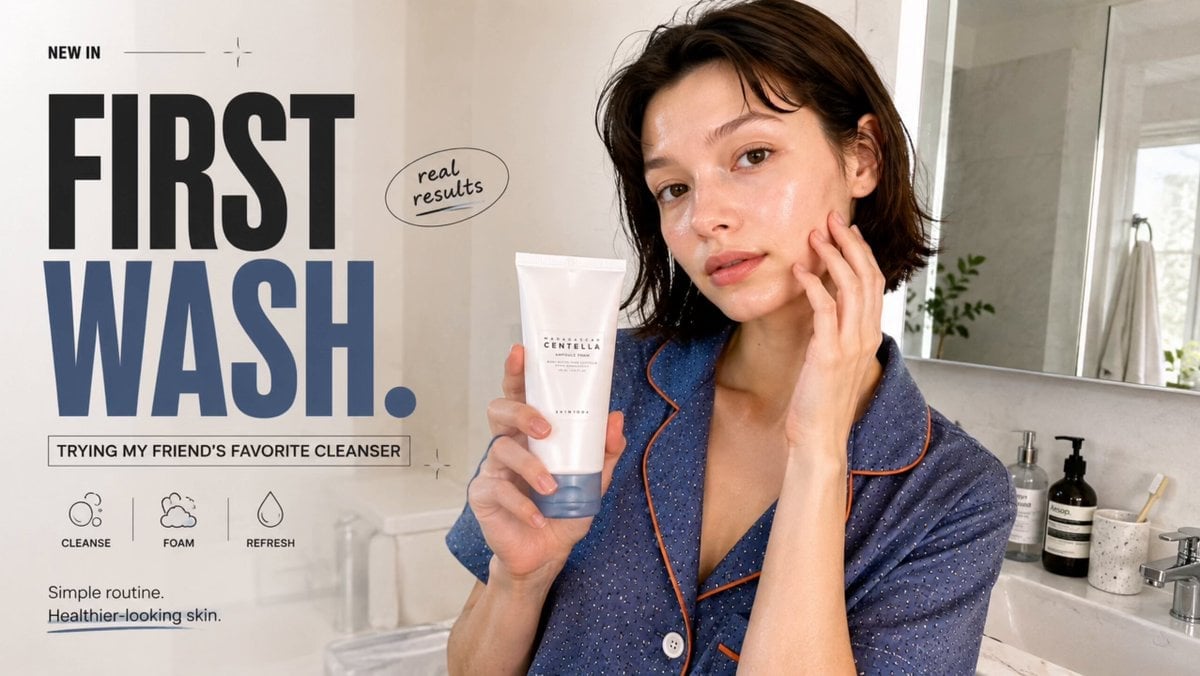
Realistic UGC Cleanser Review - Seedance 2.5
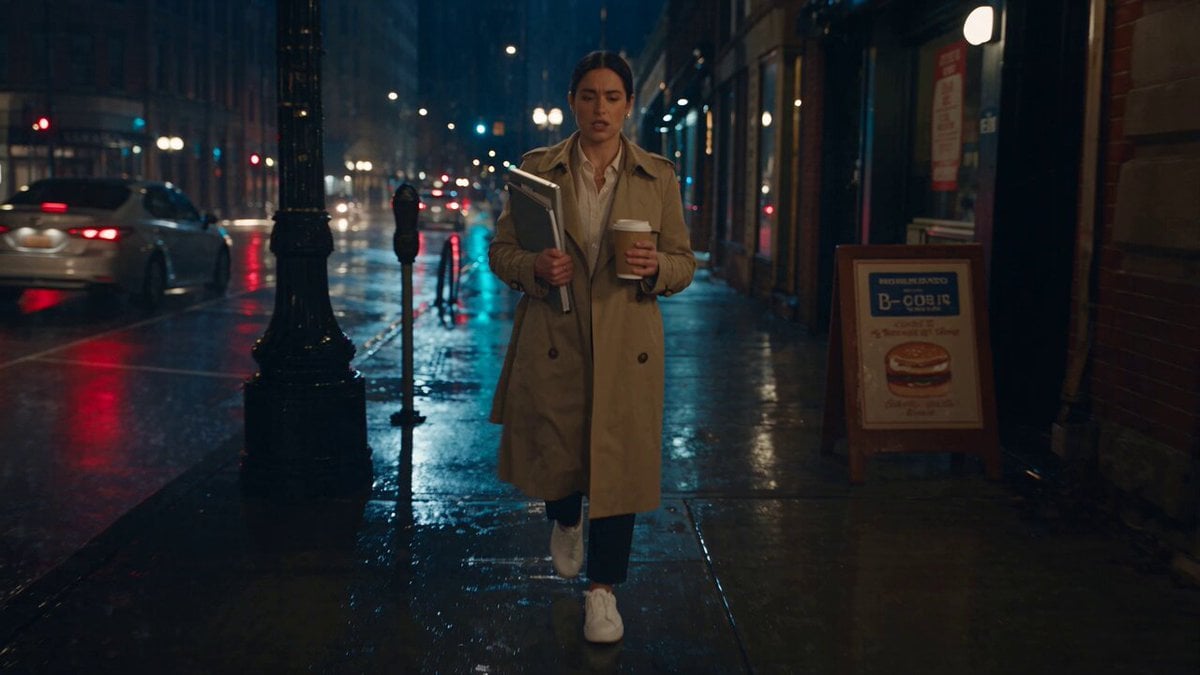
Viking in Modern America Comedy - Seedance 2.5
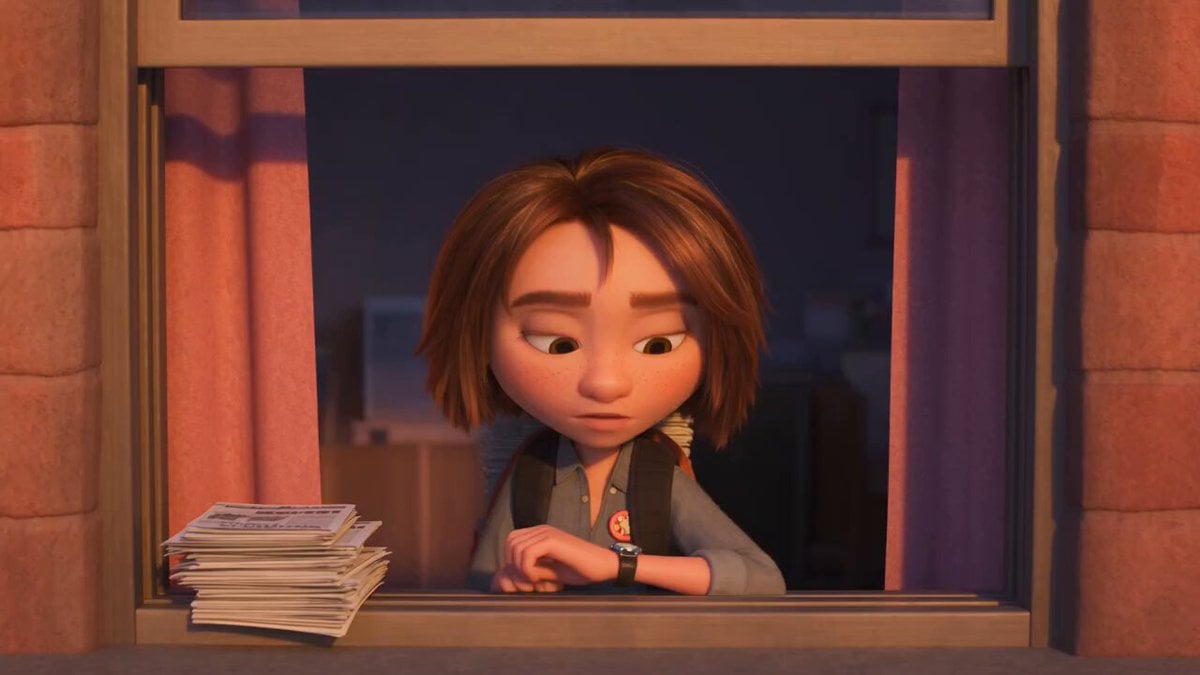
3D Animated Newspaper Delivery Short - Seedance 2.5
More video prompts
Fresh picks from across the catalog.

Fantasy Kingdom Comedy Animation
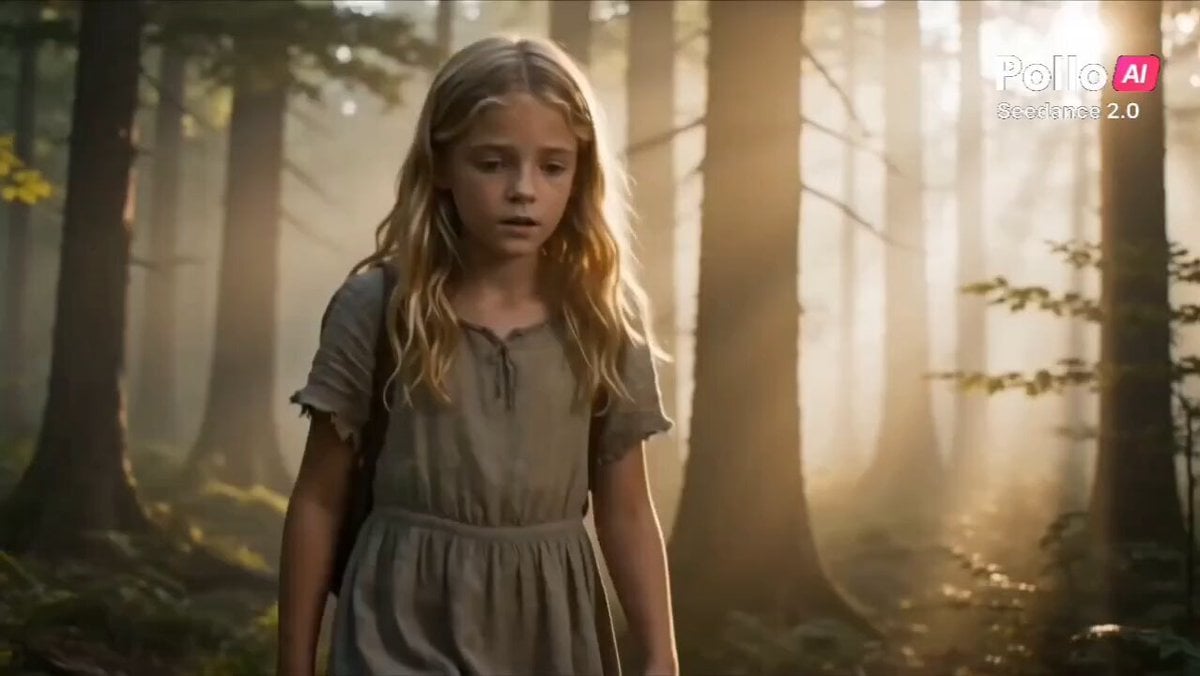
Heartwarming Fox Rescue Story
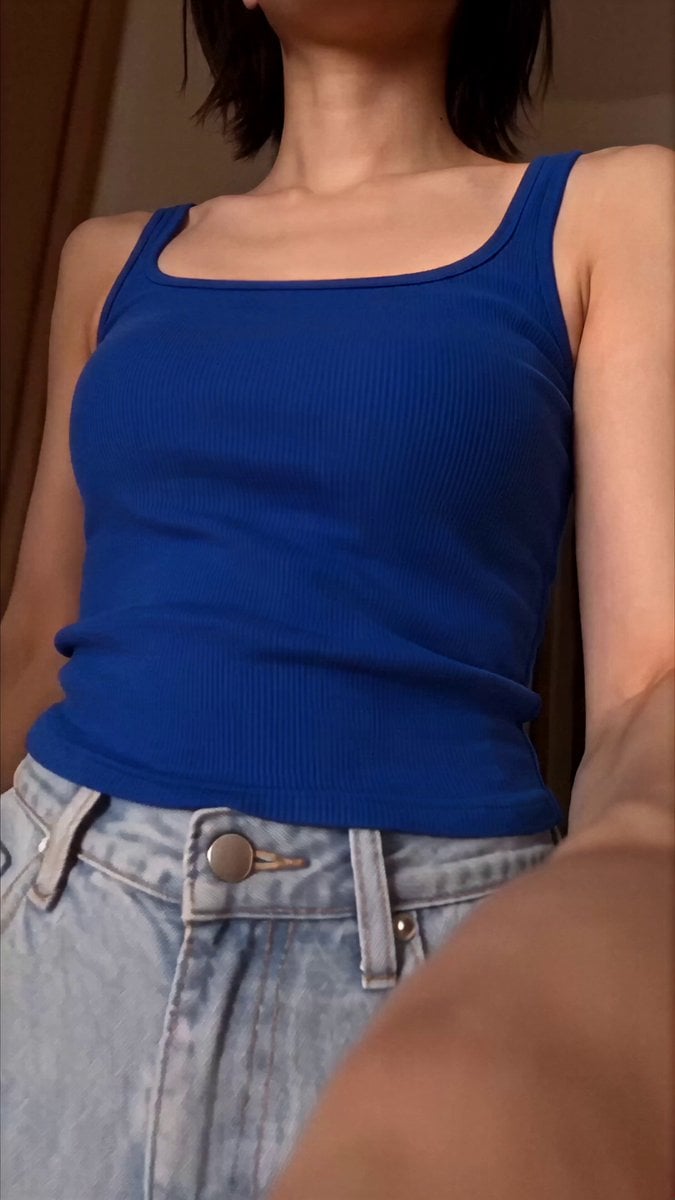
Japanese Woman Daily Selfie Vlog Prompt
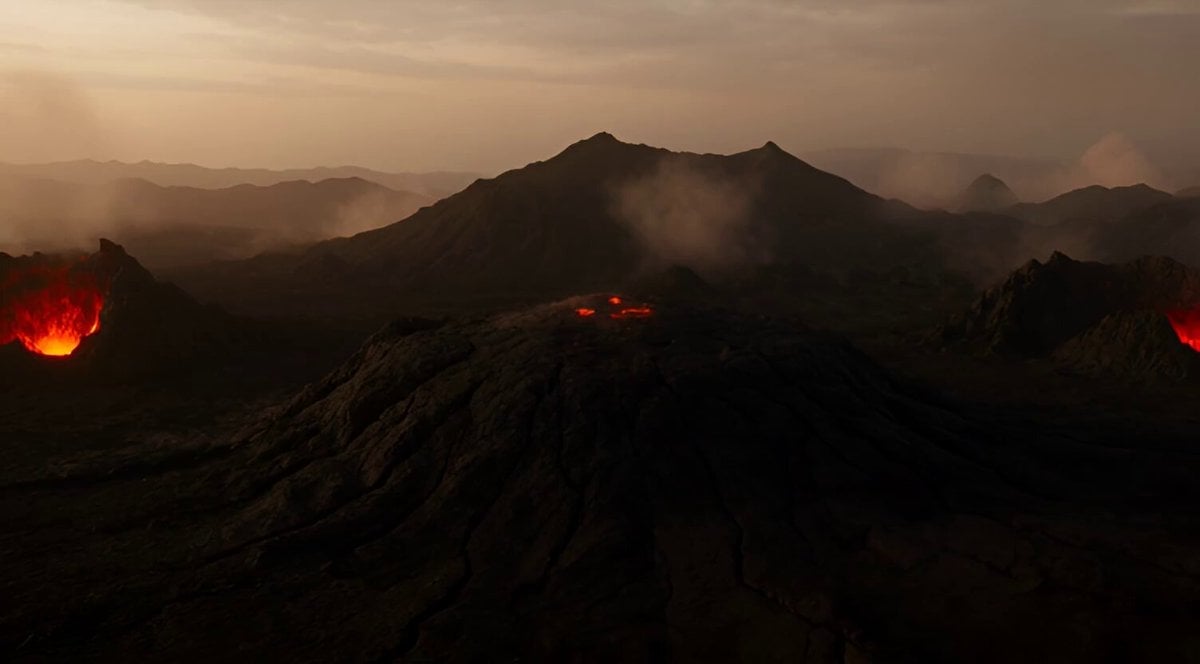
Volcanic Lava Creatures Video
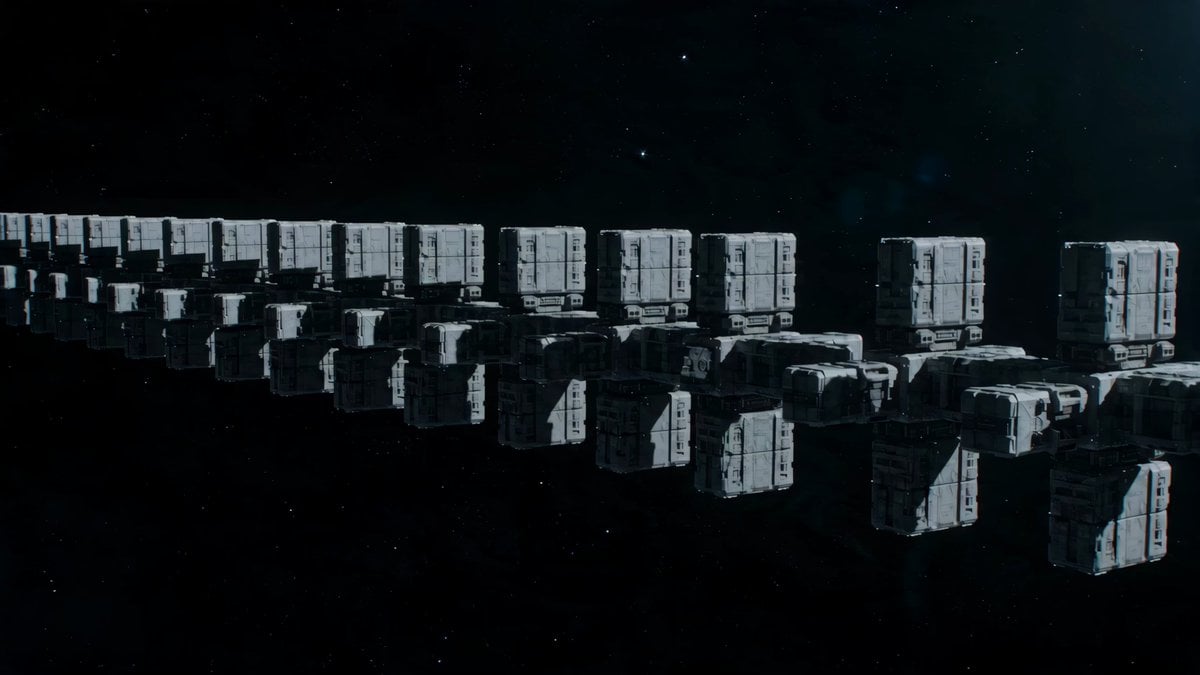
Deep Space Convoy Failure

B-Movie Giant Snake Action Scene
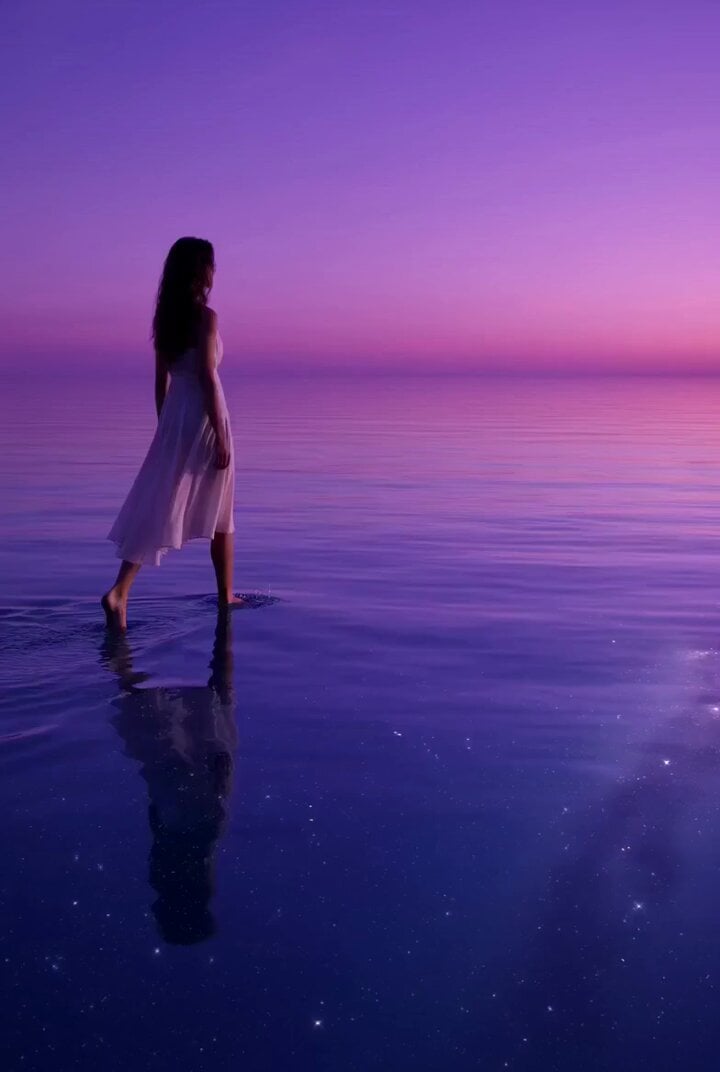
Lonely Traveler on a Glassy Sea Prompt
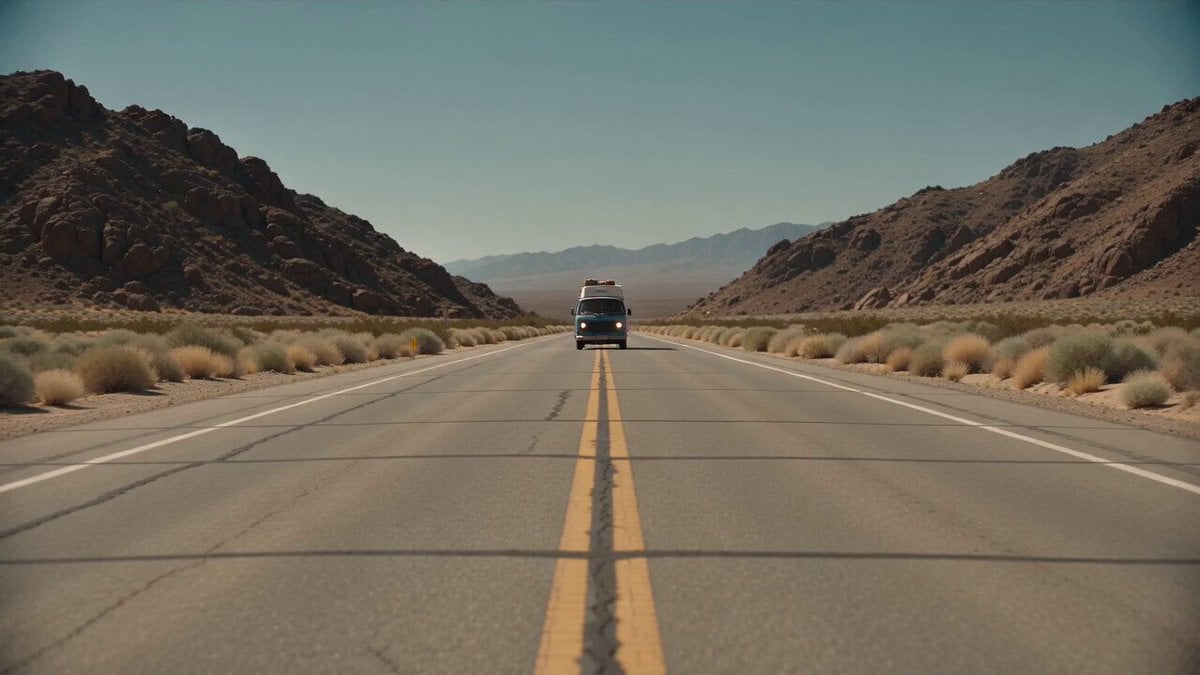
Desert Survival Alien Encounter
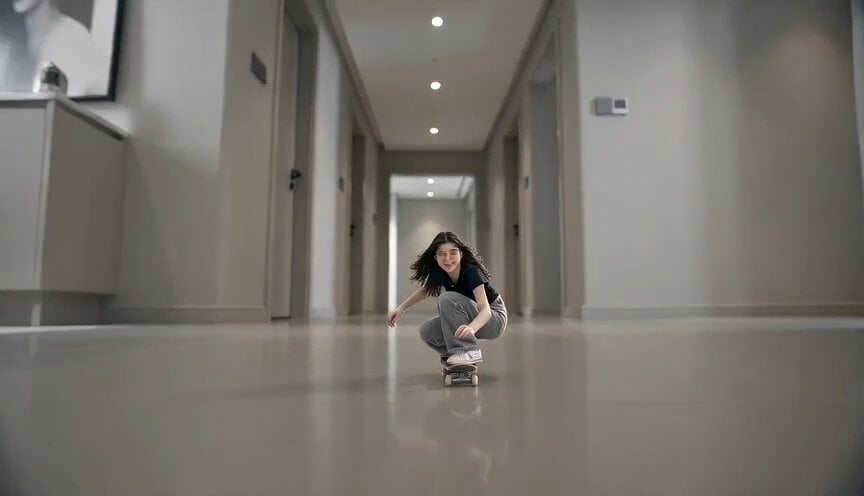
Miniature Skateboarder Bedroom Chase
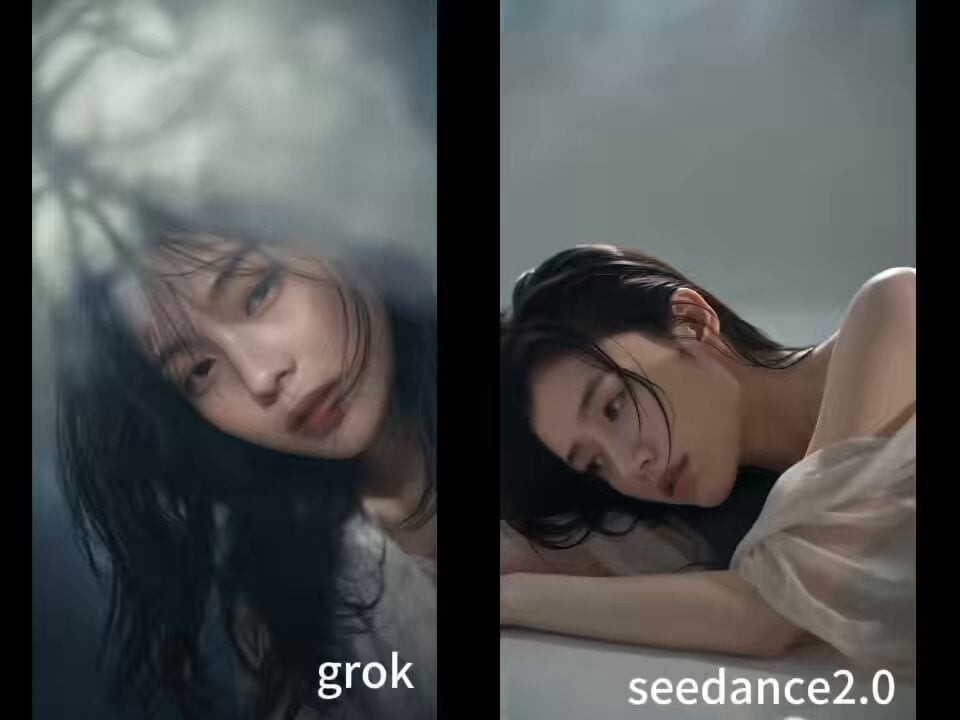
90s Asian Art Movie Cinematic Portrait
Browse template categories
Seedance 2.5 - @YourAlphaMom - 283935 questions
How do I use the Seedance 2.5 - @YourAlphaMom - 283935 template?
Add your photo if the template asks for one, edit the prompt if you like — the template's model and format are already selected — and press Generate. Your version opens in PicX Studio.
Can I customize the Seedance 2.5 - @YourAlphaMom - 283935 template?
Yes. You can change the subject, setting, lighting, mood, format, and available model controls before creating your video.
Is the Seedance 2.5 - @YourAlphaMom - 283935 template free?
Opening and editing this template is free. Generating uses credits, shown on the Generate button when you are signed in.
Which AI model should I use?
Start with Seedance 2.5, which is the model associated with this template. You can compare another compatible model for a different finish.
Looking for something else? Browse all templates.

Your photo, any look
Thousands of ready templates for every top image and video model, from one credit balance.