
B-Movie Giant Snake Action Scene
An action-packed video prompt for a suspenseful river boat encounter with a giant anaconda in a B-movie style, featuring multiple scene shots.
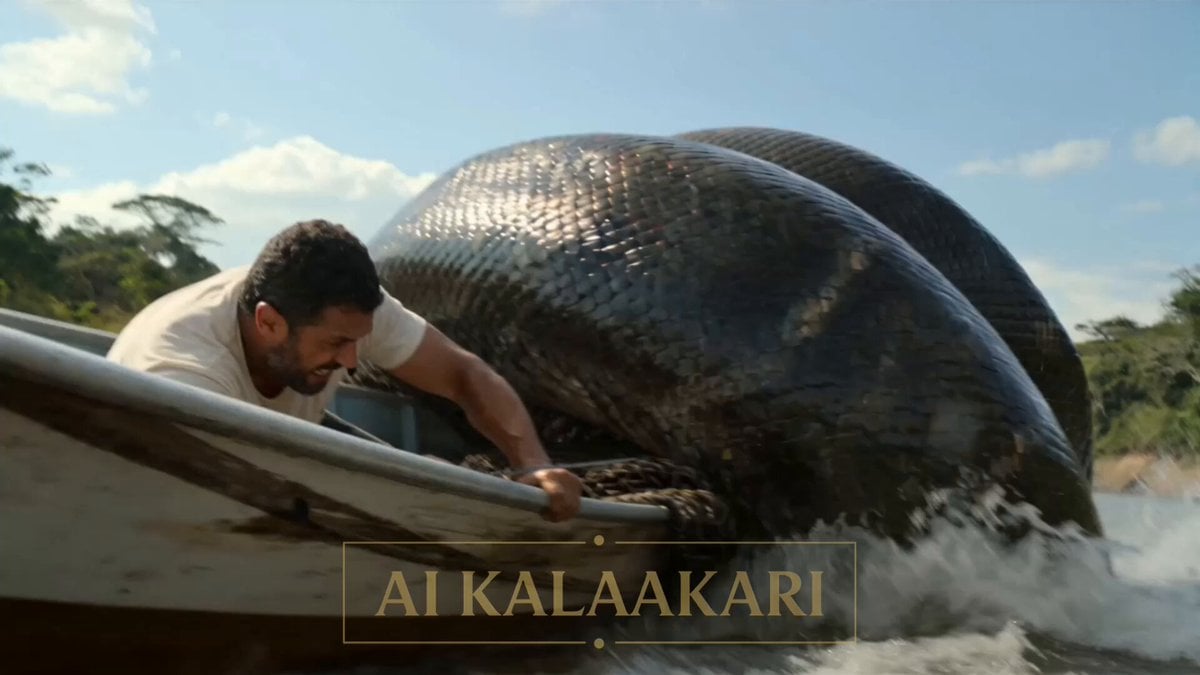
- Prompt included
- Model and format preset
- Free template
The prompt behind this video
Copy the exact prompt behind B-Movie Giant Snake Action Scene, or open it in the studio and make it yours.
A river with green trees on both sides, in the bright sun. A small boat is moving on the water. A giant snake wraps around the boat, squeezing it tight. On the river bank, a soldier is loading his gun. Sounds: water splashing, boat engine, snake hissing, people shouting. Shot 1 (0–3s) — THE HOOK: The giant snake wraps tight around the boat. The boat tips side to side. The driver holds on and shouts on his radio: "IT'S SQUEEZING US!" Shot 2 (3–6s): On the river bank, the soldier holds his gun, ready. He waits — he can't shoot yet, the snake is too close to the boat. He says: "Cut the net! Do it now!" Shot 3 (6–9s): The boat driver grabs a knife and cuts the rope holding a big heavy net. The net falls — and so does the snake! It falls out of the boat and lands in the open water. Now the snake is all alone, out in the open. Shot 4 (9–13s) — BIG SLOW MOMENT: The snake is in the open water now. The soldier fires his gun from the bank. We see it slow — smoke puffs out, and the shot flies fast across the water, right at the snake. Shot 5 (13–15s): Everything goes back to normal speed. BOOM! Water splashes up high where the snake was hit. The boat floats safe on the water. The driver looks back, happy and safe.
How to use B-Movie Giant Snake Action Scene in 3 steps
- 1
Open
The prompt is already in the box next to the preview, with the template's model and format selected.
- 2…a portrait of your subject in softgolden-hour light, 85mm…
Personalize
Edit the subject and creative details for your destination.
- 3Generate
Generate
Press Generate — your video is created in PicX Studio, so you can compare it with the original and refine one variable at a time.
More like this
Templates with the same subject, style or setup. Open one to see its prompt.

Sci-Fi Disaster Movie Scene - Seedance 2.5
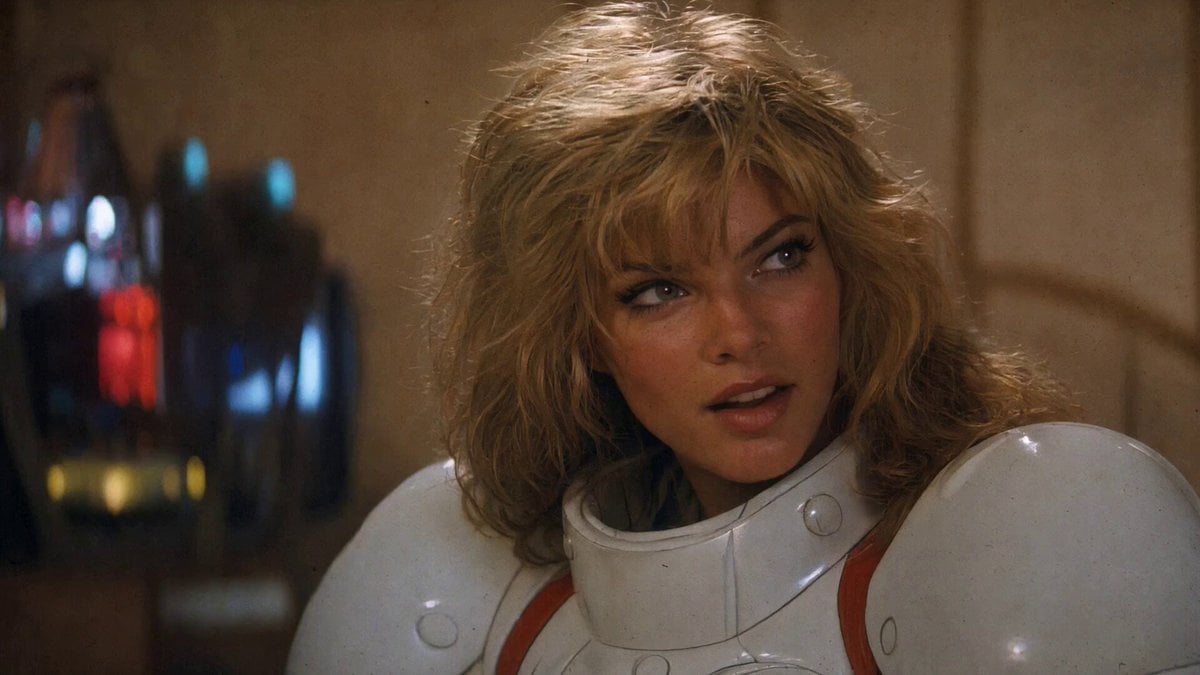
1980s Retro Action Movie Clip
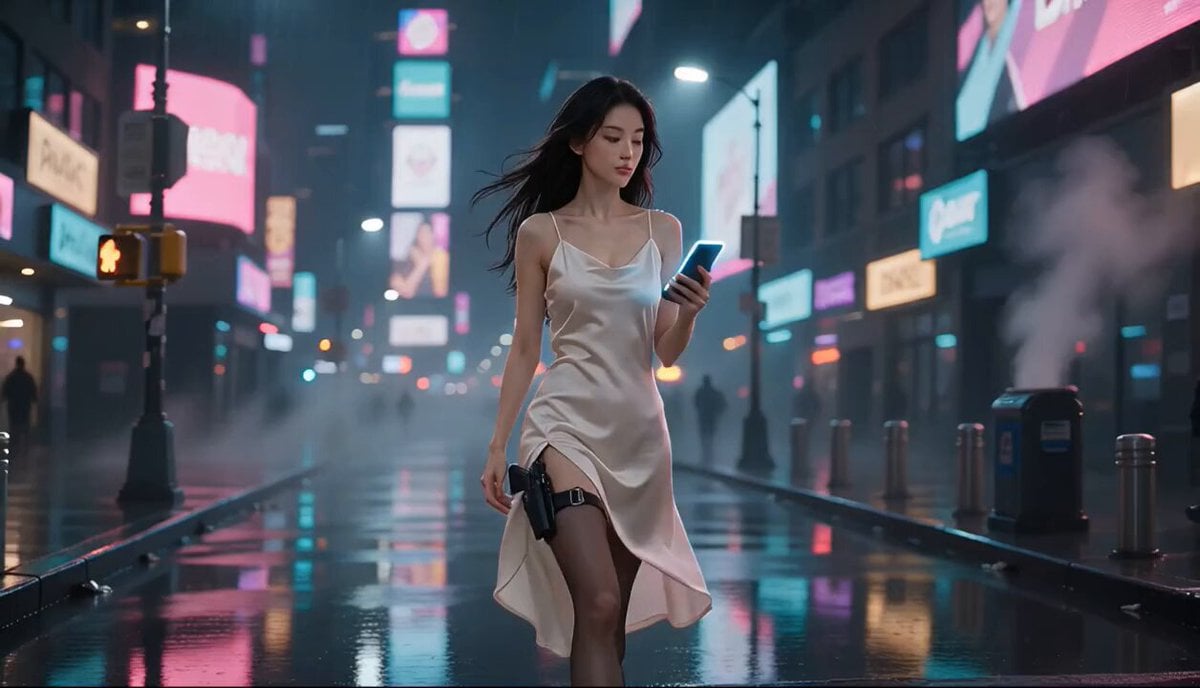
Cyberpunk Action Movie Short
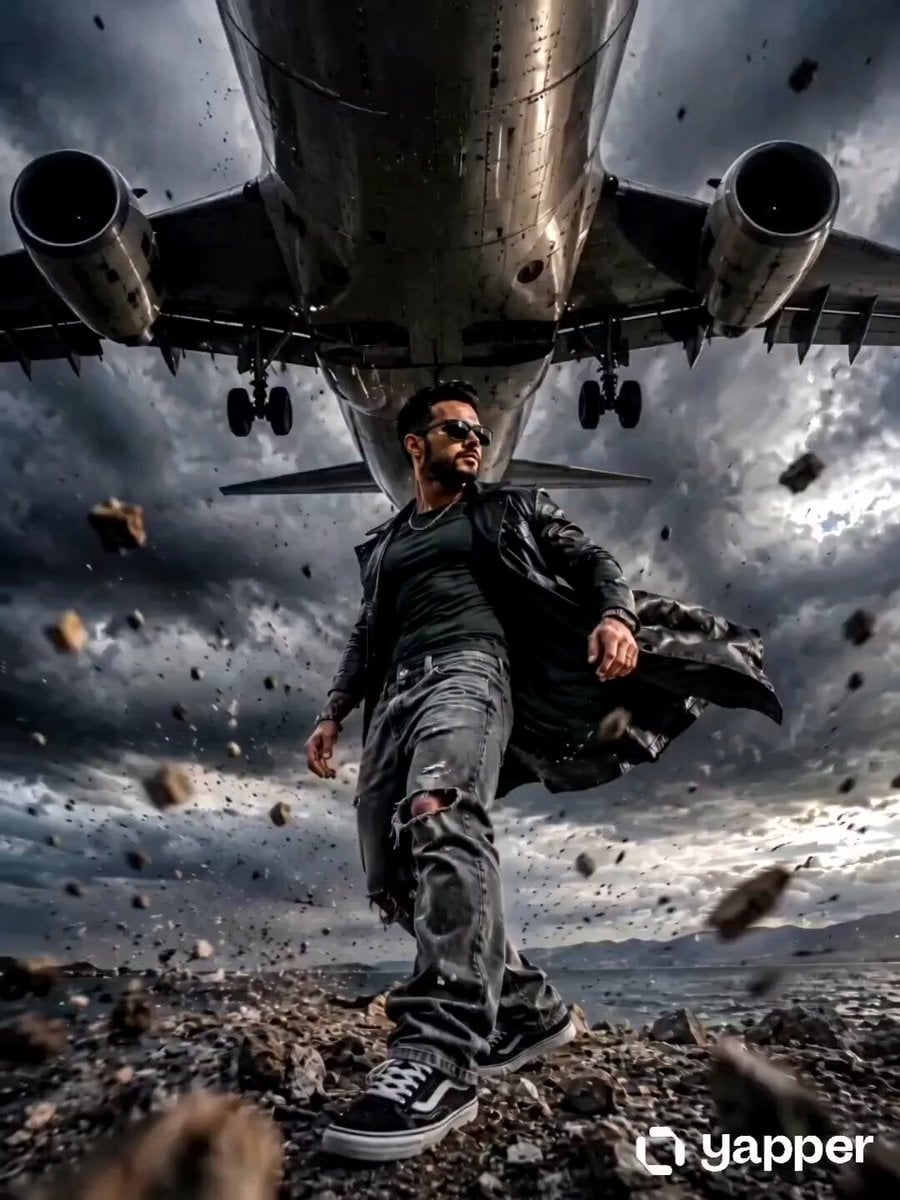
Action Movie Airplane Flyover
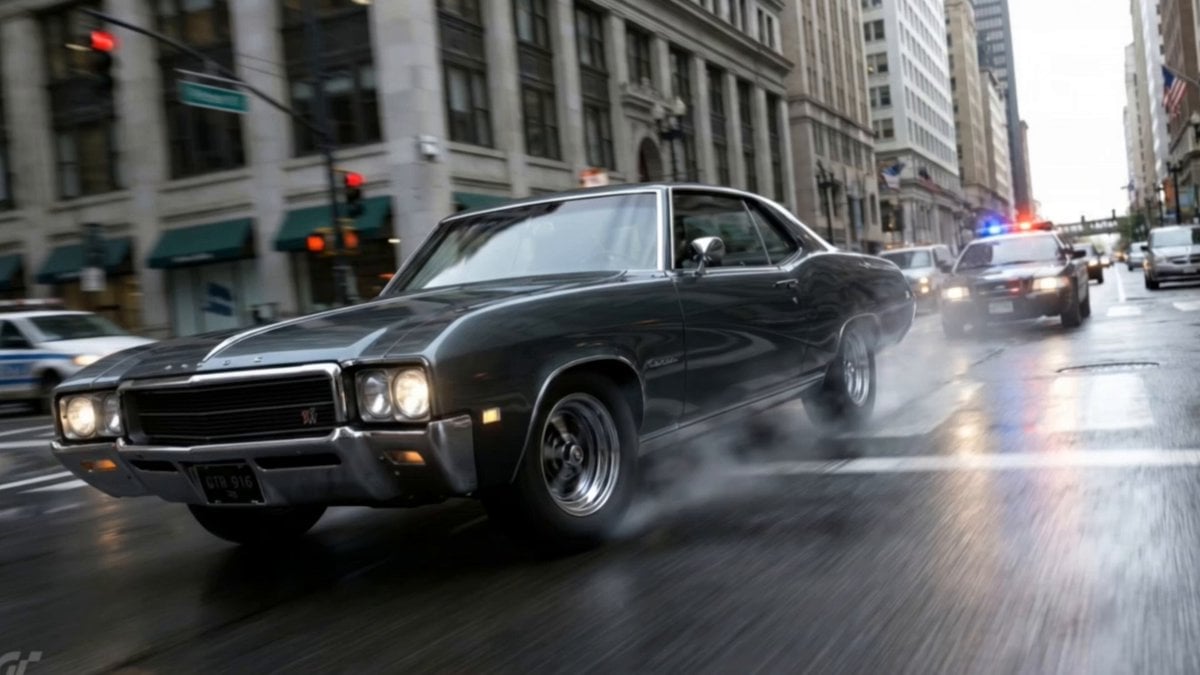
Action Movie Car Chase Sequence
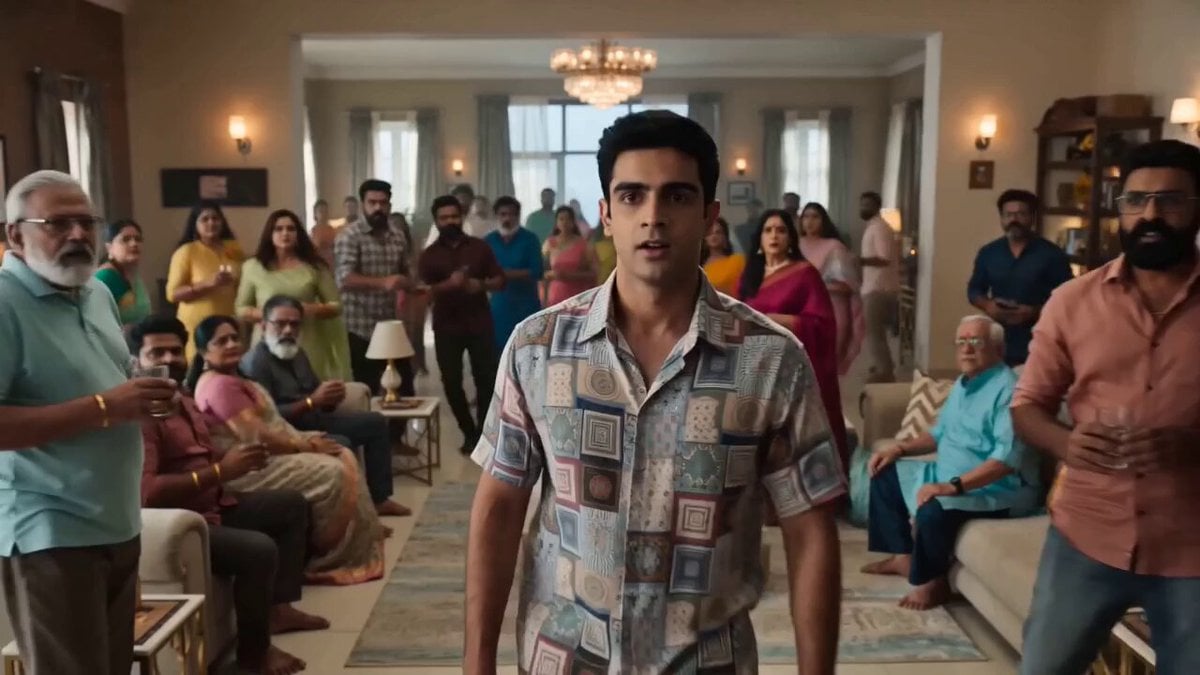
Indian Action Movie WiFi Password Scene
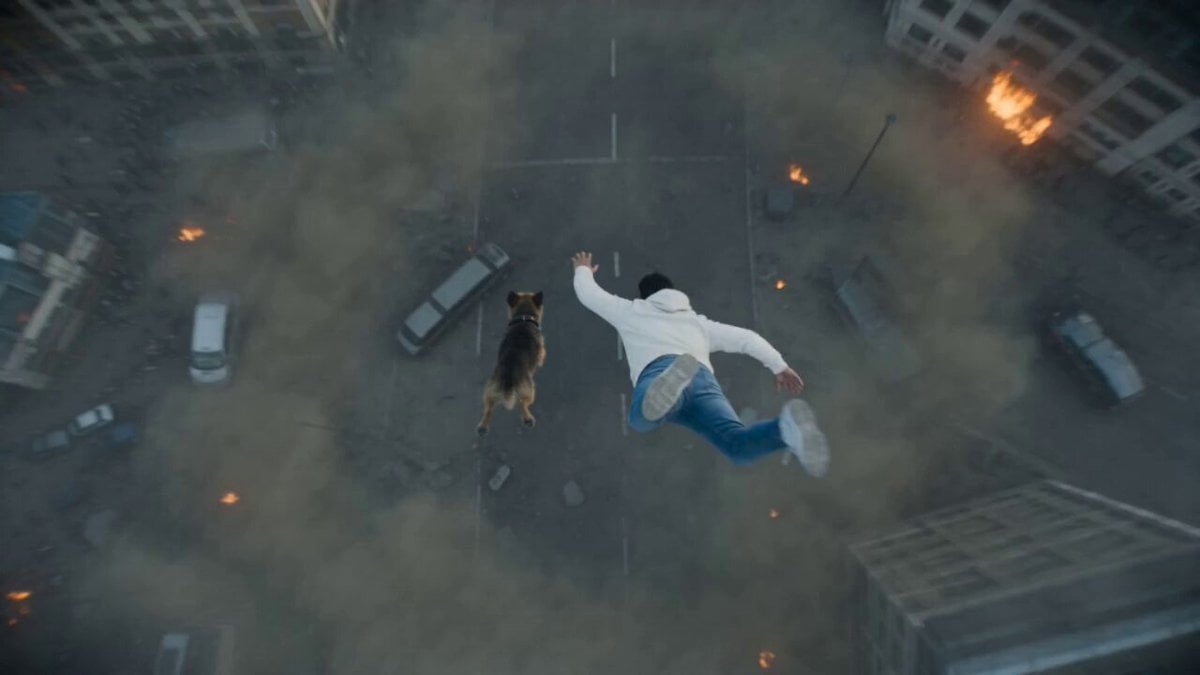
Photorealistic Anamorphic Action Movie

Walking Factory with Rebel on Hoverbike - Wasteland
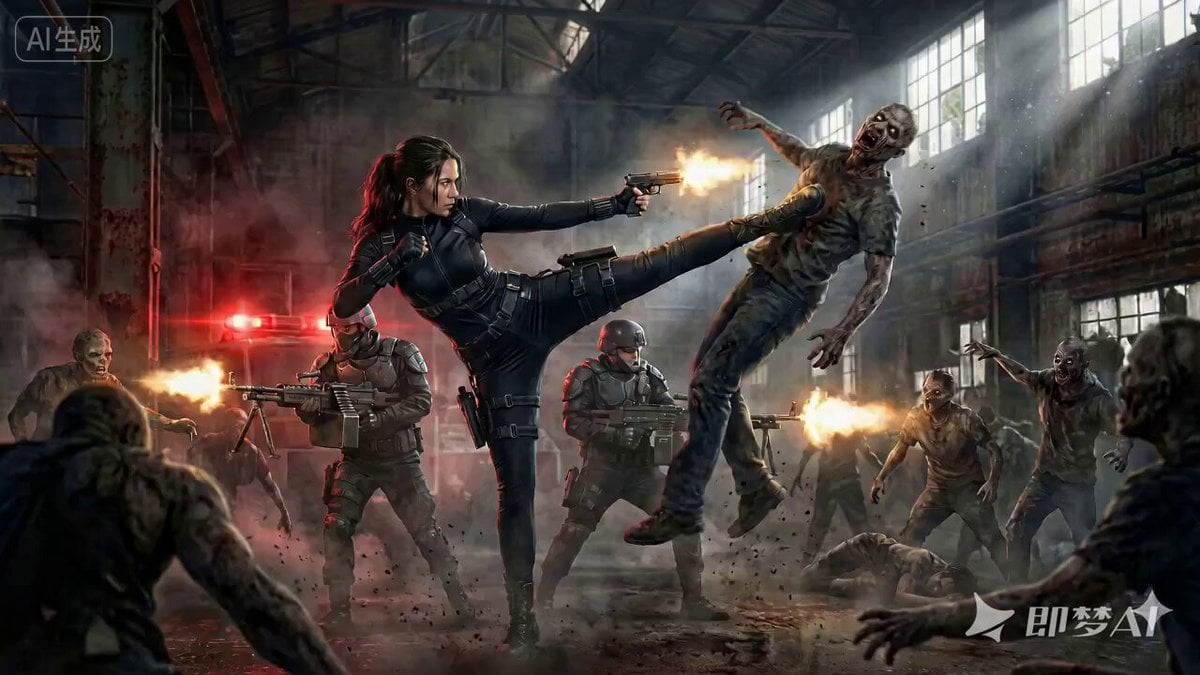
Cinematic Action Movie Scene Prompt

Action Movie Plane Scene
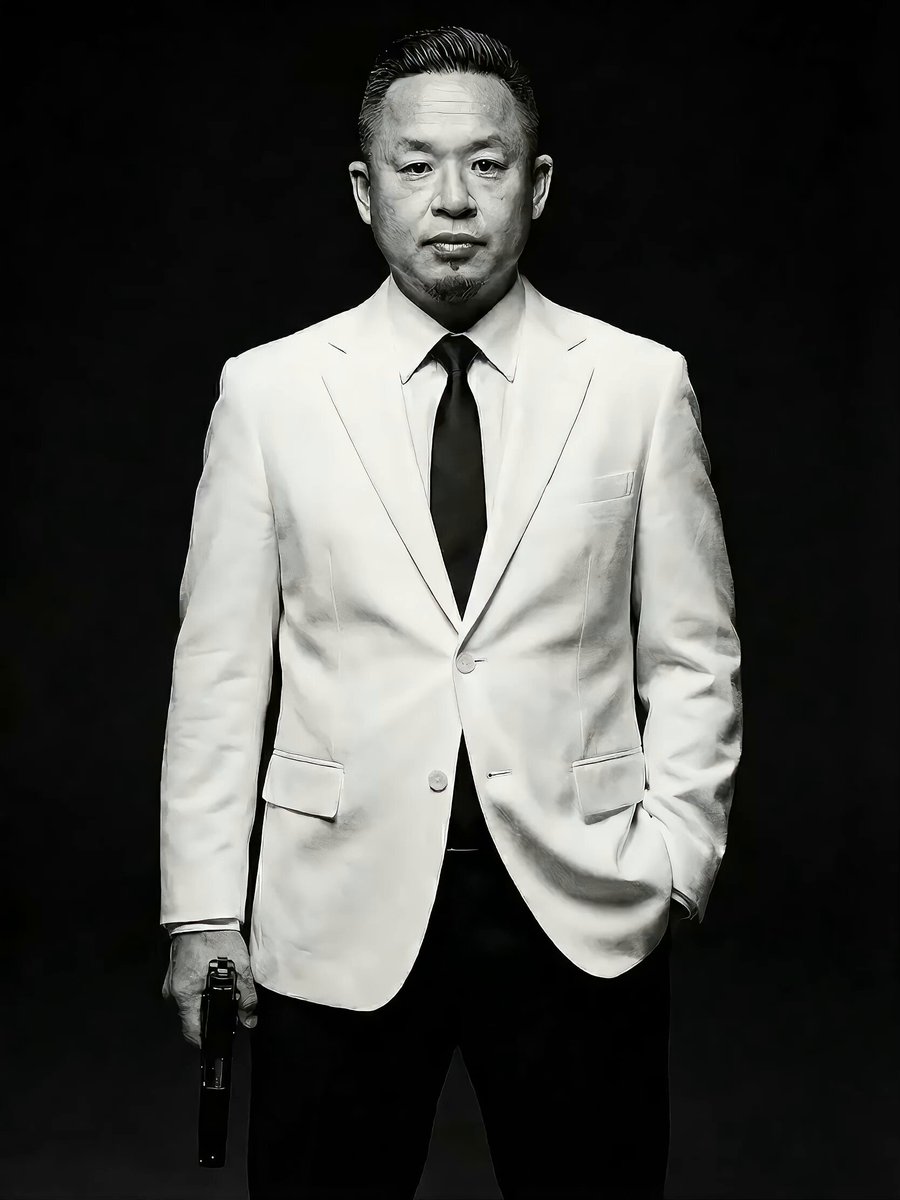
Action Movie Scene Prompt with Cinematic Style
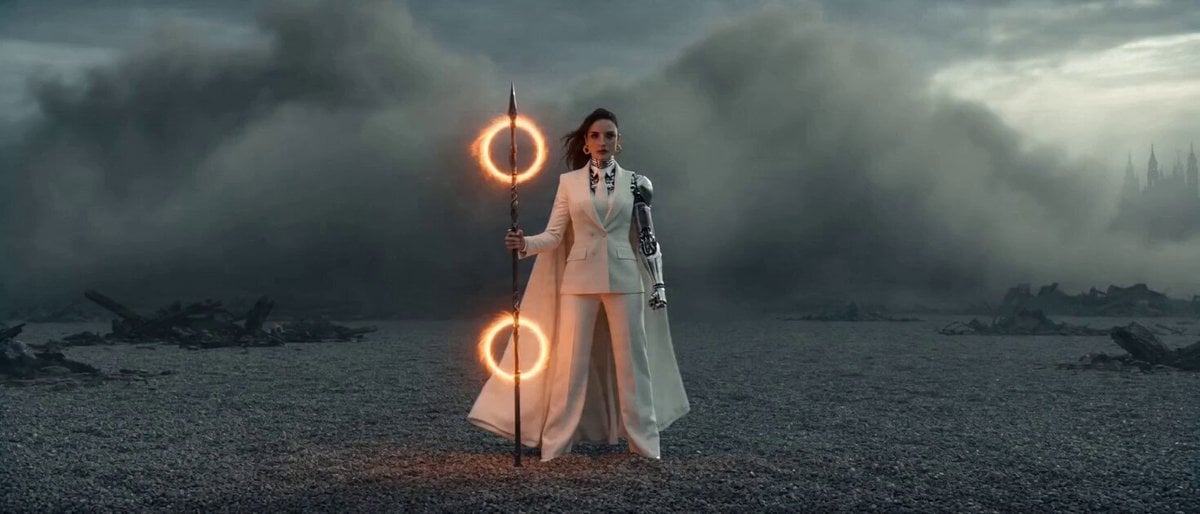
Epic Sci-Fi Action Sequence: Bionic Heroine vs. Giant Mecha
Make it yours
B-Movie Giant Snake Action Scene works as-is. These are the safest ways to change it without losing the look.
Change one field
Copy a single group, rewrite it, and generate again so you can see what that field is doing.
Keep the frame, change the subject
Hold the composition and light of B-Movie Giant Snake Action Scene, then swap wardrobe, props or the person for a new take.
| If the result… | Why | Fix |
|---|---|---|
| The result drifts from the preview | Too many fields changed at once. | Reuse B-Movie Giant Snake Action Scene as-is first, then change one group — subject, light, or setting. |
| The model over-stylizes the scene | The prose prompt leaves finish and camera underspecified. | Add one camera or lighting sentence and stay on Seedance 2.0. |
More Seedance 2.0 templates
Other prompts made for Seedance 2.0.

Comical Martial Arts Punch Scene

Maglev Train Action Sequence

Martial Arts Fight Sequence

Wuxia Protection and Trust Script

Vintage Korean Arcade MiniDV Vlog

Mercedes 190 SL Luxury Ad

Rainy Night Supernatural Reverse Comedy Video Script

Amazon Civilization Discovery

Futuristic South Asian City Transformation

Cozy Luxury Cafe Commercial
More video prompts
Fresh picks from across the catalog.
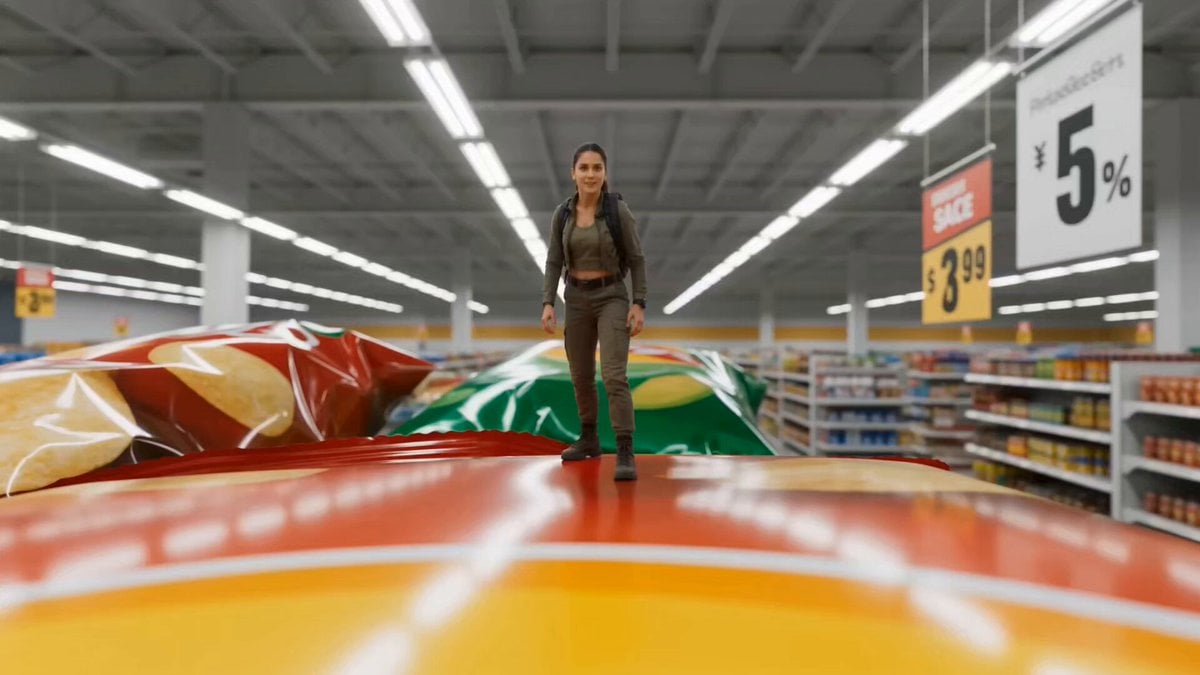
Miniature Tiny Person Parkour
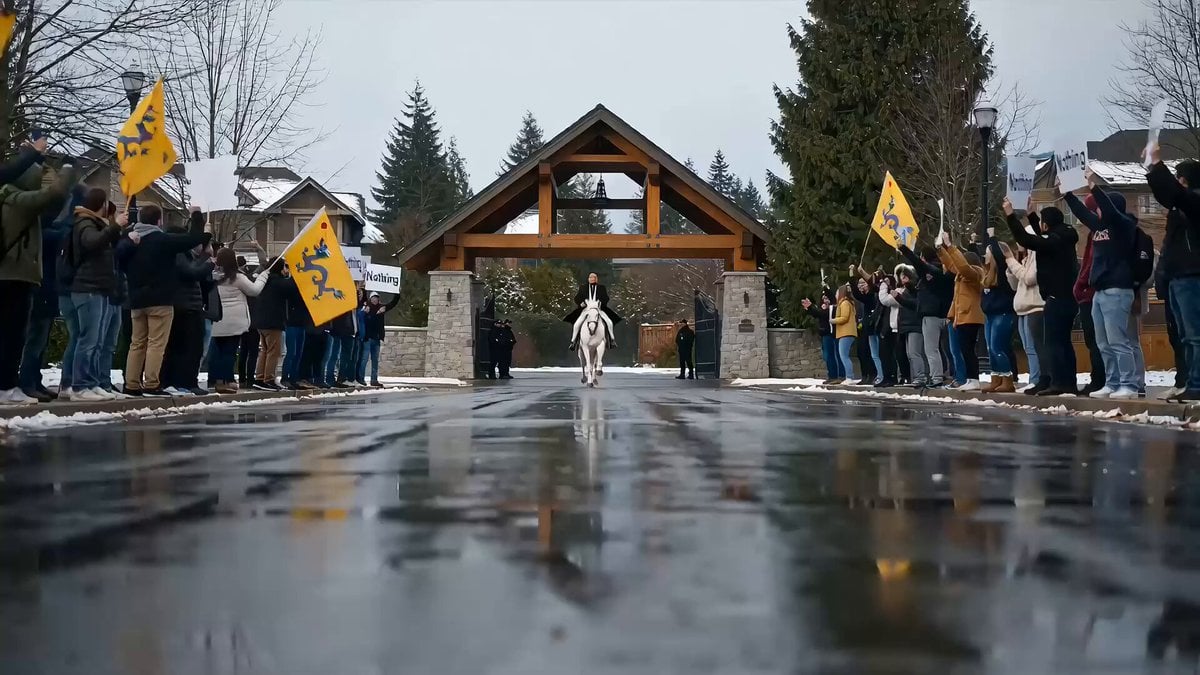
Political Satire Short Film: The 'Nothing' Hero's Ride
Cyberpunk Urban Runner Animation
Pixel Art Animation Attempt with Seedance 2.0
Nike Basketball Sprint Video Prompt
Collapsing City Disaster Scene Prompt for Seedance 2.0
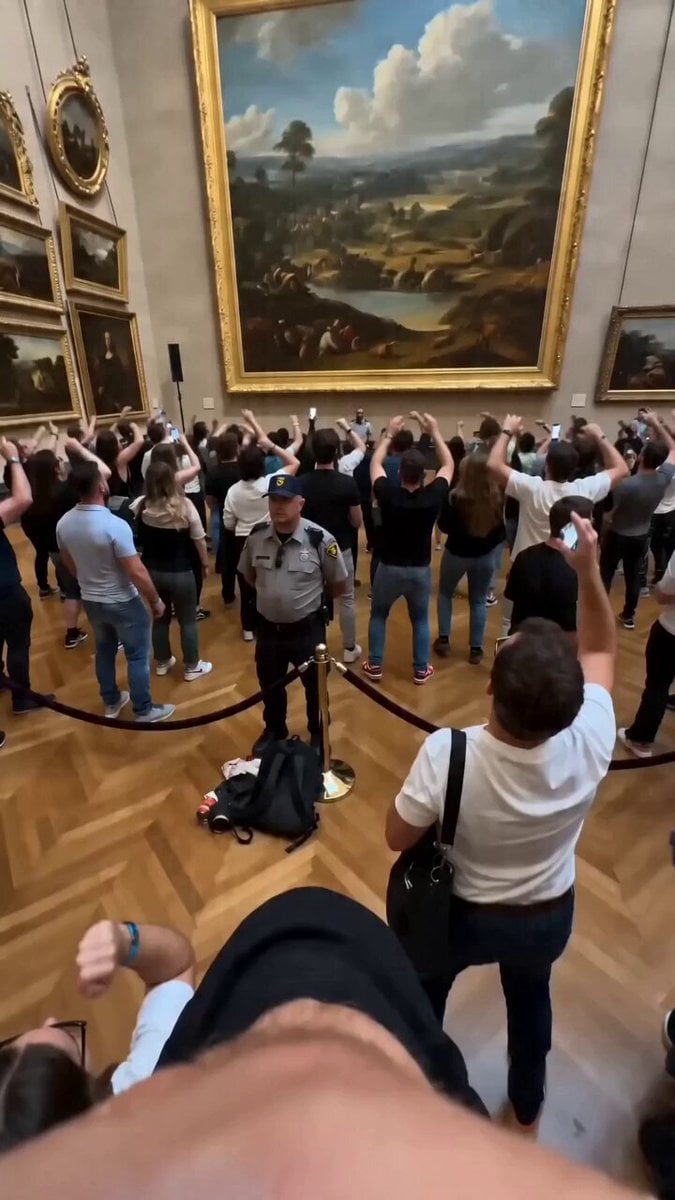
Museum Crowd Phone Camera Aesthetic
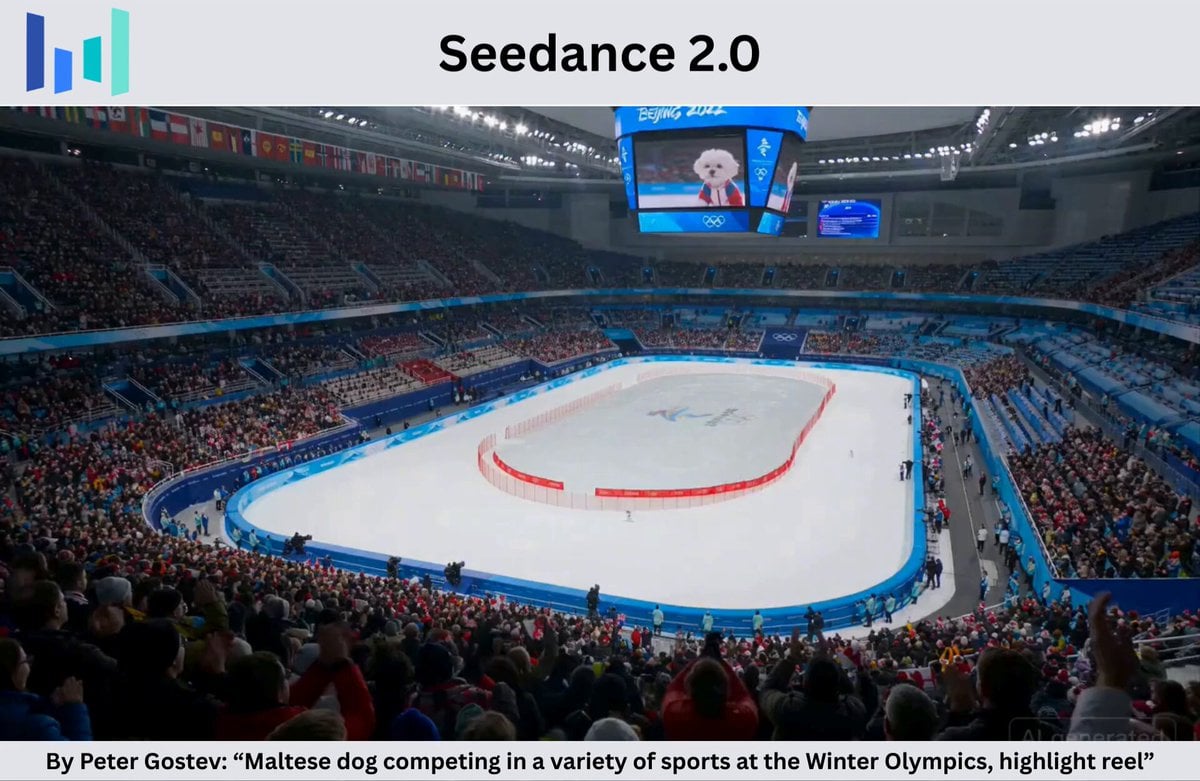
Maltese Dog Winter Olympics Highlight Reel

Toddler Tantrum Cinematic Commercial
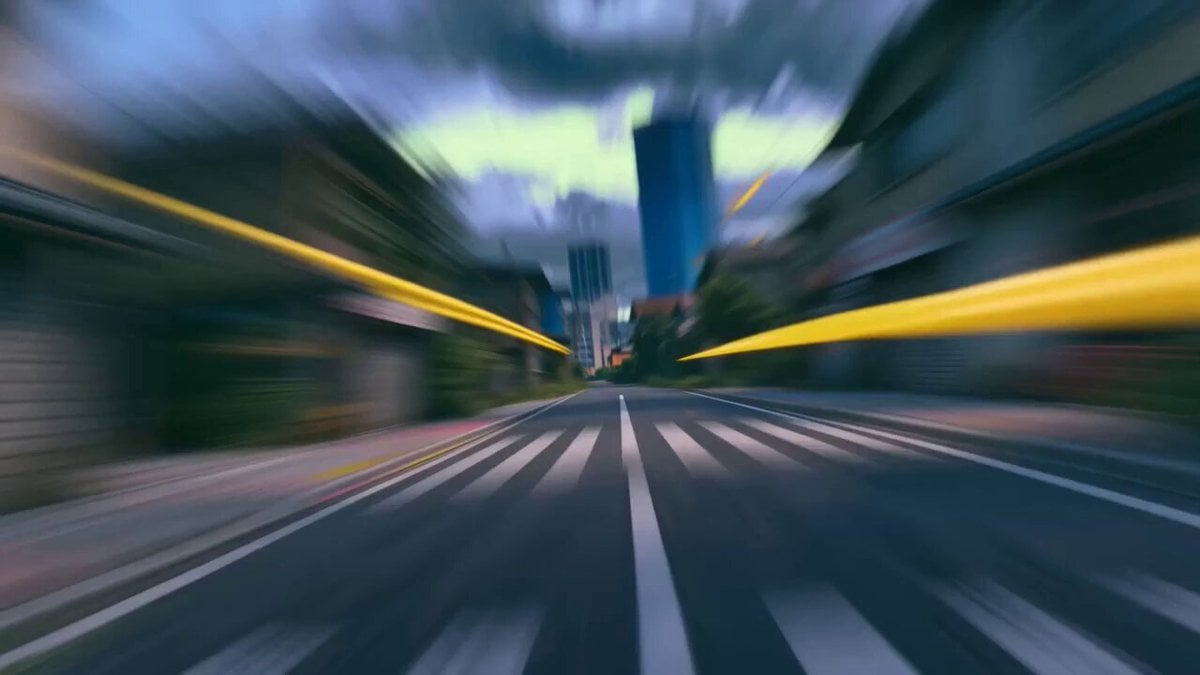
Paint Battle Urban Action
Browse template categories
B-Movie Giant Snake Action Scene questions
How do I use the B-Movie Giant Snake Action Scene template?
Add your photo if the template asks for one, edit the prompt if you like — the template's model and format are already selected — and press Generate. Your version opens in PicX Studio.
Can I customize the B-Movie Giant Snake Action Scene template?
Yes. You can change the subject, setting, lighting, mood, format, and available model controls before creating your video.
Is the B-Movie Giant Snake Action Scene template free?
Opening and editing this template is free. Generating uses credits, shown on the Generate button when you are signed in.
Which AI model should I use?
Start with Seedance 2.0, which is the model associated with this template. You can compare another compatible model for a different finish.
Looking for something else? Browse all templates.

Your photo, any look
Thousands of ready templates for every top image and video model, from one credit balance.