How do I use the Action Movie Scene Prompt with Cinematic Style template?
Edit the prompt in the box under the preview — the template's model and format are already selected — and press Generate. Your version appears right on this page.
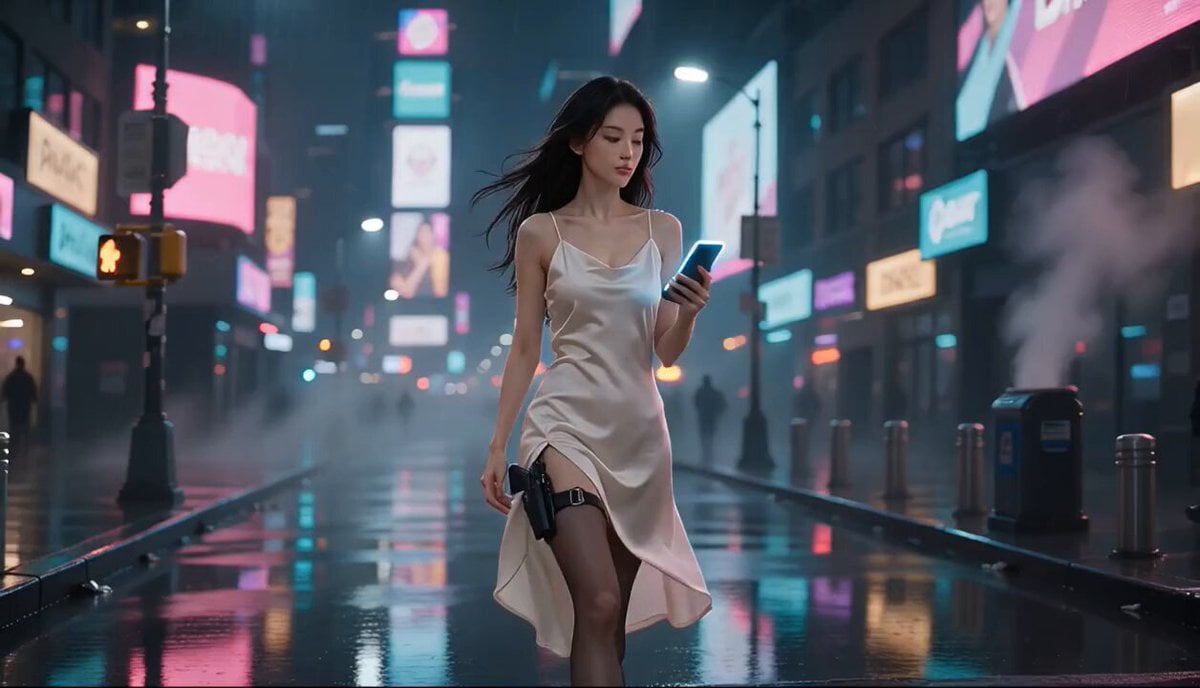
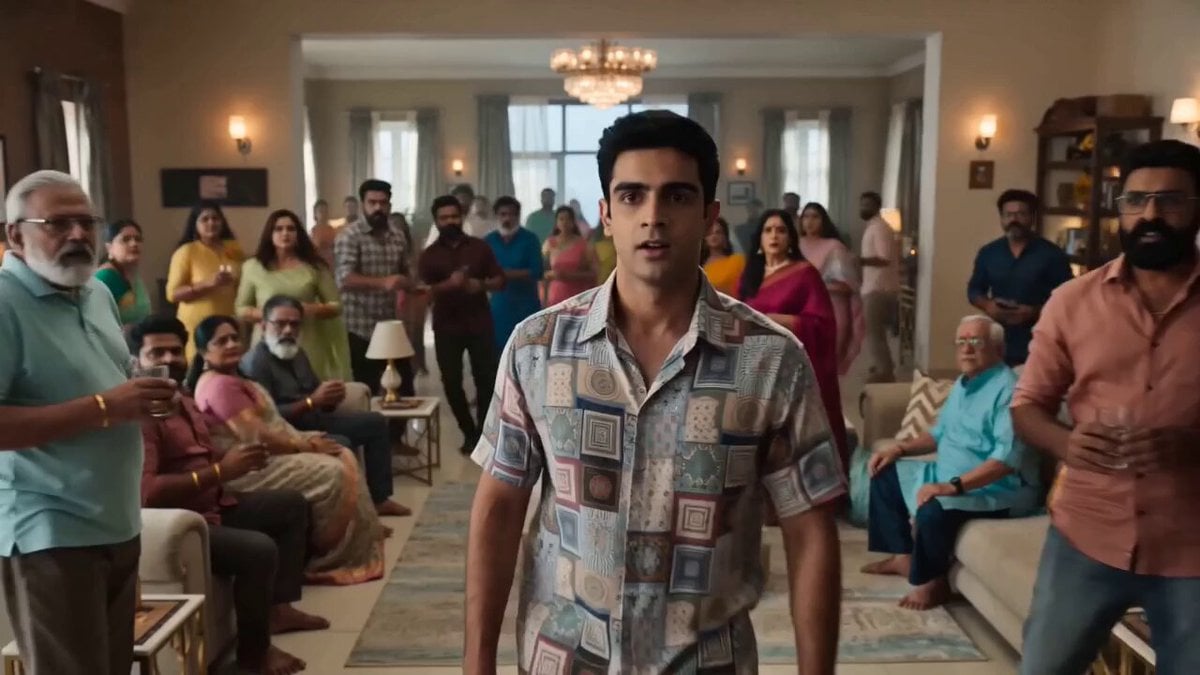
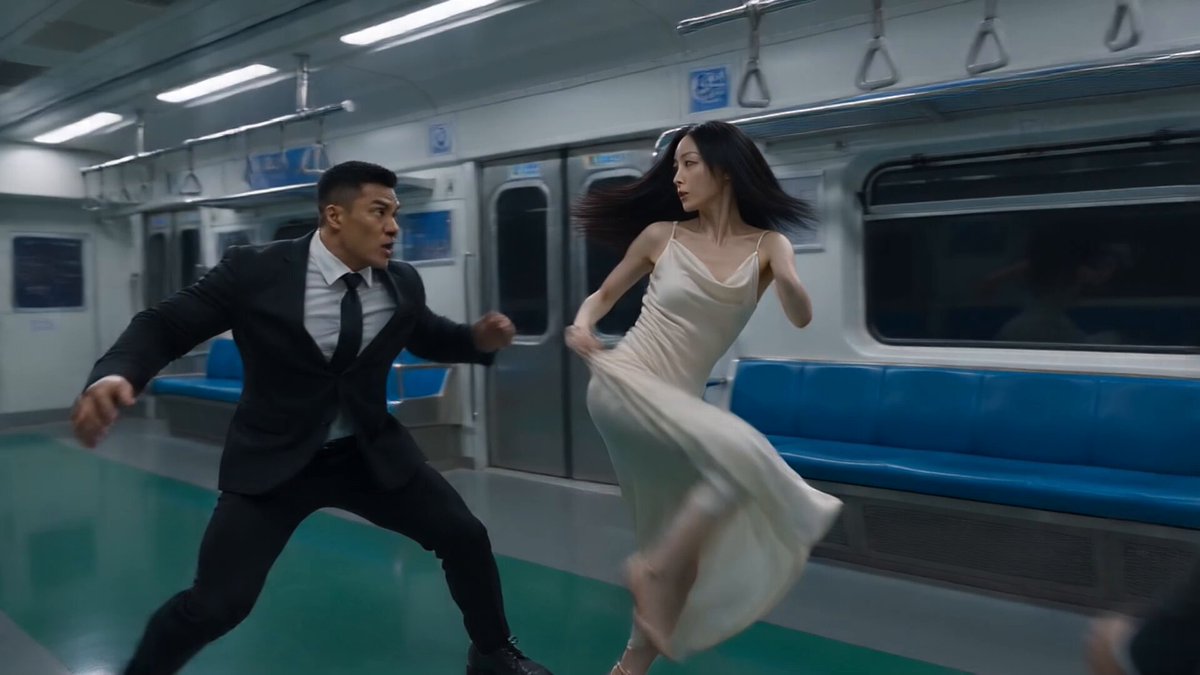
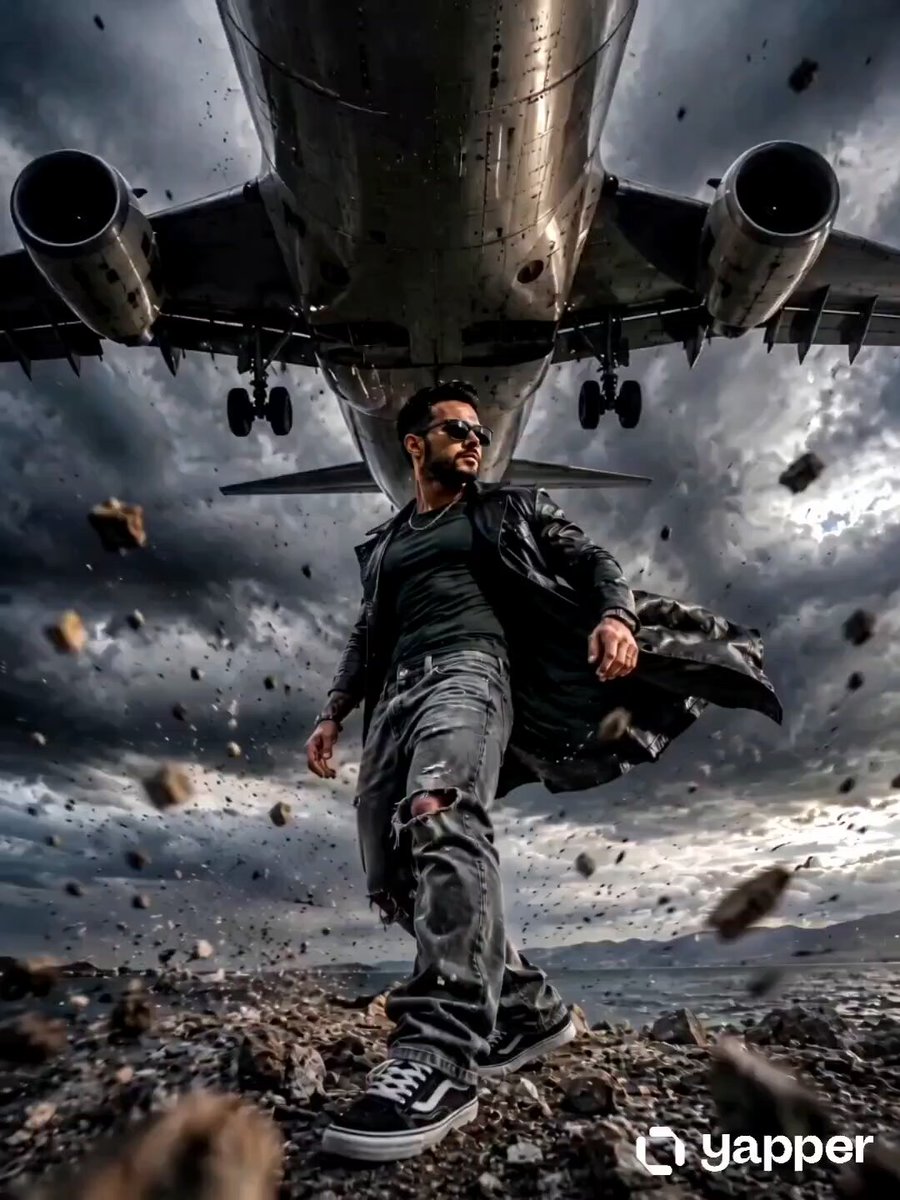
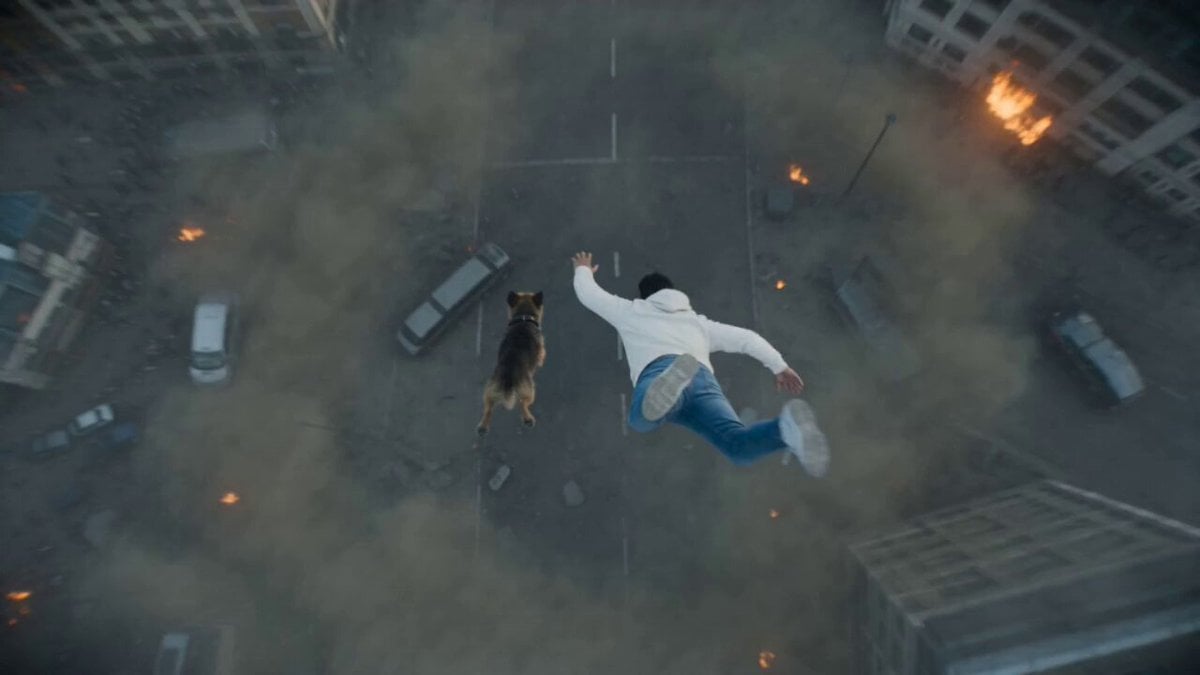
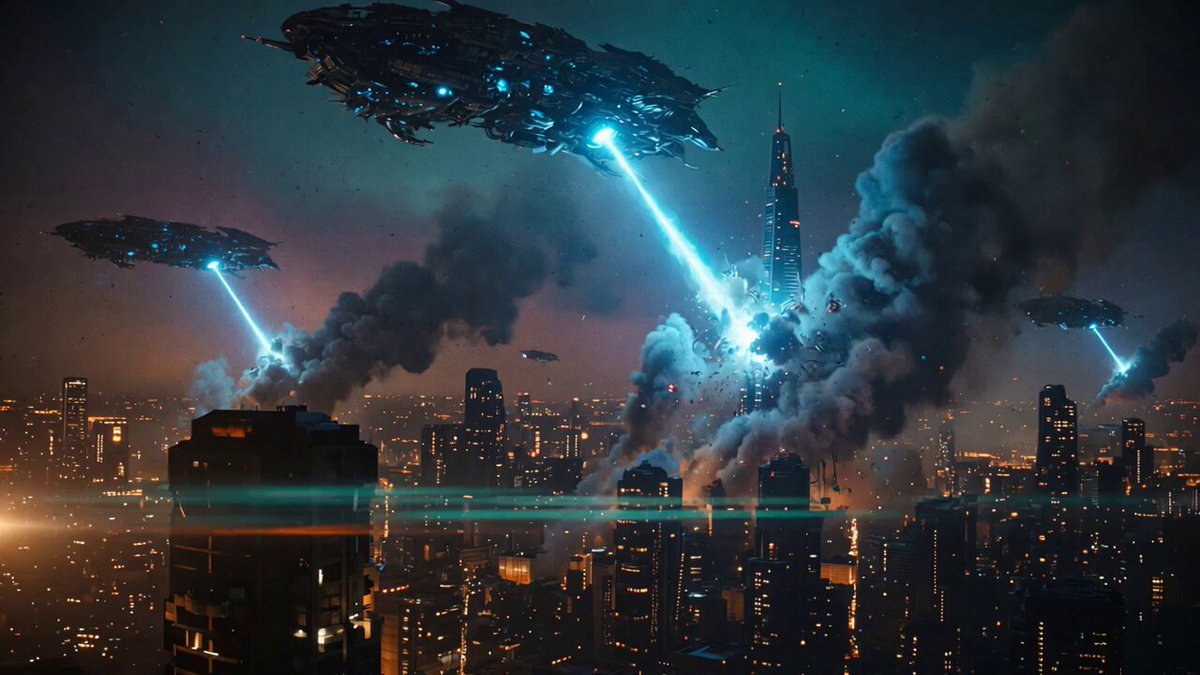
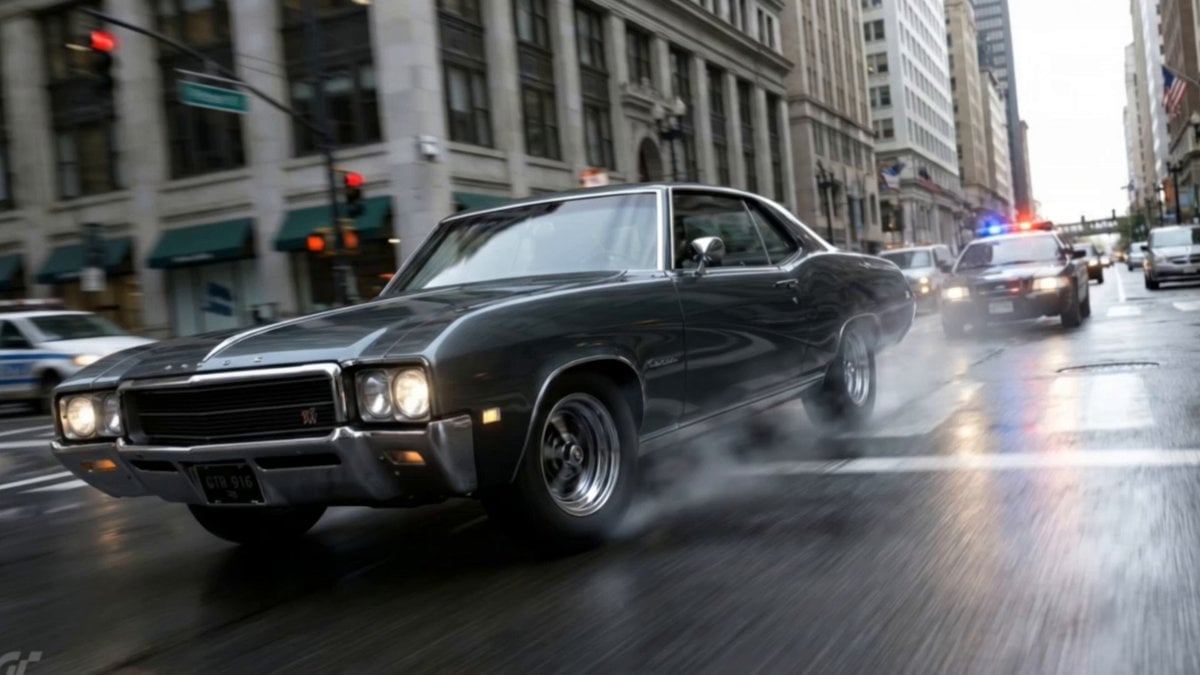
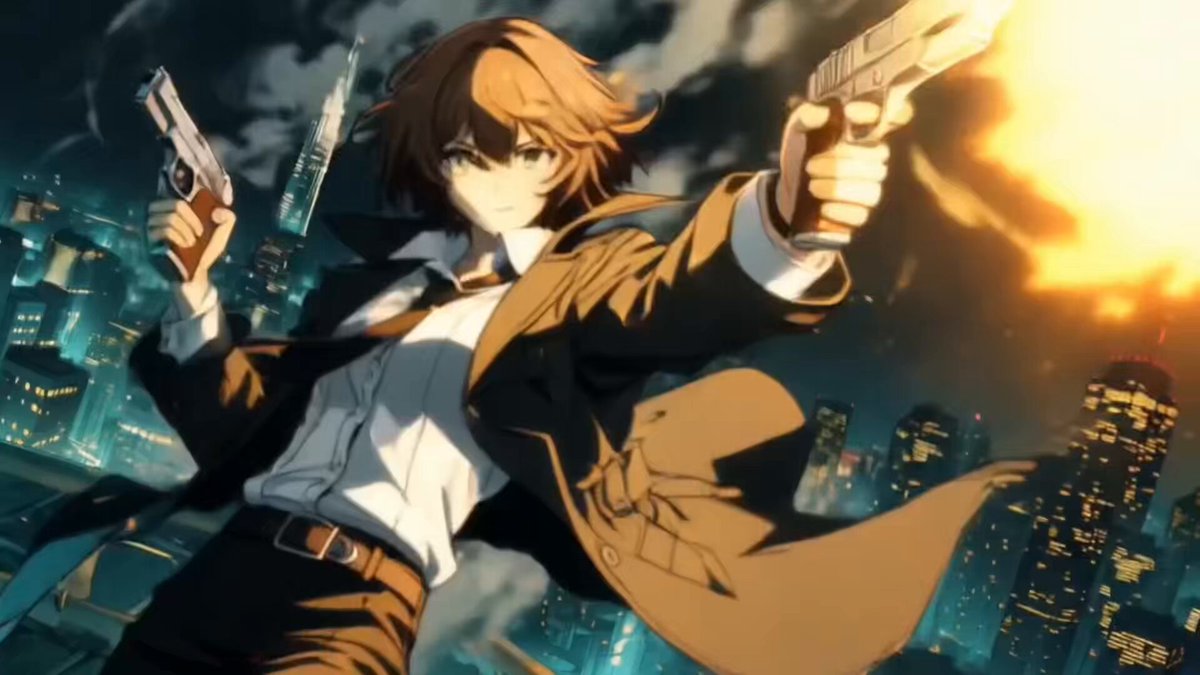
A detailed prompt for generating a high-octane action scene featuring a male protagonist running and shooting in a battlefield, emphasizing a cinematic aesthetic (Orange and Teal grading, film grain, dynamic camera…
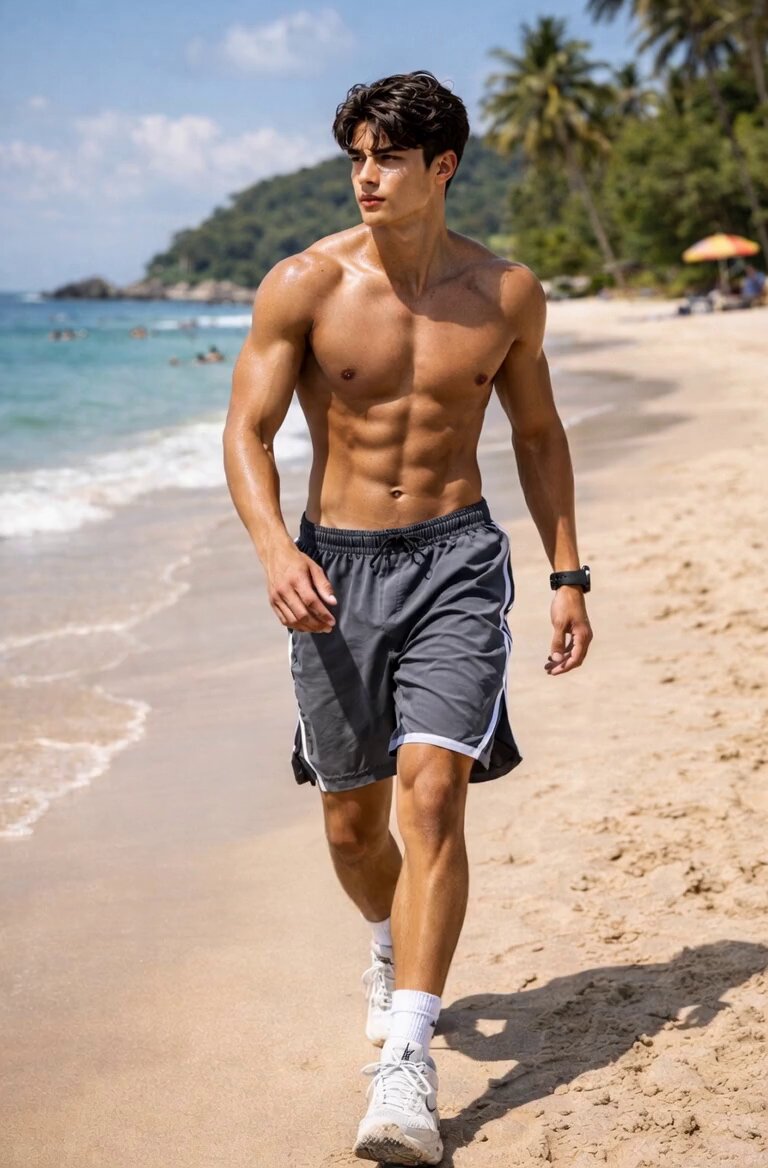
图片1的男士作为主角,身手矫健,在枪林弹雨的战场中一边奔跑一边进行激烈的战术射击。 画面视觉风格: 1. 电影质感:强烈的橙蓝对比色调(Orange and Teal),高对比度,画面具有胶片颗粒感。 2. 动态细节:枪口喷射出明显的火光,子弹击中周围物体产生飞溅的碎石和火星,背景中有爆炸产生的烟雾和冲击波。 3. 运镜方式:采用手持摄影机(Handheld Camera)风格的跟随镜头,镜头随着人物剧烈晃动,偶尔快速推拉(Zoom),营造极度紧张和混乱的临场感。 人物表现: 主角眼神坚毅,动作充满力量感和速度感,完美复刻好莱坞动作巨星的风范。
图片1的男士作为主角,身手矫健,在枪林弹雨的战场中一边奔跑一边进行激烈的战术射击。 画面视觉风格: 1. 电影质感:强烈的橙蓝对比色调(Orange and Teal),高对比度,画面具有胶片颗粒感。 2. 动态细节:枪口喷射出明显的火光,子弹击中周围物体产生飞溅的碎石和火星,背景中有爆炸产生的烟雾和冲击波。 3. 运镜方式:采用手持摄影机(Handheld Camera)风格的跟随镜头,镜头随着人物剧烈晃动,偶尔快速推拉(Zoom),营造极度紧张和混乱的临场感。 人物表现: 主角眼神坚毅,动作充满力量感和速度感,完美复刻好莱坞动作巨星的风范。
Edit the prompt in the box under the preview — the template's model and format are already selected — and press Generate. Your version appears right on this page.
Yes. You can change the subject, setting, lighting, mood, format, and available model controls before creating your video.
Opening and editing this template is free. Generating uses credits, shown on the Generate button when you are signed in.
Start with Seedance 2.0, which is the model associated with this template. You can compare another compatible model for a different finish.
Follow a topic to a crawlable collection of related PicX Studio templates.