
Mad Max Style Wasteland Chase
A high-action wasteland chase prompt involving a motorcycle, a convoy, and explosions with detailed cinematography instructions.
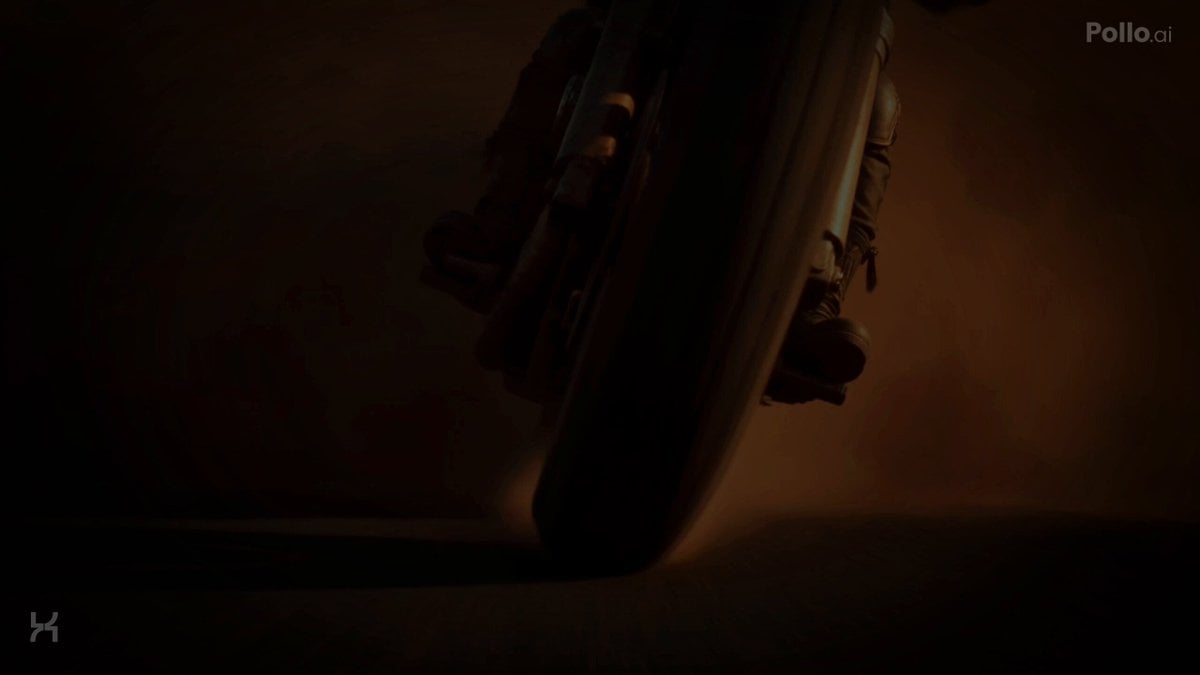
- Prompt included
- Model and format preset
- Free template
The prompt behind this video
Copy the exact prompt behind Mad Max Style Wasteland Chase, or open it in the studio and make it yours.
0:00-0:02 Extreme low-angle tracking inches from the spinning front tire. Dolly chase synchronized with wheel rotation. The motorcycle bursts through dense dust, suspension compresses aggressively, front fork oscillates, tire throws gravel toward lens, sparks scrape asphalt, exhaust pulses, scarf whips violently, jacket flutters, armor vibrates, goggles shimmer from reflected sunlight, subtle breathing visible through chest movement. 0:02-0:04 High-speed lateral tracking beside the motorcycle. Rider drifts between burned vehicles with controlled counter-steer. Rear tire flexes under load, sand rooster-tail curls outward, handlebars receive tiny steering corrections, left boot briefly skims asphalt, fingers tighten on throttle, elbows absorb vibration, cloth layers ripple independently, spent sand particles strike lens. 0:04-0:07 Rear pursuit camera. Convoy trucks emerge from dust. Mounted gunners fire in disciplined bursts. Bright muzzle flashes illuminate drifting smoke. Bullet strikes erupt around the rear tire. Rider performs a fast shoulder check, head rotates naturally, torso twists independently from hips, one hand keeps the motorcycle stable while the other smoothly draws and fires the worn shotgun then revolver. Visible recoil, shell ejection, smoke trails, realistic weapon cycling, motorcycle remains balanced through suspension correction. 0:07-0:10 Dynamic crane-to-follow transition into jump. Motorcycle launches across broken guardrails and twisted debris. Dramatic speed ramp at apex. Wheels continue rotating naturally, suspension fully extends, scarf and straps float with believable inertia, tiny debris spins through air, exhaust emits glowing sparks, rider adjusts body posture mid-flight with subtle ankle and knee corrections before landing. 0:10-0:12 Heavy landing compresses suspension. Rider accelerates beside the nearest armored truck, smoothly retrieves the satchel charge, throws it onto exposed armor while maintaining one-handed steering. Fingers release naturally, satchel tumbles with realistic weight, truck body rolls from uneven terrain, dust envelopes both vehicles. 0:12-0:15 Massive practical explosion erupts behind the rider. Expanding fireball, dense black smoke, flying steel panels, burning debris, shockwave pushes dust outward across the highway. Convoy vehicles brake, collide, scatter and lose formation. Camera pulls into a wide aerial tracking shot as the Rider accelerates toward the blazing sunset, dust trail glowing gold beneath long shadows. CINEMATOGRAPHY Ultra-photorealistic practical action filmmaking, Panavision anamorphic, 35mm and 50mm lenses, alternating Ru
How to use Mad Max Style Wasteland Chase in 3 steps
- 1
Open
The prompt is already in the box next to the preview, with the template's model and format selected.
- 2…a portrait of your subject in softgolden-hour light, 85mm…
Personalize
Edit the subject and creative details for your destination.
- 3Generate
Generate
Press Generate — your video is created in PicX Studio, so you can compare it with the original and refine one variable at a time.
More like this
Templates with the same subject, style or setup. Open one to see its prompt.
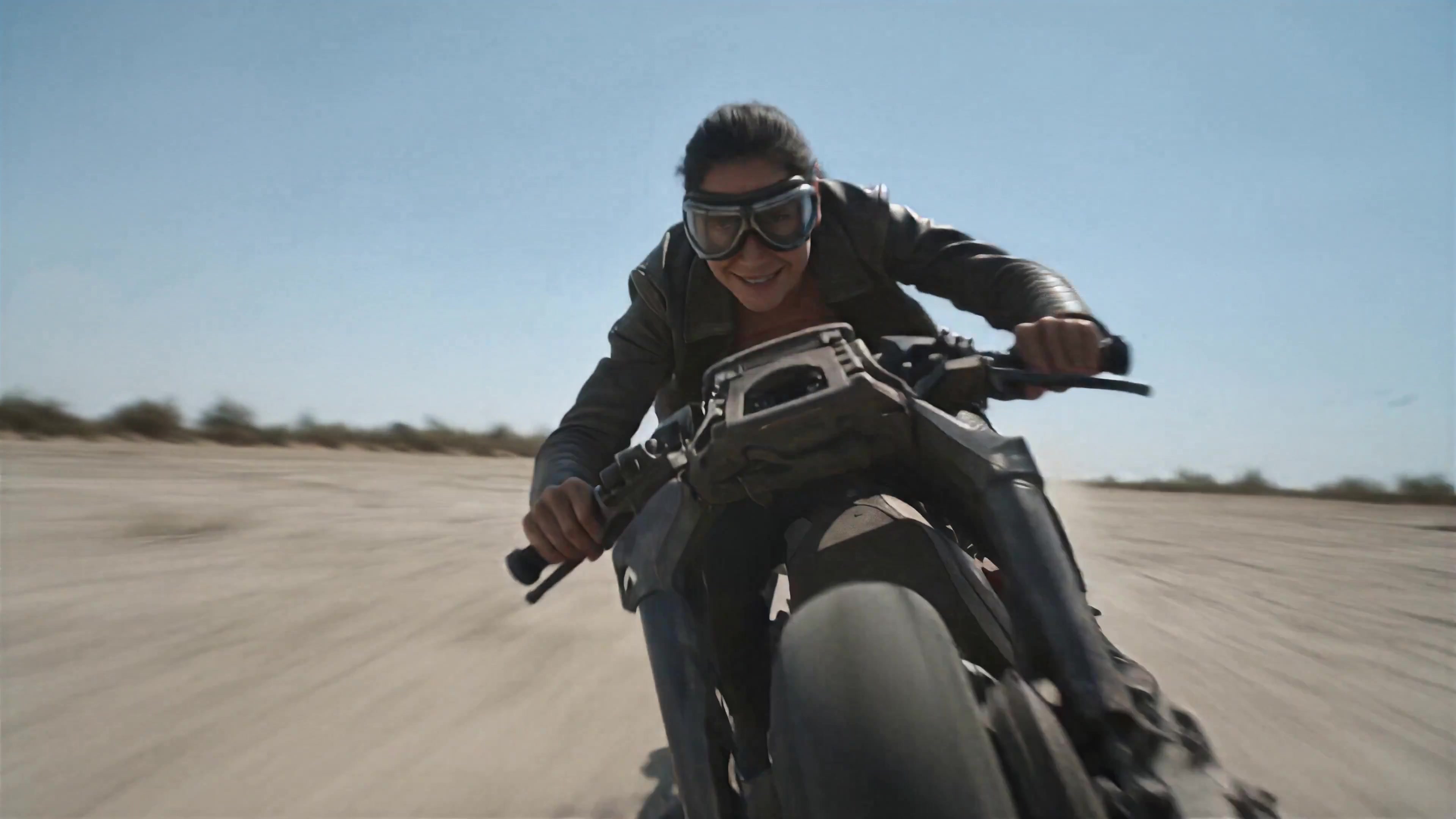
Walking Factory with Rebel on Hoverbike - Wasteland
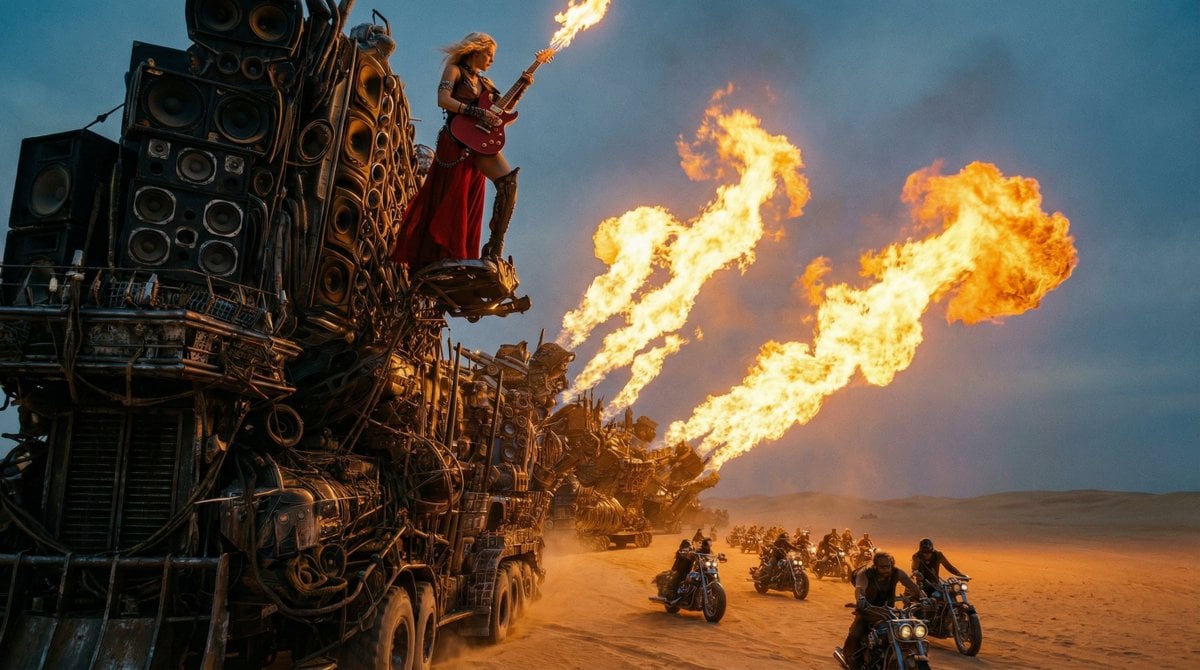
Mad Max-Inspired Desert Chase Storyboard Prompt
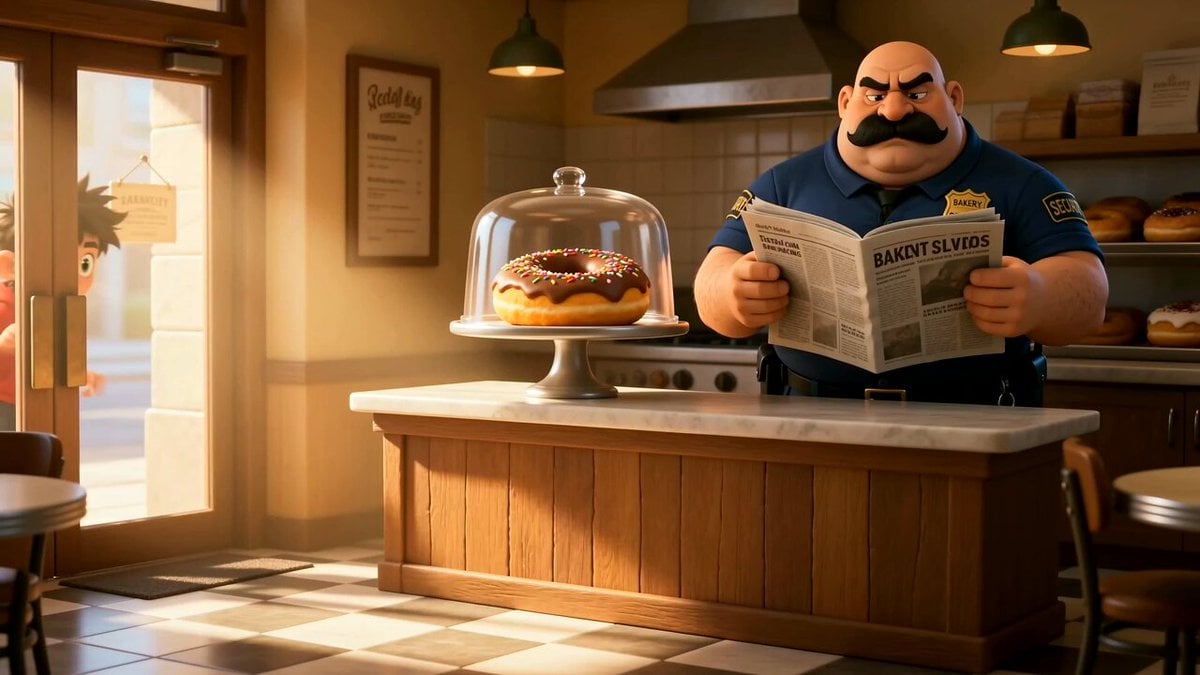
Cartoon Donut Heist Bakery Chase
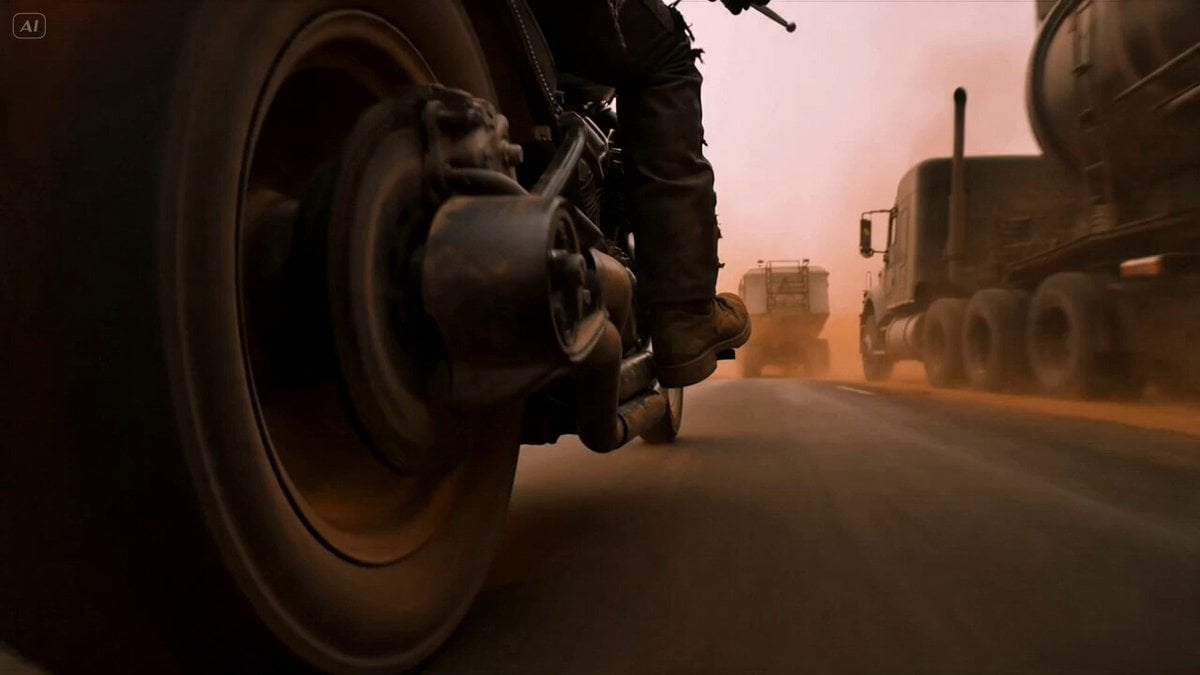
Mad Max Cybernetic Biker Action Sequence

Cinematic Mad Max Driving POV Sequence
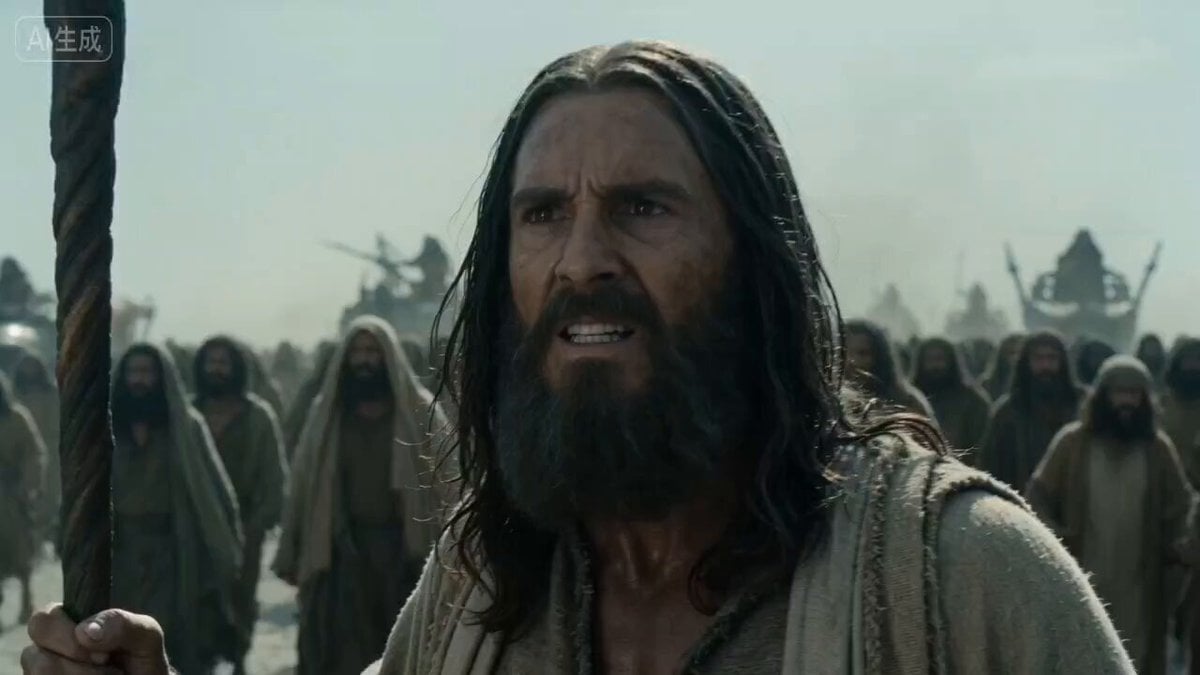
Mad Max Exodus Story Prompt
Amazon FPV Drone Chase — Seedance 2.0
Dim Sum Chase — Shrimp Dumpling Monster
Speeder Chase Across a Cliff City
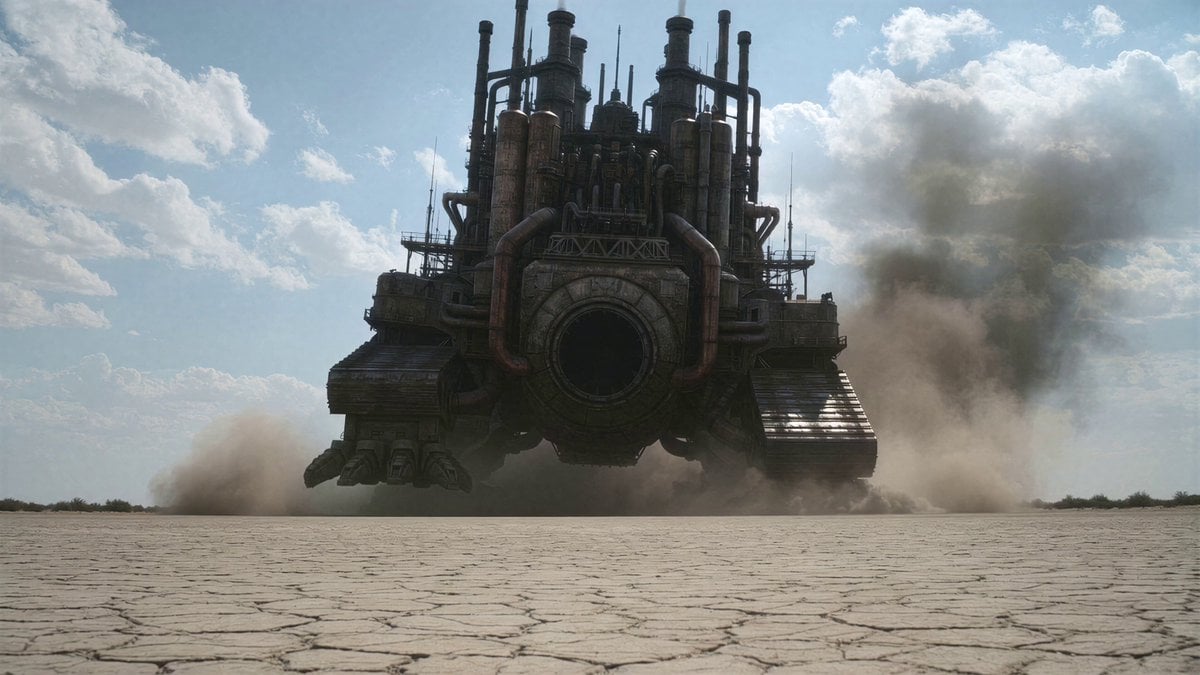
Wasteland Factory Chase
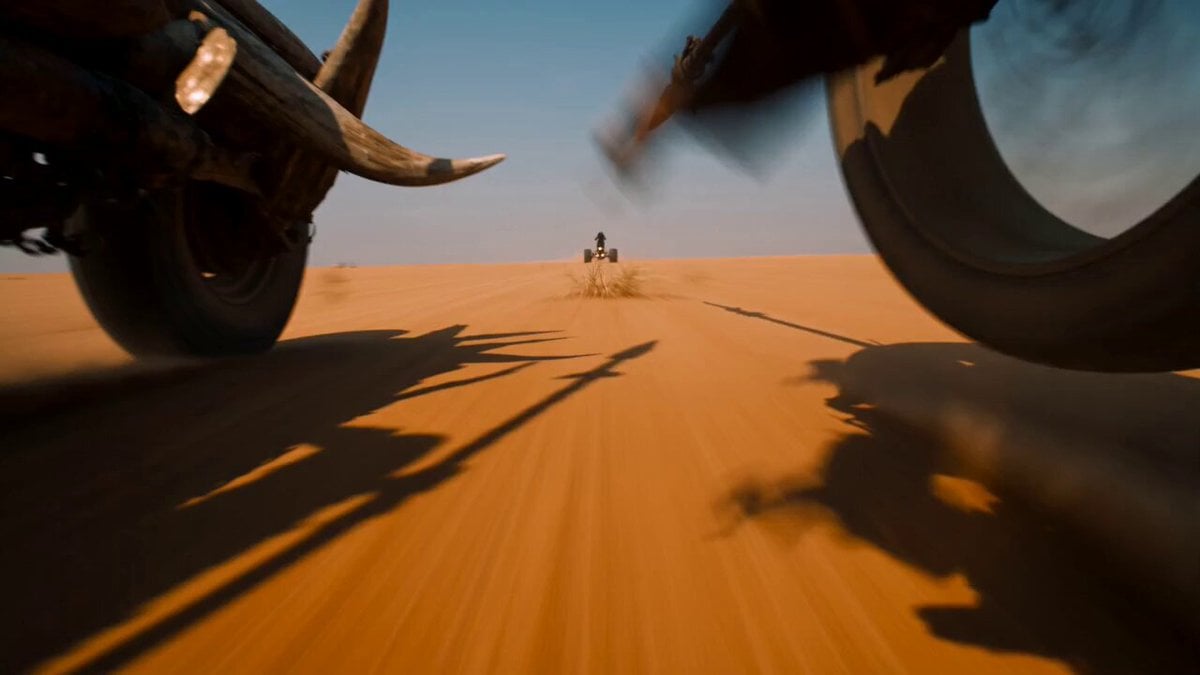
Desert Battle Wasteland Warriors Collision

Wasteland Battle Cinematic Video Sequence
Make it yours
Mad Max Style Wasteland Chase works as-is. These are the safest ways to change it without losing the look.
Change one field
Copy a single group, rewrite it, and generate again so you can see what that field is doing.
Keep the frame, change the subject
Hold the composition and light of Mad Max Style Wasteland Chase, then swap wardrobe, props or the person for a new take.
| If the result… | Why | Fix |
|---|---|---|
| The result drifts from the preview | Too many fields changed at once. | Reuse Mad Max Style Wasteland Chase as-is first, then change one group — subject, light, or setting. |
| The model over-stylizes the scene | The prose prompt leaves finish and camera underspecified. | Add one camera or lighting sentence and stay on Seedance 2.0. |
More Seedance 2.0 templates
Other prompts made for Seedance 2.0.

Comical Martial Arts Punch Scene

Maglev Train Action Sequence

Martial Arts Fight Sequence

Wuxia Protection and Trust Script

Vintage Korean Arcade MiniDV Vlog

Mercedes 190 SL Luxury Ad

Rainy Night Supernatural Reverse Comedy Video Script

Amazon Civilization Discovery

Futuristic South Asian City Transformation

Cozy Luxury Cafe Commercial
More video prompts
Fresh picks from across the catalog.
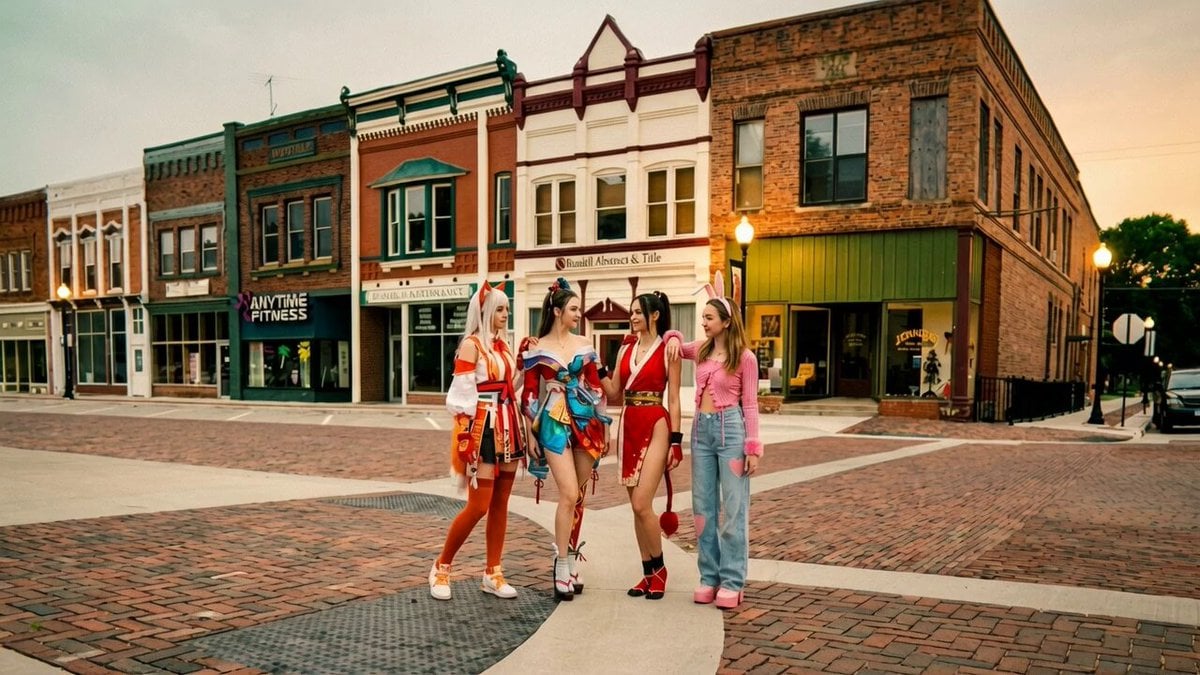
Synchronized TikTok Dance to Fight Chaos
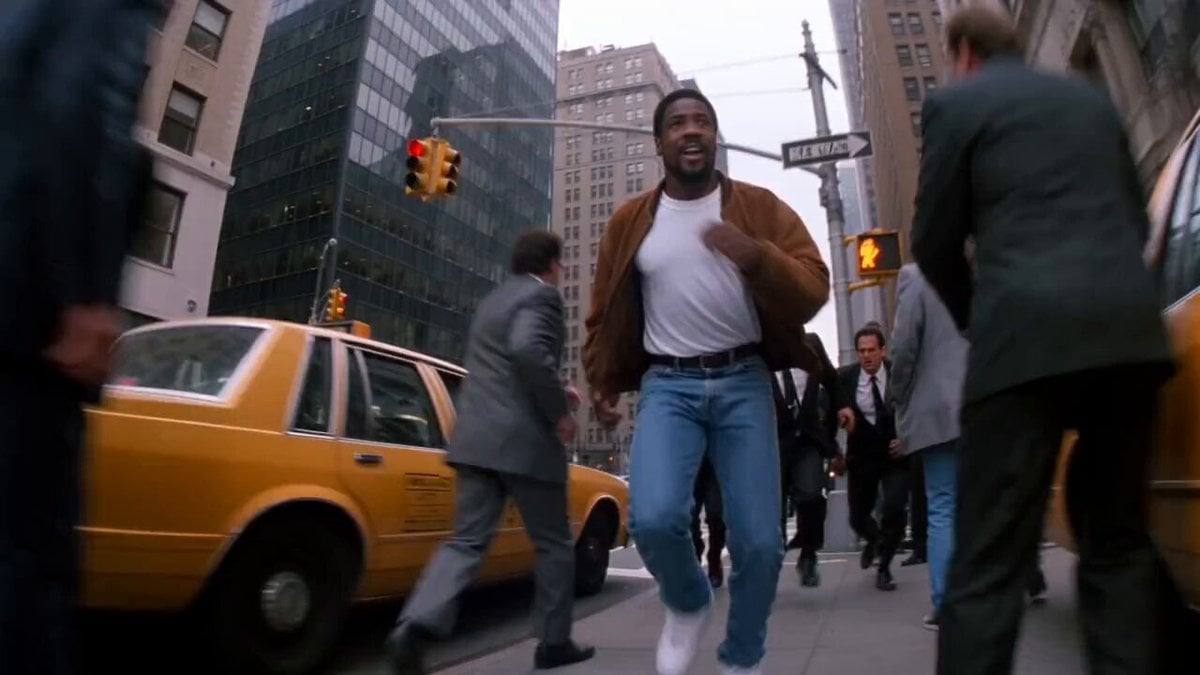
90s Hong Kong Action Comedy Chase
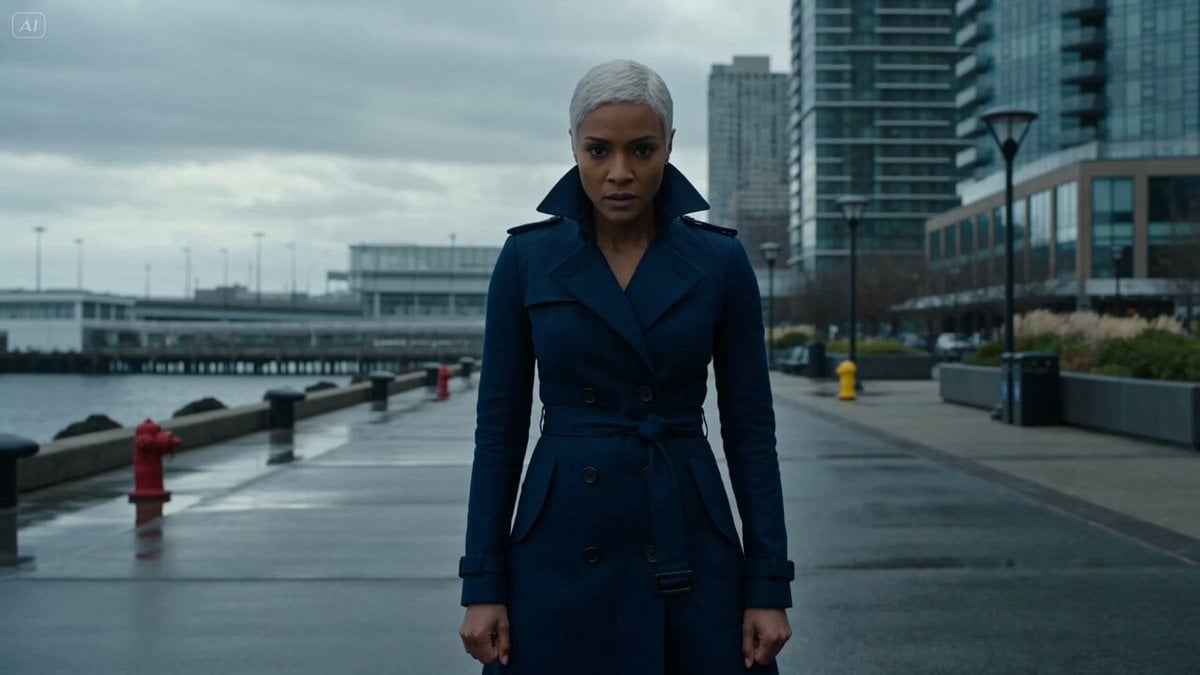
Hydraulic tidal-flow battle
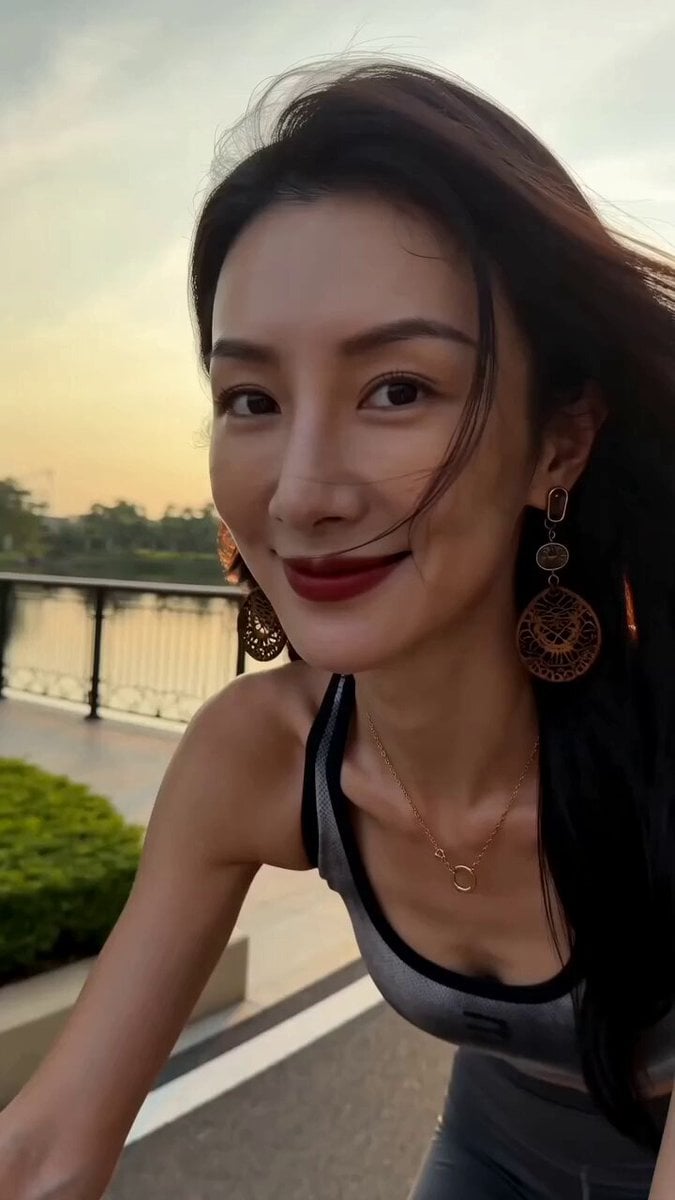
Handheld iPhone Style Cycling Video
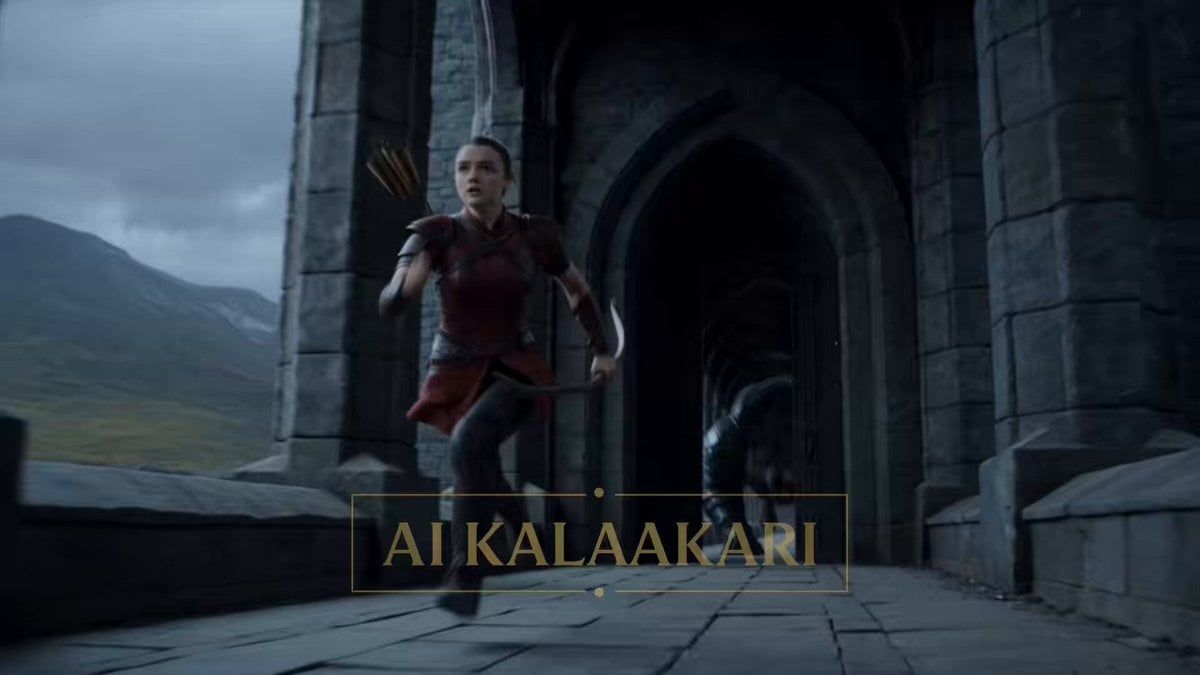
Fantasy Dragon Bridge Escape Sequence

Medieval Woman with Silver Veil and Sword
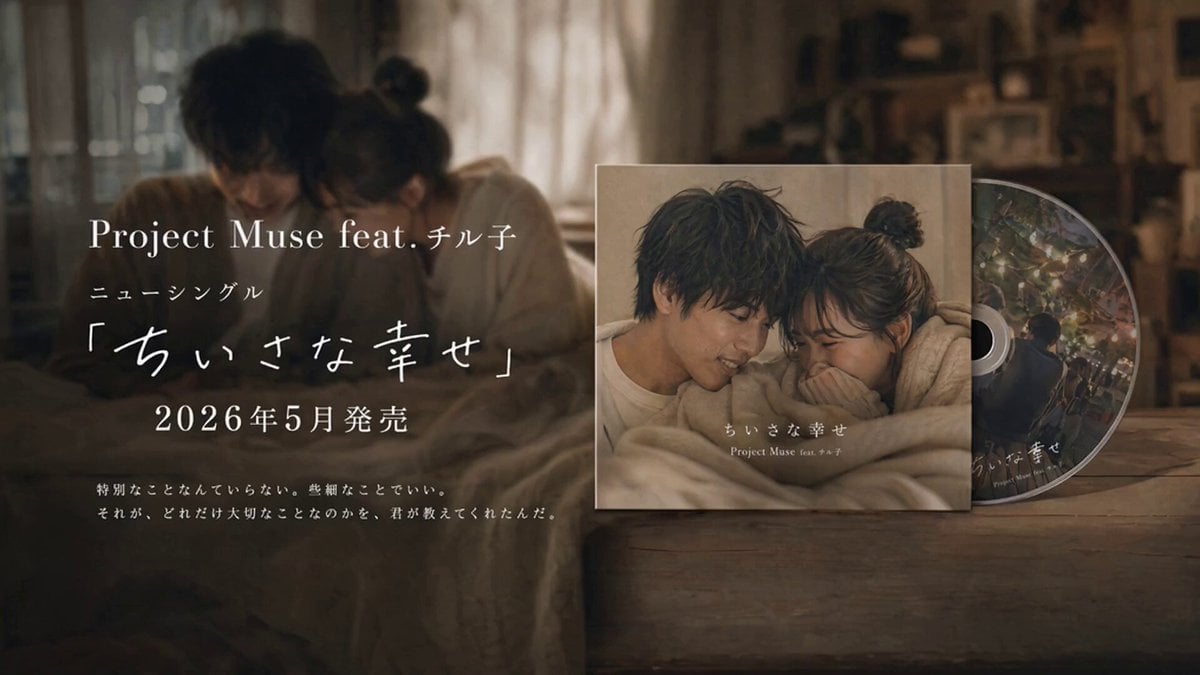
Emotional CD Release Commercial Last Cut

Peach Blossom Garden Melancholy Video Prompt
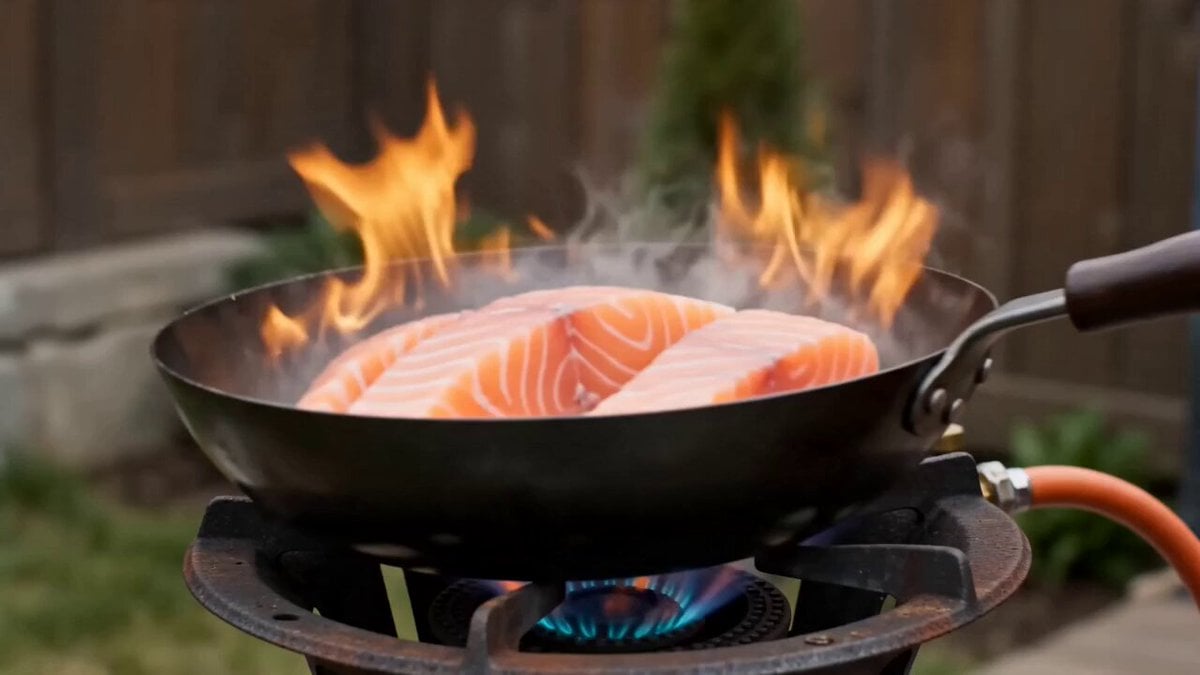
Shaw Brothers Style Cinematic Cat Drama

Stylish Woman at Stadium Broadcast
Browse template categories
Mad Max Style Wasteland Chase questions
How do I use the Mad Max Style Wasteland Chase template?
Add your photo if the template asks for one, edit the prompt if you like — the template's model and format are already selected — and press Generate. Your version opens in PicX Studio.
Can I customize the Mad Max Style Wasteland Chase template?
Yes. You can change the subject, setting, lighting, mood, format, and available model controls before creating your video.
Is the Mad Max Style Wasteland Chase template free?
Opening and editing this template is free. Generating uses credits, shown on the Generate button when you are signed in.
Which AI model should I use?
Start with Seedance 2.0, which is the model associated with this template. You can compare another compatible model for a different finish.
Looking for something else? Browse all templates.

Your photo, any look
Thousands of ready templates for every top image and video model, from one credit balance.