
Cinematic Mad Max Driving POV Sequence
An extremely detailed, multi-section prompt designed for Grok Imagine to generate a continuous, cinematic video sequence of a Mad Max-style car chase from a first-person POV.

- Prompt included
- Model and format preset
- Premium template
The prompt behind this video
Copy the exact prompt behind Cinematic Mad Max Driving POV Sequence, or open it in the studio and make it yours.
🔥 RANDOM MAD MAX DRIVING POV — CINEMATIC SEQUENCE MODE First-person POV inside a randomized high-performance vehicle during a chaotic Mad Max–style pursuit. Generate a realistic driver (mostly a beautiful woman in her 20s) with natural features, varied appearance, and subtle imperfections. Focused, calm, and serious. Hands always visible on the wheel, making precise steering corrections. Interior changes every run (modern performance car, stripped race interior, armored vehicle, scavenged build, or cyberpunk dash) with unique lighting and system behavior. Environment changes every run (highways, cities, deserts, mountains, tunnels, flooded roads), always grounded in real-world physics. ⸻ 🌧️ EXTREME WEATHER SYSTEM Weather varies every run: heavy rain, snowstorms, fog, sandstorms, icy roads, night visibility, heat shimmer. Weather affects visibility, traction, lighting, and atmosphere. ⸻ 💥 HAZARD SYSTEM Generate multiple overlapping hazards that never repeat in the same combination: explosions, debris, spinning vehicles, collapsing structures, loose cargo, chain-reaction crashes, environmental destruction. ⸻ ⚔️ THREAT SYSTEM Enemy vehicles behave unpredictably: swerving, blocking, braking, drifting attacks, or chaotic interference. ⸻ 🎬 CINEMATIC SEQUENCE RULE (KEY) Each generation is the next moment in the same chase: •Maintain continuity of motion and direction •Escalate intensity from previous scene •Introduce new hazards or complications •Include near-failure or recovery moments •Keep the same driver identity within a sequence ⸻ 🎥 VISUAL CORE Debris and shockwaves move toward camera. Windshield vibrates under impact. Driver reacts in real time. Effects: motion blur, camera shake, heat distortion, dynamic lighting, dust, smoke, embers, weather particles. ⸻ 🎨 STYLE Ultra-realistic, grounded physics Mad Max energy + real-world driving realism cinematic depth of field ⸻ 🔑 MASTER RULE Each scene must feel like a new situation, but clearly part of the same continuous chase. ⸻ 🎯 HOW YOU USE THIS (IMPORTANT) STEP 1 Run prompt → get Scene 1 STEP 2 Run SAME prompt again 👉 It generates Scene 2 (escalation) STEP 3 Repeat 6–12 times 👉 You now have a full chase sequence ⸻ 🔥 PRO TIP (THIS IS HUGE) When posting or building clips: Label them like: •Scene 1 — “It starts normal” •Scene 2 — “Something’s wrong” •Scene 3 — “Now it’s chaos” •Scene 4 — “Almost lost it” •Scene 5 — “Still alive”
How to use Cinematic Mad Max Driving POV Sequence in 3 steps
- 1
Open
The prompt is already in the box next to the preview, with the template's model and format selected.
- 2…a portrait of your subject in softgolden-hour light, 85mm…
Personalize
Edit the subject and creative details for your destination.
- 3Generate
Generate
Press Generate — your video is created in PicX Studio, so you can compare it with the original and refine one variable at a time.
More like this
Templates with the same subject, style or setup. Open one to see its prompt.
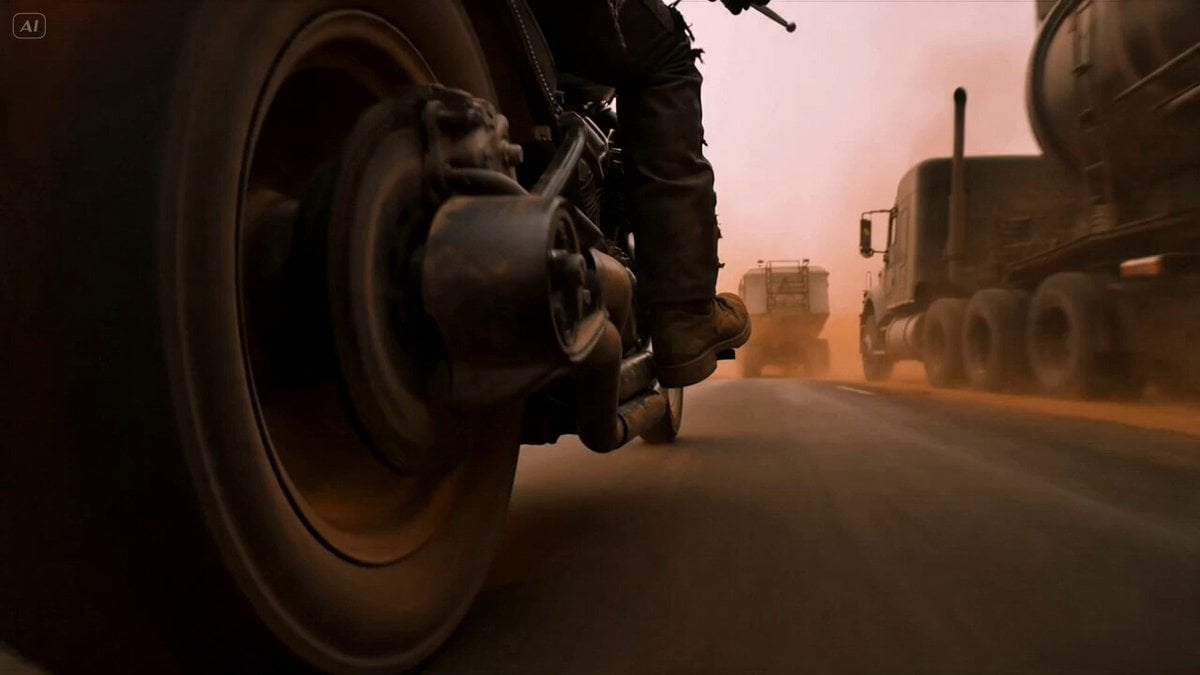
Mad Max Cybernetic Biker Action Sequence
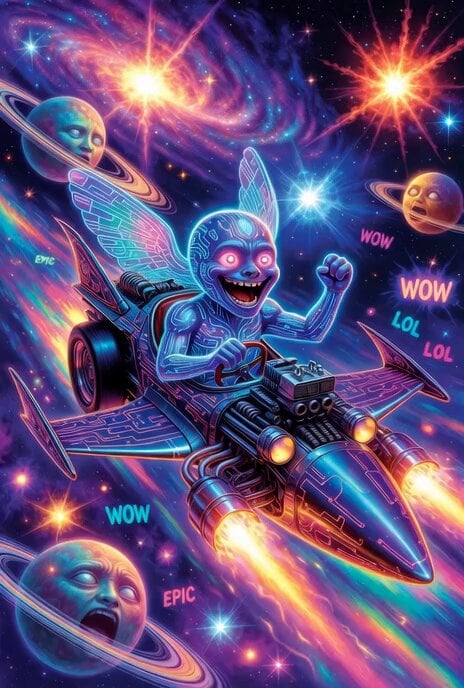
Grok Imagine prompt: Grok driving a cosmic hot rod spaceship
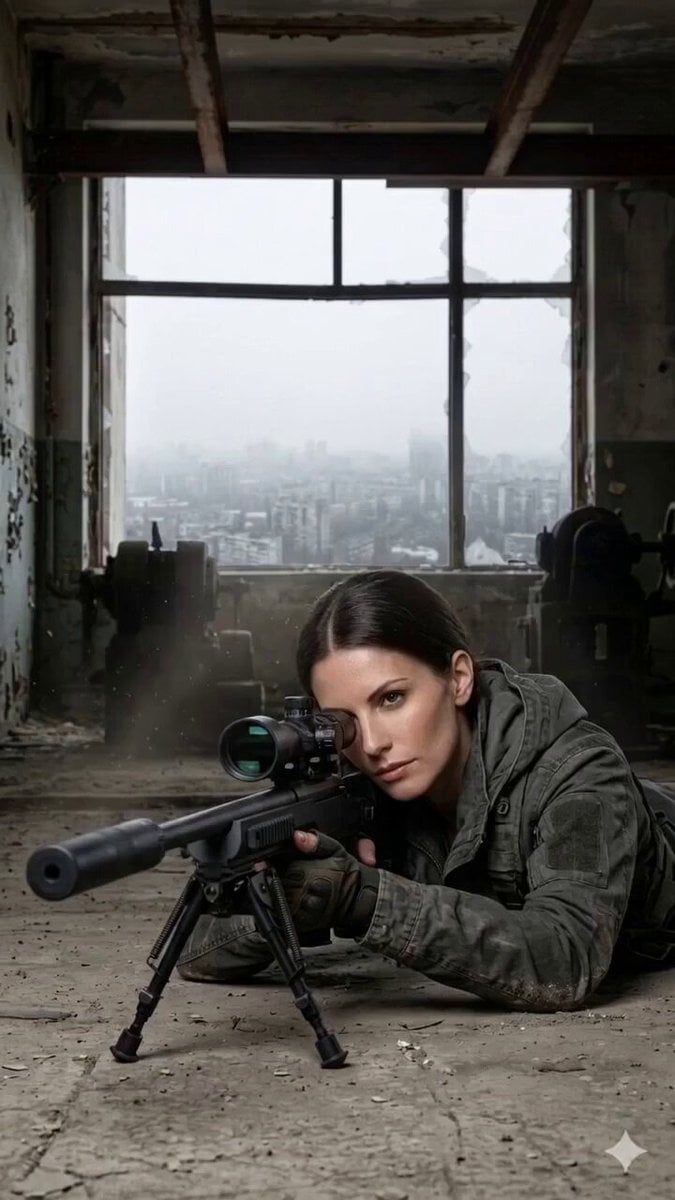
Grok Imagine Cinematic Impact Sequence Video Prompt
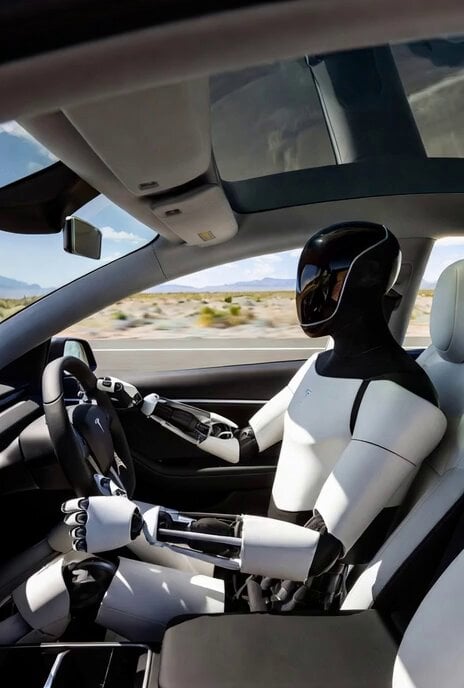
Grok Imagine Prompt: Tesla Optimus Driving in Desert
Video Generation Prompt: Blue Jay Driving a Truck
Cybertruck Driving Near Bench

Kaleidoscopic Cosmic Dolphin Video

Horror Daffy Duck Video Transition

America 250th Anniversary Celebration

Glowing Water Forest Night Prompt

Soft Pink Roses Dreamer Prompt

Ninja Wizard Levitation Jump
Make it yours
Cinematic Mad Max Driving POV Sequence works as-is. These are the safest ways to change it without losing the look.
Change one field
Copy a single group, rewrite it, and generate again so you can see what that field is doing.
Keep the frame, change the subject
Hold the composition and light of Cinematic Mad Max Driving POV Sequence, then swap wardrobe, props or the person for a new take.
| If the result… | Why | Fix |
|---|---|---|
| The result drifts from the preview | Too many fields changed at once. | Reuse Cinematic Mad Max Driving POV Sequence as-is first, then change one group — subject, light, or setting. |
| The model over-stylizes the scene | The prose prompt leaves finish and camera underspecified. | Add one camera or lighting sentence and stay on Grok Imagine. |
More Grok Imagine templates
Other prompts made for Grok Imagine.

Mecha Runway Tap Dance Video Prompt

Emotional Angry Couple Drama

Cyberpunk Guerrilla Girl Video Generation

Detailed multi-part video prompt
Interior View Video Generation Prompt
GTA 6 never came out in 1 million years

Bitcoin liferaft video prompt

Woman floating down, opening eyes and looking deeply into the viewer's eyes

Utopian World of Harmony and Peace
Runner with BE 2060 i inscription passing through sequential doors video prompt
More video prompts
Fresh picks from across the catalog.
Asian Woman Lifestyle Fashion Video
Tiktok Influencer Product Ad

Realistic Talking Cat Interaction
Vintage Steam Train in Autumn Forest
Calm Minimalist Indoor Scene
Cinematic Soccer Storyboard Prompt
Cyberpunk Ninja Battle Video Prompt
Modern Dance Studio Music Video
Raptor Chase and Lasso Escape

Anime Chibi Fusion in Tokyo
Browse template categories
Cinematic Mad Max Driving POV Sequence questions
How do I use the Cinematic Mad Max Driving POV Sequence template?
Add your photo if the template asks for one, edit the prompt if you like — the template's model and format are already selected — and press Generate. Your version opens in PicX Studio.
Can I customize the Cinematic Mad Max Driving POV Sequence template?
Yes. You can change the subject, setting, lighting, mood, format, and available model controls before creating your video.
Is the Cinematic Mad Max Driving POV Sequence template free?
Opening and editing this template is free. Generating uses credits, shown on the Generate button when you are signed in.
Which AI model should I use?
Start with Grok Imagine, which is the model associated with this template. You can compare another compatible model for a different finish.
Looking for something else? Browse all templates.

Your photo, any look
Thousands of ready templates for every top image and video model, from one credit balance.